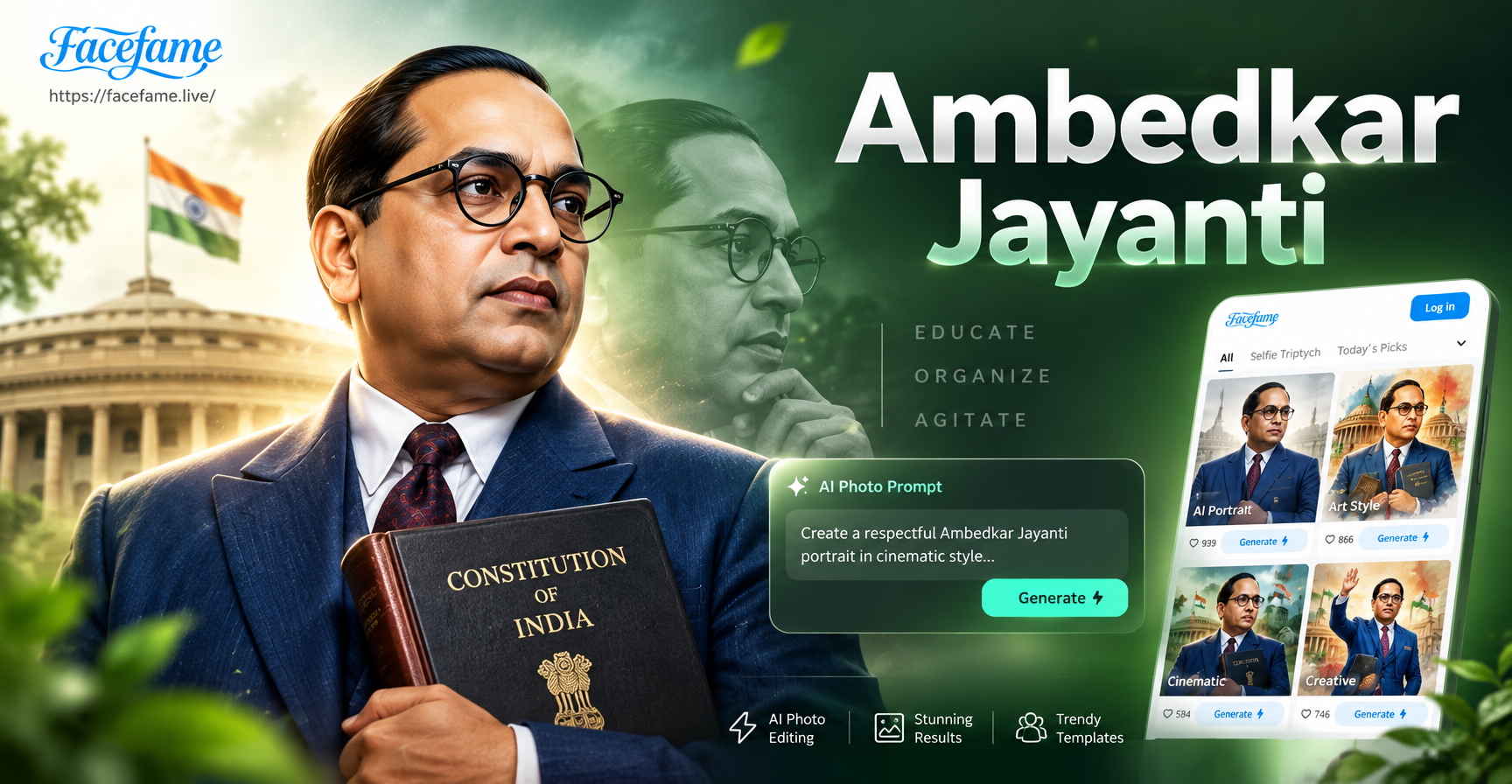
Ambedkar Jayanti, observed every year on April 14, honors the birth anniversary of Dr. B.R. Ambedkar. Many people now look for AI photo editing prompts to create respectful tribute images, posters, and social media posts for this day. This article gives you a ready-to-use collection of Ambedkar Jayanti AI photo editing prompts. You can use them inside facefame, a mobile AI design app for Android, to edit your own photos, restore old images, generate poster art, and make shareable greeting cards. No advanced design skills are required.
What These Prompts Can Help You Create
These prompts cover several common needs for Ambedkar Jayanti. You can edit your own portrait into a dignified tribute photo. You can generate poster and banner art from text. You can restore or colorize old black and white photos of Dr. Ambedkar. You can style group photos for community events. You can also make social media posts, greeting cards, and short invitation designs.
What You Need Before You Start
To get good results, you need an Android phone with the facefame app installed from Google Play. For photo editing prompts, prepare a clear front facing photo of yourself or a clean scan of the historical photo you want to restore. For text to image prompts, you only need a written description. Inside facefame, you can choose from many style templates such as Realistic, Ghibli, Oil Painting, 3D Clay, and Watercolor. Selecting a style template helps the AI understand the final look you want.
How to Use Ambedkar Jayanti AI Photo Editing Prompts in facefame
Follow these three simple steps.
- Step 1. Download facefame from Google Play and open the app.
- Step 2. Choose Text to Image or Image to Image. For editing your own photo, tap Image to Image and upload your photo first.
- Step 3. Type or paste one of the prompts below, pick a style template, and generate. Then save or share your result.
Portrait Edit Prompts for Personal Tribute Photos
These prompts work best with Image to Image mode in facefame. Upload a clear photo of yourself and then use one of these prompts.
Image to Image Portrait Prompts
- Edit my photo into a dignified portrait of me wearing a navy blue suit, a crisp white shirt, and thin round glasses, holding a copy of the Constitution of India, with a soft studio light and a plain beige background.
- Transform my face into a realistic tribute portrait with a blue suit, folded hands, a respectful expression, and a subtle tricolor glow behind me.
- Make me look like a speaker at an Ambedkar Jayanti event, standing behind a wooden podium with a microphone, wearing a blue suit, with a small Indian flag on the table.
- Add a blue suit and round glasses to my photo, keep my face unchanged, and place a blurred library with law books in the background.
- Create a side profile silhouette edit of my photo in the style of a classic Ambedkar portrait, with a book in one hand and a calm expression.
- Edit my photo into a black and white portrait with a colorized blue suit, inspired by 1950s Indian photography, with film grain and soft contrast.
- Place me in a respectful photo next to a statue of Dr. B.R. Ambedkar, both facing forward, with a clean public garden background on a sunny morning.
- Turn my portrait into a chalkboard art style tribute, where a hand draws my face wearing glasses and a blue suit, next to the words Jai Bhim in white chalk.
You can adapt these prompts by changing the suit color to match your outfit, replacing the background with a real location, or adding your own accessories. Keep the description short and specific so the AI focuses on the main subject.
Text to Image Prompts for Poster and Banner Art
If you do not want to edit a personal photo, use Text to Image mode and these prompts to generate respectful posters and banners.
- A respectful Ambedkar Jayanti poster, side profile of Dr. B.R. Ambedkar in a blue suit holding the Constitution, tricolor background, soft light rays, high resolution, clean composition.
- A minimalist Ambedkar Jayanti greeting card with a white lotus, an open book, and the text Ambedkar Jayanti in elegant serif font, dark blue and gold colors.
- A social media banner for Ambedkar Jayanti, deep blue background, a bronze statue of Dr. Ambedkar, subtle geometric patterns, no long text, professional lighting.
- An oil painting style portrait of Dr. Ambedkar reading the Constitution in a library, warm lamp light, textured brush strokes, dignified expression.
- A 3D clay art figurine of Dr. Ambedkar wearing a blue suit and glasses, holding a small book, with a tiny tricolor flag, soft pastel background.
- A Ghibli style illustration of Dr. Ambedkar sitting under a tree with an open book, peaceful mood, green and blue tones, respectful and warm.
- A watercolor painting of Dr. Ambedkar delivering a speech, with a crowd listening, muted tricolor wash, soft edges, historical and respectful.
- A realistic photo style image of a decorated stage for Ambedkar Jayanti, with a large portrait of Dr. Ambedkar, flowers, and a clean podium, no people.
Restoration and Colorization Prompts for Old Photos
Old photographs of Dr. Ambedkar often have scratches, grain, and faded tones. Use these prompts in Image to Image mode to restore and colorize them.
- Restore this old black and white photo of Dr. Ambedkar, remove scratches and grain, sharpen facial details, and keep the black and white tone with high contrast.
- Colorize this historical photo of Dr. Ambedkar, use natural skin tone, a navy blue suit, a white shirt, a brown book, and a muted beige background.
- Enhance this old photograph of an Ambedkar Jayanti rally, improve clarity, reduce blur, and colorize the clothing in respectful tricolor accents where appropriate.
- Turn this faded photo into a clean archival portrait, repair damaged edges, and add a subtle sepia tone with a modern HD finish.
- Colorize this photo of Dr. Ambedkar giving a speech, keep the microphone silver, the stage curtains dark red, and the lighting warm and natural.
- Upscale this low resolution image of Dr. Ambedkar to a sharp 4K portrait, keep the original expression, and remove pixelation.
Group Photo and Event Prompts
For community groups, schools, and offices, these prompts help style group photos while keeping every face visible.
- Edit our group photo into a respectful Ambedkar Jayanti community gathering, everyone wearing blue scarves, with a clean stage banner behind us that says Jai Bhim in white text.
- Turn our team photo into a 3D cartoon style group portrait for Ambedkar Jayanti, each person holding a small book, with tricolor flags in the background.
- Style our group photo as a vintage 1960s Indian photograph, black and white, everyone in formal clothes, with a plaque that says Ambedkar Jayanti.
- Add a soft tricolor light effect to our group photo, keep faces natural, and place a large portrait of Dr. Ambedkar on the wall behind us.
- Create a cinematic group photo edit with a shallow depth of field, everyone holding a lit candle, dark blue background, respectful mood.
Social Media and Greeting Card Prompts
These prompts are ideal for WhatsApp status, Instagram posts, Facebook covers, and event invitations.
- Create a WhatsApp status image with my portrait, a blue suit, and a thin tricolor border, with the text Happy Ambedkar Jayanti in clean white typography.
- Generate a square Instagram post with a side-by-side image of Dr. Ambedkar and a lit diya, dark blue background, and a small floral garland at the bottom.
- Make a Facebook cover photo with a collage of Dr. Ambedkar, the Constitution, and a waving tricolor flag, no long text, professional layout.
- Create an invitation card for an Ambedkar Jayanti event with a blue and gold color scheme, an image of Dr. Ambedkar, and space for event details.
- Design a respectful quote card with a portrait of Dr. Ambedkar on the left and his quote about education on the right, minimalist, with a white background.
- Generate a YouTube thumbnail with a bold portrait of Dr. Ambedkar in a blue suit, a red and blue split background, and the text Ambedkar Jayanti in large readable letters.
Bonus Prompts for Wallpapers and Desktop Backgrounds
- Create a mobile wallpaper for Ambedkar Jayanti with a dark blue gradient, a glowing tricolor circle, and a silhouette of Dr. Ambedkar reading a book.
- Generate a desktop background with a library full of law books, a wooden desk, and a framed portrait of Dr. Ambedkar in the center.
- Make a minimal phone lock screen with a white lotus, the words Jai Bhim, and a thin gold border.
How to Adapt These Prompts for Your Own Results
Each prompt is a starting point. Replace my photo with uploaded image or describe yourself clearly. Change clothing colors, backgrounds, and accessories to match your situation. If you are editing a group photo, mention the number of people and their clothing. For text to image posters, you can add a specific location, a slogan, or a date. Inside facefame, try different style templates to see which one gives the most respectful and attractive result. For photo edits, use Realistic or Photographic styles. For illustration posters, use Ghibli or Oil Painting. For fun group shots, use 3D Clay or Cartoon.
Fixing Common Weak Results
AI photo editing can sometimes produce imperfect results. Use these fixes to improve your Ambedkar Jayanti images.
- If the face looks distorted, upload a higher resolution front facing photo and choose Image to Image with content reference if available.
- If glasses look odd, write thin round glasses instead of just glasses.
- If the suit looks purple, specify navy blue suit instead of blue suit.
- If text appears misspelled, keep any text under three words or add text later in a phone editor.
- If the tricolor flag colors are wrong, write saffron, white and green horizontal stripes explicitly in the prompt.
- If skin tone looks unnatural, add natural Indian skin tone to the prompt.
- If the result is too cartoonish for a serious tribute, switch the style template to Realistic or Photographic.
Keeping Your Tribute Respectful and Accurate
Dr. B.R. Ambedkar is an important historical figure. When you create AI edits, keep the tone respectful. Avoid changing his expression into a smile or casual pose. Keep the Constitution, the blue suit, and the glasses accurate where possible. The Constitution cover is often blue or brown, so mention a specific color if you want a consistent result. Do not place unrelated objects or slogans in the frame. Follow local guidelines when sharing public tributes or using these images in events.
Start Creating Your Ambedkar Jayanti AI Photo Edits
These Ambedkar Jayanti AI photo editing prompts give you a strong starting point for meaningful tributes. Open facefame on your Android device, choose a prompt, select a style, and generate your edit in seconds. Adjust the details until you are satisfied, then share your work with pride on April 14. Download facefame from Google Play to access the style templates mentioned in this guide.