Add Bangs To Photo
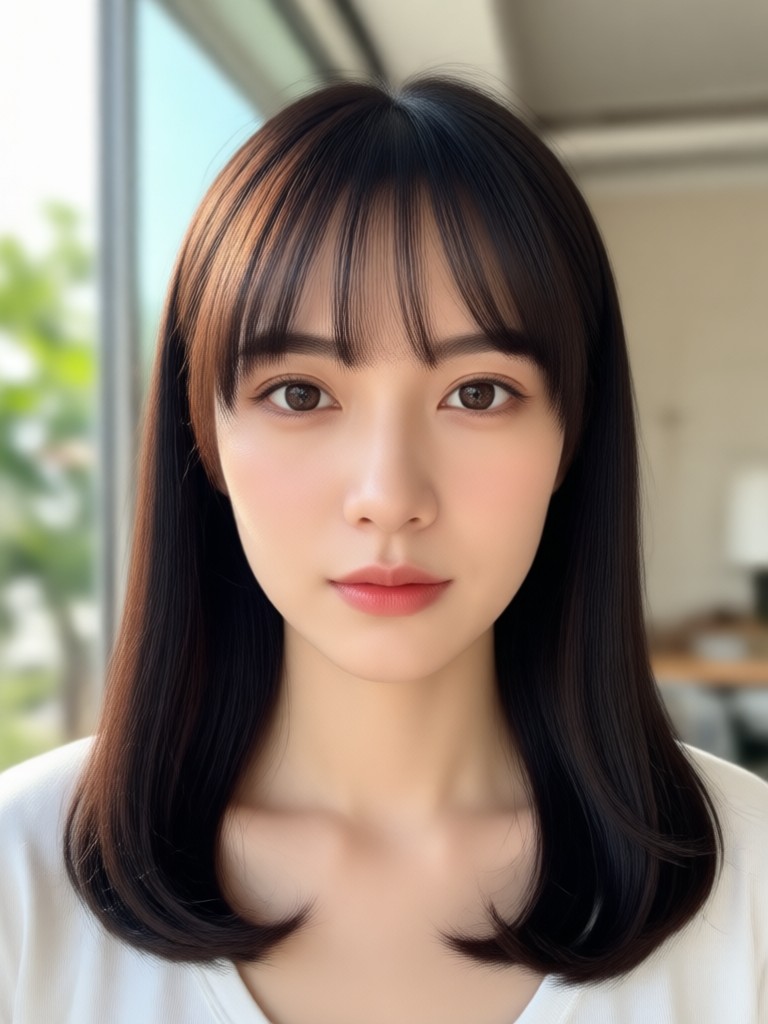
Cute Figurine
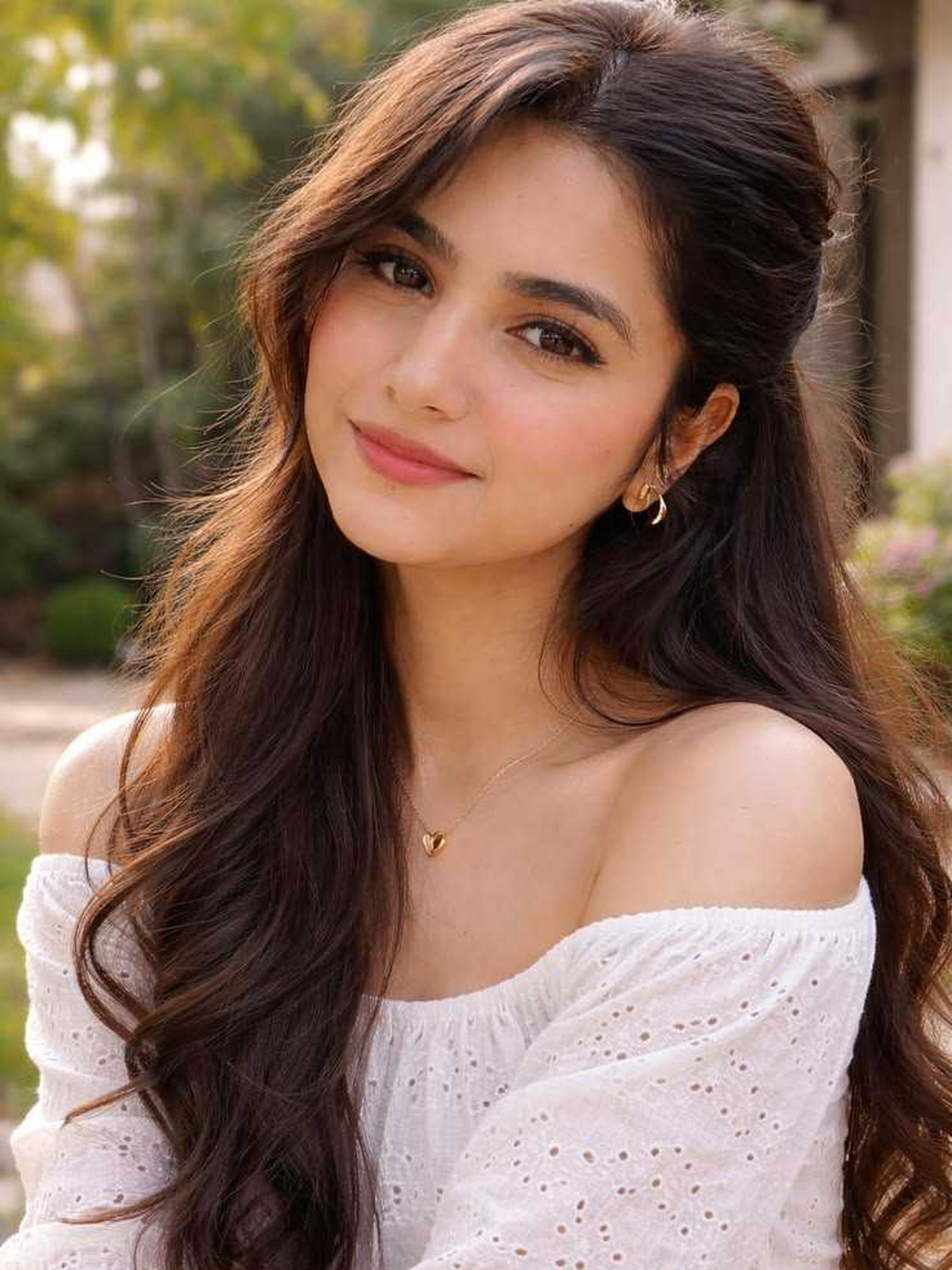
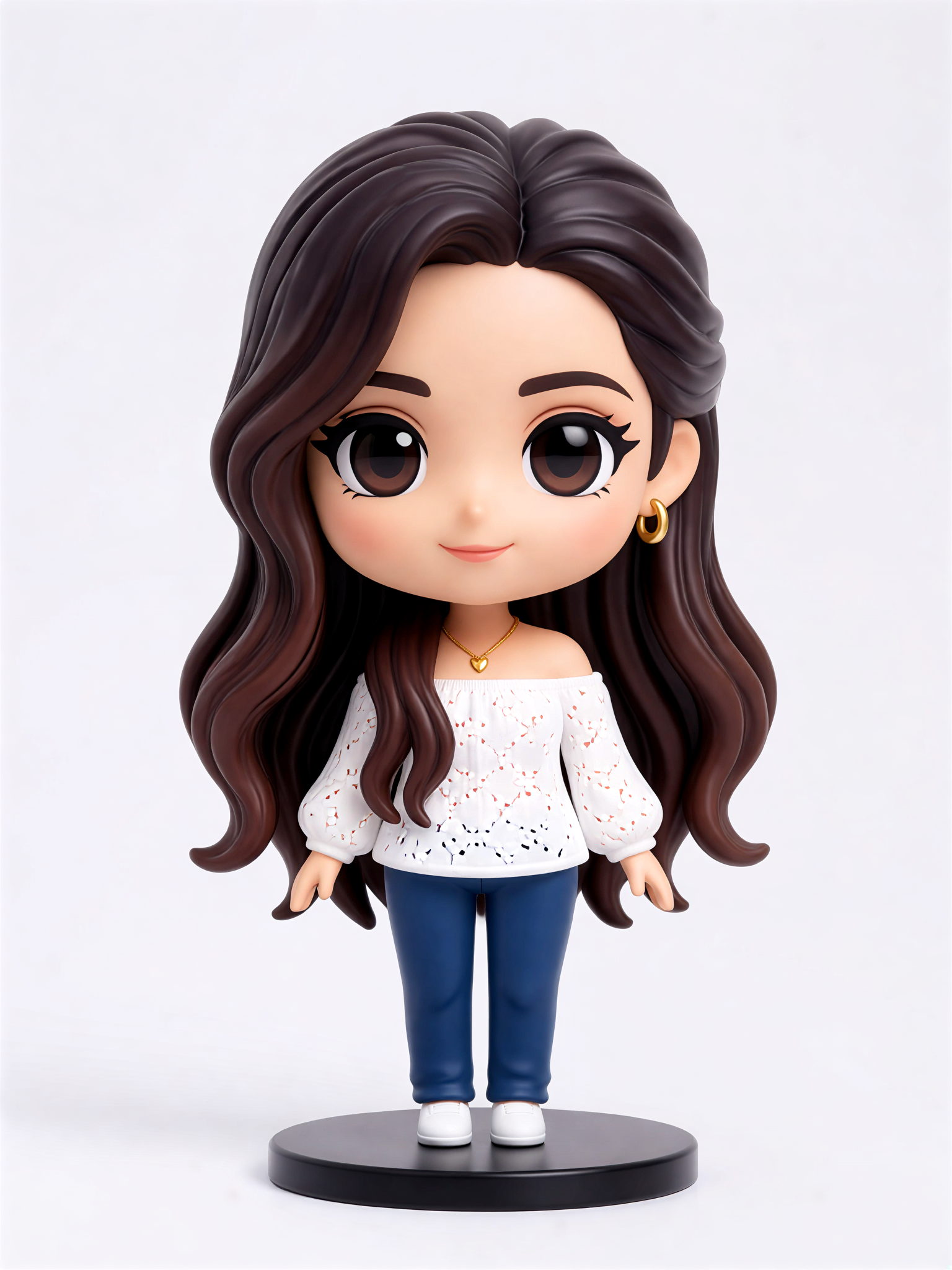

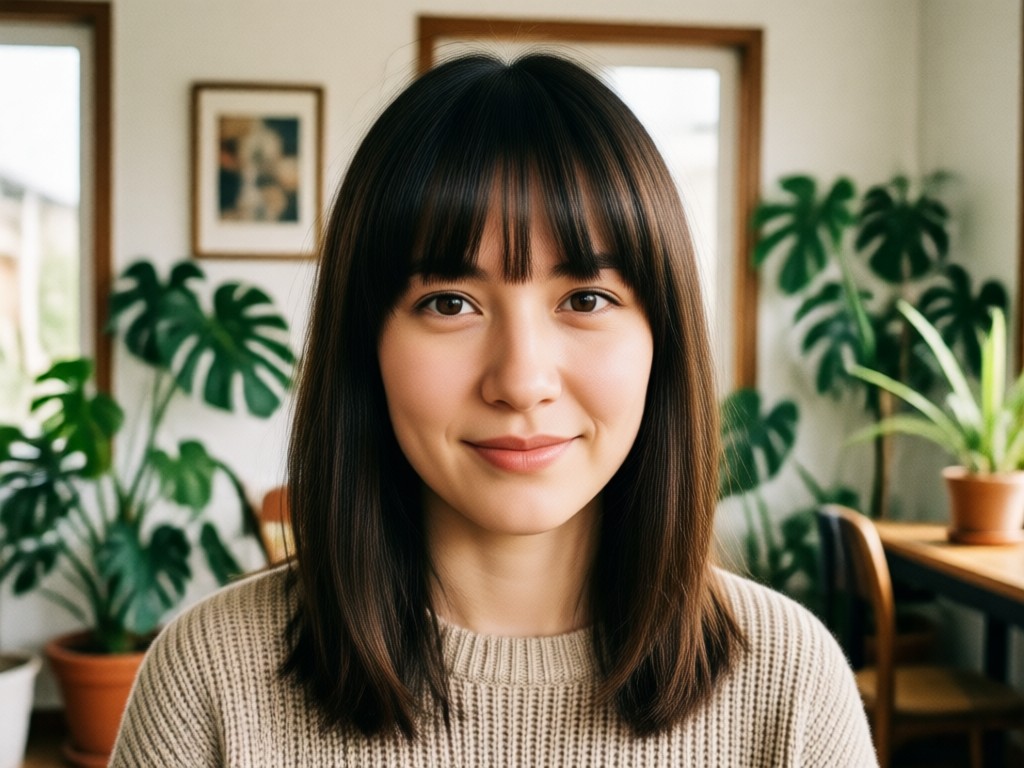
Preview Your New Look Before The Cut
Getting a fringe is a bold move. It changes your silhouette, frames your eyes, and takes months to grow out. With our AI photo editor, you can confidently explore different bangs styles from the comfort of your phone. See how side-swept bangs soften your features or how a heavy blunt fringe changes your vibe. You get the preview, without the commitment.
Preview Your New Look Before The Cut
Getting a fringe is a bold move. It changes your silhouette, frames your eyes, and takes months to grow out. With our AI photo editor, you can confidently explore different bangs styles from the comfort of your phone. See how side-swept bangs soften your features or how a heavy blunt fringe changes your vibe. You get the preview, without the commitment.
Popular Bangs Styles To Try
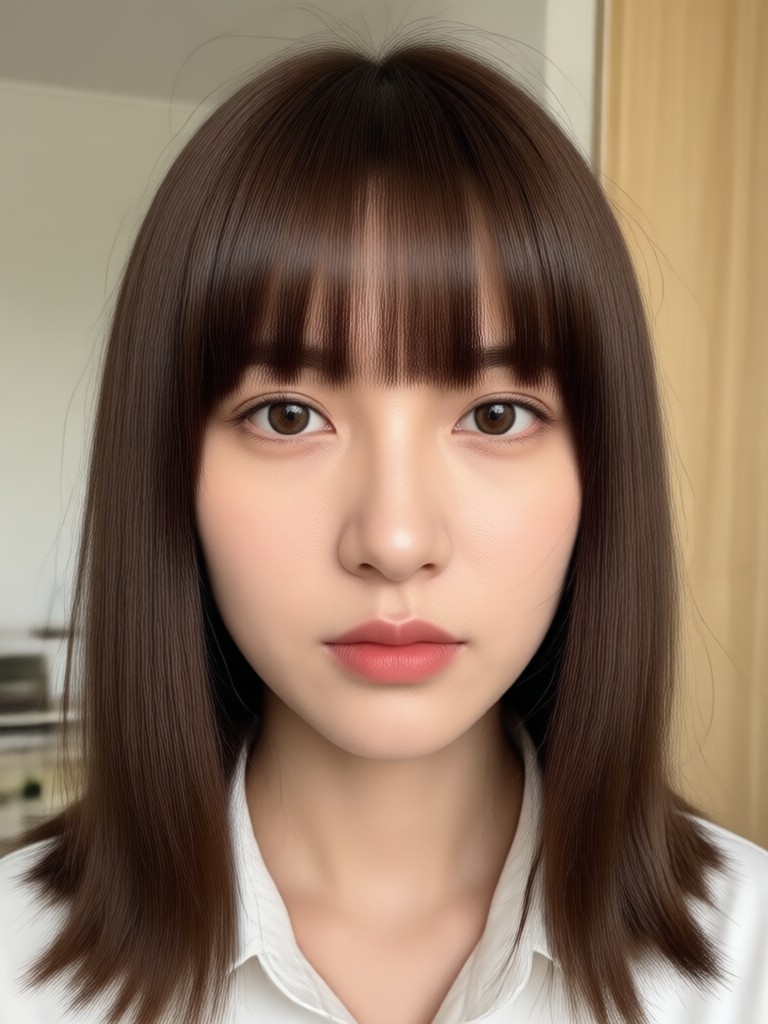
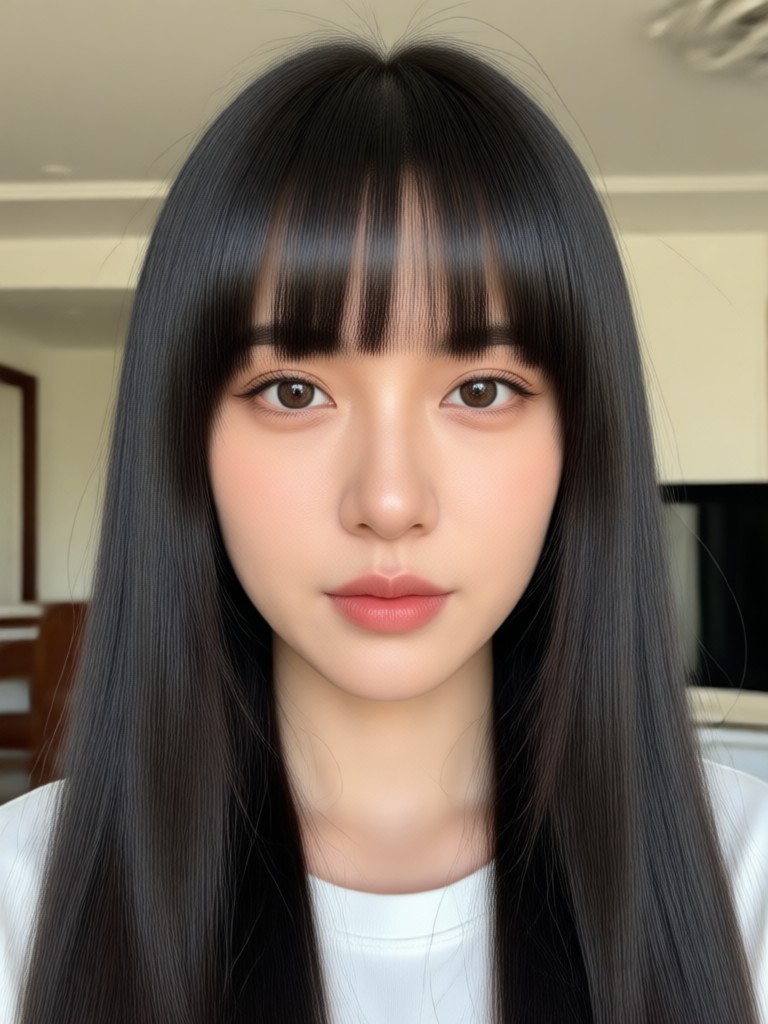
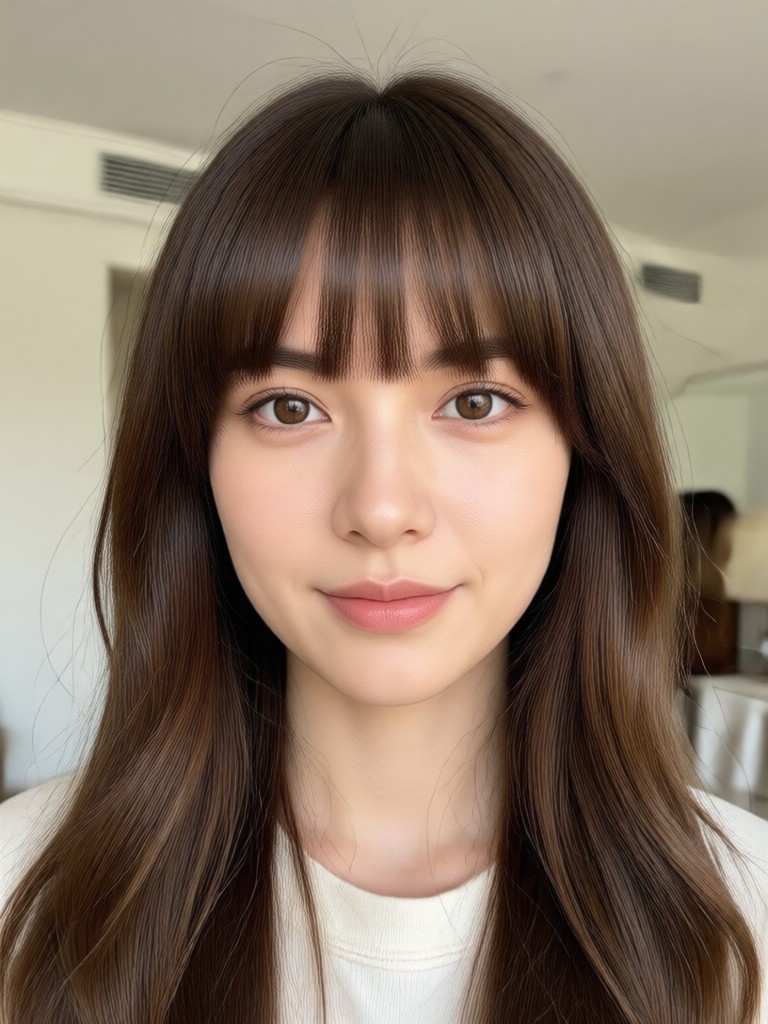
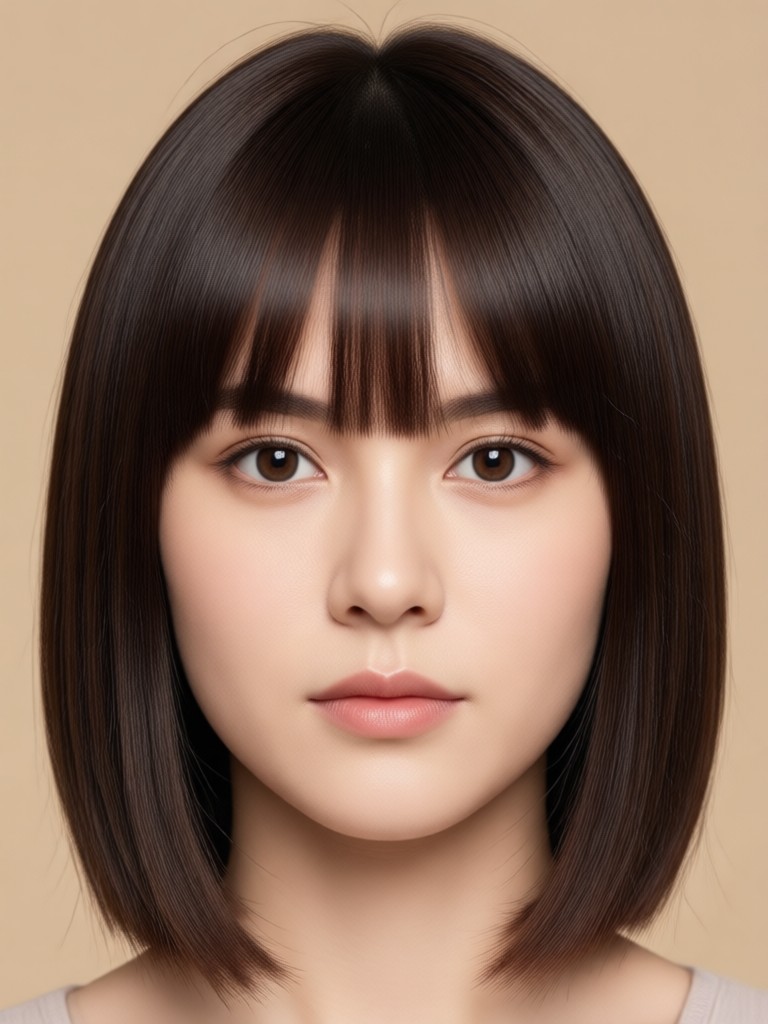
Experiment with the most requested fringe looks. The AI preserves your facial features while accurately rendering the hair texture and style you select.
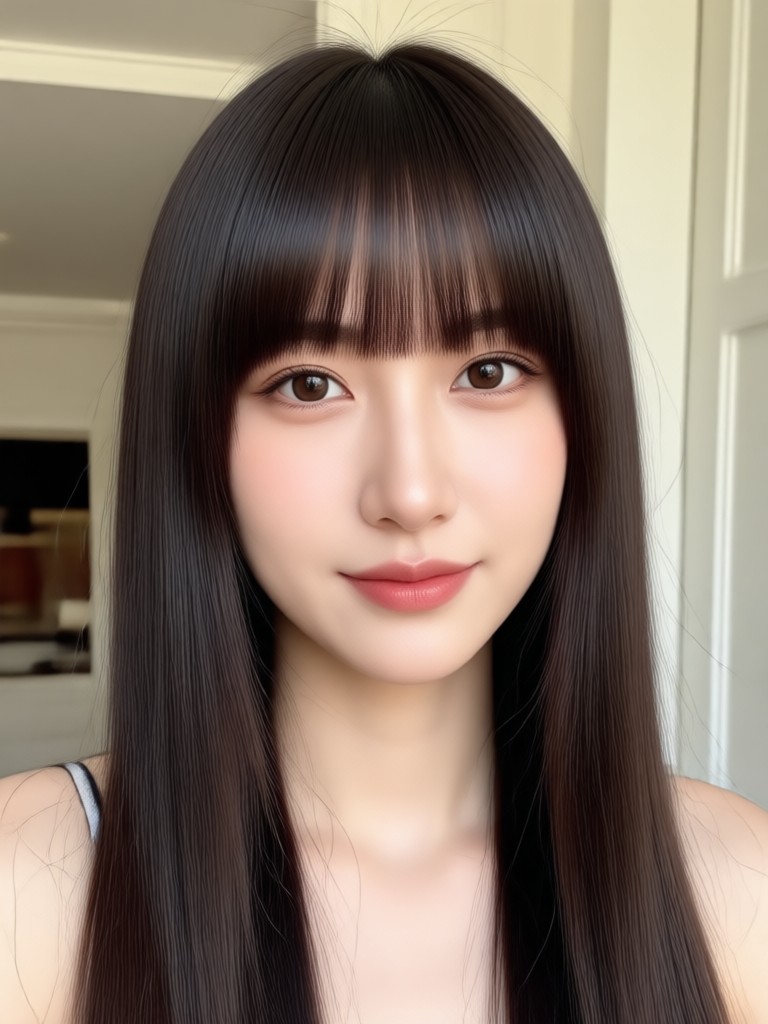
Realistic AI Fringe Editor
Our tool focuses on realistic hair rendering. It does not just paste a sticker on your forehead; it accurately maps the hairline and simulates natural volume.
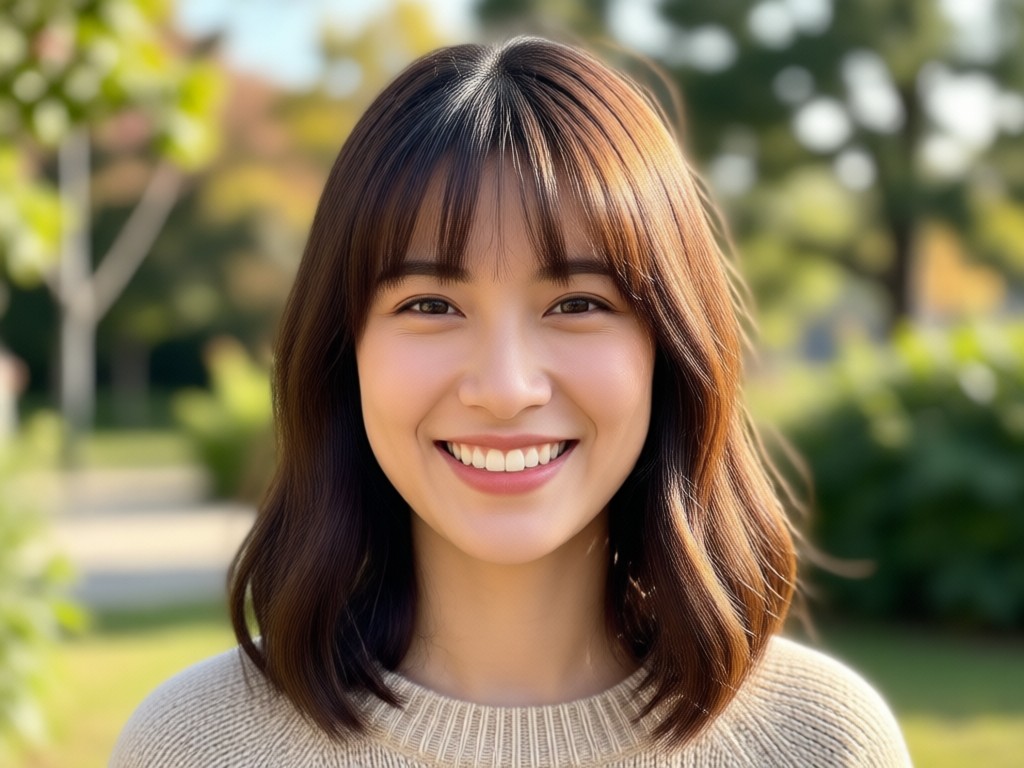
Precise Face Mapping
The AI detects your hairline and forehead position to place the fringe naturally. It works with different face shapes and skin tones.
Precise Face Mapping
The AI detects your hairline and forehead position to place the fringe naturally. It works with different face shapes and skin tones.
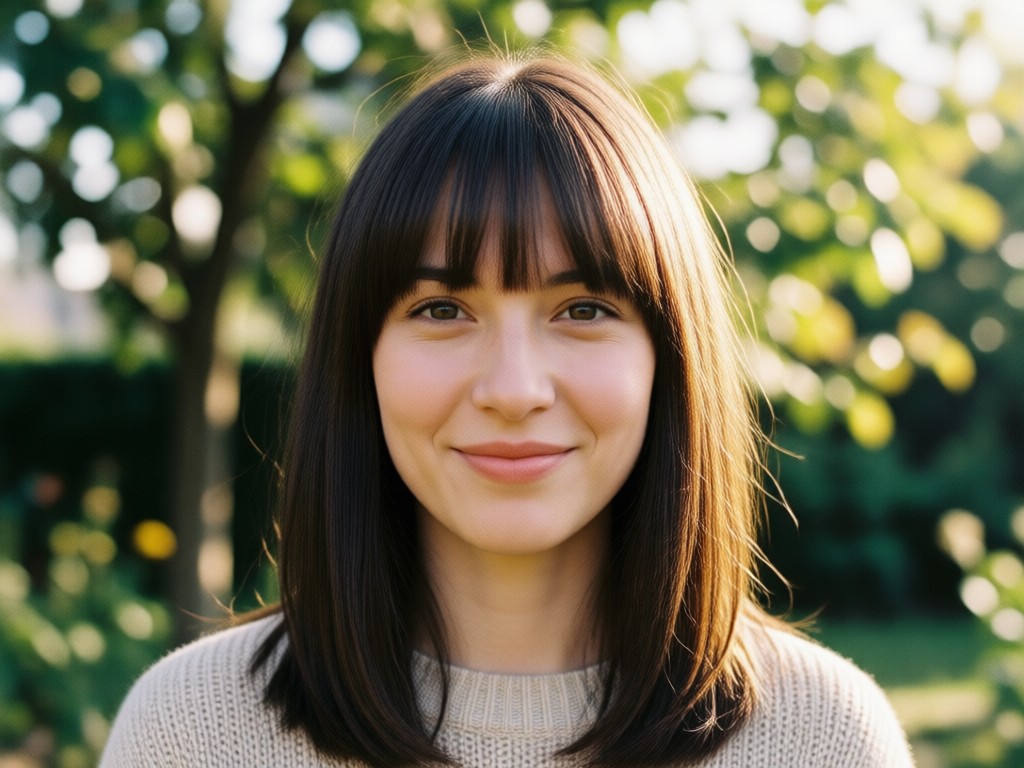
Style Variety
Access a library of fringe styles. You can test Korean air bangs, thick retro fringes, or soft layered pieces to see what suits your personality.
Style Variety
Access a library of fringe styles. You can test Korean air bangs, thick retro fringes, or soft layered pieces to see what suits your personality.
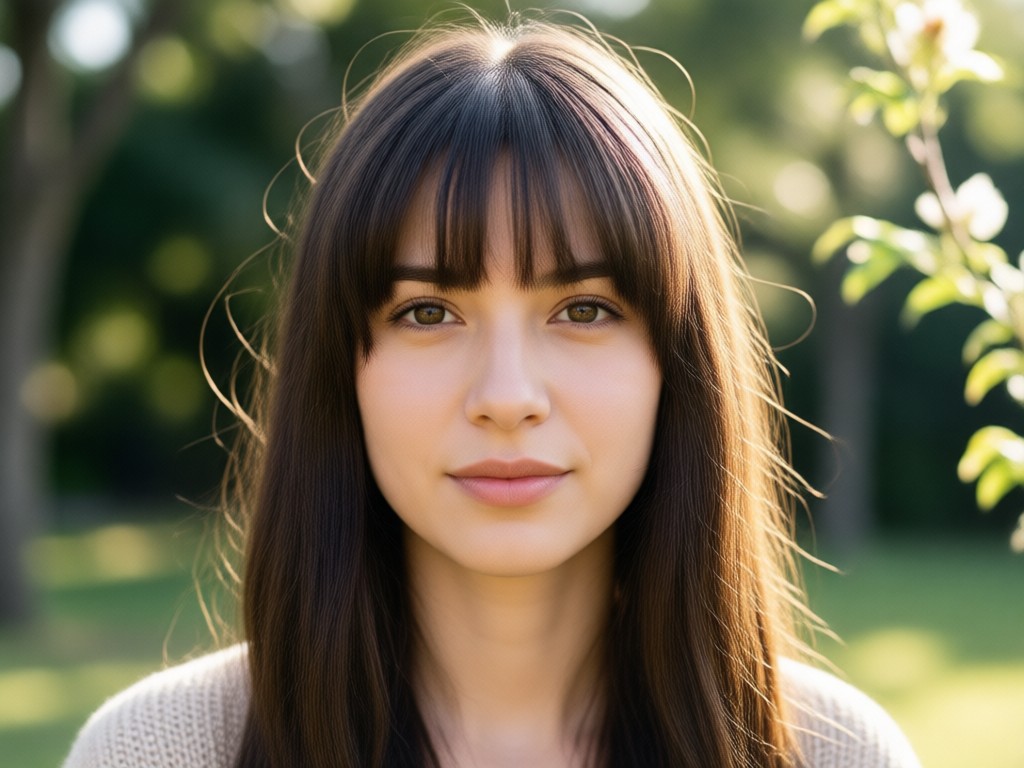
High Definition Export
Save your edited looks in high resolution. Share the side-by-side comparison with friends or your hairstylist to get their opinion before the chop.
High Definition Export
Save your edited looks in high resolution. Share the side-by-side comparison with friends or your hairstylist to get their opinion before the chop.
How To Add Bangs To Your Photo
You do not need editing experience to try on a fringe. Follow three simple steps to see your new look.
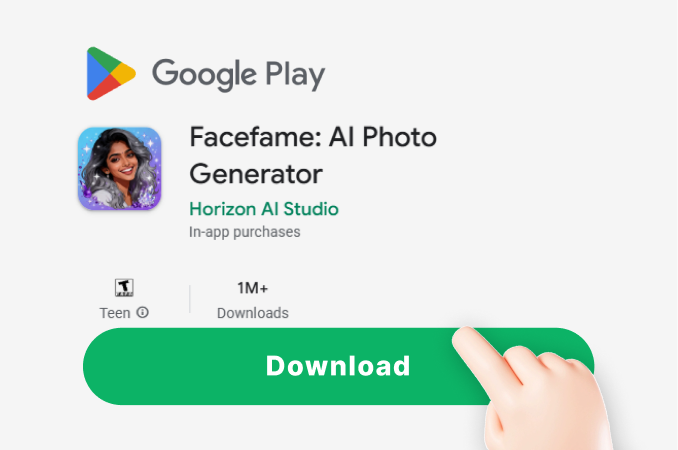
Step 01.
Download the app from Google Play and open it on your phone.
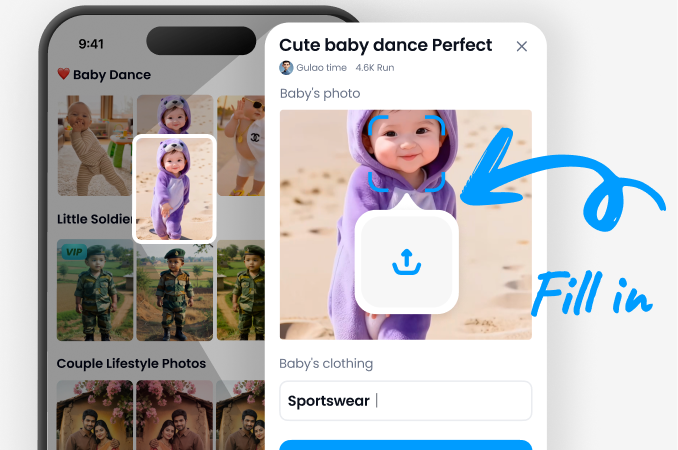
Step 02.
Upload a clear photo of yourself looking straight at the camera. Pick a bangs style from the gallery.
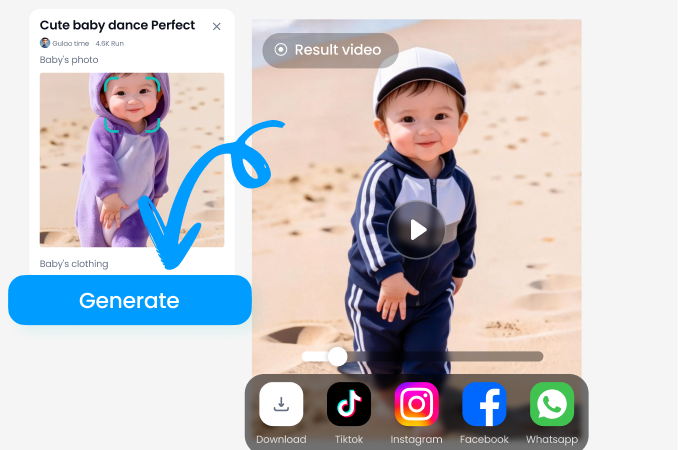
Step 03.
Wait a few seconds for the AI to process the image. Download the result or share it on social media.
See The AI Fringe Editor In Action
Watch how easy it is to change hairstyles with our photo app. See real examples of users adding bangs to their existing photos.
Frequently Asked Questions About Adding Bangs
We answered the most common questions about using a virtual fringe to decide on your next haircut.
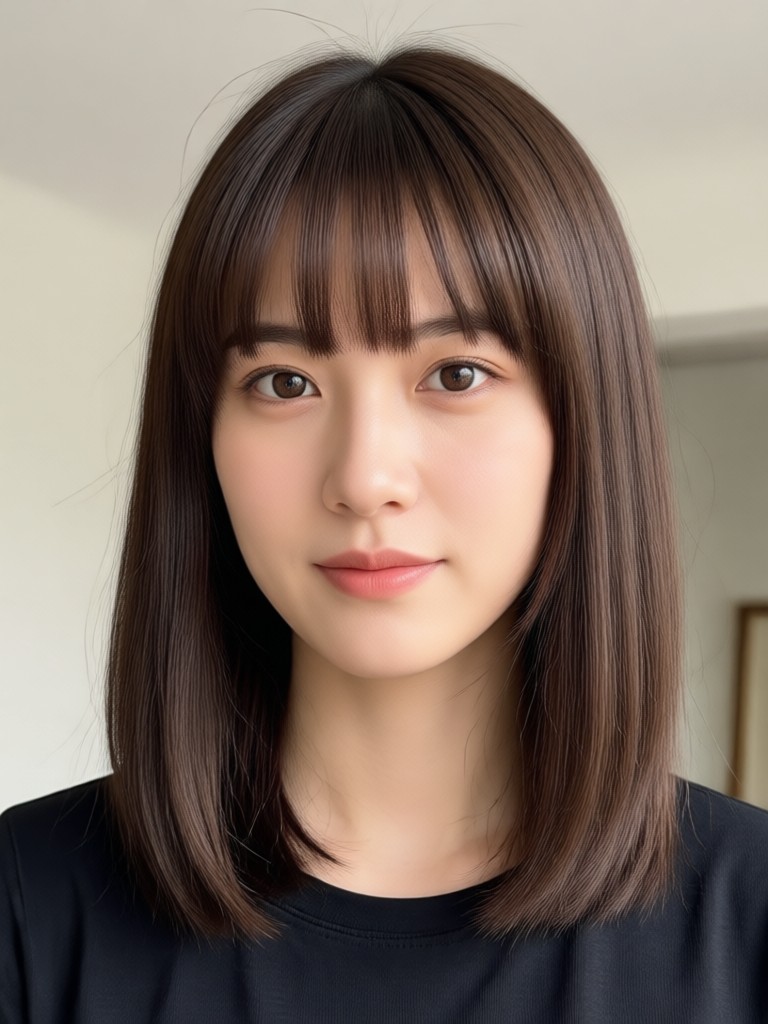
Ready To Try A Fringe?
Join millions of users who check their next look before they commit to a haircut. Download the app and start your virtual makeover now.

What Our Users Say
Saved me from a hair disaster
I was so close to getting baby bangs. I tried them on with this app first and realized instantly they were wrong for my forehead. Crisis averted.
Convinced me to take the plunge
I tested curtain bangs on an old selfie and sent the result to my hair stylist. She used it as the reference photo. The result was exactly what I wanted.
So realistic it is scary
The texture of the hair looks real. It follows the lighting of my original photo. You can actually tell if the color will look good on you too.
Instant Virtual Fringe
Stop wondering and start seeing. Add bangs to your photo today and walk into your next salon appointment with confidence.
Instant Virtual Fringe
Stop wondering and start seeing. Add bangs to your photo today and walk into your next salon appointment with confidence.