Add Border To Image Online
Choose the Perfect Border Style for Your Image
Browse our collection of border filters and photo frame styles. Whether you want a minimalist white edge, a vintage polaroid frame, or a bold artistic border, there is a style that matches your vision perfectly.
Key Features of Border Image Generator
Add borders to your photos with a powerful yet simple tool designed for everyone. facefame combines advanced AI technology with an intuitive mobile experience so you can frame your images in moments.
One Million Plus Border Styles
Explore an extensive library of border templates spanning every aesthetic. Choose from minimalist lines, classic film frames, vintage scrapbook edges, colorful gradient borders, and artistic hand drawn designs. Each style can be further customized to match your photo perfectly. Whether you are framing a family portrait or a product shot, there is a border that elevates your image instantly.
One Million Plus Border Styles
Explore an extensive library of border templates spanning every aesthetic. Choose from minimalist lines, classic film frames, vintage scrapbook edges, colorful gradient borders, and artistic hand drawn designs. Each style can be further customized to match your photo perfectly. Whether you are framing a family portrait or a product shot, there is a border that elevates your image instantly.
Instant Photo Frame Maker
Upload your image and get framed results in seconds. The AI automatically detects your photo dimensions and applies the border flawlessly without cropping or stretching. No complicated settings or manual adjustments needed. Simply pick a style, tap once, and download your newly framed image ready for social media, print, or personal keepsakes.
Instant Photo Frame Maker
Upload your image and get framed results in seconds. The AI automatically detects your photo dimensions and applies the border flawlessly without cropping or stretching. No complicated settings or manual adjustments needed. Simply pick a style, tap once, and download your newly framed image ready for social media, print, or personal keepsakes.
Group Photo Border Processing
Add elegant borders to group photos, team pictures, and family portraits. The AI accurately preserves every face and detail while applying uniform frames to multi person images. Perfect for event photography, corporate team pages, and social media group shots. Your group memories deserve beautiful presentation, and facefame makes it effortless.
Group Photo Border Processing
Add elegant borders to group photos, team pictures, and family portraits. The AI accurately preserves every face and detail while applying uniform frames to multi person images. Perfect for event photography, corporate team pages, and social media group shots. Your group memories deserve beautiful presentation, and facefame makes it effortless.
How to Add Border To Image Online?
Create stunning framed images in three simple steps using the facefame mobile app.

Step 01.
Download the facefame app from Google Play and open it on your mobile device to get started.

Step 02.
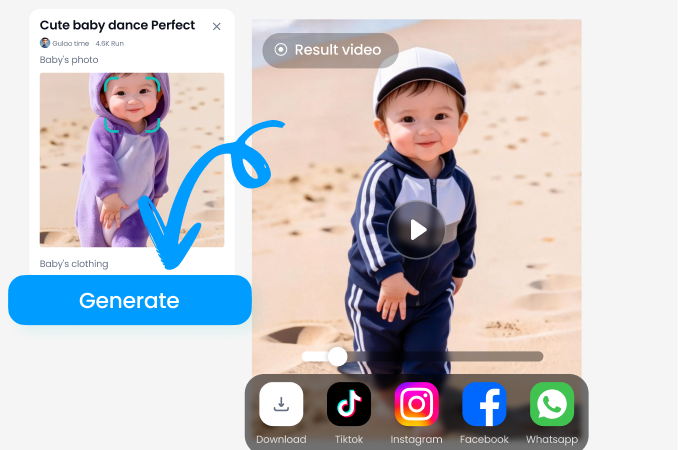
Upload your photo and browse through thousands of border and frame filters to find your favorite style.
Step 03.
Tap generate to apply the border to your image, then download and share your framed photo anywhere.
Explore Border Image Gallery
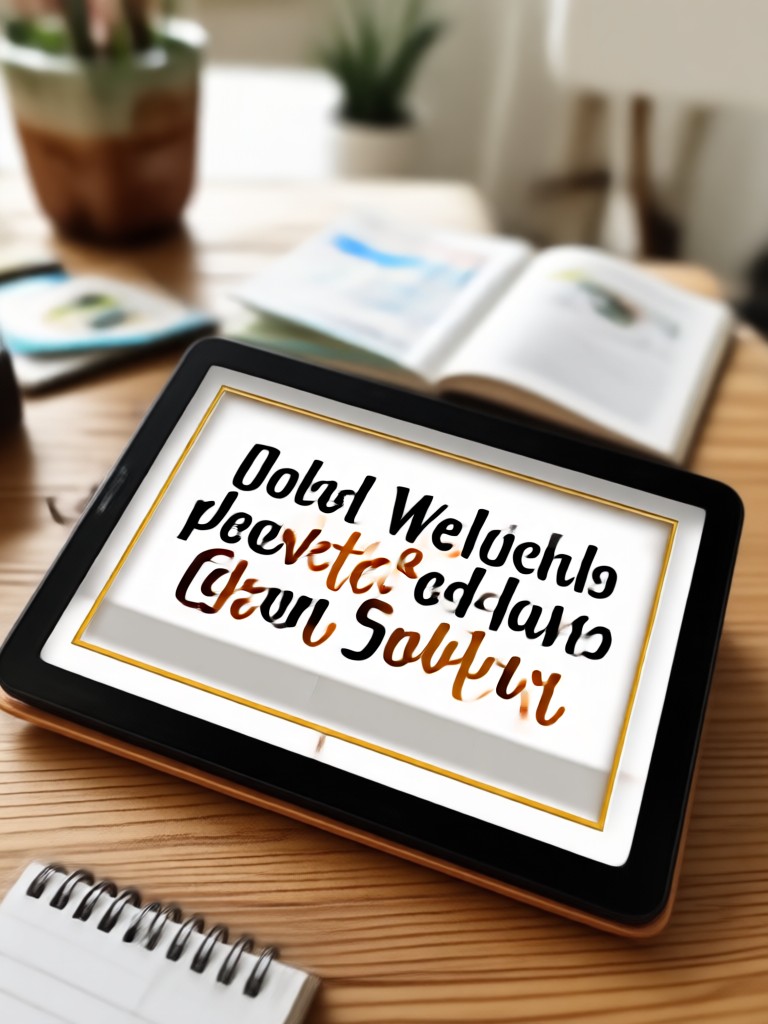
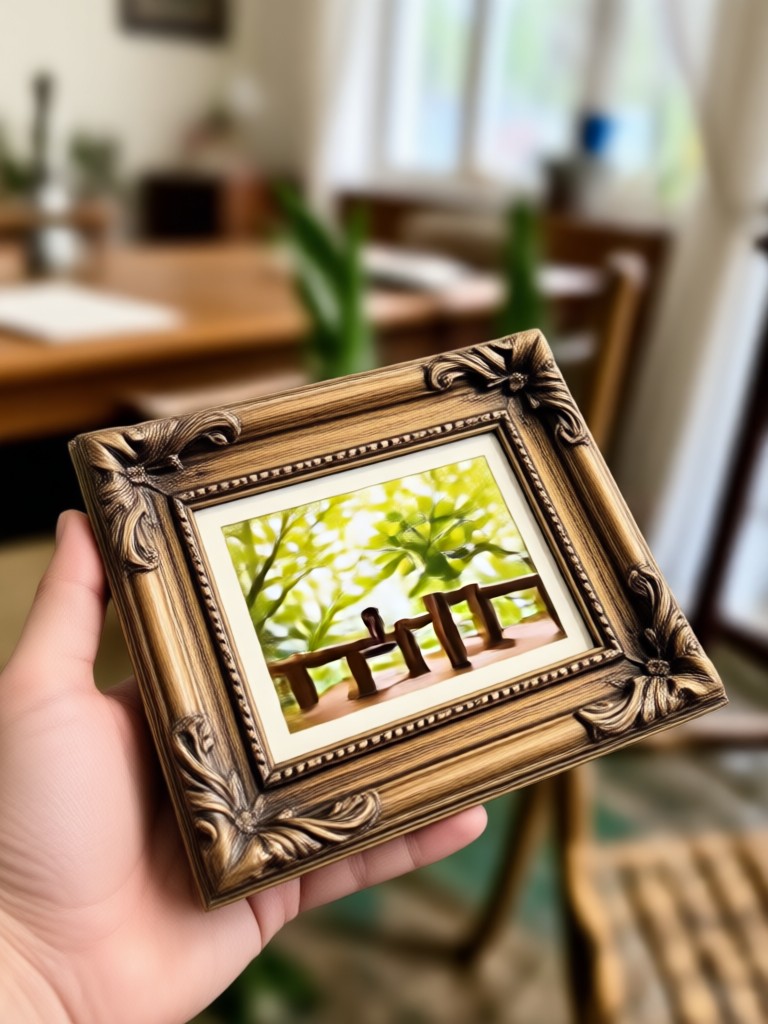
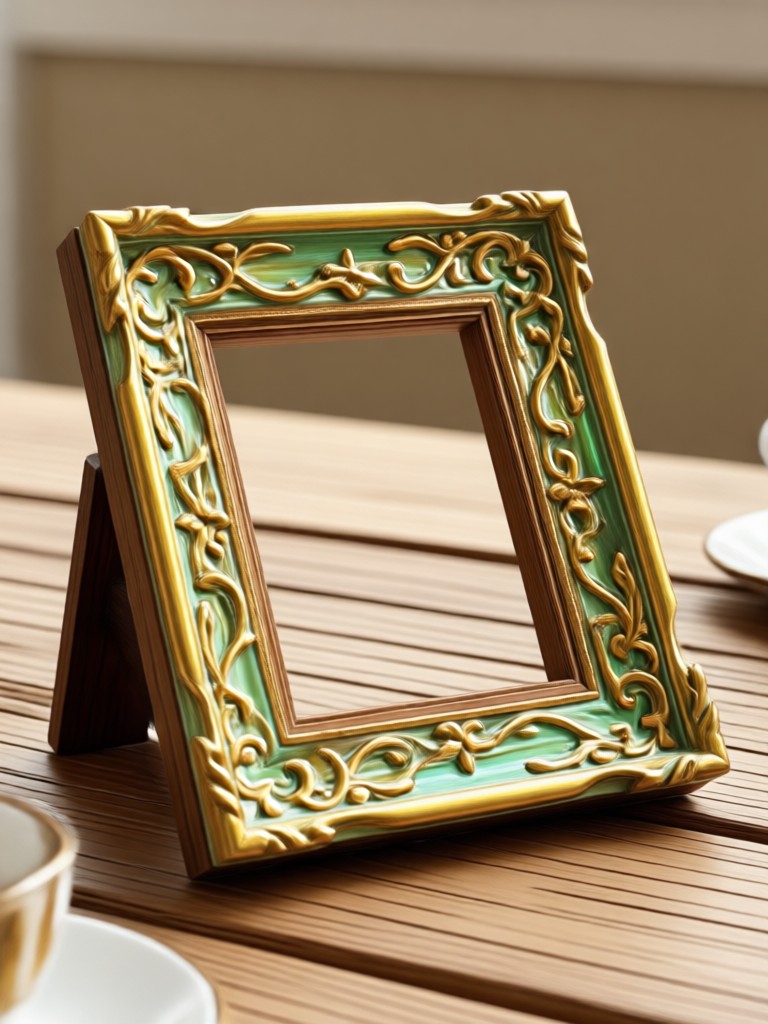
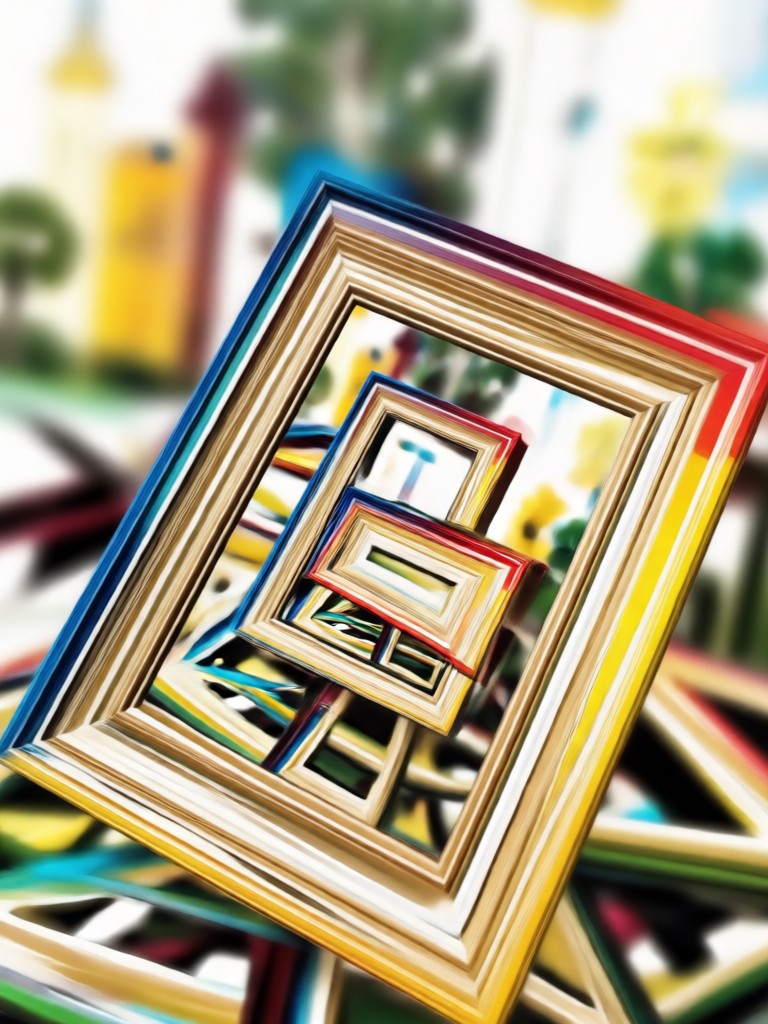
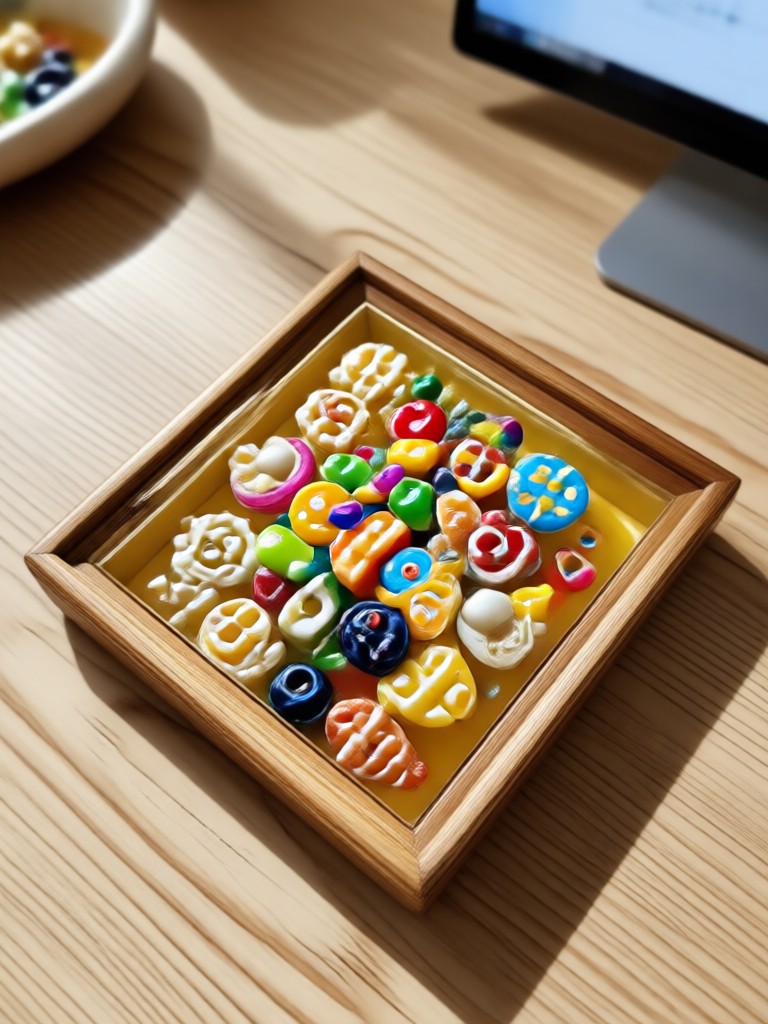
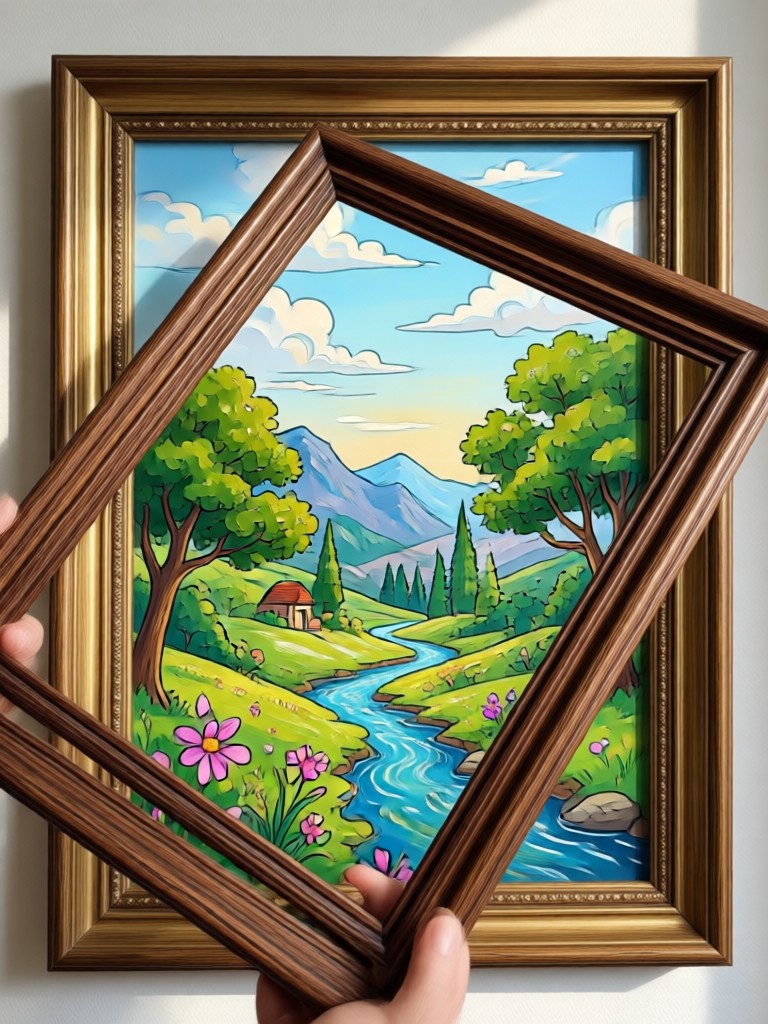
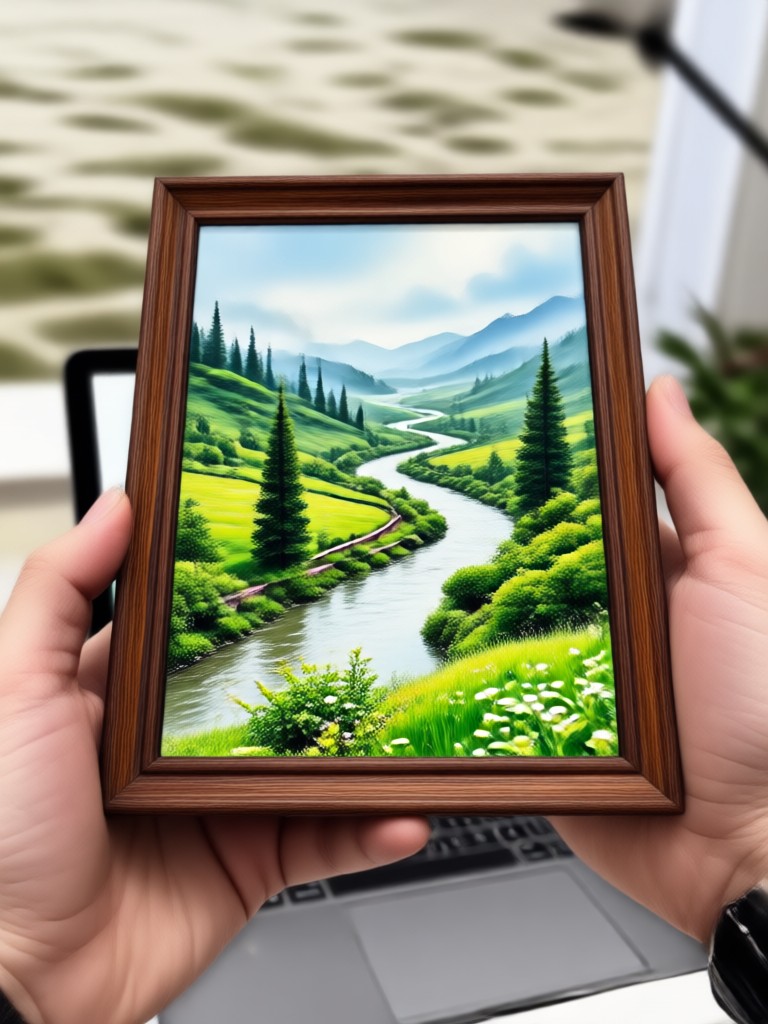
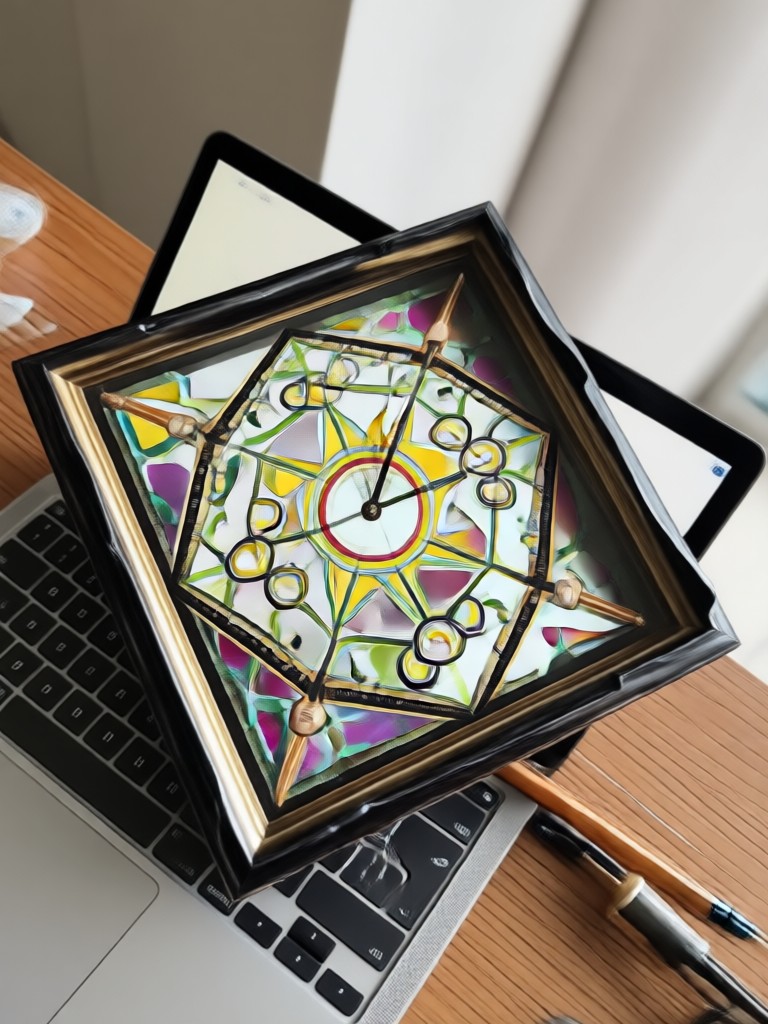
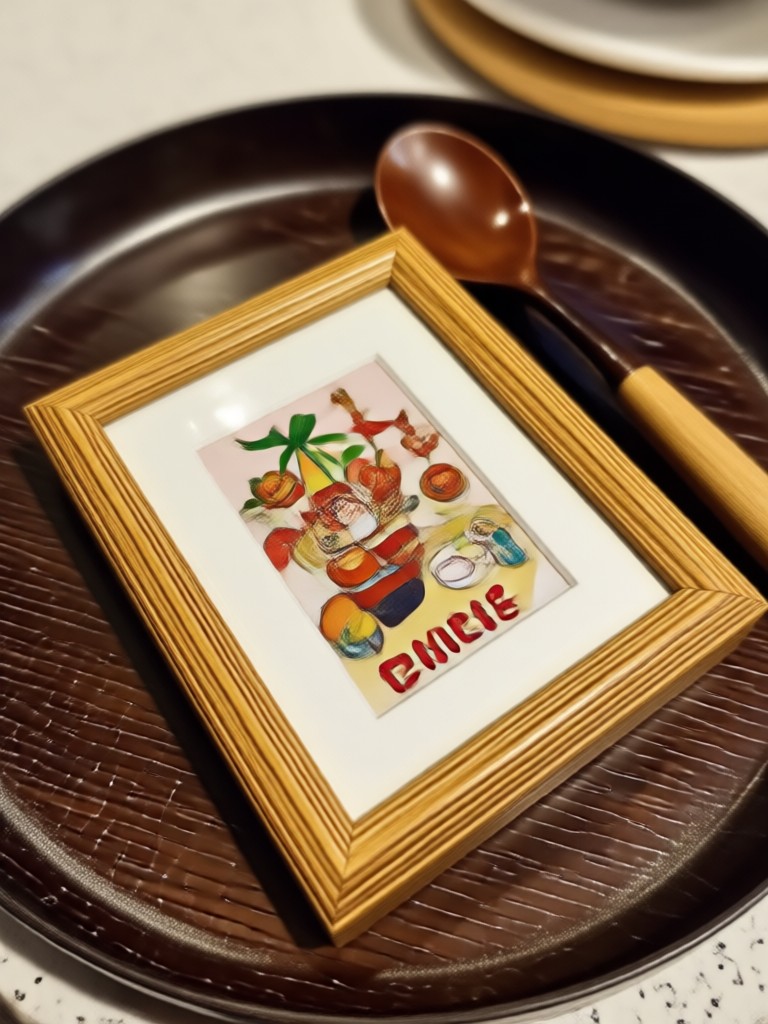
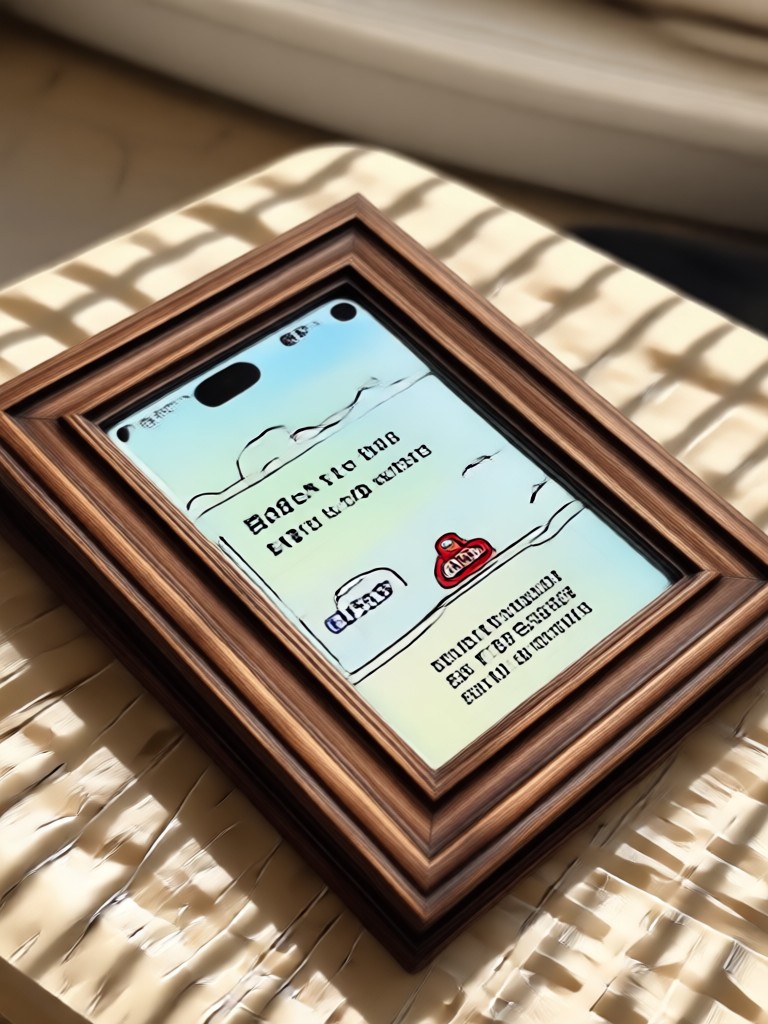
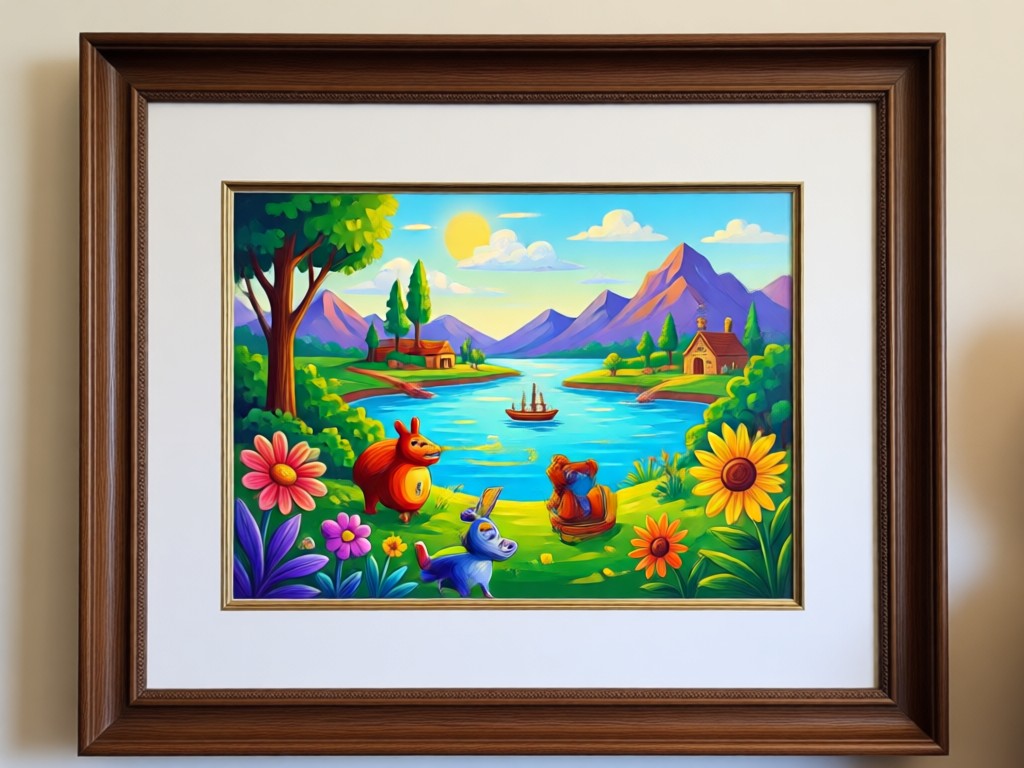
Browse stunning examples of images with borders and frames created using facefame. See how different photo frame styles transform ordinary pictures into polished, shareable content.

Why Use facefame to Add Border To Image Online?
Unlike traditional photo editors that require complex layering and manual adjustments, facefame uses AI to apply borders and frames automatically. Upload your image, pick a style, and get professional results without any design skills. The app handles everything from aspect ratio preservation to edge detection, ensuring your border looks flawless every time.
Why Use facefame to Add Border To Image Online?
Unlike traditional photo editors that require complex layering and manual adjustments, facefame uses AI to apply borders and frames automatically. Upload your image, pick a style, and get professional results without any design skills. The app handles everything from aspect ratio preservation to edge detection, ensuring your border looks flawless every time.
What People Think About Adding Borders With facefame
Finally an easy way to frame my photos
I used to spend hours in Photoshop trying to add nice borders to my product photos. With facefame I just upload, pick a style, and it is done. The frames look professional and my online store looks so much better now.
The border selection is unbeatable
There are so many frame styles available that I can find the perfect border for any occasion. From minimal edges for my portfolio to fun colorful frames for Instagram stories, everything just works beautifully.
Perfect for social media content
Adding borders to my travel photos before posting has become my favorite routine. The vintage film frames and polaroid styles make my feed look cohesive and professional. My followers keep asking how I edit my pictures.
Frequently Asked Questions
Find clear answers to common questions about adding borders to images online with facefame. Learn how the photo frame maker works and get started with your first framed image today.

Download facefame to Add Border To Image Online
Get the free app on Google Play and start framing your photos with beautiful borders in seconds. Access all premium border styles, photo frame filters, and AI powered editing tools right on your mobile device.

Add Beautiful Borders to Your Images Today
Join thousands of users who frame their photos with facefame. Download the app, pick your favorite border style, and transform your images into polished, shareable masterpieces in seconds.
Add Beautiful Borders to Your Images Today
Join thousands of users who frame their photos with facefame. Download the app, pick your favorite border style, and transform your images into polished, shareable masterpieces in seconds.