Add Mustache To Photo
I want to grow a beard-v



Benefits of Adding a Mustache to Photos with Facefame
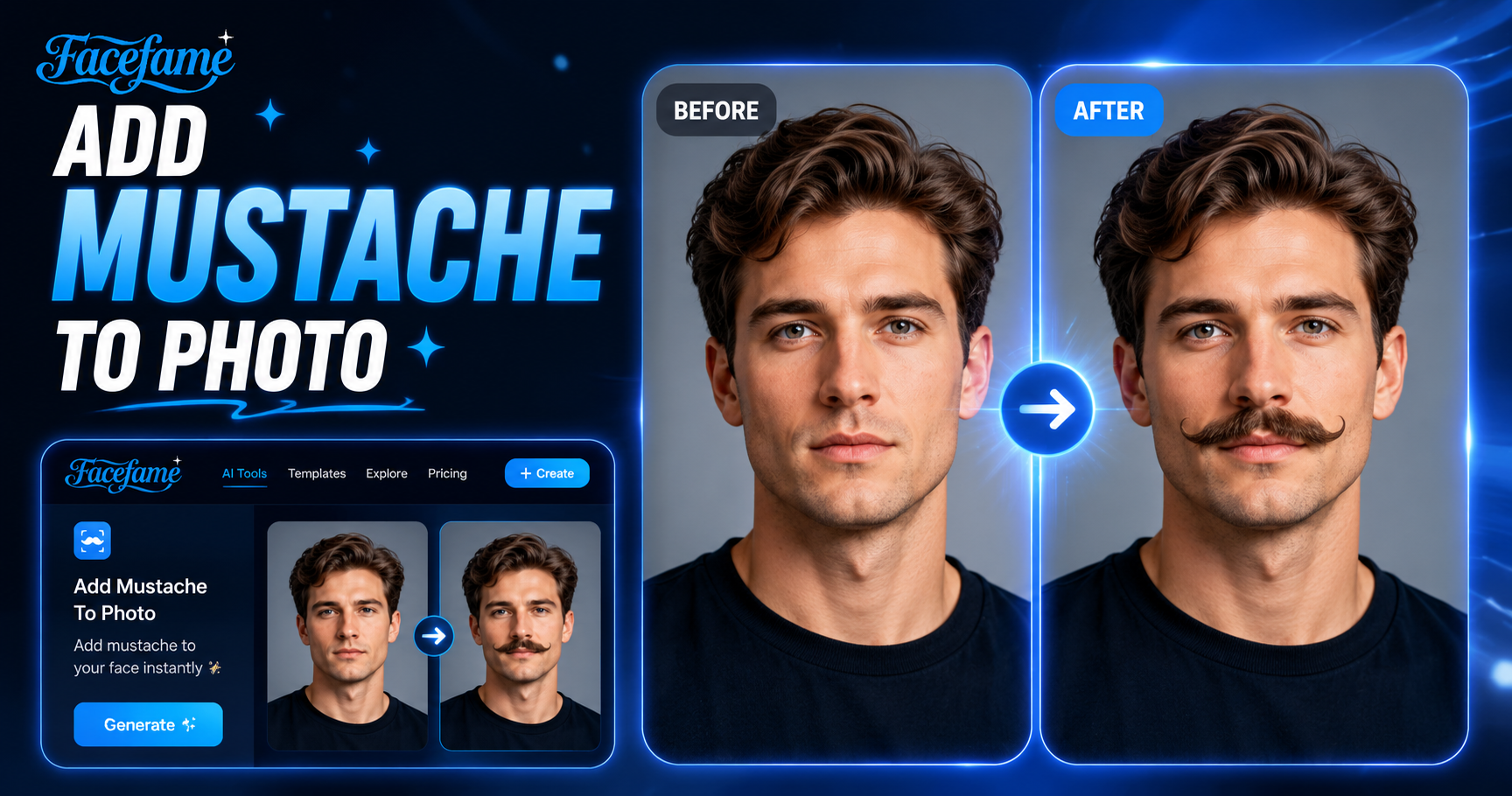
Facefame helps users add mustache effects to photos quickly, improving creativity, personalization, and fun visual expression with simple AI tools.
 Before
 After
AfterInstant Mustache Effect Generation
Facefame delivers mustache effects in just moments. Upload a photo, choose a style, and let the AI process your image quickly. The streamlined mobile workflow helps users create updated portraits, profile pictures, or creative edits without long waiting times or complex editing steps.
BeforeAfterInstant Mustache Effect Generation
Facefame delivers mustache effects in just moments. Upload a photo, choose a style, and let the AI process your image quickly. The streamlined mobile workflow helps users create updated portraits, profile pictures, or creative edits without long waiting times or complex editing steps.
 Before
 After
AfterFun Mustache Style Filters
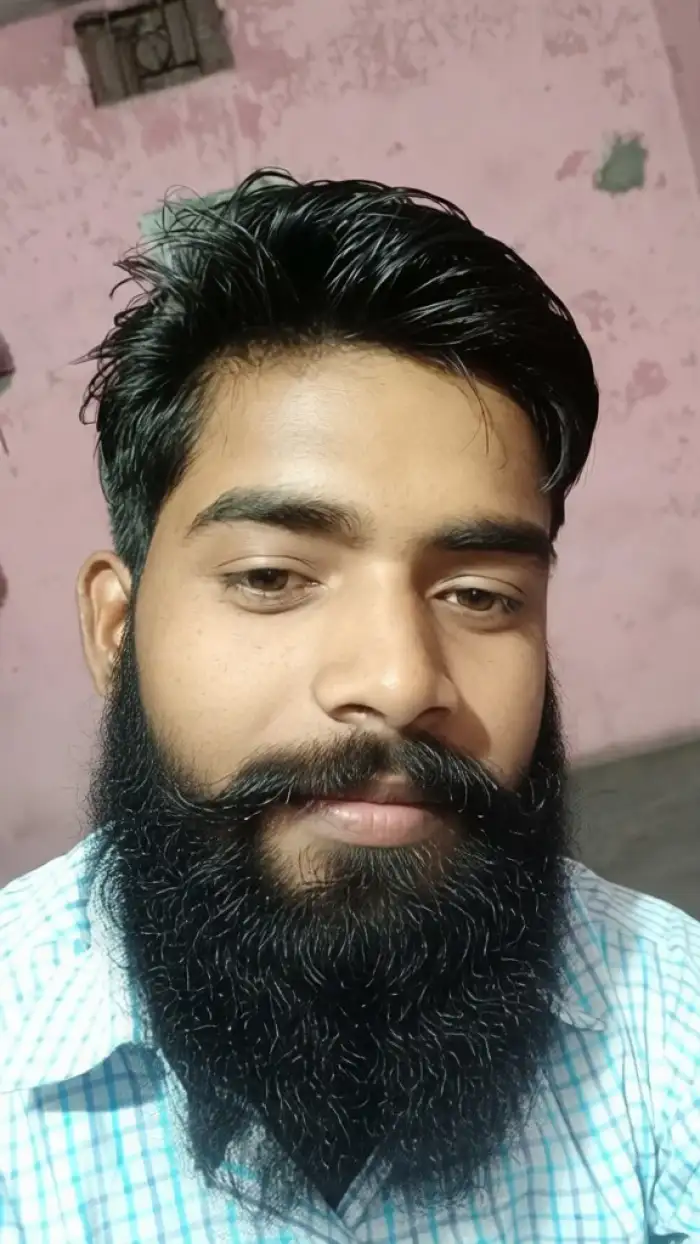
Facefame offers fun mustache filters that let users transform photos with creative styles. A wide range of preset looks is available for different moods and expressions. The AI preserves facial details while adding playful effects, making photo editing simple, fast, and enjoyable for personal profiles, social sharing, and creative experimentation on mobile.
BeforeAfterFun Mustache Style Filters
Facefame offers fun mustache filters that let users transform photos with creative styles. A wide range of preset looks is available for different moods and expressions. The AI preserves facial details while adding playful effects, making photo editing simple, fast, and enjoyable for personal profiles, social sharing, and creative experimentation on mobile.
 Before
 After
AfterConvenient Creation Method
Facefame supports mobile app downloads and runs smoothly on most devices with low system requirements. After installation, users can start creating mustache effects anytime. The app offers a simple workflow with quick access to AI photo editing tools, making it easy to generate results directly on mobile.
BeforeAfterConvenient Creation Method
Facefame supports mobile app downloads and runs smoothly on most devices with low system requirements. After installation, users can start creating mustache effects anytime. The app offers a simple workflow with quick access to AI photo editing tools, making it easy to generate results directly on mobile.
How to Add a Mustache to a Photo with Facefame?
Learn how to use Facefame to add a mustache to your photo. Follow the tutorial and start generating your first mustache-style image.

Step 01.
Download the Facefame app so you can add a mustache to your photos anytime, anywhere.

Step 02.
Select your preferred mustache style, then upload your photo to the filter.

Step 03.
After a short wait, you can see the photo with a mustache added and share it directly on your social media platforms.
Add Mustache to Photos with Facefame AI
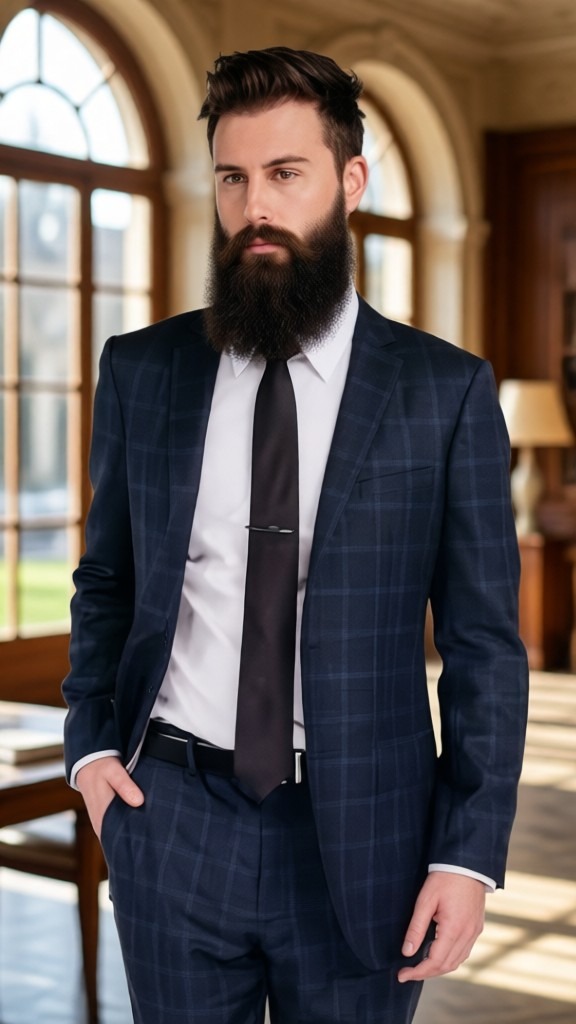
Facefame allows users to add mustache effects to photos using AI tools. Upload an image, select a style, and create customized facial edits in a simple mobile workflow.

Real User Feedback from Facefame Users

James Carter
I used Facefame to add a mustache to a portrait. The process was simple, and the AI kept facial details clear while adjusting the style naturally for a realistic edited result.

Michael Reed
Facefame made it easy to test different mustache styles in my photo. I uploaded an image, chose a template, and got a clean result that still looked close to my original face.

Daniel Brooks
I tried Facefame for a fun profile update. The mustache effect was applied quickly, and the output stayed consistent with my facial structure without losing image quality or detail.

Ethan Walker
Using Facefame, I edited a group photo and added mustache styles to different faces. The tool recognized each person well and applied changes without mixing facial features or creating visual errors.
James Carter
I used Facefame to add a mustache to a portrait. The process was simple, and the AI kept facial details clear while adjusting the style naturally for a realistic edited result.
Michael Reed
Facefame made it easy to test different mustache styles in my photo. I uploaded an image, chose a template, and got a clean result that still looked close to my original face.
Daniel Brooks
I tried Facefame for a fun profile update. The mustache effect was applied quickly, and the output stayed consistent with my facial structure without losing image quality or detail.
Ethan Walker
Using Facefame, I edited a group photo and added mustache styles to different faces. The tool recognized each person well and applied changes without mixing facial features or creating visual errors.
James Carter
I used Facefame to add a mustache to a portrait. The process was simple, and the AI kept facial details clear while adjusting the style naturally for a realistic edited result.
Michael Reed
Facefame made it easy to test different mustache styles in my photo. I uploaded an image, chose a template, and got a clean result that still looked close to my original face.
Daniel Brooks
I tried Facefame for a fun profile update. The mustache effect was applied quickly, and the output stayed consistent with my facial structure without losing image quality or detail.
Ethan Walker
Using Facefame, I edited a group photo and added mustache styles to different faces. The tool recognized each person well and applied changes without mixing facial features or creating visual errors.
Frequently Asked Questions
Find clear answers to common questions and get the guidance you need to make the most of our platform, faster and easier.
More Topics You May Like
Explore more topics you may like and discover fresh ideas tailored to your interests.

AI Baby Dance Generator

AI Boyfriend Generator
AI Photo Face Swap
AI Black And White Portrait
AI Baby Dance Generator
AI Boyfriend Generator
AI Photo Face Swap
AI Black And White Portrait
Try Mustache Photo Editing with Facefame Today
Download the Facefame app to add mustache effects, transform photos with AI, explore creative styles, and create personalized images anytime on mobile.
Try Mustache Photo Editing with Facefame Today
Download the Facefame app to add mustache effects, transform photos with AI, explore creative styles, and create personalized images anytime on mobile.