Add Someone To A Picture
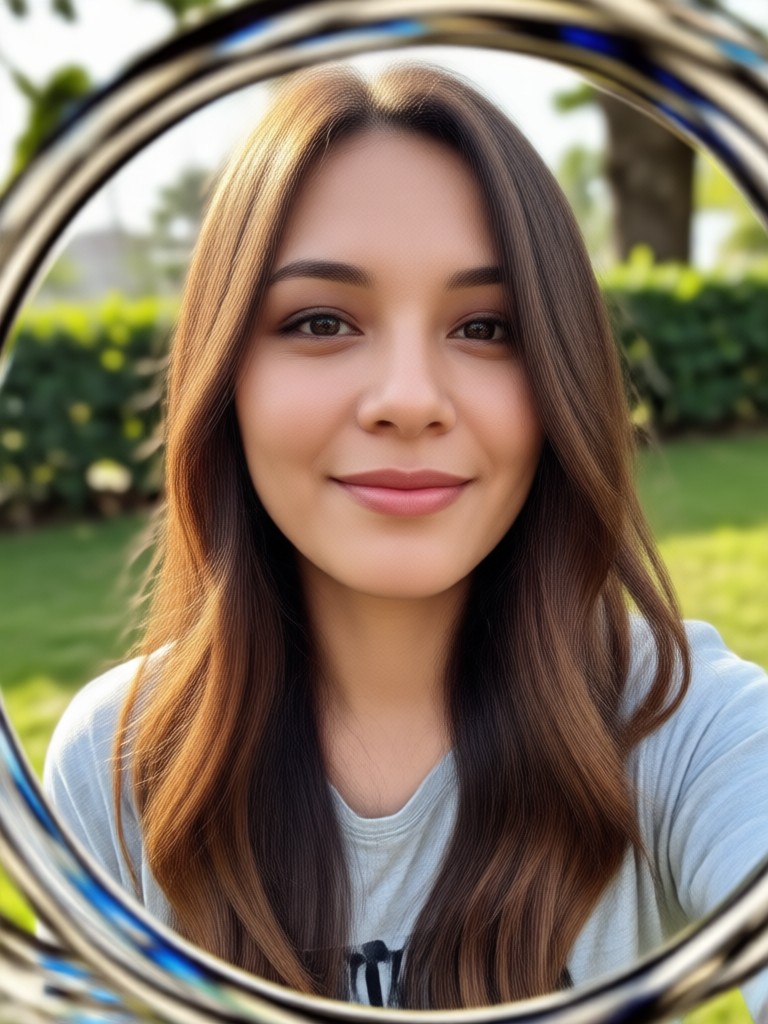
Choose the Perfect Style for Adding Someone
Discover filters that make face blending look natural, from casual selfies to formal portraits. Pick the one that fits your photo.
Powerful Features for Adding People to Photos
Our AI image editing tools make it easy to merge faces and bodies into any scene with realistic results.
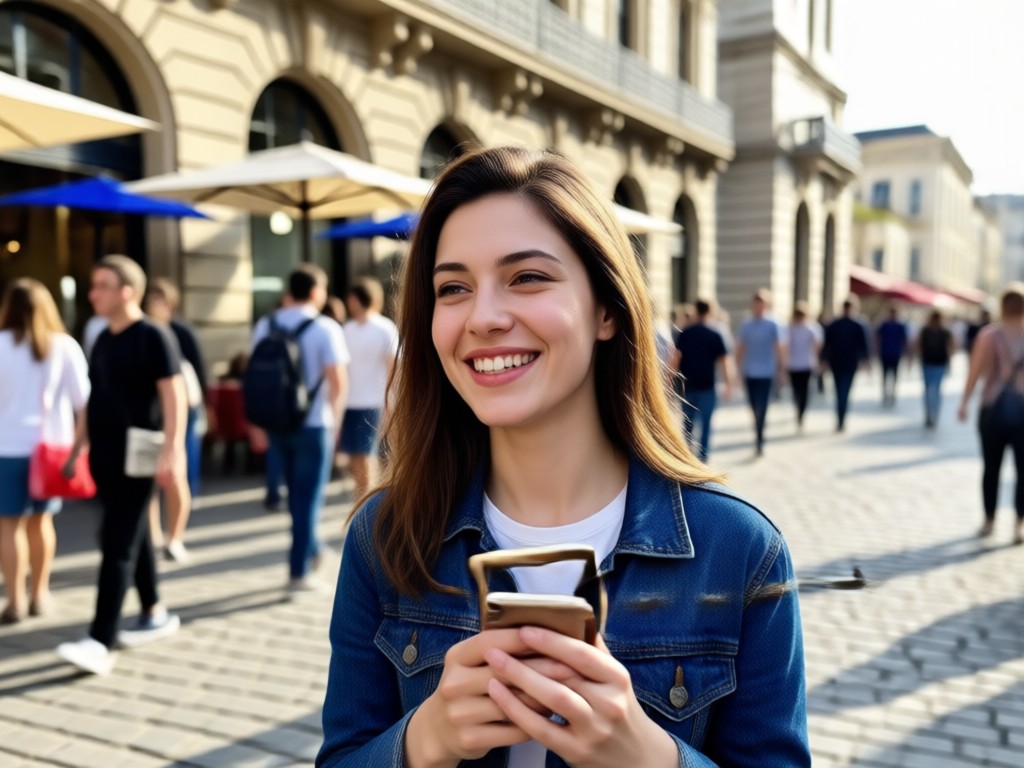
Realistic Face Blending
AI analyzes lighting, shadows, and skin tones to blend the added person seamlessly into the original photo. No visible cutouts or mismatched colors. You get a natural looking final image every time.
Realistic Face Blending
AI analyzes lighting, shadows, and skin tones to blend the added person seamlessly into the original photo. No visible cutouts or mismatched colors. You get a natural looking final image every time.
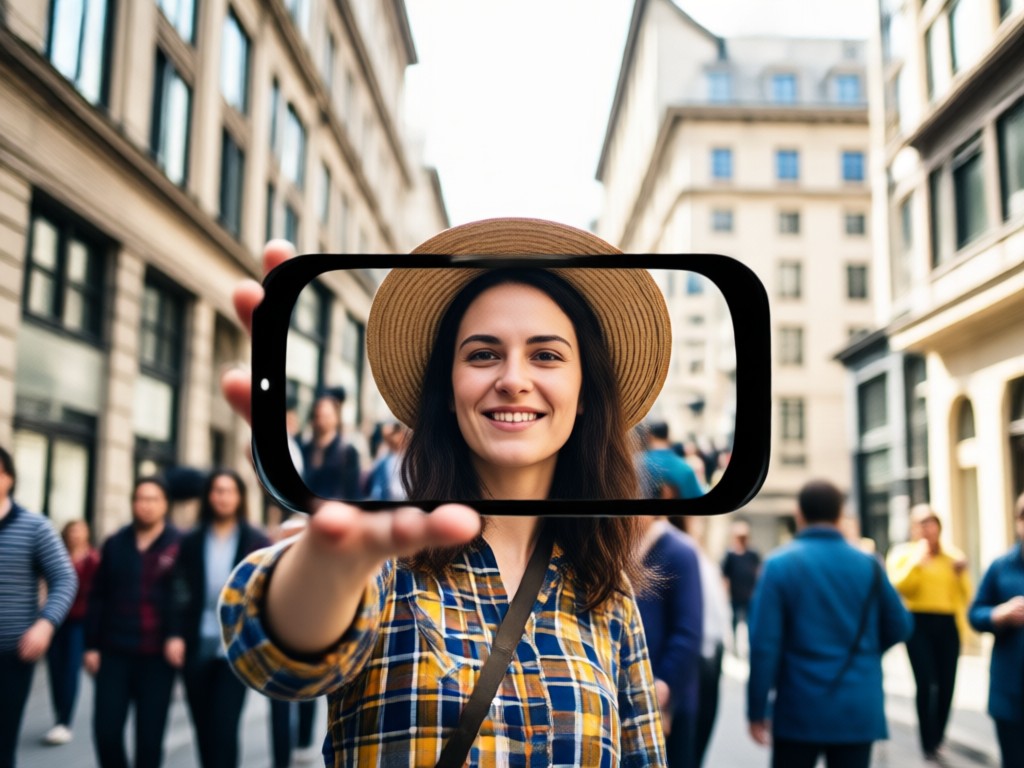
Group Photo Integration
Add a missing family member or friend to a group photo in seconds. The AI preserves everyone's features and aligns the new person perfectly with the group, making it look like they were always there.
Group Photo Integration
Add a missing family member or friend to a group photo in seconds. The AI preserves everyone's features and aligns the new person perfectly with the group, making it look like they were always there.
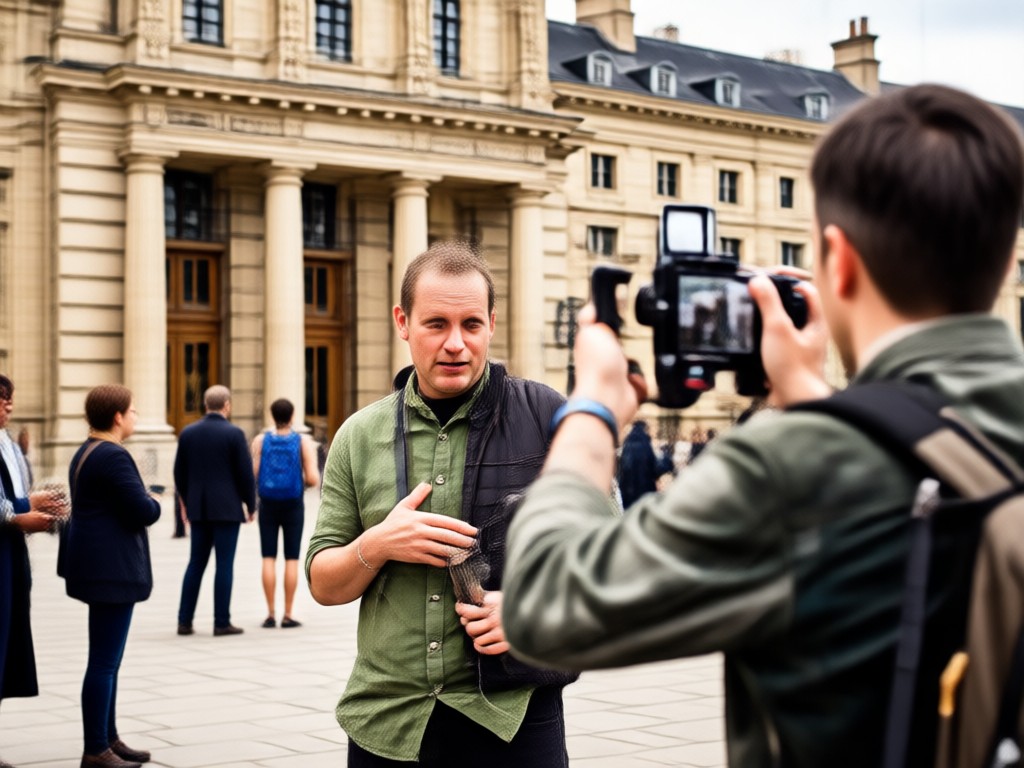
Quick and Easy Workflow
No complex tools or tutorials required. Simply upload the base photo, provide a reference image of the person to add, and let facefame handle the rest. Results are ready in under a minute.
Quick and Easy Workflow
No complex tools or tutorials required. Simply upload the base photo, provide a reference image of the person to add, and let facefame handle the rest. Results are ready in under a minute.
How to Add Someone to a Picture
Create a perfect composite image with just three simple steps using the facefame app.
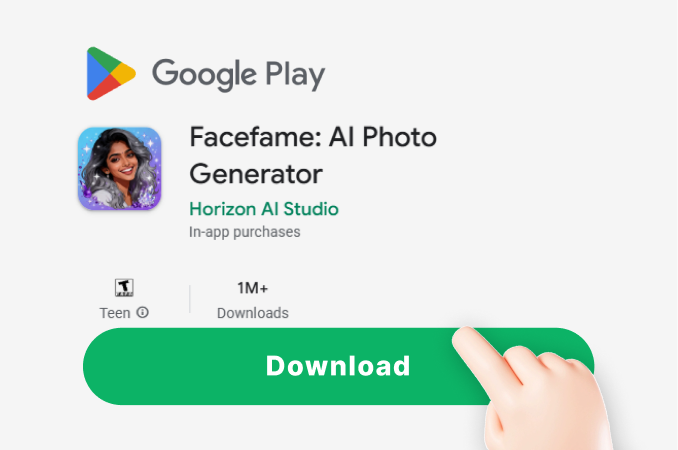
Step 01.
Download the facefame app from Google Play and open it on your device.
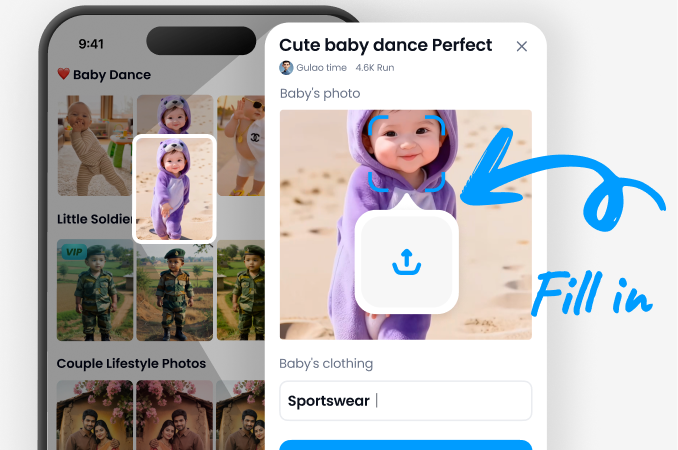
Step 02.
Upload the picture you want to add someone into, then upload a clear photo of the person you wish to add.
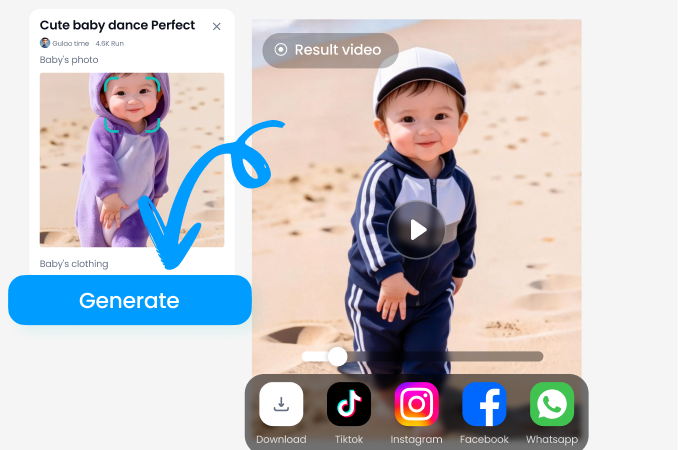
Step 03.
Tap generate and let the AI blend the faces naturally. Download or share your new photo instantly.
See What You Can Create
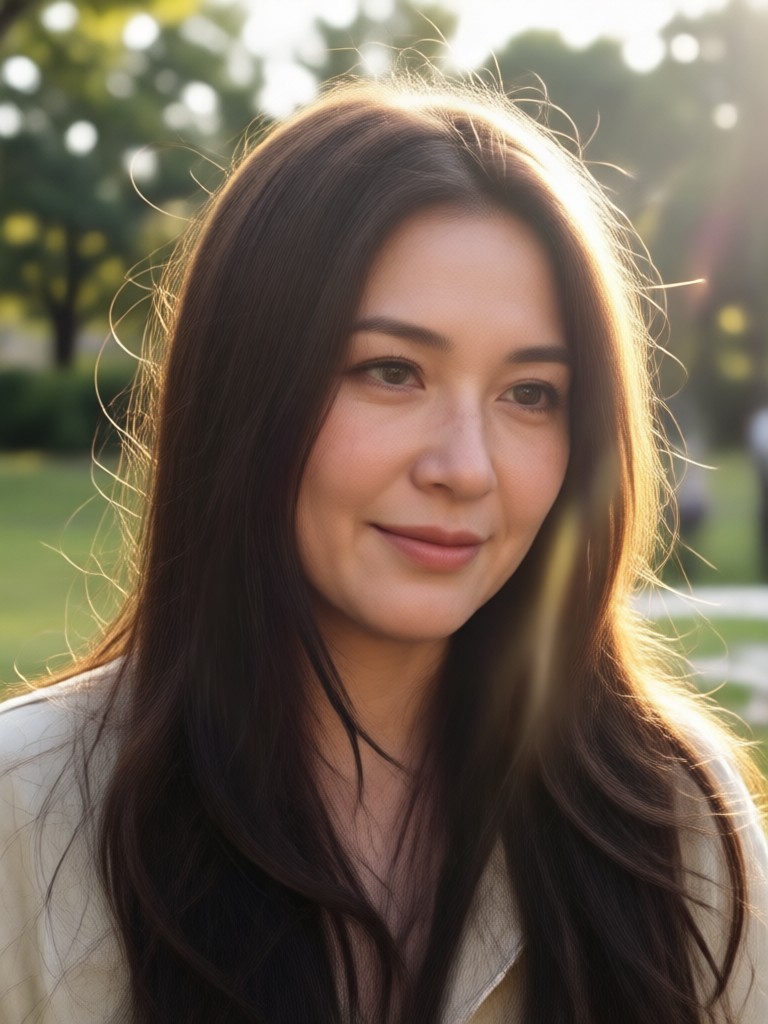
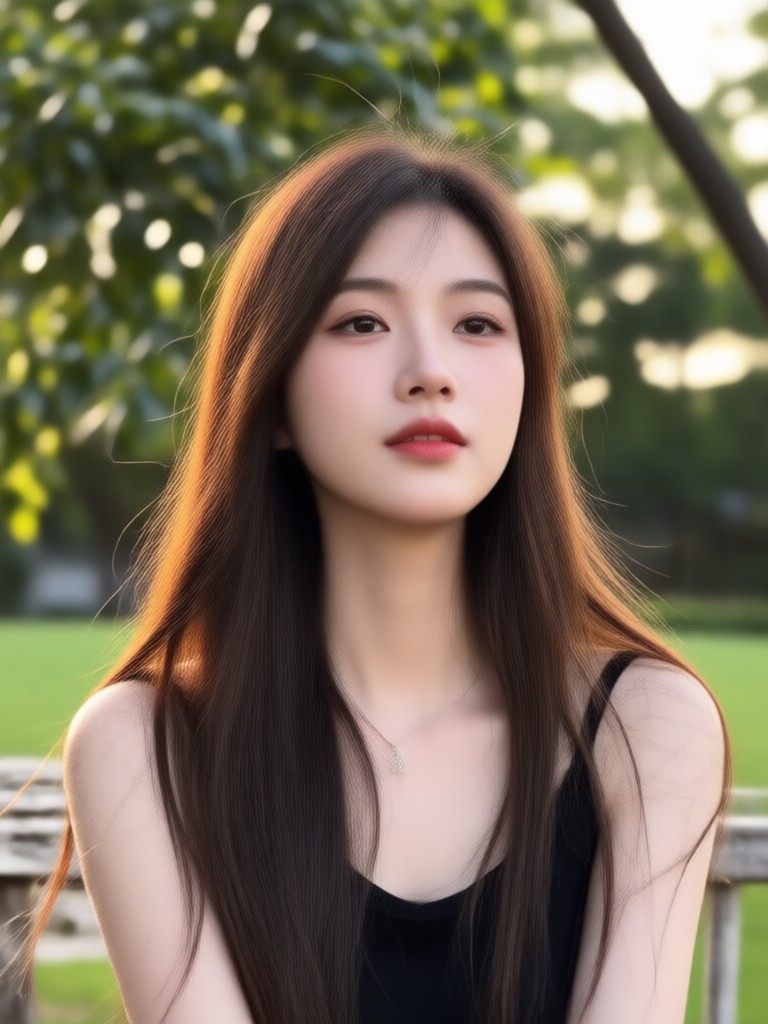
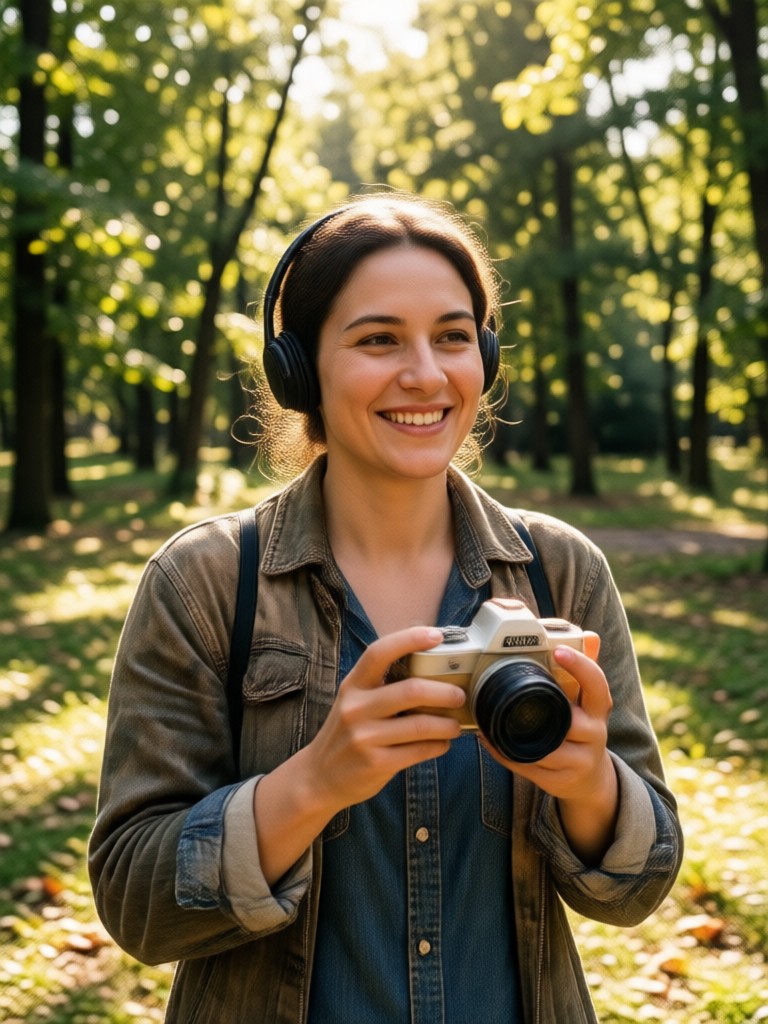
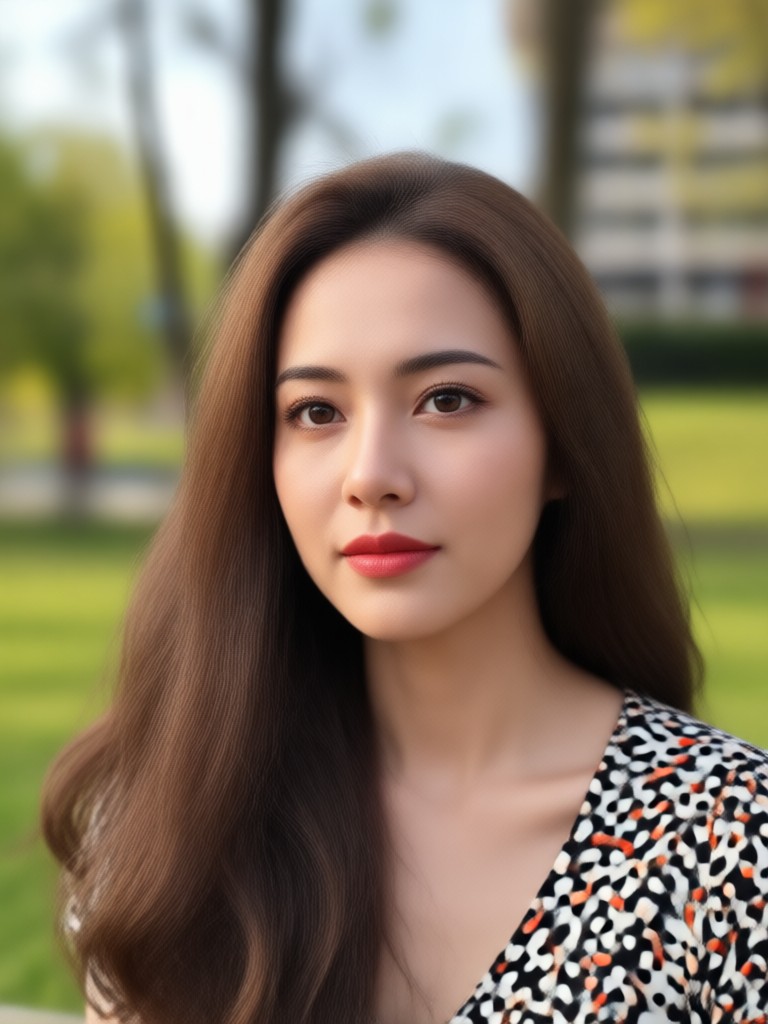
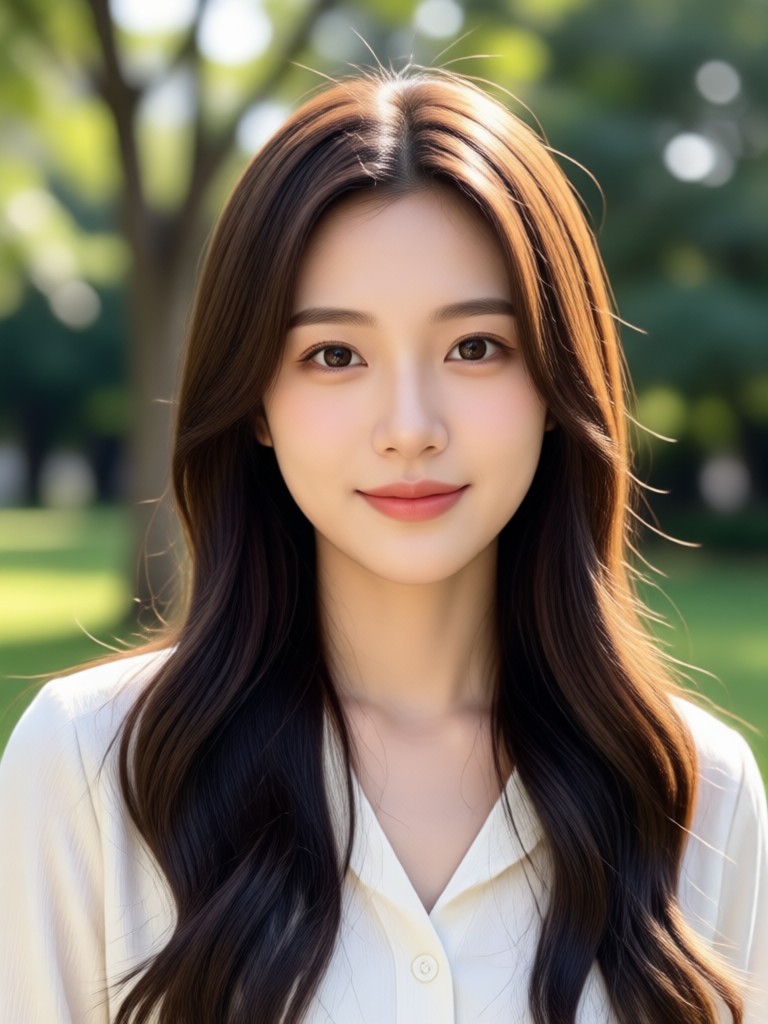
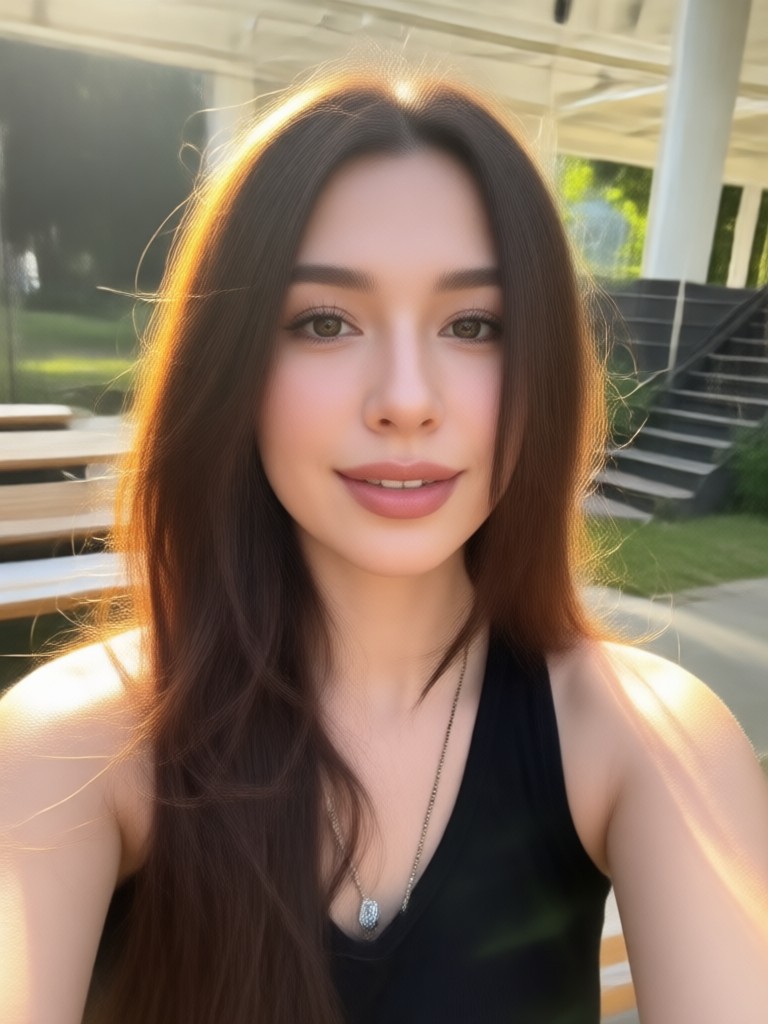
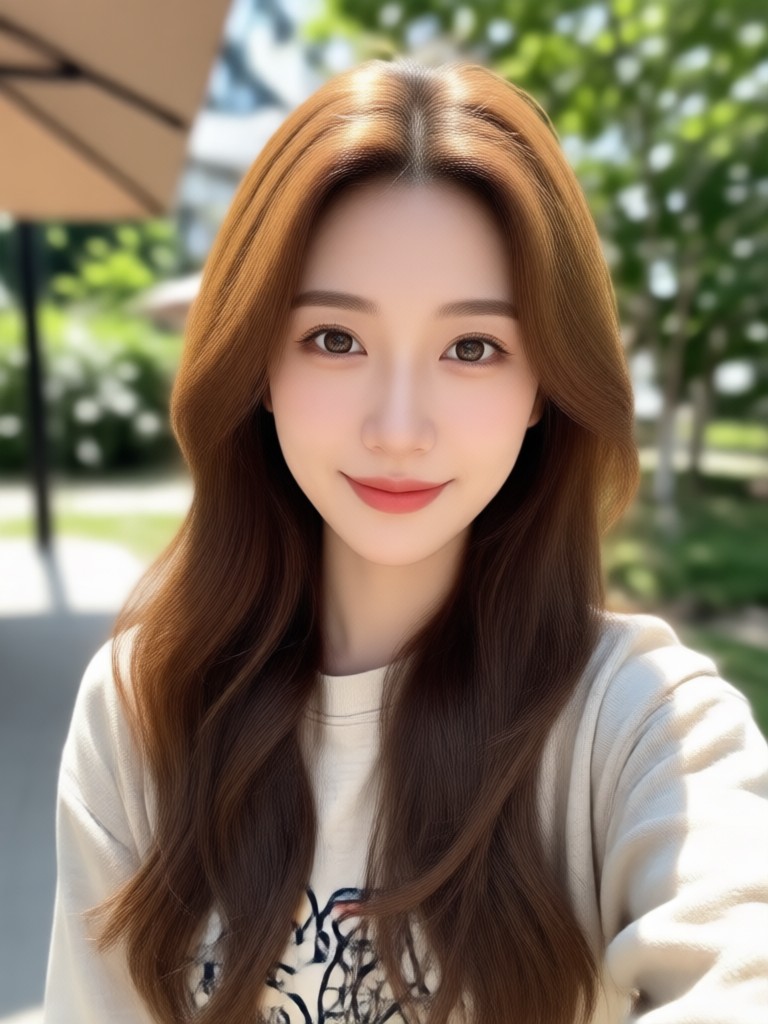
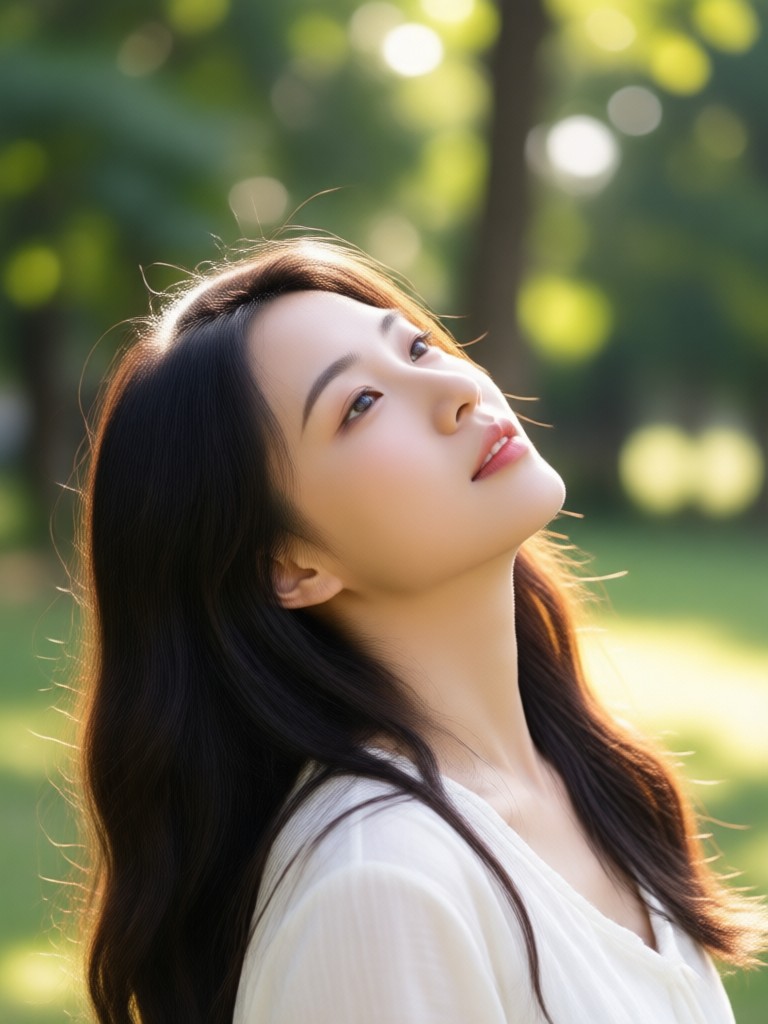
Browse examples of photos where someone was added seamlessly. From family reunions to celebrity lookalikes, the possibilities are endless.
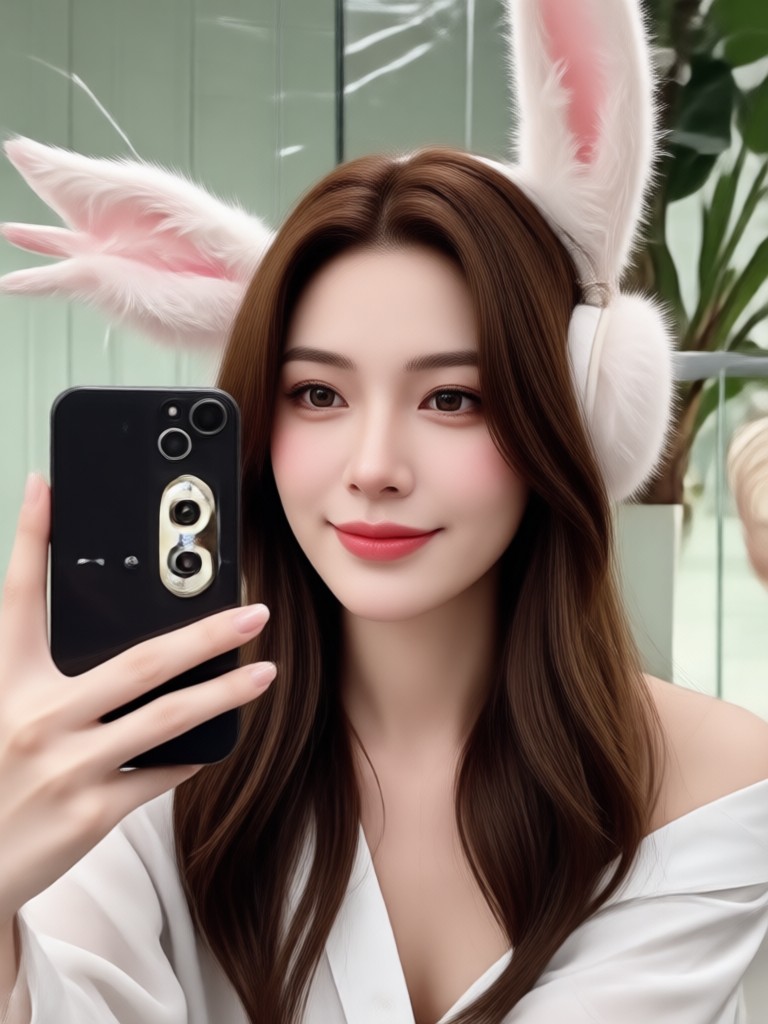
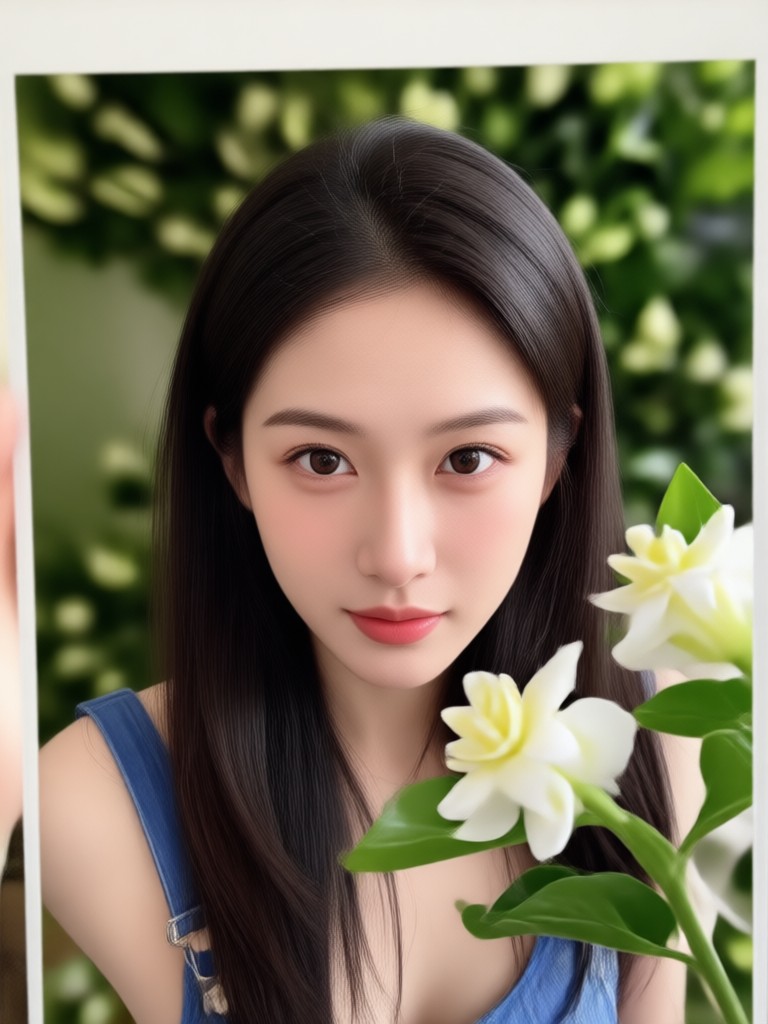
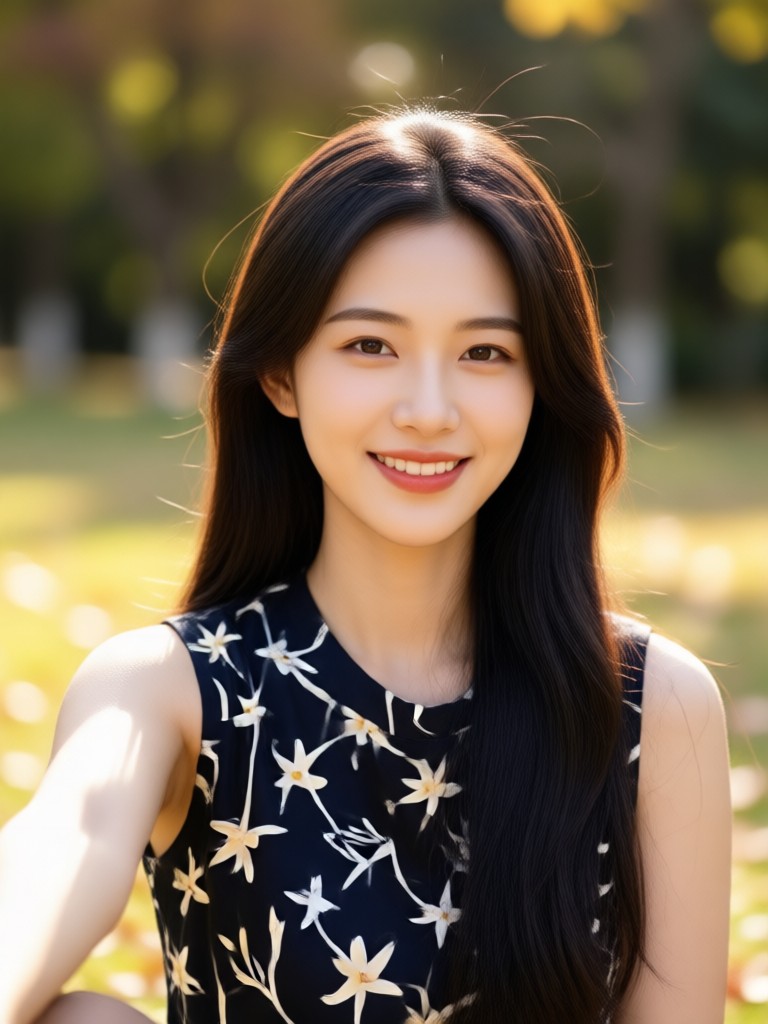
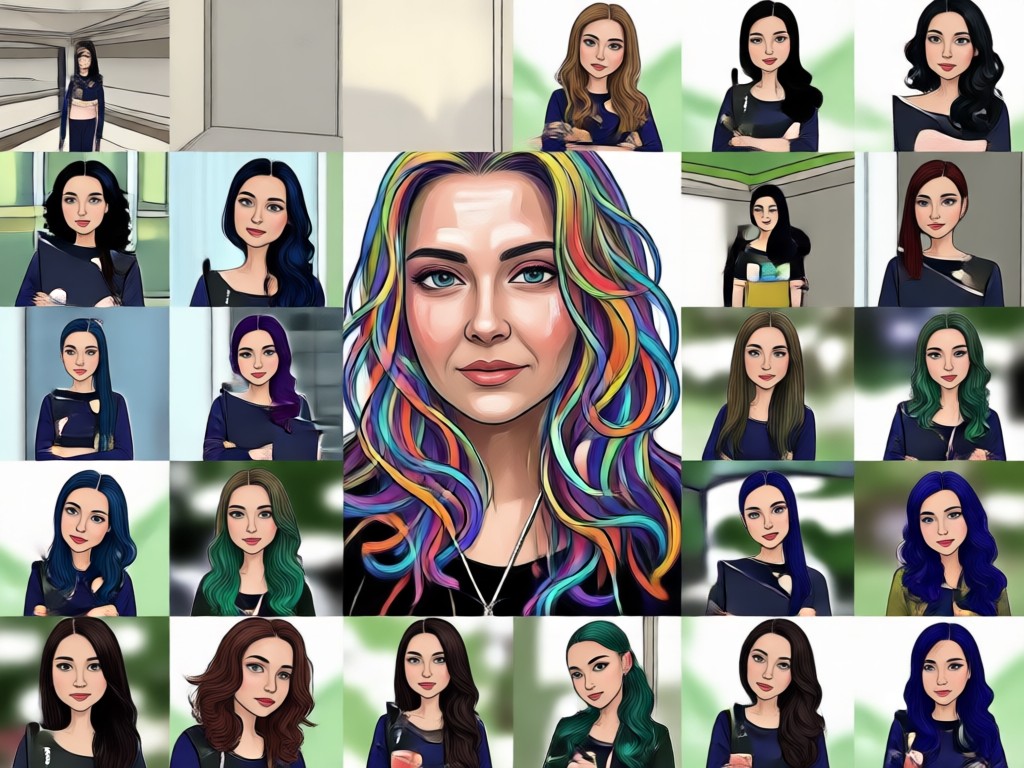
Why Choose facefame for Adding People to Photos?
Our AI is trained on millions of images to understand human faces and body proportions. It ensures the added person looks like they belong in the scene, with accurate lighting and perspective.
Why Choose facefame for Adding People to Photos?
Our AI is trained on millions of images to understand human faces and body proportions. It ensures the added person looks like they belong in the scene, with accurate lighting and perspective.
Add Someone To A Picture on Android
Get the facefame app on Google Play and start creating realistic composite photos in minutes. Perfect for adding missing family members, creating fun edits, or fixing group shots.

What Users Say About Adding People to Photos

Emily R.
I added my late grandfather to our family reunion photo and it brought tears to my mom's eyes. The result was incredibly realistic.

Daniel K.
Used it to add my friend who missed our graduation picture. You can't even tell it was edited. Amazing app!
Sophia L.
I love creating funny edits for social media. Adding celebrities to my photos is so easy and looks natural.
Marcus T.
The face blending is top notch. I've tried other apps, but this one gives the most believable results.
Emily R.
I added my late grandfather to our family reunion photo and it brought tears to my mom's eyes. The result was incredibly realistic.
Daniel K.
Used it to add my friend who missed our graduation picture. You can't even tell it was edited. Amazing app!
Sophia L.
I love creating funny edits for social media. Adding celebrities to my photos is so easy and looks natural.
Marcus T.
The face blending is top notch. I've tried other apps, but this one gives the most believable results.
Emily R.
I added my late grandfather to our family reunion photo and it brought tears to my mom's eyes. The result was incredibly realistic.
Daniel K.
Used it to add my friend who missed our graduation picture. You can't even tell it was edited. Amazing app!
Sophia L.
I love creating funny edits for social media. Adding celebrities to my photos is so easy and looks natural.
Marcus T.
The face blending is top notch. I've tried other apps, but this one gives the most believable results.
Frequently Asked Questions About Adding Someone to a Picture
Find answers to common questions about using facefame to add people to photos.
More Photo Editing Features You May Like
Explore other AI powered tools in facefame to enhance your photos and videos.

Funny Picture Filters That Turn Any Photo Hilarious

Pick Your Perfect Makeup Filter Online for Free
Remove Audio From Video Windows 10: Mute Clips Fast

Remova o Logo do TikTok com Inteligência Artificial
Funny Picture Filters That Turn Any Photo Hilarious
Pick Your Perfect Makeup Filter Online for Free
Remove Audio From Video Windows 10: Mute Clips Fast
Remova o Logo do TikTok com Inteligência Artificial
Ready to Add Someone to Your Picture?
Download facefame now and start creating realistic composite photos with AI. It's fast, easy, and free to try.
Ready to Add Someone to Your Picture?
Download facefame now and start creating realistic composite photos with AI. It's fast, easy, and free to try.