Aerial View
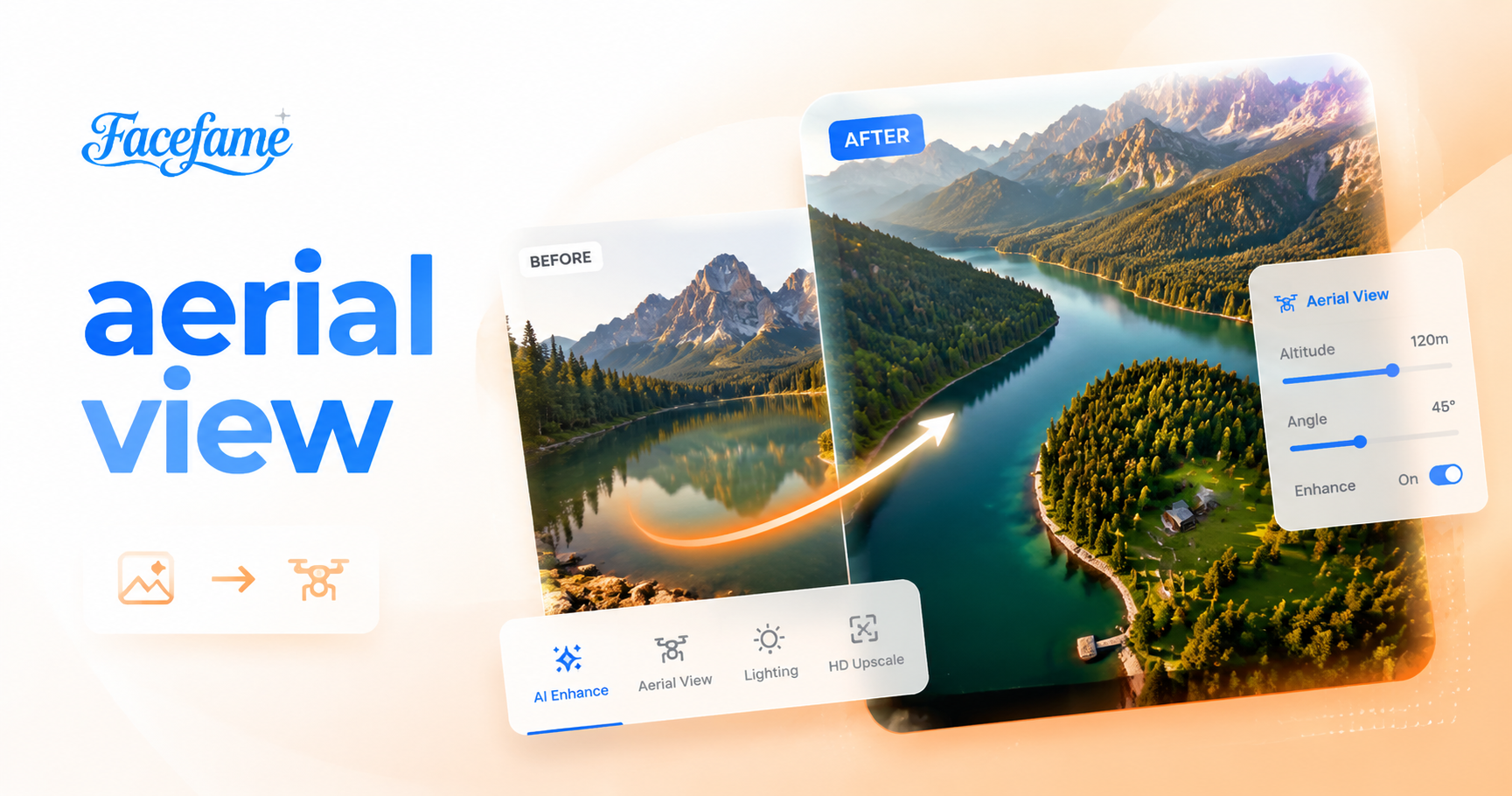
Bird’s Eye View perspective


Advantages of Using Facefame To Generate Aerial View Images
Facefame quickly creates aerial view images with clear structure, consistent detail, simple workflow, and multiple style filter options.

Generate Aerial View Immediately
Facefame allows you to generate aerial view images immediately using AI filters. Enter text or upload a photo, then the system creates a structured top down scene automatically. No manual editing is required. Facefame handles layout, perspective, and detail organization, producing clear and consistent visual results in seconds.
Generate Aerial View Immediately
Facefame allows you to generate aerial view images immediately using AI filters. Enter text or upload a photo, then the system creates a structured top down scene automatically. No manual editing is required. Facefame handles layout, perspective, and detail organization, producing clear and consistent visual results in seconds.

Detailed Aerial View Effects
Facefame helps you create detailed aerial view effects with simple AI tools. It builds clear top down scenes with refined structure and balanced composition. You can generate realistic landscapes, city layouts, or abstract designs. The system enhances fine details automatically, making each aerial view result visually organized and consistent.
Detailed Aerial View Effects
Facefame helps you create detailed aerial view effects with simple AI tools. It builds clear top down scenes with refined structure and balanced composition. You can generate realistic landscapes, city layouts, or abstract designs. The system enhances fine details automatically, making each aerial view result visually organized and consistent.

Simple Operation Steps
Facefame offers simple operation steps that do not require prior design knowledge. You only need to upload a photo into a filter to start creating. The app supports mobile download, allowing access anytime. Aerial view images can be generated quickly with guided filters and automated AI processing on any device.
Simple Operation Steps
Facefame offers simple operation steps that do not require prior design knowledge. You only need to upload a photo into a filter to start creating. The app supports mobile download, allowing access anytime. Aerial view images can be generated quickly with guided filters and automated AI processing on any device.
How to Use Facefame to Generate Aerial View Images?
Let's see how to use Facefame to generate aerial view images, and follow the tutorial to try creating them yourself.

Step 01.
Download the Facefame app so you can start generating aerial view images anytime.

Step 02.
Upload an image to a selected aerial view filter, and you can also add text prompts to refine the output.

Step 03.
Tap the button to start generating, and the resulting aerial view images can be shared on your social media platforms.

Facefame Aerial View Image Creation With Simple AI Tools
Facefame helps you create aerial view images easily with filters, clear structure control, and fast generation from text or photos.

Frequently Asked Questions
Find clear answers to common questions and get the guidance you need to make the most of our platform, faster and easier.
More Topics You May Like
Explore more topics you may like and discover fresh ideas tailored to your interests.

AI Blonde Hair Generator

AI Claw Machine Video Effect

AI Handshake

Underwater Couple Portrait
AI Blonde Hair Generator
AI Claw Machine Video Effect
AI Handshake
Underwater Couple Portrait
Facefame Aerial View AI for Structured Design
Download Facefame app to create aerial view images with AI. Choose filters, enter text or upload photos, and generate structured visual results quickly.
Facefame Aerial View AI for Structured Design
Download Facefame app to create aerial view images with AI. Choose filters, enter text or upload photos, and generate structured visual results quickly.