AI Bikini Generator
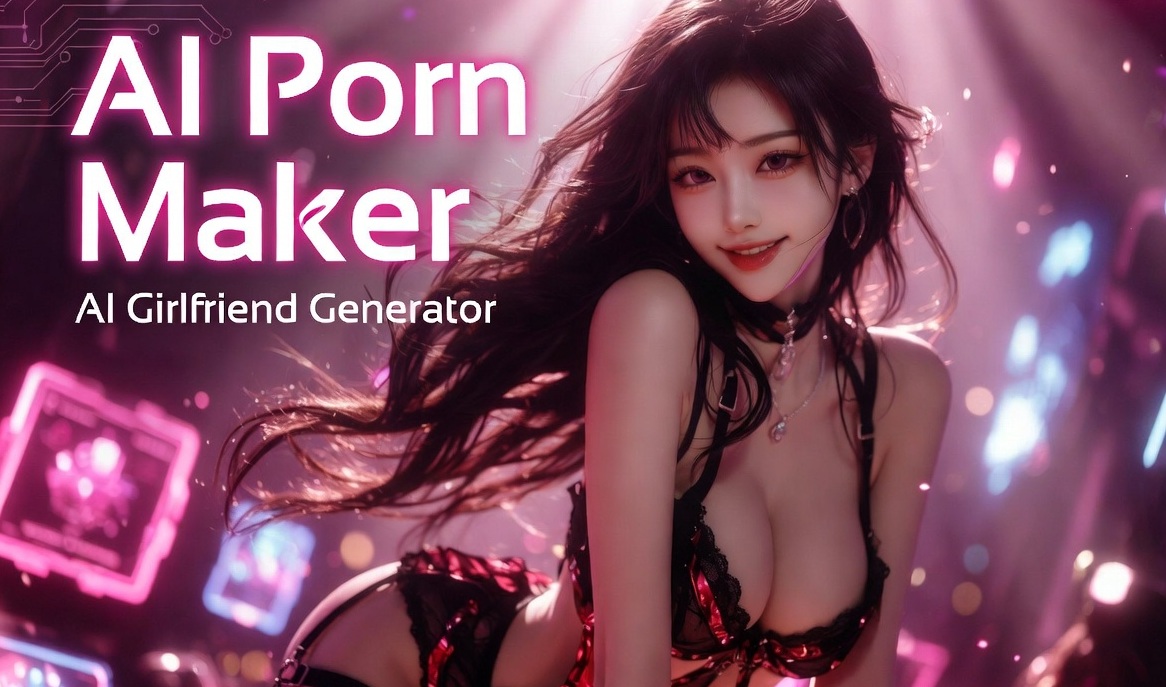
Choose Your Favorite Bikini Filter Effect
Explore a variety of AI bikini filter effects with different styles, colors, and visual designs to create personalized photo experiences.
Advantages of Using Facefame to Generate Bikini Photos
Enjoy easy AI bikini photo generation with realistic details, diverse styles, simple editing steps, and consistent visual quality across creative designs.
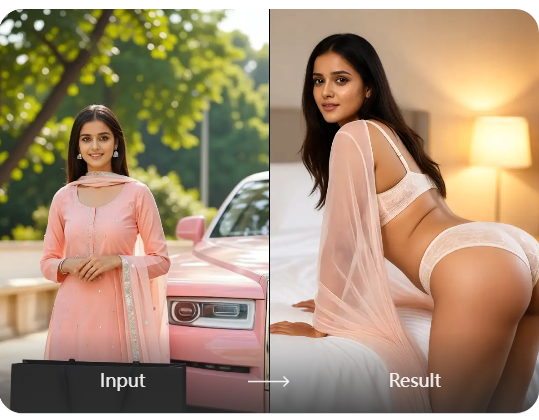
Flexible Bikini Video Generation
Facefame supports bikini video generation beyond static images, helping you create dynamic AI videos with natural facial expressions and flexible movements. The generated characters can show smooth actions, realistic gestures, and better visual consistency, making each video feel more natural and engaging.
Flexible Bikini Video Generation
Facefame supports bikini video generation beyond static images, helping you create dynamic AI videos with natural facial expressions and flexible movements. The generated characters can show smooth actions, realistic gestures, and better visual consistency, making each video feel more natural and engaging.
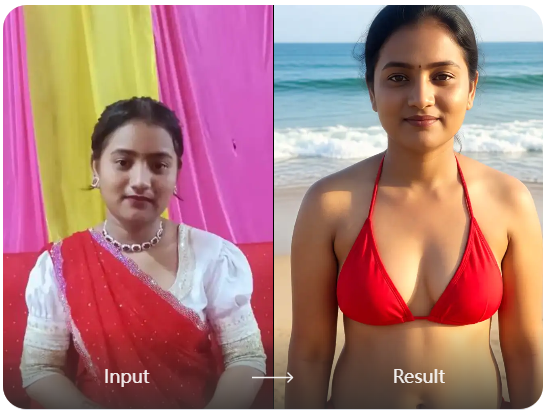
Rich Bikini Filter Options
Facefame offers a wide range of bikini filter options, allowing you to explore different styles and outfit designs. Beyond bikini changes, Facefame can also adjust poses, facial expressions, and character movements to create more natural and personalized AI photos.
Rich Bikini Filter Options
Facefame offers a wide range of bikini filter options, allowing you to explore different styles and outfit designs. Beyond bikini changes, Facefame can also adjust poses, facial expressions, and character movements to create more natural and personalized AI photos.
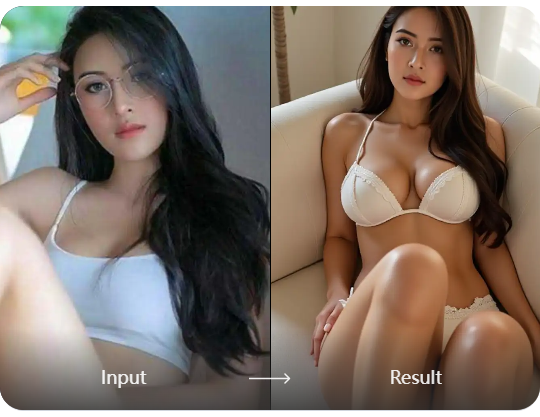
Convenient Generation Steps
Facefame makes generating bikini photos and videos simple with an easy three step process. Upload your image, choose a preferred style or effect, and get your AI generated content quickly. The streamlined workflow reduces waiting time and helps users create personalized visuals without complicated editing skills.
Convenient Generation Steps
Facefame makes generating bikini photos and videos simple with an easy three step process. Upload your image, choose a preferred style or effect, and get your AI generated content quickly. The streamlined workflow reduces waiting time and helps users create personalized visuals without complicated editing skills.
How to Use Facefame to Generate Bikini Photos?
Check out this tutorial on how to use Facefame to generate bikini photos. Follow the steps and create your own images.

Step 01.
Download the Facefame app and start generating bikini photos or videos anytime, anywhere.

Step 02.
Choose your favorite bikini filter and upload your prepared photo to apply the effect.

Step 03.
Click the button to start generating. The generated bikini photos or videos can be downloaded and shared.
Generate AI Bikini Photos with Facefame
Generate AI bikini photos with Facefame using flexible styles, natural details, and creative effects. Explore personalized looks with simple steps and smooth results.

Facefame Bikini Filter User Feedback
Realistic Style Experience
I used Facefame to generate bikini photos and was impressed by the natural details. The AI kept my facial features clear while offering different styles that matched my preferences.
Easy Creative Process
I enjoyed how simple the editing process was. I selected a bikini filter, uploaded my photo, and quickly received a personalized result with smooth details and a natural appearance.
Fun Fashion Exploration
Facefame helped me explore new bikini looks without complicated steps. I tried several styles and found the generated images realistic, creative, and suitable for sharing with friends.
Frequently Asked Questions
Find clear answers to common questions and get the guidance you need to make the most of our platform, faster and easier.
More Topics You May Like
Explore more topics you may like and discover fresh ideas tailored to your interests.

AI Porn Image Generator
AI Celebrity Nudes Generator

Furry AI Generator

AI Image to Video NSFW Generator
AI Porn Image Generator
AI Celebrity Nudes Generator
Furry AI Generator
AI Image to Video NSFW Generator
Create Your AI Bikini Photos with Facefame
Download the Facefame app to explore AI bikini photo effects, apply creative styles, and create personalized images easily with simple mobile editing tools.
Create Your AI Bikini Photos with Facefame
Download the Facefame app to explore AI bikini photo effects, apply creative styles, and create personalized images easily with simple mobile editing tools.