AI Fight Generator
The Archery Princess



Benefits Of Using The Facefame AI Fight Generator
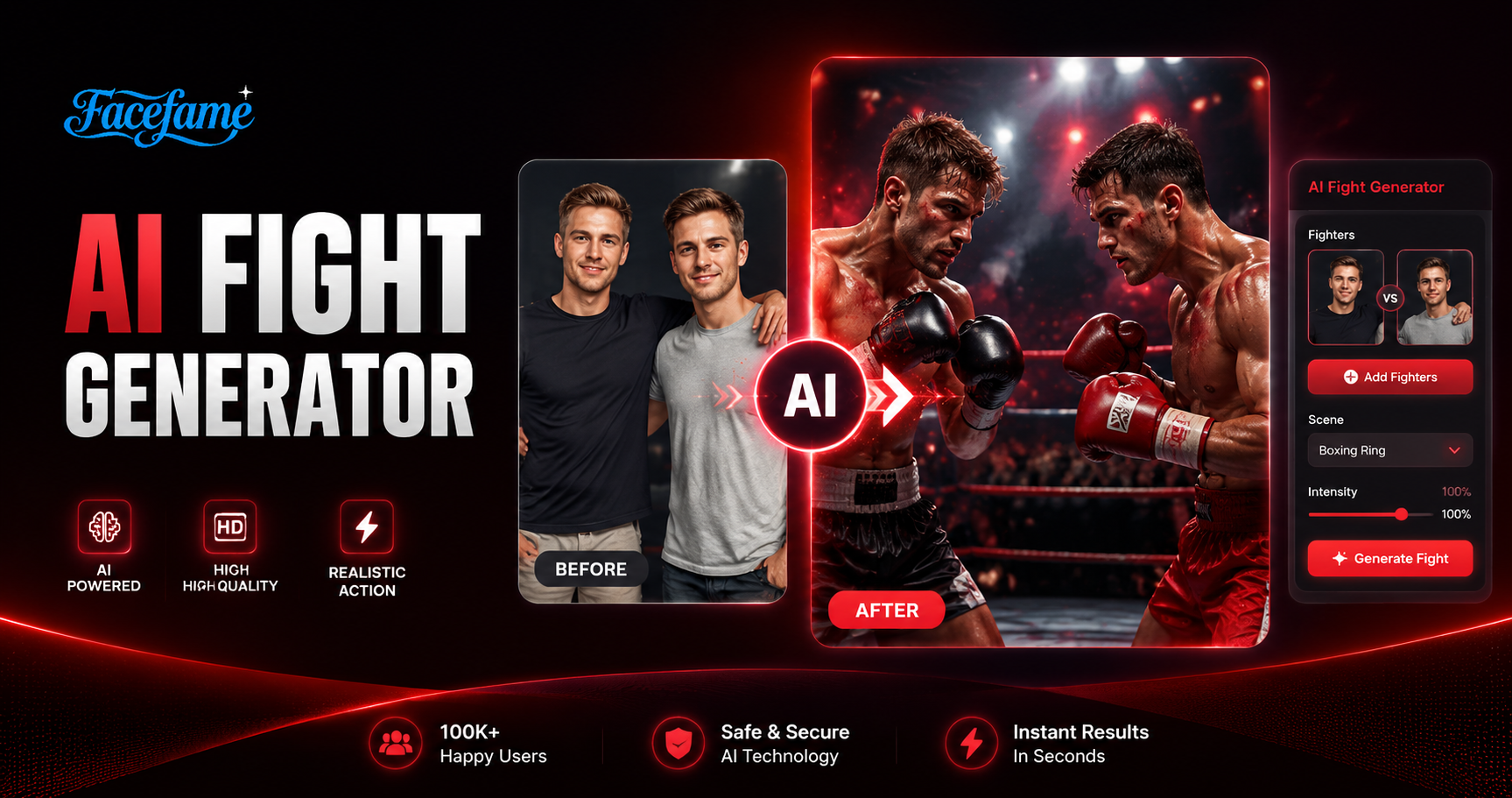
Facefame AI Fight Generator creates realistic fight images and videos fast. Easy mobile use, dynamic motion, and detailed character expression.
 Before
 After
AfterRealistic Fight Scenes
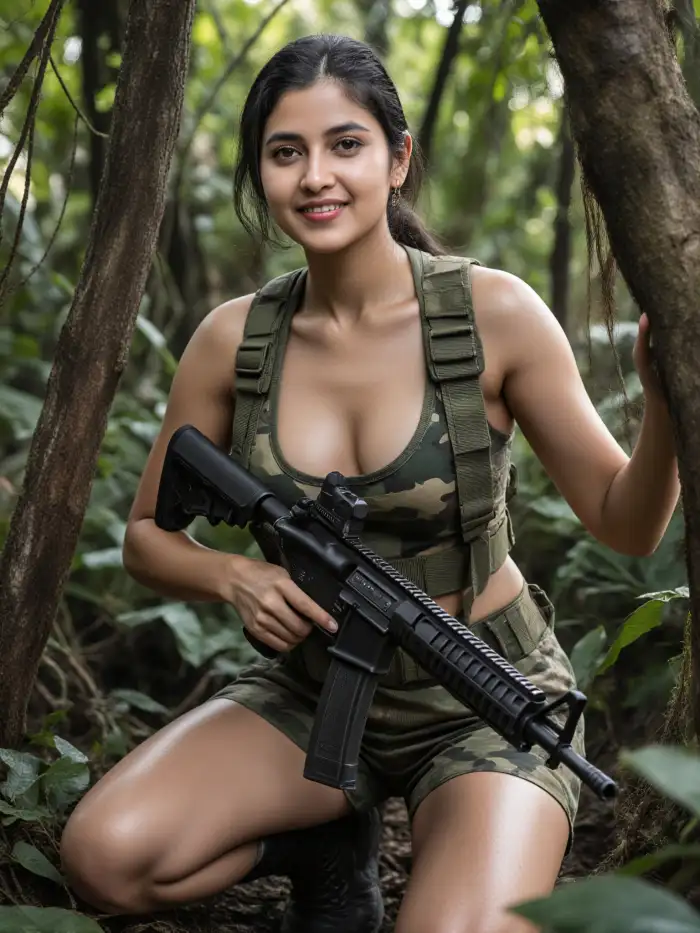
Facefame creates realistic fight scenes from photos and videos inside the mobile app. It adds natural motion, detailed expressions, and dynamic action effects. You can upload images and see lifelike interactions that feel immersive, making each scene look like you are inside the action with strong visual impact and smooth movement.
BeforeAfterRealistic Fight Scenes
Facefame creates realistic fight scenes from photos and videos inside the mobile app. It adds natural motion, detailed expressions, and dynamic action effects. You can upload images and see lifelike interactions that feel immersive, making each scene look like you are inside the action with strong visual impact and smooth movement.
 Before
 After
AfterClear Action Effects
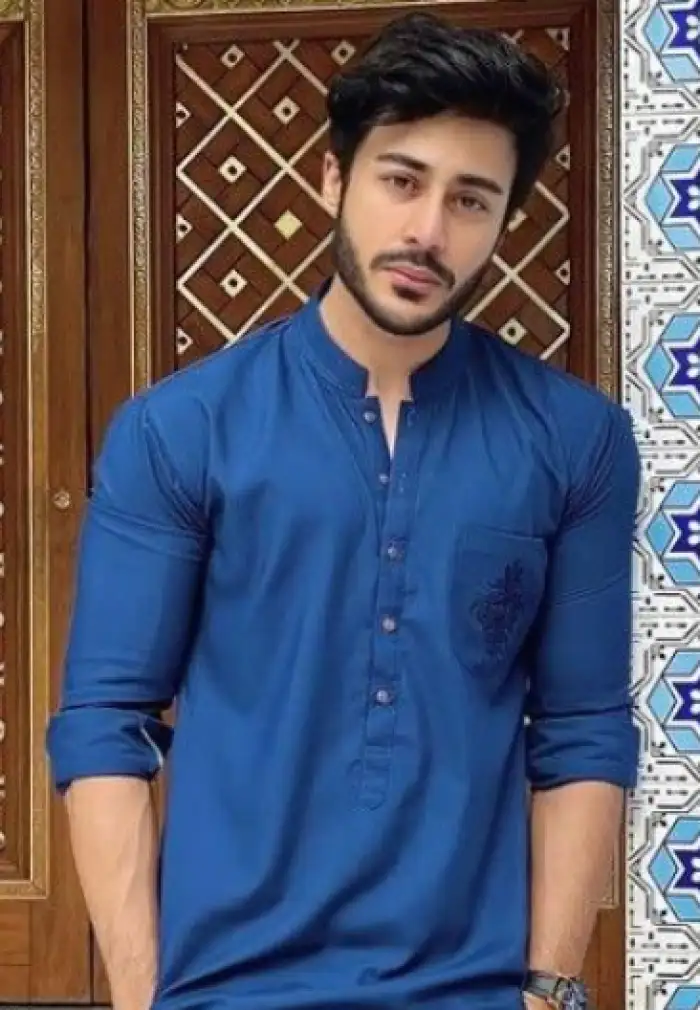
Facefame generates clear fight videos inside the mobile app. The action effects are smooth and well defined. Facial expressions stay sharp and detailed. Each scene looks like a high quality martial arts film with cinematic motion, strong visuals, and realistic character interaction created from simple photo uploads.
BeforeAfterClear Action Effects
Facefame generates clear fight videos inside the mobile app. The action effects are smooth and well defined. Facial expressions stay sharp and detailed. Each scene looks like a high quality martial arts film with cinematic motion, strong visuals, and realistic character interaction created from simple photo uploads.
 Before
 After
AfterDiverse Creative Possibilities
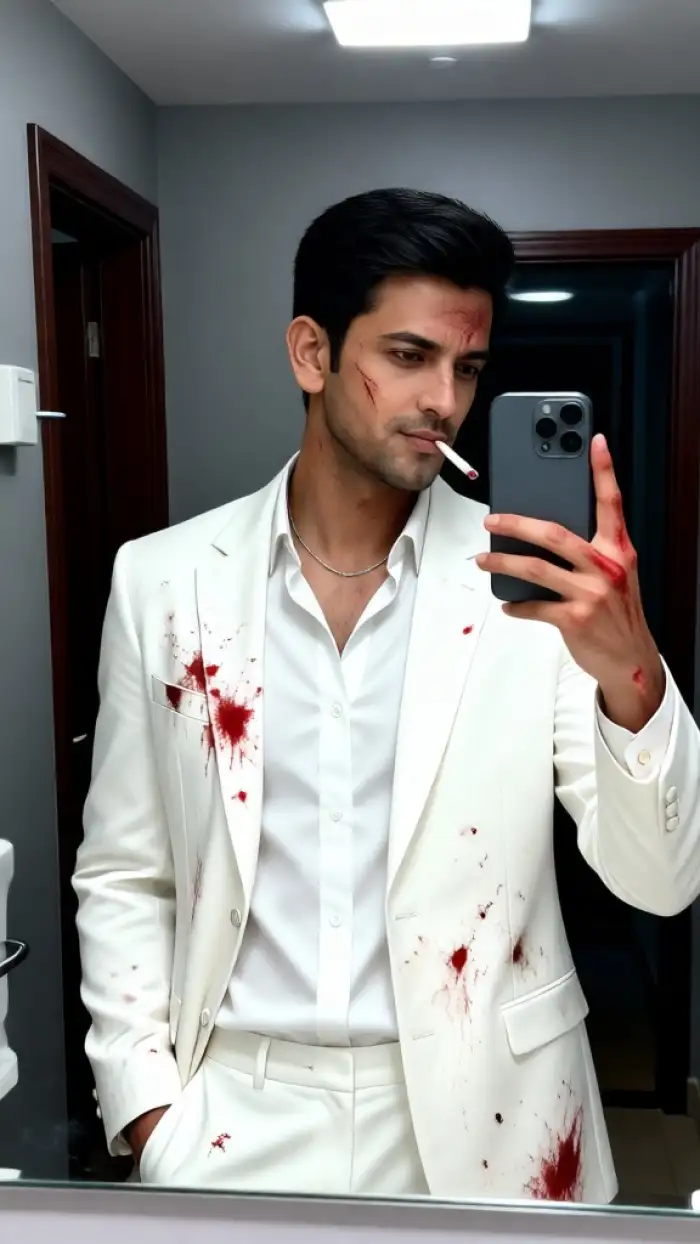
Facefame offers diverse fight styles and creative filters inside the mobile app. Users can explore different action themes and visual effects. It supports multiple creative directions, helping ideas become visible videos easily. You can freely design unique fight scenes and turn imagination into engaging, shareable visual content with simple steps.
BeforeAfterDiverse Creative Possibilities
Facefame offers diverse fight styles and creative filters inside the mobile app. Users can explore different action themes and visual effects. It supports multiple creative directions, helping ideas become visible videos easily. You can freely design unique fight scenes and turn imagination into engaging, shareable visual content with simple steps.
How To Use Facefame To Generate AI Fight Photos And Videos?
Let's learn how to create fight photos and videos in Facefame. Follow the steps below and start trying it yourself.

Step 01.
Download the Facefame app to your device so you can start generating anytime.

Step 02.
Choose your desired fight effect and upload your photo into the corresponding filter.

Step 03.
Tap the button to start generating. The generated images and videos can also be shared on your social media platforms.
Real User Experience Feedback On AI Fight Generator

Alex Turner
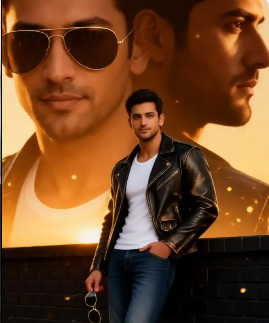
I used Facefame AI Fight Generator and turned two selfies into a realistic fight scene video. The motion looks smooth and the facial details stay clear. It was fast and very easy in the mobile app.
Mia Collins
Facefame helped me create a fight style image from a single photo. The result shows strong action and clear expressions. I liked how simple the steps were and how quickly the image was generated.

Jason Reed
I tested Facefame AI Fight Generator for a group photo. It created a dynamic fight scene without mixing faces. Each person stayed clear and the movement effect looked natural for social media sharing.

Sophia Bennett
With Facefame, I turned old photos into action fight videos. The app added movement and expression changes that made the scene feel alive. The process was simple and worked well on my phone.
Alex Turner
I used Facefame AI Fight Generator and turned two selfies into a realistic fight scene video. The motion looks smooth and the facial details stay clear. It was fast and very easy in the mobile app.
Mia Collins
Facefame helped me create a fight style image from a single photo. The result shows strong action and clear expressions. I liked how simple the steps were and how quickly the image was generated.
Jason Reed
I tested Facefame AI Fight Generator for a group photo. It created a dynamic fight scene without mixing faces. Each person stayed clear and the movement effect looked natural for social media sharing.
Sophia Bennett
With Facefame, I turned old photos into action fight videos. The app added movement and expression changes that made the scene feel alive. The process was simple and worked well on my phone.
Alex Turner
I used Facefame AI Fight Generator and turned two selfies into a realistic fight scene video. The motion looks smooth and the facial details stay clear. It was fast and very easy in the mobile app.
Mia Collins
Facefame helped me create a fight style image from a single photo. The result shows strong action and clear expressions. I liked how simple the steps were and how quickly the image was generated.
Jason Reed
I tested Facefame AI Fight Generator for a group photo. It created a dynamic fight scene without mixing faces. Each person stayed clear and the movement effect looked natural for social media sharing.
Sophia Bennett
With Facefame, I turned old photos into action fight videos. The app added movement and expression changes that made the scene feel alive. The process was simple and worked well on my phone.
Explore Diverse AI Fight Styles with Facefame
Facefame is a simple AI tool for creating realistic fight images and videos. It offers fast generation, detailed motion effects, and easy mobile use. Upload photos and turn them into dynamic action scenes for social sharing.

Frequently Asked Questions
Find clear answers to common questions and get the guidance you need to make the most of our platform, faster and easier.
More Topics You May Like
Explore more topics you may like and discover fresh ideas tailored to your interests.

AI Birthday Party Video
AI Couple Video Genertaor
AI Bridal Carry
AI Minecraft Style Generator
AI Birthday Party Video
AI Couple Video Genertaor
AI Bridal Carry
AI Minecraft Style Generator
Create Realistic AI Fight Scenes in Facefame
Download the Facefame app to create realistic AI fight videos and images. Upload photos, choose filters, and generate dynamic action scenes in minutes.
Create Realistic AI Fight Scenes in Facefame
Download the Facefame app to create realistic AI fight videos and images. Upload photos, choose filters, and generate dynamic action scenes in minutes.