AI Minecraft Video Effect
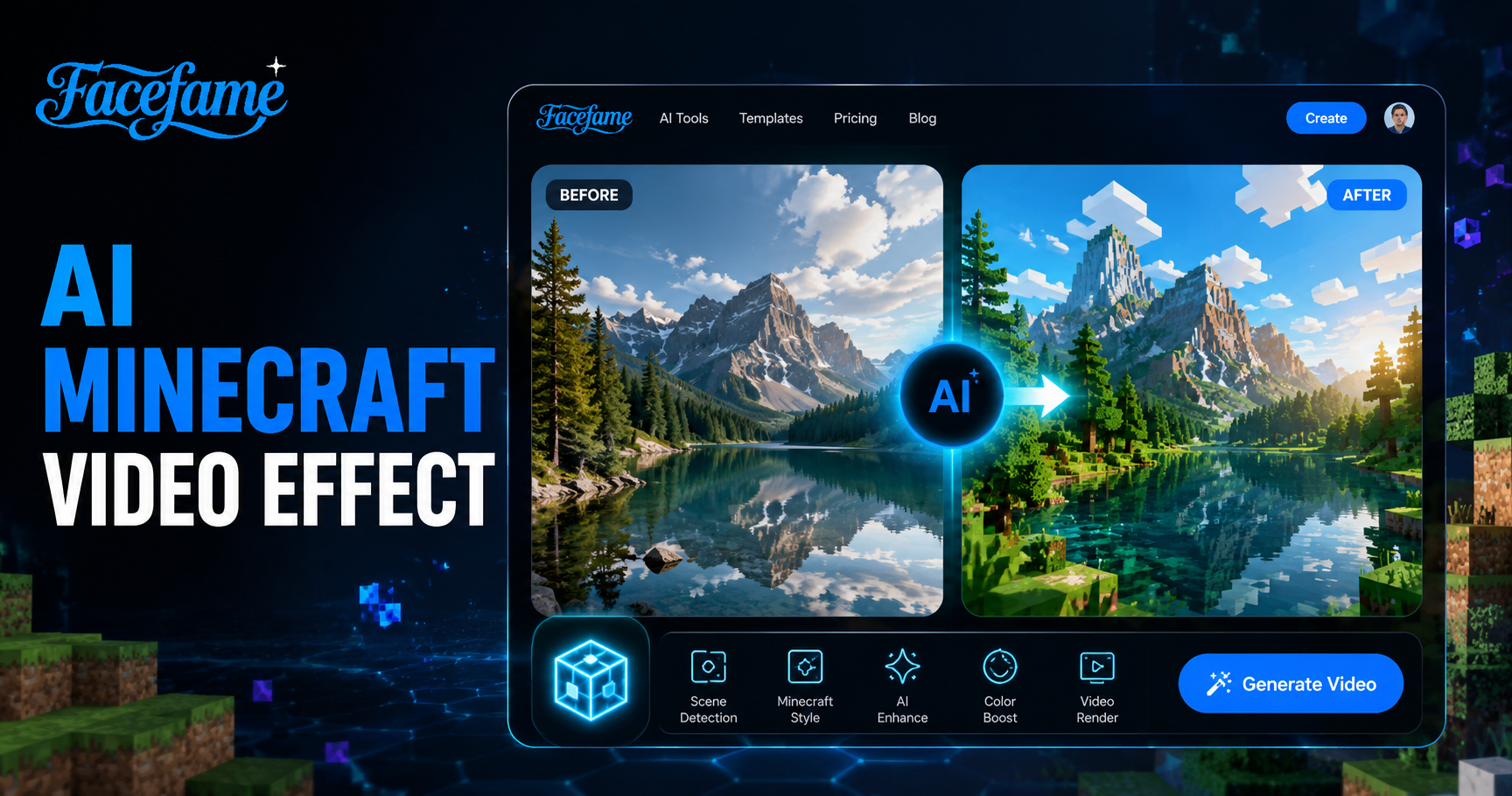
Dynamic Minecraft



Advantages of Facefame Minecraft Video Filters
Facefame Minecraft video filters create smooth block style animations, preserve identity, and enable fast mobile generation with simple creative filters.
 Before
Smooth Minecraft Video Effects
Facefame delivers smooth Minecraft video effects with stable motion and consistent character identity After uploading a photo the system automatically converts it into a Minecraft style scene Selected filters adjust actions outfits and environments creating fluid animated videos with clear structure and high quality visual storytelling in mobile app workflow
BeforeSmooth Minecraft Video Effects
Facefame delivers smooth Minecraft video effects with stable motion and consistent character identity After uploading a photo the system automatically converts it into a Minecraft style scene Selected filters adjust actions outfits and environments creating fluid animated videos with clear structure and high quality visual storytelling in mobile app workflow
 Before
Rich Minecraft Video Filters
Facefame provides rich Minecraft video filters with diverse styles and effects. You can freely explore creative ideas by uploading photos or text prompts. The system transforms inputs into Minecraft inspired videos with matching scenes, actions, and visual styles. It enables quick conversion of imagination into structured and engaging video content.
BeforeRich Minecraft Video Filters
Facefame provides rich Minecraft video filters with diverse styles and effects. You can freely explore creative ideas by uploading photos or text prompts. The system transforms inputs into Minecraft inspired videos with matching scenes, actions, and visual styles. It enables quick conversion of imagination into structured and engaging video content.
 Before
Convenient Video Sharing Methods
After creating Minecraft style videos, Facefame provides convenient sharing options. You can directly publish videos to social platforms to gain views and comments. It also supports downloading videos for sharing through messaging apps with friends. Both methods are simple, fast, and designed for easy content distribution across different channels.
BeforeConvenient Video Sharing Methods
After creating Minecraft style videos, Facefame provides convenient sharing options. You can directly publish videos to social platforms to gain views and comments. It also supports downloading videos for sharing through messaging apps with friends. Both methods are simple, fast, and designed for easy content distribution across different channels.
Create Minecraft Style Videos Instantly with Facefame
Facefame creates Minecraft style videos with block visuals, smooth motion, and consistent identity, turning photos into structured animated scenes with game inspired effects.

How to Use Facefame to Generate Minecraft Videos?
Let's take a look at how to use Facefame filters to generate Minecraft videos. Follow the tutorial and start creating step by step.

Step 01.
Download the Facefame app so you can start creating your favorite Minecraft video content anytime.

Step 02.
Select a filter and upload the photo you have prepared into the Minecraft video filter.

Step 03.
Tap the button to start generating the video. Facefame also supports sharing the video content directly.
Facefame Minecraft Video Filter User Feedback
Ethan Carter
I used Facefame to turn my photo into a Minecraft style video. The block environment looked consistent and my facial features stayed clear while the animation added smooth movement.

Sophia Miller
I tried Facefame Minecraft filters for a group photo. Each person was recognized correctly, and the video showed natural interaction with structured block style backgrounds and stable character identity.
Daniel Brooks
Using Facefame was simple for creating animated Minecraft scenes. I uploaded a selfie and got a short video with pixel style motion, clear face detail, and a game like atmosphere.

Olivia Bennett
Facefame helped me generate Minecraft style content quickly. The app transformed my image into a moving scene with block textures, while keeping my expression and overall look consistent across frames.
Ethan Carter
I used Facefame to turn my photo into a Minecraft style video. The block environment looked consistent and my facial features stayed clear while the animation added smooth movement.
Sophia Miller
I tried Facefame Minecraft filters for a group photo. Each person was recognized correctly, and the video showed natural interaction with structured block style backgrounds and stable character identity.
Daniel Brooks
Using Facefame was simple for creating animated Minecraft scenes. I uploaded a selfie and got a short video with pixel style motion, clear face detail, and a game like atmosphere.
Olivia Bennett
Facefame helped me generate Minecraft style content quickly. The app transformed my image into a moving scene with block textures, while keeping my expression and overall look consistent across frames.
Ethan Carter
I used Facefame to turn my photo into a Minecraft style video. The block environment looked consistent and my facial features stayed clear while the animation added smooth movement.
Sophia Miller
I tried Facefame Minecraft filters for a group photo. Each person was recognized correctly, and the video showed natural interaction with structured block style backgrounds and stable character identity.
Daniel Brooks
Using Facefame was simple for creating animated Minecraft scenes. I uploaded a selfie and got a short video with pixel style motion, clear face detail, and a game like atmosphere.
Olivia Bennett
Facefame helped me generate Minecraft style content quickly. The app transformed my image into a moving scene with block textures, while keeping my expression and overall look consistent across frames.
Frequently Asked Questions
Find clear answers to common questions and get the guidance you need to make the most of our platform, faster and easier.
More Topics You May Like
Explore more topics you may like and discover fresh ideas tailored to your interests.
AI Barbie Generator
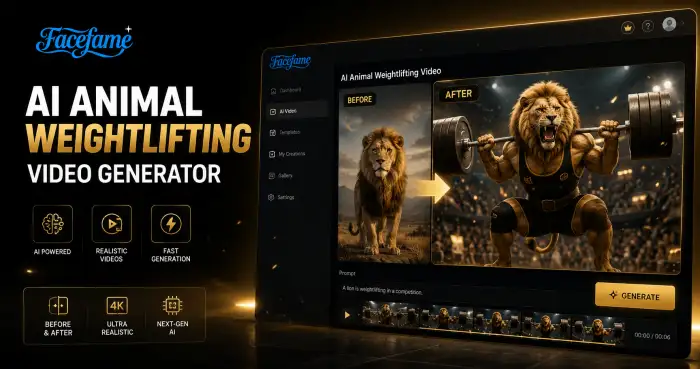
AI Animal Weightlifting Video Generator
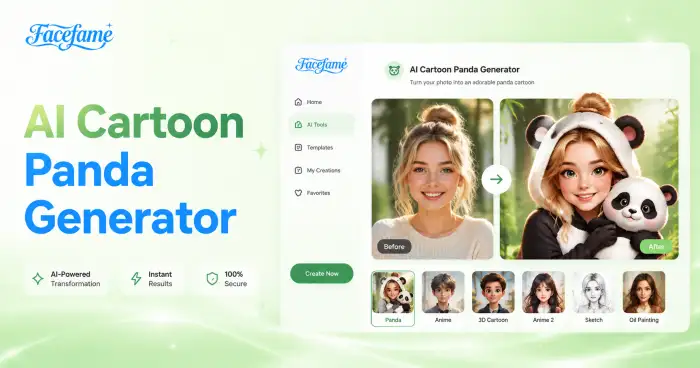
AI Cartoon Panda Generator
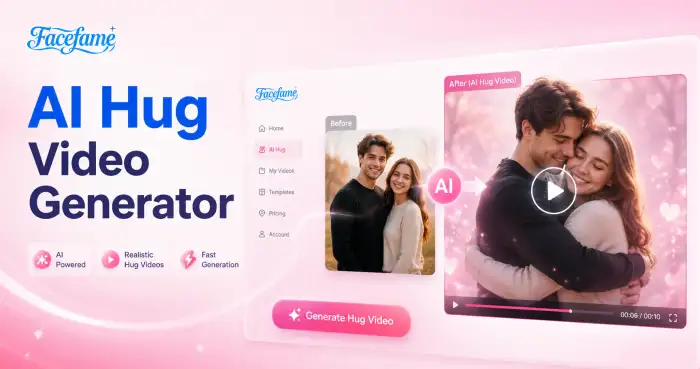
AI Hug Video Generator
AI Barbie Generator
AI Animal Weightlifting Video Generator
AI Cartoon Panda Generator
AI Hug Video Generator
Create Minecraft Style AI Videos with Facefame App
Facefame creates Minecraft style videos with block environments, smooth motion, and preserved facial identity, turning photos or text into structured animated scenes.
Create Minecraft Style AI Videos with Facefame App
Facefame creates Minecraft style videos with block environments, smooth motion, and preserved facial identity, turning photos or text into structured animated scenes.