AI Portrait Generator from Photo
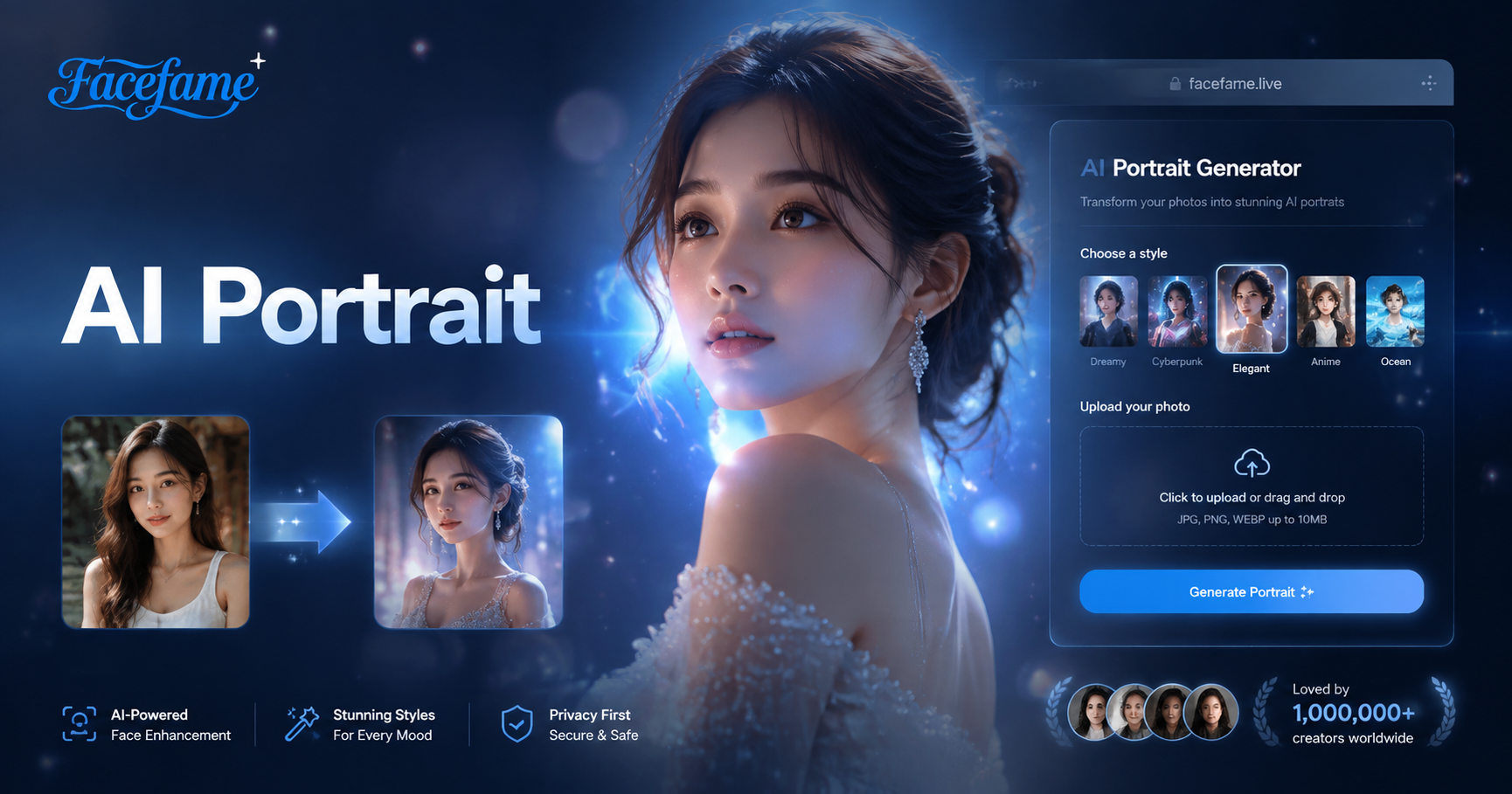
Choose the Filter That Suits You Best
Discover the filter that perfectly matches your style and mood.
Key Features of AI Portrait Generator from Photo
Turn your ideas into reality with a flexible and powerful platform. Create, customize, and launch with ease, no matter what you're working on.
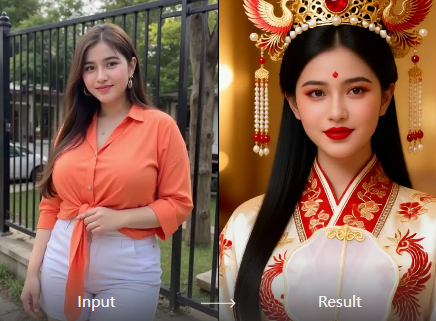
Transform Photos Into AI Portraits
Start with a selfie, headshot, or everyday portrait and turn it into a new AI-generated image. Facefame uses your uploaded photo as the visual starting point while applying the selected portrait style, atmosphere, lighting, and creative direction.
Transform Photos Into AI Portraits
Start with a selfie, headshot, or everyday portrait and turn it into a new AI-generated image. Facefame uses your uploaded photo as the visual starting point while applying the selected portrait style, atmosphere, lighting, and creative direction.
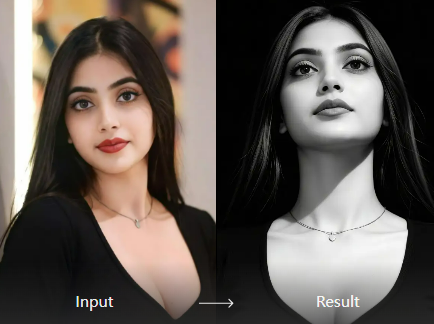
Explore Multiple Portrait Styles
One photo can tell many different stories. Try professional headshots, cinematic portraits, fantasy characters, anime-inspired looks, editorial photography, vintage styles, or other creative directions to see which version feels most like you.
Explore Multiple Portrait Styles
One photo can tell many different stories. Try professional headshots, cinematic portraits, fantasy characters, anime-inspired looks, editorial photography, vintage styles, or other creative directions to see which version feels most like you.
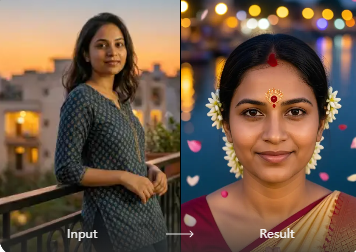
Create Portraits Made For Sharing
Generate portraits for profile pictures, social media posts, creative projects, mood boards, avatars, and personal collections. Facefame gives you an easy way to create visual variations when one ordinary photo isn't enough.
Create Portraits Made For Sharing
Generate portraits for profile pictures, social media posts, creative projects, mood boards, avatars, and personal collections. Facefame gives you an easy way to create visual variations when one ordinary photo isn't enough.
AI Portrait Generator From Photo Gallery
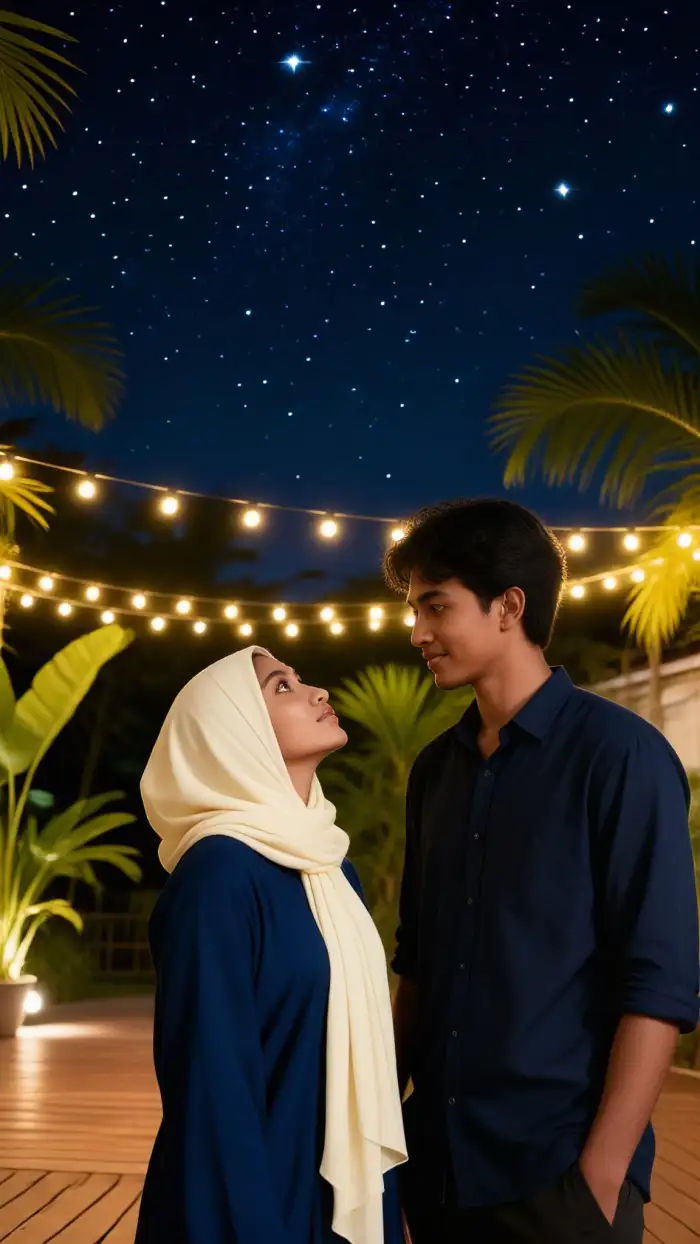
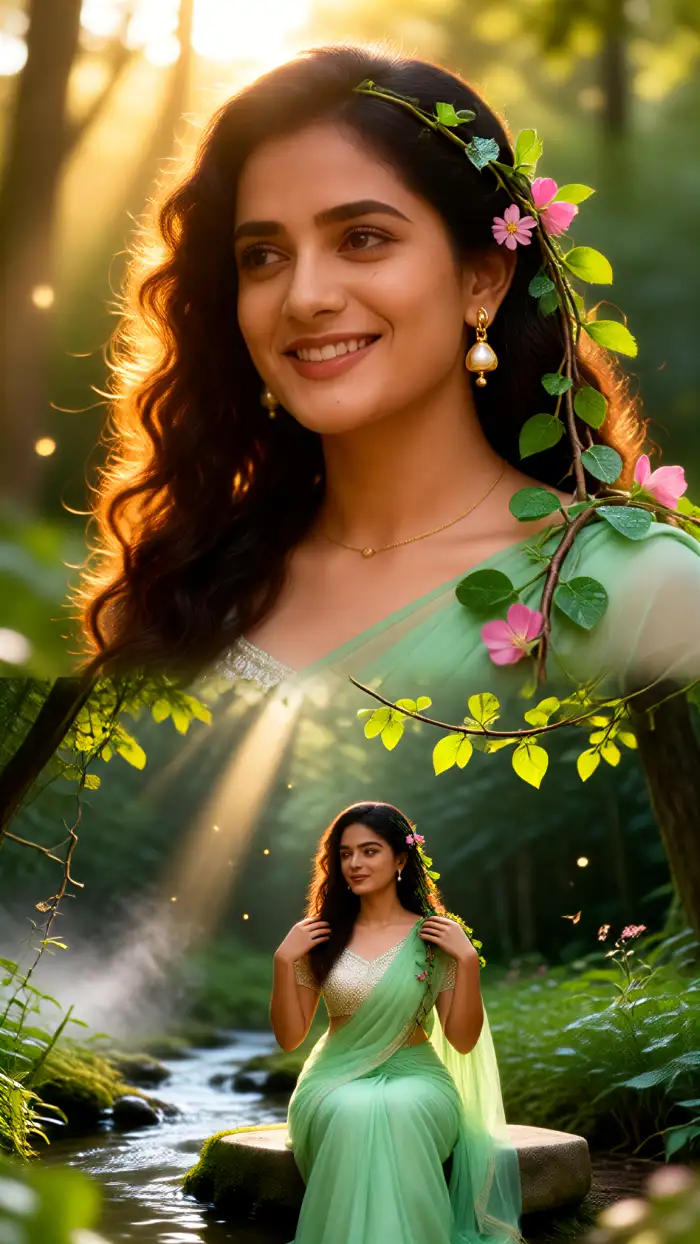
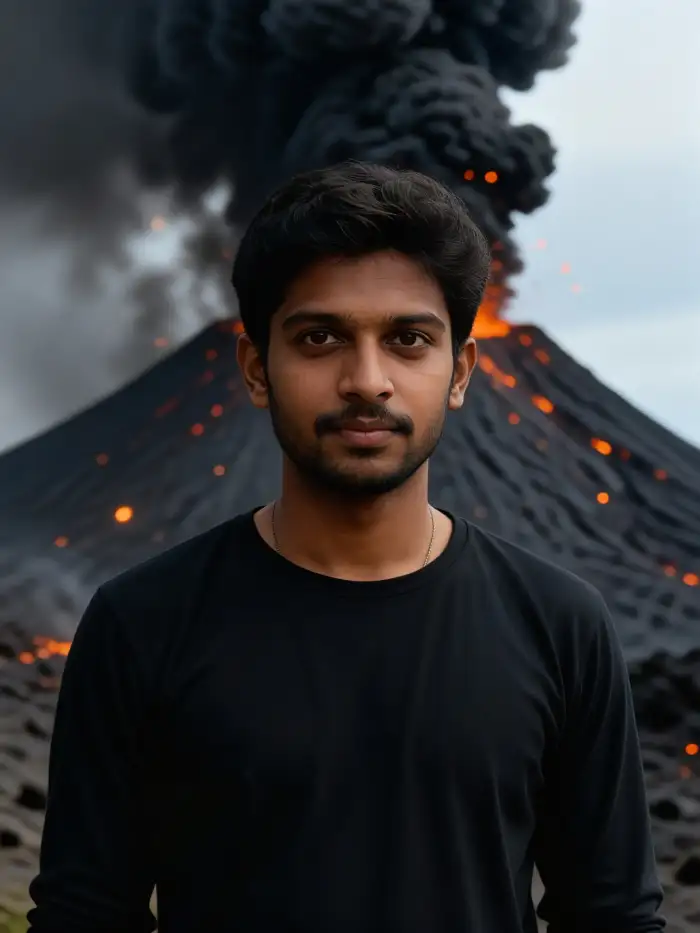
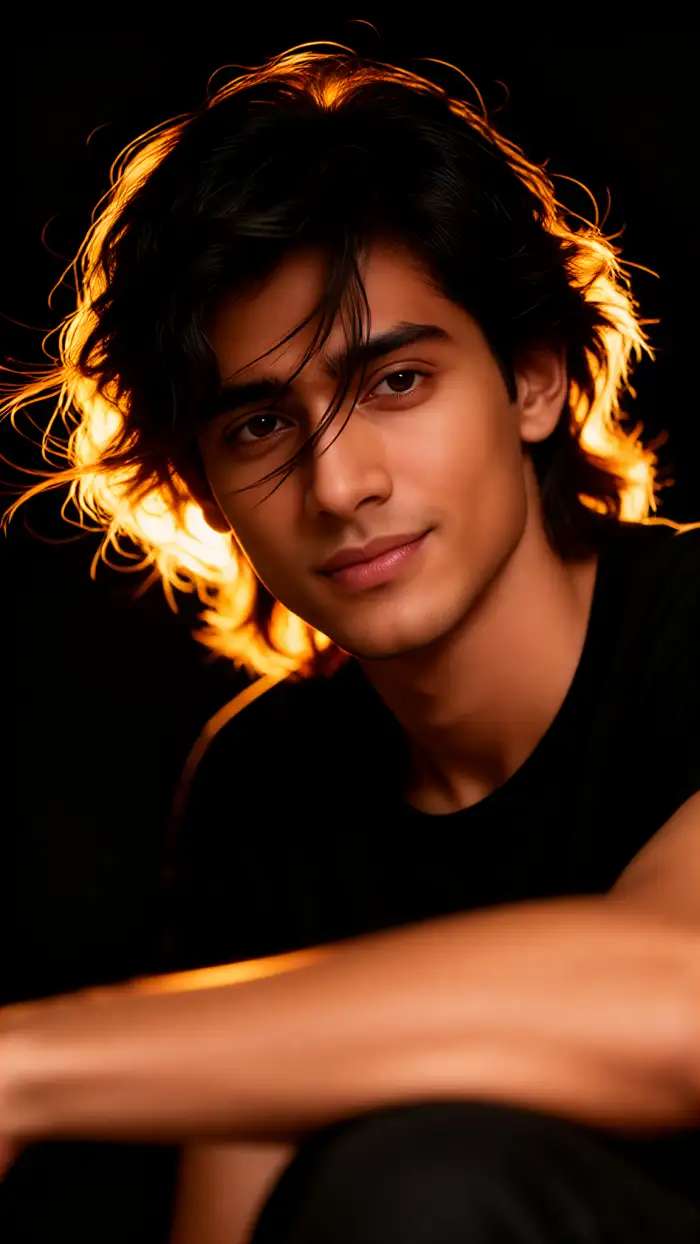
Use the gallery to discover a style you like, then create your own version with Facefame. Your photo can become the starting point for a new profile picture, creative project, social post, or personal portrait collection.
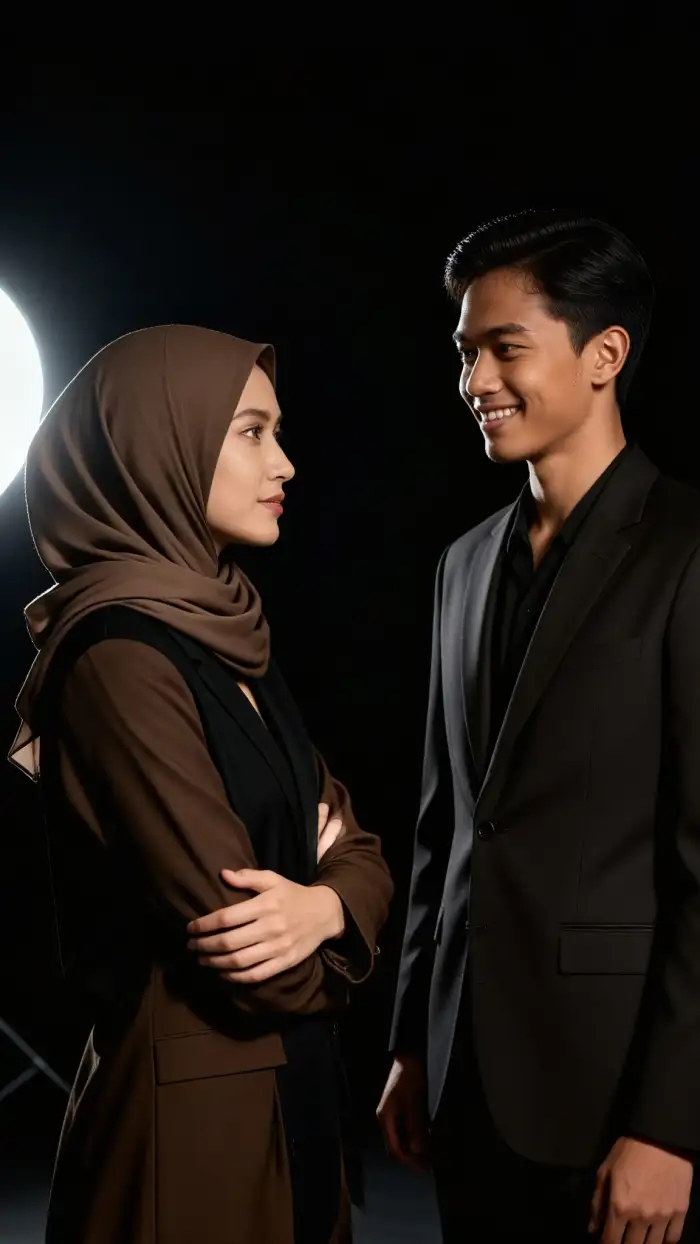
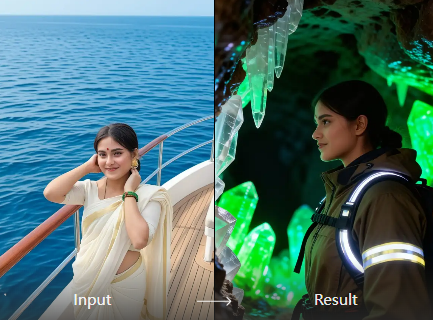
Turn One Photo Into More Possibilities
Facefame makes it more accessible by letting you start with an image you already have. Instead of treating AI portrait generation as a complicated design task, you can approach it more like trying different versions of the same photo.
Turn One Photo Into More Possibilities
Facefame makes it more accessible by letting you start with an image you already have. Instead of treating AI portrait generation as a complicated design task, you can approach it more like trying different versions of the same photo.
How to Make AI Portrait Images?
Create adorable AI Portrait images in just a few simple steps using our powerful platform.

Step 01.
Get started by downloading our app to easily generate AI Portrait images anytime, anywhere.

Step 02.
Select from a variety of fun and realistic filters to customize your Portrait images to your liking.

Step 03.
Create your AI Portrait images or videos, then download and share them with friends or on social media.
Frequently Asked Questions
Find clear answers to common questions and get the guidance you need to make the most of our platform, faster and easier.
More Topics You May Like
Explore more topics you may like and discover fresh ideas tailored to your interests.
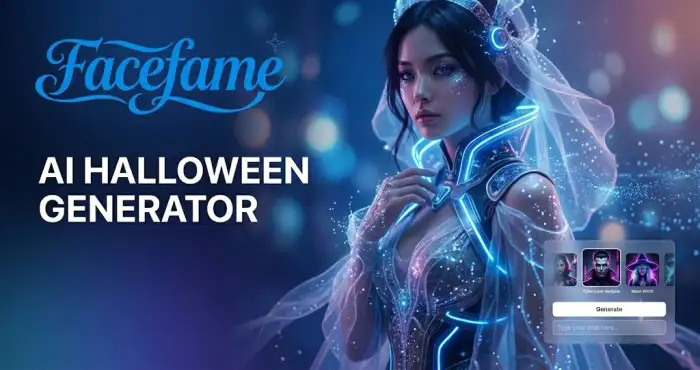
AI Halloween Generator
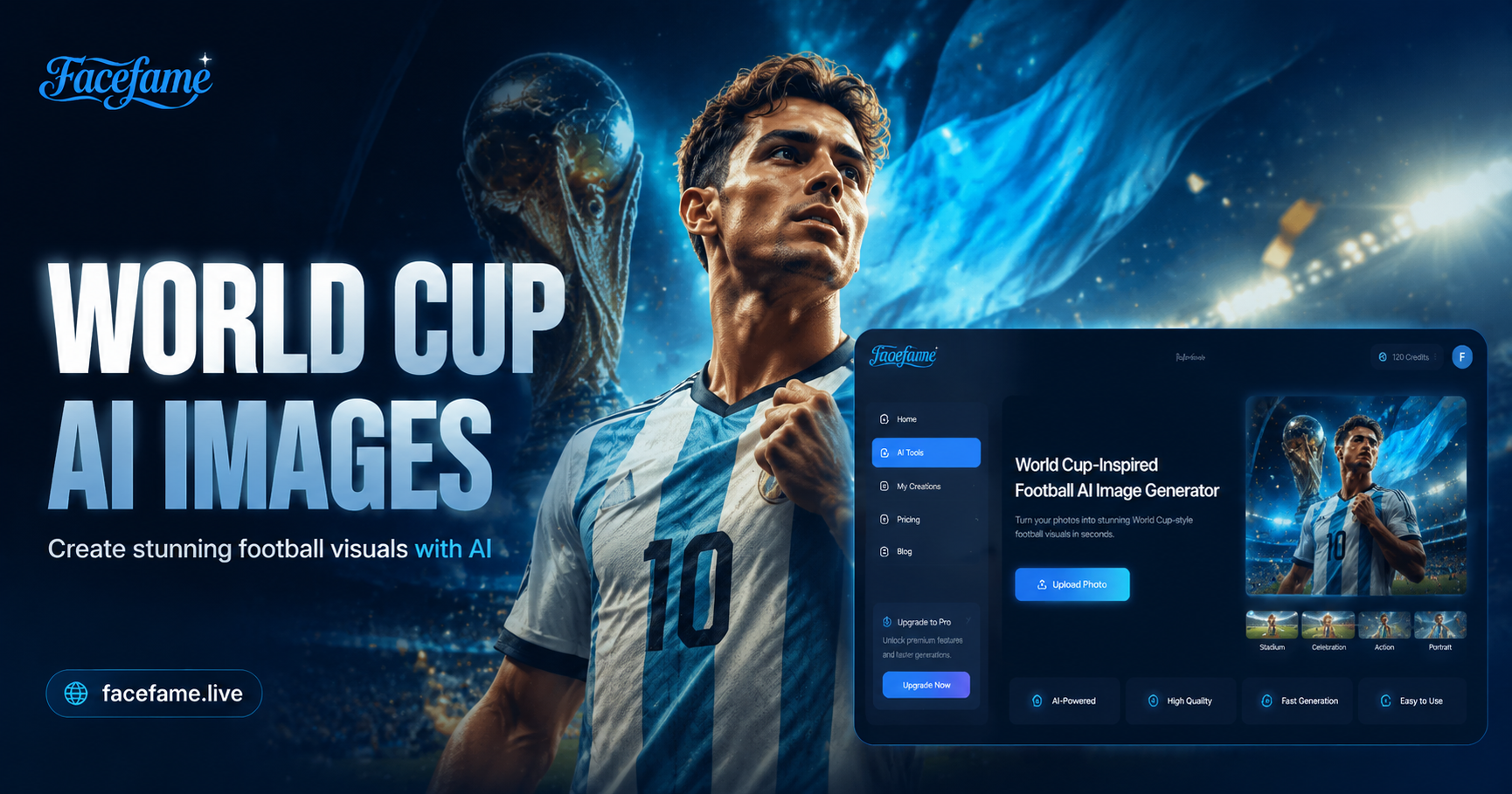
World Cup-Inspired Football AI Image Generator
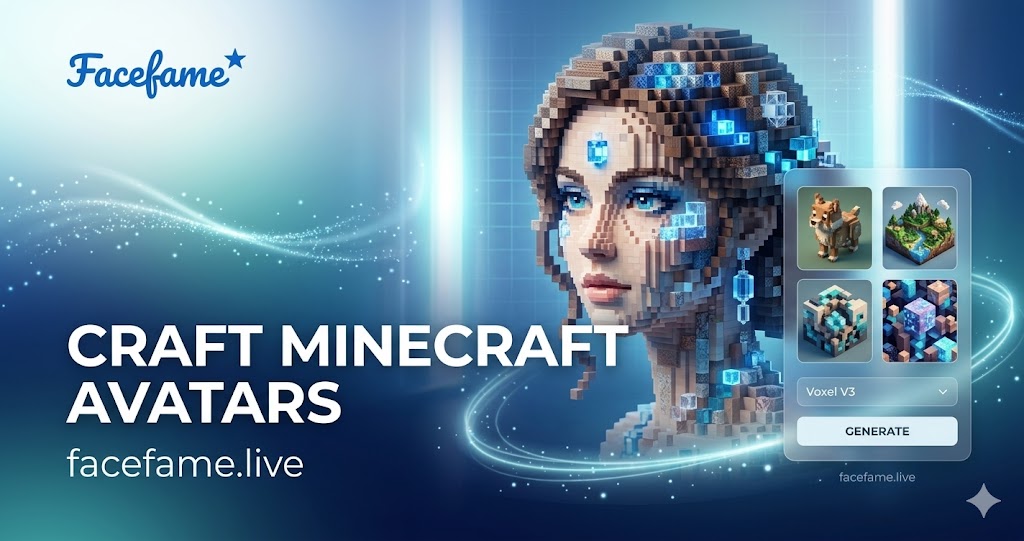
AI Minecraft Style Generator
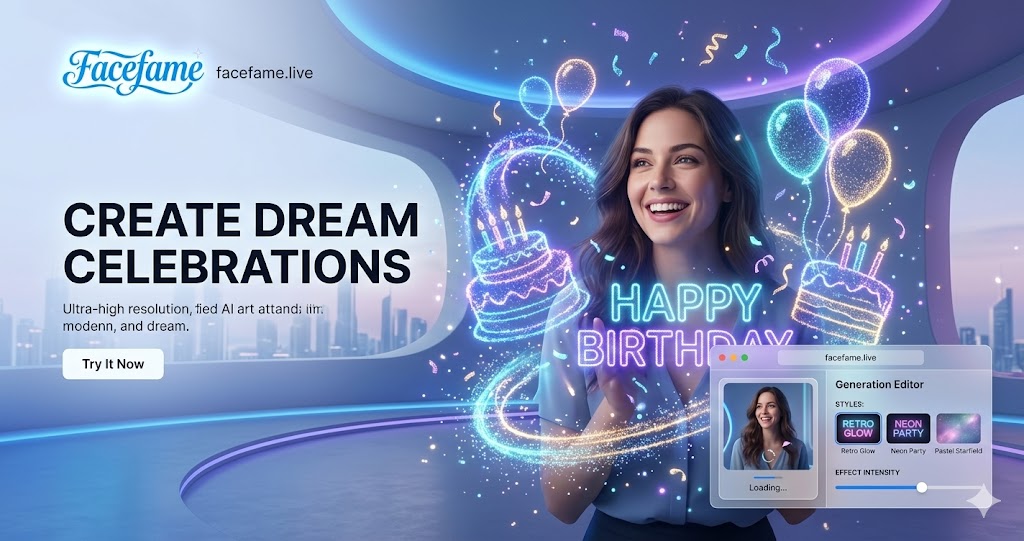
AI Birthday Party Video Effect
AI Halloween Generator
World Cup-Inspired Football AI Image Generator
AI Minecraft Style Generator
AI Birthday Party Video Effect
Create Your AI Portrait From a Photo
Turn a selfie into a professional portrait, explore a cinematic version of yourself, experiment with fantasy and anime styles, or simply create something you couldn't capture with an ordinary camera.
Create Your AI Portrait From a Photo
Turn a selfie into a professional portrait, explore a cinematic version of yourself, experiment with fantasy and anime styles, or simply create something you couldn't capture with an ordinary camera.