AI Profile Photo Generator
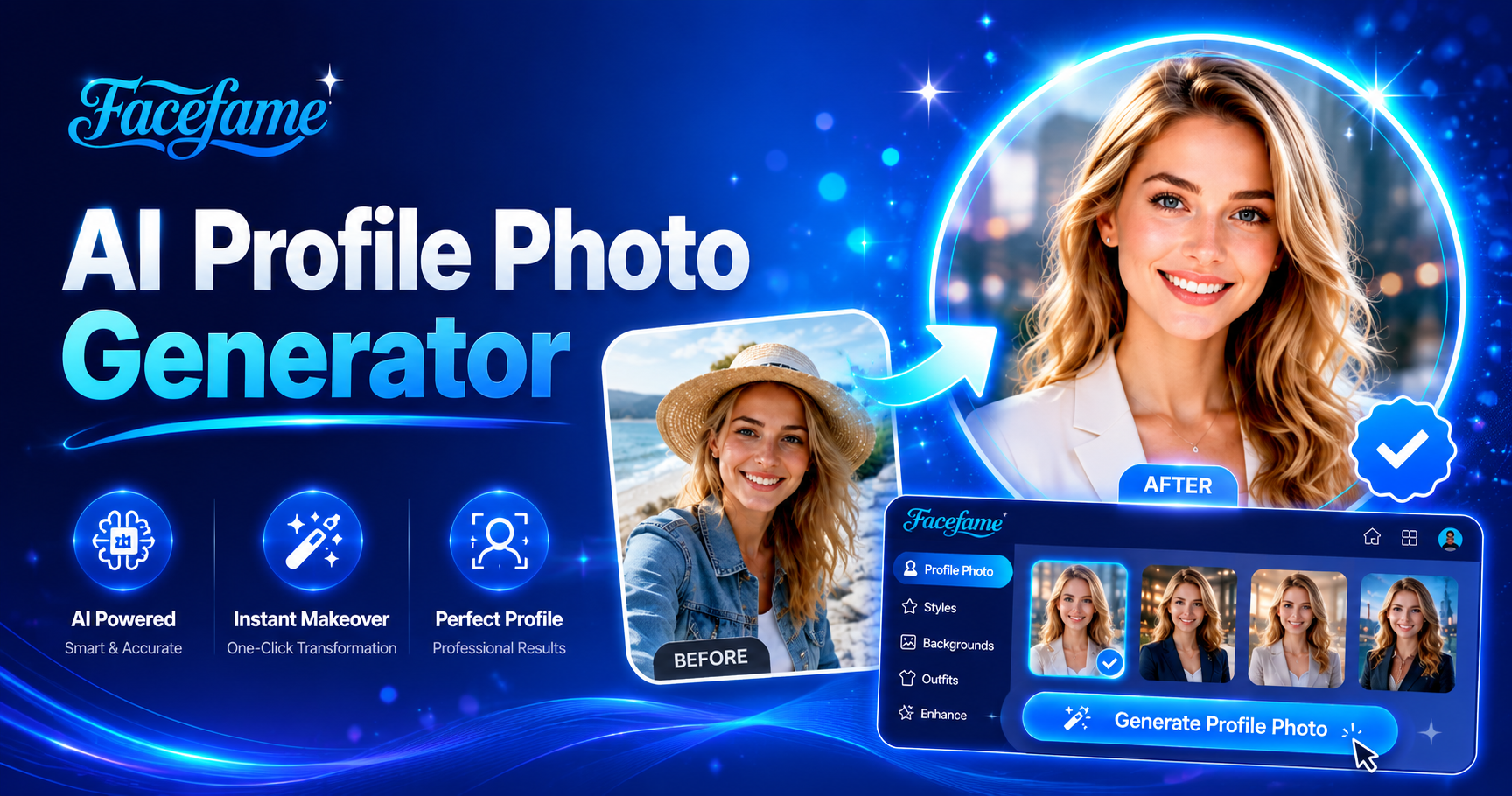
Popular Profile Photo Filters Worth Trying
Explore popular profile photo filters in Facefame to create realistic, anime, cinematic, and artistic styles for different profile needs.
Benefits of Using the Facefame AI Profile Photo Generator
Facefame AI profile photo generator helps create styled portraits quickly with filters, supporting social media, work, and personal branding needs.
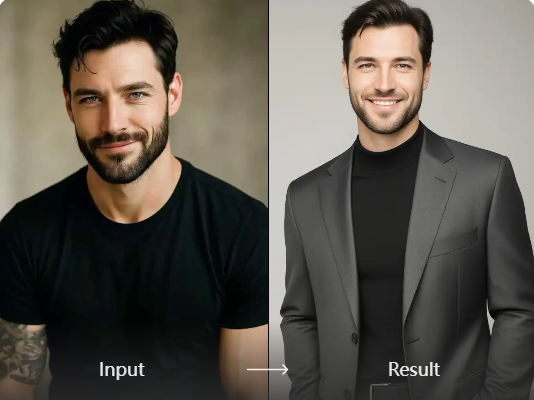
Unique Profile Photo Identity
In Facefame, you can create a profile photo that reflects your unique identity. It is easy to use and requires no drawing skills. Simply upload your photo to a profile photo filter, wait a moment, and receive a result that blends your personal style with creative visual design.
Unique Profile Photo Identity
In Facefame, you can create a profile photo that reflects your unique identity. It is easy to use and requires no drawing skills. Simply upload your photo to a profile photo filter, wait a moment, and receive a result that blends your personal style with creative visual design.
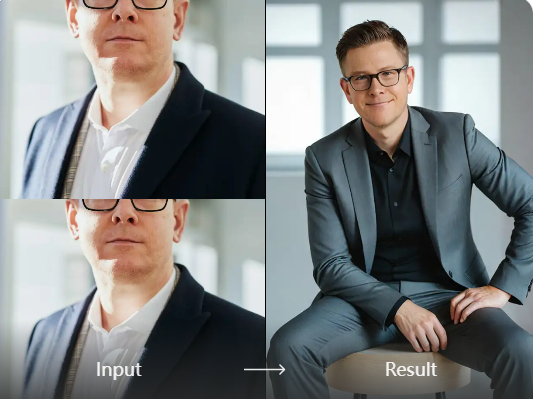
Simple Profile Photo Generation Process
Facefame offers a simple profile photo generation process that requires no time spent learning complex tools. By following basic instructions, even beginners can quickly create profile photos with a personal style. The workflow is clear and efficient, designed to help users generate results in just a few steps.
Simple Profile Photo Generation Process
Facefame offers a simple profile photo generation process that requires no time spent learning complex tools. By following basic instructions, even beginners can quickly create profile photos with a personal style. The workflow is clear and efficient, designed to help users generate results in just a few steps.
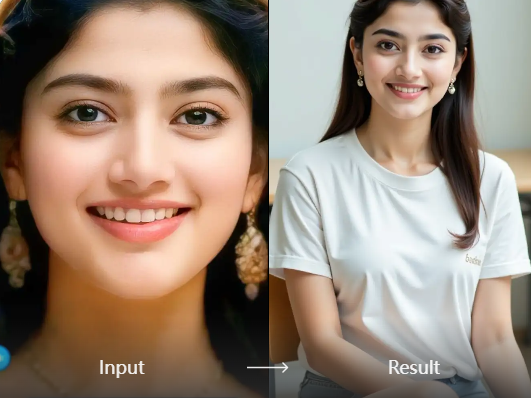
Rich Profile Photo Design Effects
Facefame offers a wide range of creative profile photo filters. You can design profile images in styles such as chibi, anime, and cinematic aesthetics. These effects help you personalize your social media profiles with distinct visual identities while keeping the creation process simple and fast through mobile app tools.
Rich Profile Photo Design Effects
Facefame offers a wide range of creative profile photo filters. You can design profile images in styles such as chibi, anime, and cinematic aesthetics. These effects help you personalize your social media profiles with distinct visual identities while keeping the creation process simple and fast through mobile app tools.
How to Generate AI Profile Photos with Facefame?
Learn how to use Facefame to create AI profile photos. Follow the tutorial and start creating your own AI profile photo today.

Step 01.
Download the Facefame app so you can start creating your AI profile photos anytime, anywhere.

Step 02.
Select your preferred profile photo filter and upload your image to apply it.

Step 03.
After a short wait, your AI profile photo will be ready, and you can use it across social media platforms.
User Feedback on Facefame AI Profile Photo Experience

Ava Thompson
I needed a clean profile photo for work, and Facefame helped me generate a professional look using simple filters. The result was consistent and suitable for my resume and LinkedIn profile.
Ethan Carter
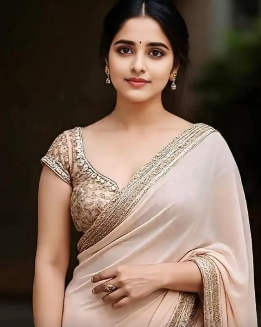
I tried different style filters in Facefame to update my social media profile photo. It was easy to switch between looks, and I found a natural style that fits my personal branding.

Mia Rodriguez
Facefame made it simple to turn my casual selfie into a more polished profile image. The AI filters adjusted lighting and tone well, giving me multiple options without any complex editing process.

Noah Bennett
I used Facefame to create a themed profile photo for my online accounts. The variety of filters allowed me to test different moods and choose a style that matches my content direction.
Ava Thompson
I needed a clean profile photo for work, and Facefame helped me generate a professional look using simple filters. The result was consistent and suitable for my resume and LinkedIn profile.
Ethan Carter
I tried different style filters in Facefame to update my social media profile photo. It was easy to switch between looks, and I found a natural style that fits my personal branding.
Mia Rodriguez
Facefame made it simple to turn my casual selfie into a more polished profile image. The AI filters adjusted lighting and tone well, giving me multiple options without any complex editing process.
Noah Bennett
I used Facefame to create a themed profile photo for my online accounts. The variety of filters allowed me to test different moods and choose a style that matches my content direction.
Ava Thompson
I needed a clean profile photo for work, and Facefame helped me generate a professional look using simple filters. The result was consistent and suitable for my resume and LinkedIn profile.
Ethan Carter
I tried different style filters in Facefame to update my social media profile photo. It was easy to switch between looks, and I found a natural style that fits my personal branding.
Mia Rodriguez
Facefame made it simple to turn my casual selfie into a more polished profile image. The AI filters adjusted lighting and tone well, giving me multiple options without any complex editing process.
Noah Bennett
I used Facefame to create a themed profile photo for my online accounts. The variety of filters allowed me to test different moods and choose a style that matches my content direction.
Frequently Asked Questions
Find clear answers to common questions and get the guidance you need to make the most of our platform, faster and easier.
More Topics You May Like
Explore more topics you may like and discover fresh ideas tailored to your interests.
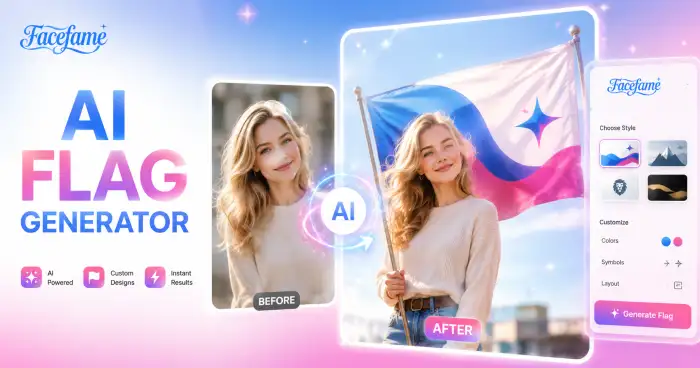
AI Flag Generator
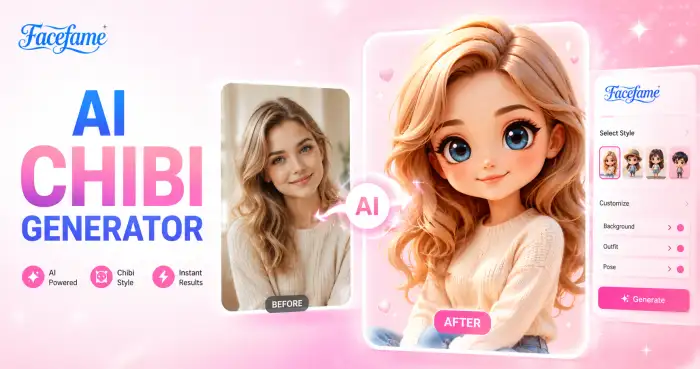
AI Chibi Generator
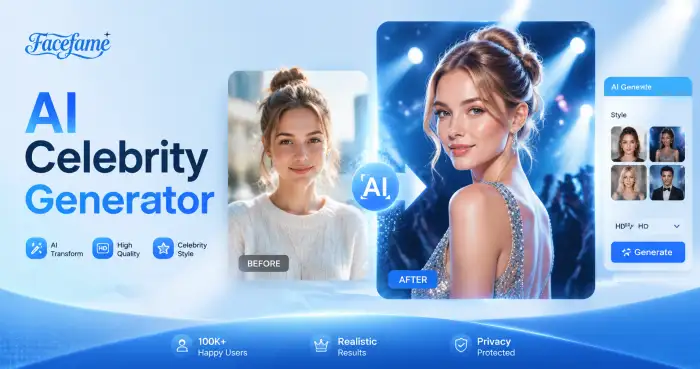
AI Celebrity Generator

AI Wedding Video Generator
AI Flag Generator
AI Chibi Generator
AI Celebrity Generator
AI Wedding Video Generator
Create Your Profile Photo with Facefame in Seconds
Download the Facefame app to create profile photos with AI filters. Explore multiple styles and generate images quickly for social media, work, and personal branding.
Create Your Profile Photo with Facefame in Seconds
Download the Facefame app to create profile photos with AI filters. Explore multiple styles and generate images quickly for social media, work, and personal branding.