AI Video Faceswap
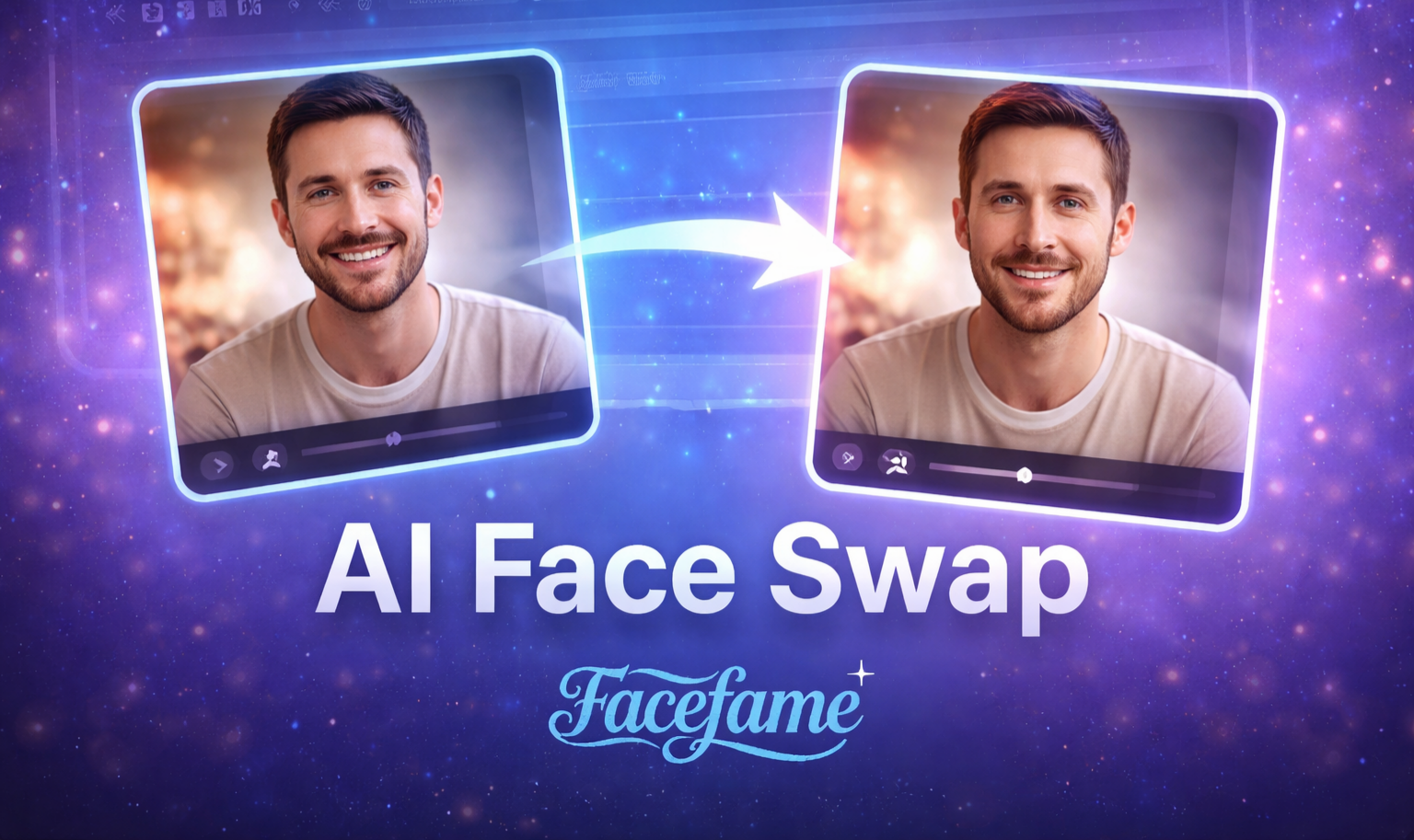
Popular AI Face Swap Filters for Mobile Video Editing
Explore popular AI face swap filters in the Facefame app. Create short videos with templates, face replacement, and simple mobile editing tools.
Benefits of Using AI Video Faceswap Filters
AI video face swap filters help create short videos fast, with templates, face effects, and easy mobile editing in Facefame app.
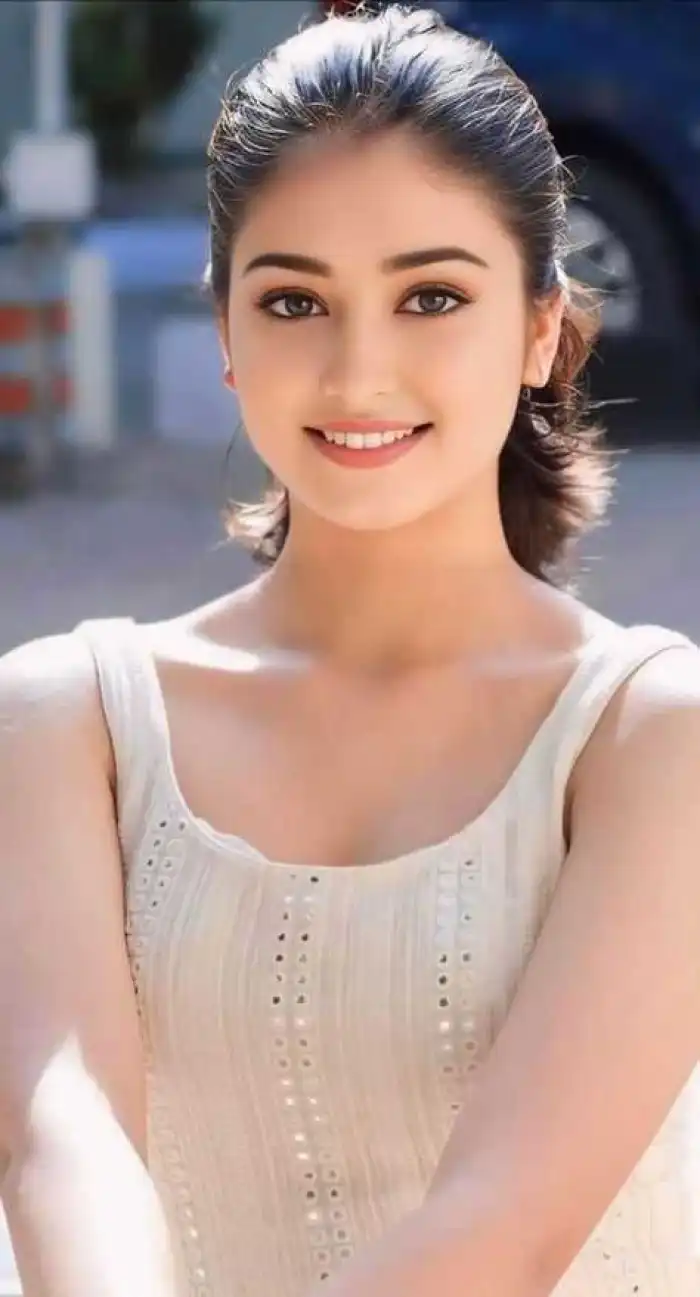 Before
Get Fun Video Effects
Use the Facefame app to get fun video effects with AI video face swap filters. Upload photos, choose templates, and create short videos with face replacement, motion effects, and simple editing tools. Make social media content faster with ready-made styles and easy mobile creation for daily creative video posts.
BeforeGet Fun Video Effects
Use the Facefame app to get fun video effects with AI video face swap filters. Upload photos, choose templates, and create short videos with face replacement, motion effects, and simple editing tools. Make social media content faster with ready-made styles and easy mobile creation for daily creative video posts.
 Before
Experience Movie Face Swap Clips
Experience movie style face swap clips with Facefame app. Upload your photos, select video templates, and generate short cinematic scenes with AI face replacement. Create smooth motion effects, character style edits, and shareable videos. All creation steps are simple and designed for mobile editing and quick social media content.
BeforeExperience Movie Face Swap Clips
Experience movie style face swap clips with Facefame app. Upload your photos, select video templates, and generate short cinematic scenes with AI face replacement. Create smooth motion effects, character style edits, and shareable videos. All creation steps are simple and designed for mobile editing and quick social media content.
 Before
Make Funny Meme Images
Create funny meme images with the Facefame app. Upload photos and use face swap video features to turn moments into meme style clips. Convert expressions into short animations or still images for chat use. Share them on social apps to make daily conversations more fun and expressive with easy mobile creation tools.
BeforeMake Funny Meme Images
Create funny meme images with the Facefame app. Upload photos and use face swap video features to turn moments into meme style clips. Convert expressions into short animations or still images for chat use. Share them on social apps to make daily conversations more fun and expressive with easy mobile creation tools.
How to Use AI Video Face Swap?
Use Facefame app to upload photos, select video templates, apply AI video face swap, and generate short editable videos
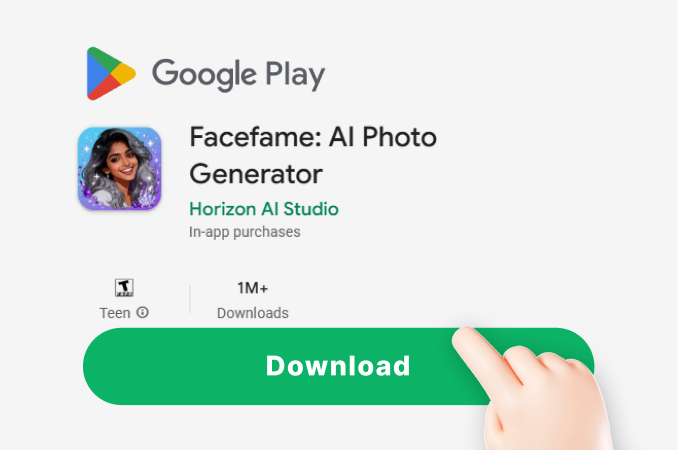
Step 01.
Download the Facefame app and start creating fun face swap videos anytime, anywhere.
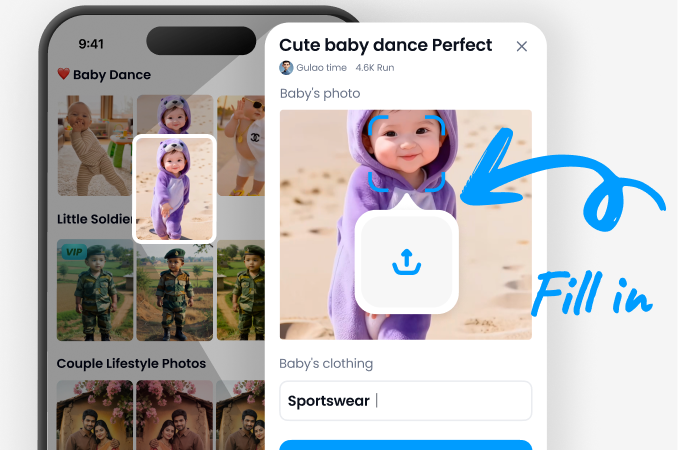
Step 02.
Select your favorite video face swap filter and upload your photos or videos to the filter.
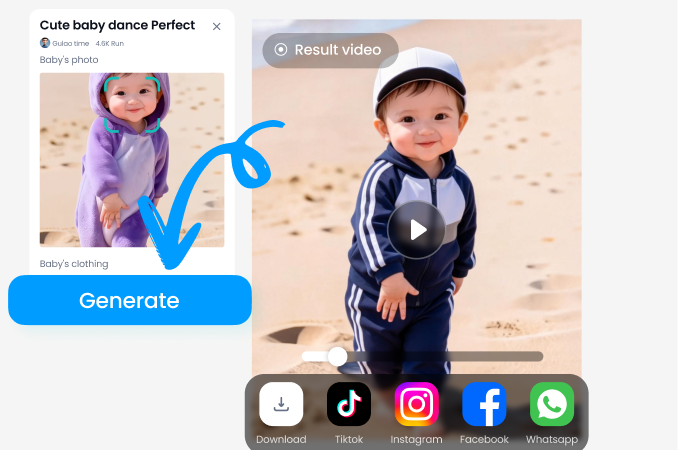
Step 03.
Tap the button to start generating and get your desired video face swap effect.
AI Face Swap Video Generator
Create face swap videos with Facefame app. Upload photos, choose AI Face Swap Video Generator filter, and generate short video clips with templates and motion effects.

Why Use AI Video Face Swap
AI video face swap helps create engaging short videos with templates, face effects, and quick mobile editing for social sharing.
Why We Recommend It
AI video face swap in the Facefame app helps users create short video content with templates, face replacement, and motion effects. It supports fast creation, social sharing, and multiple styles for different content needs on mobile.
Why We Recommend It
AI video face swap in the Facefame app helps users create short video content with templates, face replacement, and motion effects. It supports fast creation, social sharing, and multiple styles for different content needs on mobile.
Frequently Asked Questions
Find clear answers to common questions and get the guidance you need to make the most of our platform, faster and easier.
More Topics You May Like
Explore more topics you may like and discover fresh ideas tailored to your interests.

Free AI Happy Birthday Generator
Create one-of-a-kind birthday surprises with AI! From stunning happy birthday AI images to dynamic animations, design unforgettable, deeply personalized wishes for your loved ones in seconds.
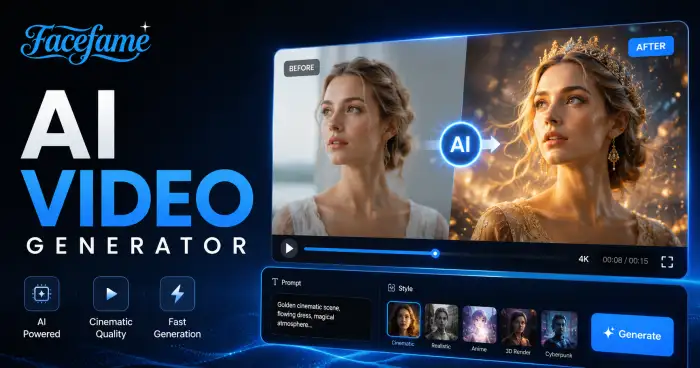
AI Video Generator
Create professional videos from text, images, or ideas in minutes with AI Video Generator. Generate engaging content for marketing, social media, education.
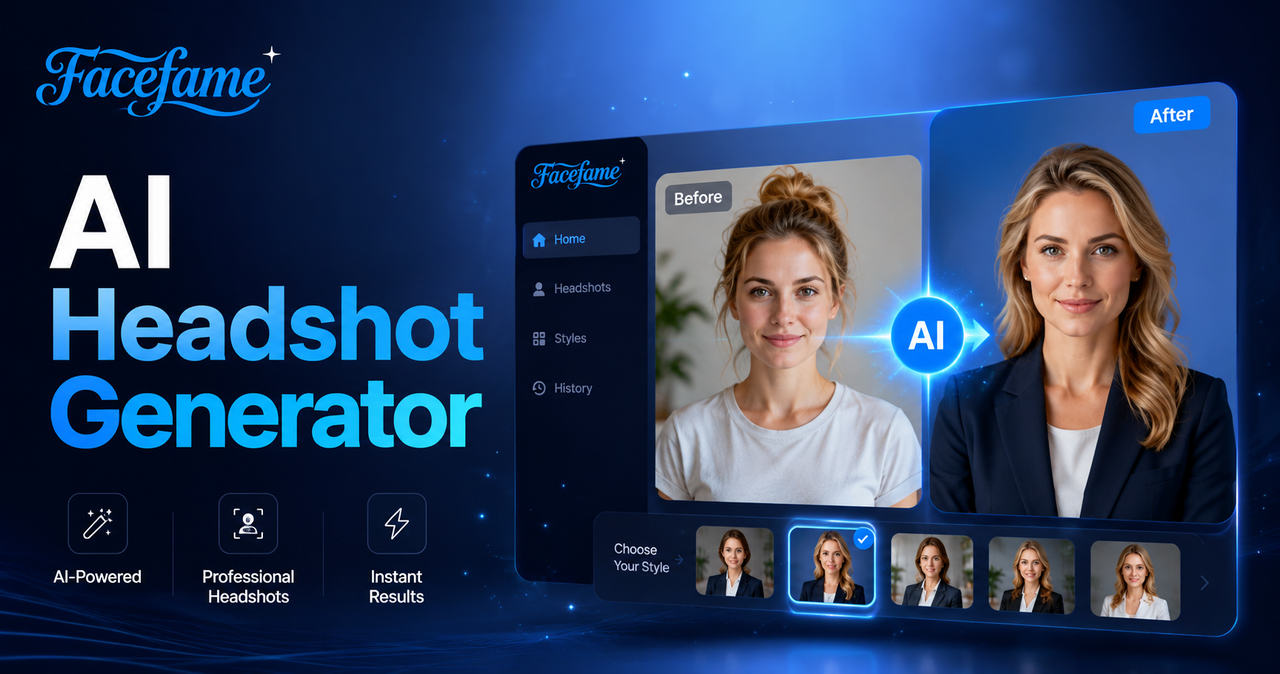
AI Headshot Generator
In Facefame, you can quickly create AI headshots from your photos without paying for expensive studio photography sessions.
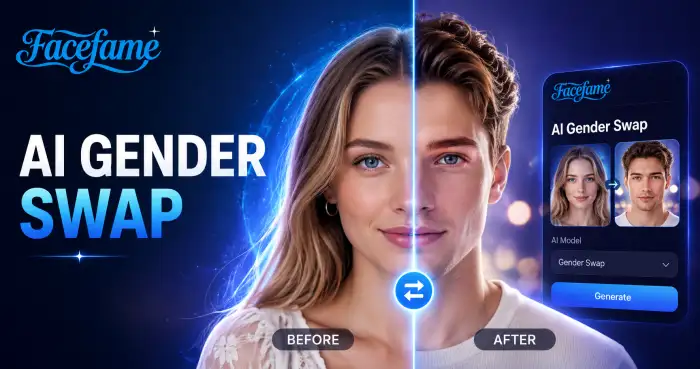
AI Gender Swap
Facefame lets you create fun gender swap photos and videos. Use simple templates and turn photos into new looks in a few steps.
Create AI Face Swap Videos Anytime
Download the Facefame app to create AI face swap videos, explore templates, and generate short clips with mobile editing tools.
Create AI Face Swap Videos Anytime
Download the Facefame app to create AI face swap videos, explore templates, and generate short clips with mobile editing tools.