Blur Photo To 4K Converter: Sharpen Every Detail Instantly
Choose the Blur Photo to 4K Enhancement Filter That Suits You Best
Discover specialized AI filters designed for different blur types. From motion blur to out-of-focus shots, each filter targets specific quality issues to restore your photo to crisp 4K clarity.
Key Features of the Blur Photo To 4K Converter
facefame combines advanced AI algorithms with an intuitive mobile interface to give you professional-grade photo sharpening and upscaling tools in your pocket. Here is what makes our blur photo to 4K converter stand out.
AI Powered Detail Restoration
Our neural networks analyze blur patterns and reconstruct missing textures, edges, and fine details. The result is a naturally sharp photo that looks professionally retouched, not artificially processed. Every strand of hair, fabric weave, and facial feature becomes clearly defined at 4K resolution.
AI Powered Detail Restoration
Our neural networks analyze blur patterns and reconstruct missing textures, edges, and fine details. The result is a naturally sharp photo that looks professionally retouched, not artificially processed. Every strand of hair, fabric weave, and facial feature becomes clearly defined at 4K resolution.
One Tap 4K Upscaling
Convert any photo to 4K resolution with a single tap. Whether your image is a compressed social media download, an old digital camera shot, or a screenshot, facefame intelligently enlarges and sharpens it while preserving natural skin tones and realistic textures. No manual settings to adjust.
One Tap 4K Upscaling
Convert any photo to 4K resolution with a single tap. Whether your image is a compressed social media download, an old digital camera shot, or a screenshot, facefame intelligently enlarges and sharpens it while preserving natural skin tones and realistic textures. No manual settings to adjust.
Realistic Sharpening Without Artifacts
Traditional sharpening tools create halos and noise. Our blur photo to 4K converter uses deep learning to understand image context. It sharpens genuine edges while smoothing noise, producing clean, natural-looking 4K photos that are perfect for large prints, ecommerce product shots, and social media banners.
Realistic Sharpening Without Artifacts
Traditional sharpening tools create halos and noise. Our blur photo to 4K converter uses deep learning to understand image context. It sharpens genuine edges while smoothing noise, producing clean, natural-looking 4K photos that are perfect for large prints, ecommerce product shots, and social media banners.
Blur Photo To 4K Converter: Before and After Gallery
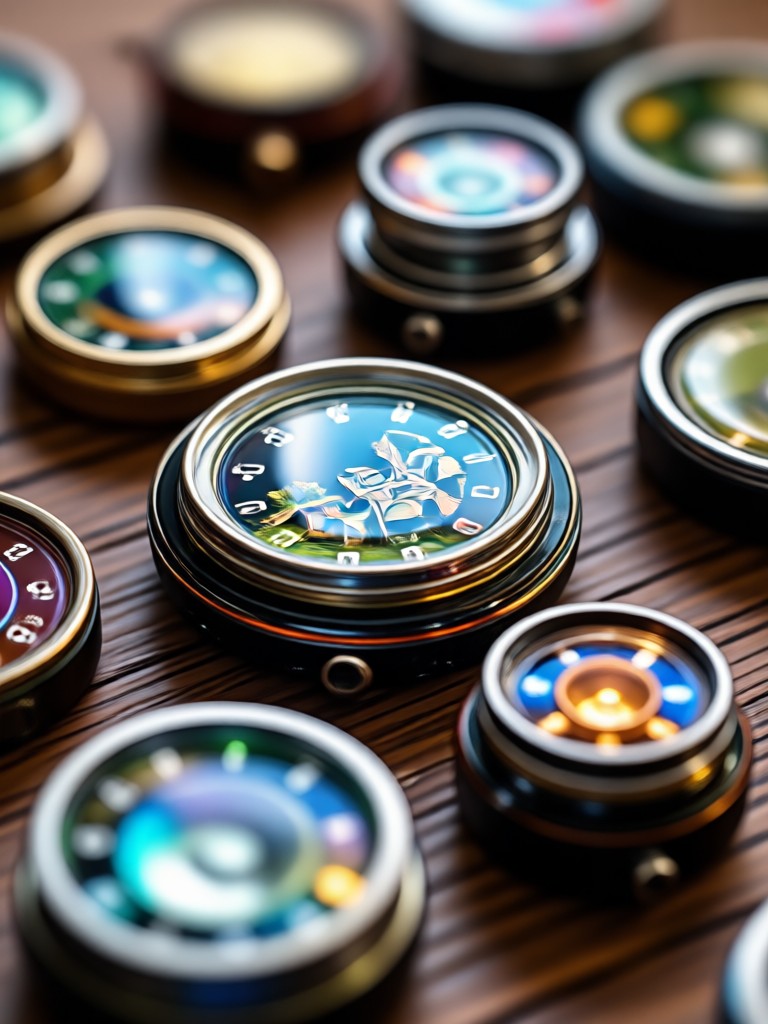
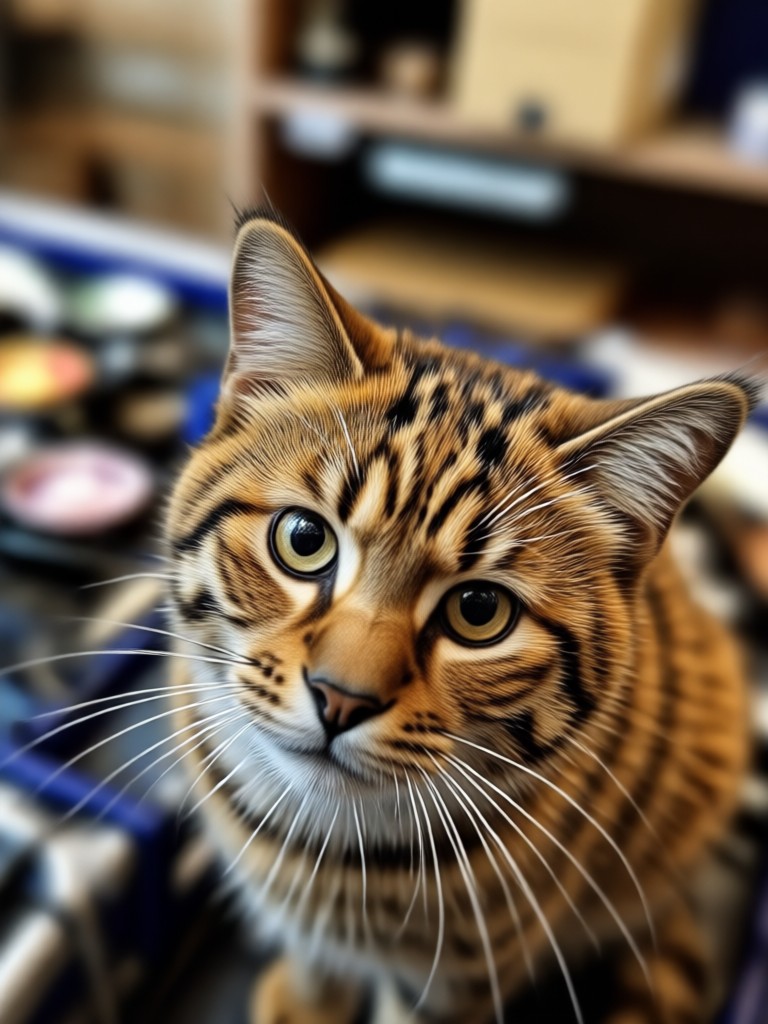
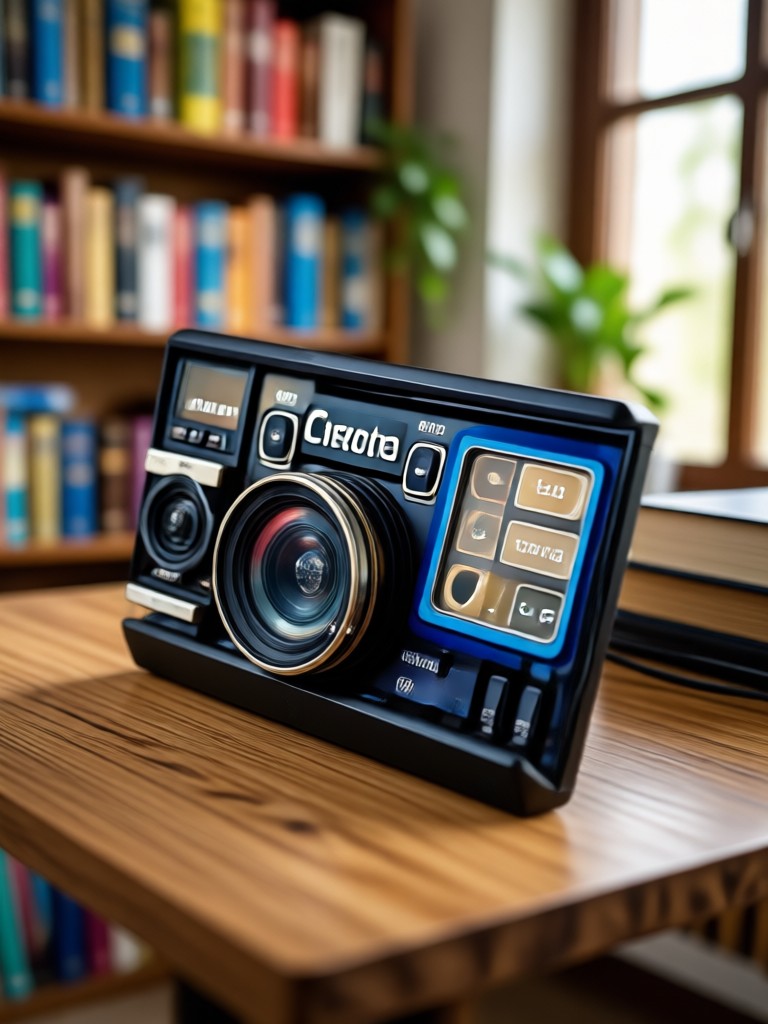
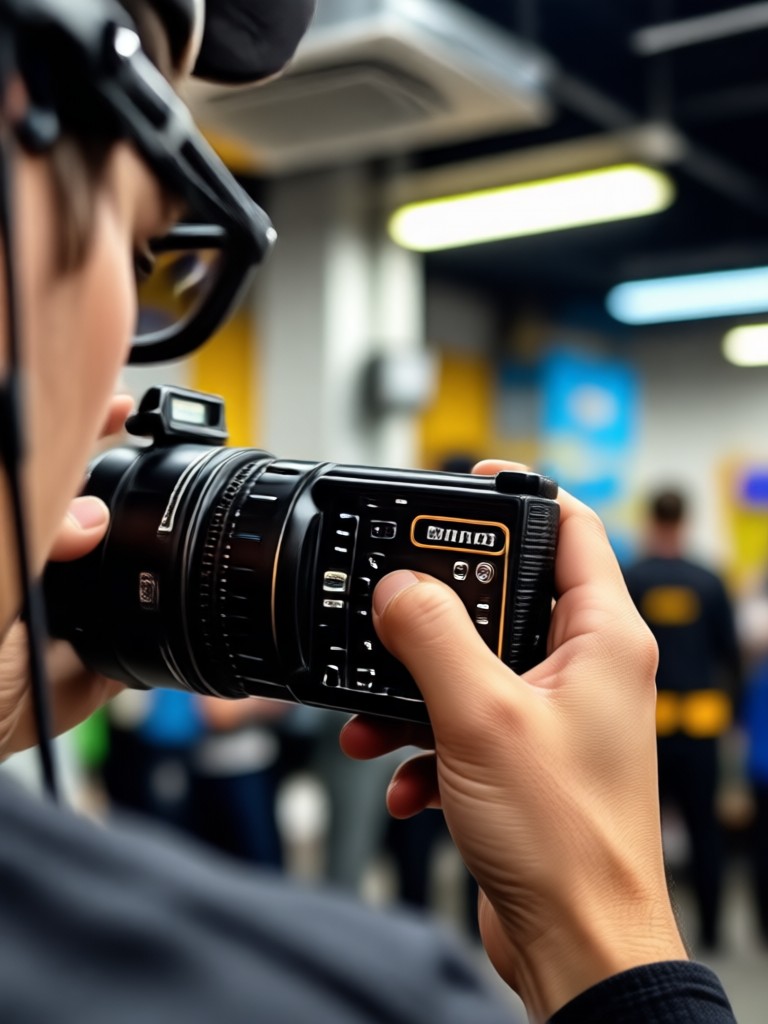
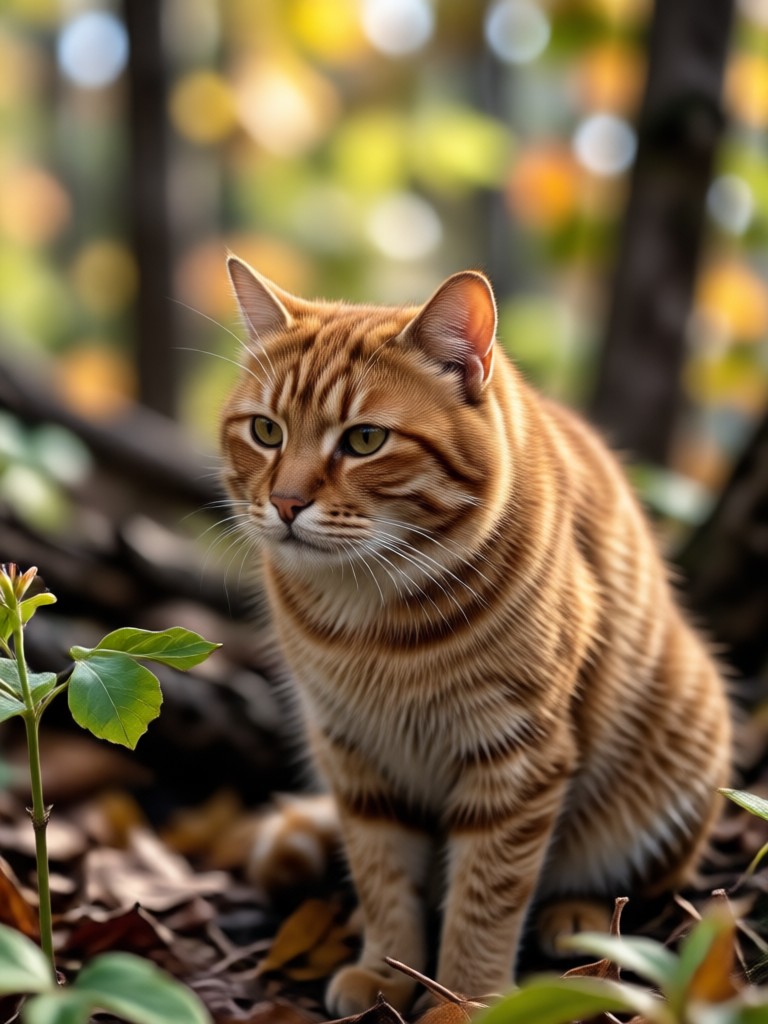
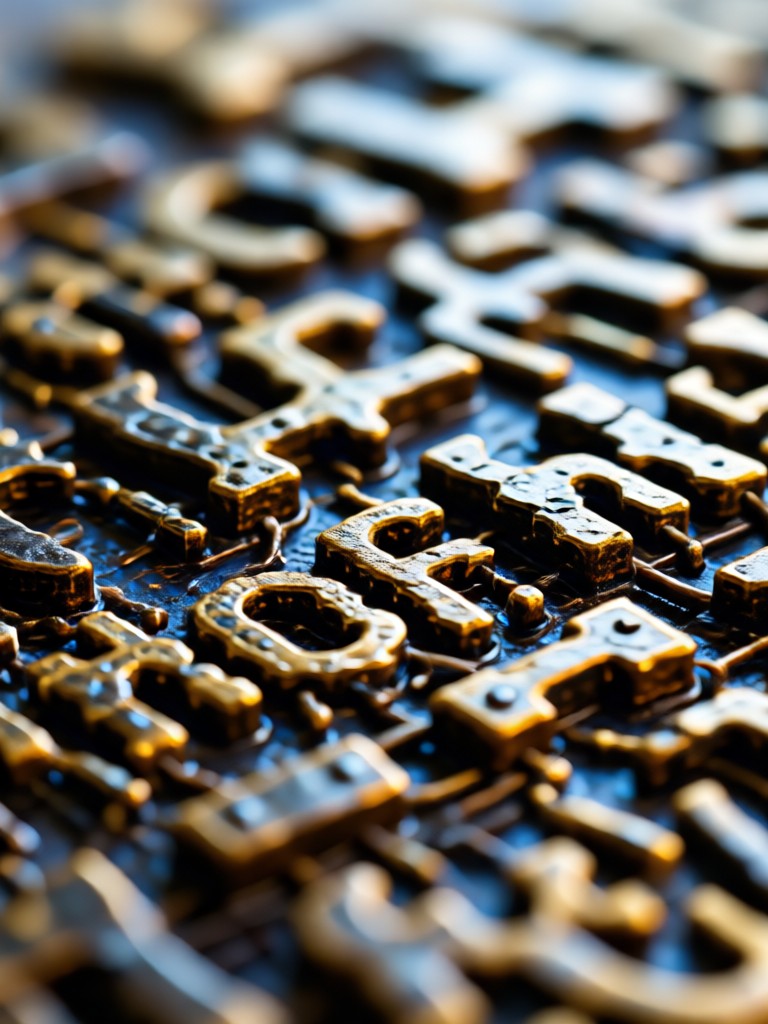
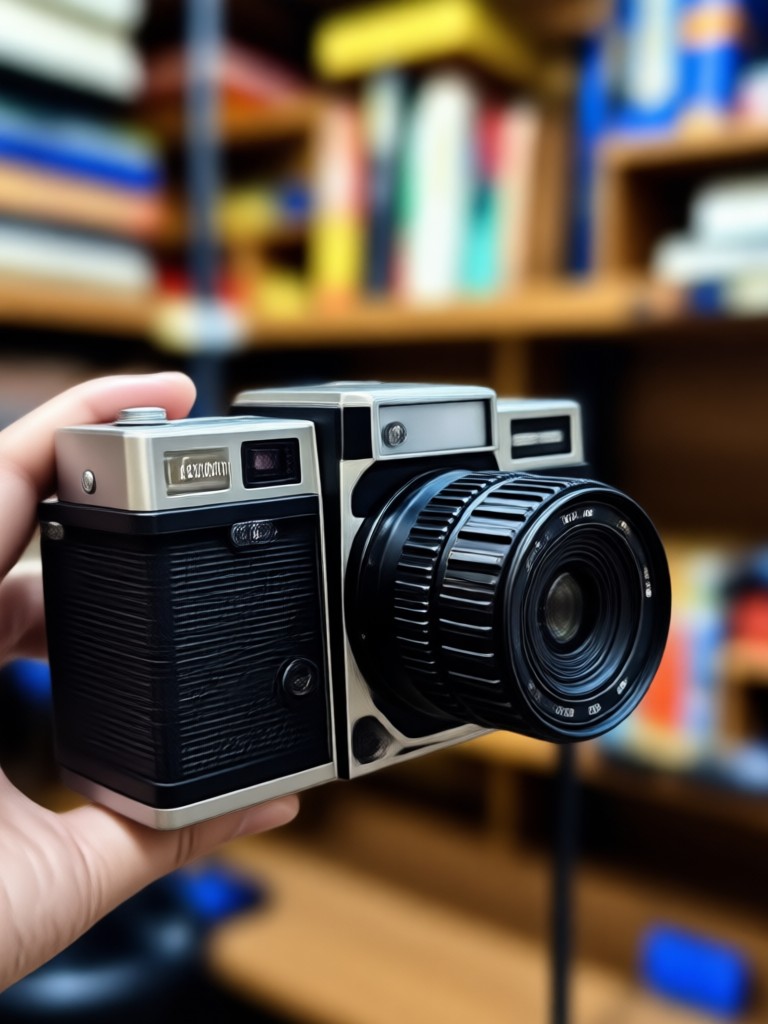
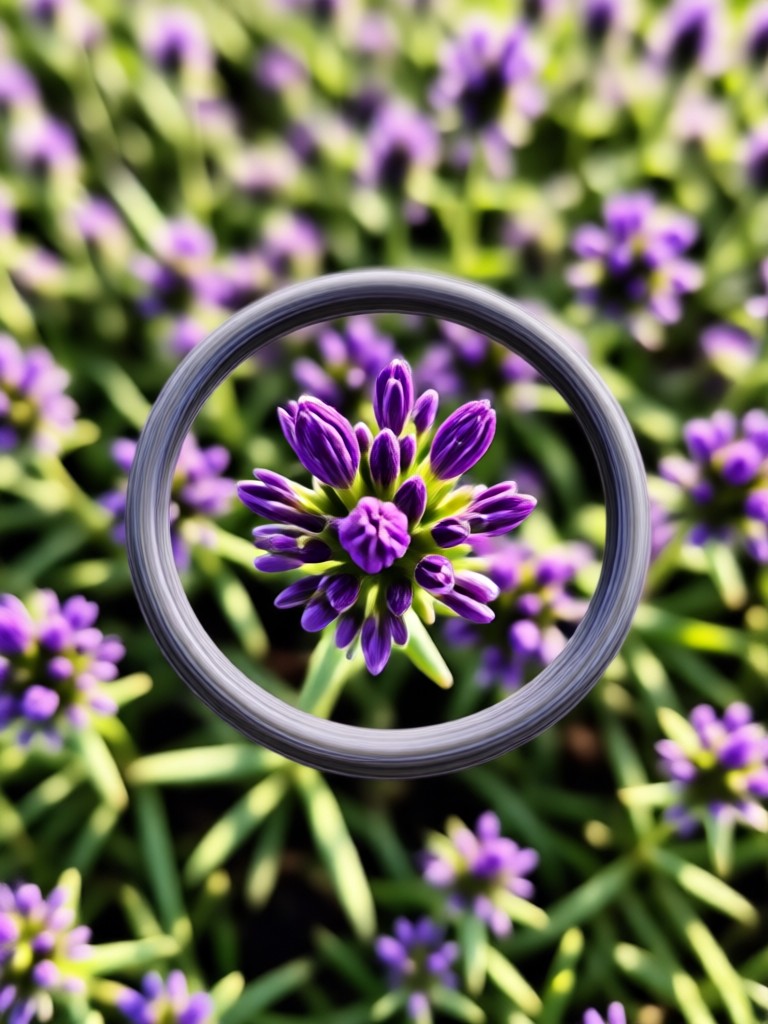
See real transformations achieved with facefame. Each photo below was converted from blurry or low quality to crisp 4K using our AI filters. Browse the gallery to understand the level of detail restoration possible.

Why Use Our Blur Photo To 4K Converter?
Not all photo enhancers are created equal. facefame is built specifically for mobile creators who need fast, reliable results without desktop software.
Professional Results Without Professional Software
You do not need to learn Photoshop or Lightroom to rescue blurry photos. facefame puts advanced 4K conversion technology directly on your phone. Upload a blurry photo, let the AI analyze the blur type, and receive a sharpened 4K image in seconds. The tool works on portraits, landscapes, product shots, text documents, and old photos. Whether you are a content creator refreshing your feed, a seller preparing product images, or someone restoring precious family memories, our blur photo to 4K converter delivers consistent, natural-looking results every time. Download the app today and see the difference one tap can make.
Professional Results Without Professional Software
You do not need to learn Photoshop or Lightroom to rescue blurry photos. facefame puts advanced 4K conversion technology directly on your phone. Upload a blurry photo, let the AI analyze the blur type, and receive a sharpened 4K image in seconds. The tool works on portraits, landscapes, product shots, text documents, and old photos. Whether you are a content creator refreshing your feed, a seller preparing product images, or someone restoring precious family memories, our blur photo to 4K converter delivers consistent, natural-looking results every time. Download the app today and see the difference one tap can make.
How to Convert a Blur Photo to 4K?
Unblurring and upscaling your photos takes less than a minute. Follow these three simple steps to transform any low quality image into a sharp 4K photo.
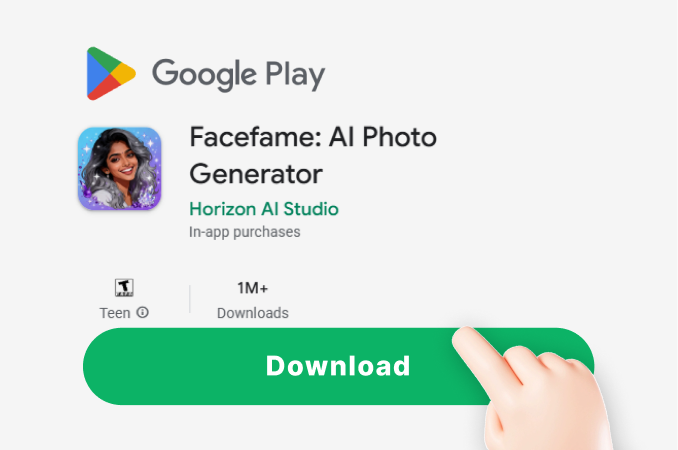
Step 01.
Download the facefame app from Google Play. It is free and takes only a few seconds to install on your Android device.
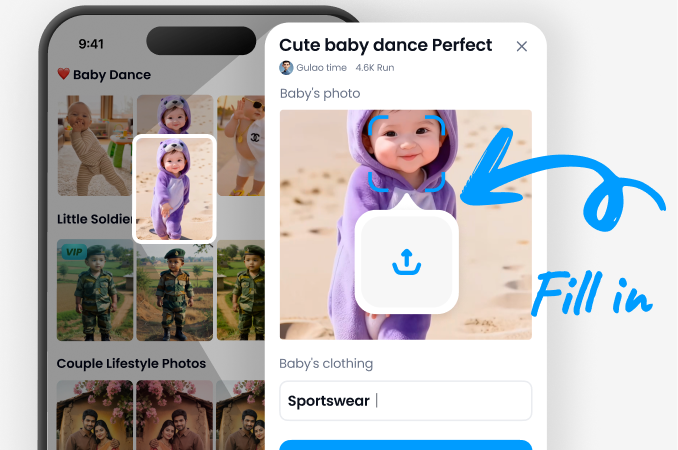
Step 02.
Upload your blurry photo and select the 4K enhancement filter. You can also choose specific sharpening styles depending on the blur type.
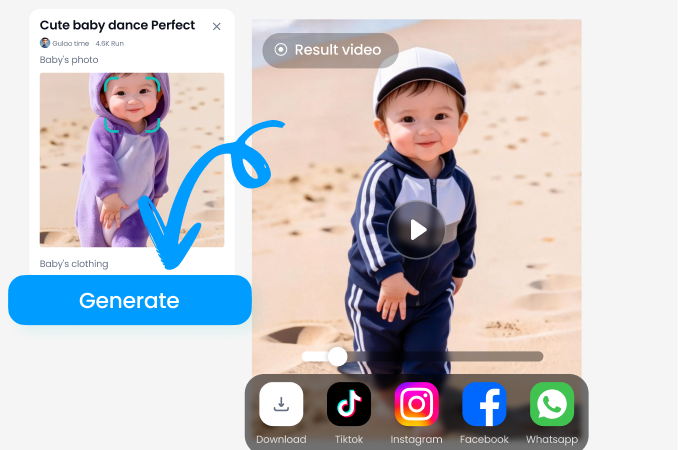
Step 03.
Tap generate and let the AI process your photo. Download the sharp 4K result and share it directly to social media or use it for print.
Blur Photo To 4K Converter for Android
The most intuitive AI photo sharpening tool is available now on Google Play. Convert blurry images to 4K directly on your phone, without watermarks or hidden fees.

Who Uses the Blur Photo To 4K Converter
Jenna K.
I had dozens of photos taken on an old phone that were too blurry to post. This blur photo to 4K converter fixed them all. My Instagram feed finally looks professional and my engagement went up because the image quality is so crisp now.
Marcus T.
My product photos were taken quickly with a budget camera and looked soft. I used facefame to sharpen and upscale everything to 4K. My ecommerce store conversion rate improved noticeably because customers can now see every detail of the products.

Patricia L.
I have boxes of old family photos that are slightly out of focus. This blur photo to 4K converter brought faces back to life. I printed several at 8x10 size and they look like they were taken yesterday. This app is a treasure for family memories.

David R.
Real estate photos need to be sharp and bright to attract buyers. Some of my older listings had blurry images that were costing me leads. facefame converted those blurry shots to clear 4K photos quickly and easily, right from my phone during property visits.
Jenna K.
I had dozens of photos taken on an old phone that were too blurry to post. This blur photo to 4K converter fixed them all. My Instagram feed finally looks professional and my engagement went up because the image quality is so crisp now.
Marcus T.
My product photos were taken quickly with a budget camera and looked soft. I used facefame to sharpen and upscale everything to 4K. My ecommerce store conversion rate improved noticeably because customers can now see every detail of the products.
Patricia L.
I have boxes of old family photos that are slightly out of focus. This blur photo to 4K converter brought faces back to life. I printed several at 8x10 size and they look like they were taken yesterday. This app is a treasure for family memories.
David R.
Real estate photos need to be sharp and bright to attract buyers. Some of my older listings had blurry images that were costing me leads. facefame converted those blurry shots to clear 4K photos quickly and easily, right from my phone during property visits.
Jenna K.
I had dozens of photos taken on an old phone that were too blurry to post. This blur photo to 4K converter fixed them all. My Instagram feed finally looks professional and my engagement went up because the image quality is so crisp now.
Marcus T.
My product photos were taken quickly with a budget camera and looked soft. I used facefame to sharpen and upscale everything to 4K. My ecommerce store conversion rate improved noticeably because customers can now see every detail of the products.
Patricia L.
I have boxes of old family photos that are slightly out of focus. This blur photo to 4K converter brought faces back to life. I printed several at 8x10 size and they look like they were taken yesterday. This app is a treasure for family memories.
David R.
Real estate photos need to be sharp and bright to attract buyers. Some of my older listings had blurry images that were costing me leads. facefame converted those blurry shots to clear 4K photos quickly and easily, right from my phone during property visits.
Frequently Asked Questions About Blur Photo To 4K Conversion
Get clear answers about converting blurry photos to 4K resolution. Learn how the AI unblur technology works, what results you can expect, and how to get started.
Turn Blurry Photos Into 4K Masterpieces
Download facefume now and start converting blurry, low-quality images into sharp 4K photos. Your memories, products, and creative work deserve crisp clarity. Get the app free on Google Play and unblur your first photo in seconds.
Turn Blurry Photos Into 4K Masterpieces
Download facefume now and start converting blurry, low-quality images into sharp 4K photos. Your memories, products, and creative work deserve crisp clarity. Get the app free on Google Play and unblur your first photo in seconds.