Blur This Image
AI Blur & Focus Tools
Choose from various blur styles and artistic focus effects. From background blur to selective focus, transform your images instantly.
Why Use AI to Blur Images?
Our AI blur tool goes beyond simple filters. It intelligently understands your photo to apply natural, depth aware blurring that looks professional, not artificial.
Selective Background Blur
Automatically detect and blur just the background while keeping your subject sharp. Create beautiful portrait mode effects with one tap.
Object & Face Privacy
Quickly blur faces, license plates, or sensitive text in photos. Adjust the blur radius to perfectly hide details while maintaining image composition.
Artistic Depth & Bokeh
Apply creamy, aesthetic bokeh blur to emulate professional camera lenses. Choose from light, medium, or heavy blur intensity for the perfect look.
Blur Image Gallery
See how others have transformed their photos with AI blur. From subtle background softening to dramatic focus effects, the possibilities are endless.
How to Blur This Image in 3 Steps
Creating a beautifully blurred photo is incredibly simple with our mobile app. Follow these easy steps to transform any image.

Step 01.
Download the FaceFame app from Google Play. Open it and tap the 'Blur' or 'Edit' tool from the main menu.

Step 02.
Upload the photo you want to blur. Use the brush or auto select tool to choose the area (background, face, object) you want to blur.

Step 03.
Adjust the blur intensity slider for your desired effect. Preview, save your edited image, and share it directly to social media.
What Users Say About Our Blur Tool
A Lifesaver for Product Photos
I sell online and my home background is always cluttered. This AI blur tool instantly makes my product shots look professional by blurring out the mess. It saves me hours of manual editing.
Perfect for Social Media Privacy
I share a lot of family moments but don't want to show my kids' faces publicly. This app lets me blur their faces in seconds before posting. It's so easy and effective.
Creates Amazing Portrait Effects
I'm not a photographer, but I love taking portraits with my phone. The background blur feature gives my photos that expensive 'portrait mode' look instantly. My Instagram feed has never looked better.
More Than Just a Basic Blur
Our AI understands depth, edges, and textures. It doesn't just smudge pixels, it creates natural looking blur that mimics a real camera lens, from subtle softening to dramatic bokeh.
Blur Image FAQs
Get quick answers to common questions about blurring photos, privacy, effects, and how to use our AI tool effectively.
More AI Editing Tools You May Like
Explore more topics you may like and discover fresh ideas tailored to your interests.
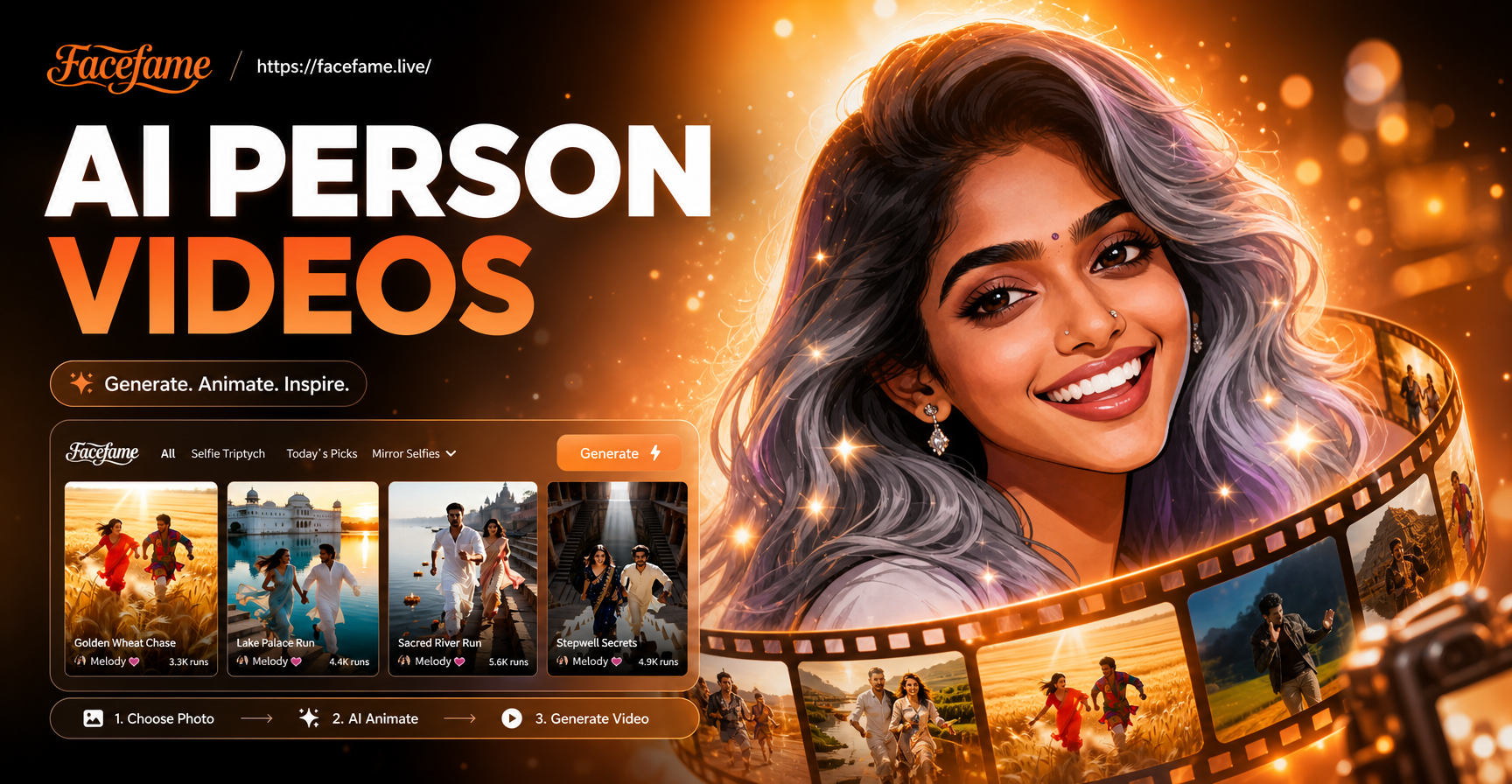
AI Person Video Generator: Bring Photos to Life Instantly
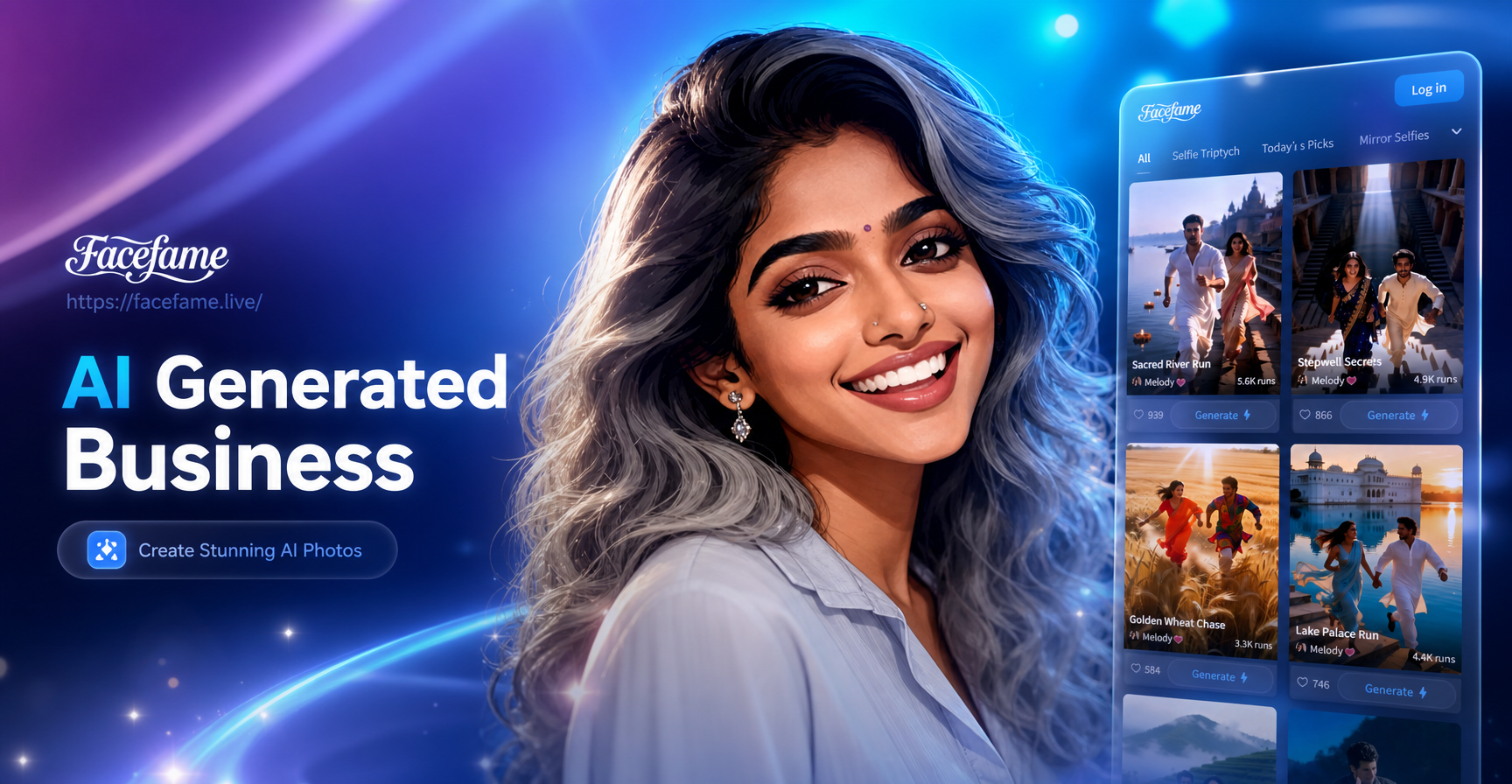
AI Business Headshots: Professional Corporate Photos
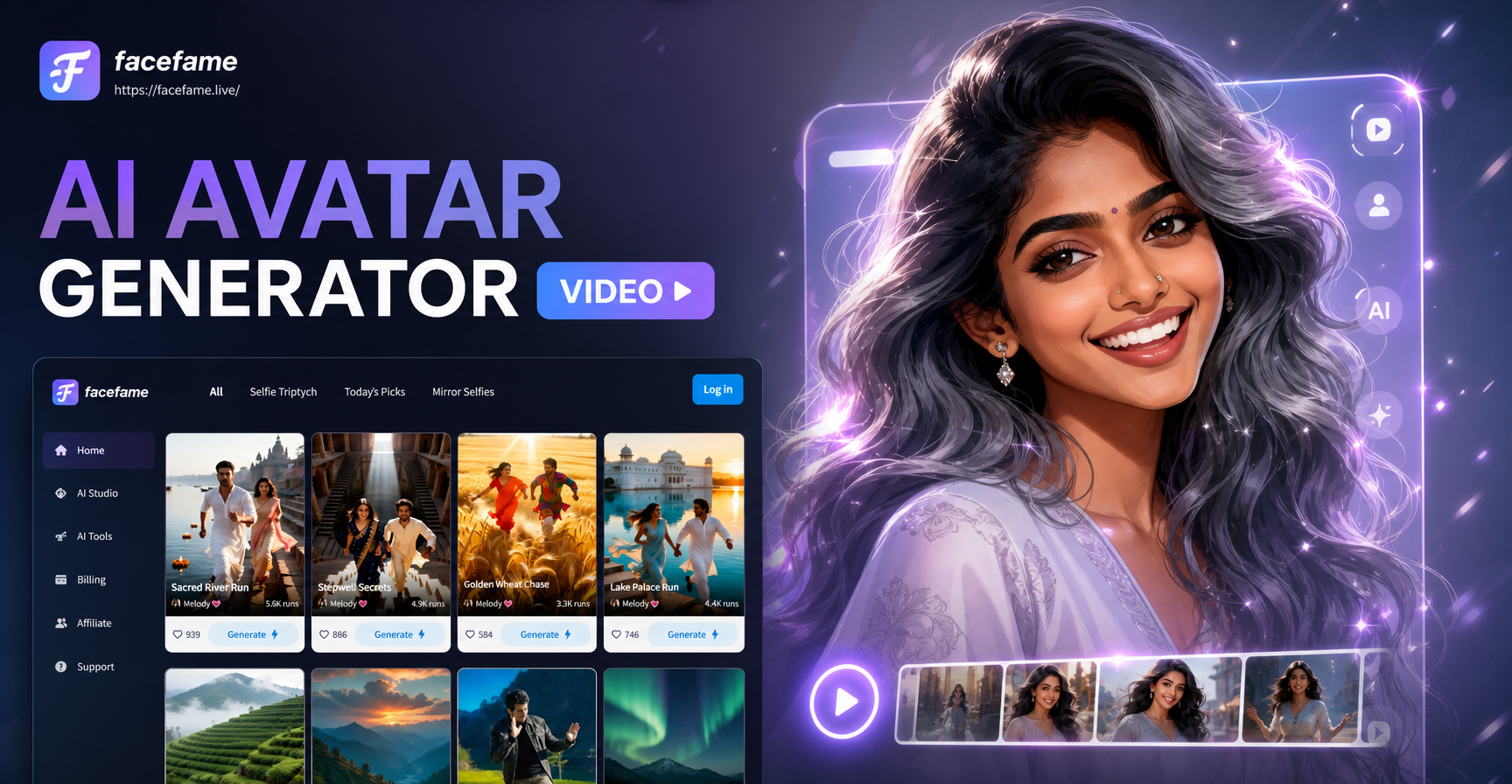
AI Avatar Generator Video: Create Animated Avatars Instantly
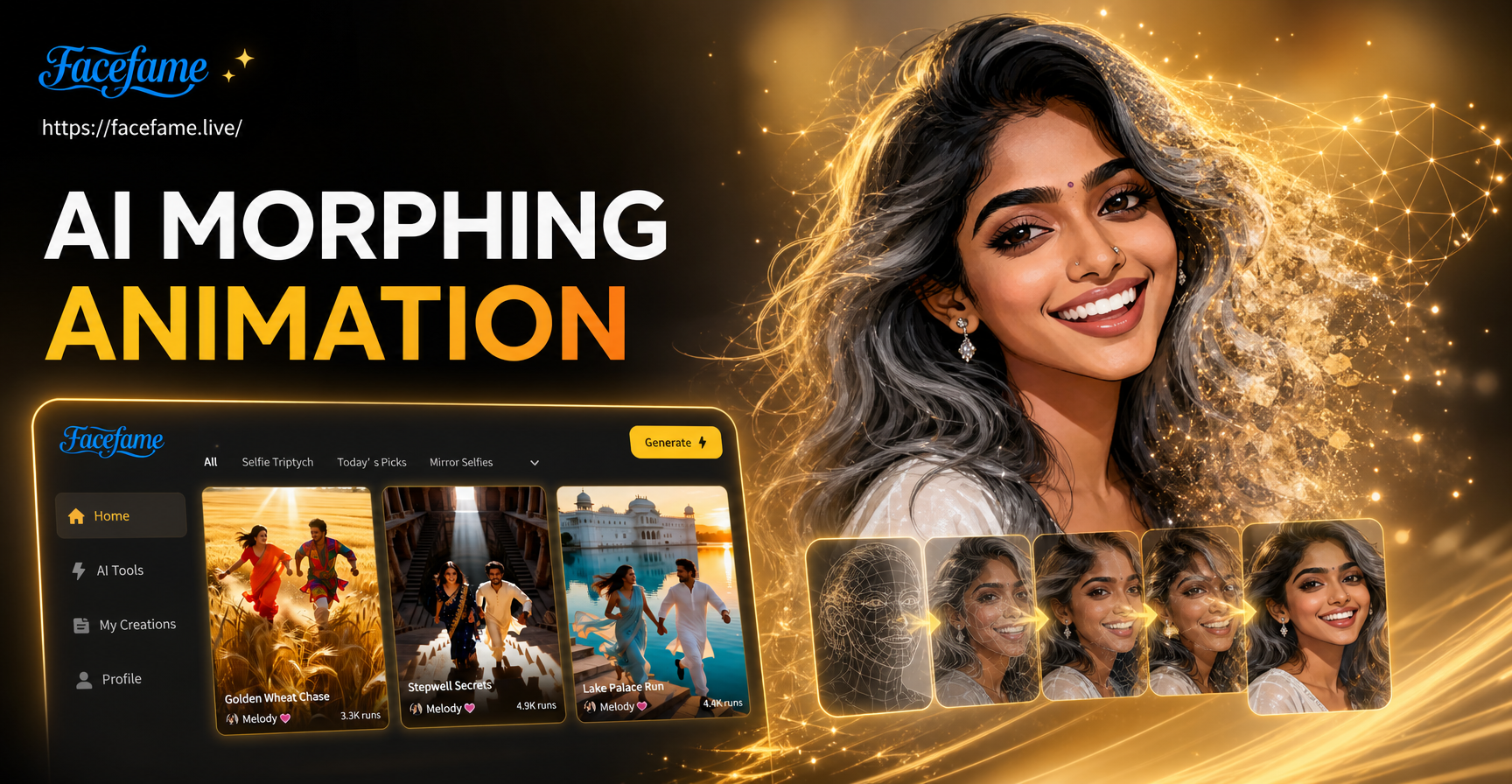
Create Stunning AI Morphing Animations Instantly
AI Person Video Generator: Bring Photos to Life Instantly
AI Business Headshots: Professional Corporate Photos
AI Avatar Generator Video: Create Animated Avatars Instantly
Create Stunning AI Morphing Animations Instantly
Blur, Focus, and Transform Your Photos
Stop wondering how to blur this image. Get the powerful, easy to use AI blur tool in your pocket. Download FaceFame now and edit like a pro.

Blur, Focus, and Transform Your Photos
Stop wondering how to blur this image. Get the powerful, easy to use AI blur tool in your pocket. Download FaceFame now and edit like a pro.