Cinematic Smoky Portrait
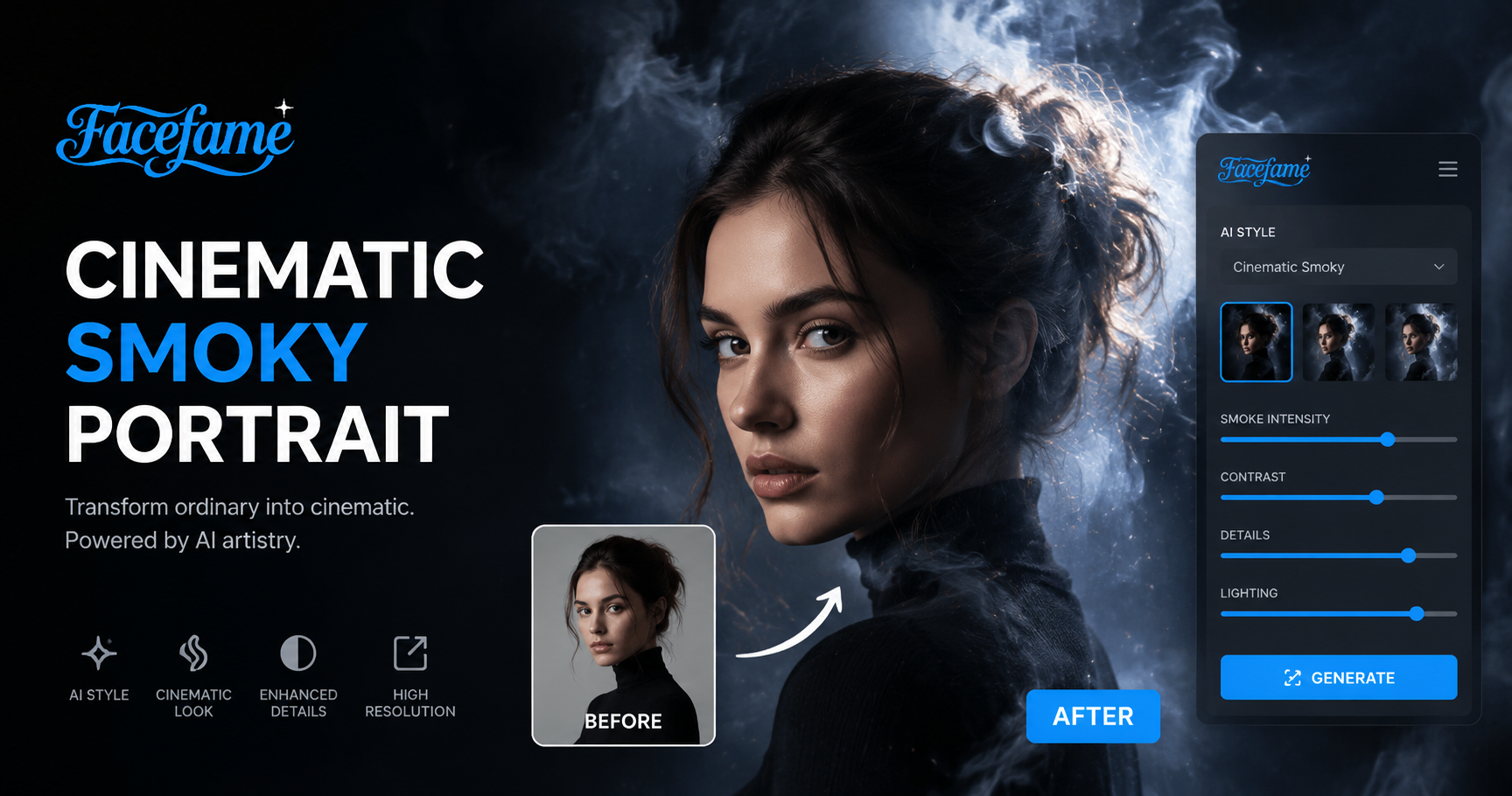
Popular Cinematic Smoky Portrait Filters in Facefame
Explore popular cinematic smoky portrait filters in Facefame to add soft haze, dramatic lighting, and film style portrait effects.
Advantages of Facefame in Generating Cinematic Smoky Portrait Effects
Facefame offers cinematic smoky portrait generation with diverse filters, stable face consistency, and easy mobile editing for fast creative results.
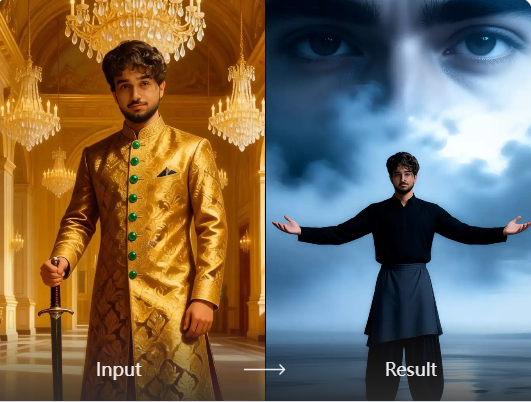
Cinematic Level Quality And Texture
Facefame produces cinematic smoky portraits with high level quality and texture. The results show film grade lighting, rich contrast, and refined details. Each image feels professional and elevated, with smooth skin tones and layered smoke effects. The overall visual style delivers a cinematic look that feels like movie level portrait photography.
Cinematic Level Quality And Texture
Facefame produces cinematic smoky portraits with high level quality and texture. The results show film grade lighting, rich contrast, and refined details. Each image feels professional and elevated, with smooth skin tones and layered smoke effects. The overall visual style delivers a cinematic look that feels like movie level portrait photography.
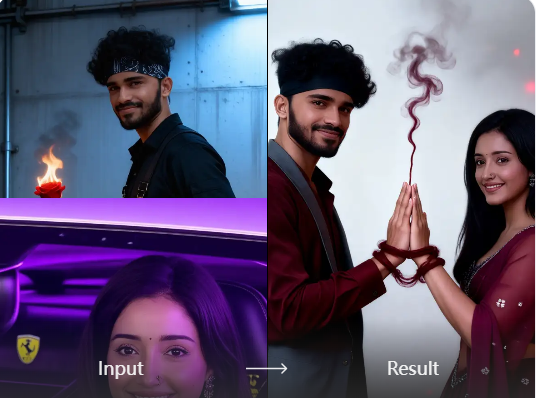
Diverse Generation Effects
Facefame offers diverse cinematic smoky portrait effects instead of a single style. It provides a wide range of filters for different moods and lighting tones. You can easily choose preferred looks with simple controls. Each filter is designed for fast use, allowing quick creation of varied cinematic portrait results in mobile app.
Diverse Generation Effects
Facefame offers diverse cinematic smoky portrait effects instead of a single style. It provides a wide range of filters for different moods and lighting tones. You can easily choose preferred looks with simple controls. Each filter is designed for fast use, allowing quick creation of varied cinematic portrait results in mobile app.
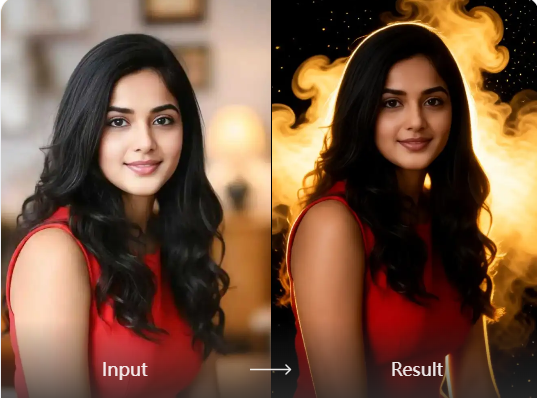
Easily Get Personal Portraits
In Facefame, you can easily get cinematic level personal portraits. The filters let you choose different styles, outfits, poses, and scenes. No need to visit a photo studio. Just upload your photo, tap generate, and receive high quality cinematic portraits directly in the mobile app with fast and simple steps.
Easily Get Personal Portraits
In Facefame, you can easily get cinematic level personal portraits. The filters let you choose different styles, outfits, poses, and scenes. No need to visit a photo studio. Just upload your photo, tap generate, and receive high quality cinematic portraits directly in the mobile app with fast and simple steps.
How to Use Facefame to Generate Cinematic Smoky Portraits?
Learn how to use Facefame to generate cinematic smoky portraits and follow the step by step tutorial to create your first photo.

Step 01.
Download the Facefame app so you can start creating the cinematic smoky portrait effects you want anytime.

Step 02.
Click the button to start generating. The cinematic smoky portraits created in Facefame can also be shared directly to your social media platforms.

Step 03.
Create your AI baby images or videos, then download and share them with friends or on social media.
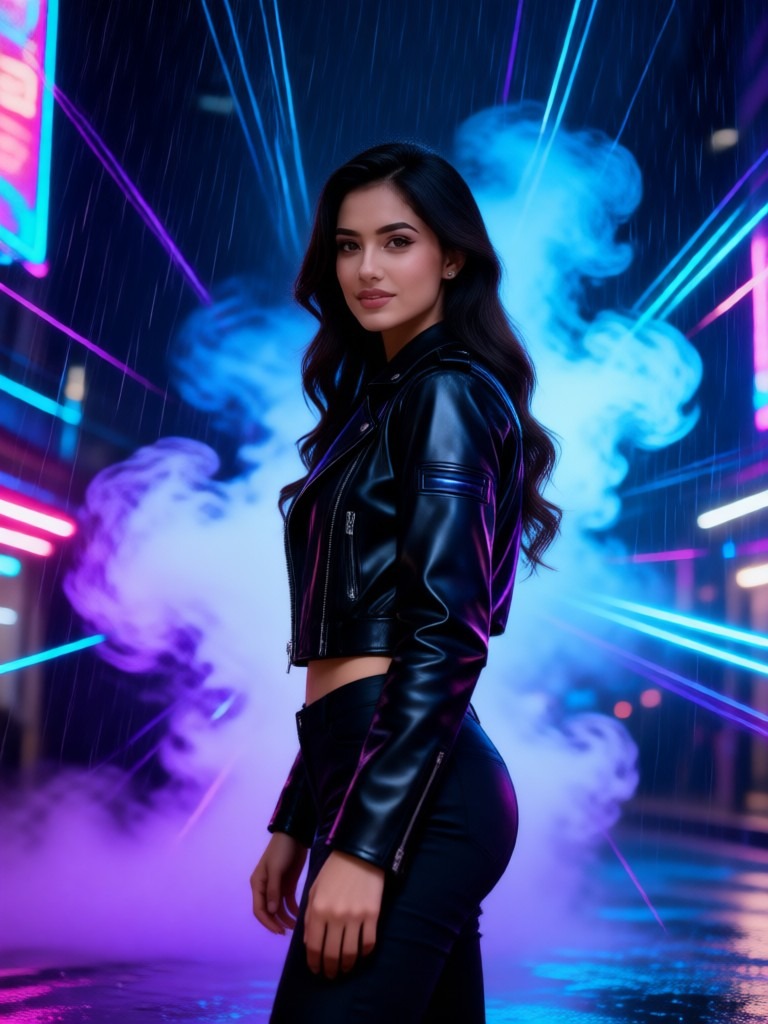
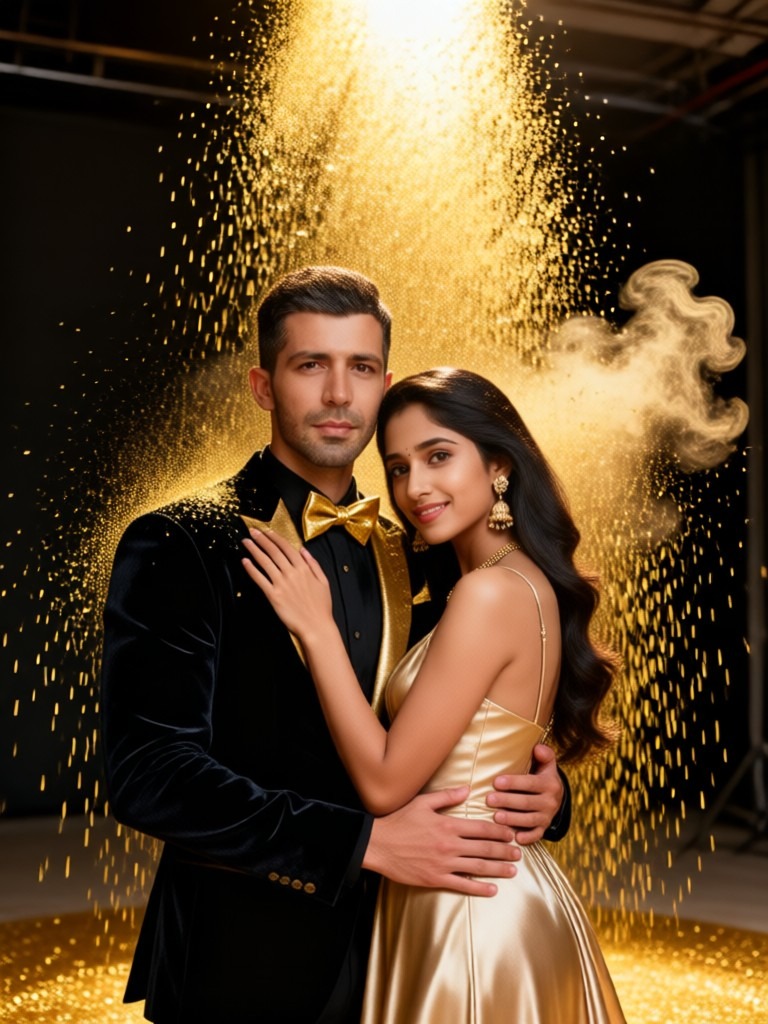
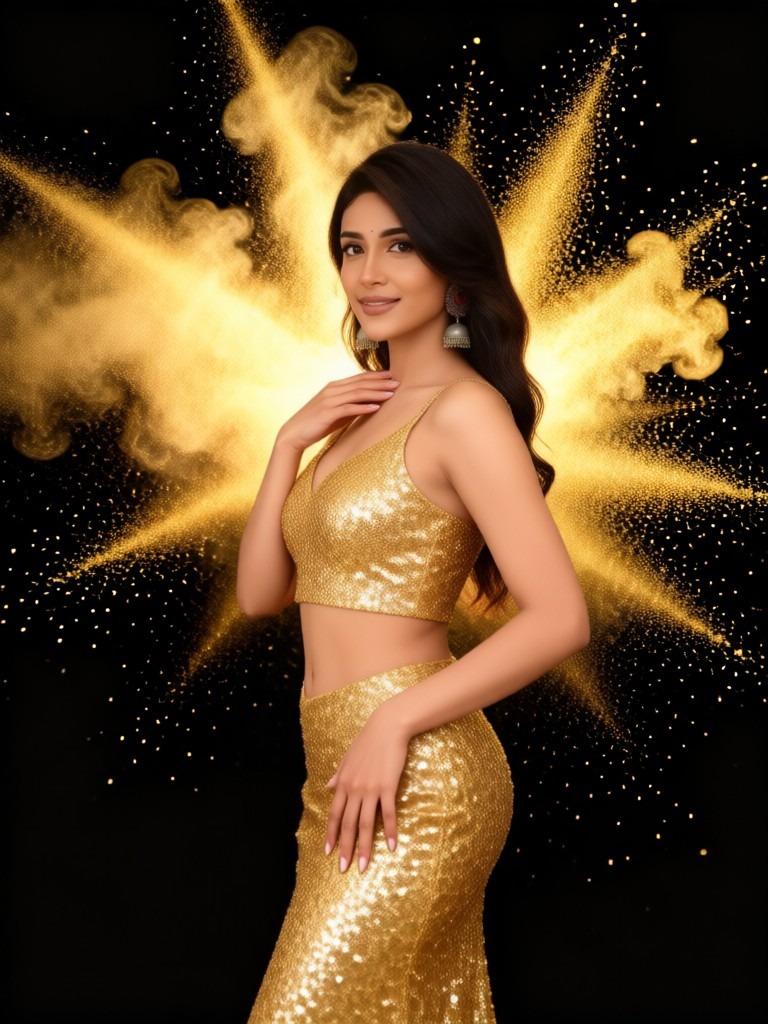
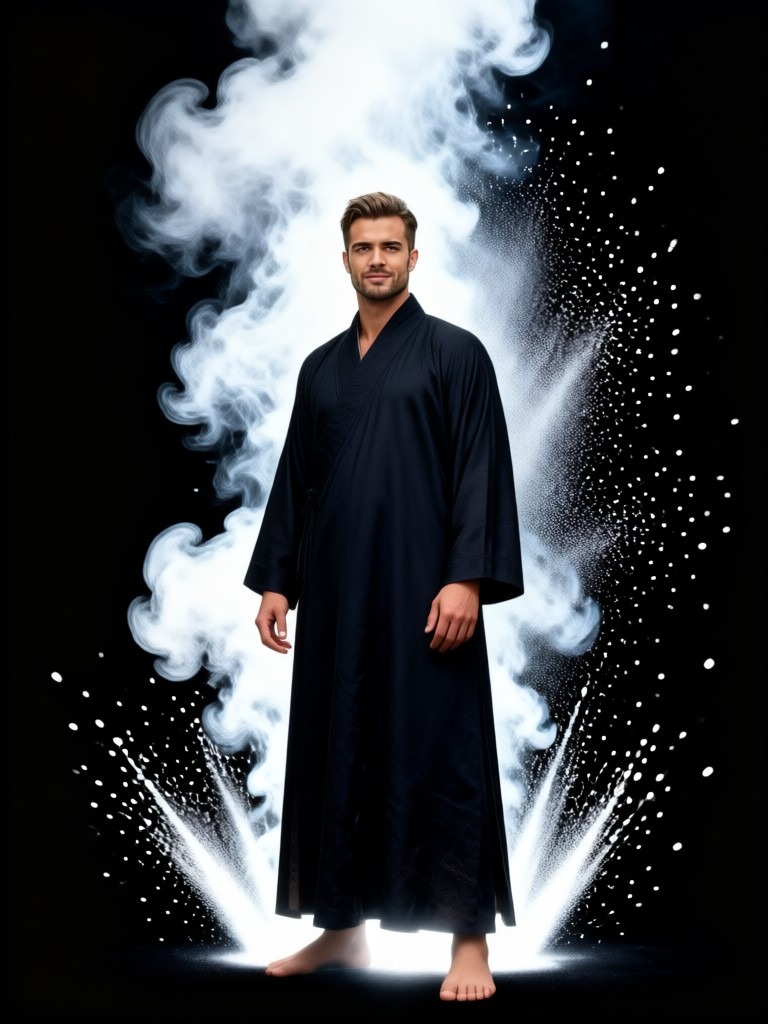
Facefame Generated Cinematic Smoky Portrait Examples
See Facefame generated cinematic smoky portrait examples with soft haze lighting, film style tones, and realistic portrait transformations.

Frequently Asked Questions
Find clear answers to common questions and get the guidance you need to make the most of our platform, faster and easier.
More Topics You May Like
Explore more topics you may like and discover fresh ideas tailored to your interests.
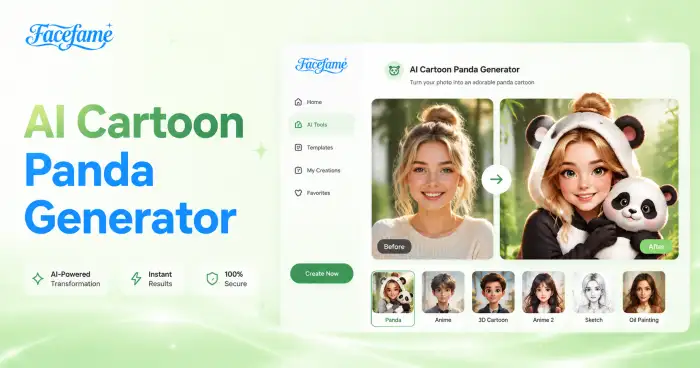
AI Cartoon Panda Generator
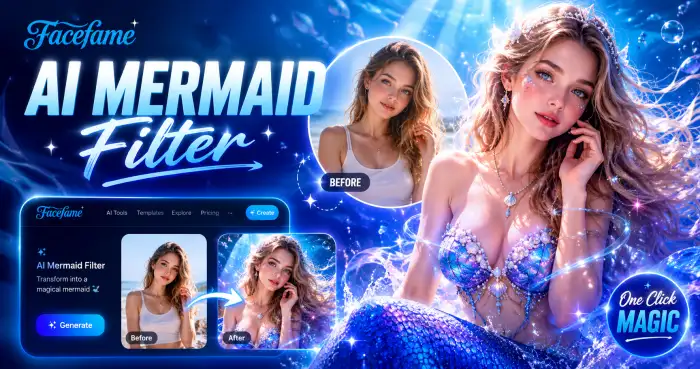
AI Mermaid Filter
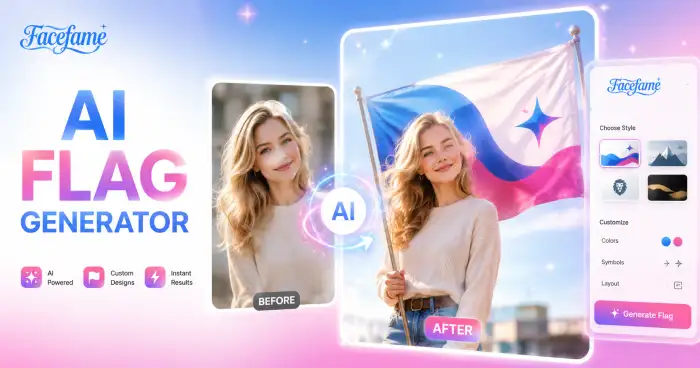
AI Flag Generator
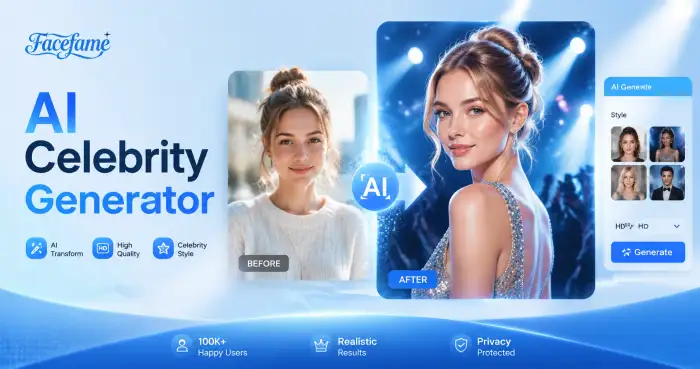
AI Celebrity Generator
AI Cartoon Panda Generator
AI Mermaid Filter
AI Flag Generator
AI Celebrity Generator
Create Cinematic Smoky Portraits With Facefame App
Download the Facefame app to create cinematic smoky portraits, stylized photos, and AI videos. Explore filters, upload images, and generate creative results directly on mobile.
Create Cinematic Smoky Portraits With Facefame App
Download the Facefame app to create cinematic smoky portraits, stylized photos, and AI videos. Explore filters, upload images, and generate creative results directly on mobile.