Convert Image to 4K with AI

Choose the Perfect Upscaling Style
Explore our collection of AI filters designed to boost image resolution to 4K while adding creative flair.
Key Features of Our 4K Image Converter
Discover how Facefame turns ordinary images into high resolution 4K visuals with powerful AI tools.
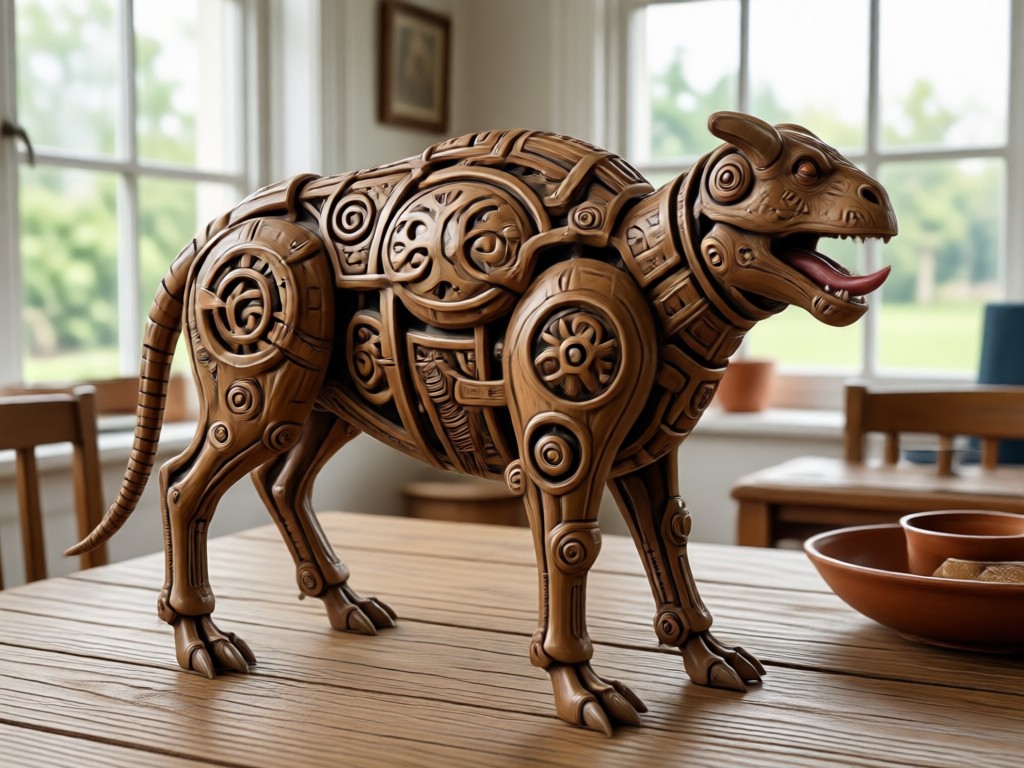
AI Super Resolution
Enhance image resolution up to 4K using advanced AI algorithms. The tool analyzes each pixel and intelligently adds missing details, making photos incredibly sharp and clear.
AI Super Resolution
Enhance image resolution up to 4K using advanced AI algorithms. The tool analyzes each pixel and intelligently adds missing details, making photos incredibly sharp and clear.
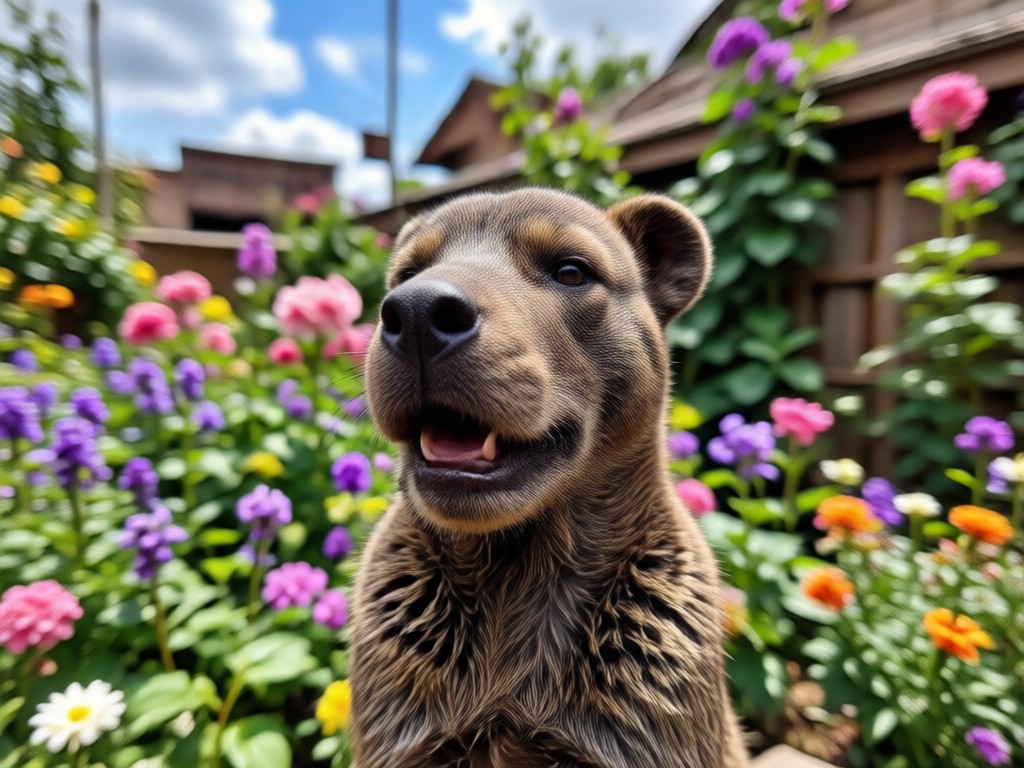
Style Transfer Upscaling
Apply artistic styles while boosting resolution. Choose from realistic photography, anime, oil painting, and more to get a 4K image with a unique look.
Style Transfer Upscaling
Apply artistic styles while boosting resolution. Choose from realistic photography, anime, oil painting, and more to get a 4K image with a unique look.
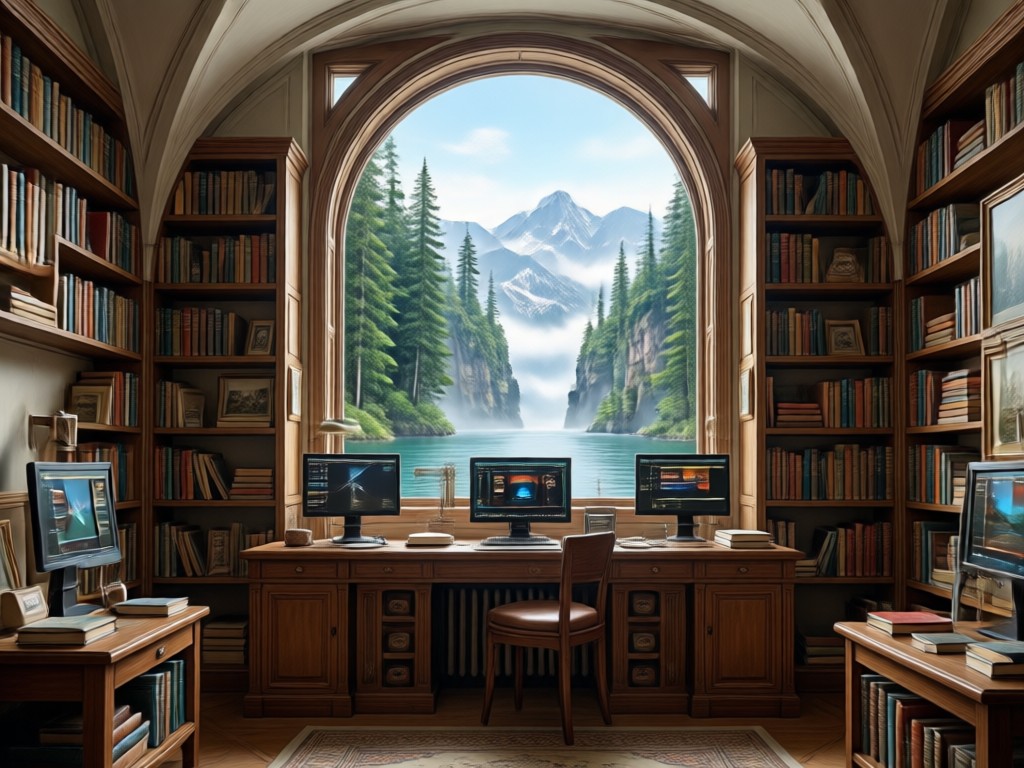
Batch Conversion Support
Convert multiple images to 4K at once and save time. Perfect for photographers, designers, and content creators who need high quality outputs fast.
Batch Conversion Support
Convert multiple images to 4K at once and save time. Perfect for photographers, designers, and content creators who need high quality outputs fast.
Why Use Facefame for 4K Conversion?
Because every pixel matters. Facefame combines cutting edge AI with a mobile friendly interface to deliver professional grade results.

Mobile First 4K Upscaling
Unlike desktop software that requires complex setups, Facefame puts powerful 4K image conversion right on your phone. Simply download the app, upload your photo, and let the AI do the work. The results are ready to share on social media, print, or use in professional projects. No watermarks, no sign up hassles, just pure quality enhancement.
Mobile First 4K Upscaling
Unlike desktop software that requires complex setups, Facefame puts powerful 4K image conversion right on your phone. Simply download the app, upload your photo, and let the AI do the work. The results are ready to share on social media, print, or use in professional projects. No watermarks, no sign up hassles, just pure quality enhancement.
How to Convert Image to 4K?
Follow three simple steps to turn your photos into ultra high definition 4K images.
Step 01.
Download the Facefame app from Google Play and open it on your mobile device.
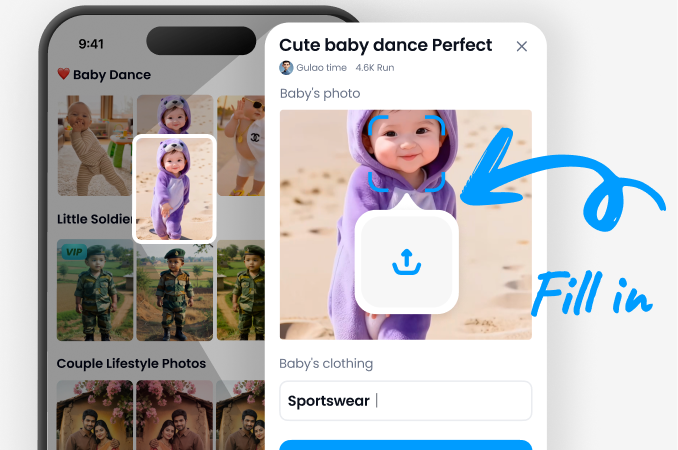
Step 02.
Upload the image you want to upscale and choose a 4K enhancement filter from the style library.
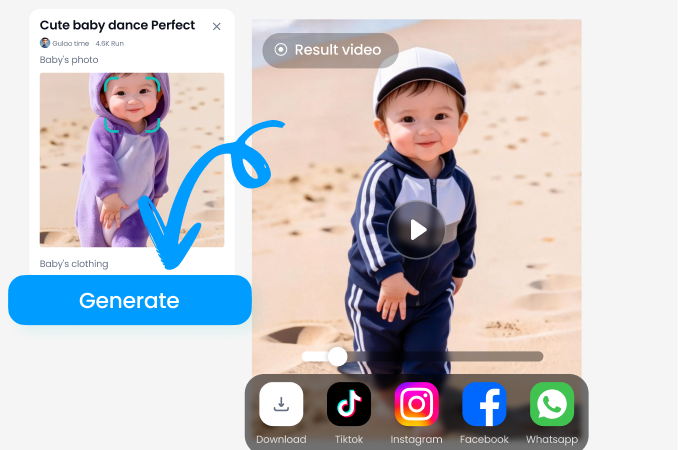
Step 03.
Generate your 4K image, preview the result, and save or share it directly to your favorite platform.
Explore 4K Image Conversion Results
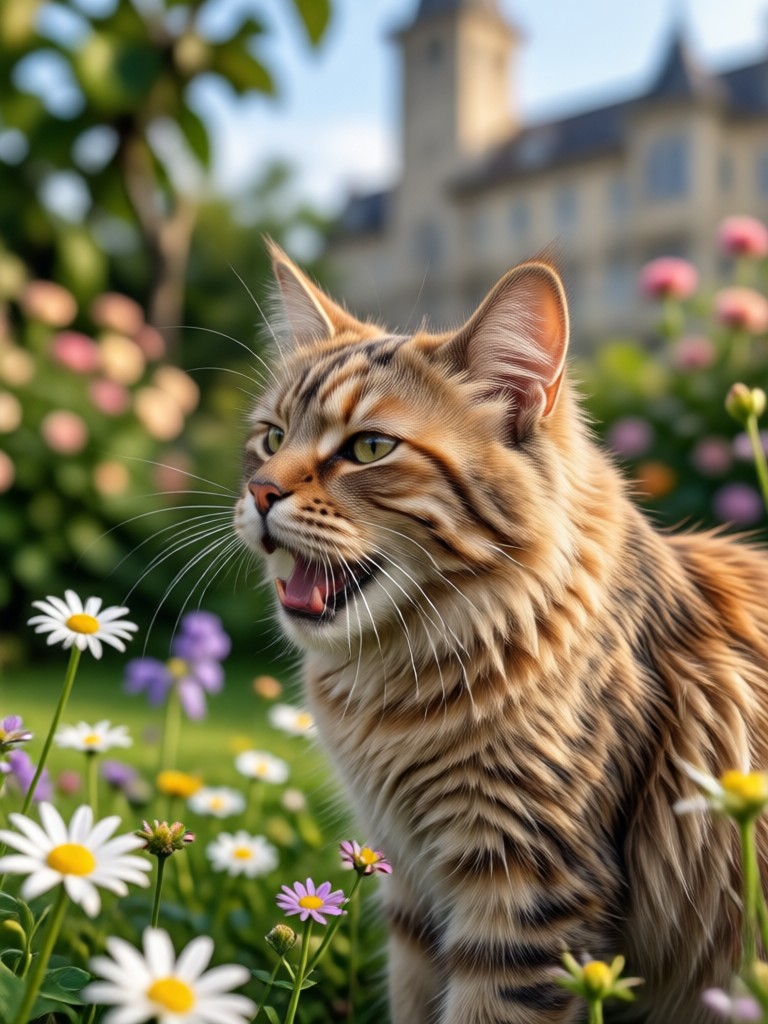
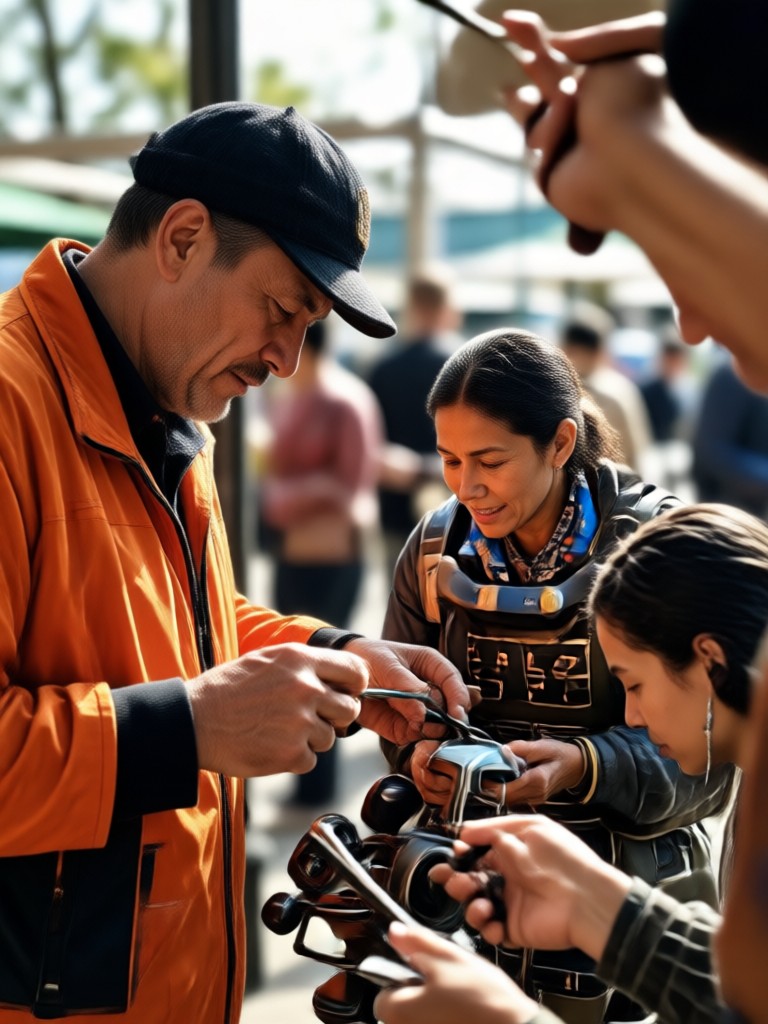
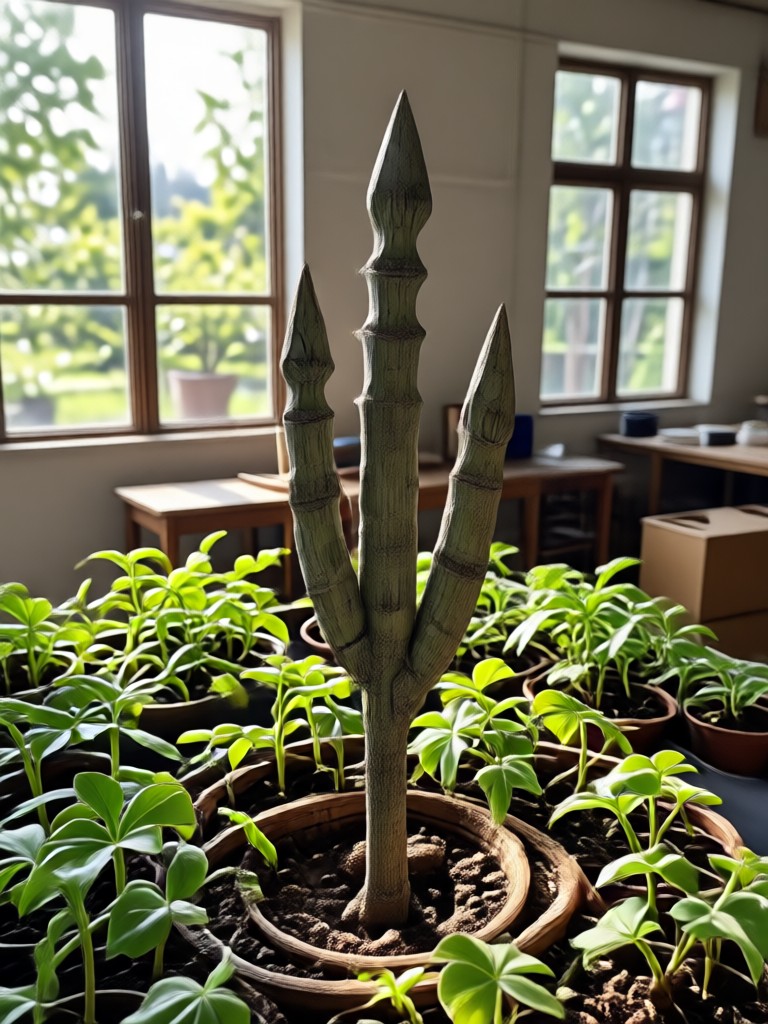
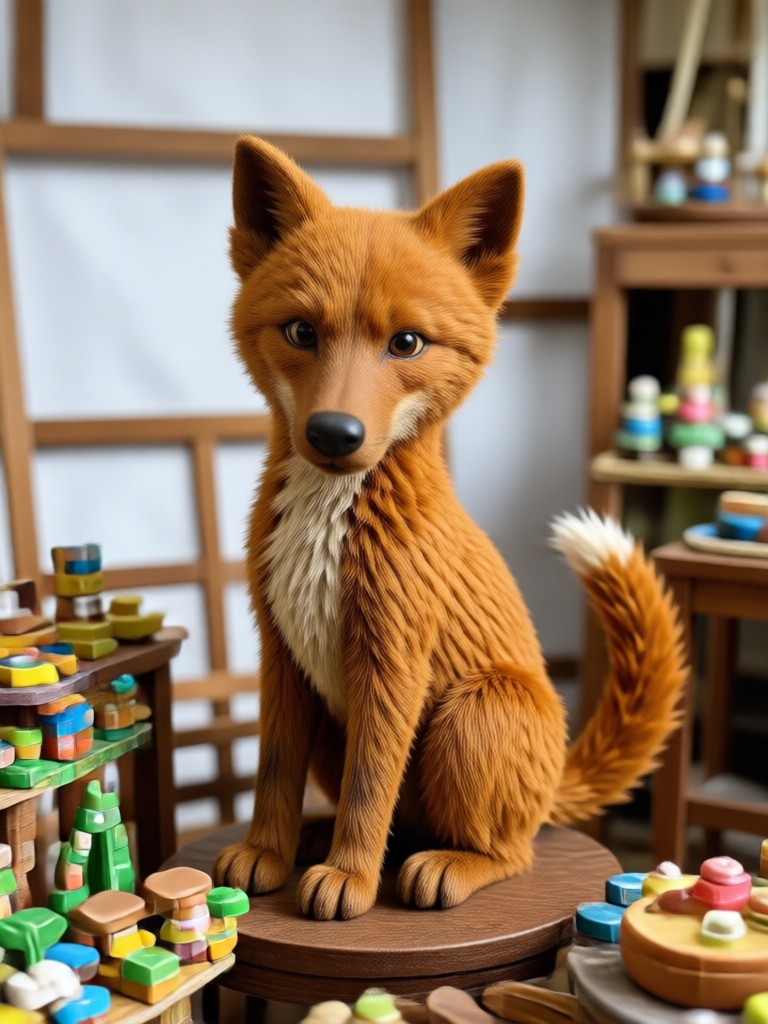
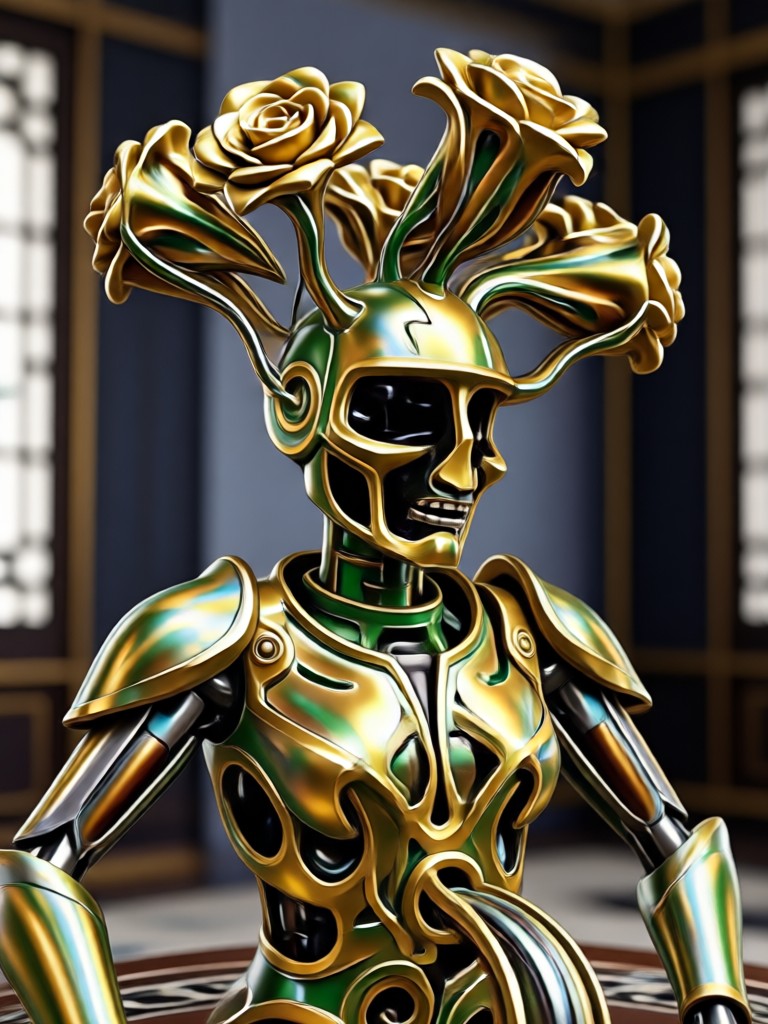
See how Facefame transforms low resolution photos into stunning 4K masterpieces. Browse real examples and get inspired.








Convert Image to 4K on the Go
Facefame's mobile app lets you upscale photos to 4K resolution anytime, anywhere. Perfect for quick social media posts or professional quality work.

What Users Say About Our 4K Converter

Emily Carter
I had old family photos that were blurry. Facefame upscaled them to 4K and they look incredible. The details are so sharp now.

David Lee
As a graphic designer, I need high res images quickly. This app saves me hours every week. The 4K conversion is fast and reliable.

Sophia Martinez
I love that I can apply artistic styles while converting to 4K. My Instagram feed has never looked better.

James Wilson
The batch conversion feature is a game changer. I can process dozens of product photos at once and get consistent 4K quality.
Emily Carter
I had old family photos that were blurry. Facefame upscaled them to 4K and they look incredible. The details are so sharp now.
David Lee
As a graphic designer, I need high res images quickly. This app saves me hours every week. The 4K conversion is fast and reliable.
Sophia Martinez
I love that I can apply artistic styles while converting to 4K. My Instagram feed has never looked better.
James Wilson
The batch conversion feature is a game changer. I can process dozens of product photos at once and get consistent 4K quality.
Emily Carter
I had old family photos that were blurry. Facefame upscaled them to 4K and they look incredible. The details are so sharp now.
David Lee
As a graphic designer, I need high res images quickly. This app saves me hours every week. The 4K conversion is fast and reliable.
Sophia Martinez
I love that I can apply artistic styles while converting to 4K. My Instagram feed has never looked better.
James Wilson
The batch conversion feature is a game changer. I can process dozens of product photos at once and get consistent 4K quality.
Frequently Asked Questions
Find answers to common questions about converting images to 4K with Facefame.
More Topics You May Like
Explore more AI powered tools and discover fresh ideas for your creative projects.
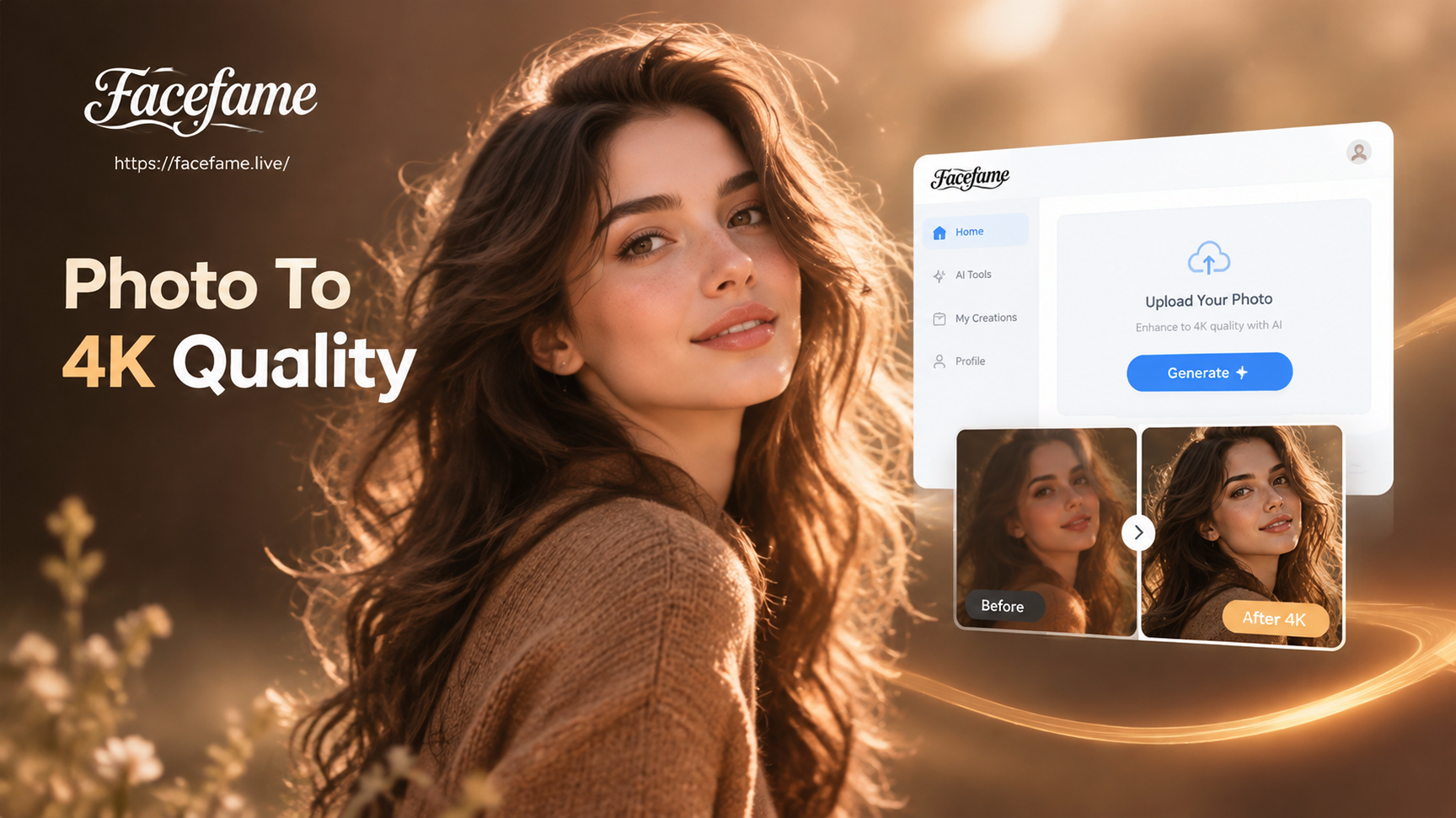
AI Photo to 4K Converter: Upscale Images in Seconds
Turn low-quality photos into stunning 4K resolution with our AI converter. Upload any image, enhance details, and get crisp HD results in seconds.

Clean Up TikTok Photos: Remove Watermarks Instantly
Remove watermarks from TikTok photos with AI. Upload a photo, let facefame clean stamps, logos, and text overlays, and get a crisp image in seconds. Download the app now.
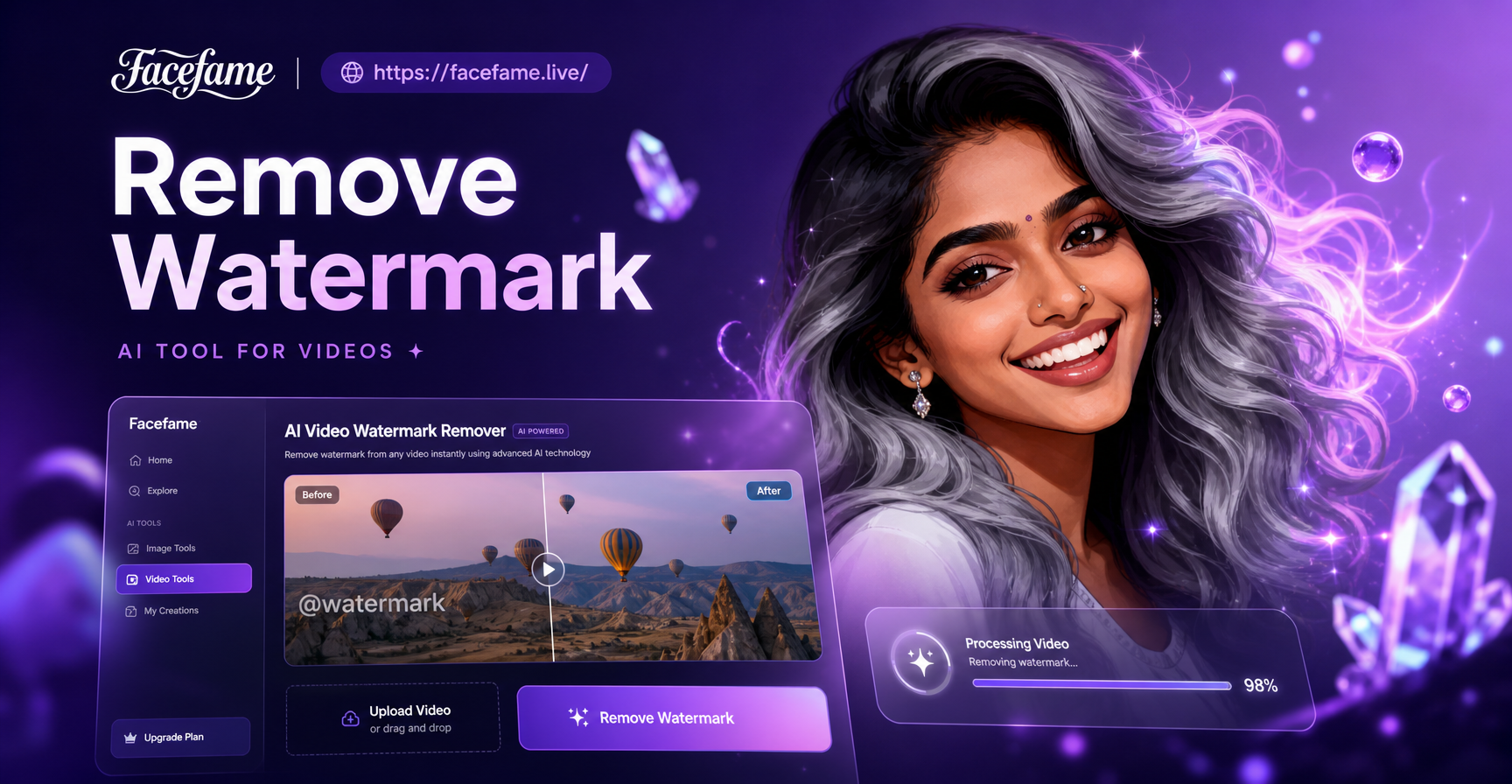
Remove Watermarks From Videos With AI Easily
Remove watermarks, logos, and text from videos with AI. Upload a clip, erase unwanted marks cleanly, and export a polished video. No editing skills needed. Download now.

AI Princess Generator: Turn Photos Into Fairy Tale Art
Create stunning princess portraits from your photos with AI Princess Generator. Upload a selfie and get royal transformations in seconds. Try magical styles now.
Ready to Convert Your Images to 4K?
Download Facefame now and start transforming your photos into ultra high definition 4K masterpieces. Free to try, no sign up required.
Ready to Convert Your Images to 4K?
Download Facefame now and start transforming your photos into ultra high definition 4K masterpieces. Free to try, no sign up required.