Convert Picture to Old Age Online
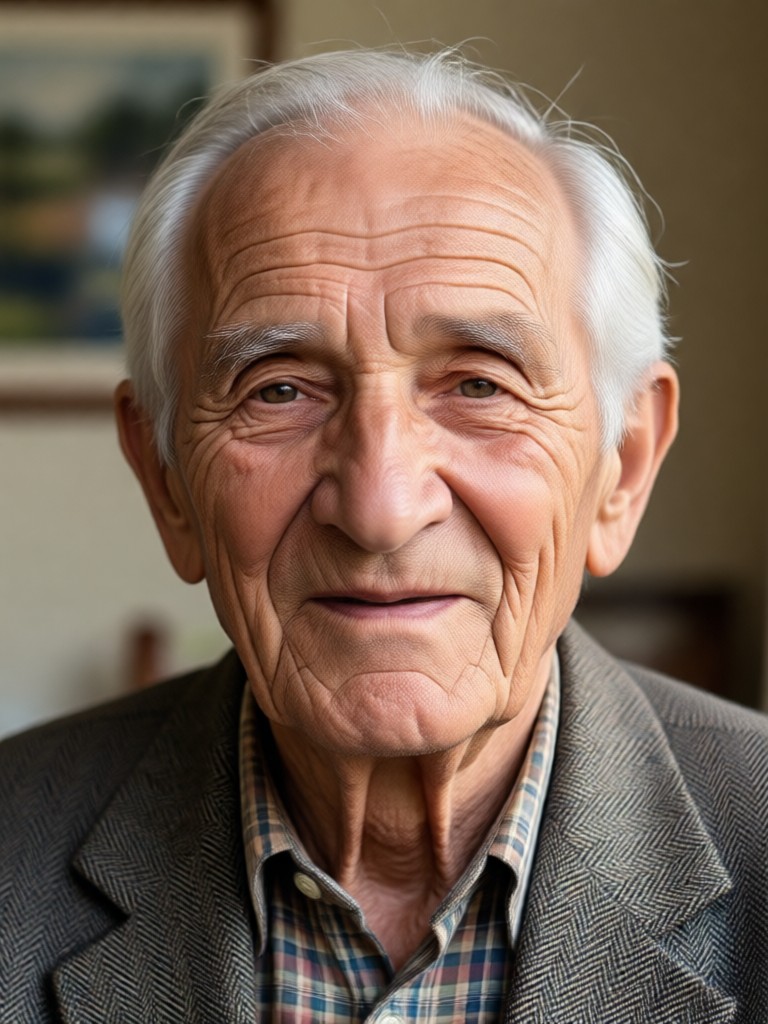
Explore More AI Face Filters
After you convert picture to old age online, try related effects like young filter, gender swap, beard styles, anime portrait, and photo restoration.
Key Features of the Old Age Filter
Facefame makes it simple to convert picture to old age online with realistic results. Here is what you can expect.
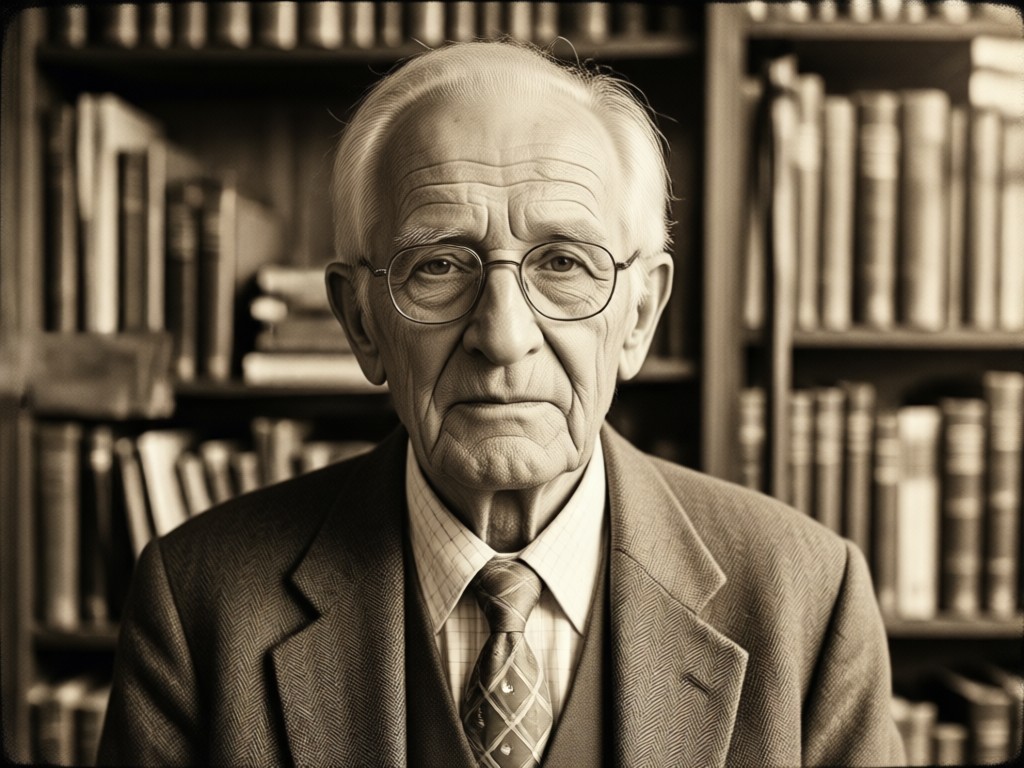
Realistic Age Progression
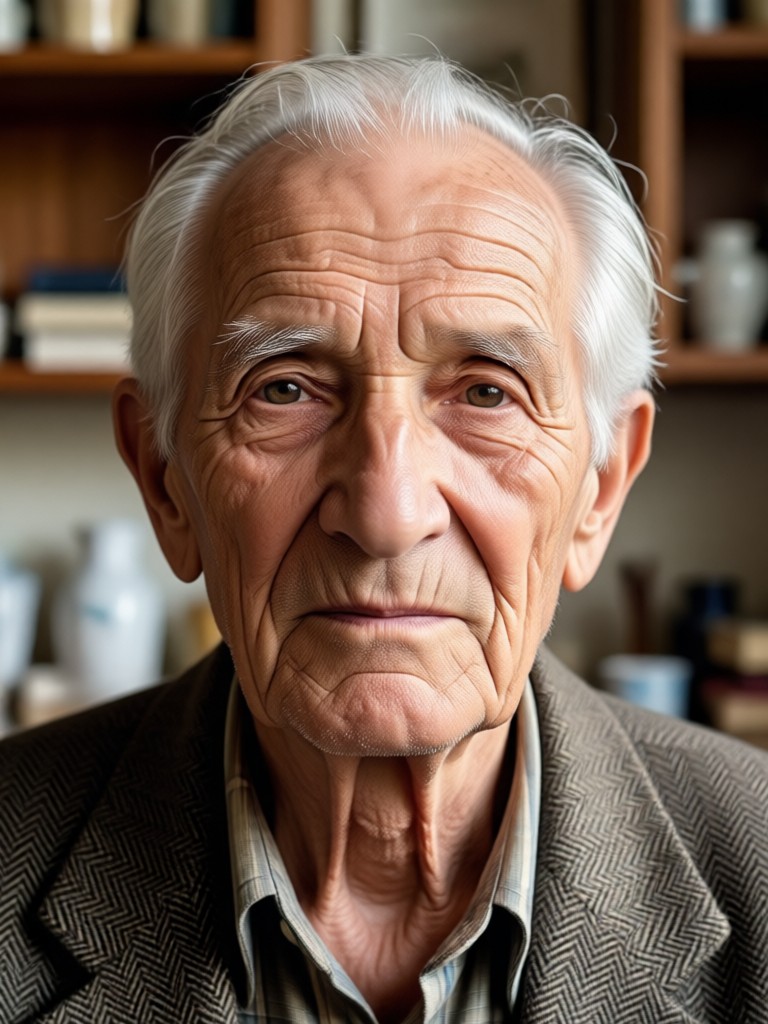
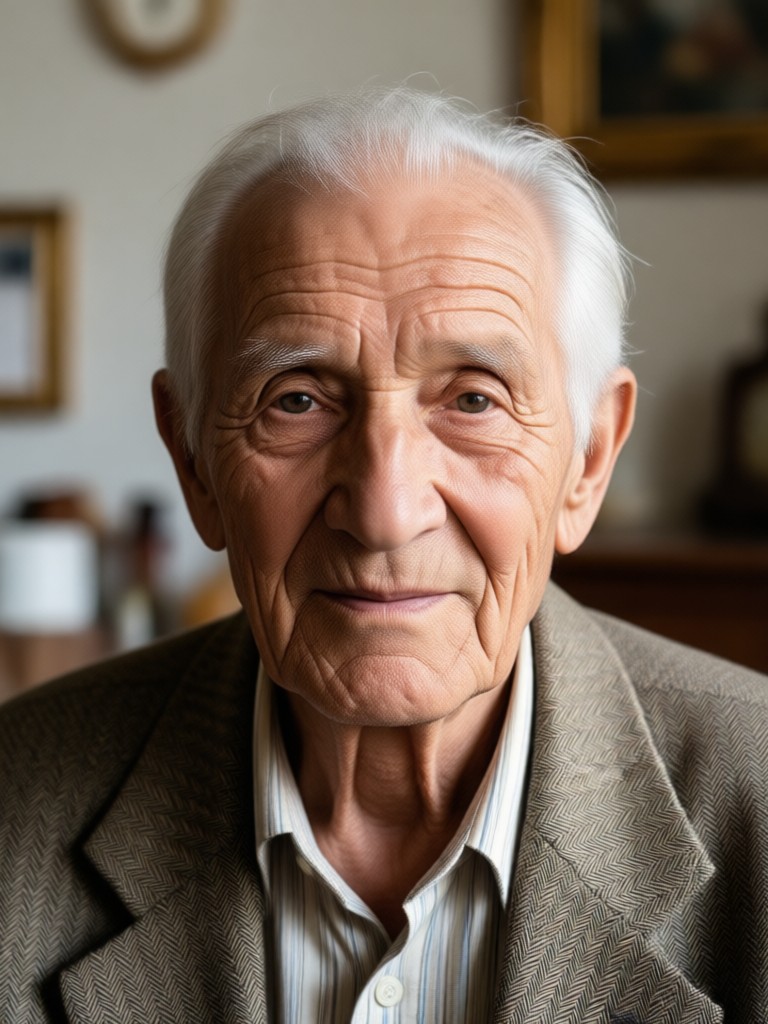
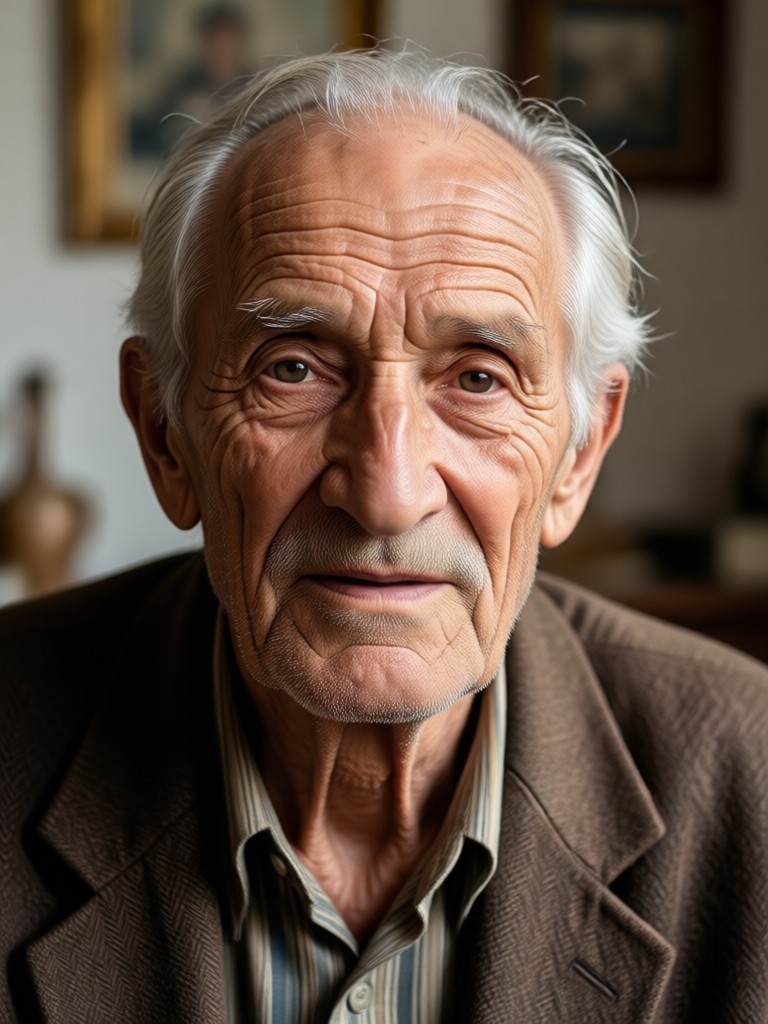
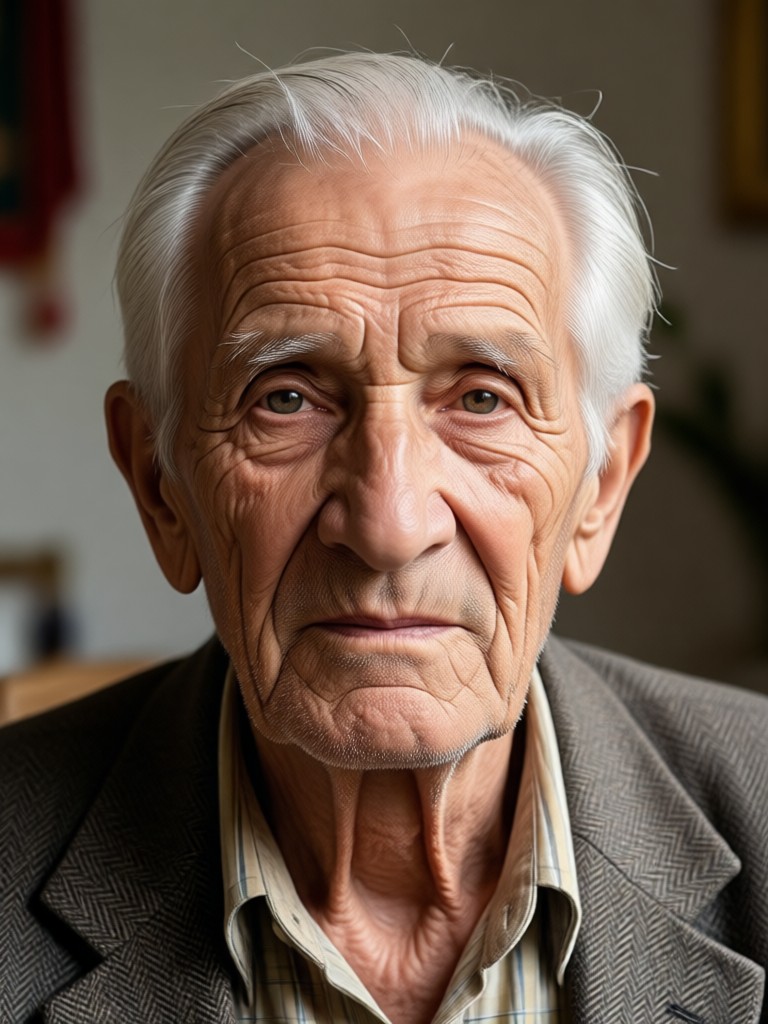
The AI studies your facial structure and adds natural wrinkles, age spots, and gray hair. Your result looks like you decades later, not a cartoon mask.
Realistic Age Progression
The AI studies your facial structure and adds natural wrinkles, age spots, and gray hair. Your result looks like you decades later, not a cartoon mask.
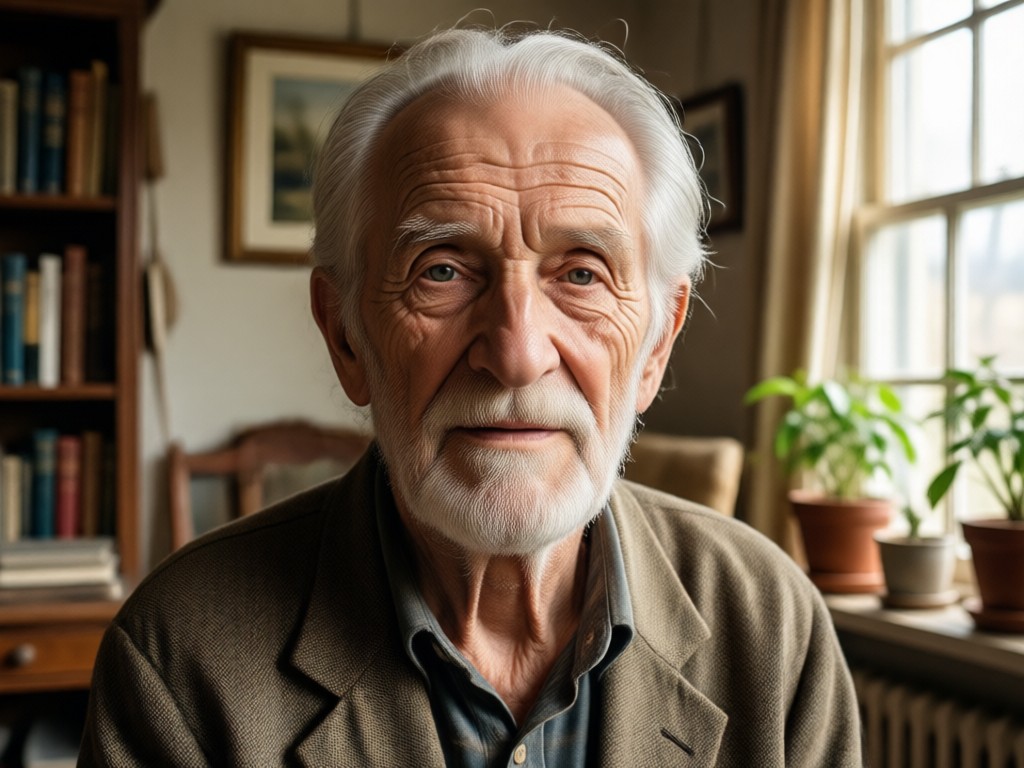
One Tap Style Templates
Choose from multiple old age templates including elegant senior, vintage portrait, and future self. No photo editing experience is required.
One Tap Style Templates
Choose from multiple old age templates including elegant senior, vintage portrait, and future self. No photo editing experience is required.
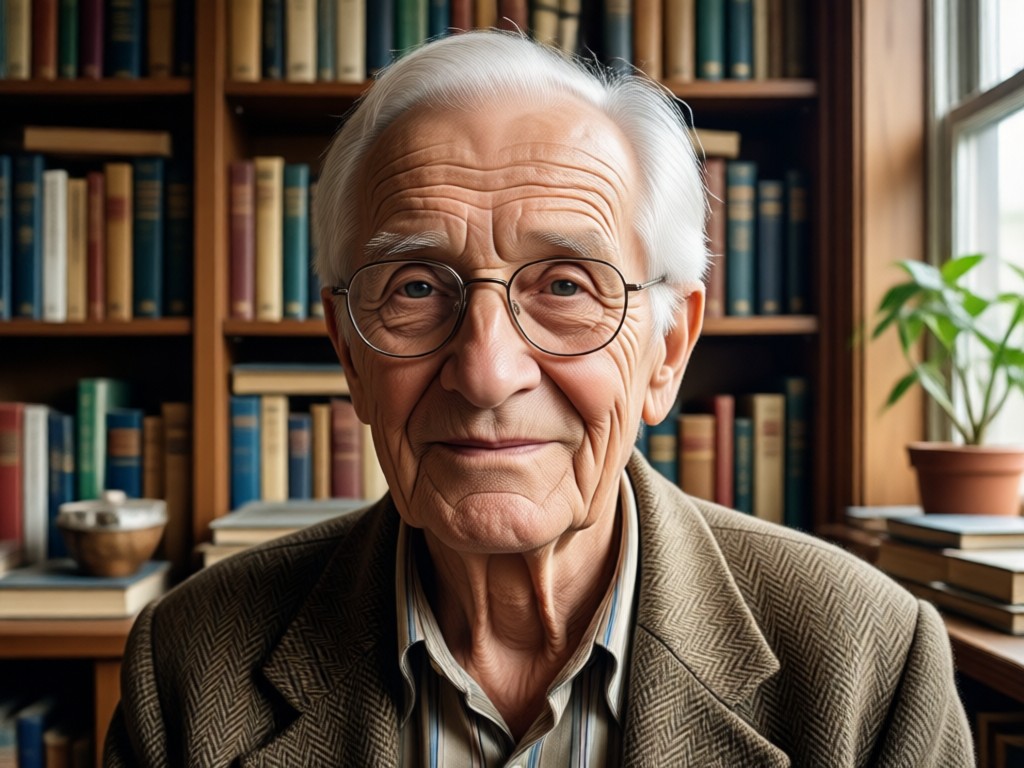
Share Ready Results
Save your transformed portrait in high resolution or share it directly to social media. Perfect for family fun, retirement planning, or viral challenges.
Share Ready Results
Save your transformed portrait in high resolution or share it directly to social media. Perfect for family fun, retirement planning, or viral challenges.
Old Age Transformation Gallery
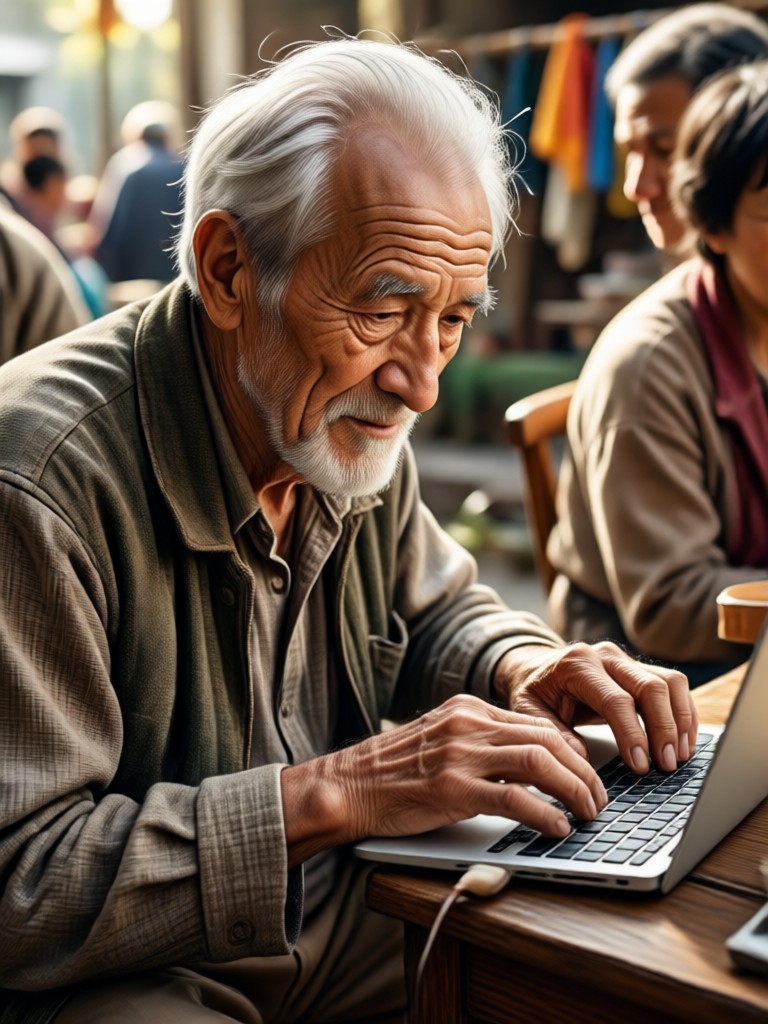
Explore real examples of people who used facefame to convert picture to old age online. Each result preserves identity while adding decades in seconds.
How to Convert Picture to Old Age Online
Follow three simple steps to see your older self with facefame. No design skills or complex prompts needed.
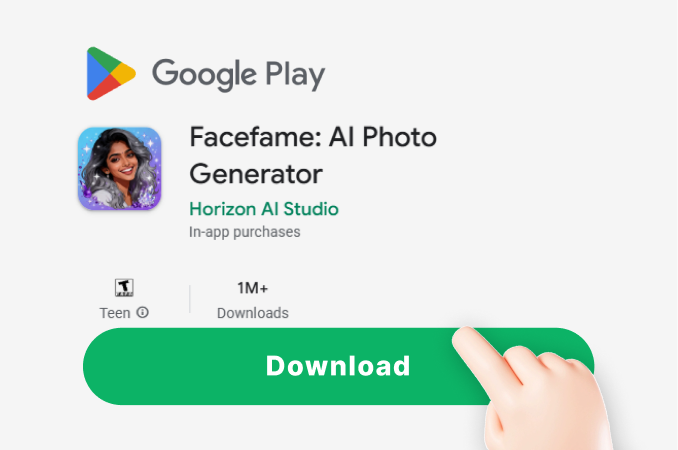
Step 01.
Download facefame from Google Play and open the old age filter tool.
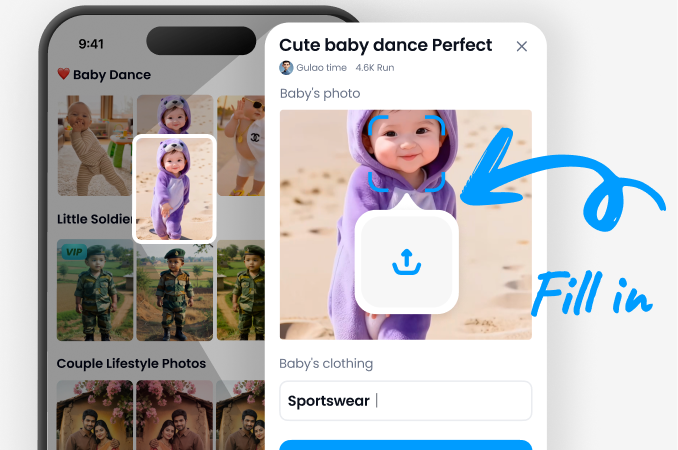
Step 02.
Upload a clear portrait or take a new selfie inside the app. Pick the old age style you prefer.
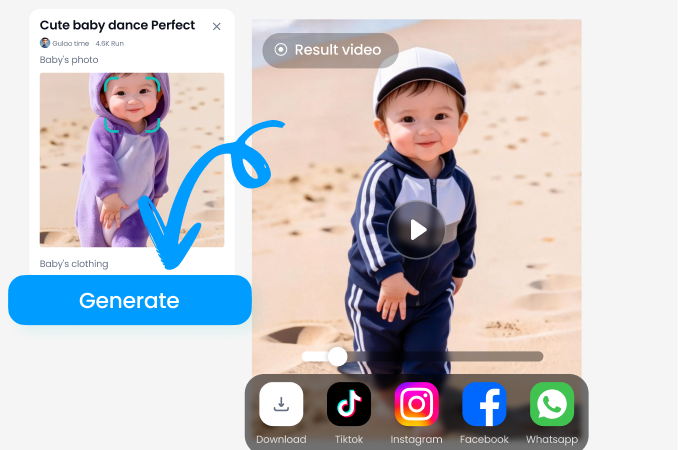
Step 03.
Let AI process the image, then save or share your realistic old age photo with friends.
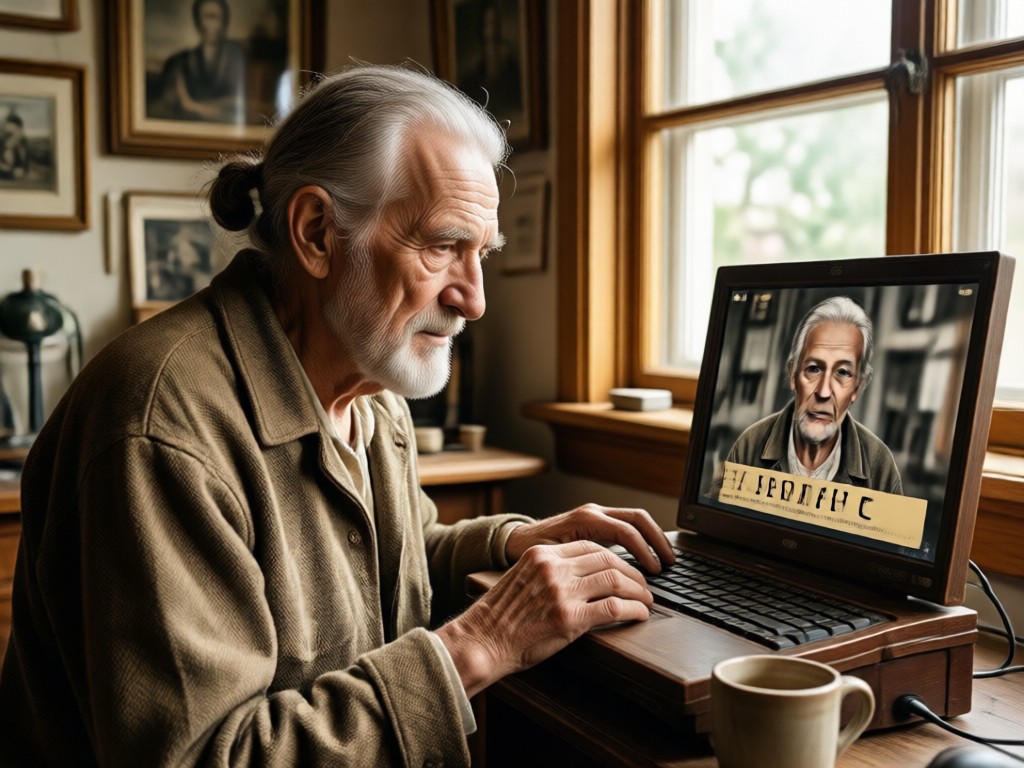
Why Use FaceFame for Old Age Photos?
Facefame delivers accurate, high quality age progression without complicated tools. Upload once and generate multiple styles, all from your phone.
Why Use FaceFame for Old Age Photos?
Facefame delivers accurate, high quality age progression without complicated tools. Upload once and generate multiple styles, all from your phone.
What Users Say About the Old Age Filter
Scarily accurate and fun
I used this to see how I might look at 70 and sent it to my mom. She thought it was a photo of my dad. The wrinkles and gray hair look so real.
Great for family group photos
We aged our entire family photo for a retirement party slideshow. Everyone looked natural and the app kept each face distinct. Super easy.
No editing skills needed
I tried three different old age styles in under five minutes. The app did all the work. Now my friends want to try it too.
Frequently Asked Questions
Find clear answers about how to convert picture to old age online and get the best results with facefame.
More Topics You May Like
Explore more topics related to AI photo editing and old age filters.

AI Generated Monster: Create Scary Creatures Instantly

Facial Hair Generator: Try Beards And Mustaches
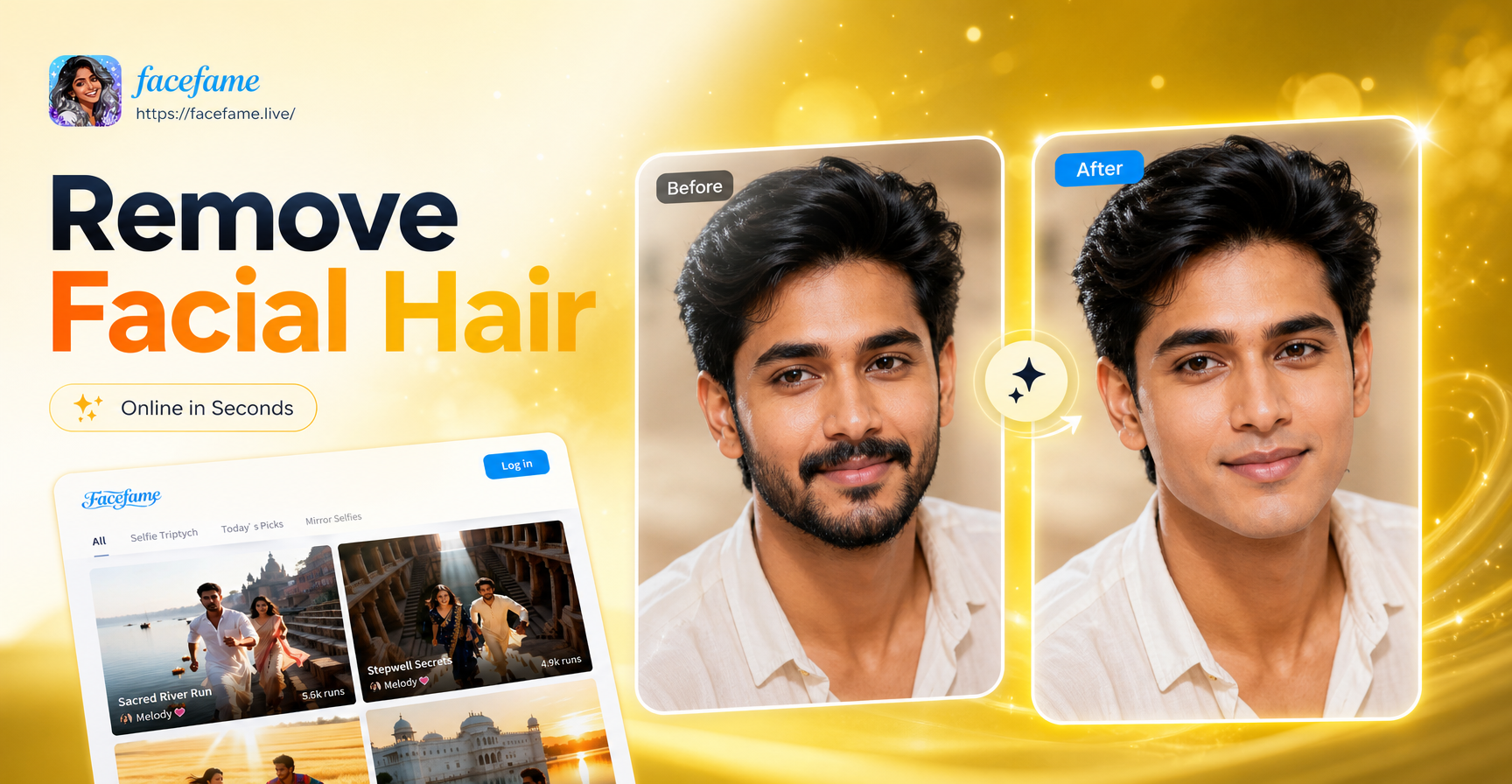
Remove Beard And Mustache From Any Photo in Seconds
Remove An Emoji From A Picture: AI Cleanup in Seconds
AI Generated Monster: Create Scary Creatures Instantly
Facial Hair Generator: Try Beards And Mustaches
Remove Beard And Mustache From Any Photo in Seconds
Remove An Emoji From A Picture: AI Cleanup in Seconds
Ready to See Your Older Self?
Download facefame now and convert picture to old age online in seconds. Join thousands of users creating realistic age progressions for fun, family projects, and social media.

Ready to See Your Older Self?
Download facefame now and convert picture to old age online in seconds. Join thousands of users creating realistic age progressions for fun, family projects, and social media.