Crayon AI Generator
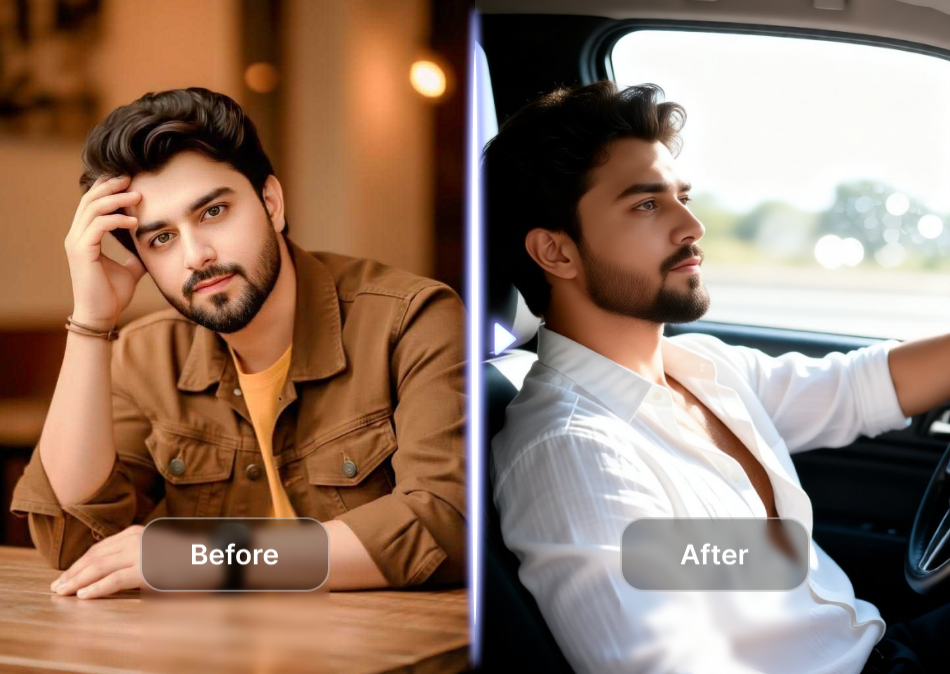
Choose the Crayon Style That Suits You Best
Discover wax crayon, oil pastel, colored pencil, and sketch effects to match your mood. Pick a filter and apply it to any photo in one tap.
Why Use a Crayon AI Generator
From quick social posts to personalized gifts, crayon AI art gives your photos a playful, hand drawn look. Here is what makes FaceFame the best crayon effect app.
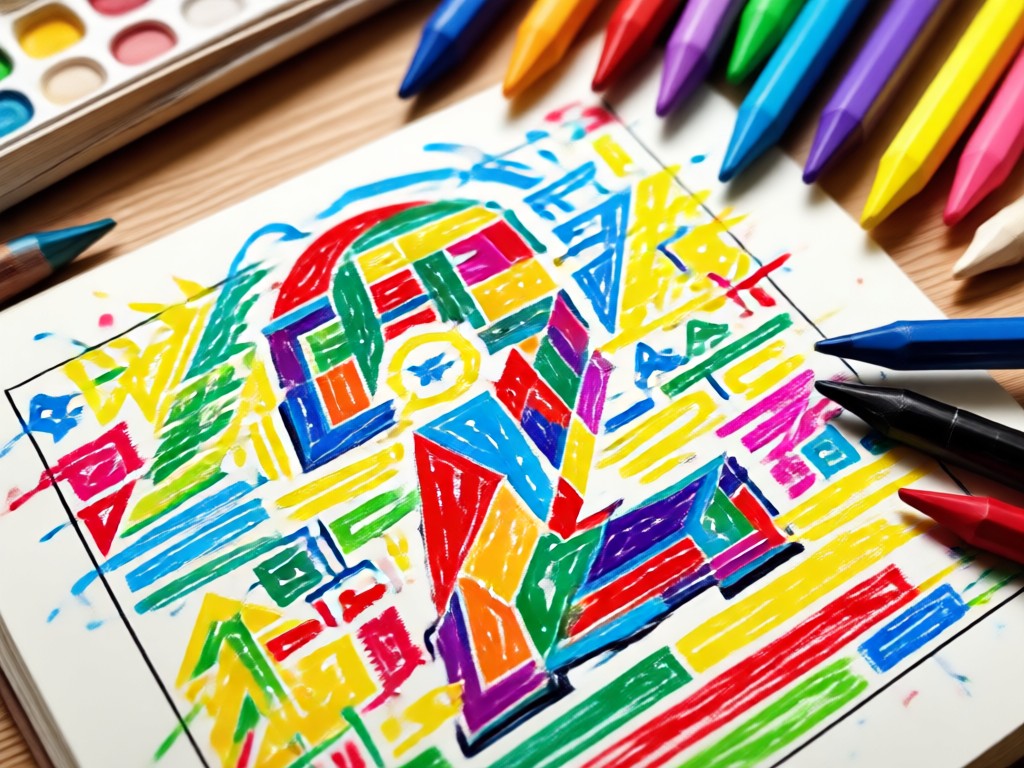
Photo to Crayon Drawing
Upload any image and let AI convert it into a textured crayon drawing. The tool preserves faces and main subjects while adding bold, waxy strokes.
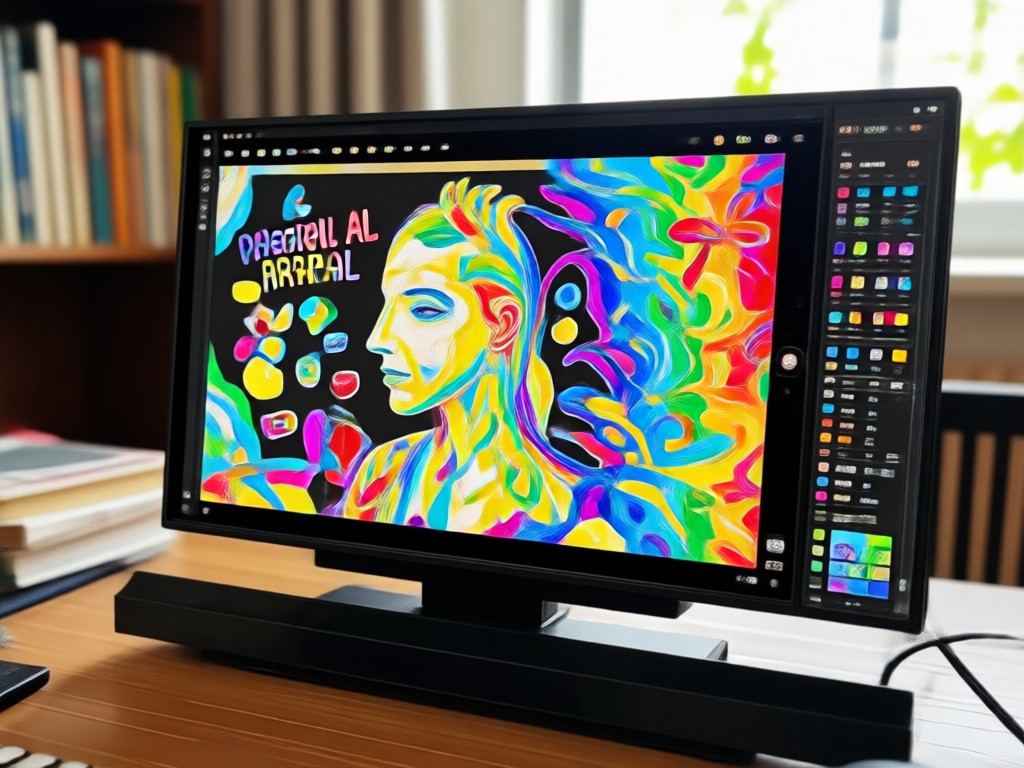
Custom Crayon Filters
Choose from wax crayon, oil pastel, colored pencil, and vintage sketch styles. Adjust the intensity to get the exact look you want.
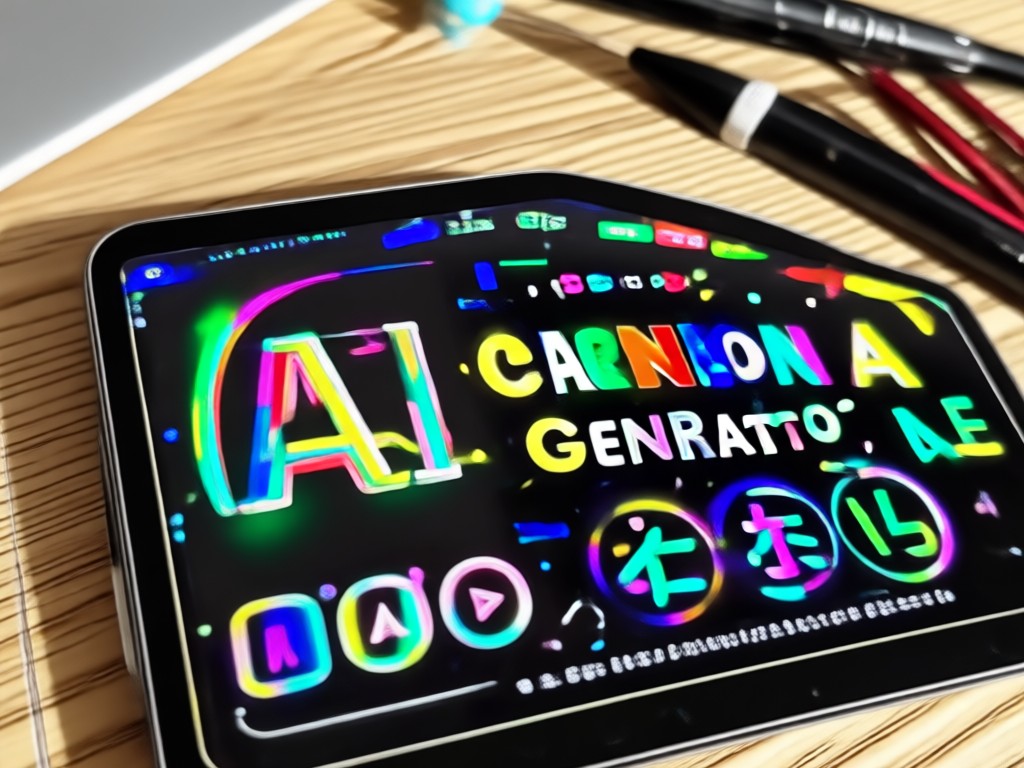
High Resolution Crayon Art
Generate sharp, share ready crayon art in seconds. Save HD images to your phone or post directly to social media without losing quality.
Crayon AI Creations Gallery
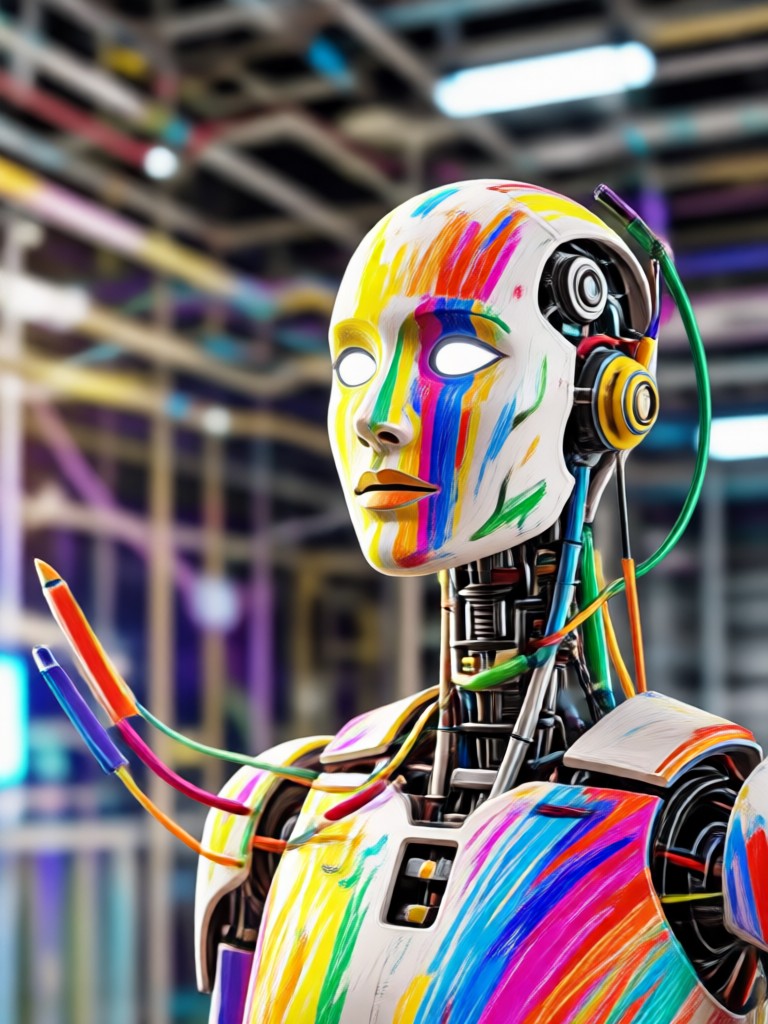
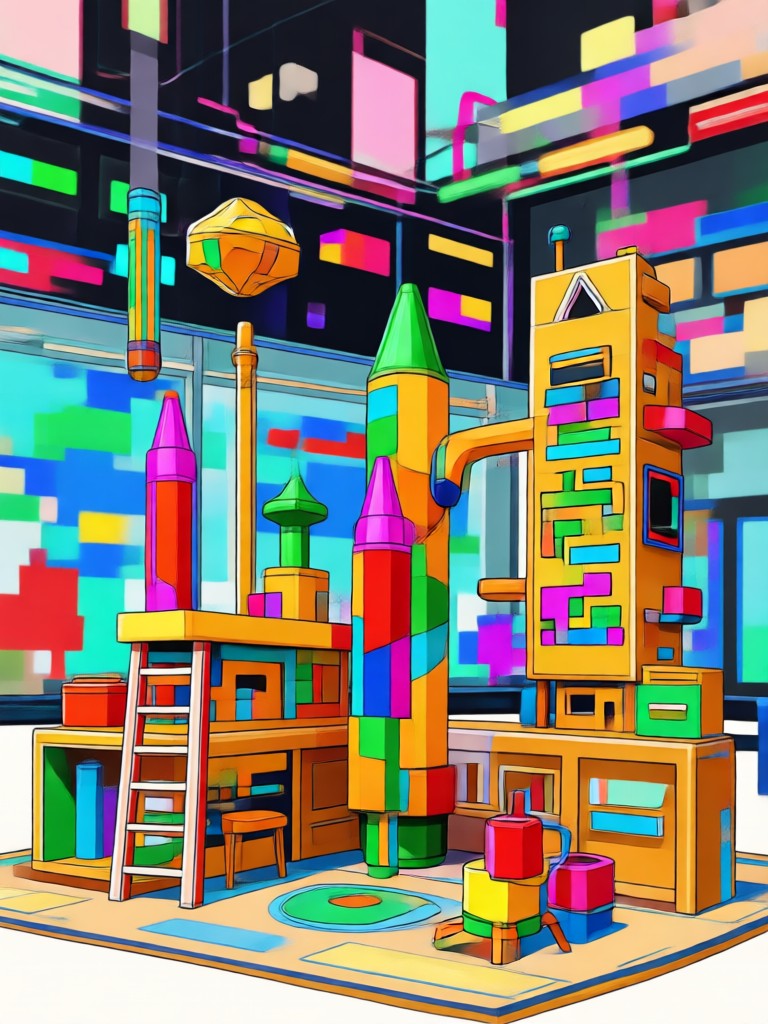
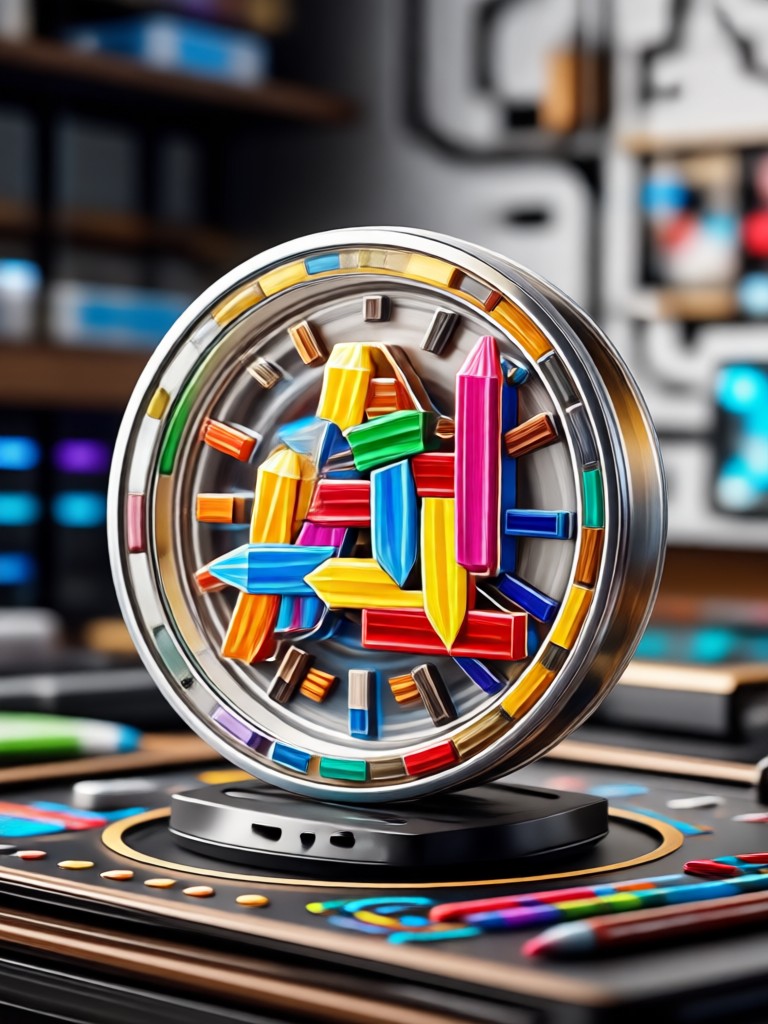
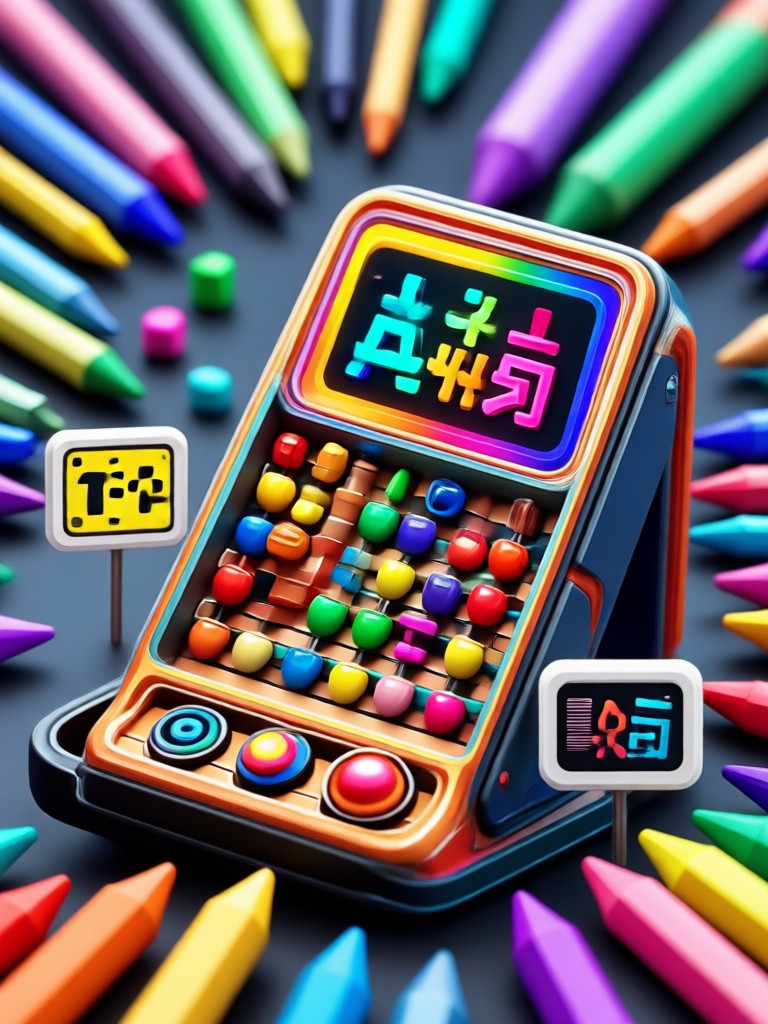
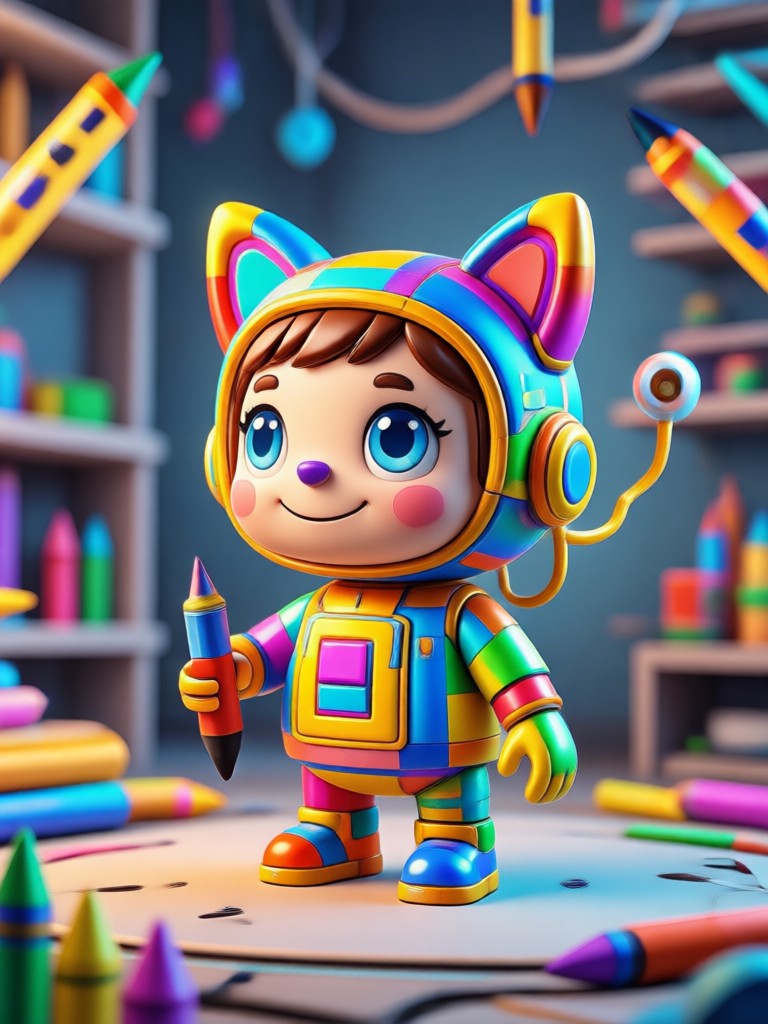
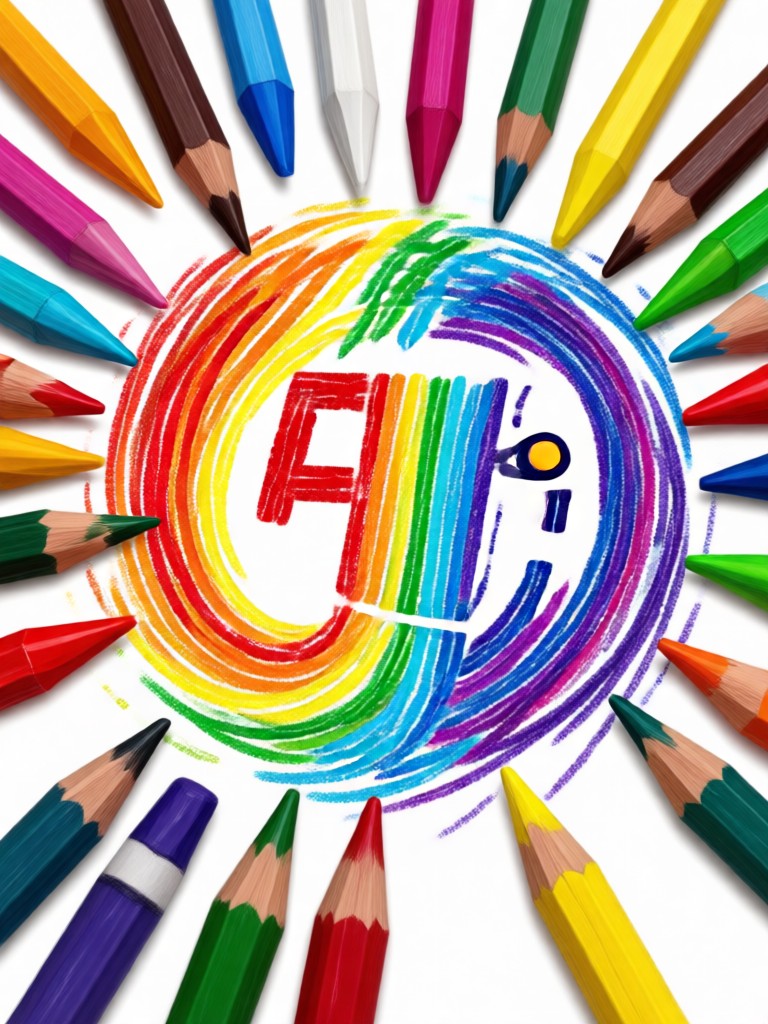
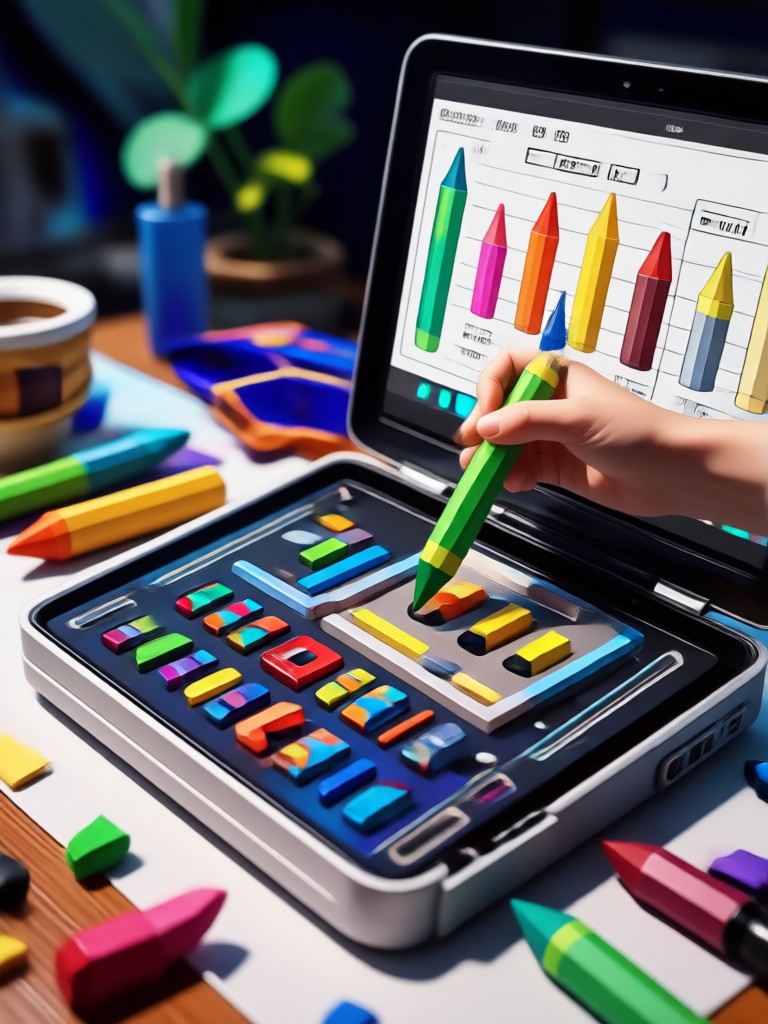
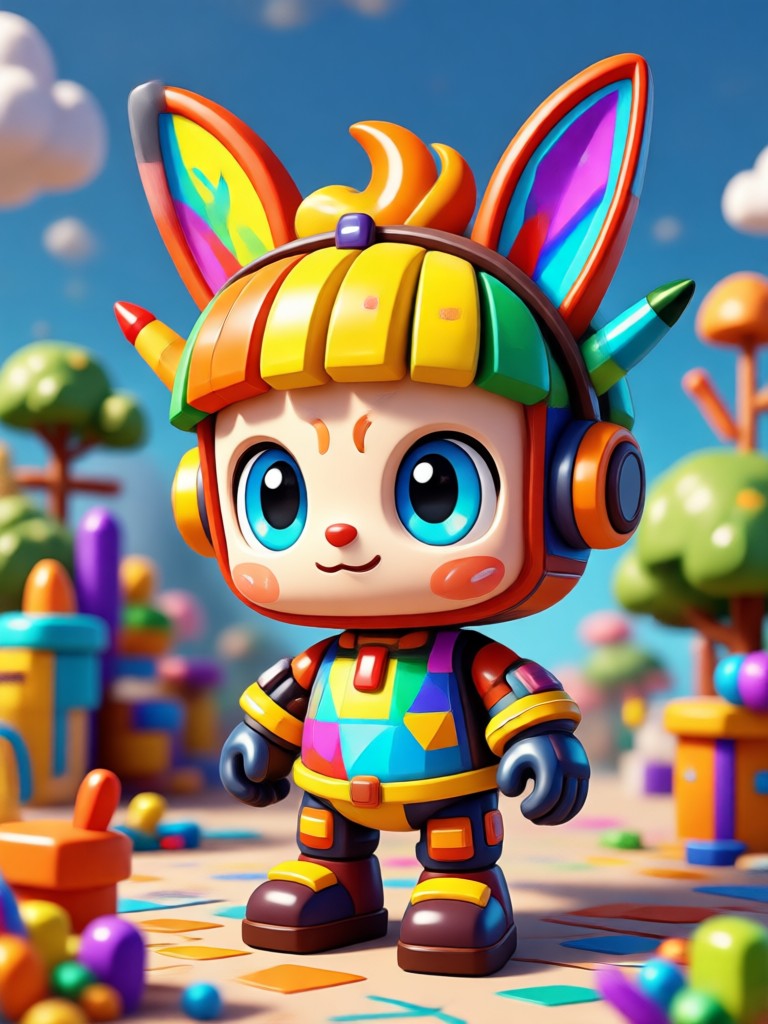
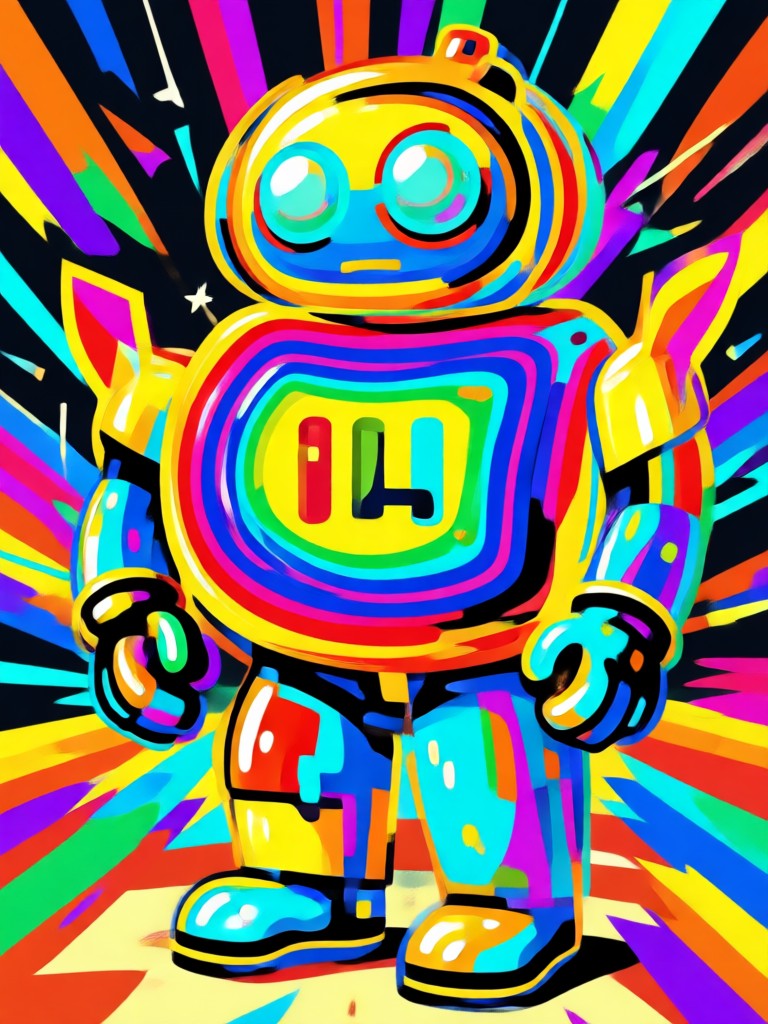
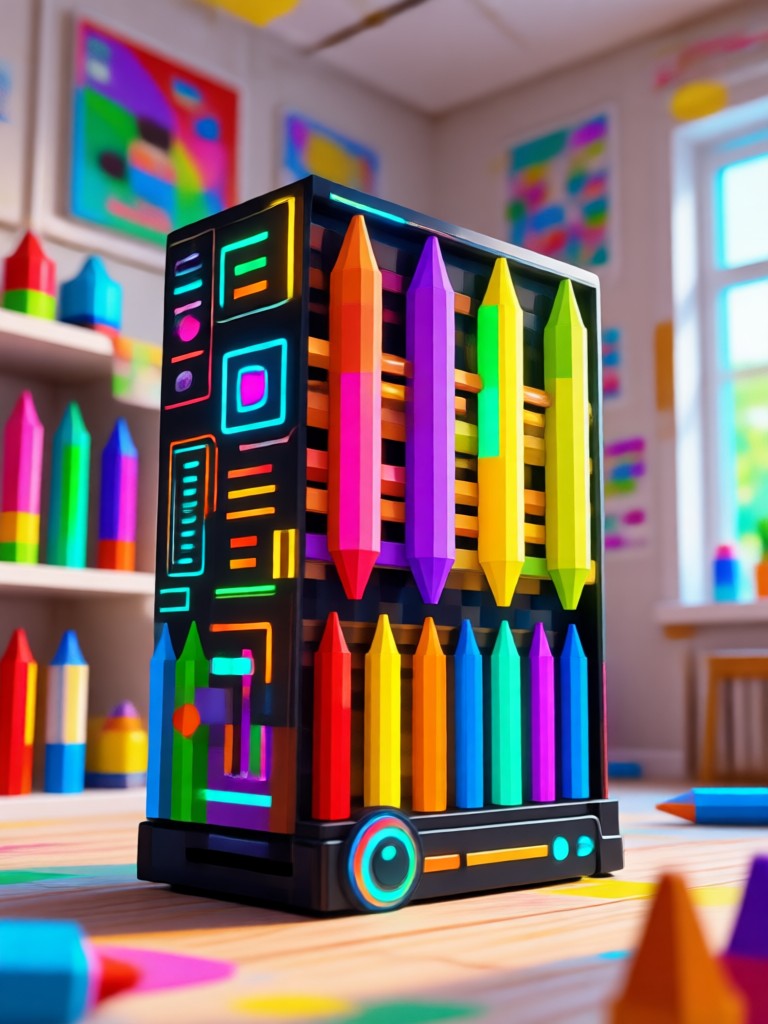
Browse crayon style portraits, pets, landscapes, and family photos created with FaceFame. Each image shows how AI turns ordinary pictures into playful crayon drawings.
How to Create Crayon AI Art
Turn any photo into crayon art in three simple steps. No drawing experience needed.

Step 01.
Download the FaceFame app from Google Play and open the Crayon AI Generator tool.
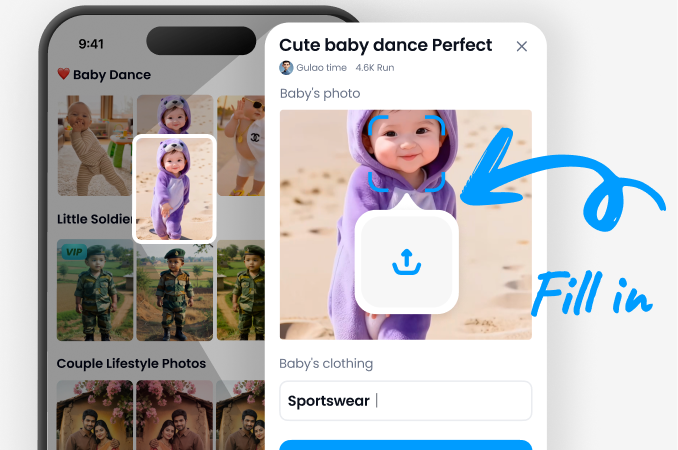
Step 02.
Upload a photo or choose a sample image, then select a crayon filter such as wax crayon or oil pastel.
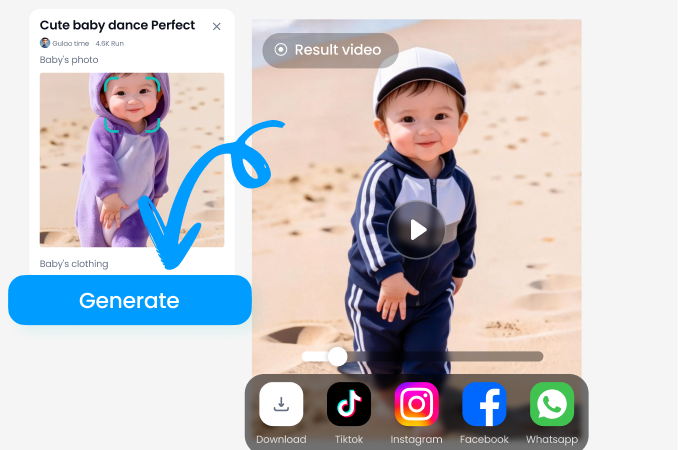
Step 03.
Tap generate and watch AI turn your picture into crayon art. Save the HD result or share it on social media.
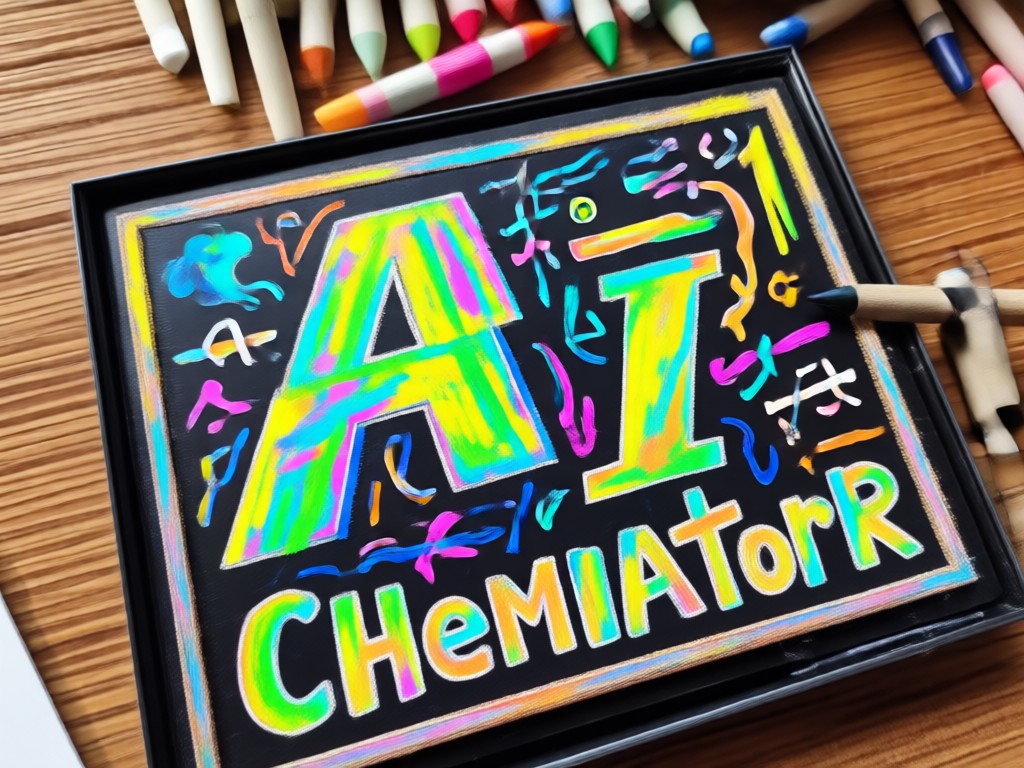
Turn Any Photo Into Crayon Art
FaceFame uses advanced AI to recreate the texture of real crayon strokes, from soft wax lines to bold oil pastel layers. The result looks hand drawn but takes only seconds. You keep full control over style intensity, so every image can be subtle or dramatic. Whether you want a playful profile picture or a unique gift, this crayon effect app makes it easy.
Turn Any Photo Into Crayon Art
FaceFame uses advanced AI to recreate the texture of real crayon strokes, from soft wax lines to bold oil pastel layers. The result looks hand drawn but takes only seconds. You keep full control over style intensity, so every image can be subtle or dramatic. Whether you want a playful profile picture or a unique gift, this crayon effect app makes it easy.
What Creators Say About Crayon AI Art
Maya R.
I used the crayon filter on my class photos and the kids loved the result. The waxy texture looks real, not like a cheap filter.
Daniel K.
Turned a photo of my dog into a crayon drawing for a birthday card. It kept his face perfectly and added beautiful colors.
Priya S.
I post crayon style portraits every week. FaceFame gives me consistent, high quality results without any drawing skills.

Helen W.
Made crayon art from old family photos. The app preserved everyone's features and gave the pictures a warm, nostalgic feel.
Maya R.
I used the crayon filter on my class photos and the kids loved the result. The waxy texture looks real, not like a cheap filter.
Daniel K.
Turned a photo of my dog into a crayon drawing for a birthday card. It kept his face perfectly and added beautiful colors.
Priya S.
I post crayon style portraits every week. FaceFame gives me consistent, high quality results without any drawing skills.
Helen W.
Made crayon art from old family photos. The app preserved everyone's features and gave the pictures a warm, nostalgic feel.
Maya R.
I used the crayon filter on my class photos and the kids loved the result. The waxy texture looks real, not like a cheap filter.
Daniel K.
Turned a photo of my dog into a crayon drawing for a birthday card. It kept his face perfectly and added beautiful colors.
Priya S.
I post crayon style portraits every week. FaceFame gives me consistent, high quality results without any drawing skills.
Helen W.
Made crayon art from old family photos. The app preserved everyone's features and gave the pictures a warm, nostalgic feel.
Crayon AI Generator FAQ
Find clear answers about crayon AI art, filters, and the FaceFame app.
Ready to Create Crayon AI Art?
Download FaceFame, choose a crayon filter, and turn any photo into a colorful crayon drawing in seconds. No drawing skills needed.
Ready to Create Crayon AI Art?
Download FaceFame, choose a crayon filter, and turn any photo into a colorful crayon drawing in seconds. No drawing skills needed.