Create Silhouette From Photo
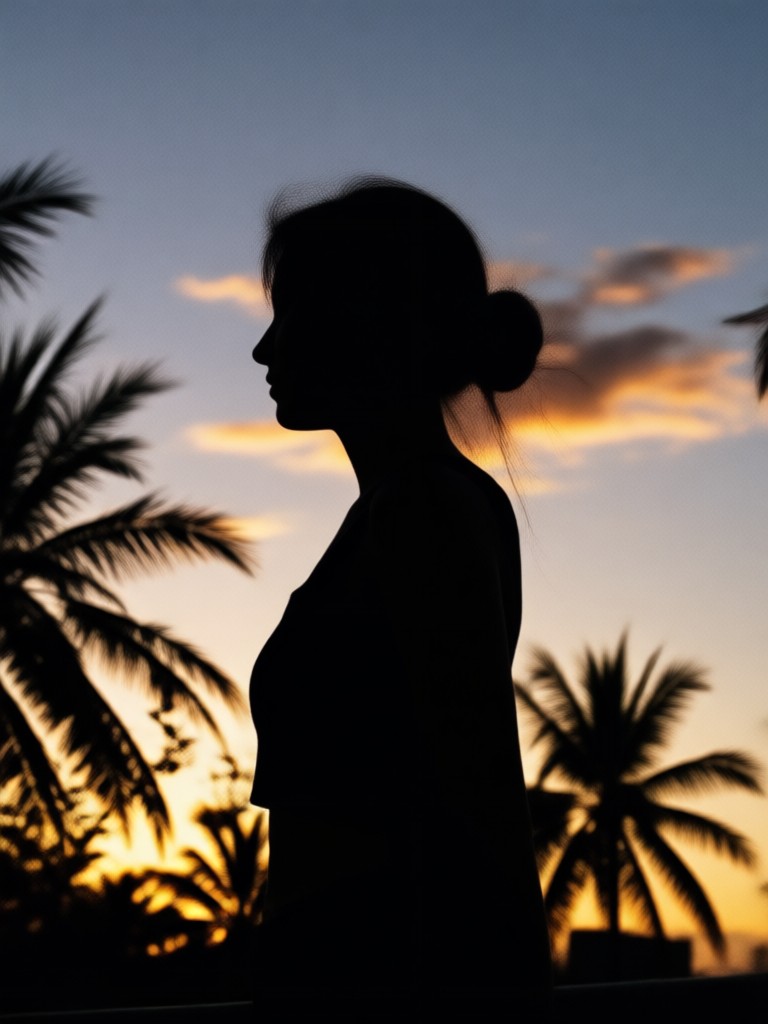
Cute Figurine

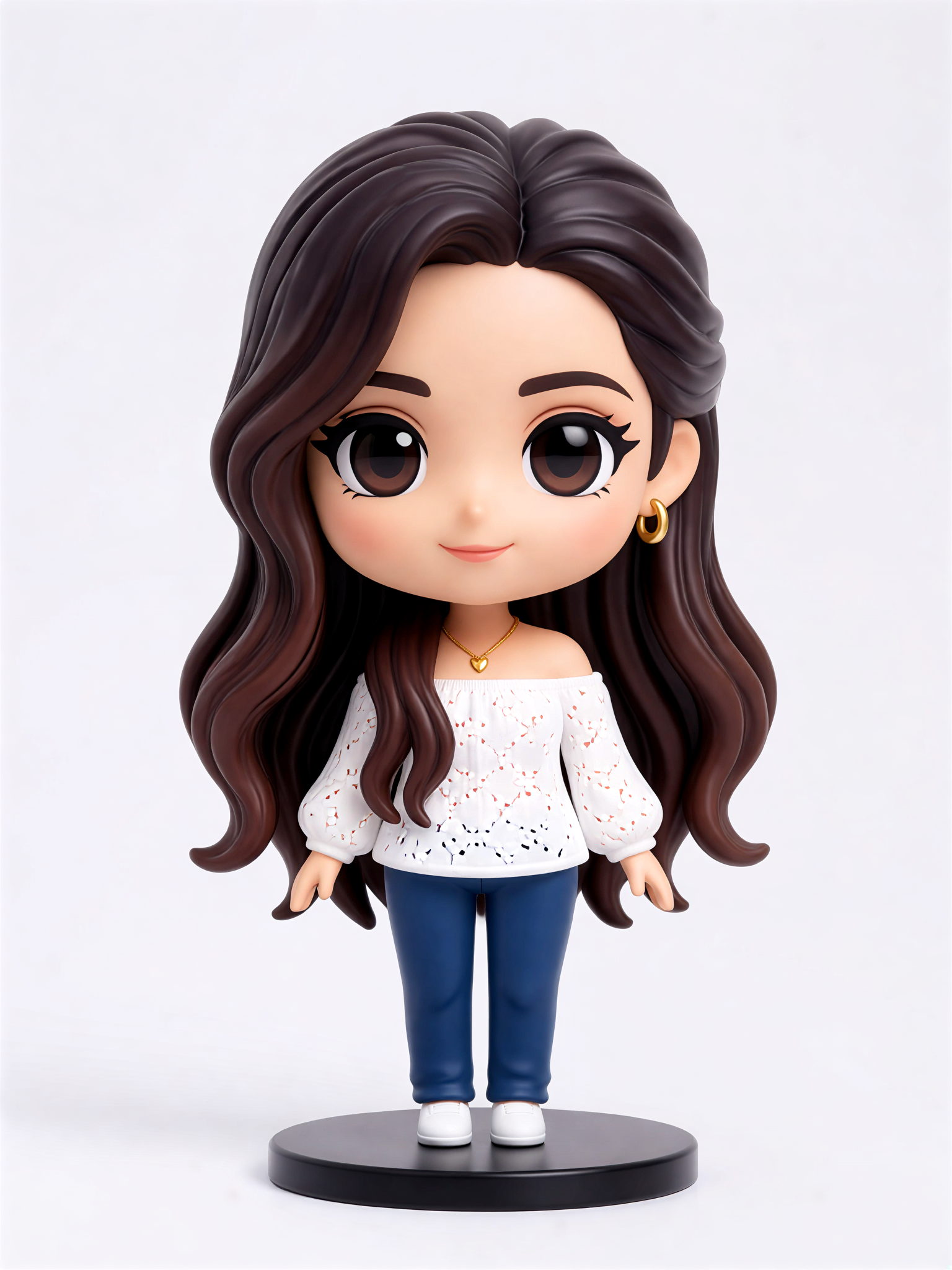

Creative Silhouette Generation Tools
Stop struggling with manual pen tools. facefame uses AI to handle complex edges, hair, and poses so you can create silhouette from photo with a single tap.
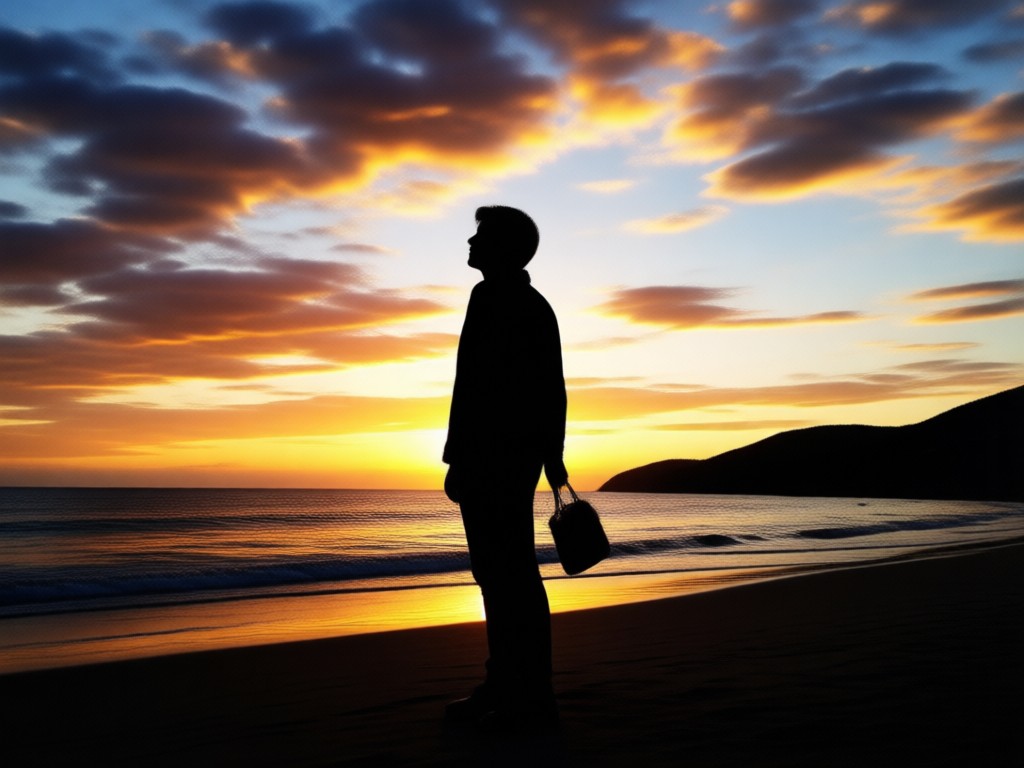
Instant Subject Detection
The AI automatically identifies the person or object in your photo. You do not need to trace edges manually or worry about messy backgrounds.
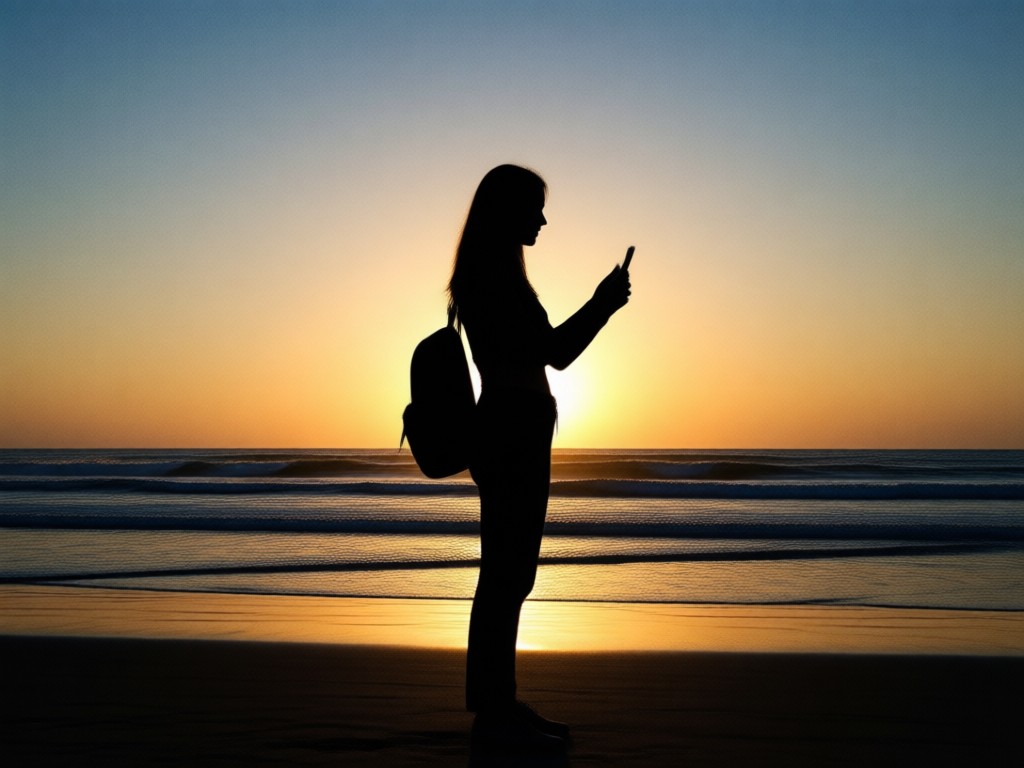
Clean Solid Fill
Replace your subject with a deep black fill. The result is a smooth, consistent silhouette that works for logos, stickers, and high contrast art pieces.
Style Presets
Choose from a variety of colored backgrounds and outline effects. Make your silhouette pop with neon lights, vintage paper, or clean white canvases.
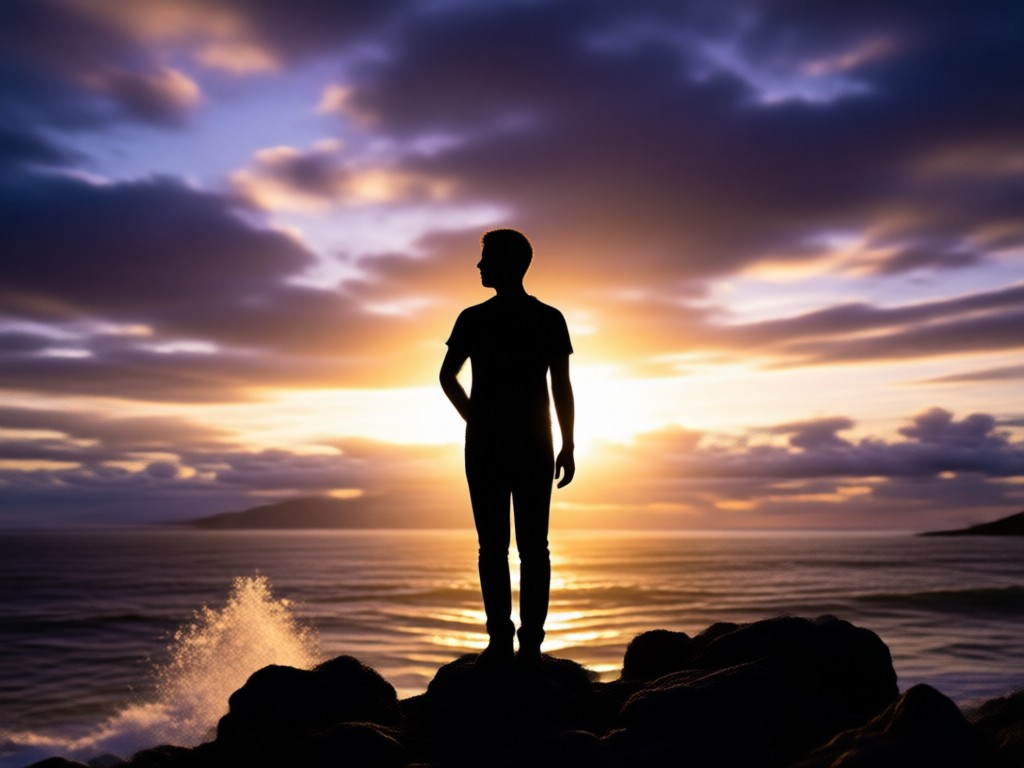
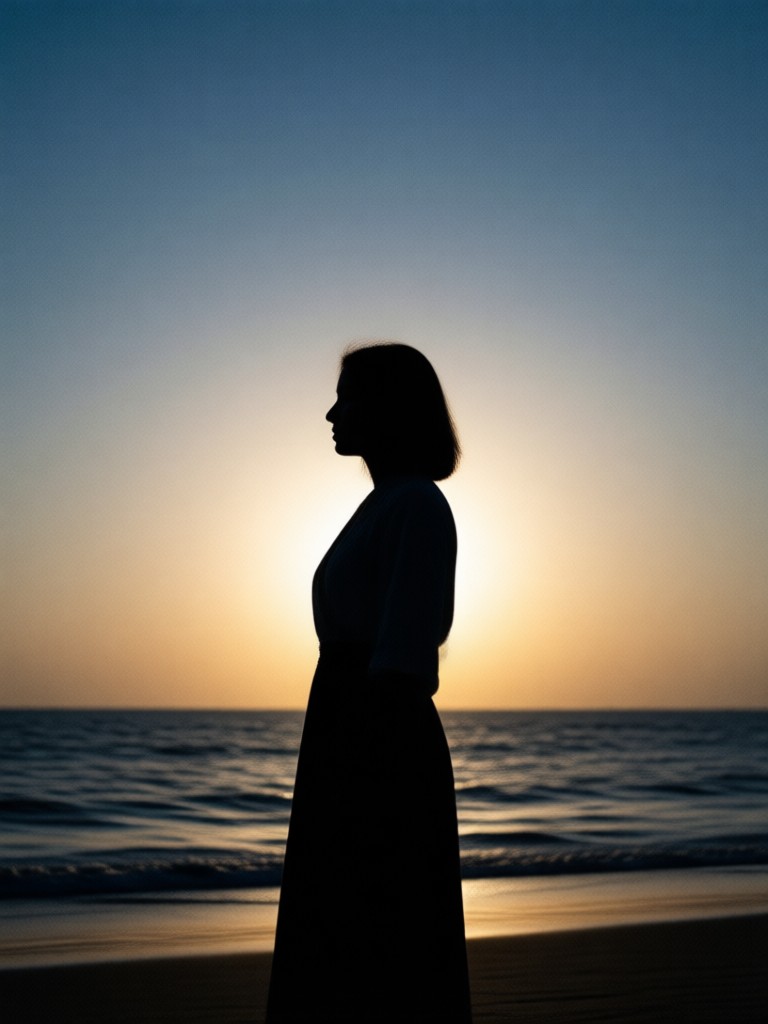
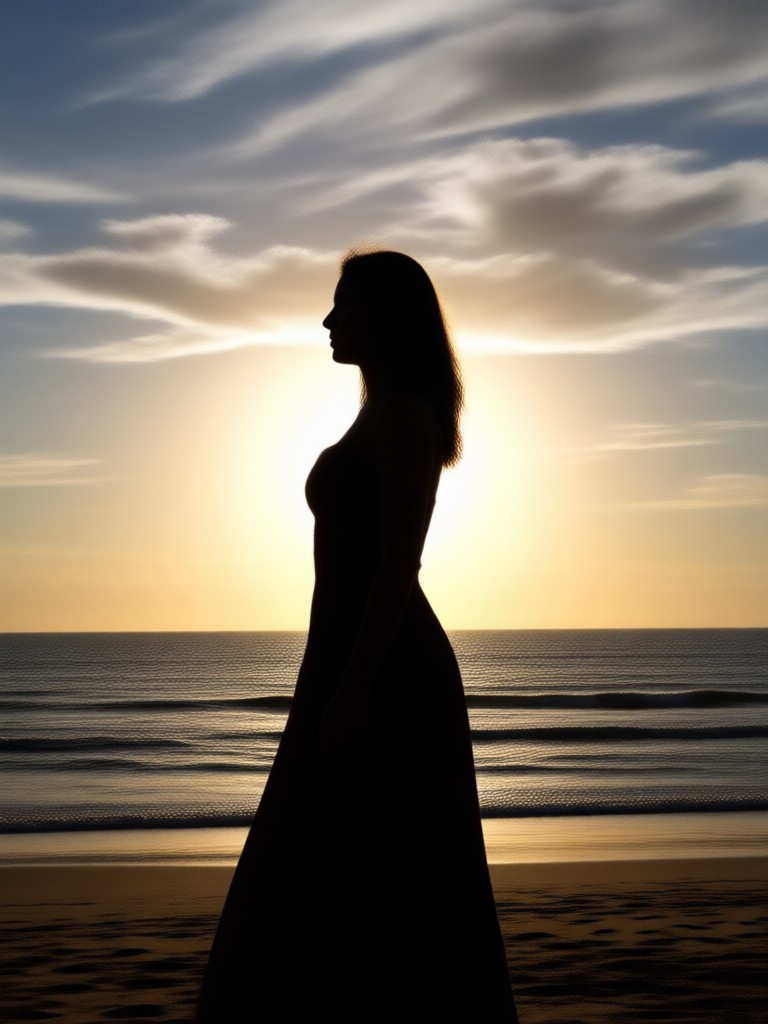
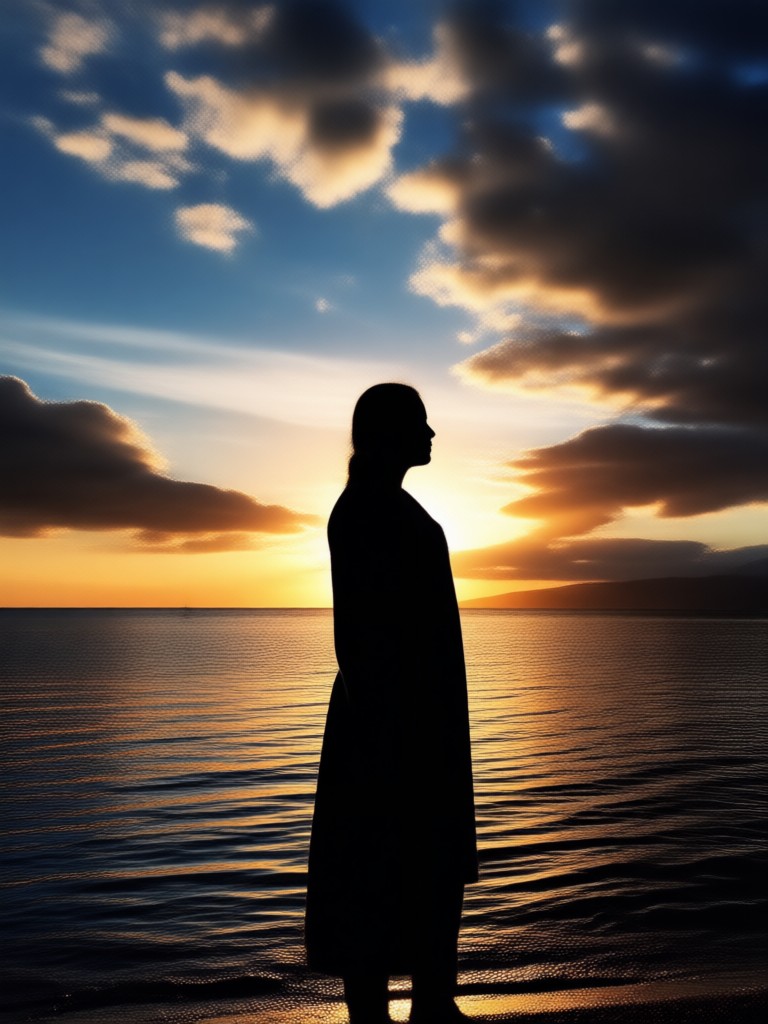
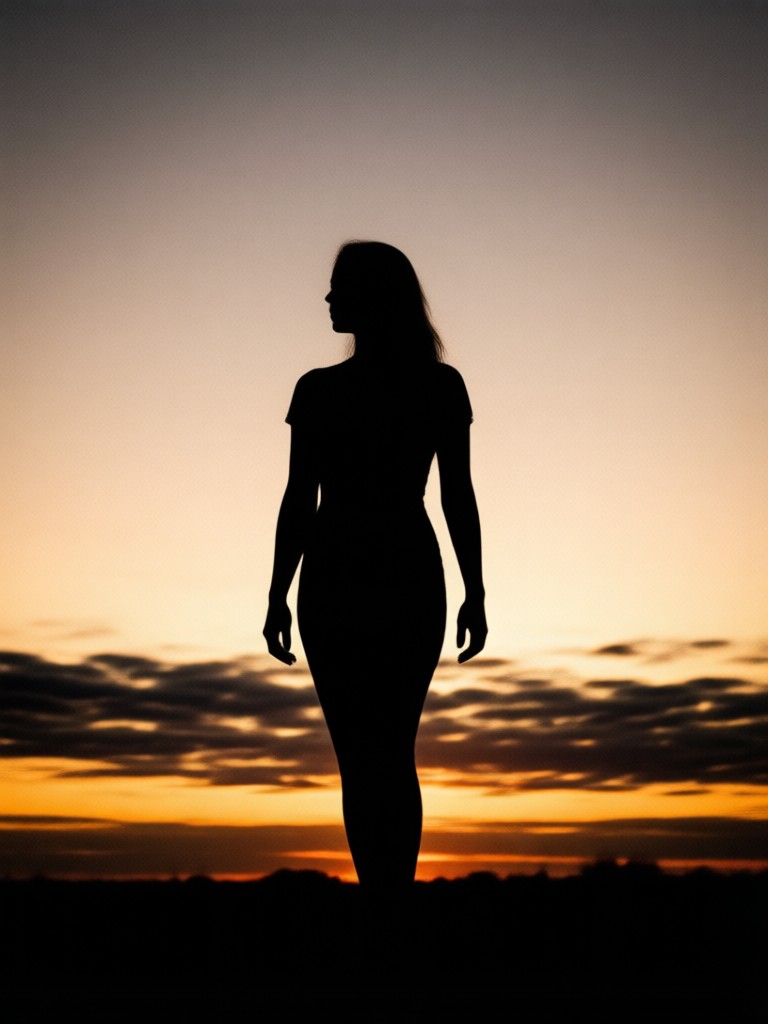
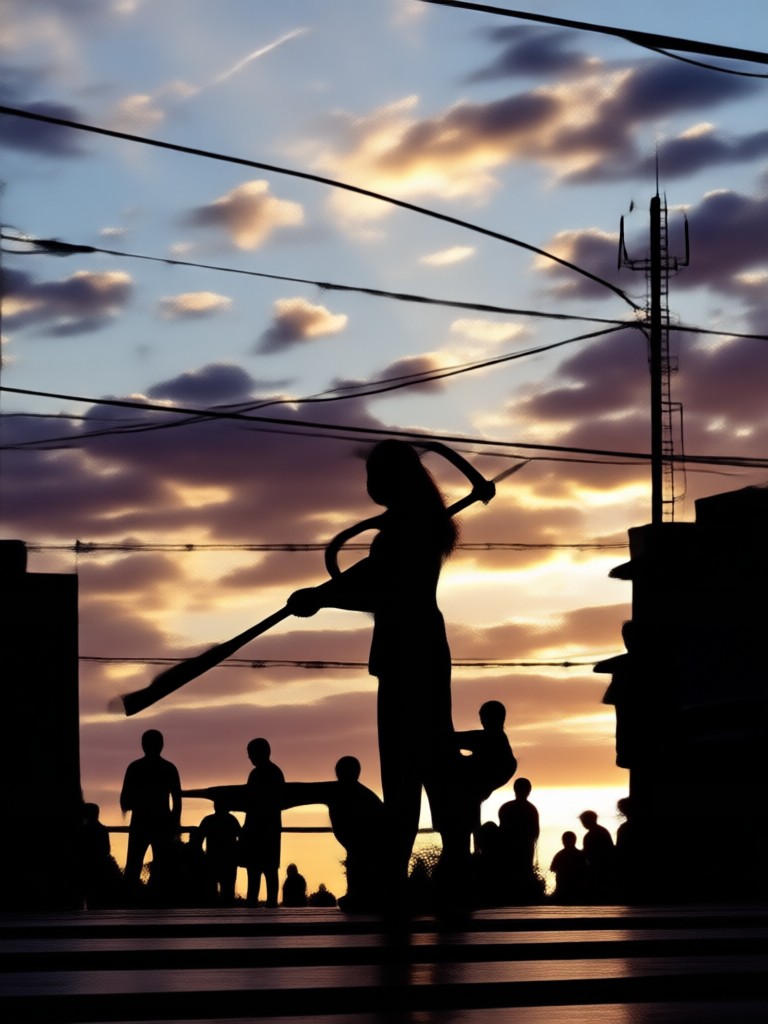
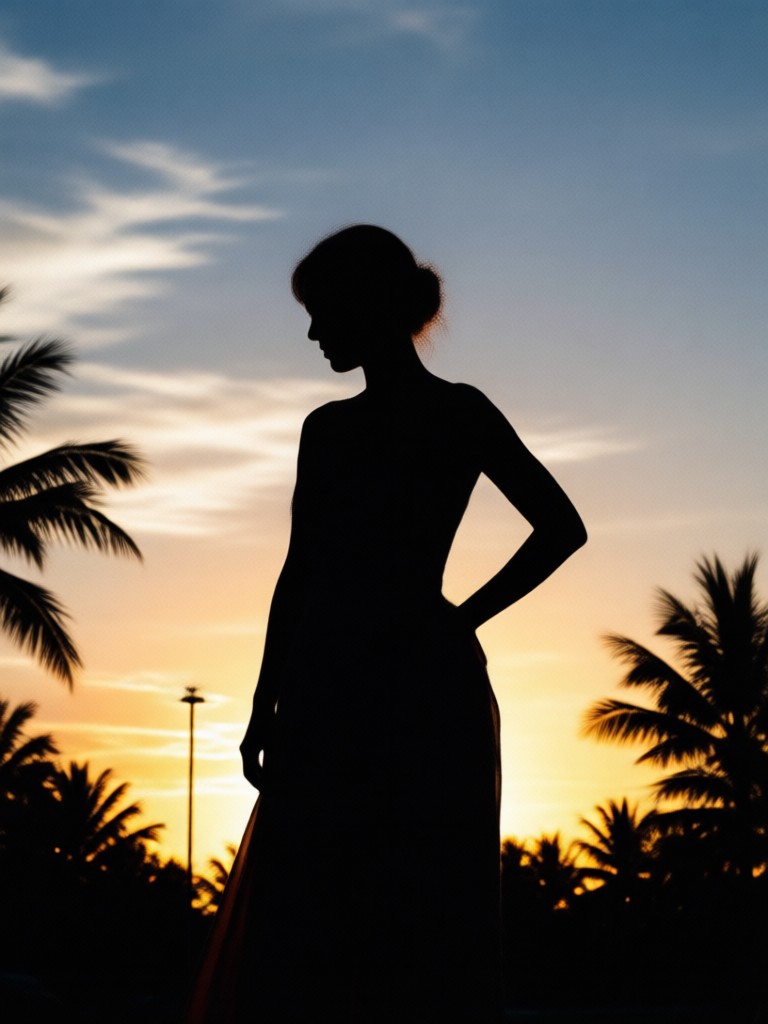
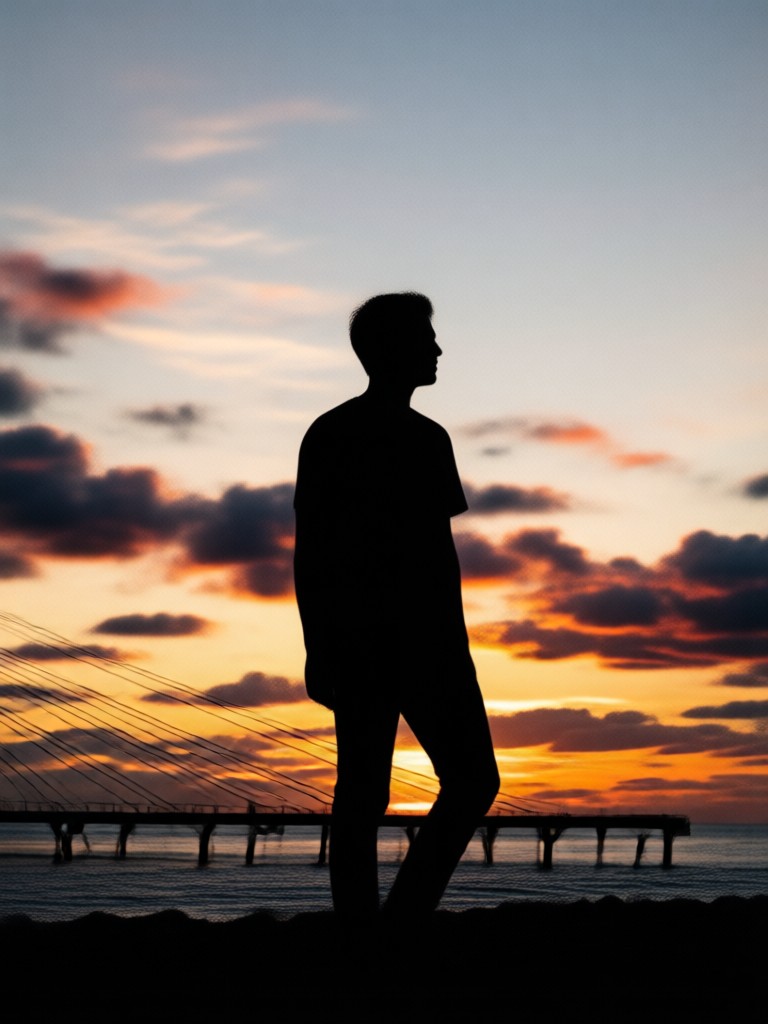
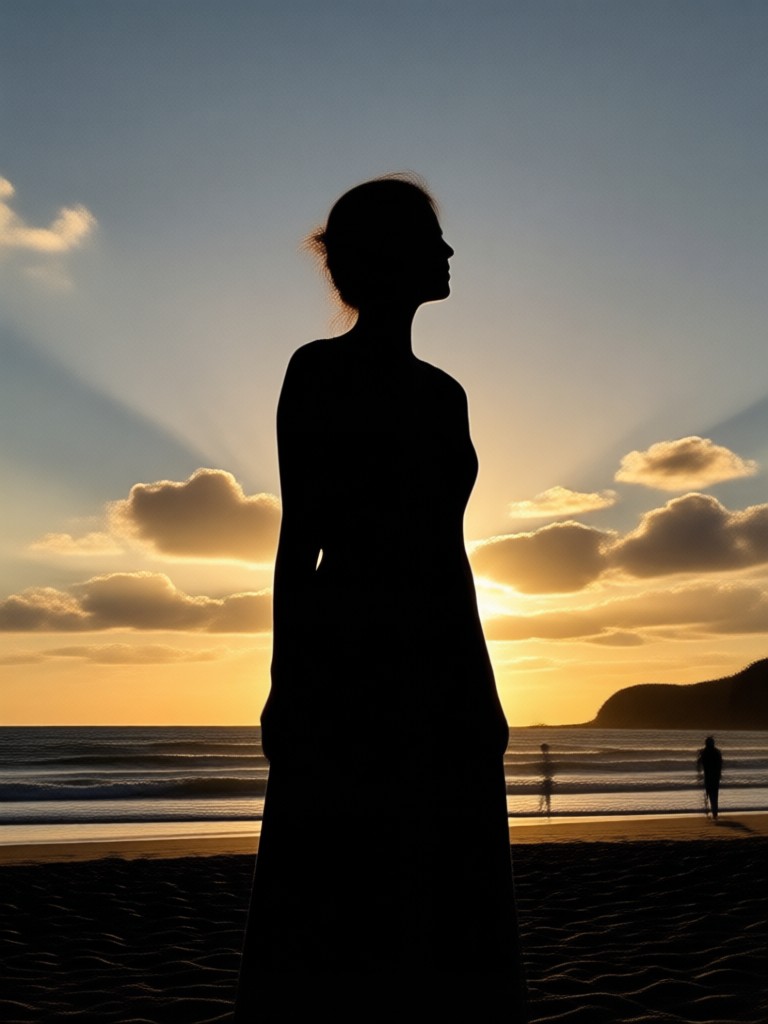
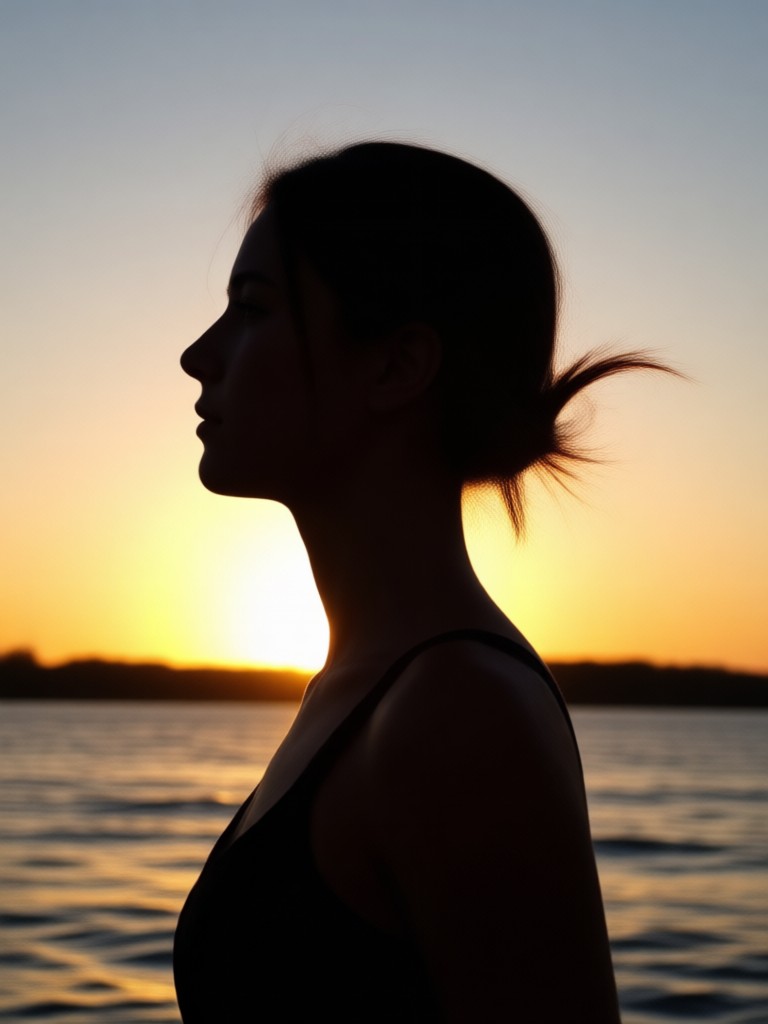
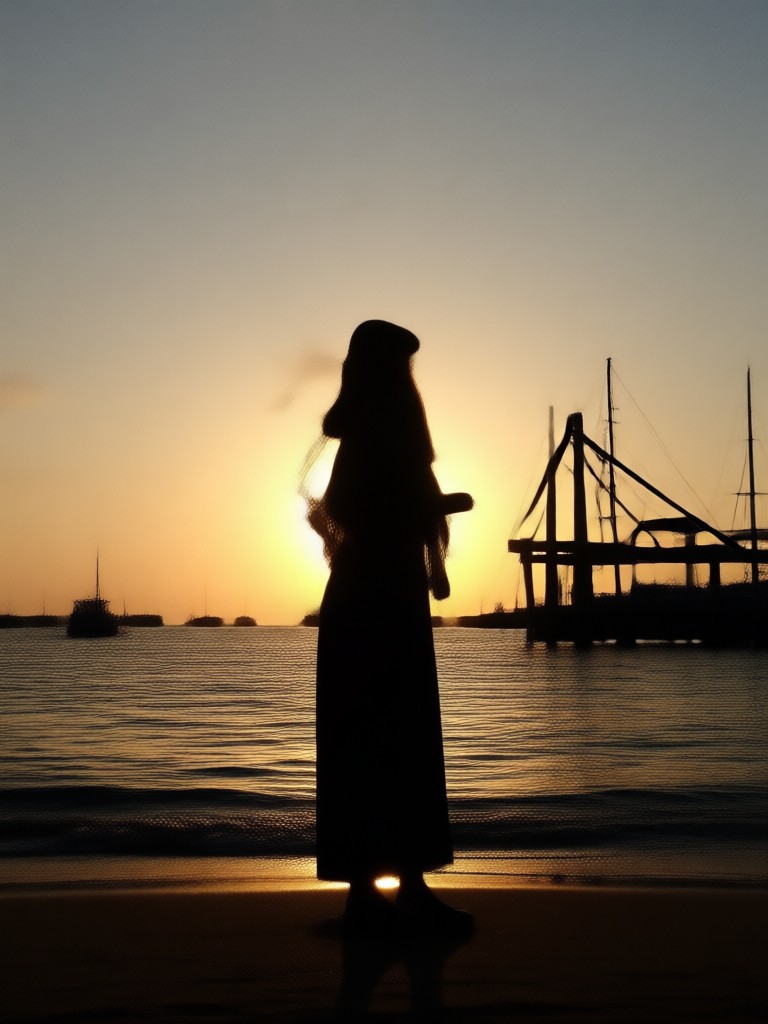
Stunning Silhouette Art Results
See how ordinary photos become bold shadow art. Browse real examples made with the facefame AI generator to get inspired for your next profile update or poster design.


Why Use AI for Silhouette Creation
Creating a clean shadow cutout by hand takes time and design skill. facefame handles the hard work so you can focus on your creative vision.
Professional Cutouts Without The Effort
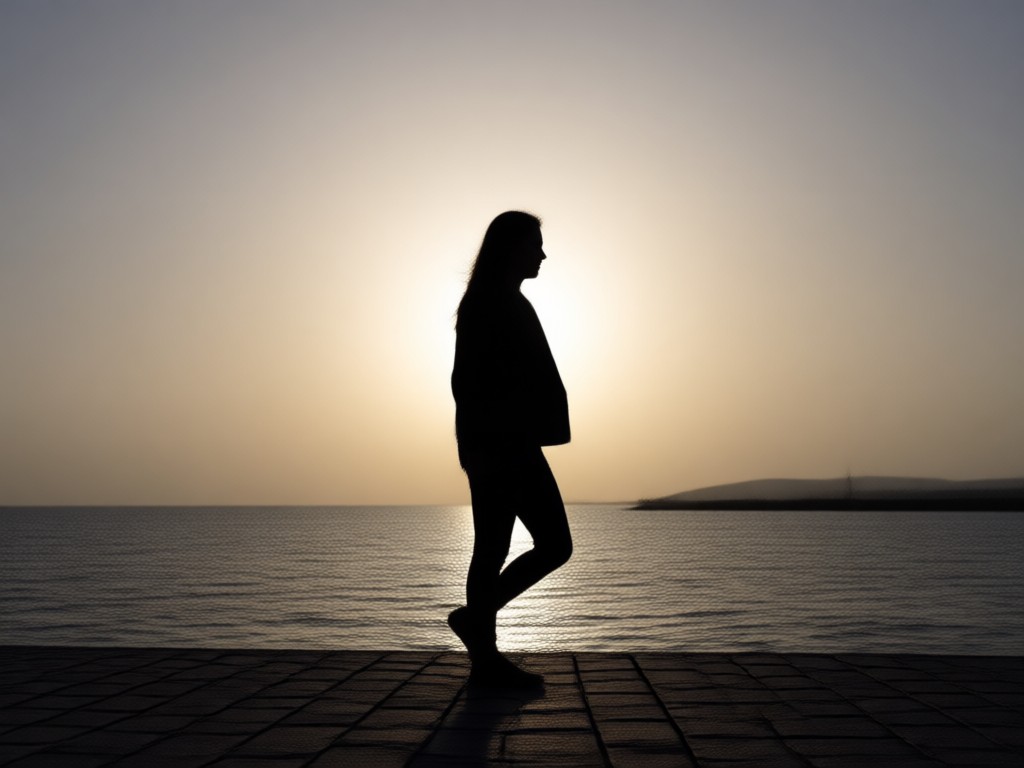
Manual editing often leaves jagged edges around hair or fingers. Our AI generator analyzes your image to produce a crisp, defined outline. You can turn a cluttered holiday photo into a minimalist work of art in seconds. Whether you need a vintage look for a wedding invitation or a dark avatar for social media, the tool adapts to your needs. Simply upload your image, choose your effect, and let the AI create silhouette from photo instantly. The result is a high resolution image ready to download and share anywhere.
Professional Cutouts Without The Effort
Manual editing often leaves jagged edges around hair or fingers. Our AI generator analyzes your image to produce a crisp, defined outline. You can turn a cluttered holiday photo into a minimalist work of art in seconds. Whether you need a vintage look for a wedding invitation or a dark avatar for social media, the tool adapts to your needs. Simply upload your image, choose your effect, and let the AI create silhouette from photo instantly. The result is a high resolution image ready to download and share anywhere.
How to Create Silhouette From Photo
Transform your pictures into shadow art in three simple steps using the facefame mobile app.

Step 01.
Download facefame from Google Play and open the app on your mobile device. The interface is designed for quick edits on the go.

Step 02.
Upload the photo you want to convert. Select the silhouette filter or search for shadow effects in the style library to apply the look.

Step 03.
Preview your new silhouette, adjust the background color if needed, then save and share your dramatic transformation with friends.
Frequently Asked Questions
Get quick answers about how to create silhouette from photo with facefame and make the most of the AI tools.
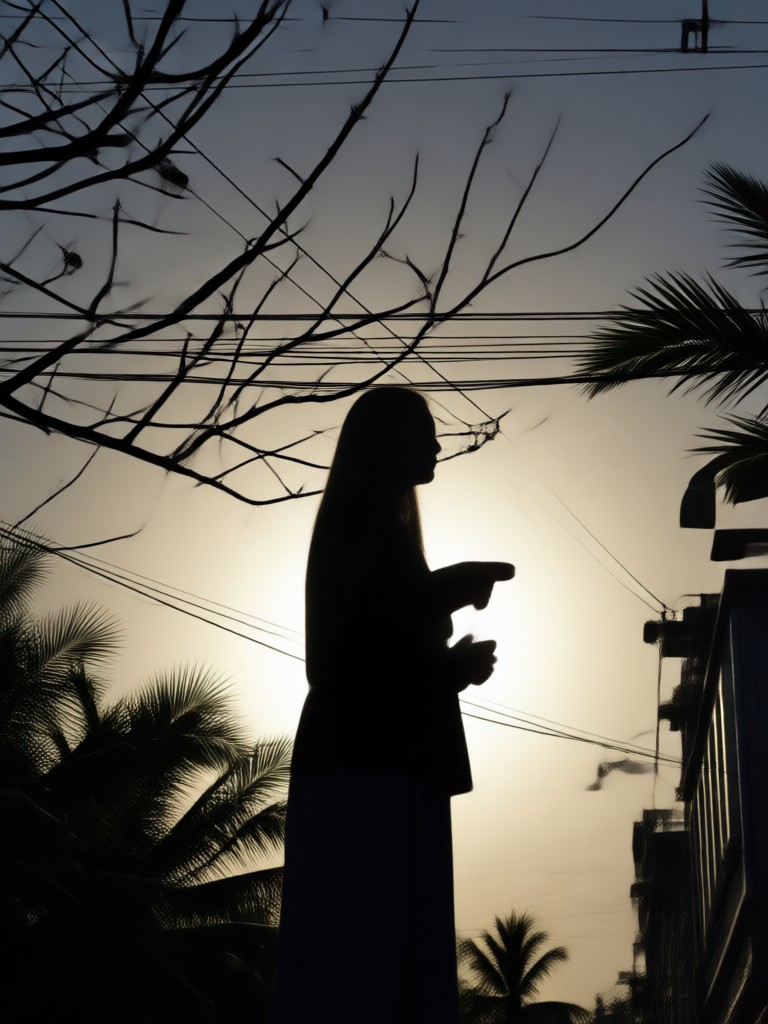
Your Mobile Silhouette Studio
Carry a powerful AI cutout tool in your pocket. facefame makes it easy to create silhouette from photo wherever you are.

Who Uses Silhouette Effects
Marcus Chen
I made a silhouette of my dog for a t-shirt design. The edges came out perfect and it took less than a minute to finish.

Elena Rodriguez
Used this for my yoga studio posters. I turned photos of different poses into elegant black shapes and they look super professional.

David Osei
Wanted a private avatar for my gaming profile. The AI removed my facial details perfectly and left a clean shadow figure.

Ava Thompson
Created a beautiful silhouette of my family for our Christmas card. The background replacement feature is incredibly easy to use.
Marcus Chen
I made a silhouette of my dog for a t-shirt design. The edges came out perfect and it took less than a minute to finish.
Elena Rodriguez
Used this for my yoga studio posters. I turned photos of different poses into elegant black shapes and they look super professional.
David Osei
Wanted a private avatar for my gaming profile. The AI removed my facial details perfectly and left a clean shadow figure.
Ava Thompson
Created a beautiful silhouette of my family for our Christmas card. The background replacement feature is incredibly easy to use.
Marcus Chen
I made a silhouette of my dog for a t-shirt design. The edges came out perfect and it took less than a minute to finish.
Elena Rodriguez
Used this for my yoga studio posters. I turned photos of different poses into elegant black shapes and they look super professional.
David Osei
Wanted a private avatar for my gaming profile. The AI removed my facial details perfectly and left a clean shadow figure.
Ava Thompson
Created a beautiful silhouette of my family for our Christmas card. The background replacement feature is incredibly easy to use.
Your Bold Silhouette Awaits
Download facefame now and start transforming your photos into stunning shadow art. Create clean, dramatic silhouettes in seconds.
Your Bold Silhouette Awaits
Download facefame now and start transforming your photos into stunning shadow art. Create clean, dramatic silhouettes in seconds.