Emoji Remover From Picture: Erase Stickers In Seconds

Choose the Best Tool for Cleaning Your Photos
Explore a variety of AI features designed to make your photos look sharp, clean, and professional.
Key Features of the Emoji Remover From Picture App
Powerful AI technology goes to work on your images to delete unwanted elements. You stay in control while the app delivers a flawless finish.
Precise Emoji Removal
Simply brush over the emoji or sticker you want to remove. The AI analyzes the surrounding pixels and reconstructs the background with impressive accuracy.
Precise Emoji Removal
Simply brush over the emoji or sticker you want to remove. The AI analyzes the surrounding pixels and reconstructs the background with impressive accuracy.
Clean Background Restoration
Whether you are removing a small icon or a large watermark, the app fills in the empty space with textures that match the rest of the image.
Clean Background Restoration
Whether you are removing a small icon or a large watermark, the app fills in the empty space with textures that match the rest of the image.
Ultra Simple Operation
You do not need to understand layers or complex photo editing suites. Just upload, select the object, and download your clean image.
Ultra Simple Operation
You do not need to understand layers or complex photo editing suites. Just upload, select the object, and download your clean image.
How to Remove Emojis From Pictures
Clean up your photos in three simple steps using the facefame app.

Step 01.
Download the facefame app from Google Play. It installs quickly and works on a variety of Android devices.
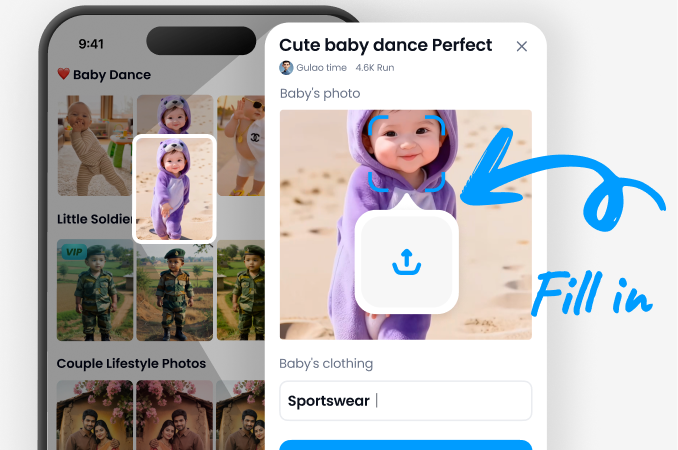
Step 02.
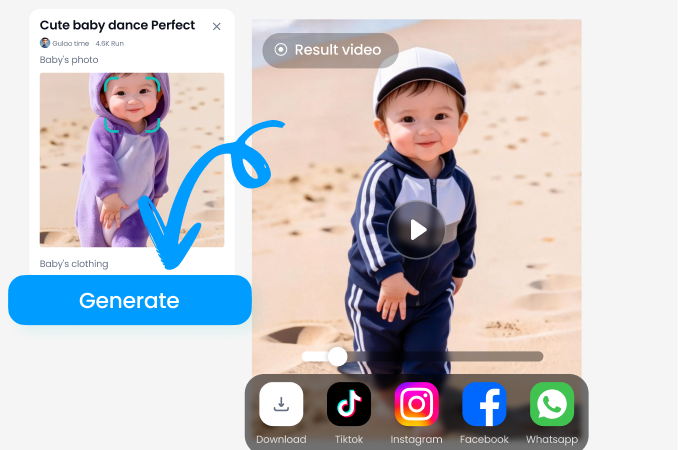
Upload the photo you want to clean. Then use the brush tool to mark the emoji or sticker you want to erase.
Step 03.
Tap the process button. The AI cleans the area instantly. Save your new photo and share it with friends.
Amazing Emoji Removal Results
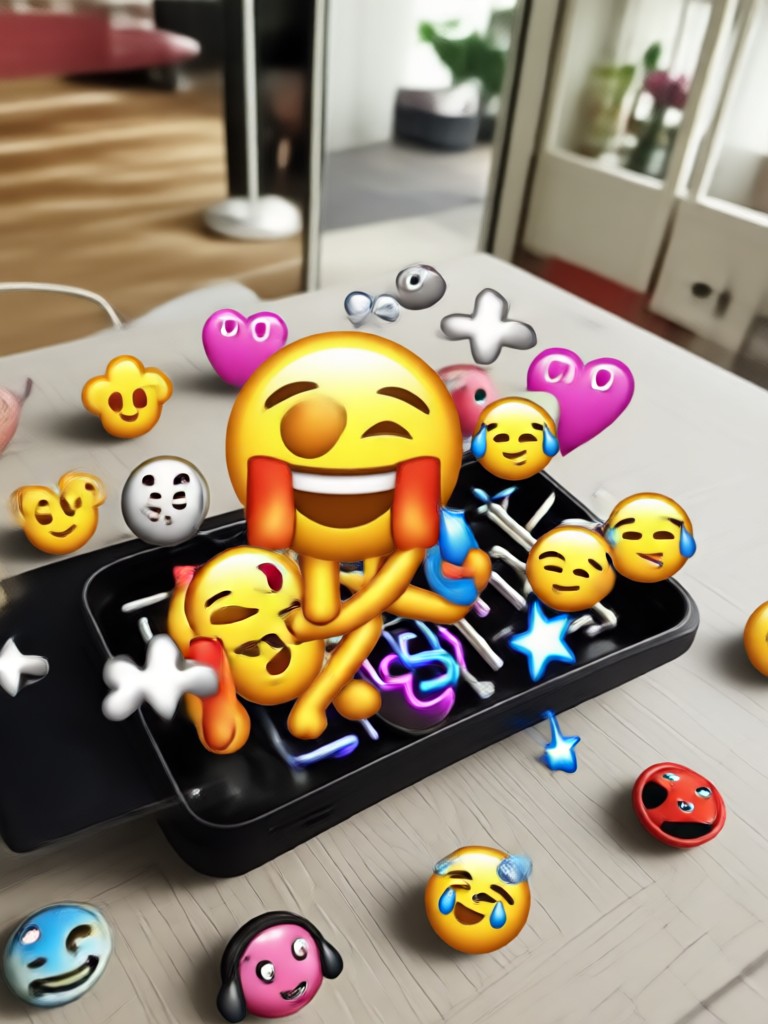
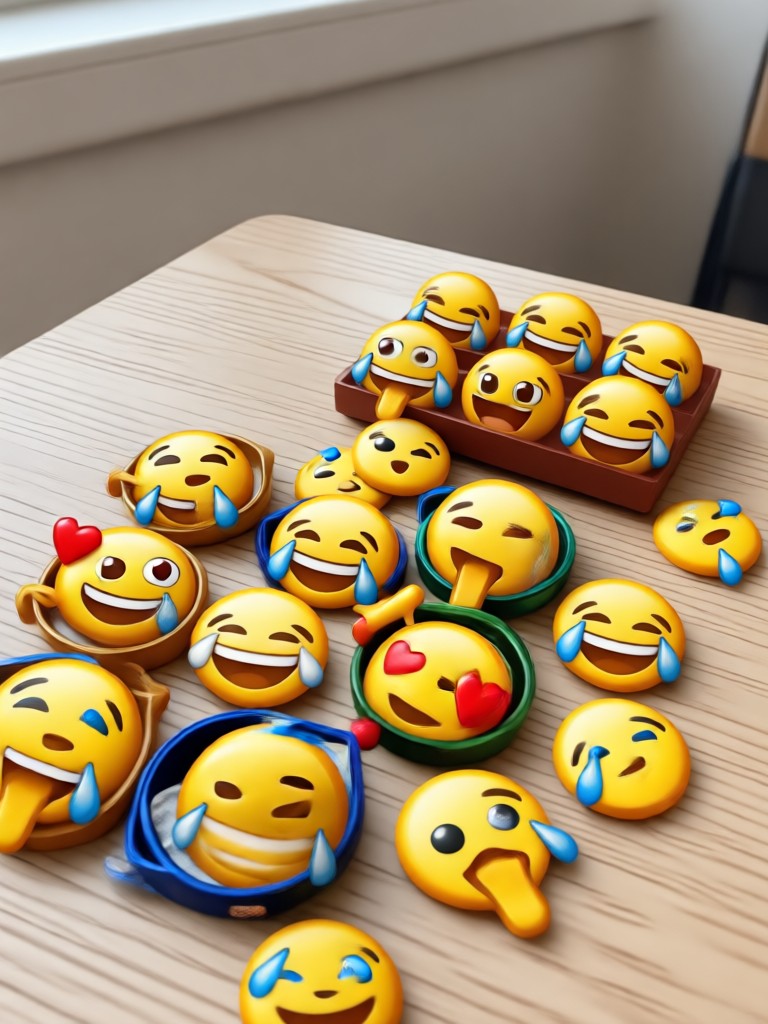
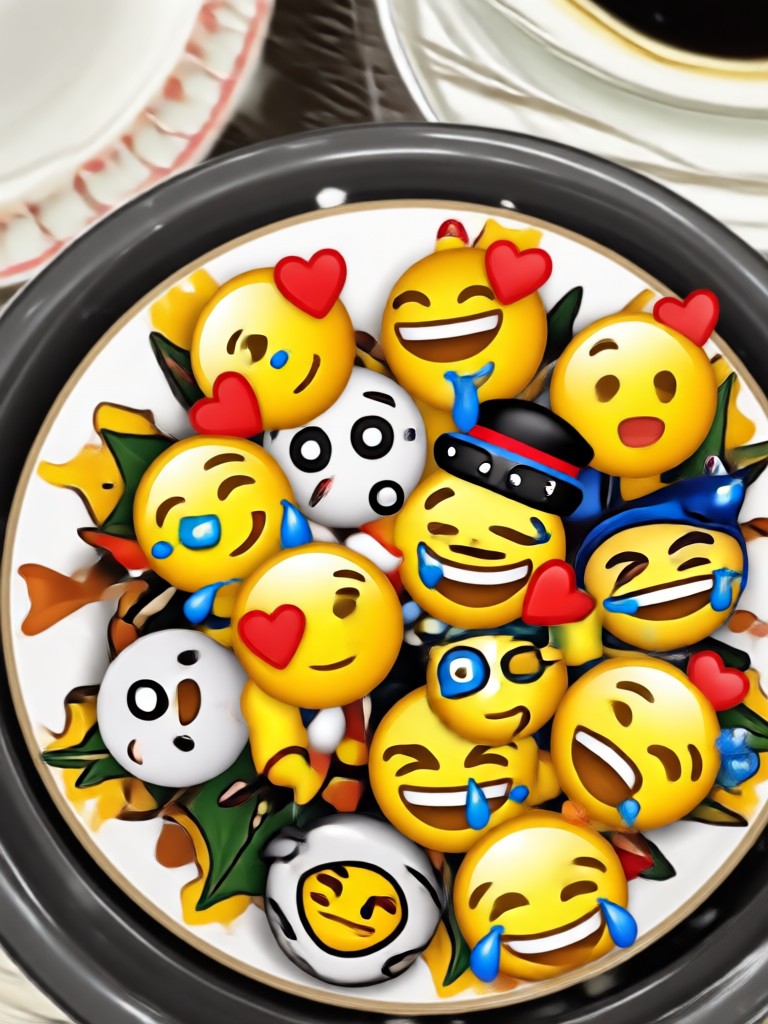
See how facefame transforms photos by removing emojis and clutter to reveal the original beauty of the image.




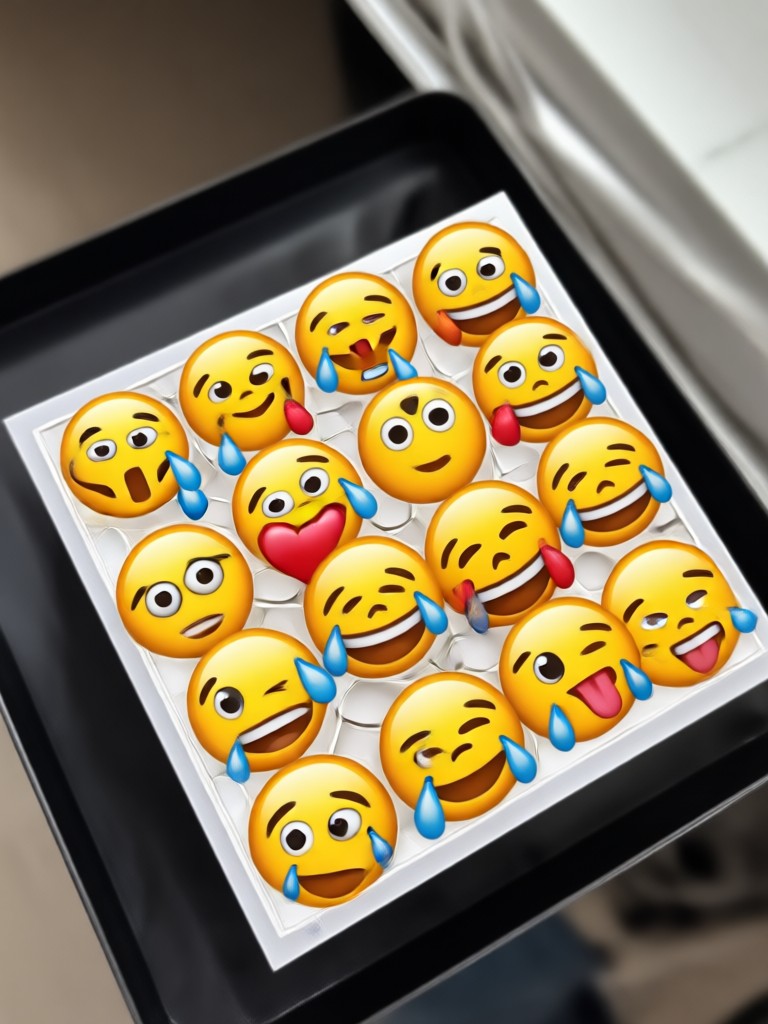
Why Use facefame for Emoji Removal
Get a clean image without the high cost of professional software. Perfect for social media content, product photos, and personal memories.
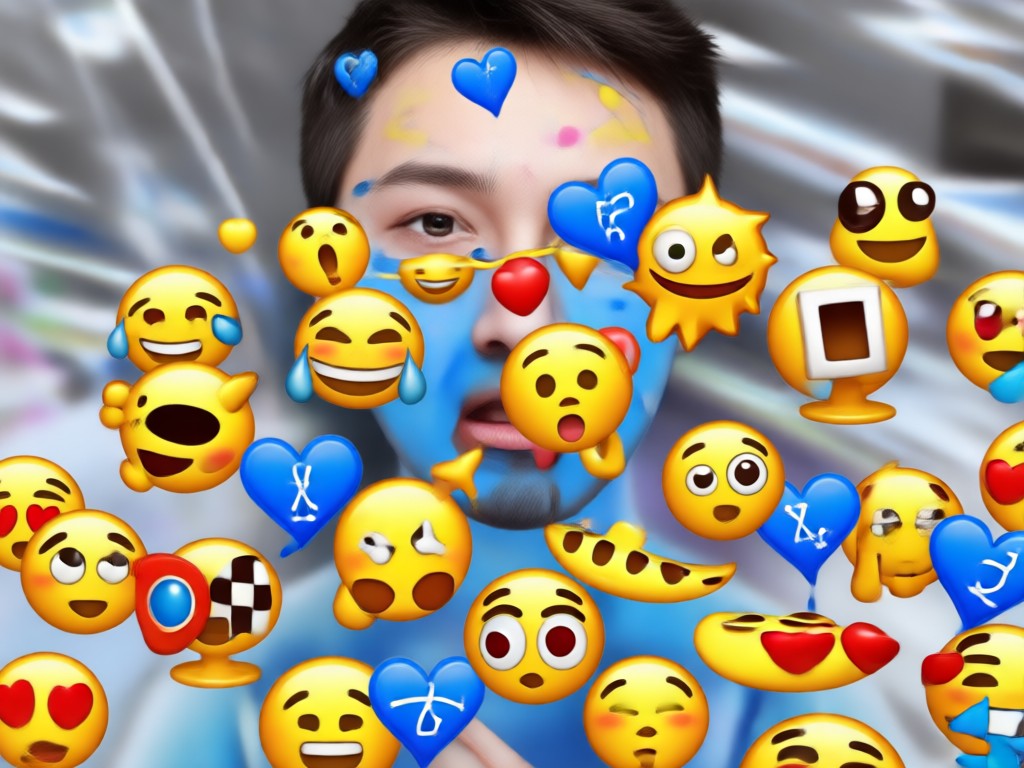
Restore Your Photos to Their Original Glory
Emojis can distract from the main subject of a photo. Whether you need to clean up a screenshot, a profile picture, or a family portrait, facefame provides a straightforward solution. The app is designed for speed. You spend less time editing and more time posting. The AI ensures that the background behind the emoji looks natural, so nobody will know it was ever there.
Restore Your Photos to Their Original Glory
Emojis can distract from the main subject of a photo. Whether you need to clean up a screenshot, a profile picture, or a family portrait, facefame provides a straightforward solution. The app is designed for speed. You spend less time editing and more time posting. The AI ensures that the background behind the emoji looks natural, so nobody will know it was ever there.
Who Uses the Emoji Remover From Picture App

Chris P.
I needed to remove a sticker my kid put over a family photo. The app fixed it in seconds. The background looked completely natural.

Maya K.
Perfect for cleaning up screenshots for my presentations. I can remove distracting icons and text before I share them.

Alex R.
A great tool for my social media feed. If I repost a picture with watermarks, I can clean them up easily with this emoji remover.

Sofia L.
I was surprised at how well it handles complex backgrounds. It removed a big emoji from my beach photo and rebuilt the sand perfectly.
Chris P.
I needed to remove a sticker my kid put over a family photo. The app fixed it in seconds. The background looked completely natural.
Maya K.
Perfect for cleaning up screenshots for my presentations. I can remove distracting icons and text before I share them.
Alex R.
A great tool for my social media feed. If I repost a picture with watermarks, I can clean them up easily with this emoji remover.
Sofia L.
I was surprised at how well it handles complex backgrounds. It removed a big emoji from my beach photo and rebuilt the sand perfectly.
Chris P.
I needed to remove a sticker my kid put over a family photo. The app fixed it in seconds. The background looked completely natural.
Maya K.
Perfect for cleaning up screenshots for my presentations. I can remove distracting icons and text before I share them.
Alex R.
A great tool for my social media feed. If I repost a picture with watermarks, I can clean them up easily with this emoji remover.
Sofia L.
I was surprised at how well it handles complex backgrounds. It removed a big emoji from my beach photo and rebuilt the sand perfectly.
Frequently Asked Questions
Find clear answers to common questions about removing emojis from pictures with the facefame app.
Ready to Clean Up Your Pictures?
Get the emoji remover tool in your pocket. Download facefame now and start erasing unwanted stickers from your favorite photos.
Ready to Clean Up Your Pictures?
Get the emoji remover tool in your pocket. Download facefame now and start erasing unwanted stickers from your favorite photos.