Retro Photo Filter
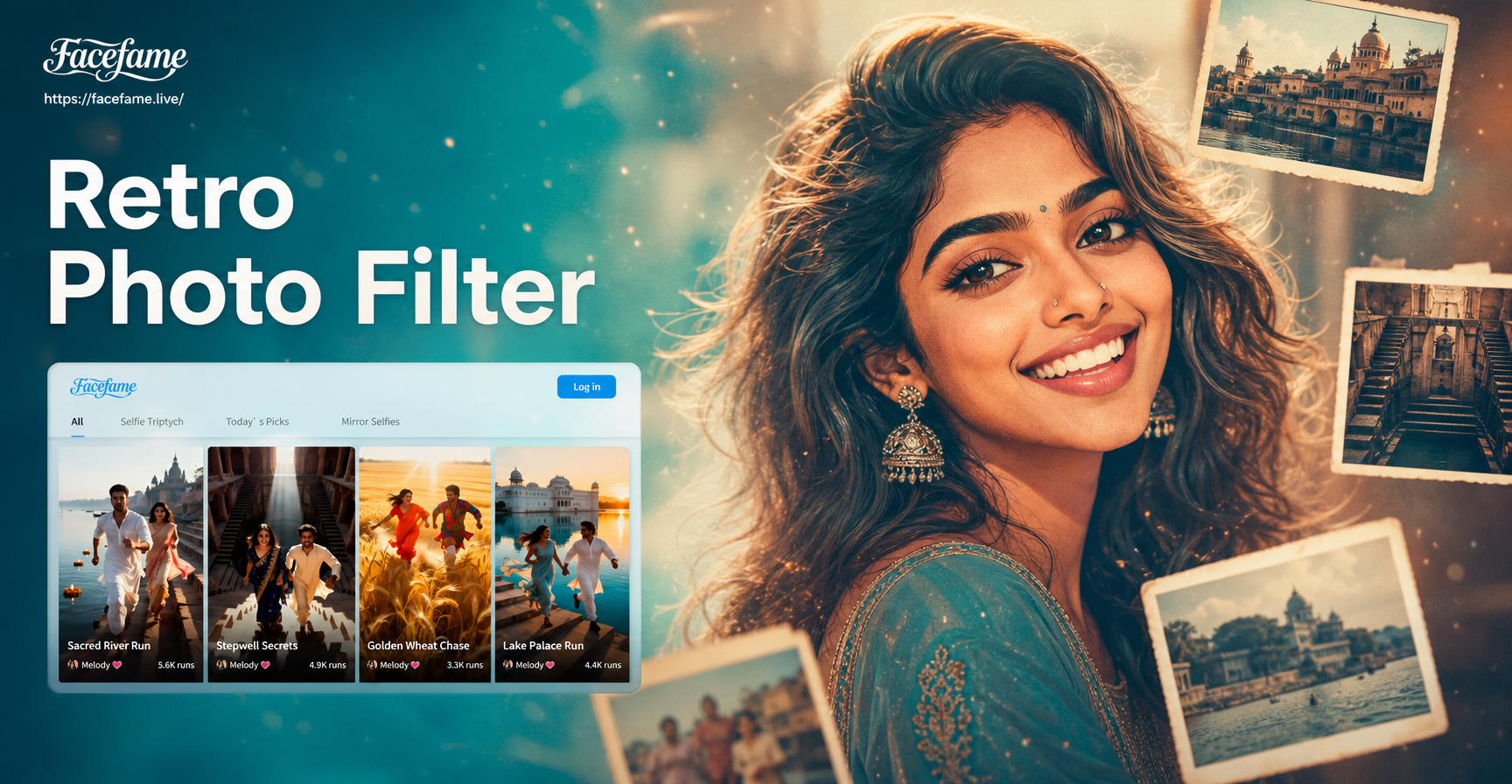
Find Your Perfect Vintage Era
Explore our curated collection of retro photo filters, each designed to capture the distinct look and feel of a different decade.
Why Our Retro Photo Filters Stand Out
We go beyond simple color washes. Our AI analyzes your photo to apply historically accurate vintage effects that feel authentic, not artificial.
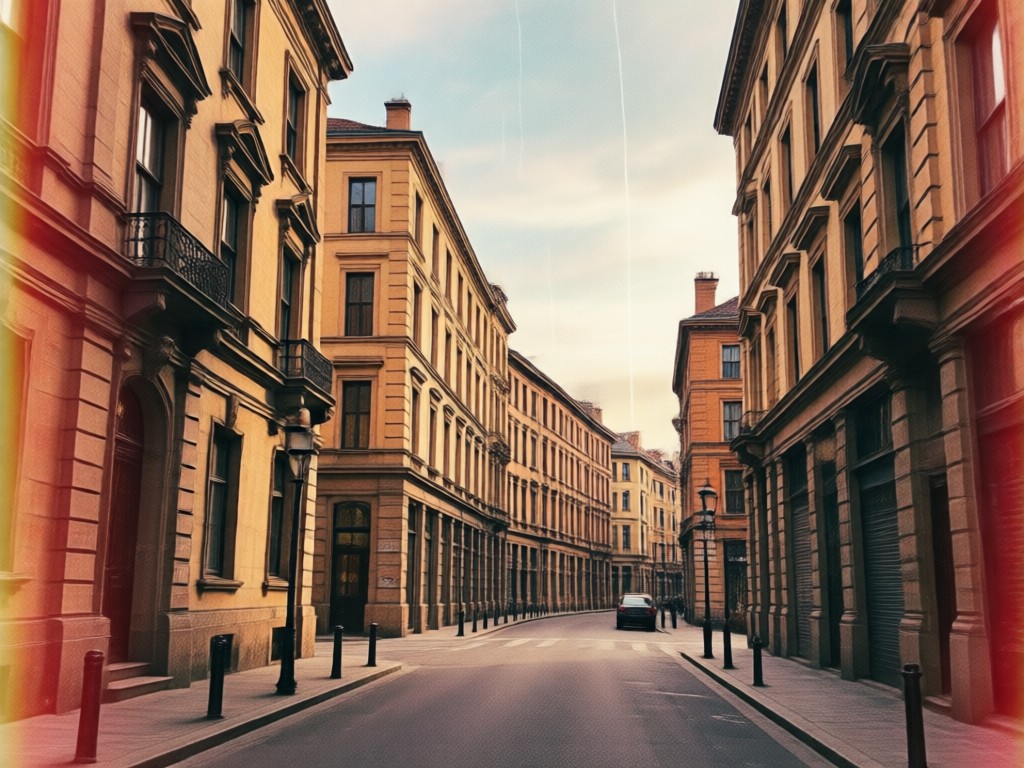
Decade Specific Filters
Choose from filters meticulously crafted to match the photographic styles of specific eras, like 70s Polaroid, 80s VHS tape, or 90s disposable camera looks. Each filter applies era appropriate grain, saturation, and contrast.
Decade Specific Filters
Choose from filters meticulously crafted to match the photographic styles of specific eras, like 70s Polaroid, 80s VHS tape, or 90s disposable camera looks. Each filter applies era appropriate grain, saturation, and contrast.
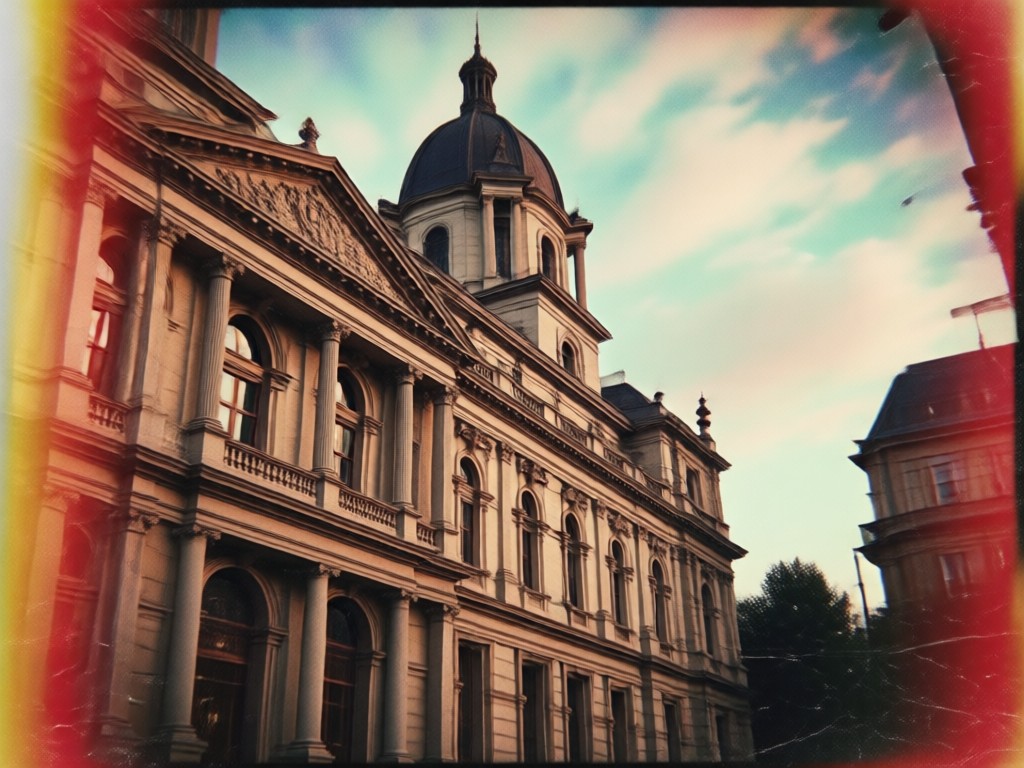
AI Enhanced Authenticity
Our technology doesn't just overlay a preset. It intelligently adjusts light leaks, adds realistic film scratches, and fades colors in a way that mimics authentic aging, preserving your photo's composition and subject.
AI Enhanced Authenticity
Our technology doesn't just overlay a preset. It intelligently adjusts light leaks, adds realistic film scratches, and fades colors in a way that mimics authentic aging, preserving your photo's composition and subject.
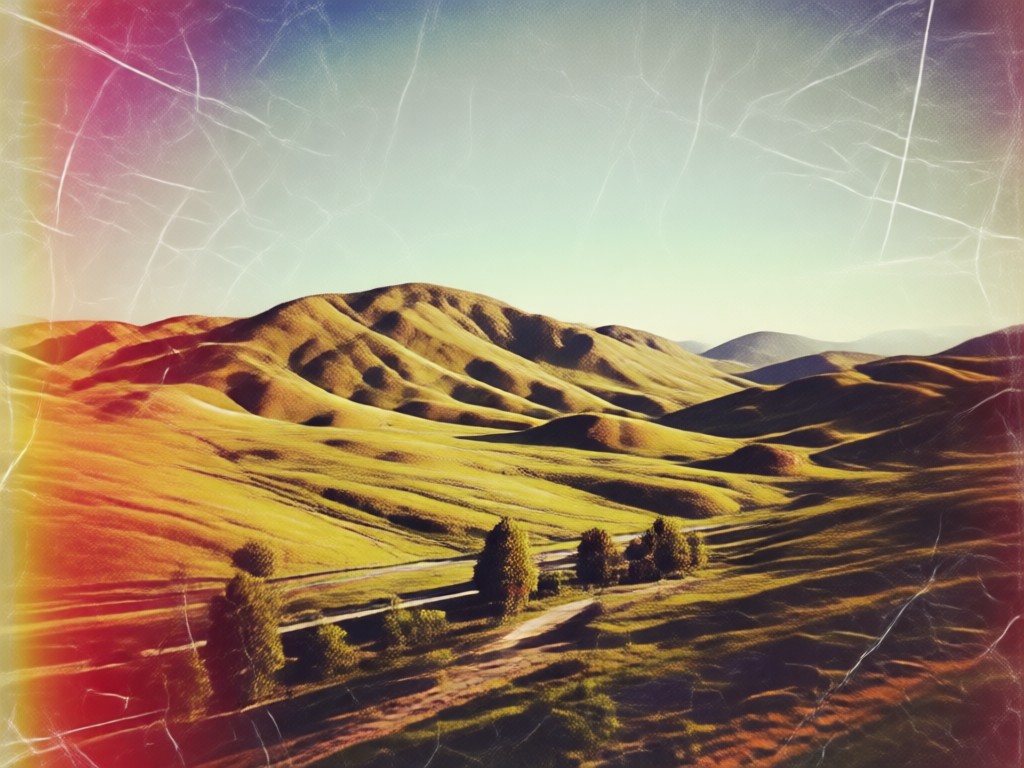
One Tap Perfection
Achieve professional grade vintage edits without any manual tuning. Upload your photo, select your desired retro aesthetic, and get a stunning, share ready result in seconds. No design skills or photo editing knowledge required.
One Tap Perfection
Achieve professional grade vintage edits without any manual tuning. Upload your photo, select your desired retro aesthetic, and get a stunning, share ready result in seconds. No design skills or photo editing knowledge required.
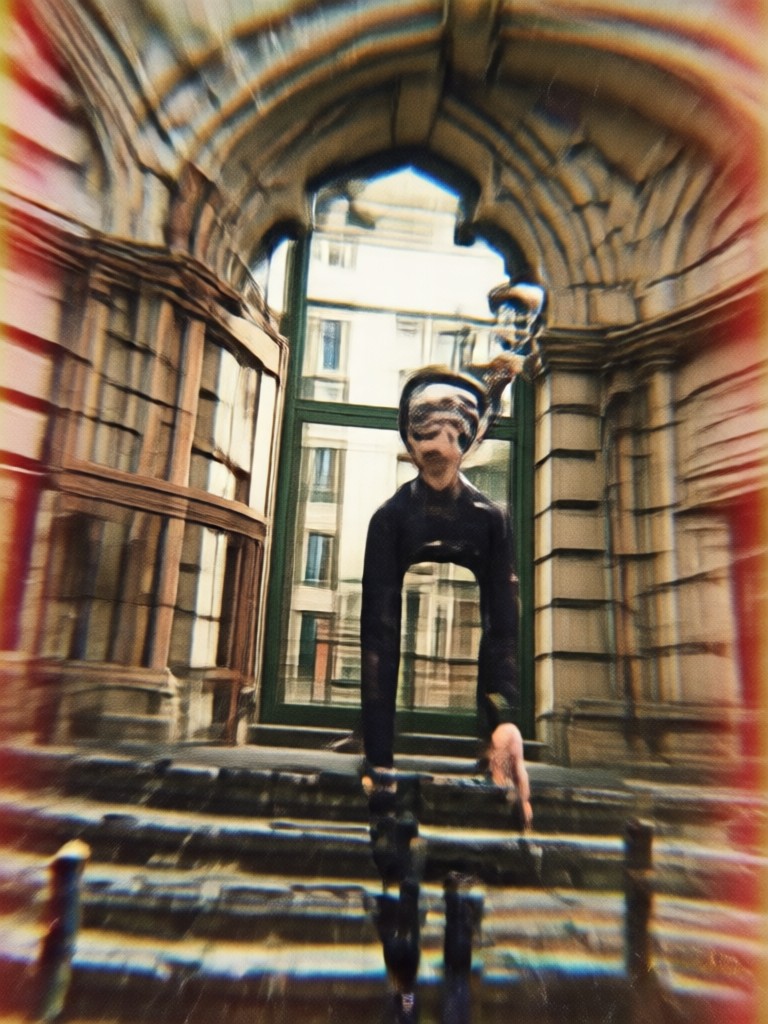
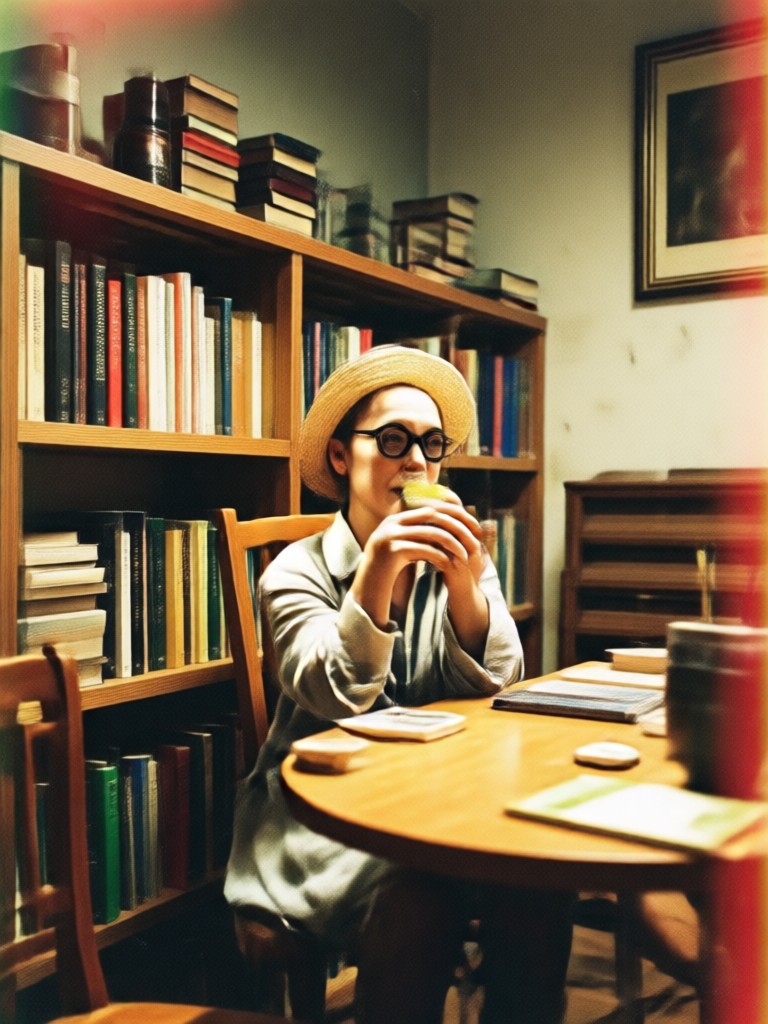
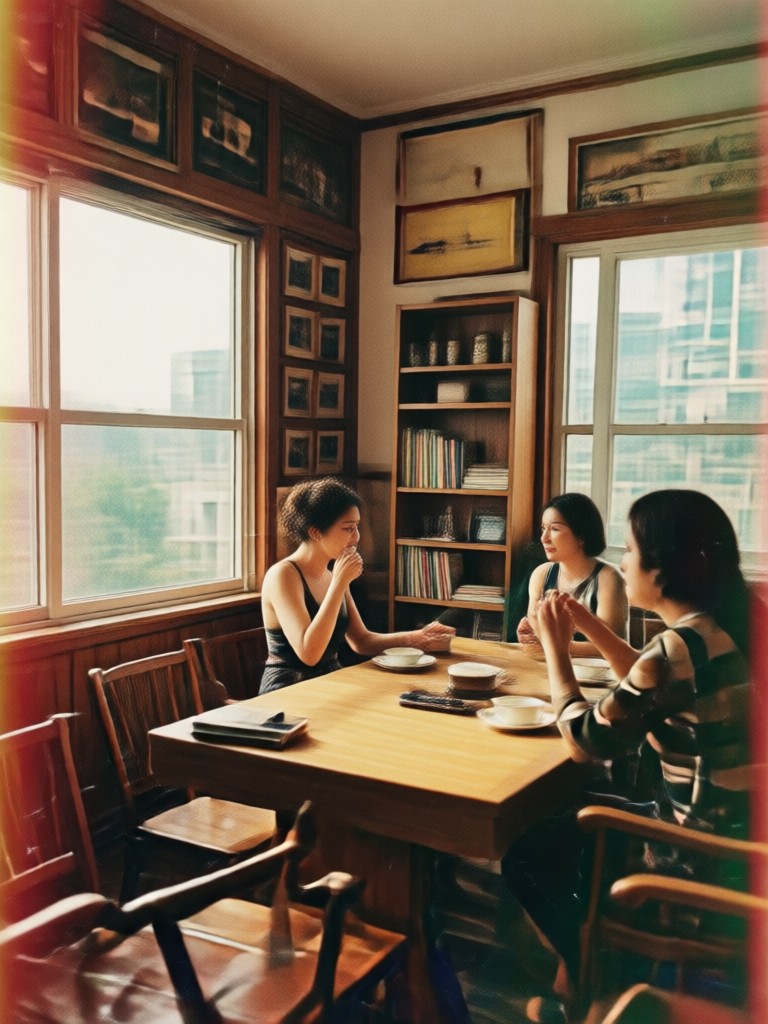
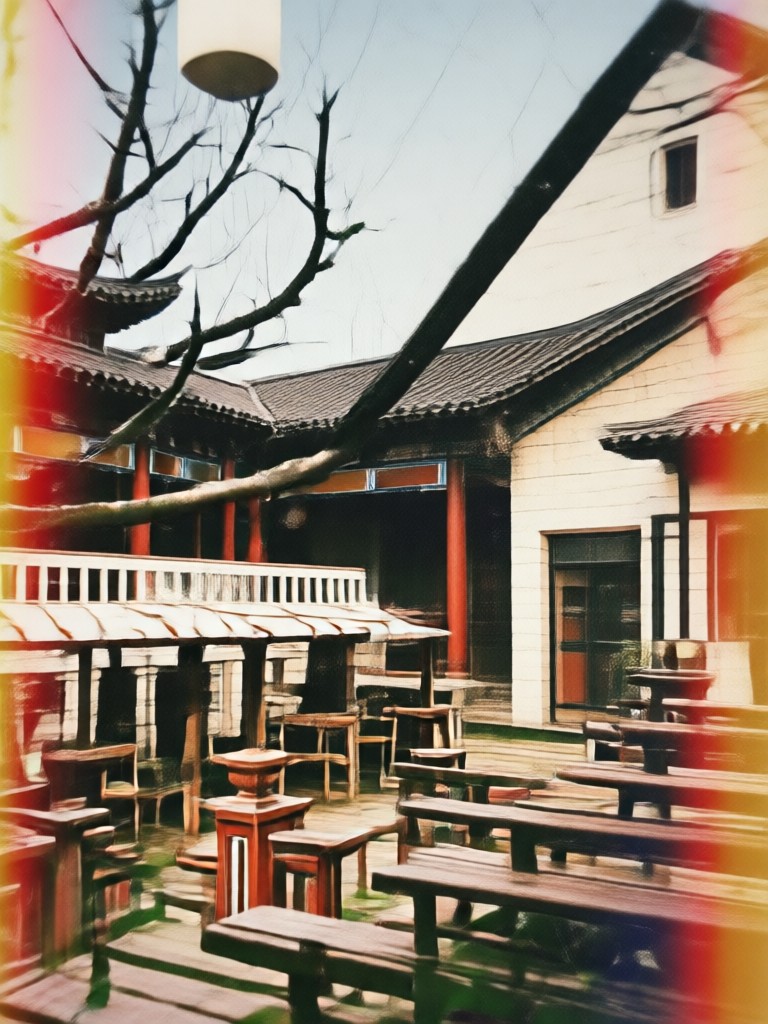
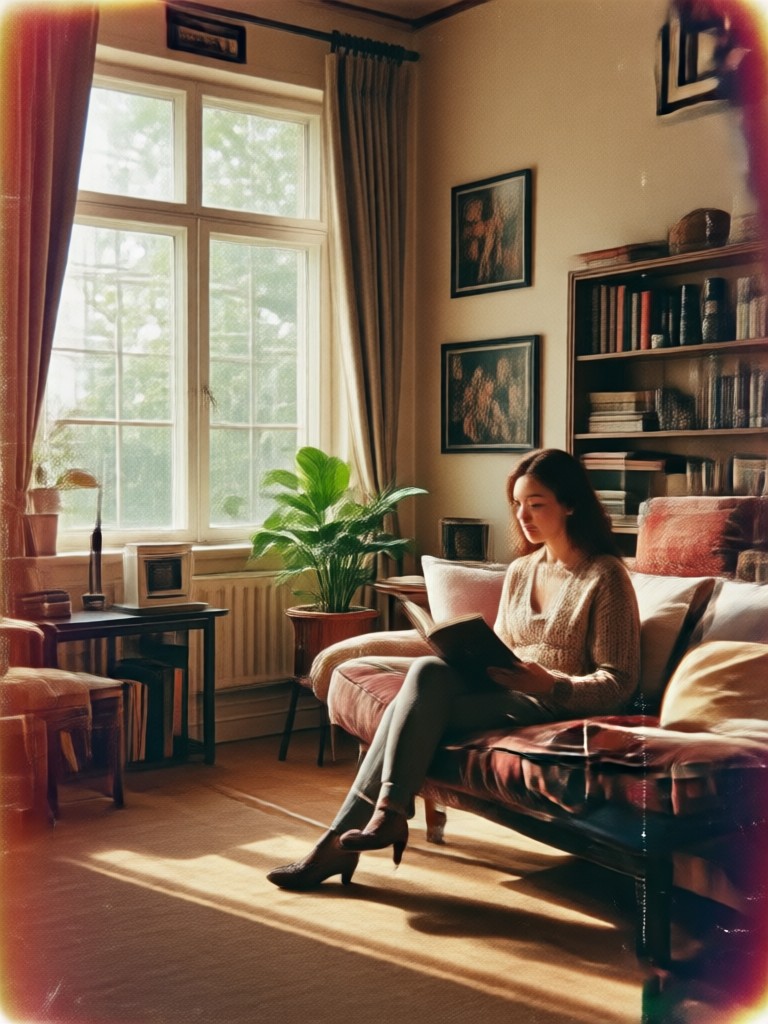
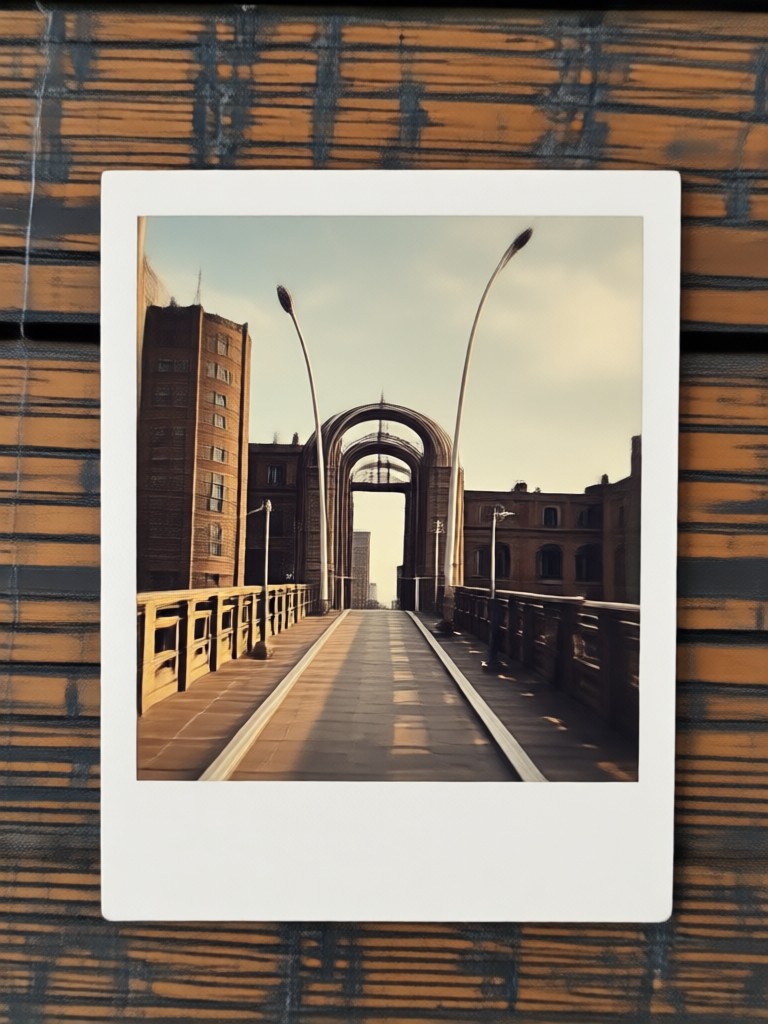
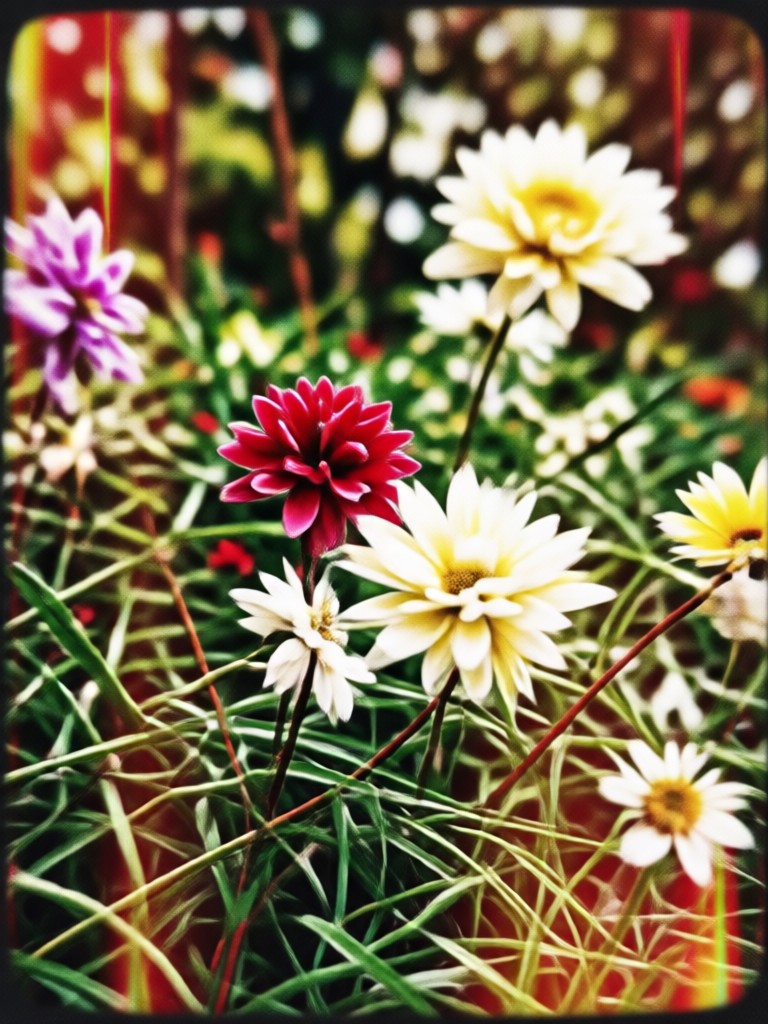
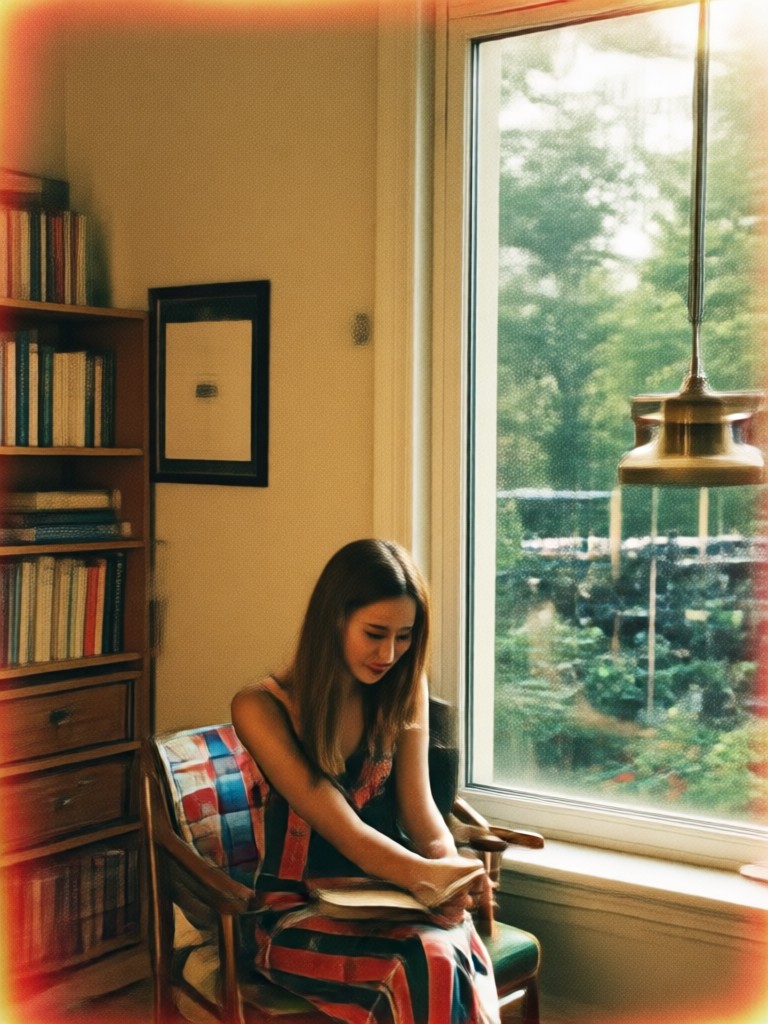
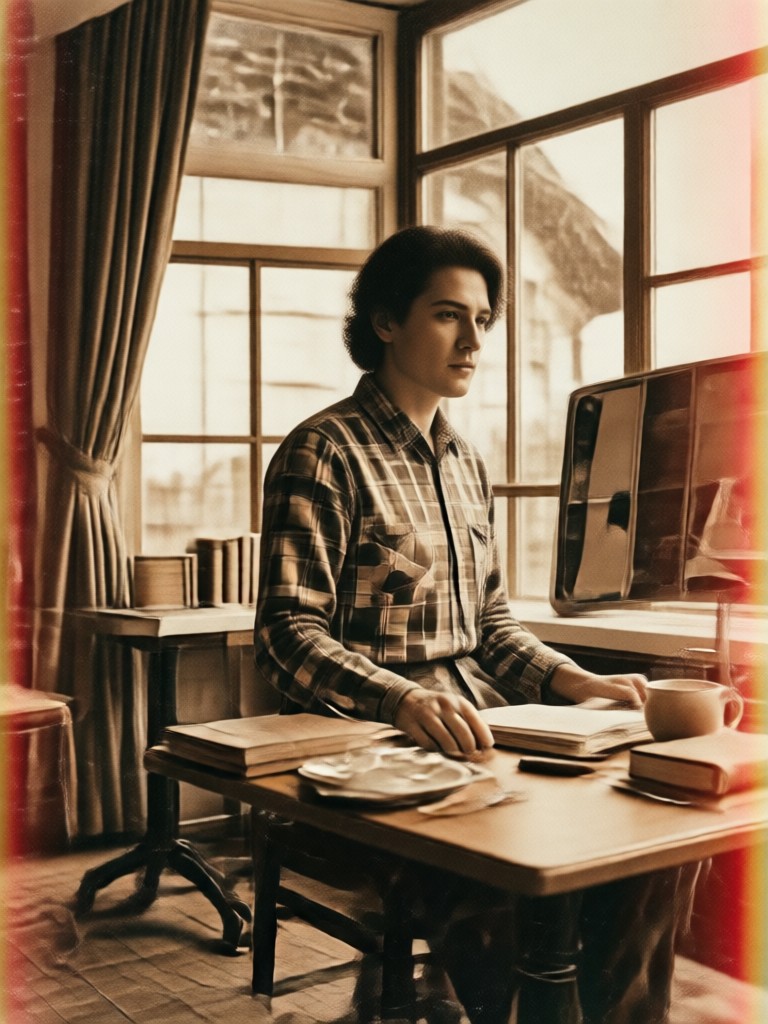
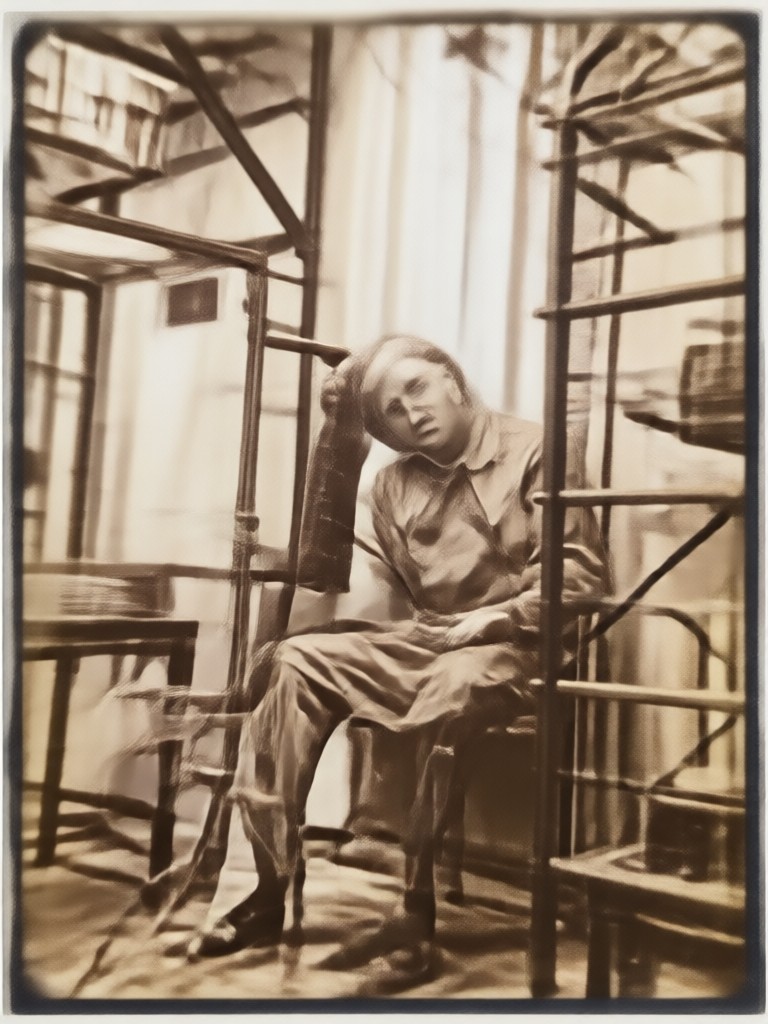
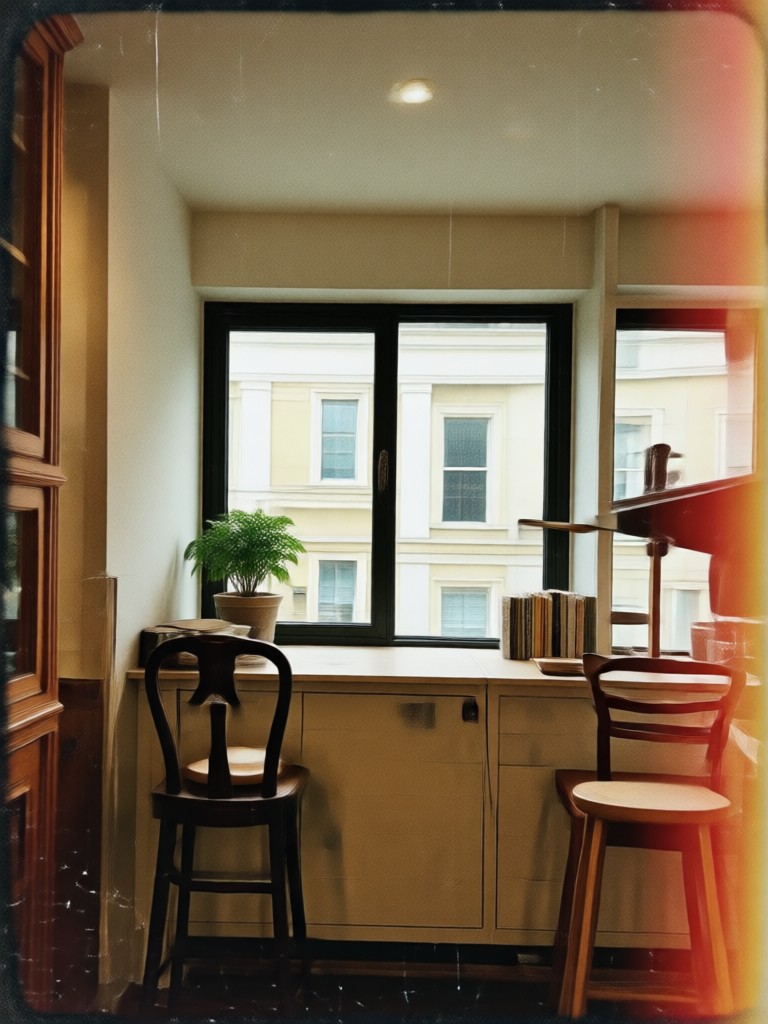
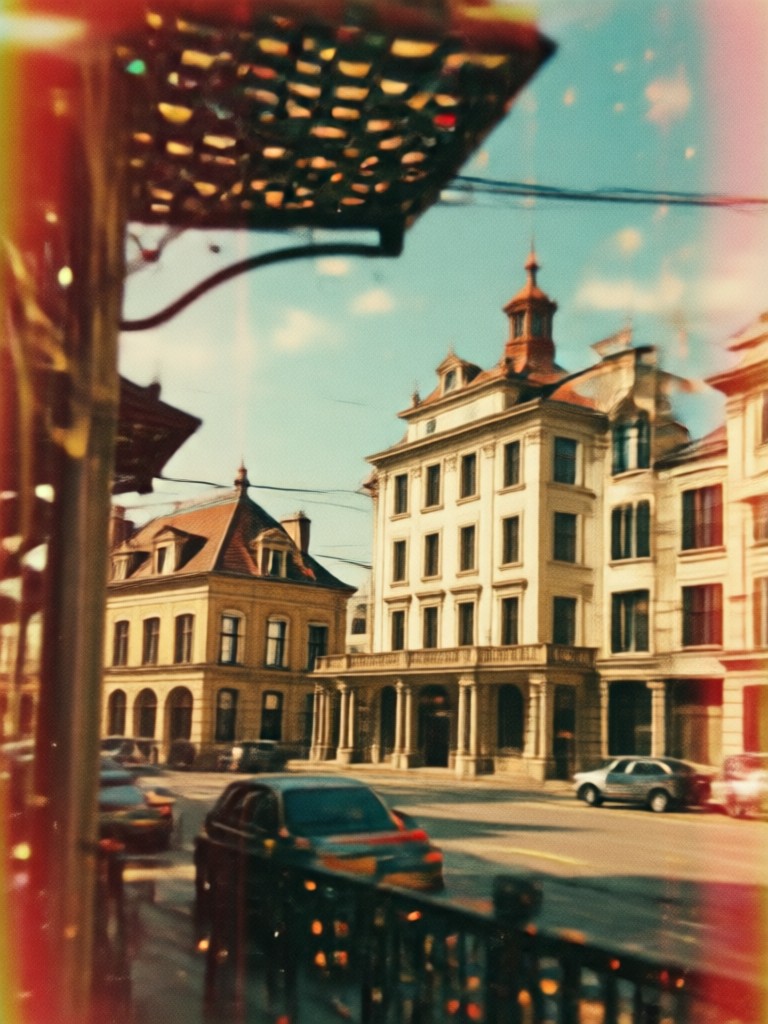
Retro Filter Transformation Gallery
See how ordinary photos are transformed into nostalgic art. Browse our gallery of user creations showcasing the power of different vintage and retro photo filters.
How to Apply a Retro Photo Filter?
Create stunning vintage photos in three simple steps. No complex software or editing skills are needed.

Step 01.
Download the FaceFame app from Google Play. It's your all in one mobile studio for applying retro filters and countless other AI effects.

Step 02.
Open the app, upload your photo, and browse the 'Retro & Vintage' filter category. Select from options like '70s Film', '80s VHS', '90s Fade', or 'Classic Sepia'.

Step 03.
Tap 'Generate'. In seconds, your AI enhanced retro photo will be ready. Download it instantly or share your nostalgic creation directly to social media.
What Creators Say About Retro Filters
Perfect for giving my travel pics a timeless feel
I use the 70s film filter on all my landscape photos. It adds a warmth and grain that makes them look like they were taken from an old family album, not a smartphone. My Instagram engagement has skyrocketed.
My go to for authentic vintage product shots
Selling vintage clothing online requires the right aesthetic. The 90s fade filter gives my product photos an authentic, soft look that perfectly matches the era of the items. It builds instant trust with my customers.
Breathes new life into old family photos
I scanned my grandparents' photos and used the retro filters to enhance and stylize them. The AI added realistic aging effects that made the digital copies feel even more authentic and precious. It's magical.
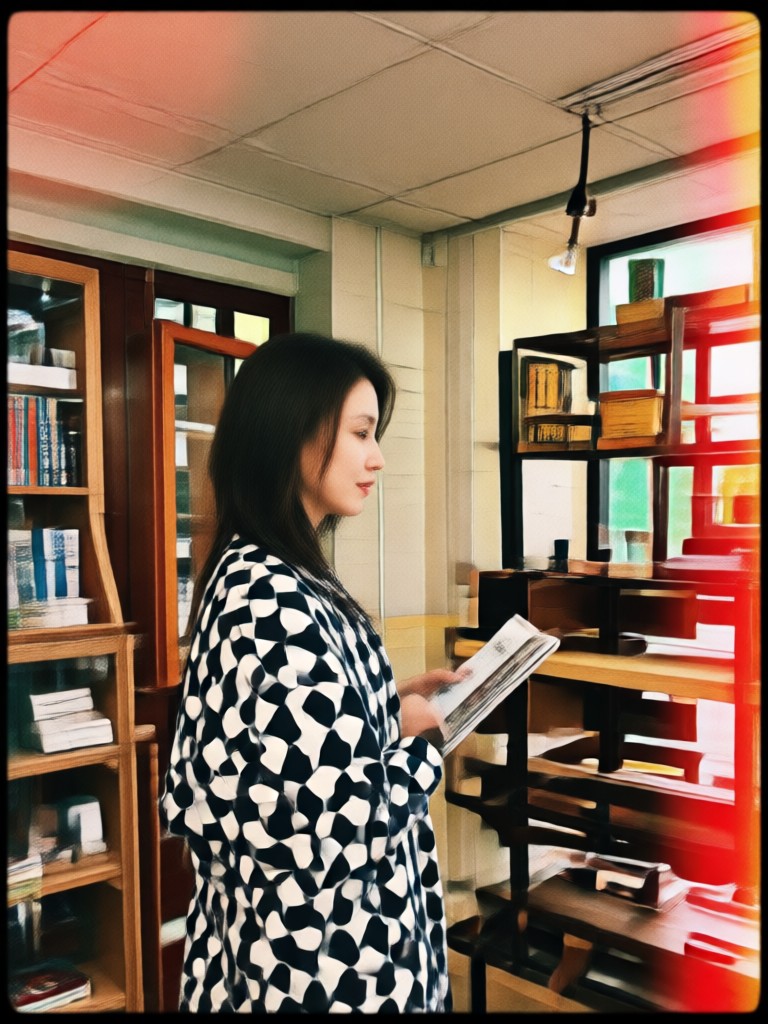
Your Vintage Photo Studio, In Your Pocket
Carry the power of professional vintage photo editing wherever you go. Download the FaceFame app to access retro filters and thousands of other AI effects instantly.

Retro Photo Filter FAQs
Get quick answers to common questions about using vintage filters and creating nostalgic photo effects.
More Topics You May Like
Explore more topics you may like and discover fresh ideas tailored to your interests.
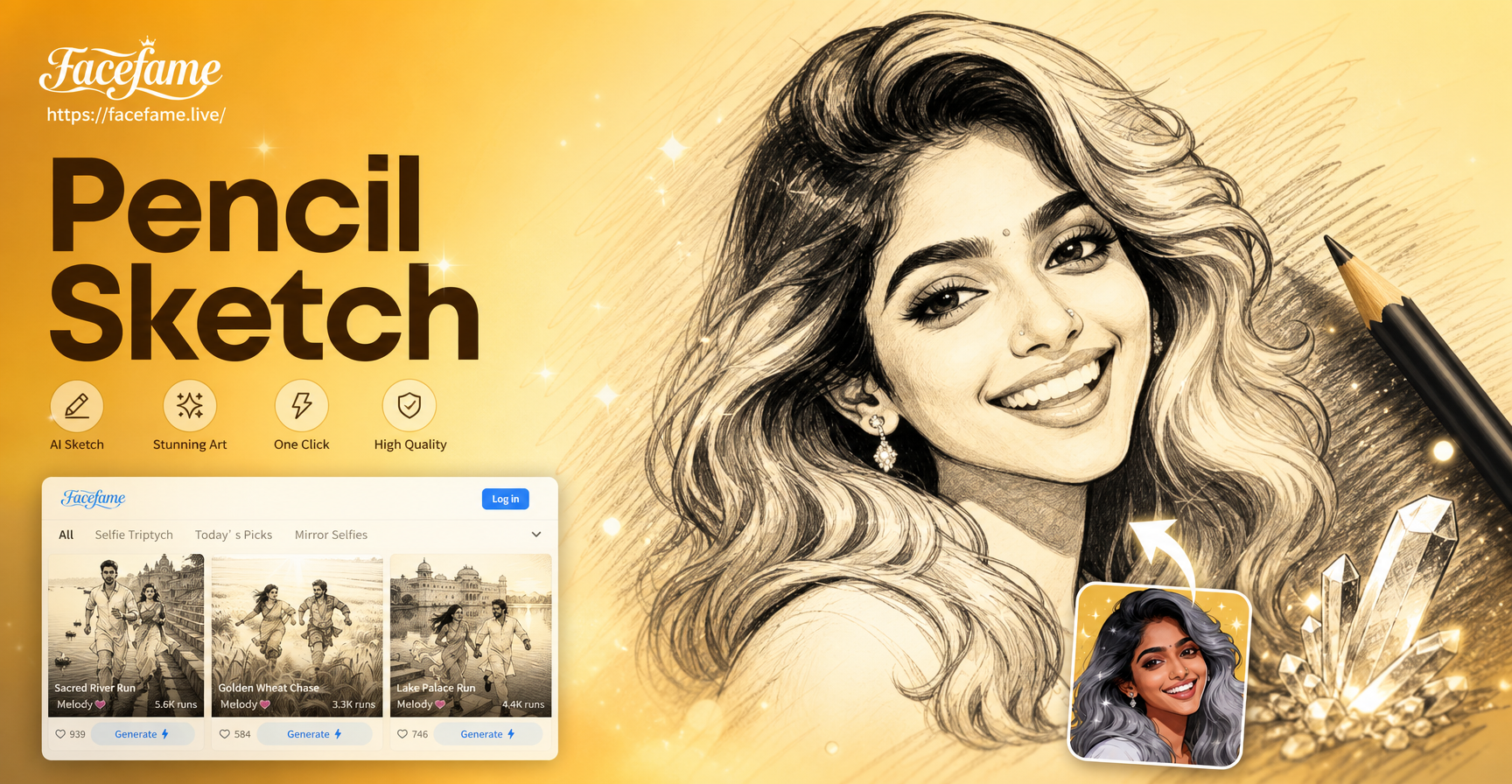
Transform Photos into Hand-Drawn Pencil Sketches

Music Video Face Swap: Put Your Face on Any Artist

AI Face Generator Online: Create Realistic Portraits
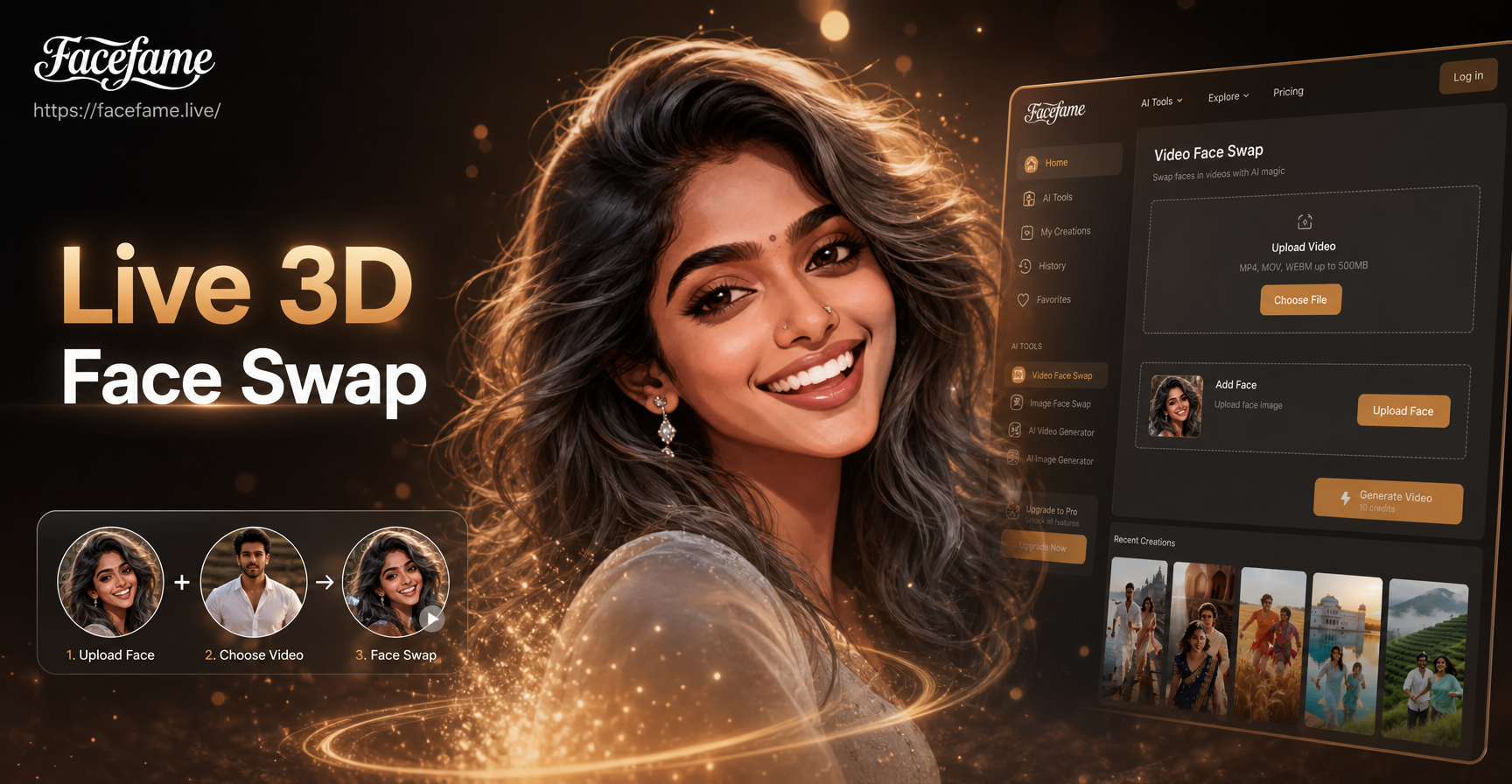
Create Live Face Swap Videos in Real Time
Transform Photos into Hand-Drawn Pencil Sketches
Music Video Face Swap: Put Your Face on Any Artist
AI Face Generator Online: Create Realistic Portraits
Create Live Face Swap Videos in Real Time
Step Back in Time with Your Photos
Stop scrolling through generic filters. Discover the authentic charm of retro photo filters and transform your memories into timeless art. Download the app and start your vintage journey today.
Step Back in Time with Your Photos
Stop scrolling through generic filters. Discover the authentic charm of retro photo filters and transform your memories into timeless art. Download the app and start your vintage journey today.