Turn Photo Into Sketch
Artistic Side Sketch


Benefits of Turning Photo into Sketch Filter
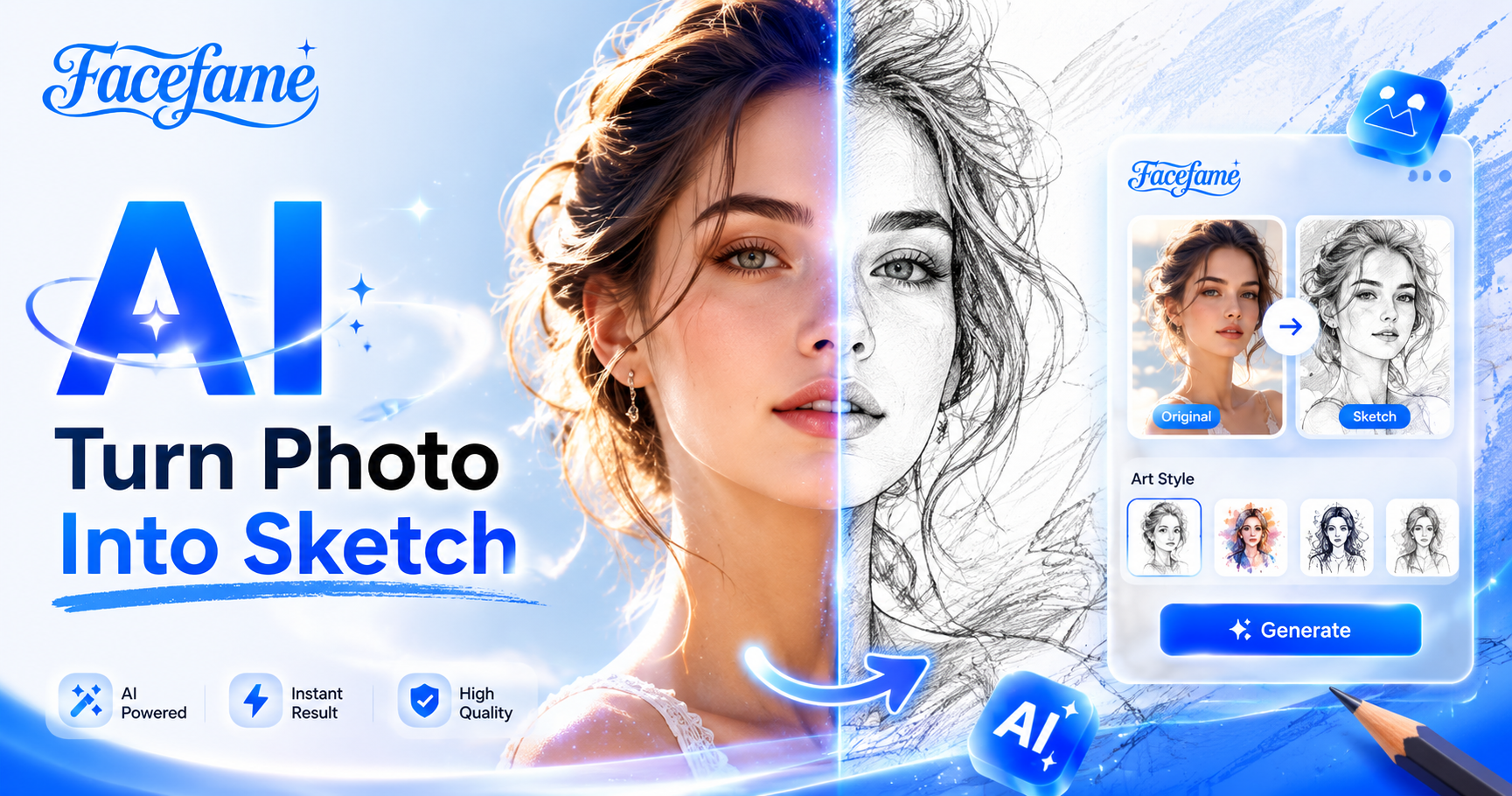
Turn photos into sketch art easily with Facefame. Enjoy creative styles, simple editing, and fast mobile generation results
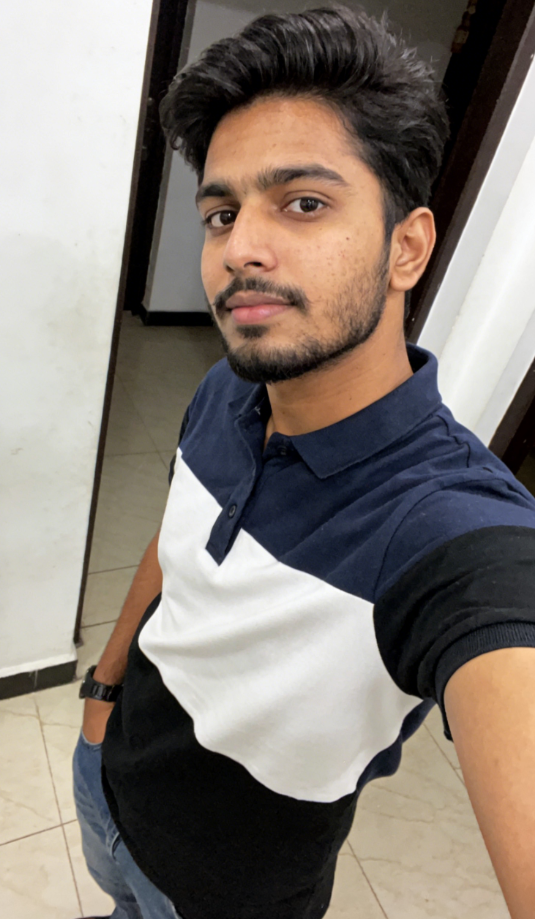
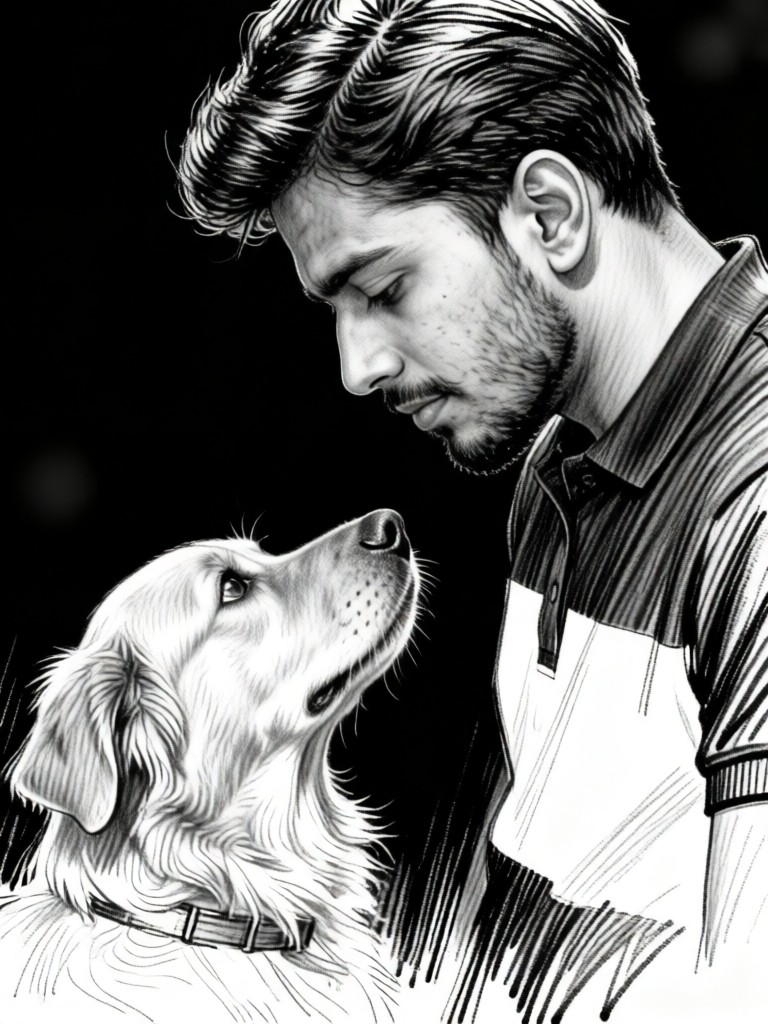
 Before
 After
AfterGet Sketch Effects Instantly
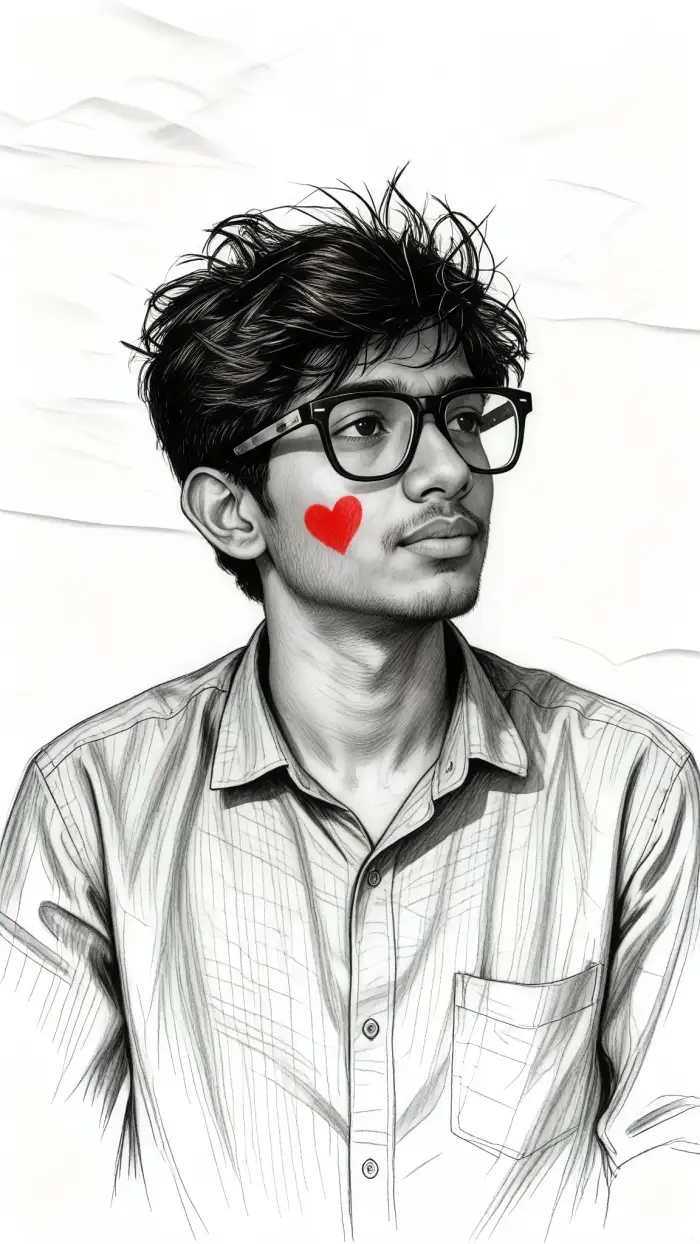
Get sketch effects instantly with Facefame. No professional skills are needed. Upload your photo, choose a sketch filter, and tap generate. The app quickly creates pencil sketch and line art results. You can enjoy fast mobile editing and simple creation with clear and natural sketch style output in seconds.
BeforeAfterGet Sketch Effects Instantly
Get sketch effects instantly with Facefame. No professional skills are needed. Upload your photo, choose a sketch filter, and tap generate. The app quickly creates pencil sketch and line art results. You can enjoy fast mobile editing and simple creation with clear and natural sketch style output in seconds.
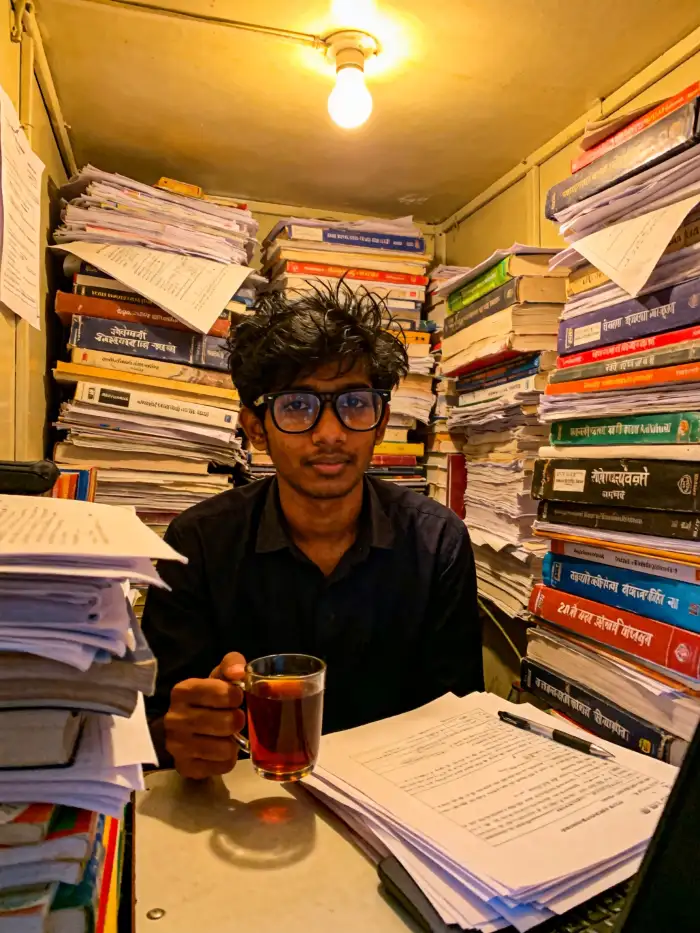
 Before
 After
AfterVariety of Sketch Effects
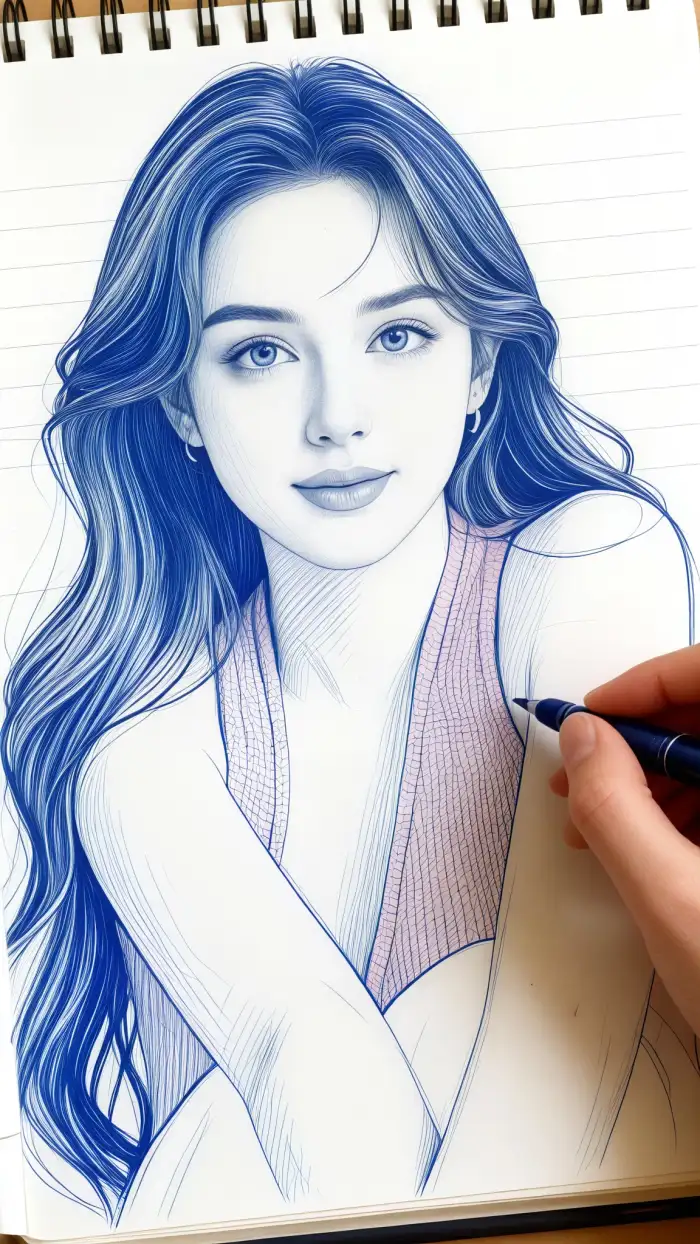
Facefame offers a wide variety of sketch filters. You can easily change the look, mood, and expression of your photo. Different sketch effects help you create unique pencil drawings and line art styles. Choose from multiple filters to transform your photo into various artistic sketch versions with simple mobile steps.
BeforeAfterVariety of Sketch Effects
Facefame offers a wide variety of sketch filters. You can easily change the look, mood, and expression of your photo. Different sketch effects help you create unique pencil drawings and line art styles. Choose from multiple filters to transform your photo into various artistic sketch versions with simple mobile steps.
 Before
 After
AfterPreserve Fine Details for Realistic Effects
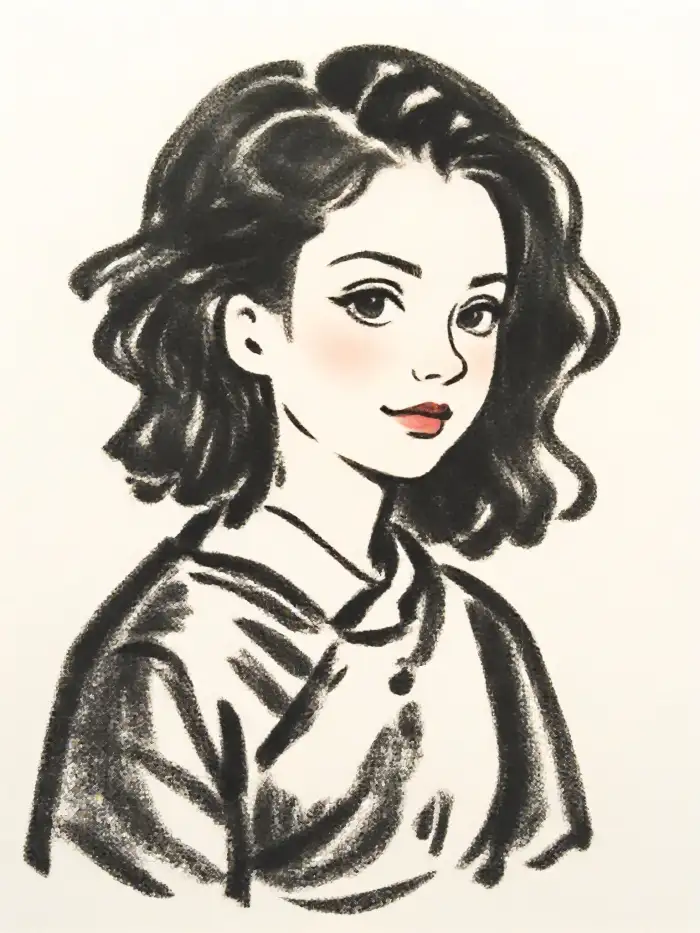
Facefame preserves fine details when turning photos into sketch effects. It keeps facial features, textures, and natural lighting. The original mood of your photo remains unchanged while converting it into a pencil sketch or line art style. You get realistic results with clear structure and smooth artistic transformation in every generated photo.
BeforeAfterPreserve Fine Details for Realistic Effects
Facefame preserves fine details when turning photos into sketch effects. It keeps facial features, textures, and natural lighting. The original mood of your photo remains unchanged while converting it into a pencil sketch or line art style. You get realistic results with clear structure and smooth artistic transformation in every generated photo.
Why Use Facefame's Turn Photo into Sketch Filter
Turn photos into sketch art with Facefame. Easy editing, fast results, and creative styles for every photo.
Why We Recommend It?
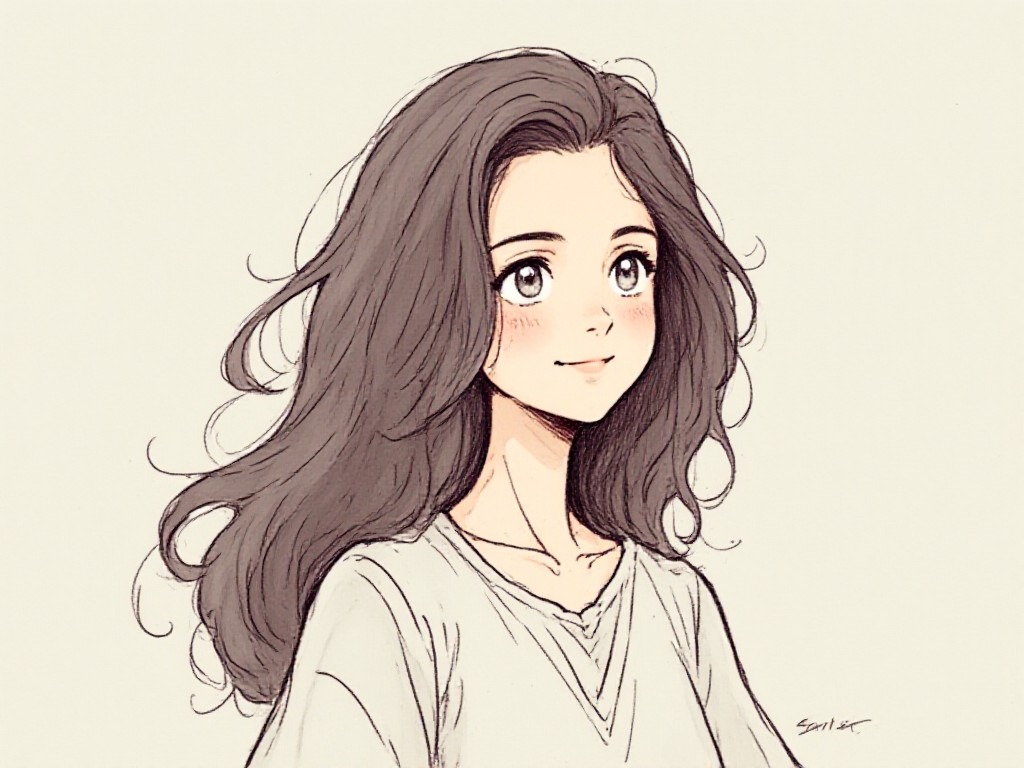
Facefame Turn Photo into Sketch Filter is easy to use. Upload photos, select sketch styles, and get fast artistic results. It keeps details clear, supports multiple effects, and works directly in the mobile app.
Why We Recommend It?
Facefame Turn Photo into Sketch Filter is easy to use. Upload photos, select sketch styles, and get fast artistic results. It keeps details clear, supports multiple effects, and works directly in the mobile app.
See What Users Say About Their Experience
Emily Carter
The sketch filter in Facefame is very easy to use. I just uploaded a photo and got a clean pencil sketch in seconds without any editing skills needed.

Jason Miller
I like how Facefame turns my photos into line art. The sketch results keep facial details clear and still look natural and artistic at the same time.
Mia Johnson
The app gives many sketch styles to choose from. I can try different filters and get very different drawing looks from the same photo quickly.
Daniel Brown
Facefame makes photos to sketch conversion fast. I tap upload, select a filter, and the result is ready almost instantly with smooth and clear details.
Emily Carter
The sketch filter in Facefame is very easy to use. I just uploaded a photo and got a clean pencil sketch in seconds without any editing skills needed.
Jason Miller
I like how Facefame turns my photos into line art. The sketch results keep facial details clear and still look natural and artistic at the same time.
Mia Johnson
The app gives many sketch styles to choose from. I can try different filters and get very different drawing looks from the same photo quickly.
Daniel Brown
Facefame makes photos to sketch conversion fast. I tap upload, select a filter, and the result is ready almost instantly with smooth and clear details.
Emily Carter
The sketch filter in Facefame is very easy to use. I just uploaded a photo and got a clean pencil sketch in seconds without any editing skills needed.
Jason Miller
I like how Facefame turns my photos into line art. The sketch results keep facial details clear and still look natural and artistic at the same time.
Mia Johnson
The app gives many sketch styles to choose from. I can try different filters and get very different drawing looks from the same photo quickly.
Daniel Brown
Facefame makes photos to sketch conversion fast. I tap upload, select a filter, and the result is ready almost instantly with smooth and clear details.
How to Turn Photos into Sketch Effects in Facefame?
Learn how to turn photos into sketch effects in Facefame and start creating your first sketch photo.

Step 01.
Download the Facefame App to easily start photo-to-sketch effects anytime, anywhere.
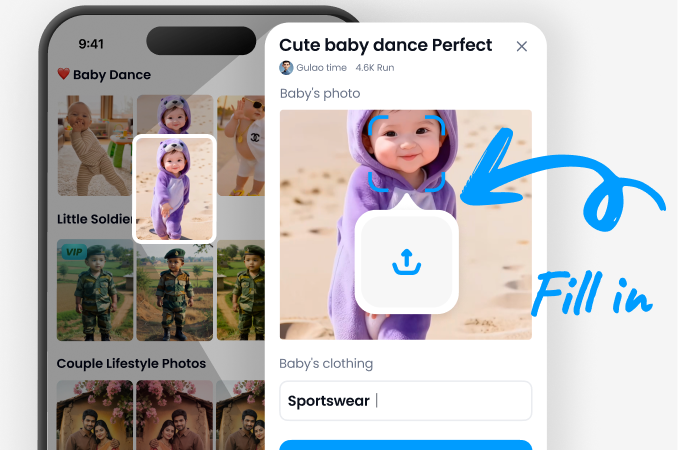
Step 02.
Select a sketch filter and upload your photo to your preferred sketch filter.
Step 03.
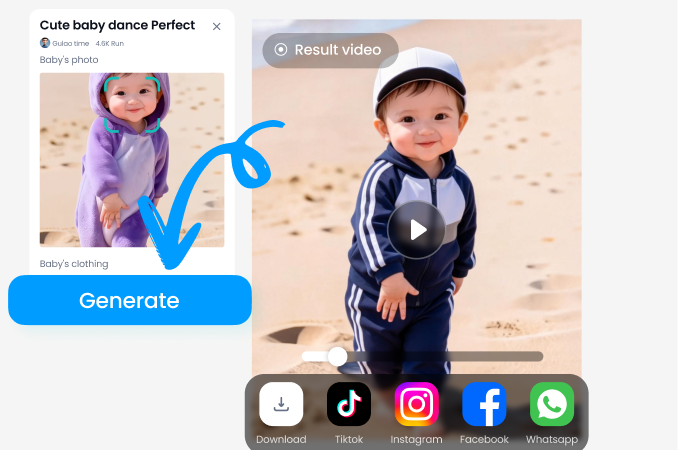
Tap the button to convert your photo into a sketch effect. You can also share the generated photo on your social media platforms.
Frequently Asked Questions
Find clear answers to common questions and get the guidance you need to make the most of our platform, faster and easier.
More Topics You May Like
Explore more topics you may like and discover fresh ideas tailored to your interests.
AI Beauty Generator
Create stunning AI-generated beautiful women with realistic facial features, professional-quality portraits, and breathtaking artistic styles. Generate elegant beauty images, fashion-inspired portraits, and photorealistic AI creations in seconds.
AI Smile Generator
Turn serious portraits into warm, natural-looking smiles with Facefame's AI Smile Generator. Enhance selfies, group photos, and professional headshots instantly using advanced AI expression editing.
AI Gender Swap
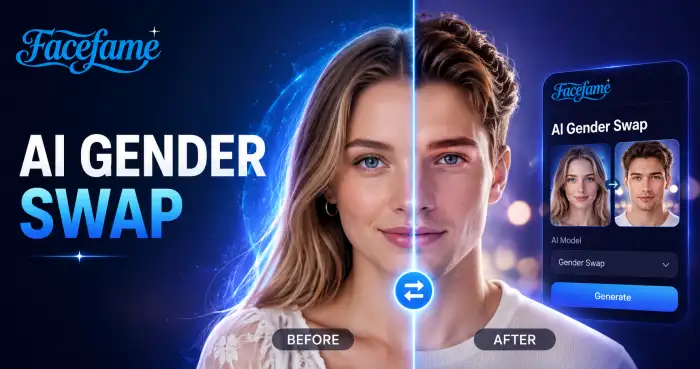
Facefame lets you create fun gender swap photos and videos. Use simple templates and turn photos into new looks in a few steps.

AI Video Generator
Create professional videos from text, images, or ideas in minutes with AI Video Generator. Generate engaging content for marketing, social media, education, and storytelling with customizable styles, smooth motion, and high-quality visual results.
Turn Your Photos Into Sketch Art With Facefame
Download the Facefame app to turn photos into sketch art instantly. Choose filters, create styles, and share creative photos on mobile.
Turn Your Photos Into Sketch Art With Facefame
Download the Facefame app to turn photos into sketch art instantly. Choose filters, create styles, and share creative photos on mobile.