Add Angel Wings To Photo
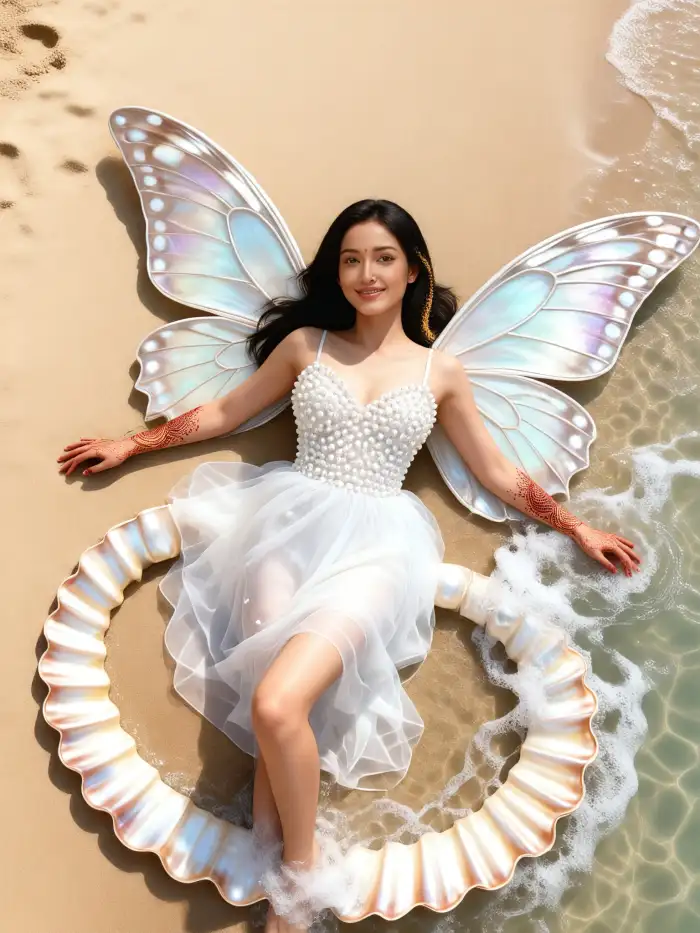
Lotus Wings
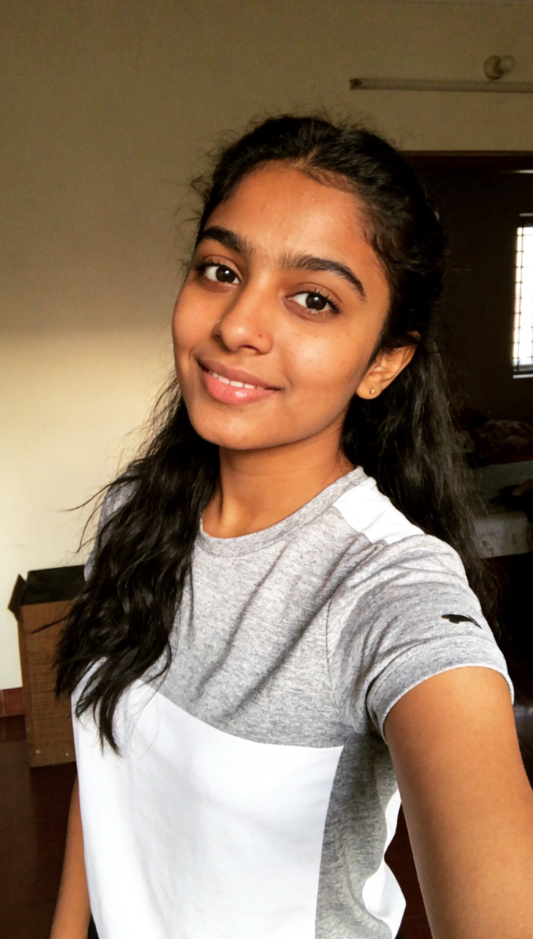
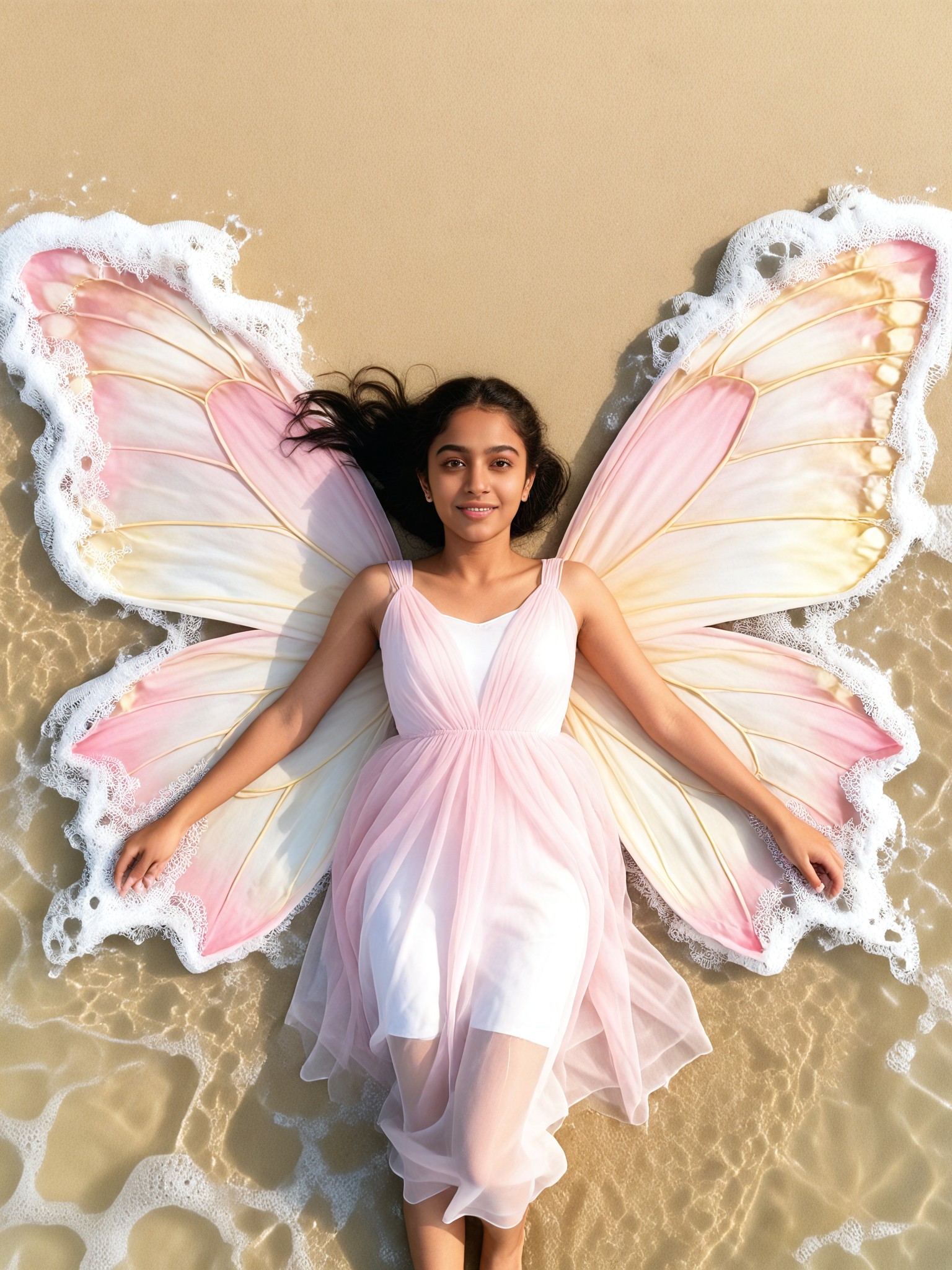

Key Features of Add Angel Wings To Photo
Turn your ideas into reality with a flexible and powerful platform. Create, customize, and launch with ease, no matter what you're working on.
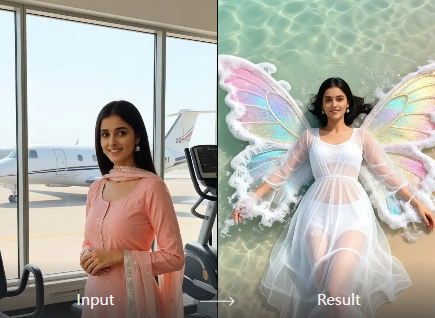
Multiple Angel Wing Styles
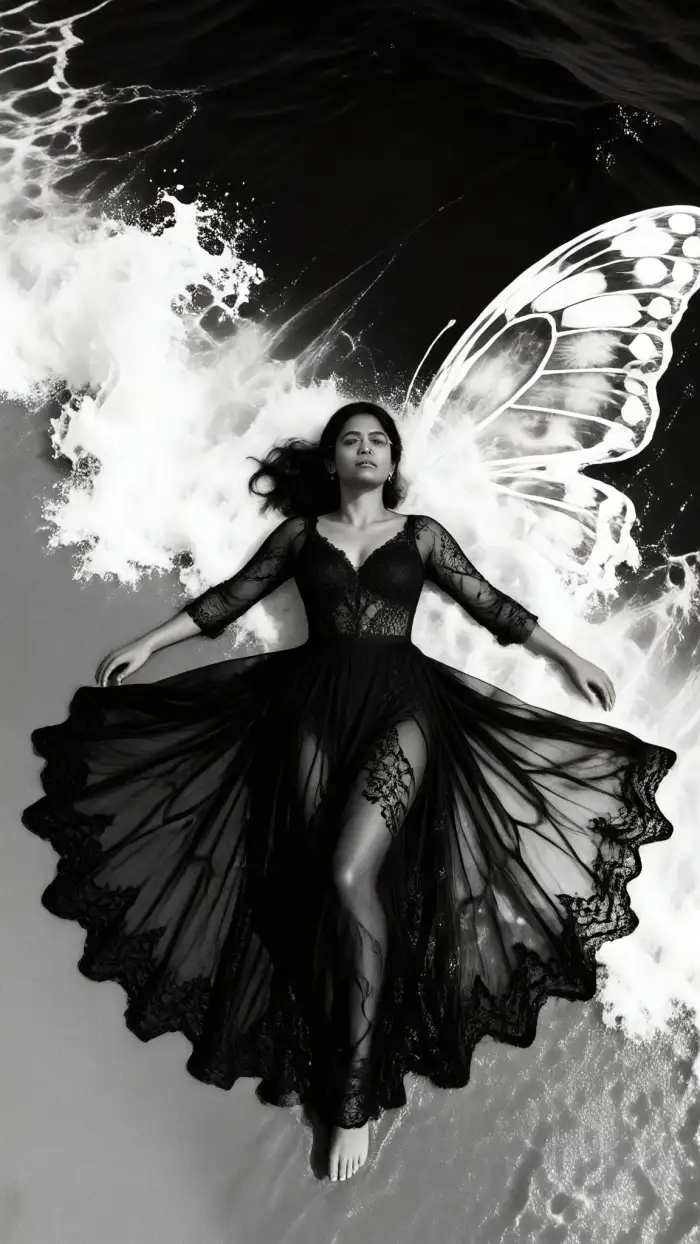
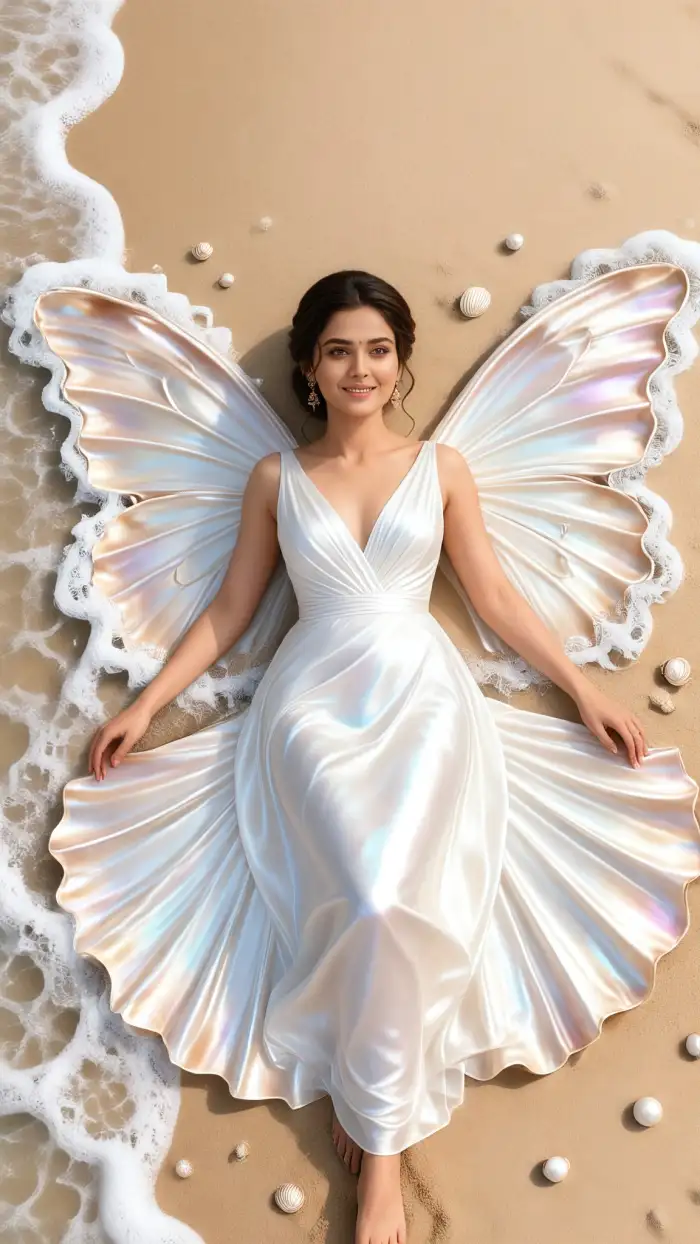
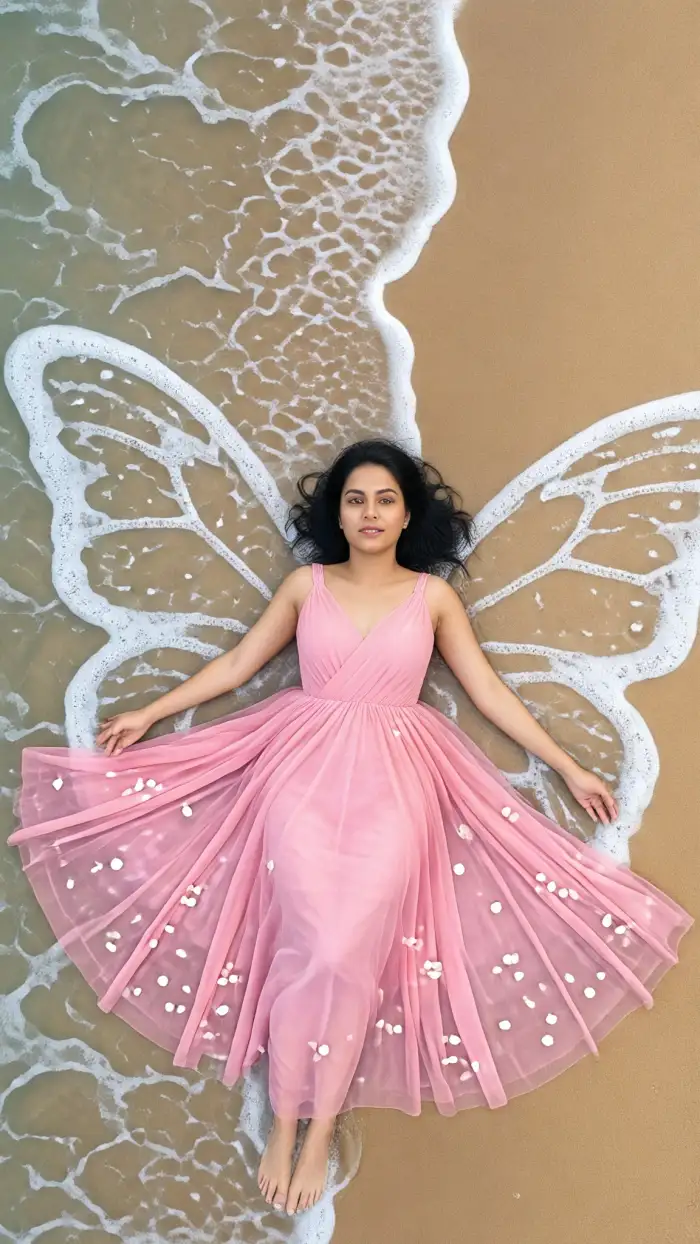
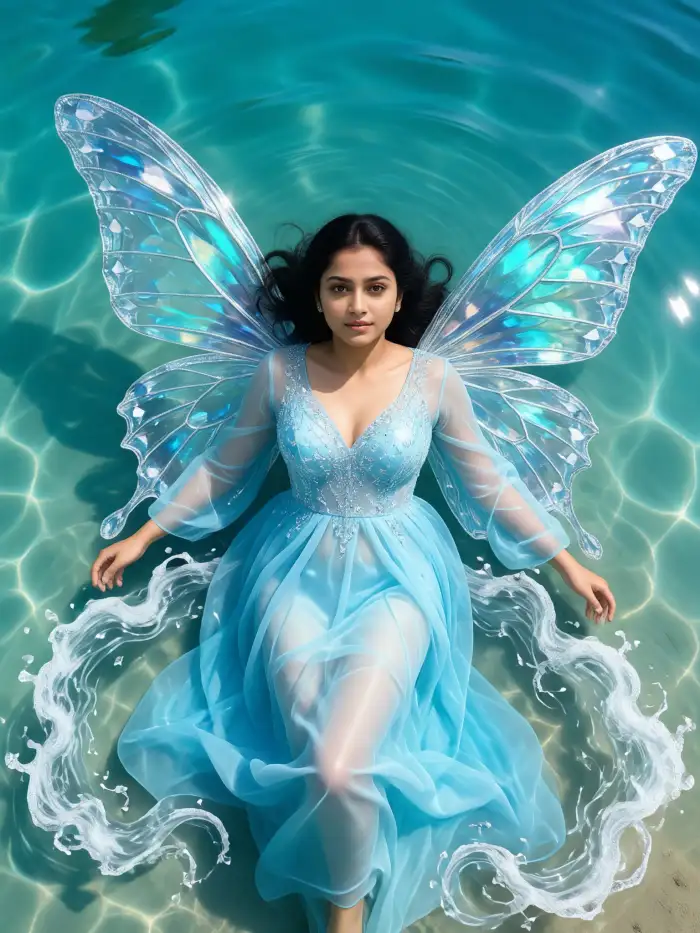
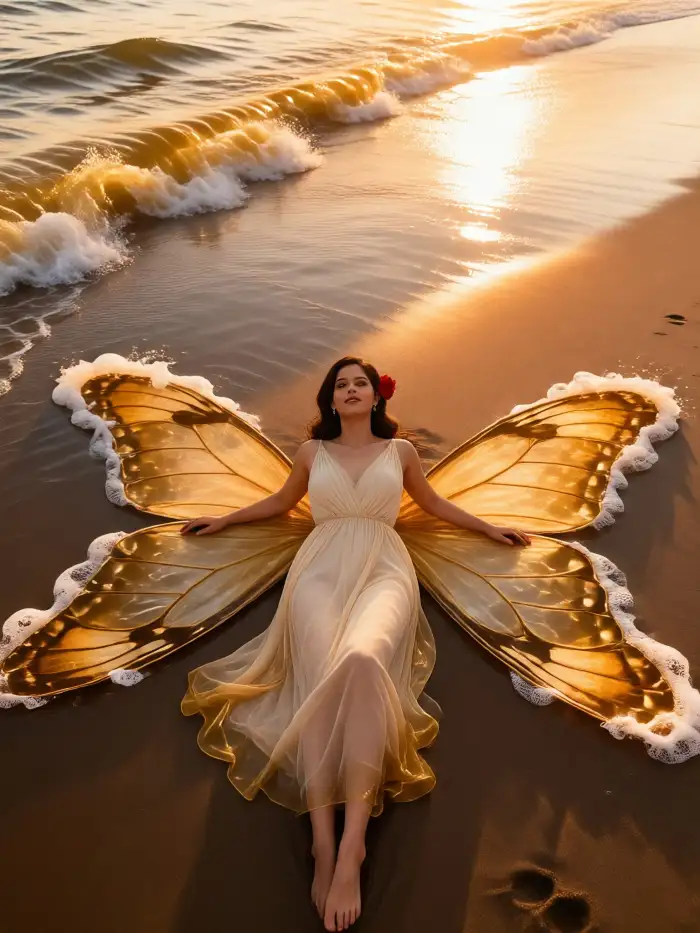
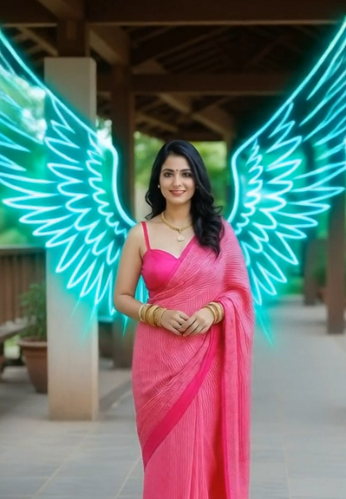
Every creative vision is different. Choose from classic white guardian wings, glowing celestial wings, golden divine wings, fantasy crystal wings, dark fallen angel wings, ethereal transparent wings, or oversized cinematic wings. You can easily switch between styles to create completely different moods while using the same portrait.
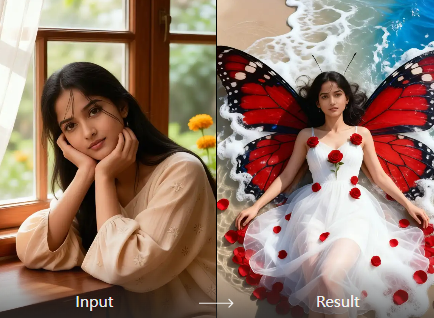
Realistic Feather Wing Generation
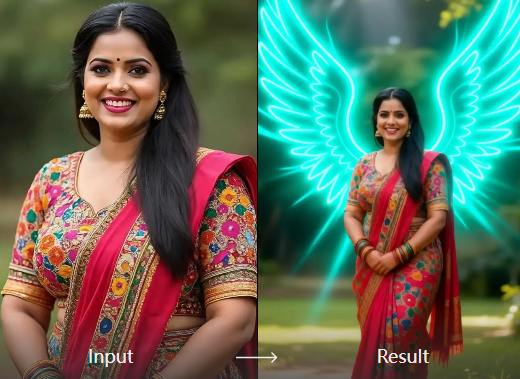
FaceFame doesn't simply paste wings behind your photo. The AI analyzes your body position, shoulder angle, camera perspective, and surrounding lighting before generating wings that naturally extend from your back. Every feather is rendered with impressive detail, creating results that feel like part of the original photograph.
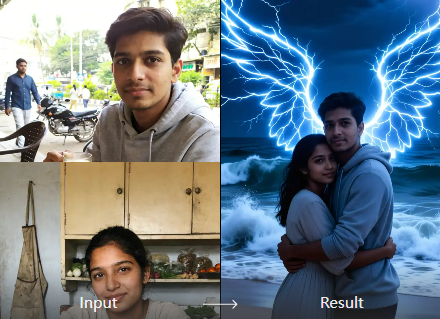
High-Resolution Social Ready Images
Every generated portrait is optimized for sharing across Instagram, TikTok, Pinterest, Facebook, YouTube thumbnails, wallpapers, digital art collections, and printed posters. The final images maintain crisp details and premium visual quality suitable for both personal and creative projects.
Bring Heavenly Portraits to Life with AI
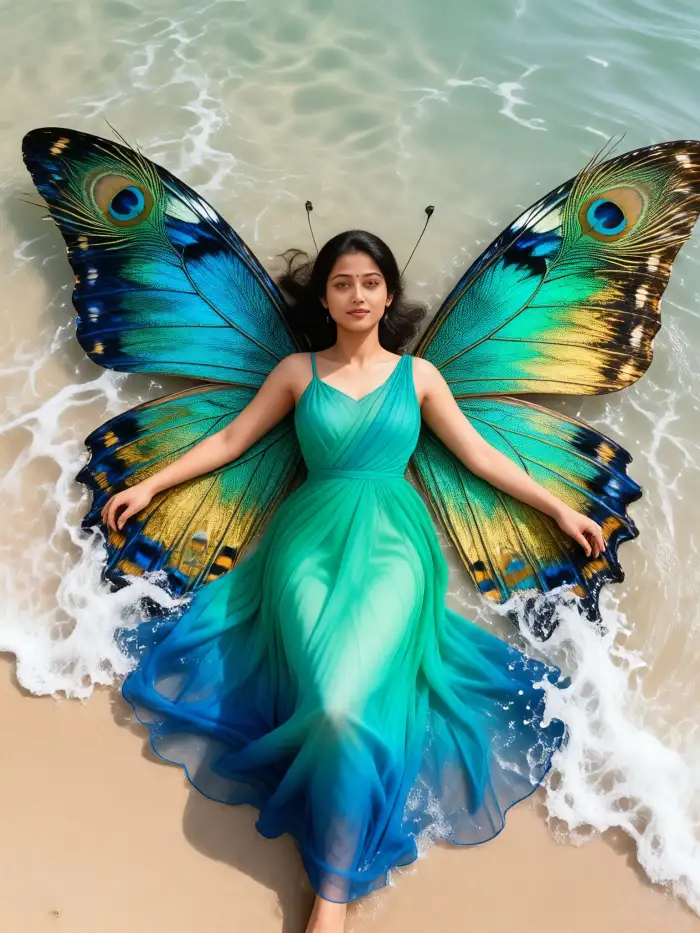
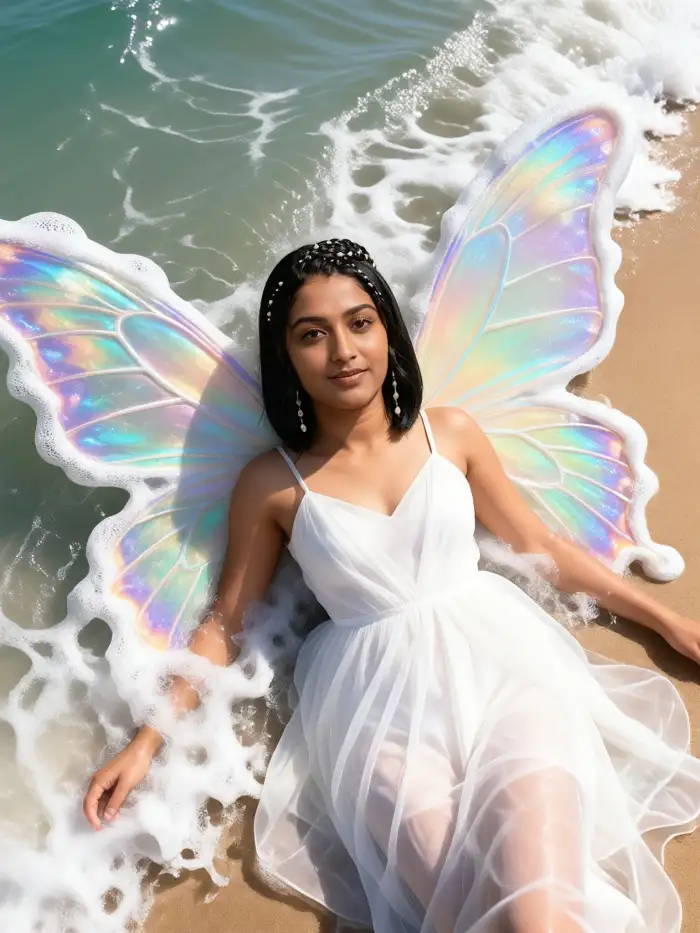
Explore the gallery below to discover ethereal portraits. Every example showcases how FaceFame combines realistic lighting, feather detail, atmospheric depth, and artistic styling to create angel portraits that feel both elegant and believable. Find inspiration and create your own heavenly artwork in just a few clicks.
Why Use Add Angel Wings To Photo
FaceFame eliminates the complexity by generating beautiful angel wings automatically. Instead of carefully masking feathers or adjusting lighting layer by layer, you simply upload a portrait and let AI create a polished, cinematic image within seconds. The result feels handcrafted while requiring almost no effort.
Why Use Add Angel Wings To Photo
FaceFame eliminates the complexity by generating beautiful angel wings automatically. Instead of carefully masking feathers or adjusting lighting layer by layer, you simply upload a portrait and let AI create a polished, cinematic image within seconds. The result feels handcrafted while requiring almost no effort.
How to add Angel Wings from Images?
Create adorable AI Angel Wings images in just a few simple steps using our powerful platform.

Step 01.
Get started by downloading our app to easily generate AI Angel Wings images anytime, anywhere.

Step 02.
Select from a variety of fun and realistic filters to customize your Angel Wings images to your liking.

Step 03.
Create your AI Angel Wings images or videos, then download and share them with friends or on social media.
Frequently Asked Questions
Find clear answers to common questions and get the guidance you need to make the most of our platform, faster and easier.
More Topics You May Like
Explore more topics you may like and discover fresh ideas tailored to your interests.
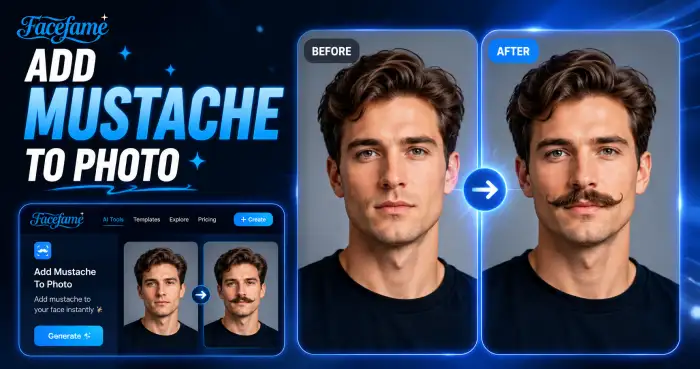
Add Mustache To Photo
AI Animal Weightlifting Video Generator
AI Cartoon Video Effect

AI Birthday Party Video
Add Mustache To Photo
AI Animal Weightlifting Video Generator
AI Cartoon Video Effect
AI Birthday Party Video
Add Your Angel Wing Now
FaceFame makes it effortless to Add Angel Wings To Photo and create artwork that feels magical. Start creating beautiful angel portraits with FaceFame today.
Add Your Angel Wing Now
FaceFame makes it effortless to Add Angel Wings To Photo and create artwork that feels magical. Start creating beautiful angel portraits with FaceFame today.