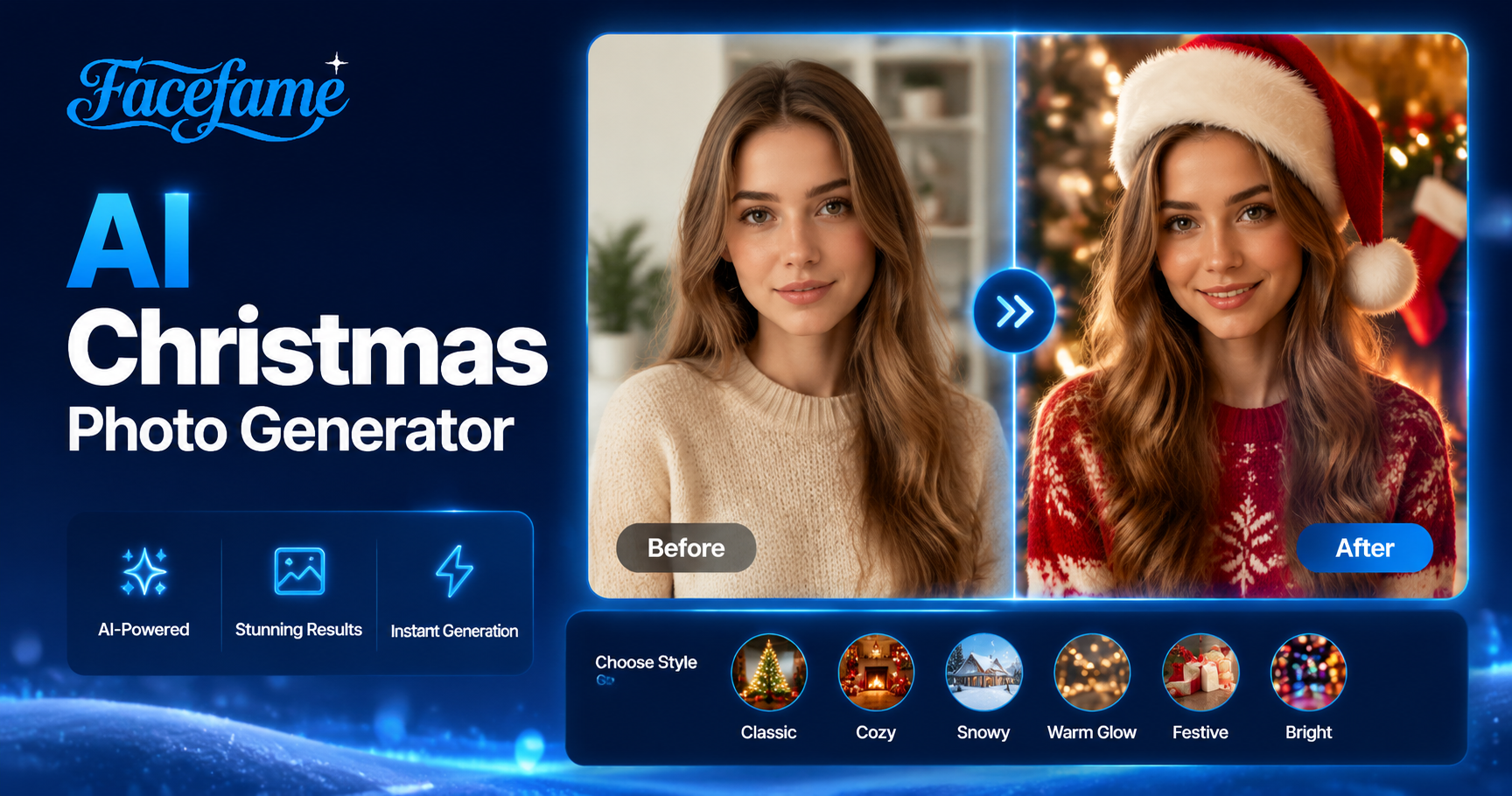
AI Christmas Photo Generator
Christmas Couple Figurines




Benefits of Using an AI Christmas Photo Generator
Create festive Christmas photos easily in the Facefame app using AI styles, filters, and quick mobile editing tools for users
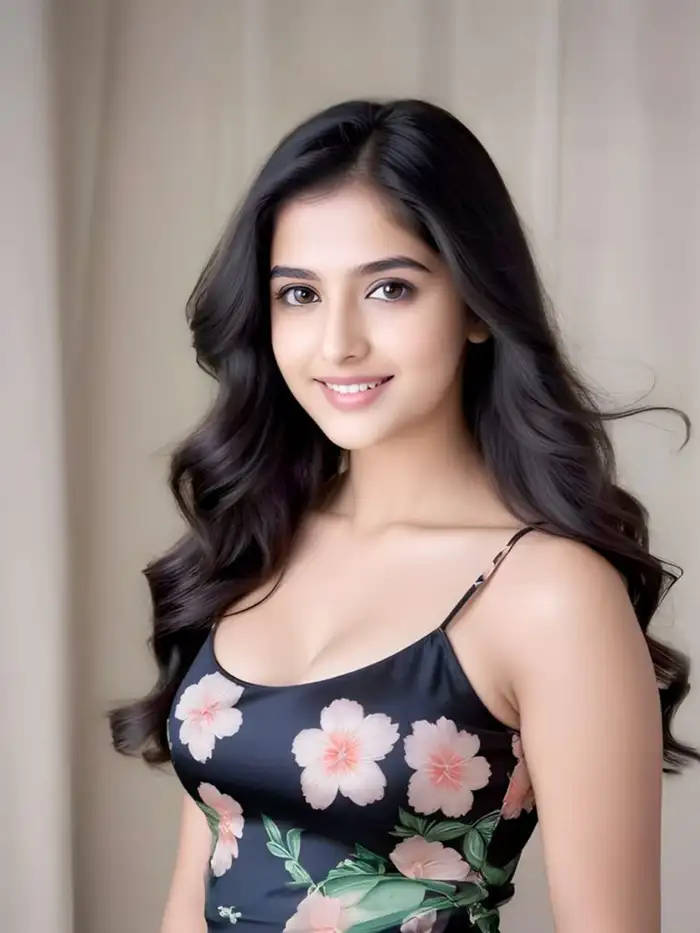 Before
 After
AfterChristmas Family Portrait
Create a Christmas family portrait using Facefame AI Christmas photo filters. Upload your family photo and choose a holiday style filter. The app generates a festive Christmas scene without setting up decorations at home. Facefame helps you turn group photos into warm seasonal images in a simple mobile workflow experience.
BeforeAfterChristmas Family Portrait
Create a Christmas family portrait using Facefame AI Christmas photo filters. Upload your family photo and choose a holiday style filter. The app generates a festive Christmas scene without setting up decorations at home. Facefame helps you turn group photos into warm seasonal images in a simple mobile workflow experience.
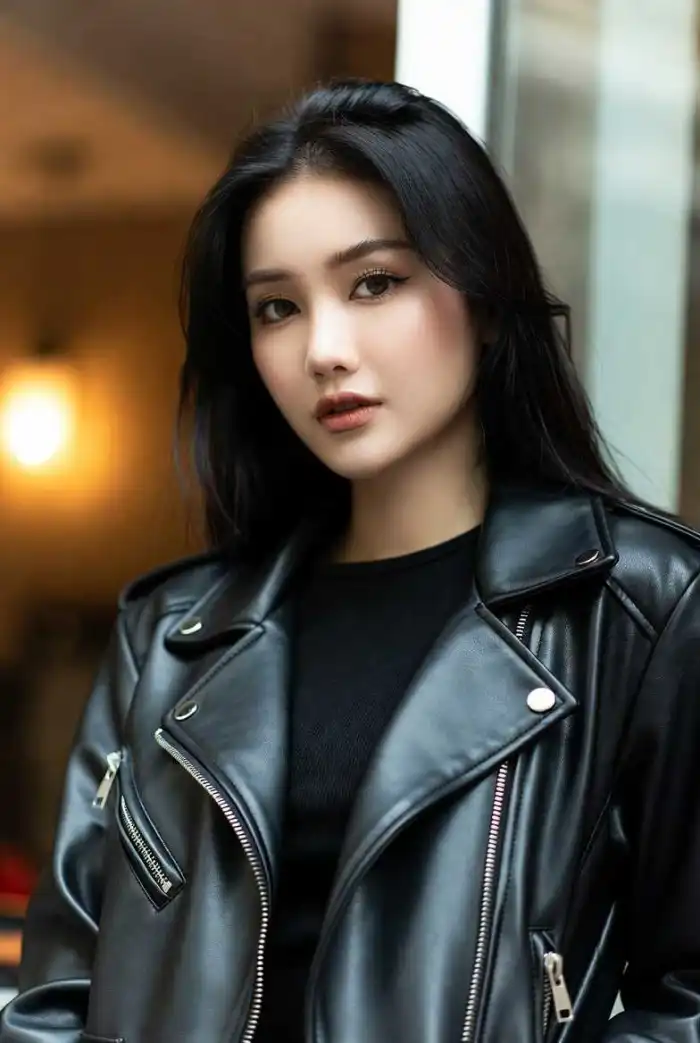 Before
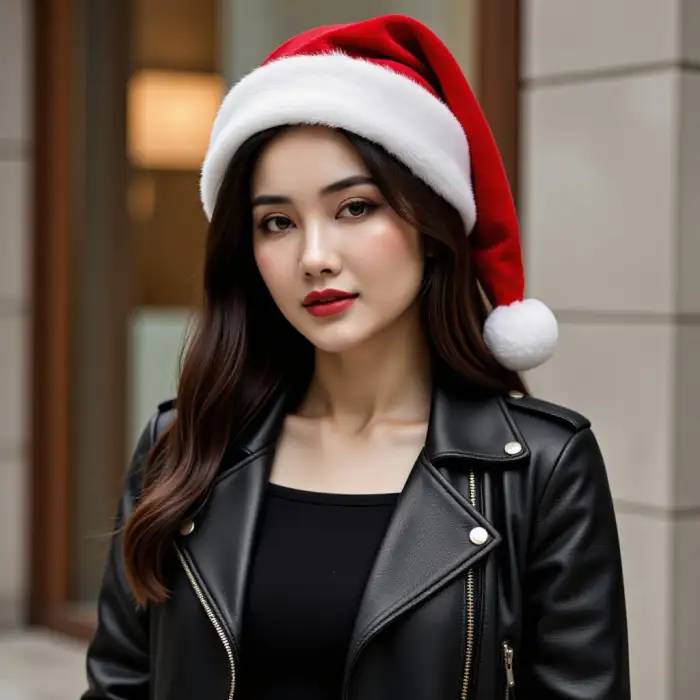 After
AfterStart Generating Christmas Photos Anytime
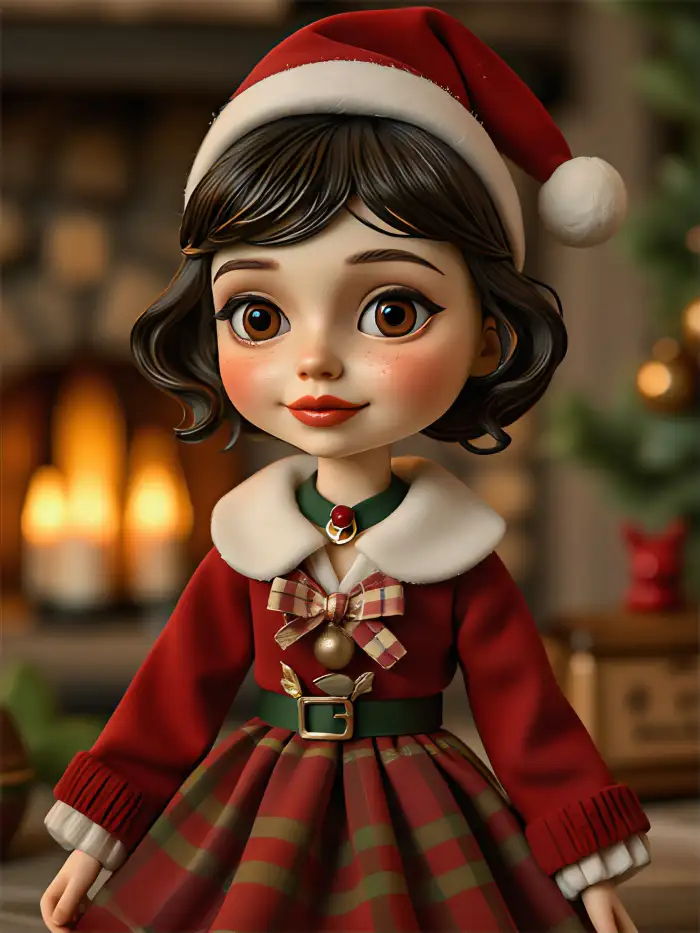
Facefame supports app download and easy installation. After installing the app, you can start generating Christmas photos anytime and anywhere. The process is simple to follow with built-in tutorials. Even beginners can quickly create the desired Christmas photo results with easy steps and mobile-friendly tools inside the Facefame app platform.
BeforeAfterStart Generating Christmas Photos Anytime
Facefame supports app download and easy installation. After installing the app, you can start generating Christmas photos anytime and anywhere. The process is simple to follow with built-in tutorials. Even beginners can quickly create the desired Christmas photo results with easy steps and mobile-friendly tools inside the Facefame app platform.
 Before
 After
AfterShare AI Christmas Photos on Social Media
Share your AI Christmas photos on social media platforms to show your festive moments. Create holiday-themed images with Christmas filters, then post them on Instagram, TikTok, Facebook, and other platforms to share the holiday spirit with friends and family.
BeforeAfterShare AI Christmas Photos on Social Media
Share your AI Christmas photos on social media platforms to show your festive moments. Create holiday-themed images with Christmas filters, then post them on Instagram, TikTok, Facebook, and other platforms to share the holiday spirit with friends and family.
Why We Recommend Facefame?
Facefame offers simple mobile creation with AI images and video tools. Users can apply Christmas photo filters and styles quickly. It helps create festive photos and group portraits with easy steps and flexible creative options.
Why We Recommend Facefame?
Facefame offers simple mobile creation with AI images and video tools. Users can apply Christmas photo filters and styles quickly. It helps create festive photos and group portraits with easy steps and flexible creative options.
How to Use Facefame to Create Your AI Christmas Photo?
Learn how to create an AI Christmas photo in Facefame and make your first image.
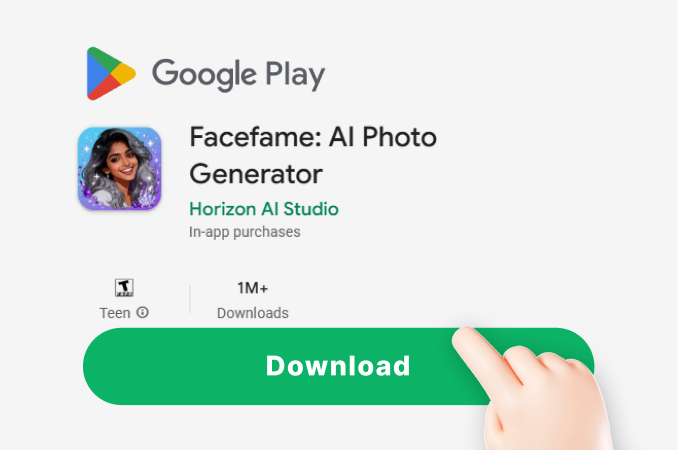
Step 01.
Download the Facefame app and start creating AI Christmas photos anytime, anywhere.
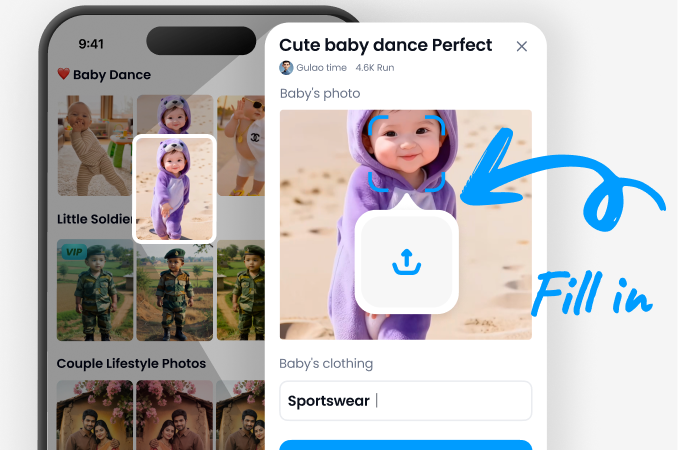
Step 02.
Select your favorite Christmas photo filter, then upload your photo and apply it.
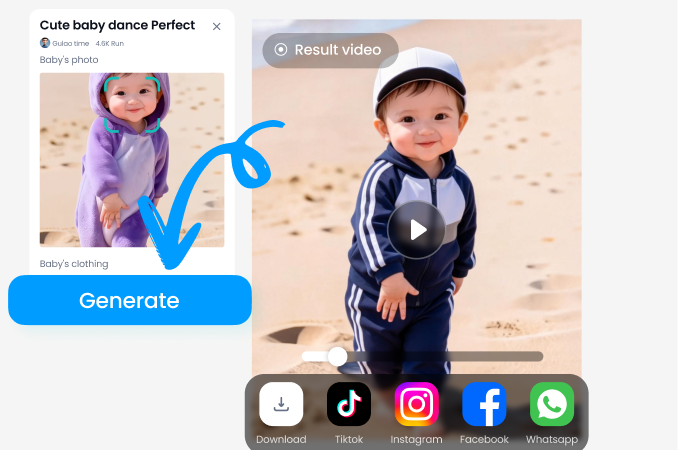
Step 03.
Click the button to start generating, then share your photos on social media.
AI Christmas Photo Generator for Festive Photos
Create festive Christmas photos in Facefame using AI filters and styles. Turn portraits and group photos into holiday themed images easily.

Frequently Asked Questions
Find clear answers to common questions and get the guidance you need to make the most of our platform, faster and easier.
More Topics You May Like
Explore more topics you may like and discover fresh ideas tailored to your interests.
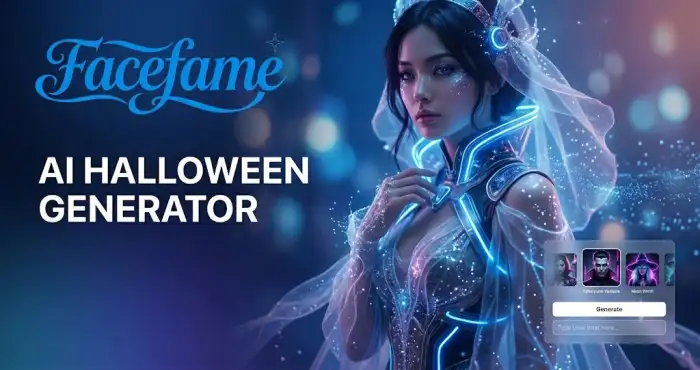
AI Halloween Generator
Discover the ultimate AI Halloween Generator to create spooky, fun, and unique Halloween costumes and AI-generated images in seconds.
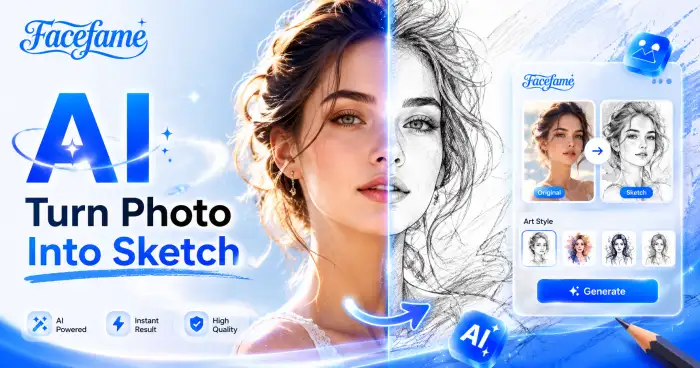
Turn Photo Into Sketch
Transform your photos into sketch style artwork with Facefame. Upload an photo, pick your favorite sketch filter, and create creative pencil or line drawing effects directly in the app.
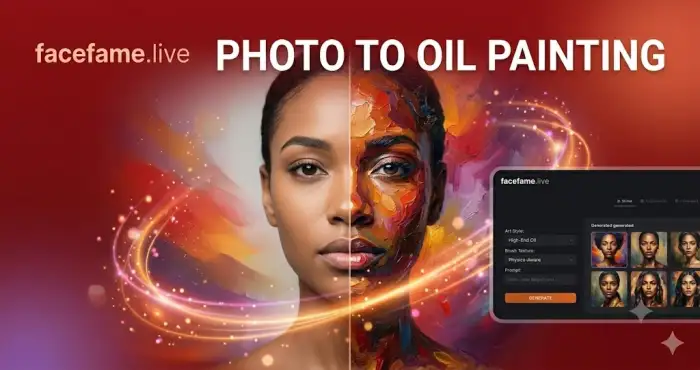
Photo To Oil Painting Converter
Transform any photo into a stunning oil painting with AI. Turn pictures into paintings, create timeless artwork from images, and generate museum-quality oil painting effects in seconds.
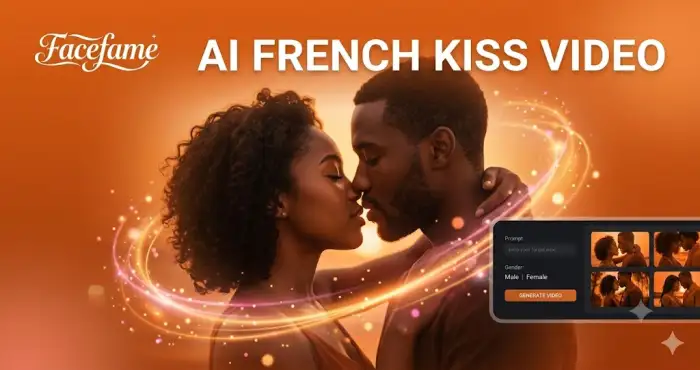
AI French Kiss Video Generator
Turn photos into realistic French kiss videos with AI. Create romantic couple animations, viral social media content, and unforgettable video memories in seconds.
Create Festive Christmas Photos with Facefame
Download the Facefame app to start creating Christmas photos anytime. Use AI filters and styles to turn your photos into festive holiday images easily.
Create Festive Christmas Photos with Facefame
Download the Facefame app to start creating Christmas photos anytime. Use AI filters and styles to turn your photos into festive holiday images easily.