Convert Video Into Cartoon
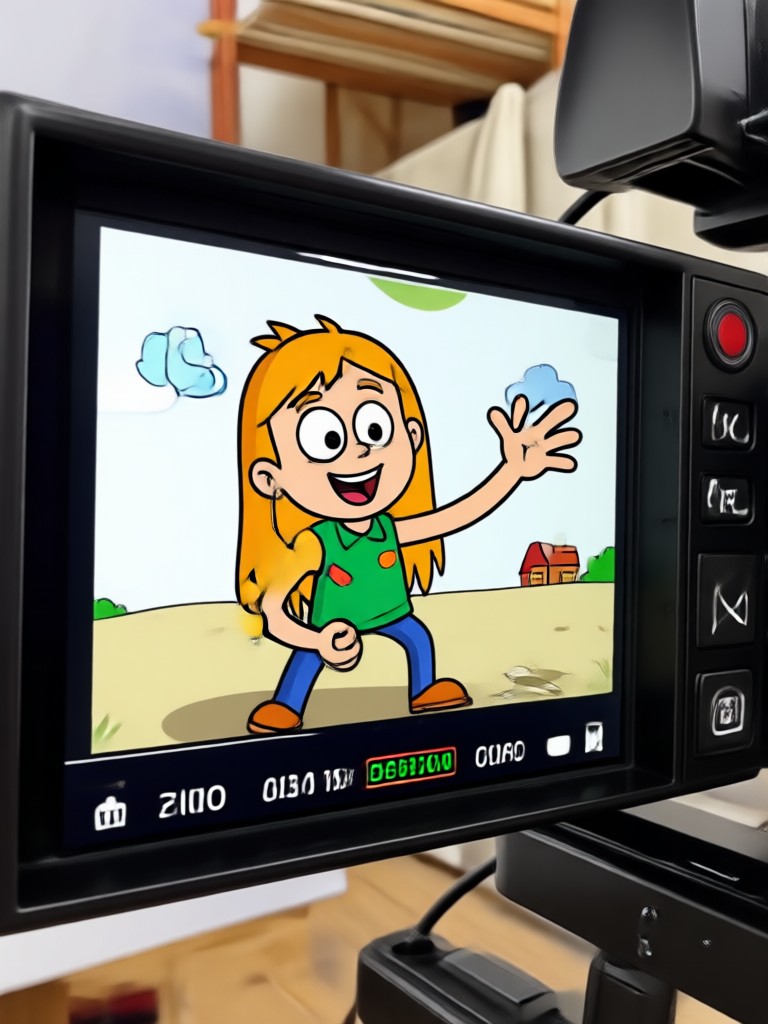
Choose Your Cartoon Style
Discover the perfect cartoon filter that matches your creative vision and style.
Powerful Cartoon Video Features
Explore the core features that make facefame the go to app for converting videos into cartoon animations.
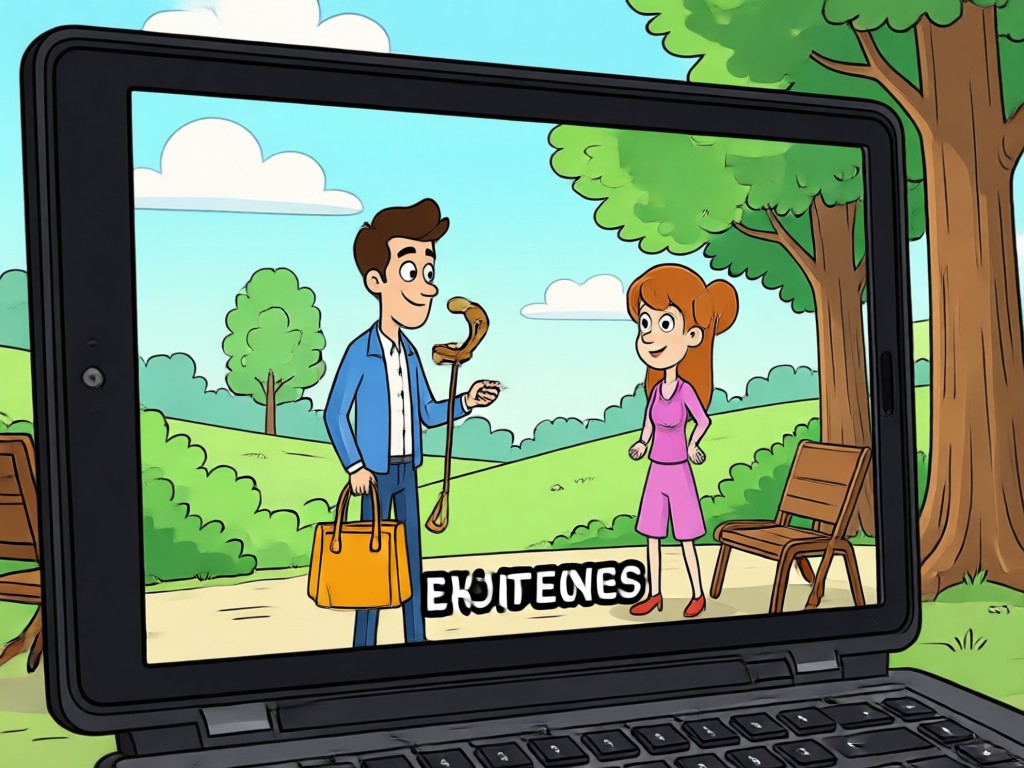
Anime Style Conversion
Turn live action clips into vibrant anime scenes. Choose from multiple anime presets that capture expressive motion and bold color palettes for cinematic results.
Anime Style Conversion
Turn live action clips into vibrant anime scenes. Choose from multiple anime presets that capture expressive motion and bold color palettes for cinematic results.
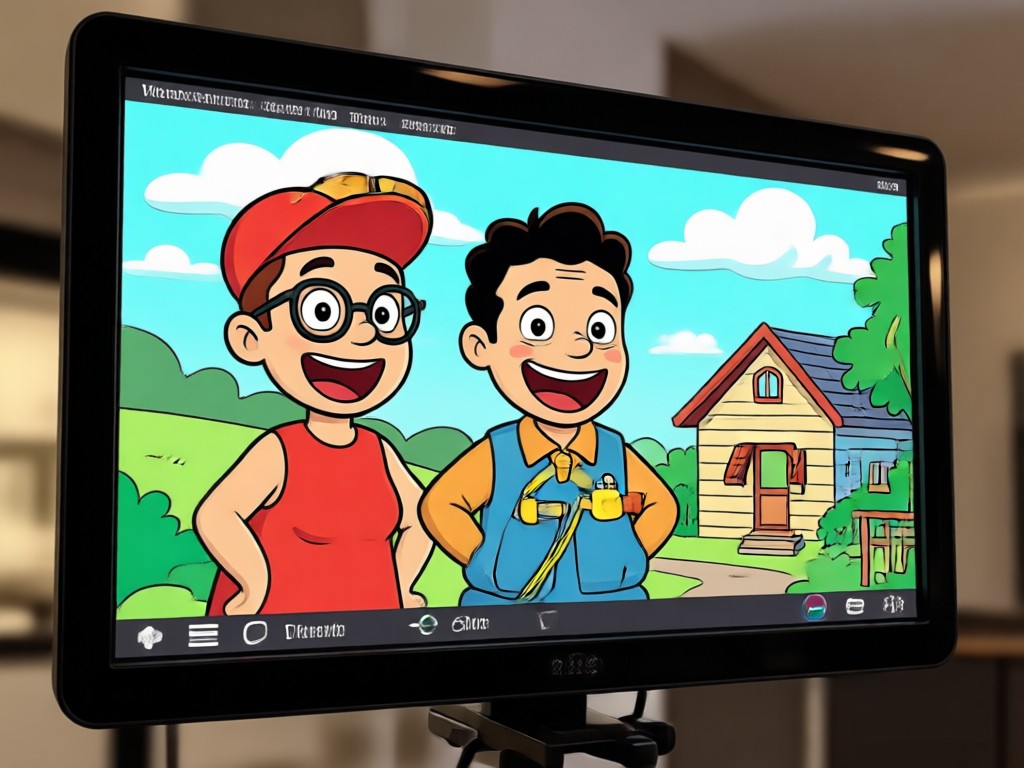
Ghibli Style Animation
Transform ordinary videos into dreamy Ghibli inspired animation. Soft brush strokes, warm lighting, and whimsical details bring every frame to life with hand crafted charm.
Ghibli Style Animation
Transform ordinary videos into dreamy Ghibli inspired animation. Soft brush strokes, warm lighting, and whimsical details bring every frame to life with hand crafted charm.
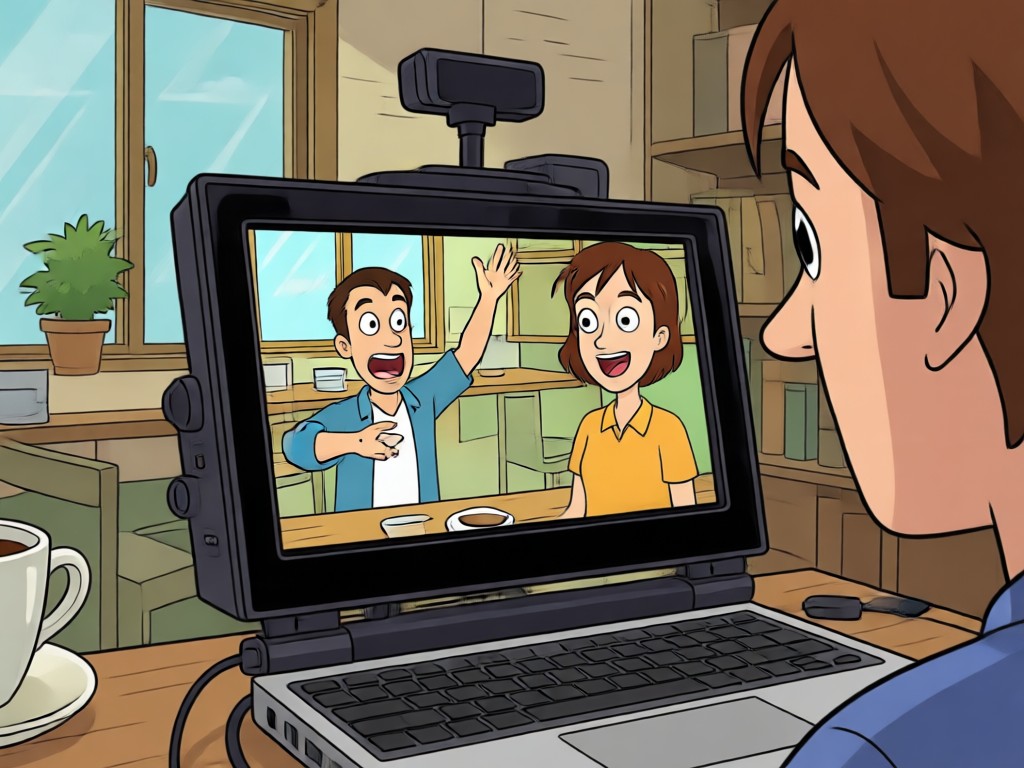
3D Clay and Comic Effects
Switch between playful 3D claymation or bold comic book styles. Each filter preserves your subject's features while completely reshaping the visual atmosphere.
3D Clay and Comic Effects
Switch between playful 3D claymation or bold comic book styles. Each filter preserves your subject's features while completely reshaping the visual atmosphere.
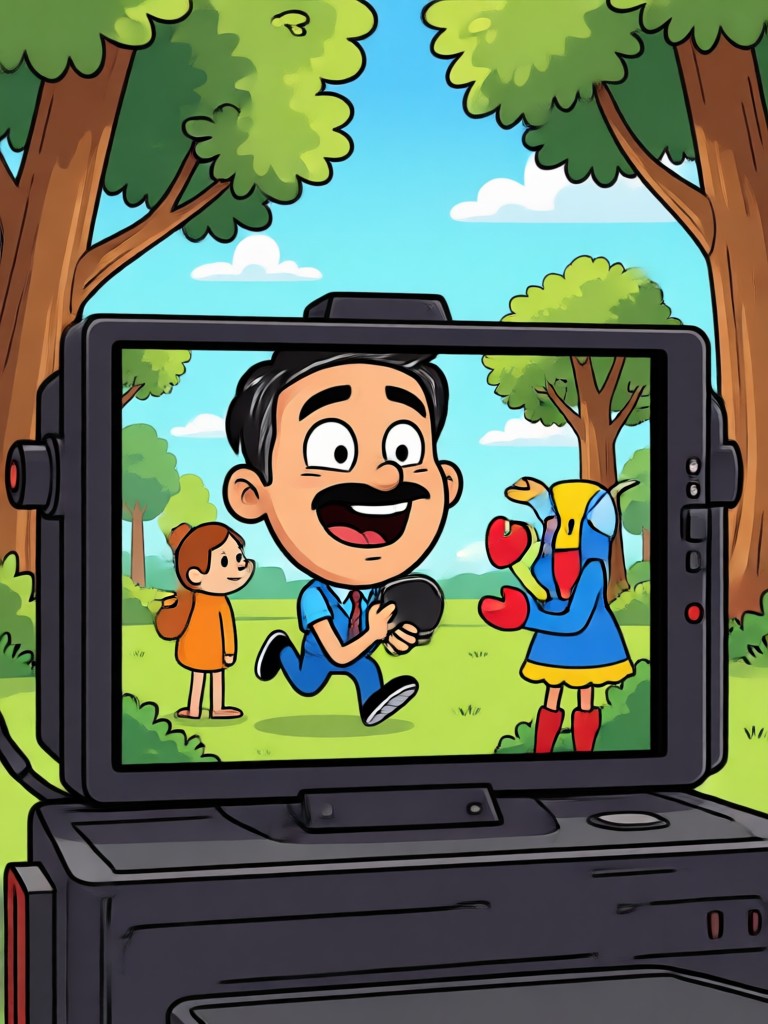
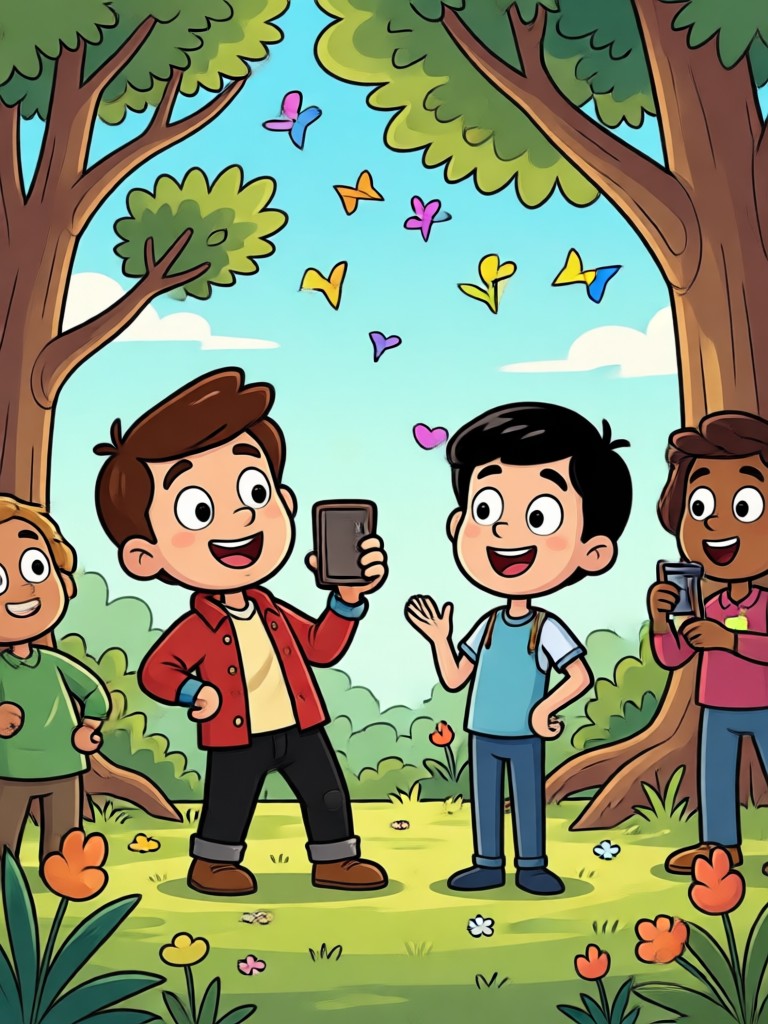
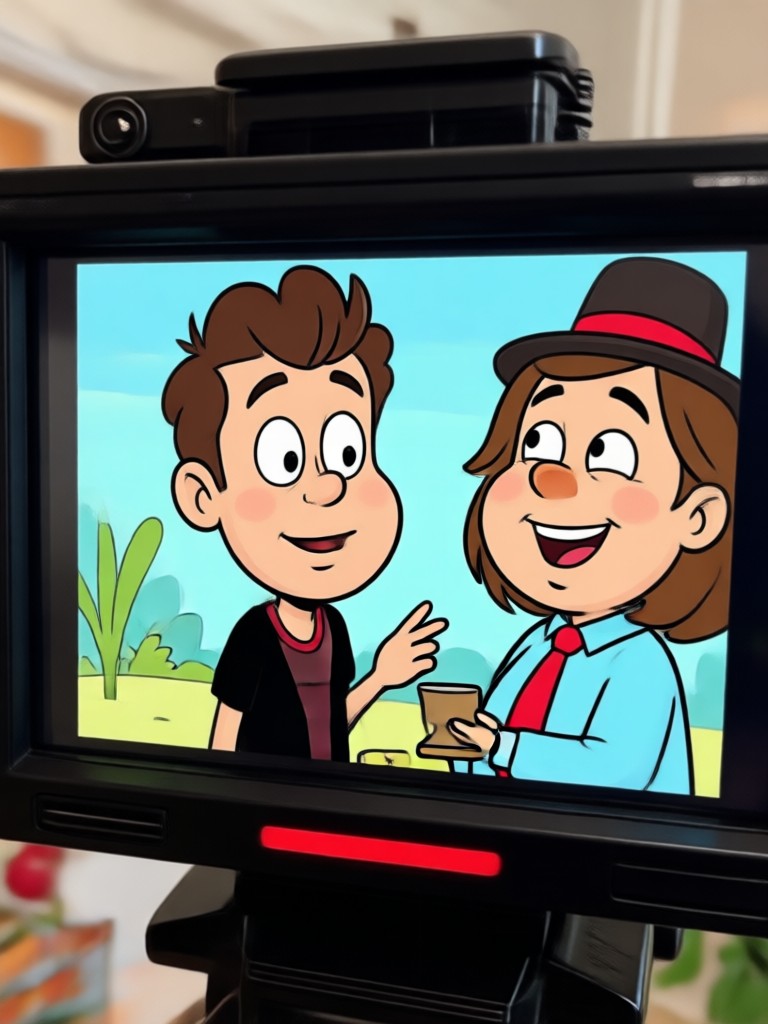
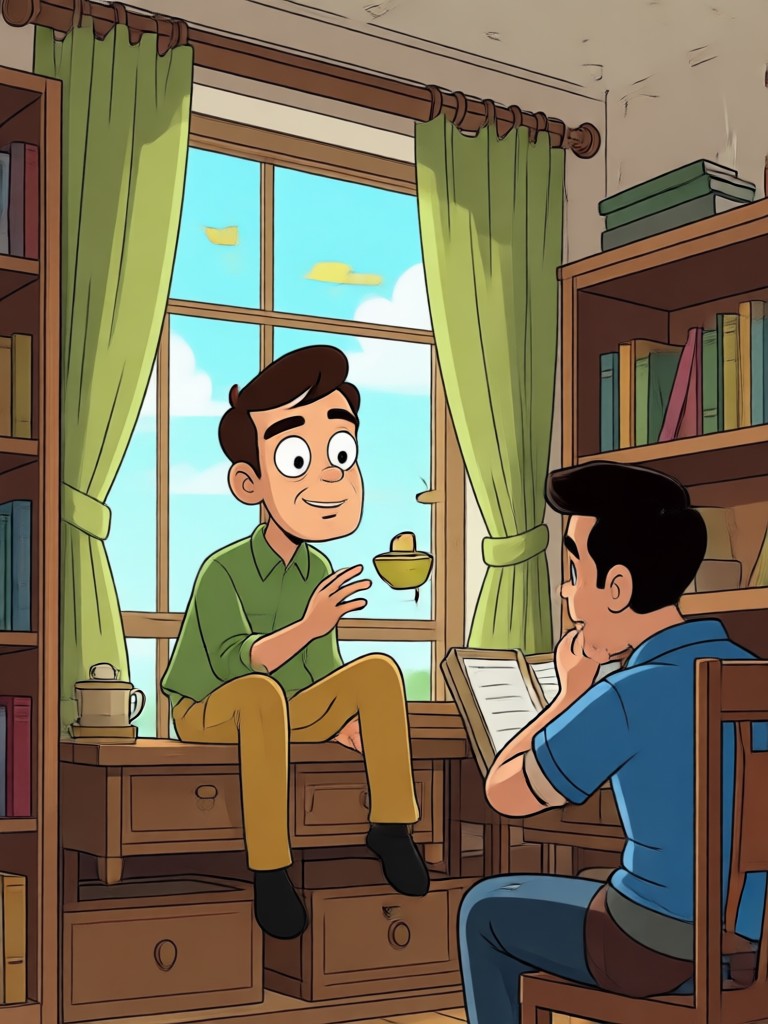
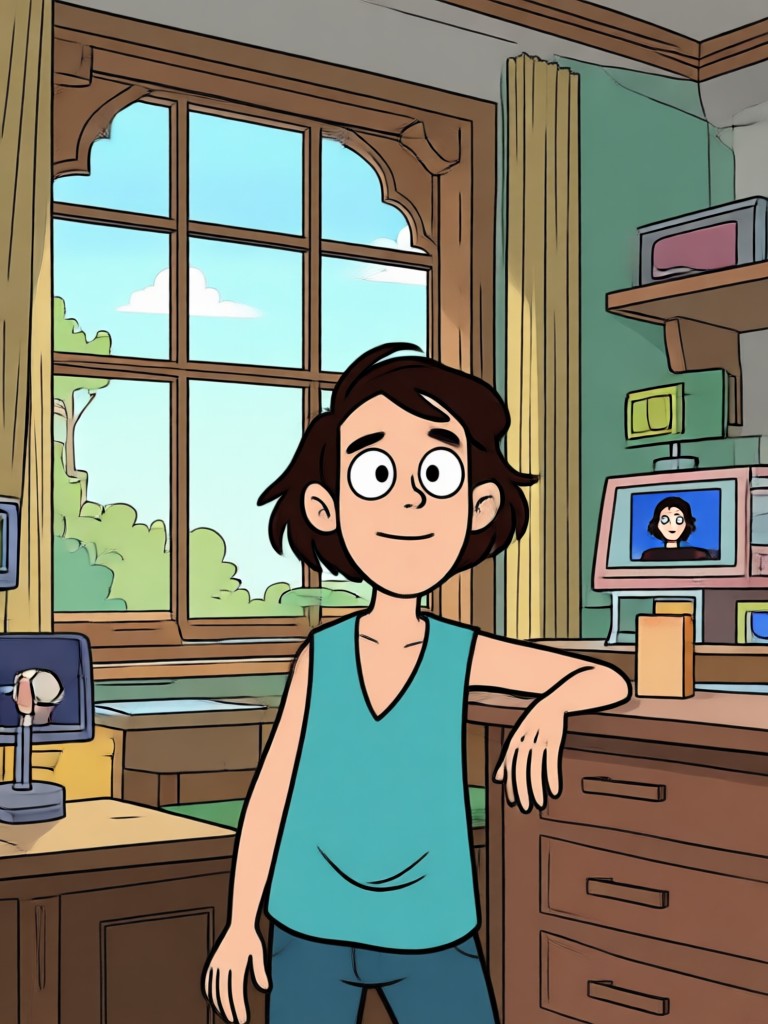
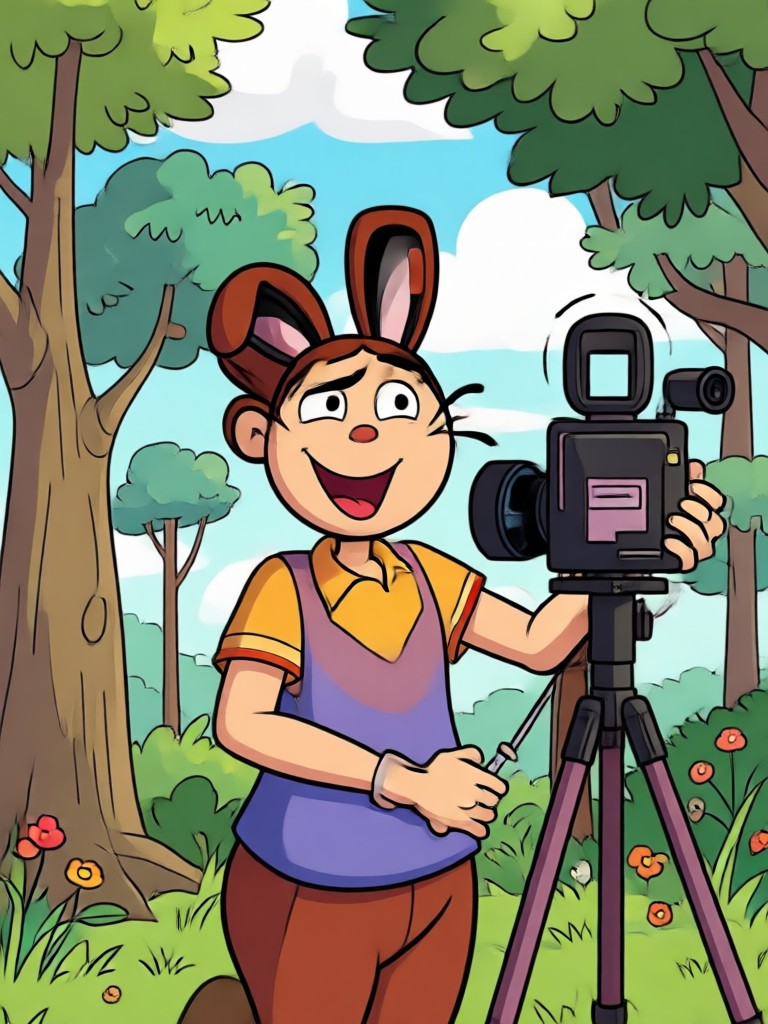
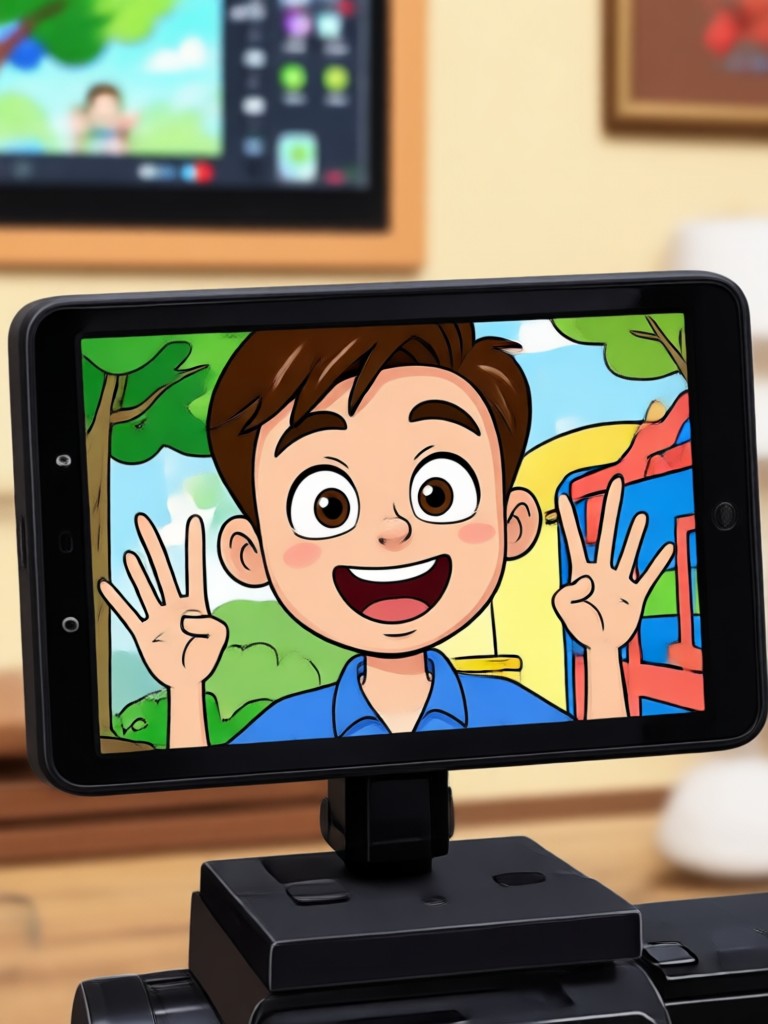
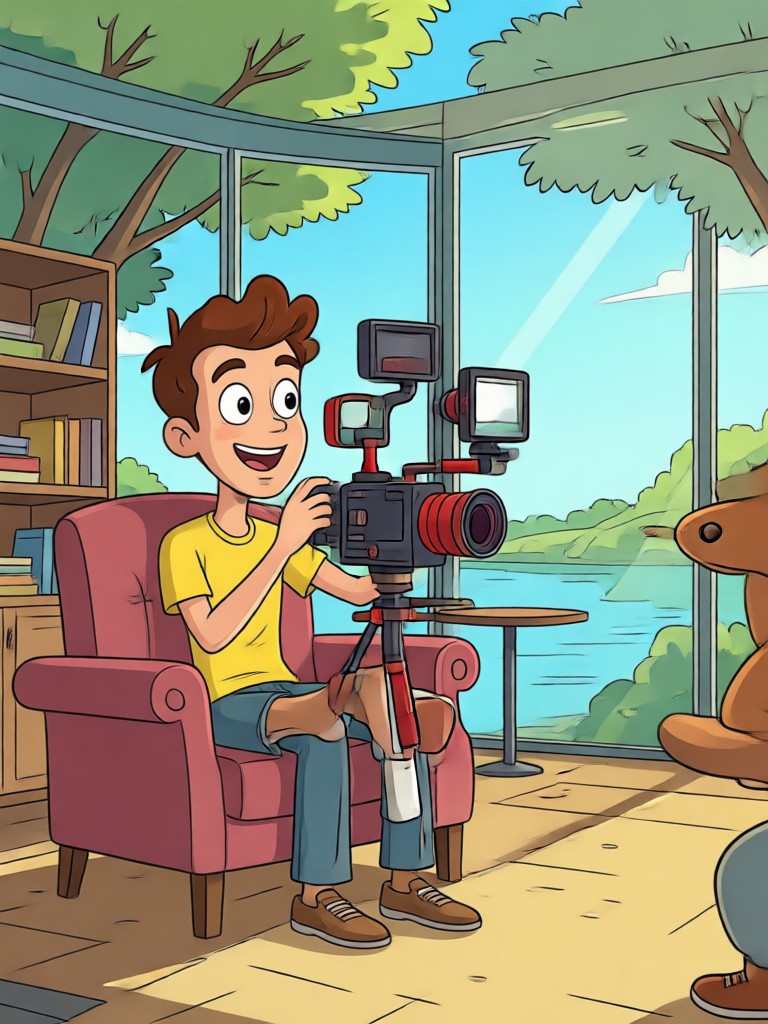
Cartoon Video Transformations Gallery
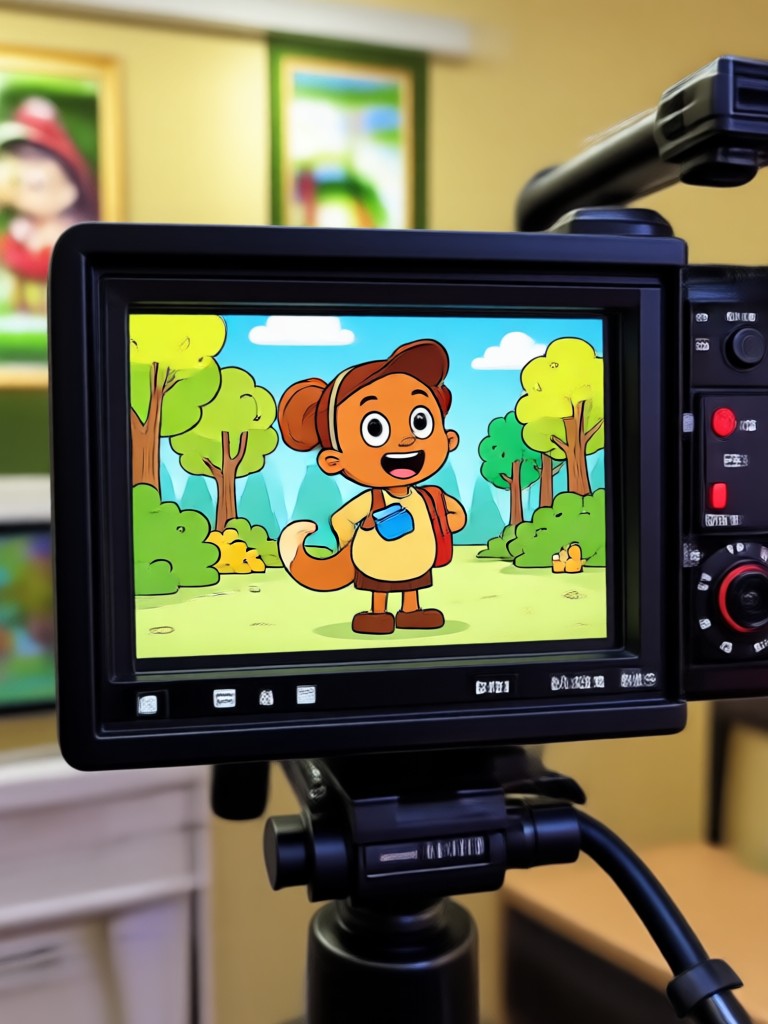
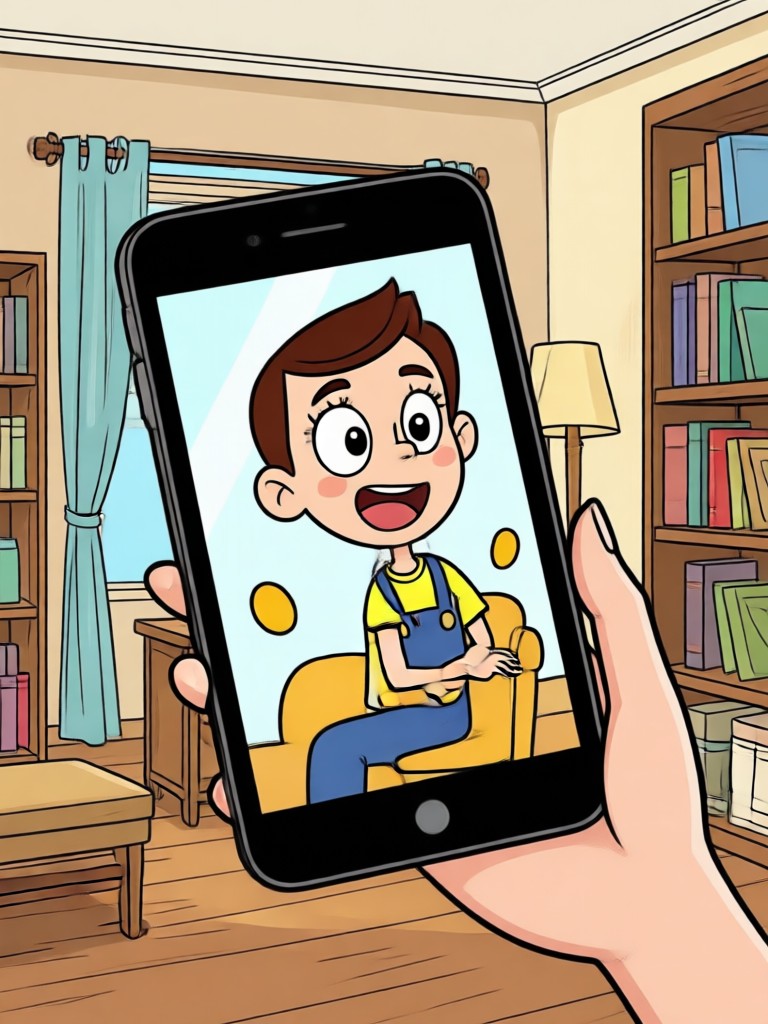
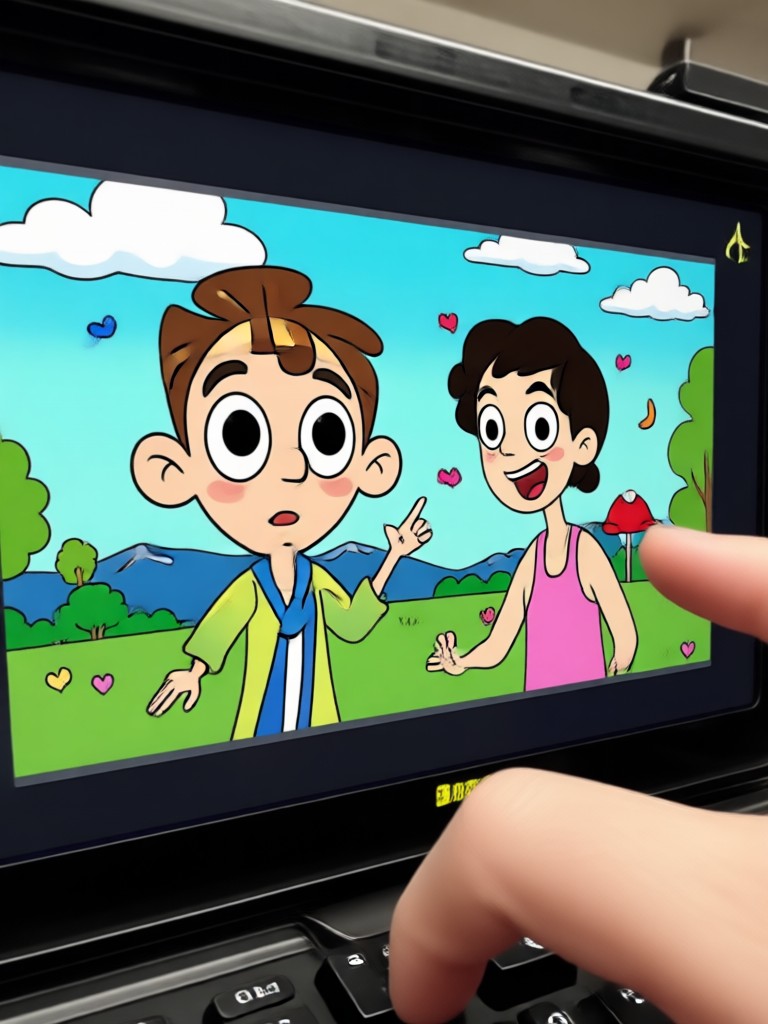
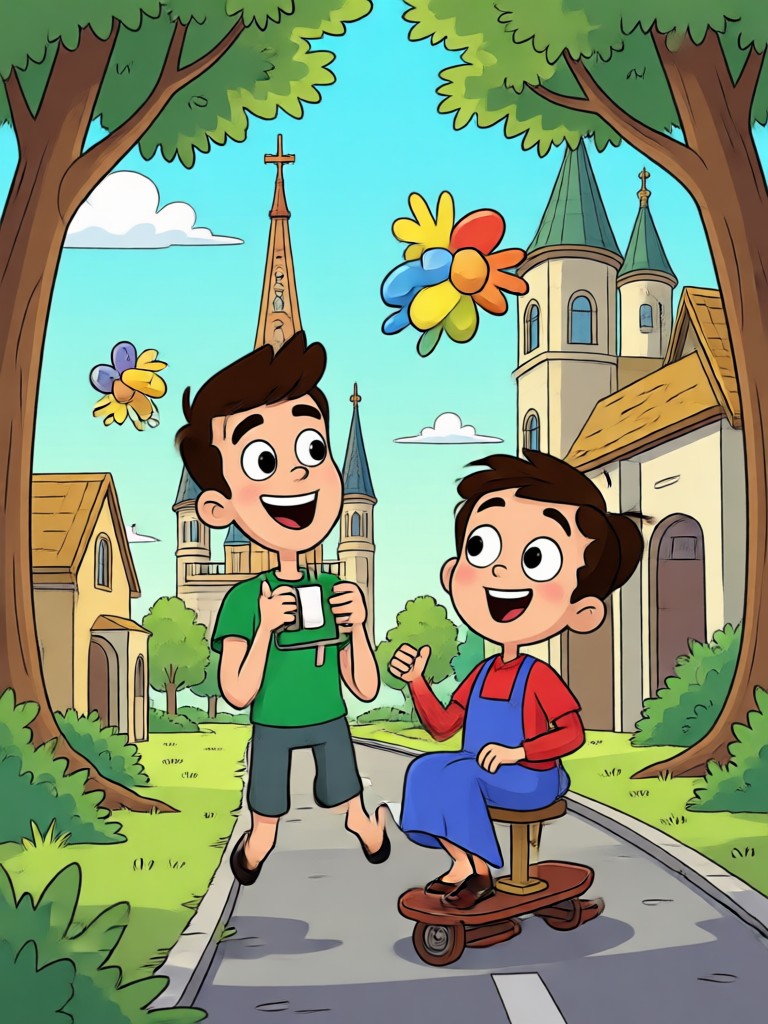
Browse stunning cartoon video transformations created with facefame. See how ordinary clips become anime, Ghibli style, and 3D clay masterpieces in seconds.
How to Convert Video Into Cartoon
Transform your videos into stunning cartoon animations in just three simple steps using the facefame app.
Step 01.
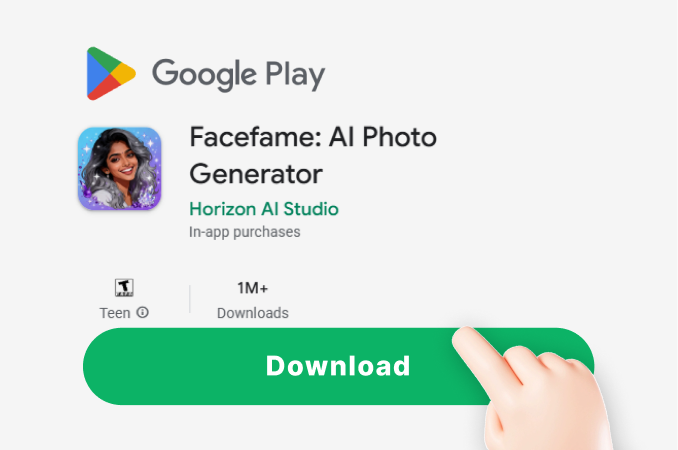
Download the facefame app from Google Play and open it on your phone to get started.
Step 02.
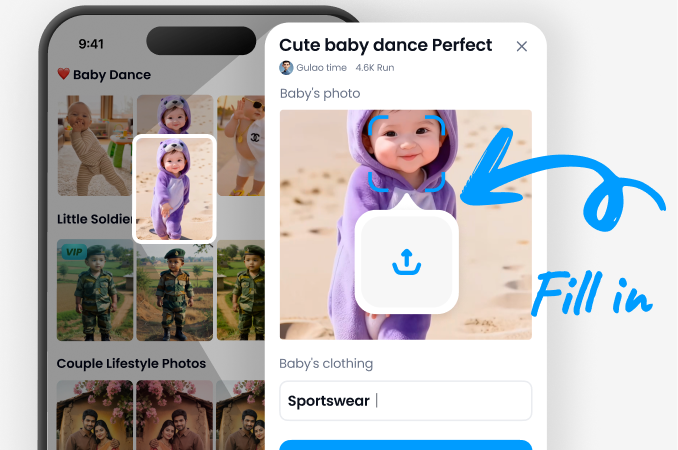
Upload your video and choose from a variety of cartoon filters including anime, Ghibli, and 3D clay styles.
Step 03.
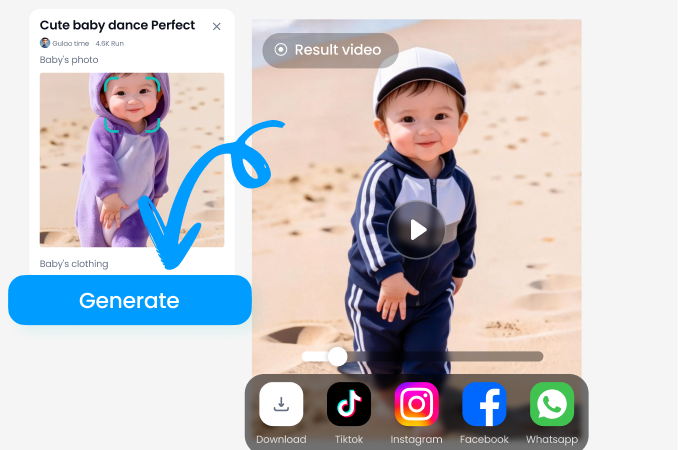
Let AI transform your clip and download the cartoon video to share on social media or with friends.
Why Creators Choose facefame for Cartoon Videos
From social media creators to casual users, facefame makes video to cartoon conversion effortless. No timeline editing, no layer management, and no complex software. Just upload a clip, apply a filter, and export a polished cartoon video in minutes.
Why Creators Choose facefame for Cartoon Videos
From social media creators to casual users, facefame makes video to cartoon conversion effortless. No timeline editing, no layer management, and no complex software. Just upload a clip, apply a filter, and export a polished cartoon video in minutes.
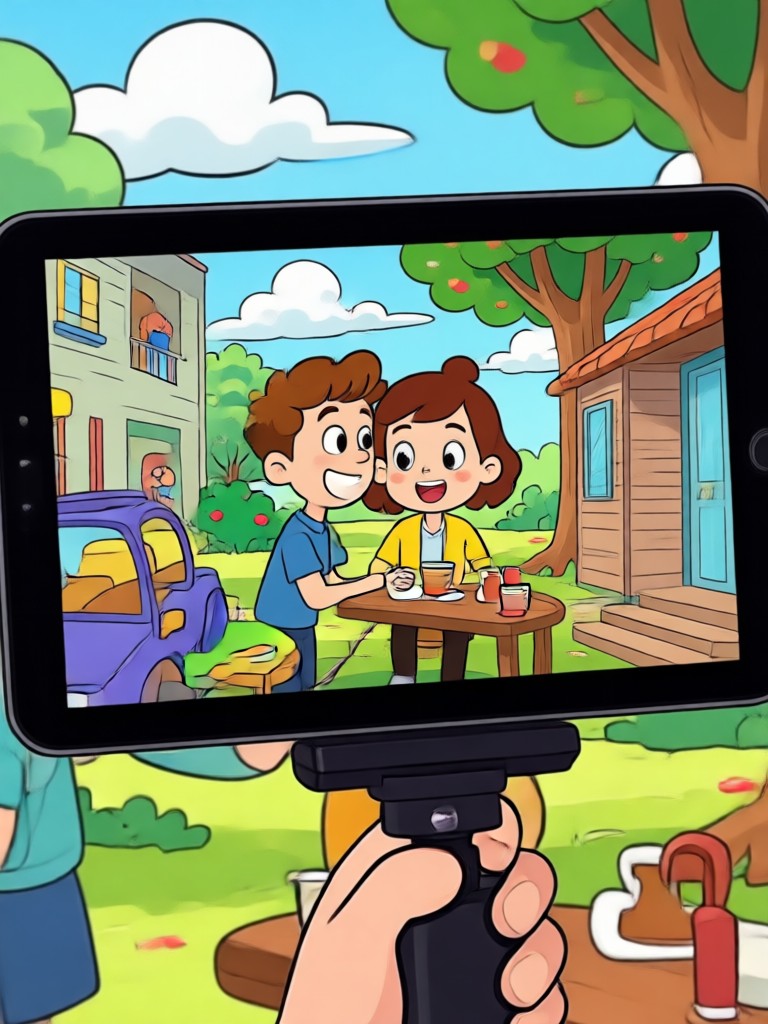
Turn Daily Clips Into Cartoon Magic
Download facefame from Google Play and start converting your videos into eye catching cartoon animations today.

What Creators Say About Video to Cartoon
The fastest cartoon converter I've tried
I make reaction videos and converting short clips to anime style always gets more engagement. facefame does it in one tap without any quality loss.
Ghibli filter is unreal
I converted my travel vlogs into Ghibli style animations and my followers thought I hired an animator. The results are dreamy and detailed.
Perfect for birthday edits
I turned clips from my daughter's birthday party into a cartoon style montage. She absolutely loved it and we shared it with the whole family.
Frequently Asked Questions
Find clear answers to common questions about converting videos into cartoons with facefame.
More Topics You May Like
Explore more topics you may like and discover fresh ideas tailored to your interests.

Edit Foto Ganti Background Online dengan AI Facefame

Erase Unwanted Objects From Video in Seconds

Funny Picture Filters That Turn Any Photo Hilarious

Pick Your Perfect Makeup Filter Online for Free
Edit Foto Ganti Background Online dengan AI Facefame
Erase Unwanted Objects From Video in Seconds
Funny Picture Filters That Turn Any Photo Hilarious
Pick Your Perfect Makeup Filter Online for Free
Convert Video Into Cartoon Today
Download facefame from Google Play and start turning your everyday clips into stunning cartoon animations. Pick a style, upload a video, and let AI do the rest.

Convert Video Into Cartoon Today
Download facefame from Google Play and start turning your everyday clips into stunning cartoon animations. Pick a style, upload a video, and let AI do the rest.