Remove Object Video

Choose the Perfect Video Cleanup Tool
Discover specialized AI eraser tools that remove objects, people, text, and blemishes from your videos without harming the original footage.
Why AI Object Removal Works So Well
Facefame combines precise tracking with smart background filling to delete moving objects while keeping your video smooth and natural.
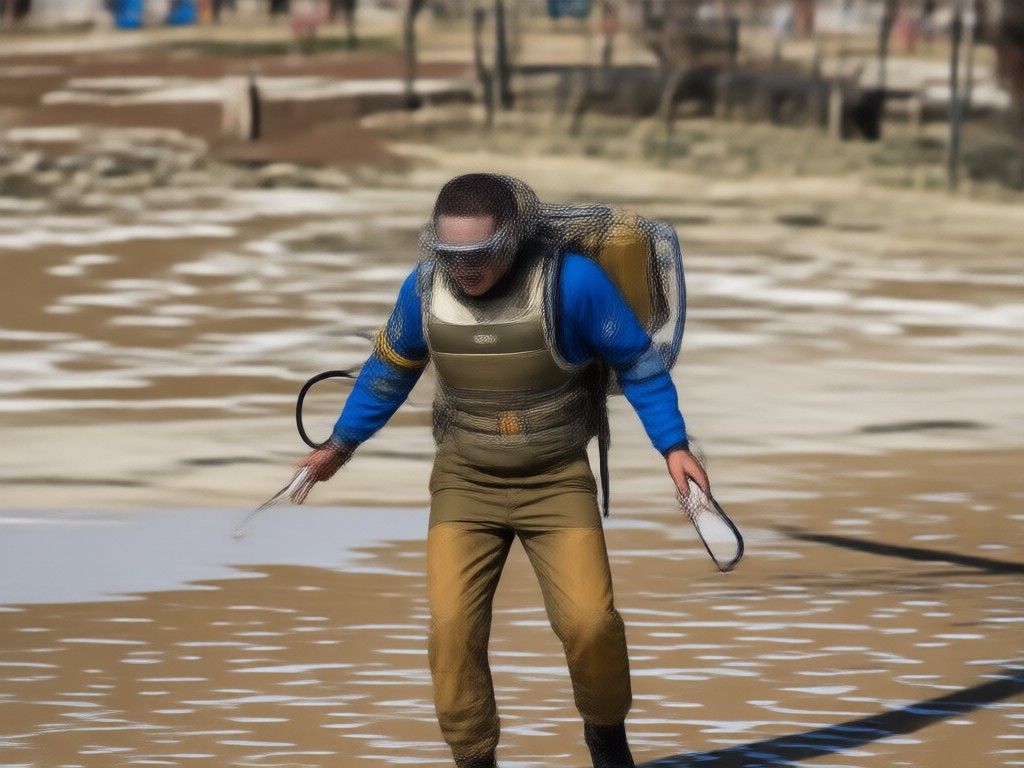
One Tap Object Removal
Brush over any unwanted object or person and the AI automatically removes it across every frame, even while moving.

Seamless Background Recovery
The AI reconstructs the background using surrounding pixels, so removed areas blend in without smudges or leftover shadows.
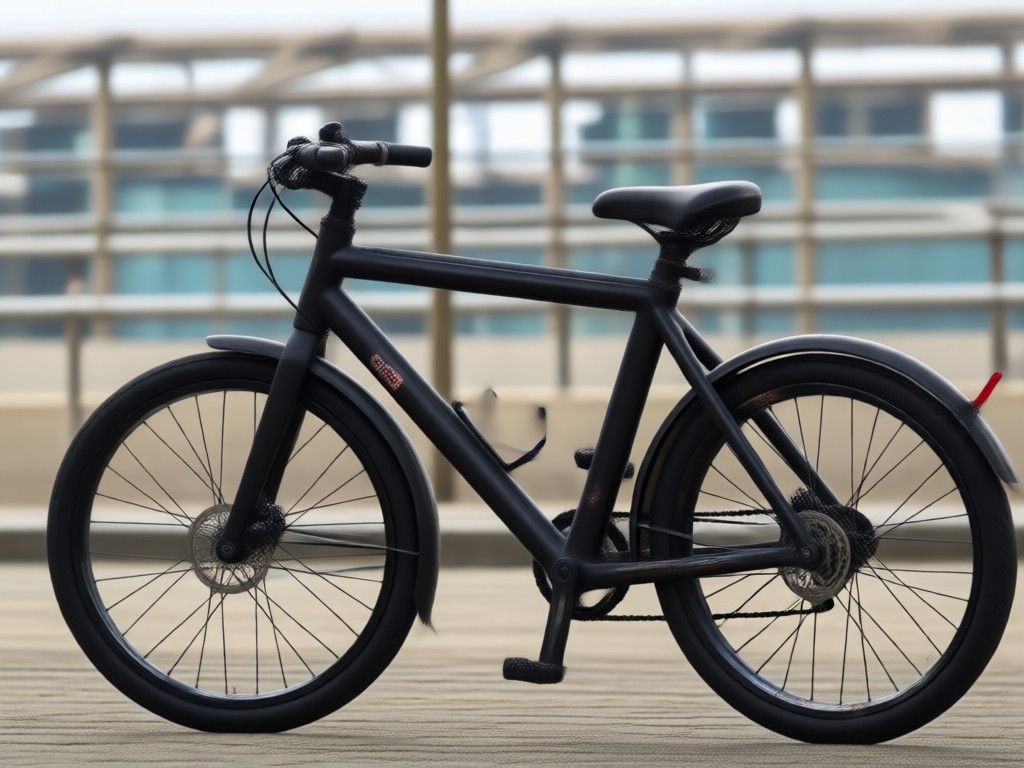
Video Object Remover App
Remove clutter from your phone videos in minutes. No desktop software, no timeline editing, just upload and erase.
Object Removal Results Made With Facefame
See real examples of unwanted objects, people, and text erased from videos. The background stays crisp, the motion stays smooth, and the results look effortless.











How to Remove Objects From Video
Clean up any video in three simple steps using the Facefame app on your phone.

Step 01.
Download Facefame from Google Play and open the Remove Object Video tool.

Step 02.
Upload your video footage and use the brush to mark the object, person, or text you want to erase.
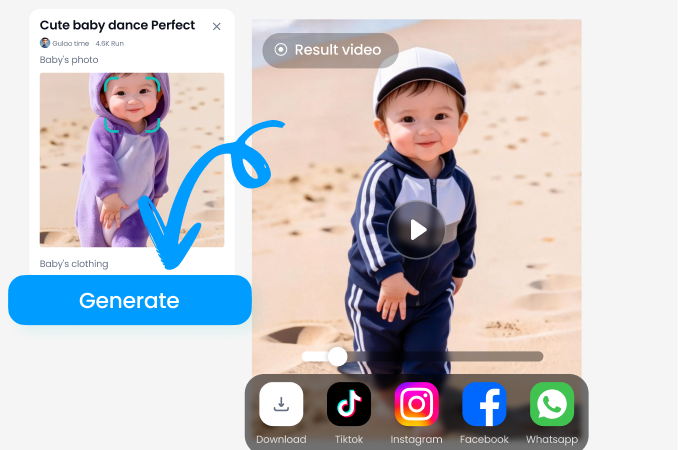
Step 03.
Tap generate and let AI remove the object across all frames. Preview, export, and share your clean video.

Clean Up Any Video Without Reshooting
Accidents happen in every recording. A photobomber, a logo, a stray object. With Facefame you don't need to reshoot the scene or spend hours in complex editors. The AI handles object removal on your phone and delivers professional looking video in minutes.
Clean Up Any Video Without Reshooting
Accidents happen in every recording. A photobomber, a logo, a stray object. With Facefame you don't need to reshoot the scene or spend hours in complex editors. The AI handles object removal on your phone and delivers professional looking video in minutes.
Who Uses Video Object Removal

Dana K.
Removed a random tourist from my vacation clip in one try. The background looked completely natural, no ghosting.

Miles T.
I erase my screen recording watermarks before posting tutorials. It saves me hours every week.

Priya S.
Our team uses it to clean product demo videos. Stray cables and shadows disappear without any visible traces.

Jon R.
The object tracking is impressive. I removed a moving car from a drone shot and the road was perfectly filled in.
Dana K.
Removed a random tourist from my vacation clip in one try. The background looked completely natural, no ghosting.
Miles T.
I erase my screen recording watermarks before posting tutorials. It saves me hours every week.
Priya S.
Our team uses it to clean product demo videos. Stray cables and shadows disappear without any visible traces.
Jon R.
The object tracking is impressive. I removed a moving car from a drone shot and the road was perfectly filled in.
Dana K.
Removed a random tourist from my vacation clip in one try. The background looked completely natural, no ghosting.
Miles T.
I erase my screen recording watermarks before posting tutorials. It saves me hours every week.
Priya S.
Our team uses it to clean product demo videos. Stray cables and shadows disappear without any visible traces.
Jon R.
The object tracking is impressive. I removed a moving car from a drone shot and the road was perfectly filled in.
Frequently Asked Questions About Remove Object Video
Find clear answers about removing unwanted objects from video with AI and how Facefame helps you clean footage fast.
More Topics You May Like
Explore more topics you may like and discover fresh ideas tailored to your interests.

Funny Picture Filters That Turn Any Photo Hilarious
Transform ordinary photos into hilarious moments with funny picture filters. Pick from cartoon effects, meme styles and AI face swaps. Download the app and start creating comedic edits in seconds.

Pick Your Perfect Makeup Filter Online for Free
Preview hundreds of AI makeup filters on your own face before you commit. Upload a selfie, try natural or glam looks, and save your favorite look for free. Download facefame.
Remove Audio From Video Windows 10: Mute Clips Fast
Remove audio from video Windows 10 and more. Upload any clip, mute the sound, and export a clean video. No desktop editing tools needed. Use the mobile app.

Easily Add Someone To A Picture With AI Photo Editing
Learn how to add someone to a picture with facefame's AI photo editor. Upload a photo, select a person, and generate realistic results in seconds. No design skills needed. Download the app now.
Ready to Remove Objects From Your Videos?
Download Facefame now and clean any video in minutes. Erase people, objects, text, and watermarks with AI that makes every frame look untouched.
Ready to Remove Objects From Your Videos?
Download Facefame now and clean any video in minutes. Erase people, objects, text, and watermarks with AI that makes every frame look untouched.