Photo HDR Converter

Choose the HDR Filter That Matches Your Style
Explore a curated collection of HDR filters designed for portraits, landscapes, street photography, and night shots. Each filter balances exposure, saturation, and detail to create vivid images that pop.
Key Features of Photo HDR Converter
Bring out the hidden richness in every image with intelligent HDR conversion tools built for mobile creators. Here is what makes Facefame the best HDR photo editor for your phone.
One Tap HDR Enhancement
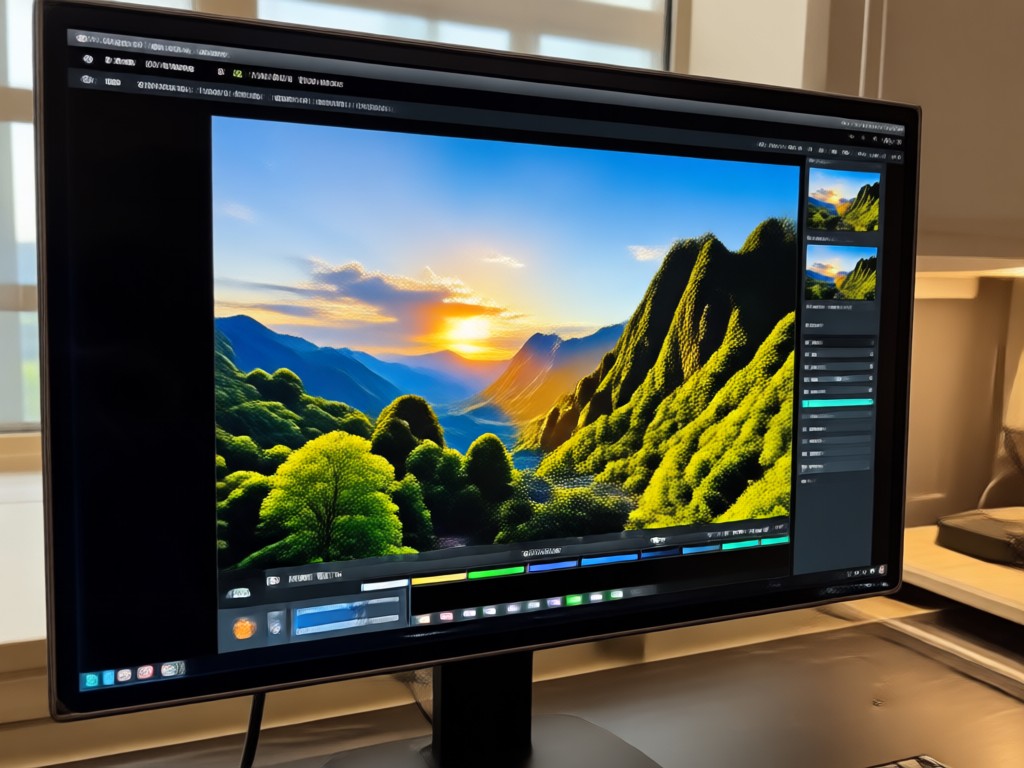
Upload any photo and let AI analyze exposure, color, and texture to produce a perfectly balanced HDR result. The converter intelligently recovers shadow detail and prevents highlight clipping, delivering natural-looking images without the overprocessed HDR halo effect many apps produce.
One Tap HDR Enhancement
Upload any photo and let AI analyze exposure, color, and texture to produce a perfectly balanced HDR result. The converter intelligently recovers shadow detail and prevents highlight clipping, delivering natural-looking images without the overprocessed HDR halo effect many apps produce.
Precision Tone Control
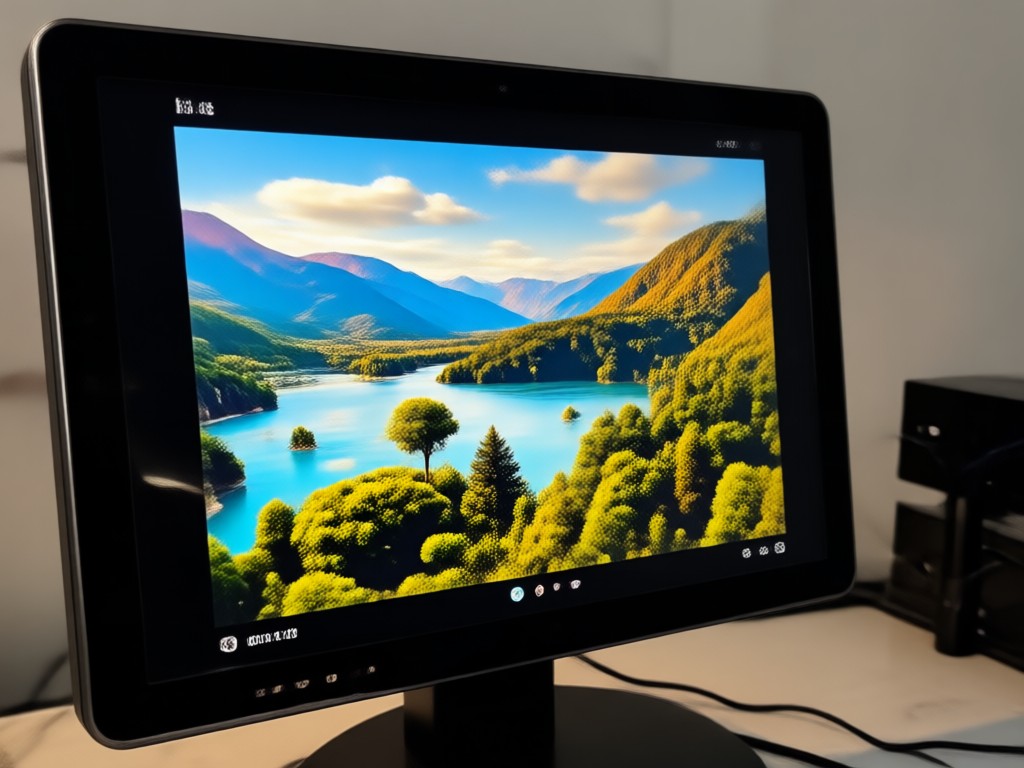
Go beyond automatic enhancement with manual adjustments for highlights, shadows, vibrancy, and micro-contrast. Fine-tune your HDR look to match the mood of your scene, whether you want a subtle documentary feel or a dramatic, high-impact editorial style that commands attention.
Precision Tone Control
Go beyond automatic enhancement with manual adjustments for highlights, shadows, vibrancy, and micro-contrast. Fine-tune your HDR look to match the mood of your scene, whether you want a subtle documentary feel or a dramatic, high-impact editorial style that commands attention.
HDR for Video Clips
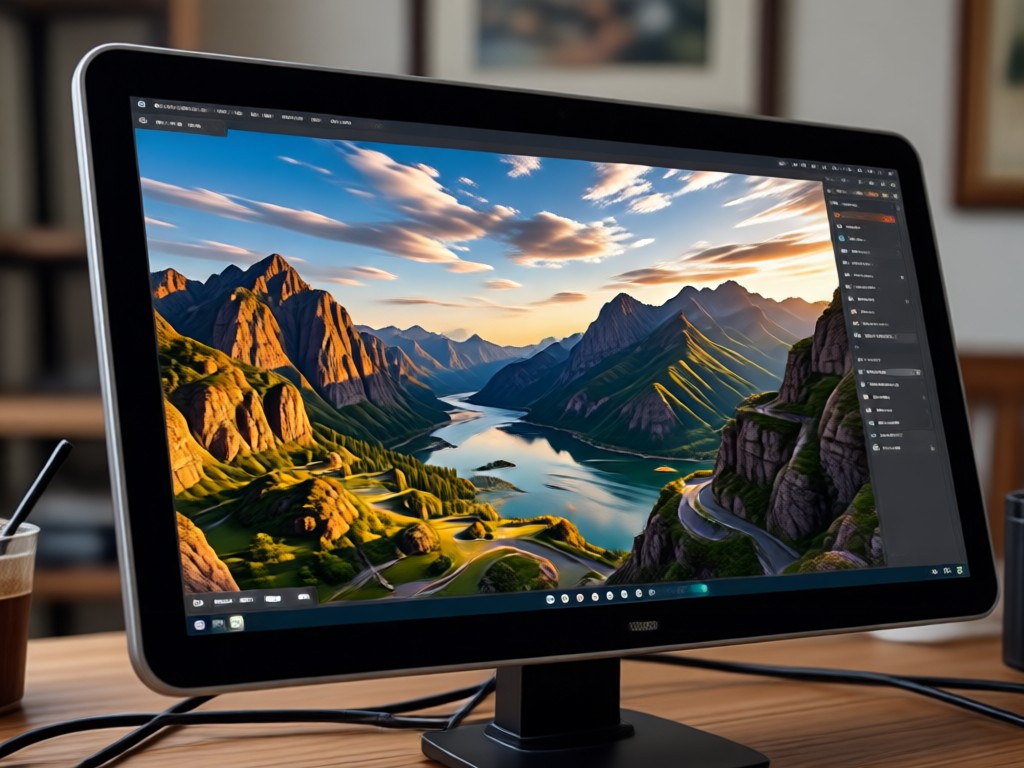
Extend HDR magic to moving images. Apply the same dynamic range enhancement to short video clips and watch flat footage transform into cinematic sequences with rich color depth, clean detail retention, and smooth tonal transitions that hold up on any screen size from mobile to desktop.
HDR for Video Clips
Extend HDR magic to moving images. Apply the same dynamic range enhancement to short video clips and watch flat footage transform into cinematic sequences with rich color depth, clean detail retention, and smooth tonal transitions that hold up on any screen size from mobile to desktop.
Stunning HDR Photo Results
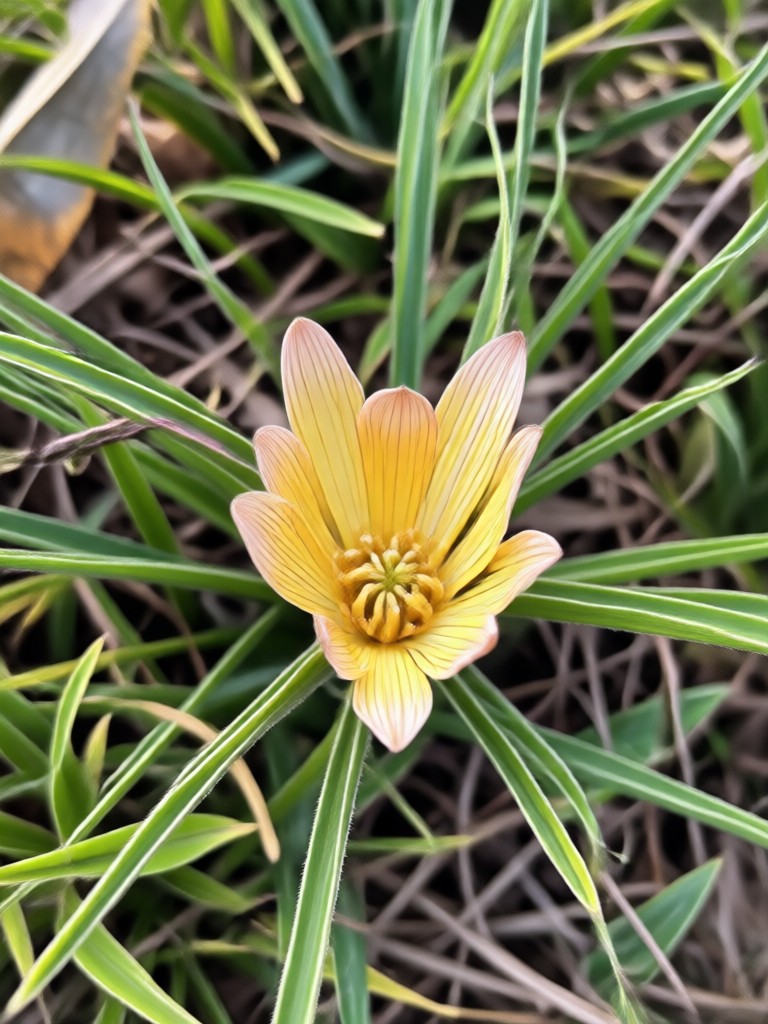
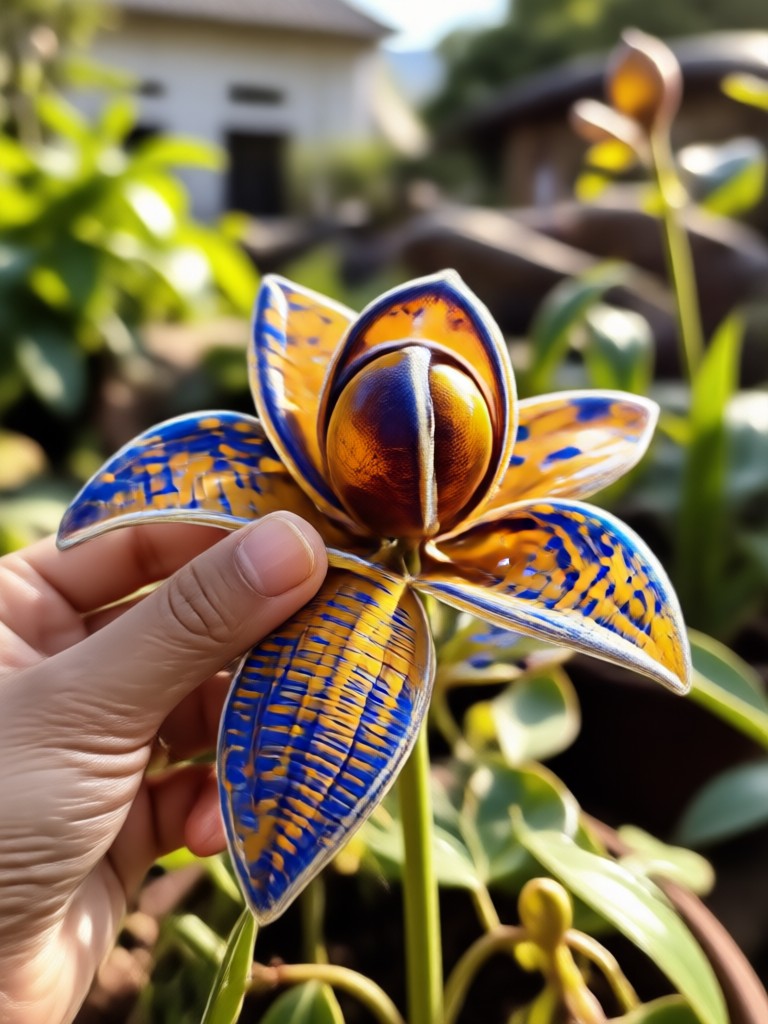
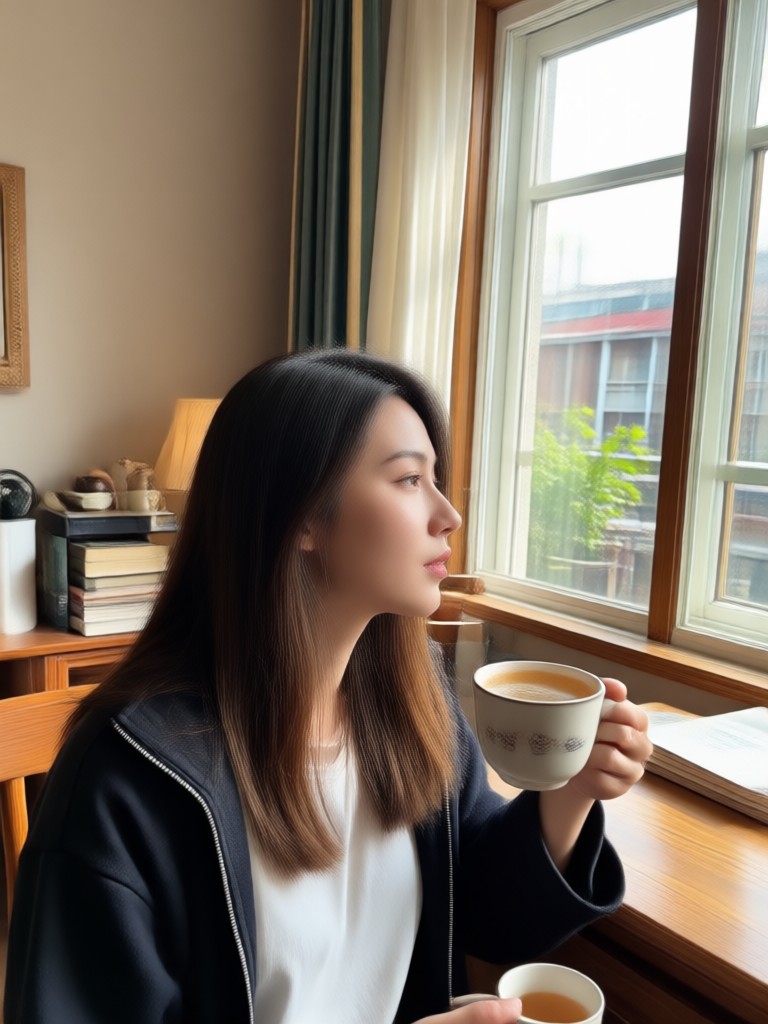
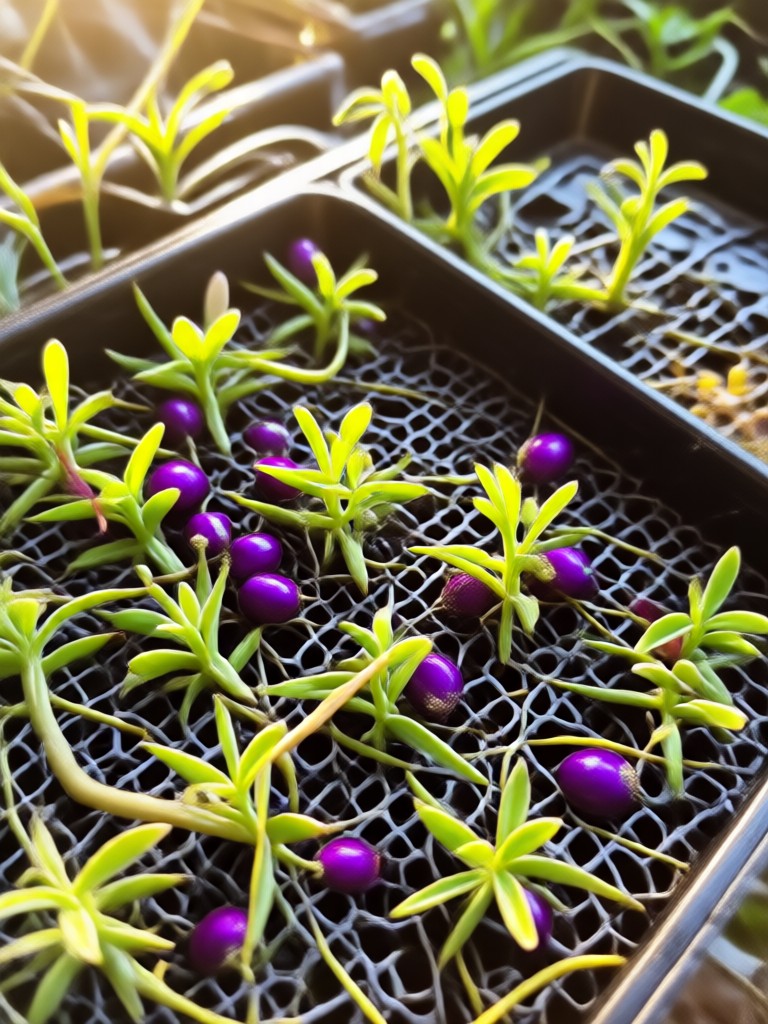
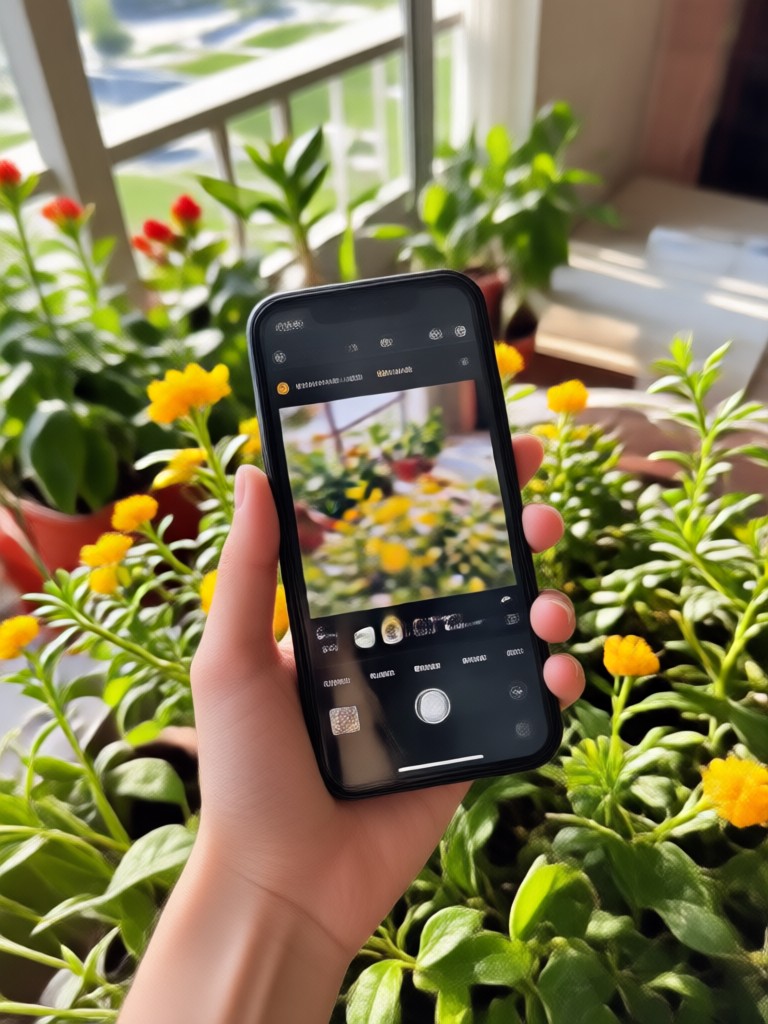
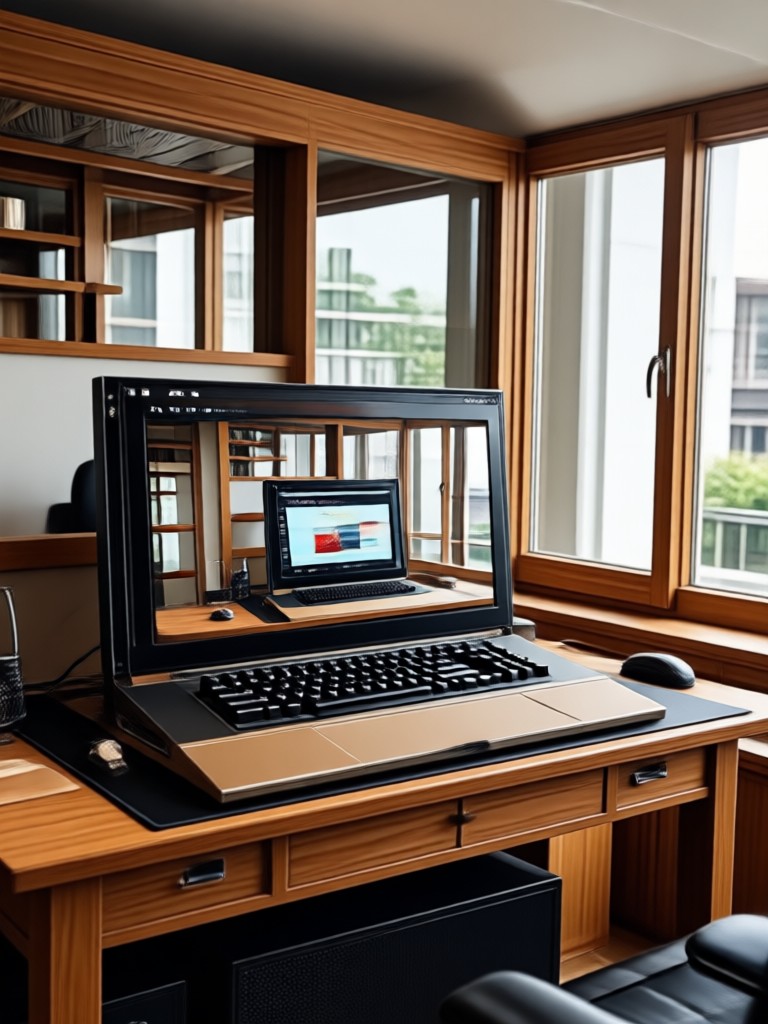
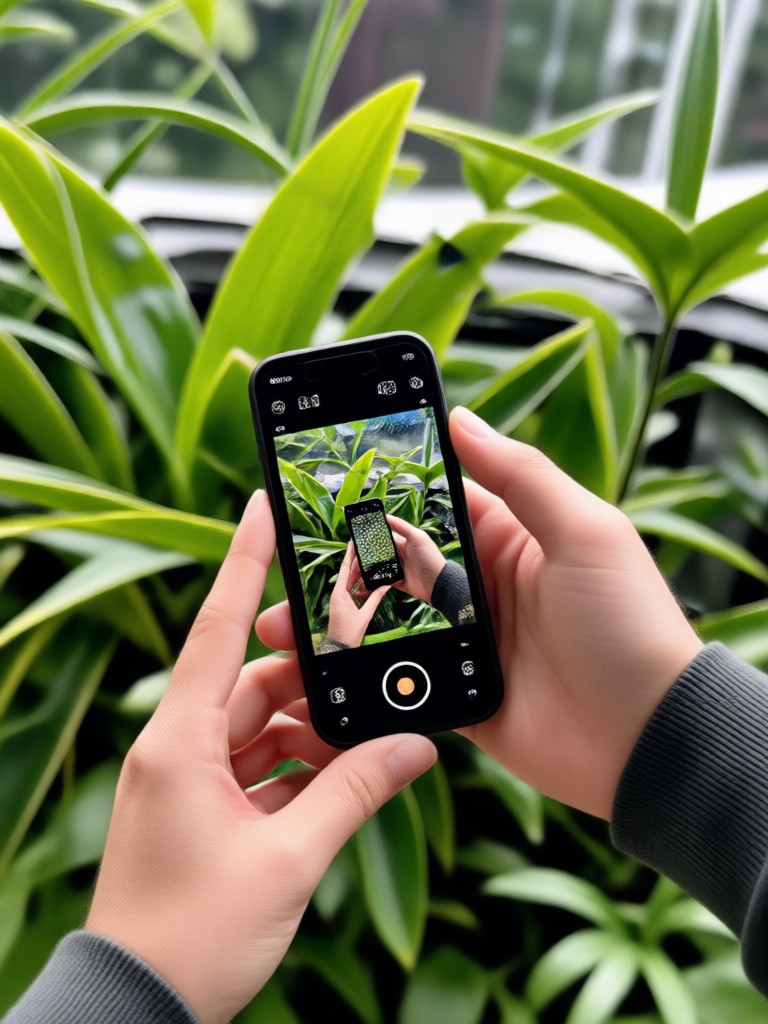
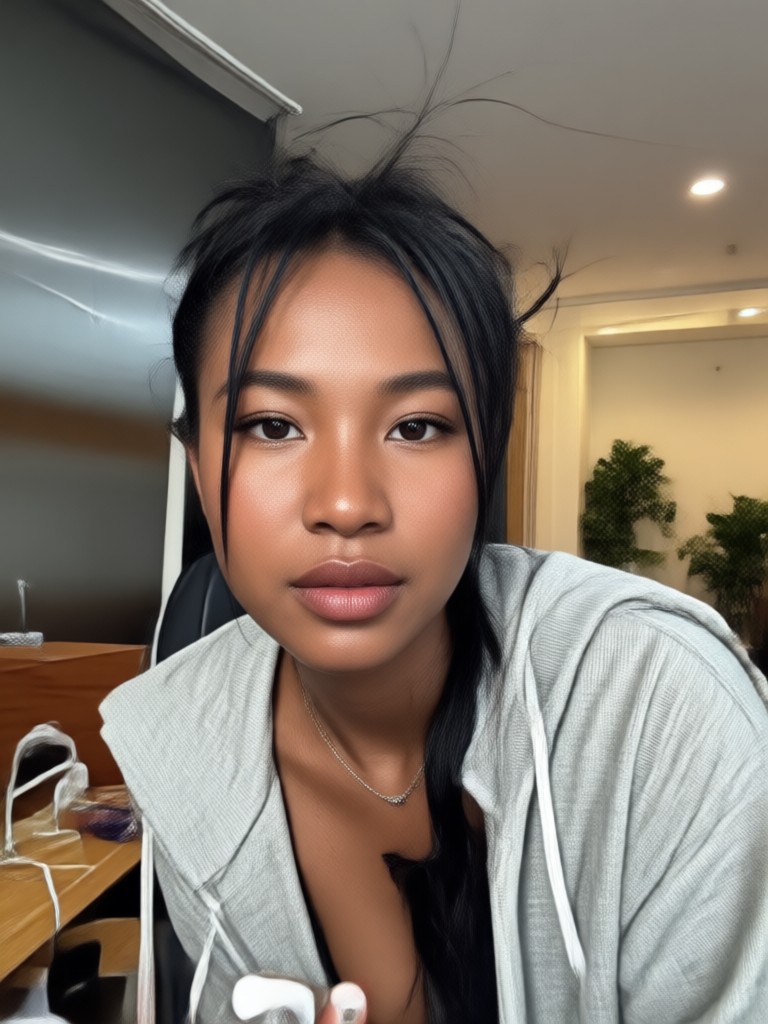
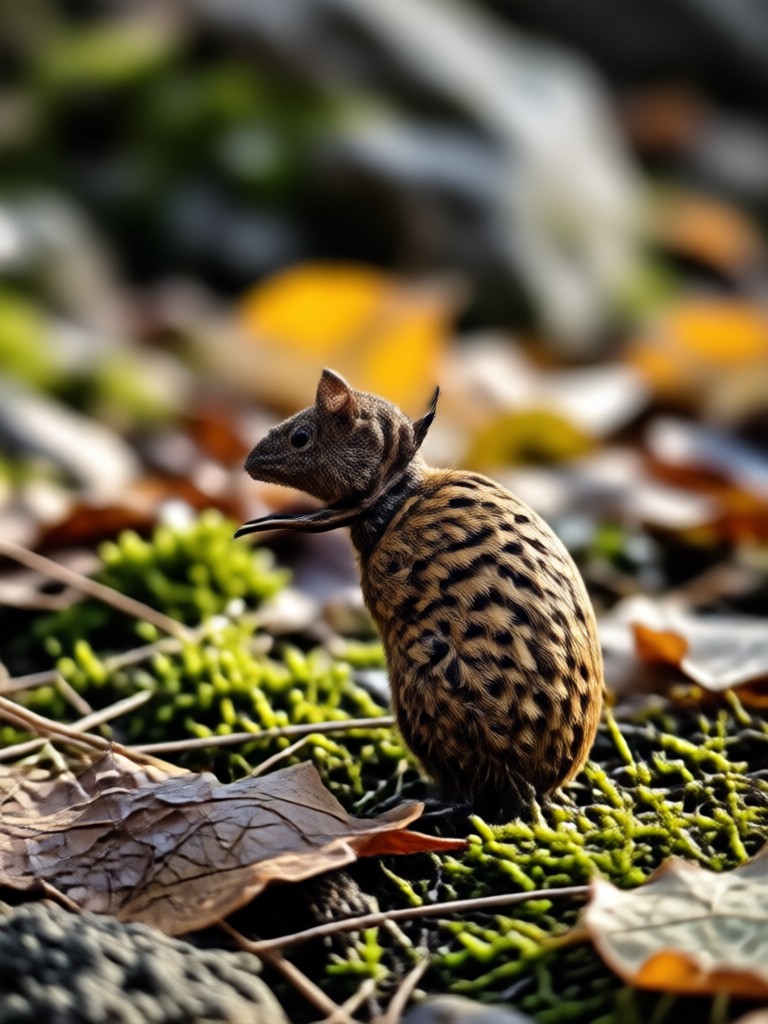
Browse real examples of images transformed with our HDR converter. From moody cityscapes to bright outdoor portraits, see how dynamic range enhancement reveals textures, colors, and atmosphere.


How to Convert Photos to HDR
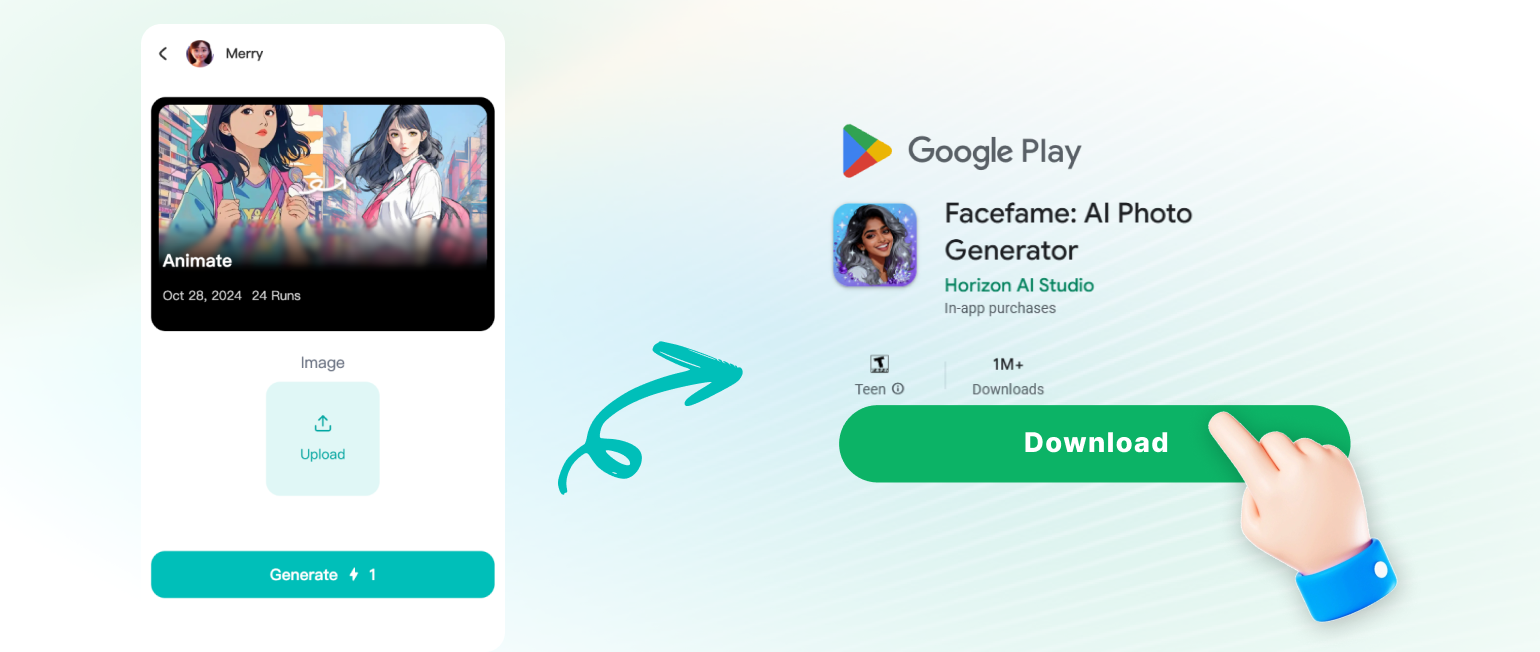
Transform your photography in three simple steps with the Facefame app. No tutorials, no learning curve, just instant HDR results.
Why Facefame Is the Best HDR Photo Editor
Unlike desktop software that requires steep learning curves and expensive subscriptions, Facefame brings professional HDR conversion to your pocket. The AI engine understands photographic composition, lighting, and color theory, producing results that look naturally enhanced rather than artificially processed. Whether you are a content creator, small business owner, or hobbyist photographer, you get studio quality output in seconds, every time.
Why Facefame Is the Best HDR Photo Editor
Unlike desktop software that requires steep learning curves and expensive subscriptions, Facefame brings professional HDR conversion to your pocket. The AI engine understands photographic composition, lighting, and color theory, producing results that look naturally enhanced rather than artificially processed. Whether you are a content creator, small business owner, or hobbyist photographer, you get studio quality output in seconds, every time.
Frequently Asked Questions About Photo HDR Converter
Get clear answers to common questions about converting photos to HDR with Facefame. Learn how the technology works and what you can achieve.
More Topics You May Like
Explore more topics you may like and discover fresh ideas tailored to your interests.

Easily Add Someone To A Picture With AI Photo Editing
Learn how to add someone to a picture with facefame's AI photo editor. Upload a photo, select a person, and generate realistic results in seconds. No design skills needed. Download the app now.

Funny Picture Filters That Turn Any Photo Hilarious
Transform ordinary photos into hilarious moments with funny picture filters. Pick from cartoon effects, meme styles and AI face swaps. Download the app and start creating comedic edits in seconds.

Pick Your Perfect Makeup Filter Online for Free
Preview hundreds of AI makeup filters on your own face before you commit. Upload a selfie, try natural or glam looks, and save your favorite look for free. Download facefame.
Remove Audio From Video Windows 10: Mute Clips Fast
Remove audio from video Windows 10 and more. Upload any clip, mute the sound, and export a clean video. No desktop editing tools needed. Use the mobile app.
Ready to Transform Your Photos?
Download Facefame now and turn ordinary shots into vibrant HDR masterpieces. Your gallery will never look the same.
Ready to Transform Your Photos?
Download Facefame now and turn ordinary shots into vibrant HDR masterpieces. Your gallery will never look the same.