Photoshop Unblur Image: AI Photo Sharpening Made Simple

Explore Filters That Perfectly Sharpen Your Images
Discover a range of AI filters that enhance clarity, reduce noise, and bring out fine details in every photo. From subtle touch-ups to dramatic sharpening, find the style that matches your vision.
Key Features of AI Unblur Image Tools
FaceFame makes unblurring images effortless and accessible to everyone. No technical skills needed, just upload and enhance.
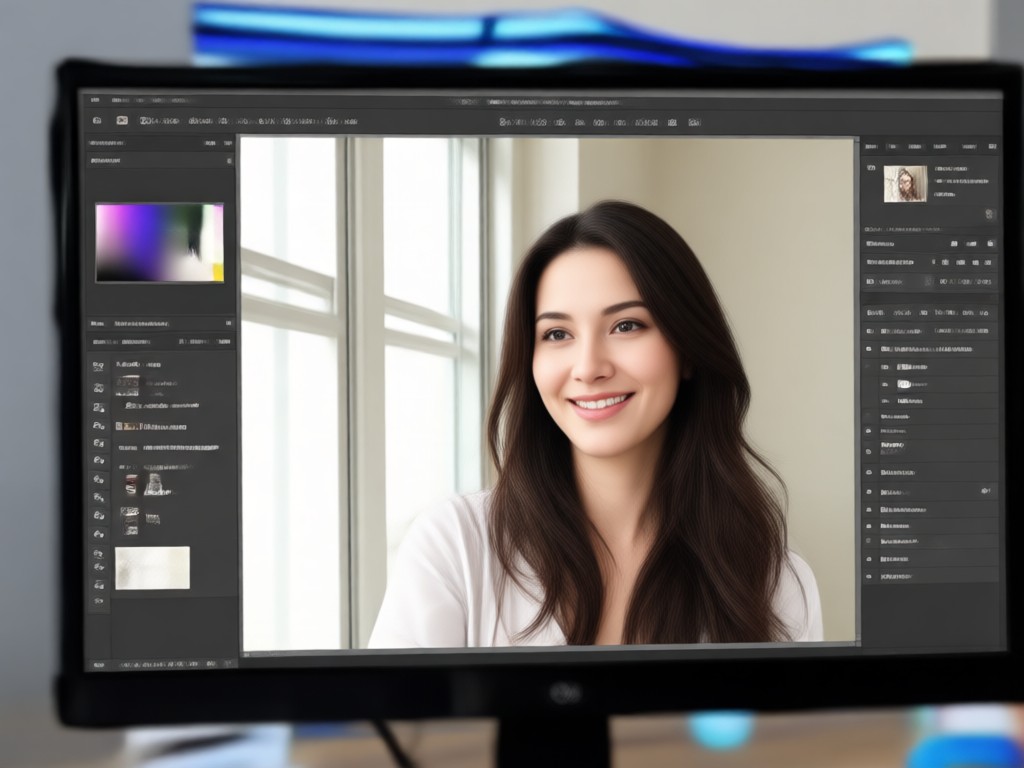
One-Tap AI Sharpening
Our advanced AI analyzes your photo and automatically applies the perfect amount of sharpening. No manual adjustments or layers, just clean, clear results in seconds.
One-Tap AI Sharpening
Our advanced AI analyzes your photo and automatically applies the perfect amount of sharpening. No manual adjustments or layers, just clean, clear results in seconds.
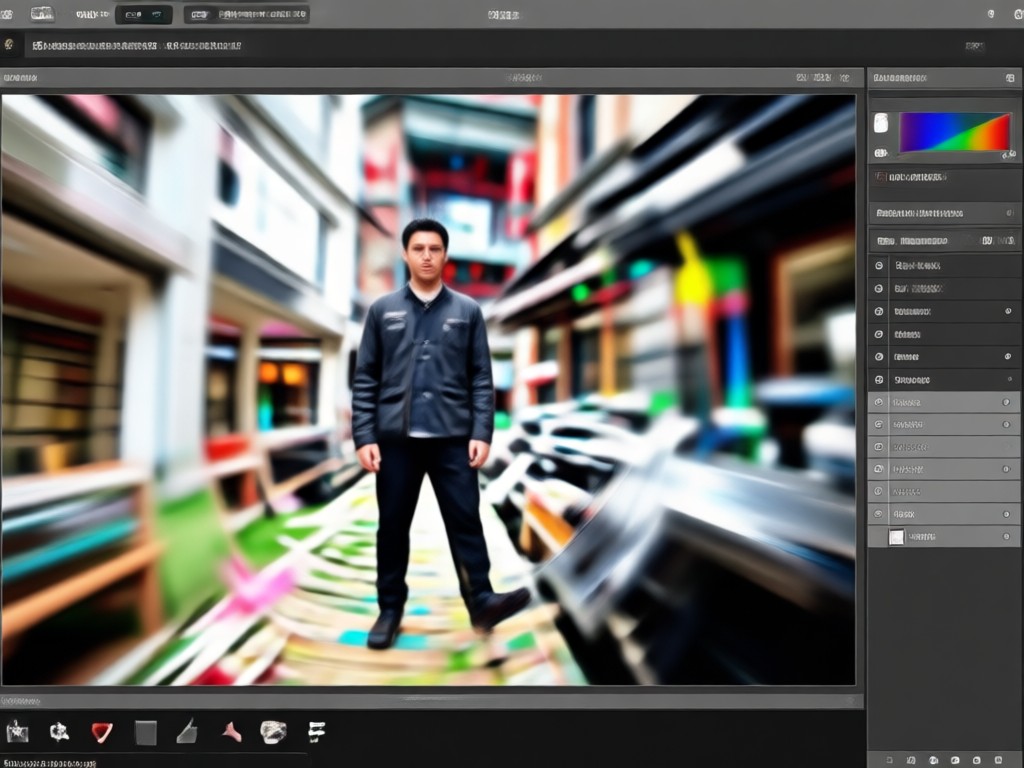
Fix Motion Blur and Focus Issues
Whether your photo suffers from camera shake, subject movement, or missed focus, FaceFame's unblur engine reconstructs details to restore sharpness naturally.
Fix Motion Blur and Focus Issues
Whether your photo suffers from camera shake, subject movement, or missed focus, FaceFame's unblur engine reconstructs details to restore sharpness naturally.
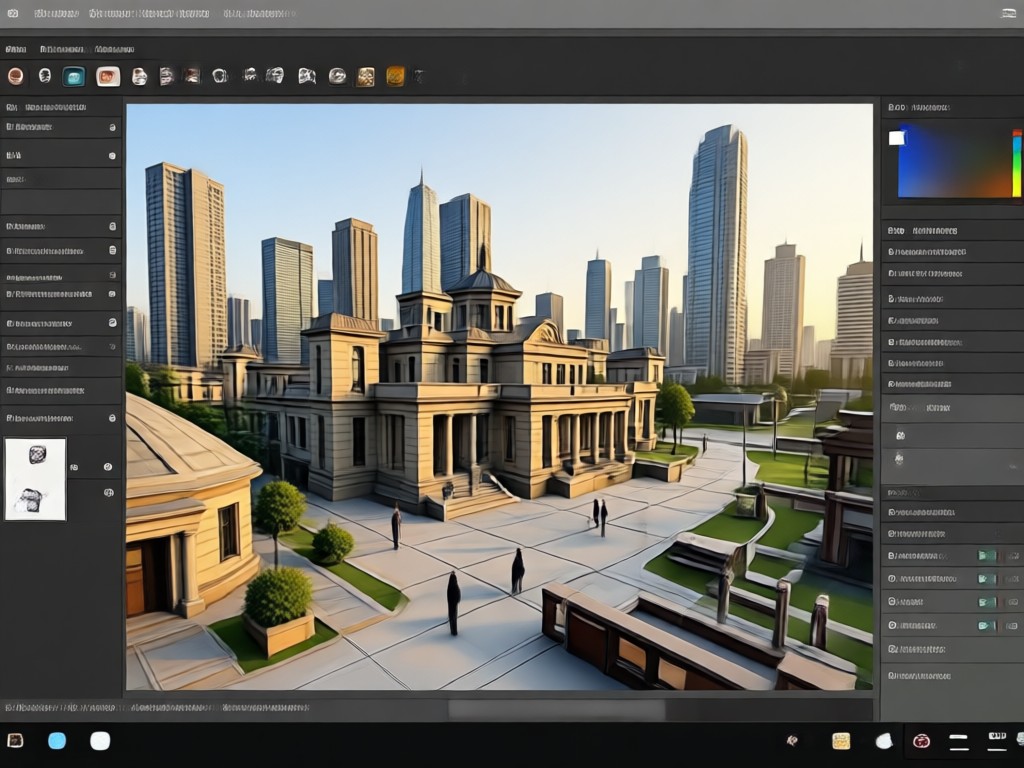
Preserve Faces and Fine Details
Unlike generic sharpen tools, FaceFame intelligently protects facial features, text, and textures, preventing oversharpening artifacts while enhancing clarity.
Preserve Faces and Fine Details
Unlike generic sharpen tools, FaceFame intelligently protects facial features, text, and textures, preventing oversharpening artifacts while enhancing clarity.
How to Unblur an Image Without Photoshop?
Follow three simple steps to restore clarity to your blurry photos using FaceFame's AI-powered mobile app.
Step 01.
Download FaceFame from Google Play and open the app on your phone.
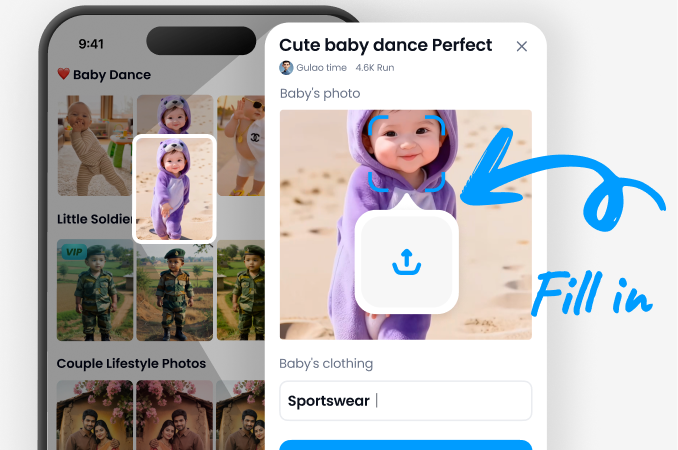
Step 02.
Upload your blurry photo and select the Unblur or Sharpen filter from the library.
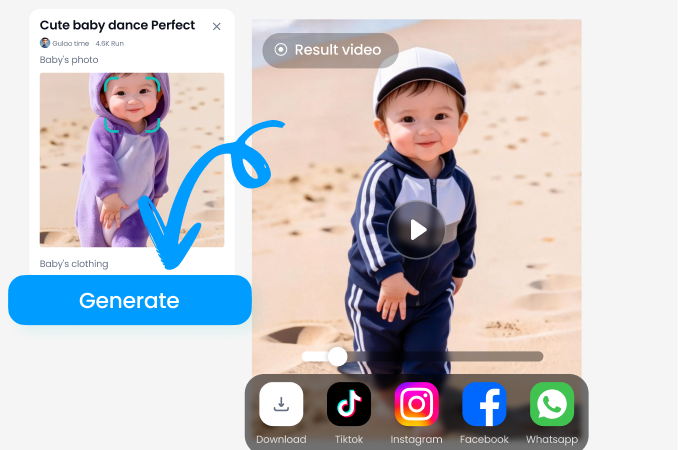
Step 03.
Preview the enhanced image, adjust strength if needed, then save or share your crisp photo.
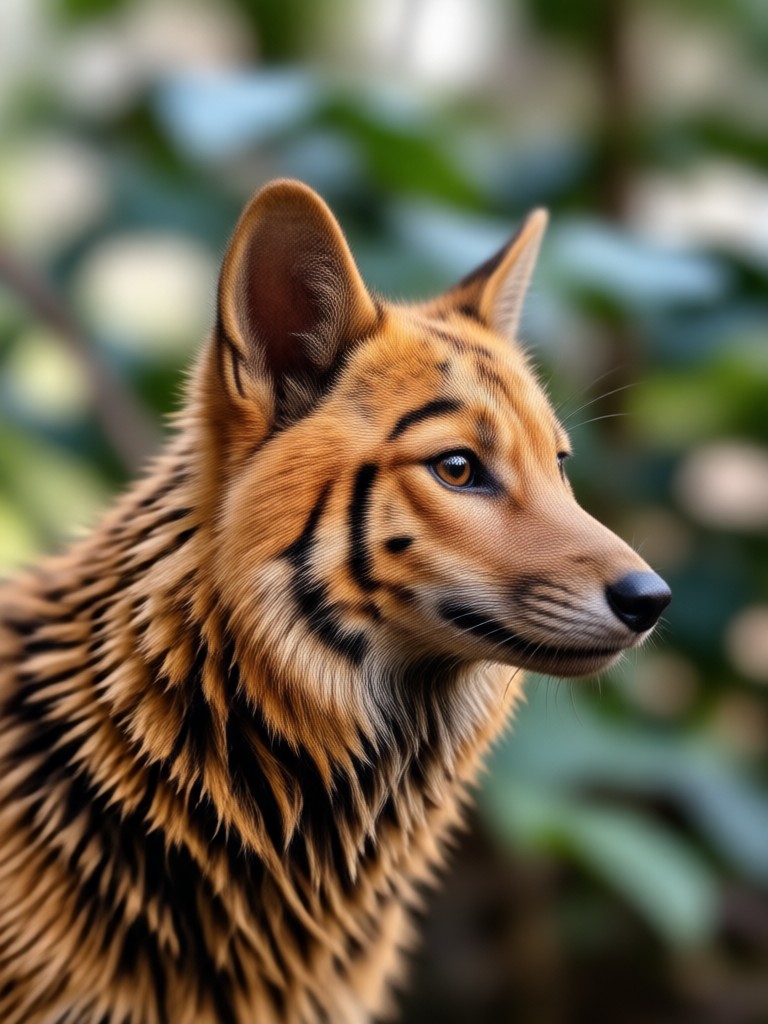
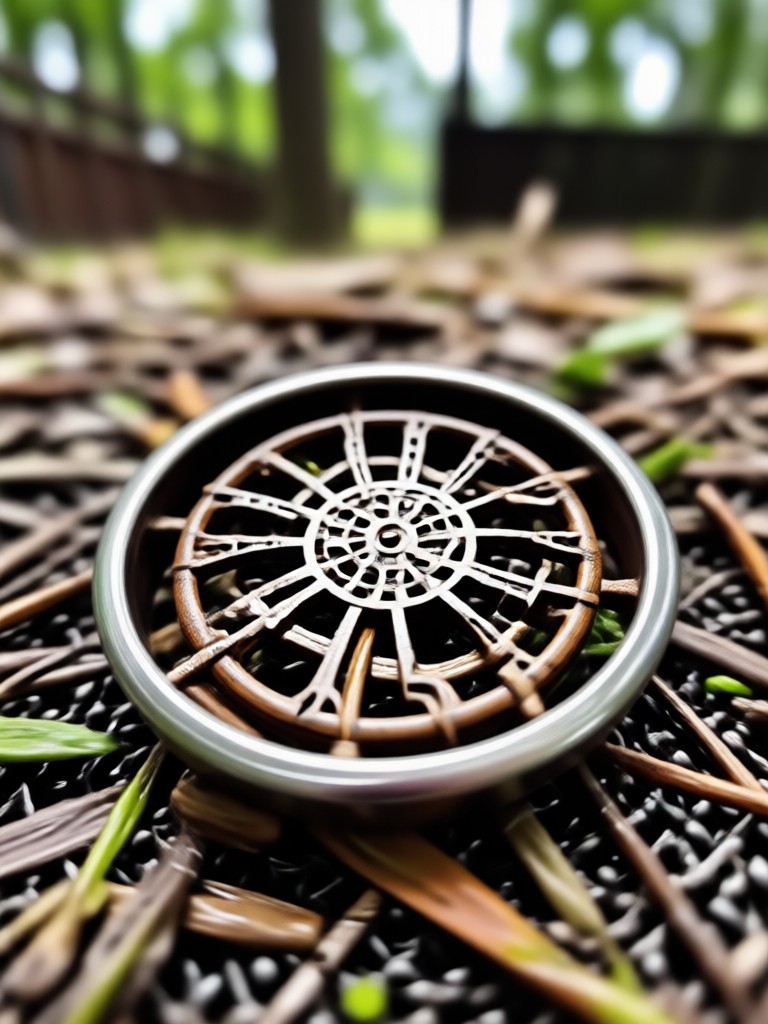
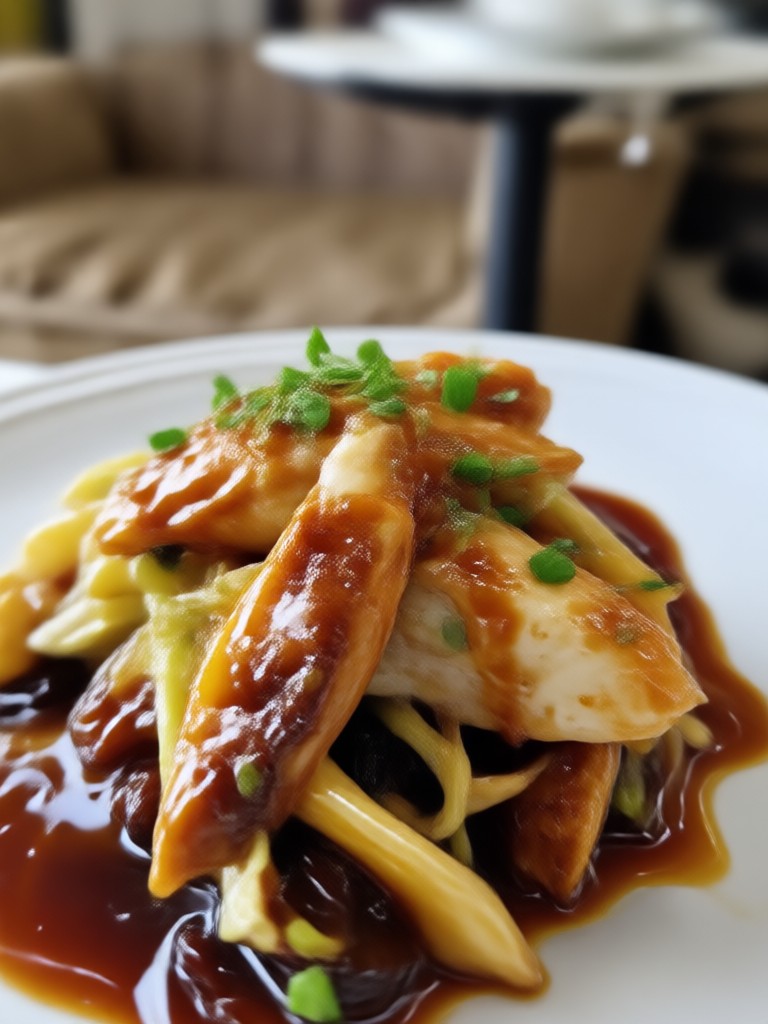
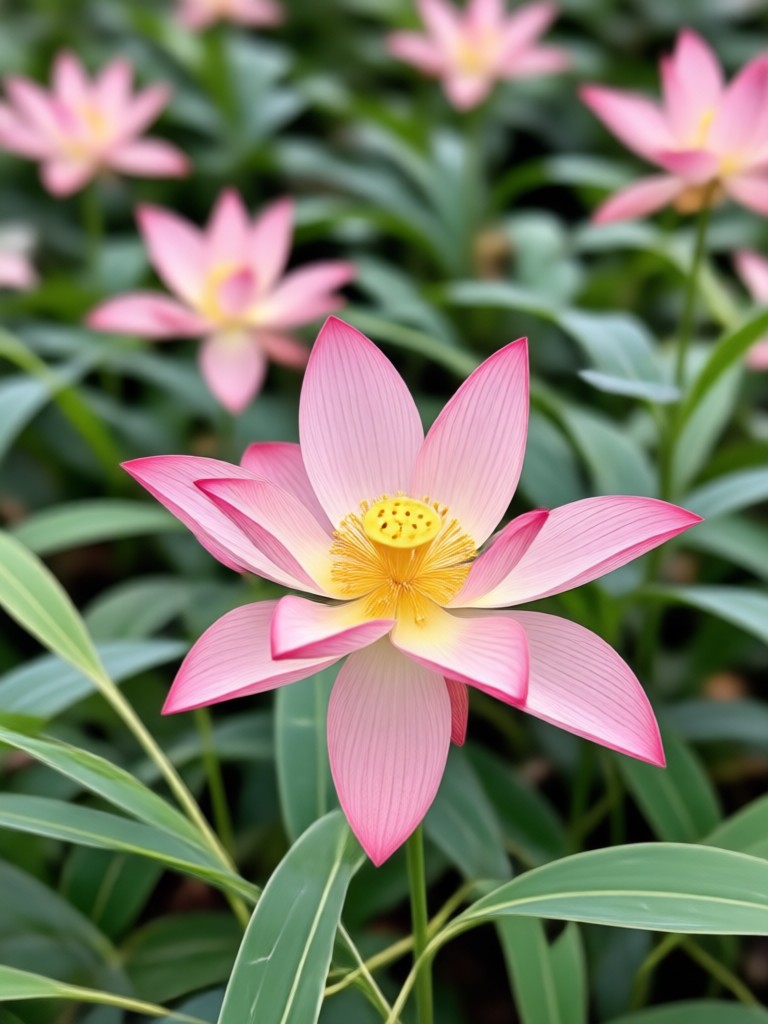
Real Results: Blurry to Brilliant
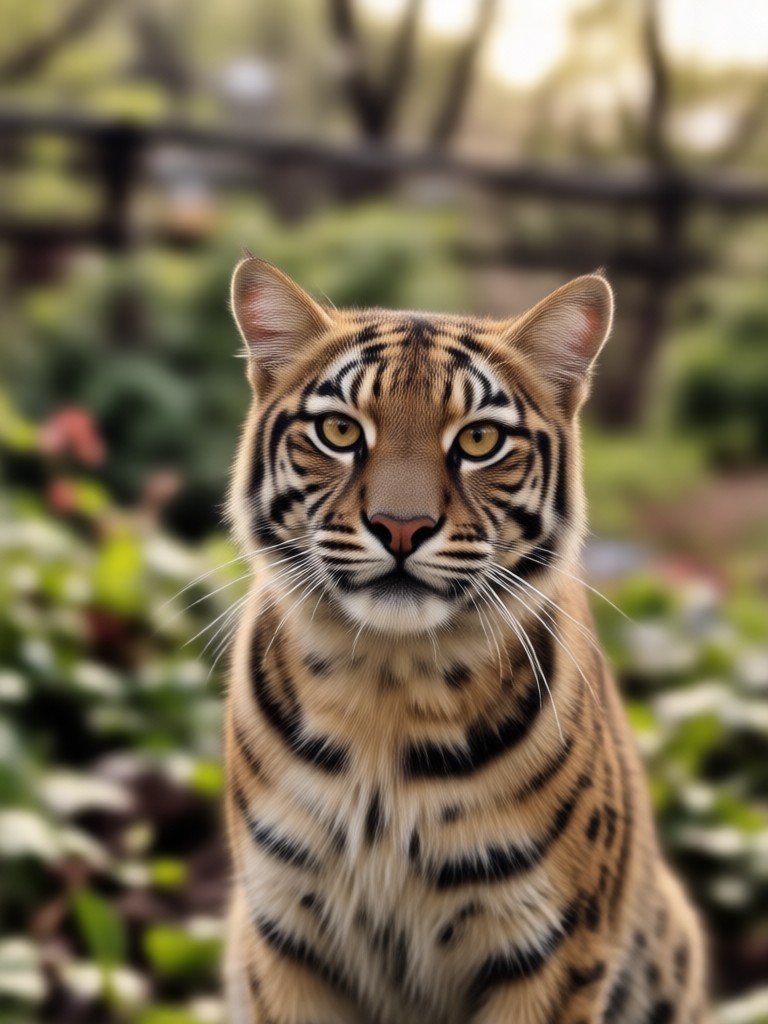
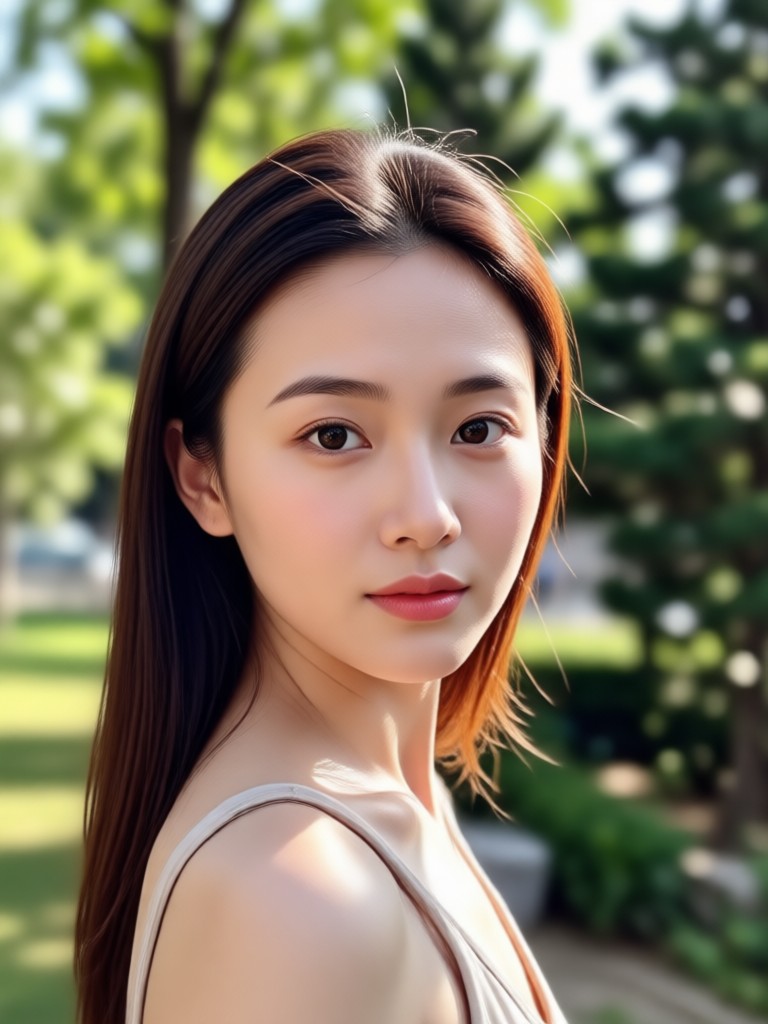
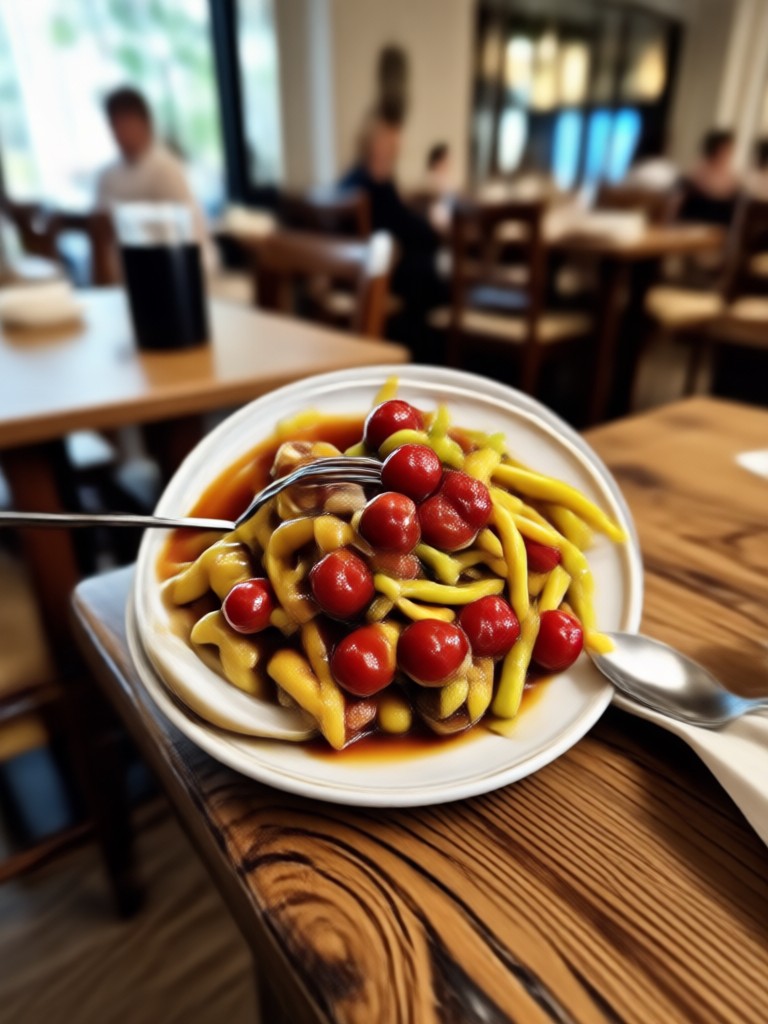
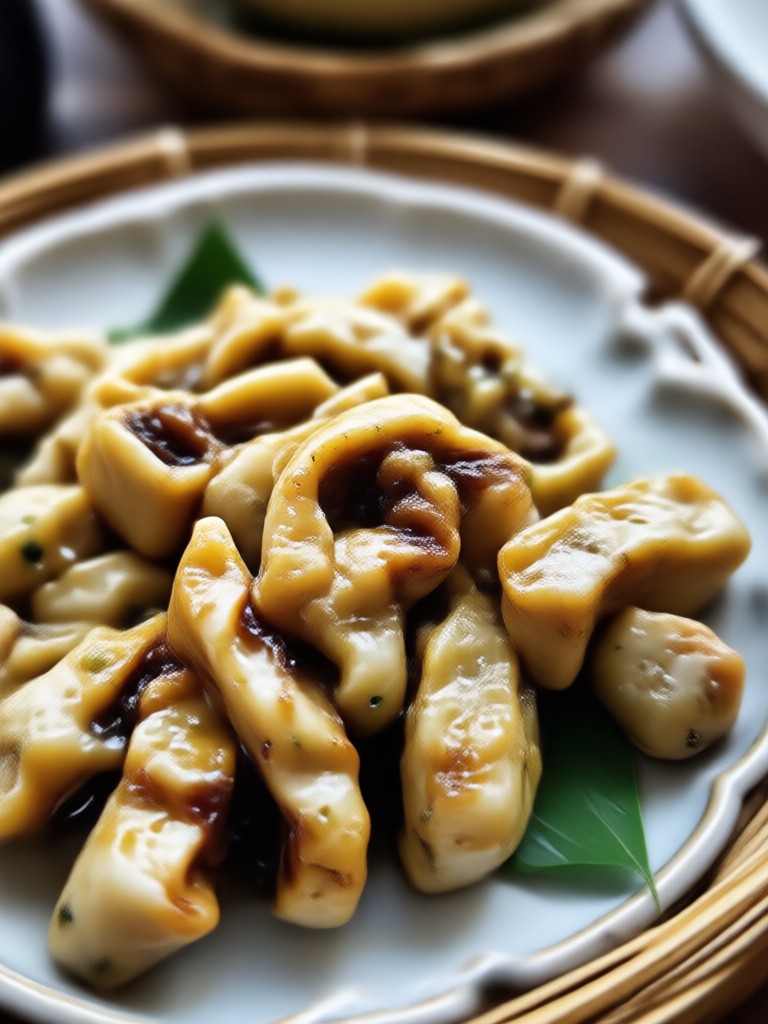
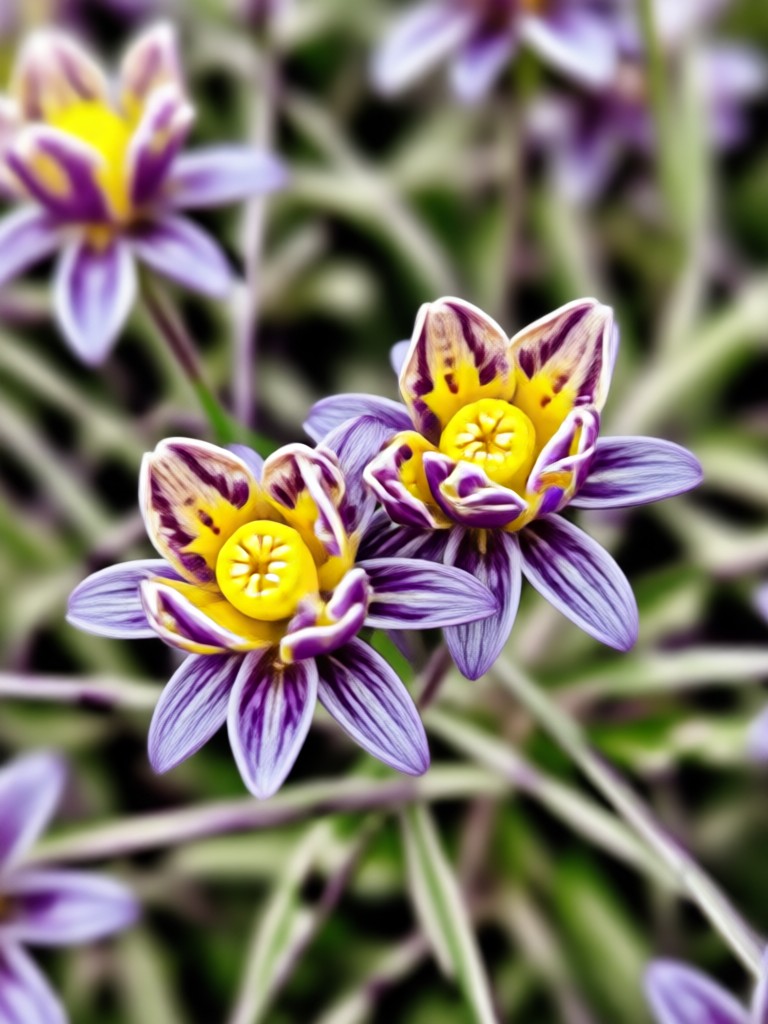
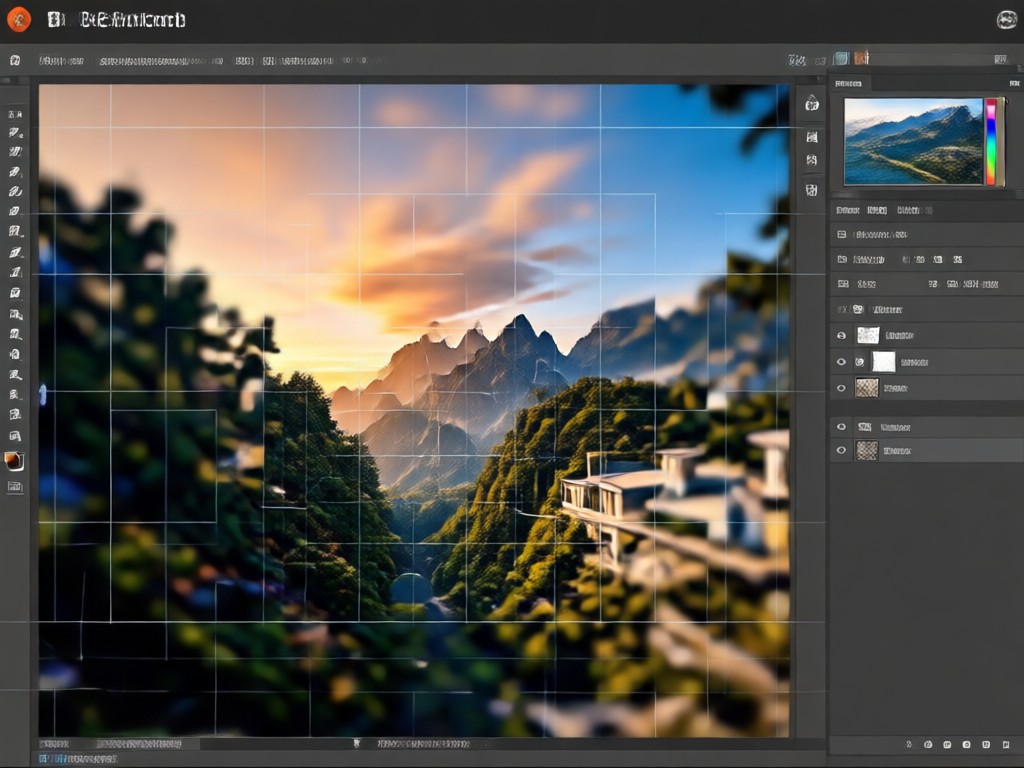
Browse a collection of images transformed by FaceFame's unblur technology. See how our AI brings back sharpness, detail, and clarity to photos that were once unusable.



Why Choose FaceFame Over Photoshop for Unblurring?
Photoshop requires expensive subscriptions, complex tools, and a steep learning curve. FaceFame delivers comparable sharpening quality on your phone, for free, with just a tap. No desktop needed, no tutorials to watch.
Why Choose FaceFame Over Photoshop for Unblurring?
Photoshop requires expensive subscriptions, complex tools, and a steep learning curve. FaceFame delivers comparable sharpening quality on your phone, for free, with just a tap. No desktop needed, no tutorials to watch.
Here is What People Think About Our Unblur Tool
Rescued my blurry wedding photos
I had a whole batch of photos from my sister's wedding that came out blurry due to a camera issue. FaceFame fixed them all in minutes. The faces look natural and the details are back.
Better than any online sharpener
I tried several online unblur tools and they all made my photos look fake or overprocessed. FaceFame is different. It's like magic. My old family photos look brand new.
Perfect for product photography
As an e-commerce seller, I need crisp product images. Sometimes my phone photos aren't perfect. FaceFame sharpens them beautifully without distorting colors or edges.
Frequently Asked Questions
Find clear answers to common questions about unblurring images with FaceFame.
More Topics You May Like
Explore more topics you may like and discover fresh ideas tailored to your interests.
Ff Photo Edit: Fast Fashion Filters for Stunning Makeovers
Old Age Photo Maker: See Your Future Face In Seconds
Add Border To Image Online: Free Photo Frame Maker

Perjelas Video Blur: Ubah Video Buram Jadi Jernih dengan AI
Ff Photo Edit: Fast Fashion Filters for Stunning Makeovers
Old Age Photo Maker: See Your Future Face In Seconds
Add Border To Image Online: Free Photo Frame Maker
Perjelas Video Blur: Ubah Video Buram Jadi Jernih dengan AI
Your Blurry Photos Deserve a Second Chance
Apply the latest AI unblur technology to restore clarity and detail in seconds. Download FaceFame and turn every imperfect shot into a keeper.
Your Blurry Photos Deserve a Second Chance
Apply the latest AI unblur technology to restore clarity and detail in seconds. Download FaceFame and turn every imperfect shot into a keeper.