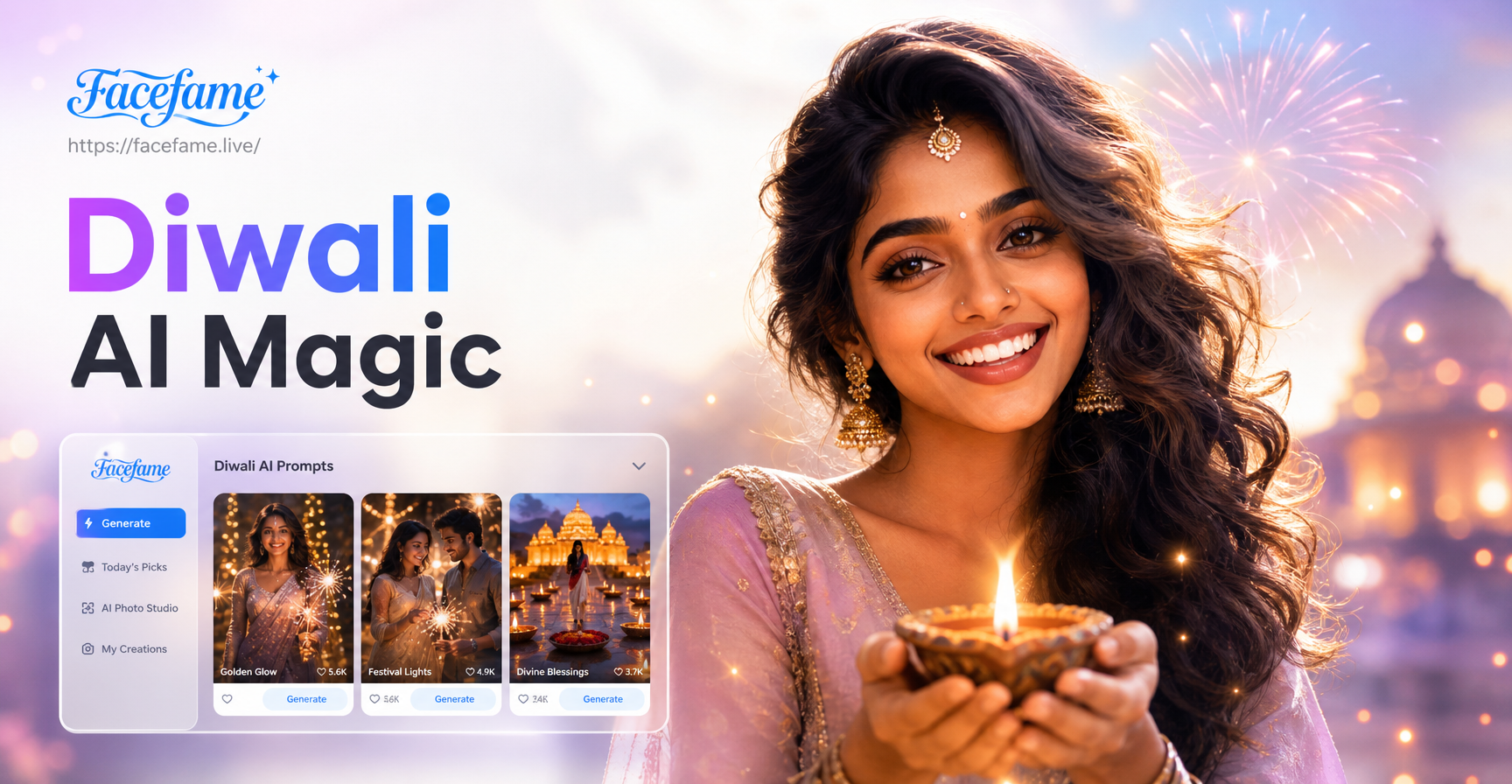
Diwali brings a rush of warm light, rich colors, and joyful gatherings. If you want to turn ordinary photos into festive Diwali memories, an AI photo editing prompt is the fastest way. Instead of learning complicated editing software, you can describe the exact look you want, upload your photo to an AI editor like facefame, and get a polished Diwali themed image in seconds. This guide shares more than 30 specific Diwali AI photo editing prompts that work for portraits, family pictures, backgrounds, and traditional decorations. You will also learn how to adapt these prompts and fix common problems like overexposed diyas or unnatural skin tones.
What Makes a Strong Diwali AI Photo Editing Prompt?
A good editing prompt tells the AI exactly what to change while keeping the original photo recognizable. For Diwali edits, include these details:
- Lighting: warm candlelight, golden hour glow, soft diya flames, colorful bokeh.
- Decorations: clay diyas, marigold garlands, rangoli patterns, hanging lanterns, fairy lights.
- Clothing: traditional sarees, kurtas, lehenga, embroidered fabrics, festive colors like red, gold, and orange.
- Style: realistic photography, cinematic still, editorial portrait, or dreamy festive glow.
- Background: decorated home, temple courtyard, night sky with fireworks, or a clean festive backdrop.
Always include the subject, the desired scene, and any specific mood. The more precise your prompt, the better the AI can preserve faces and add believable Diwali elements.
30+ Diwali AI Photo Editing Prompts
Portrait and Family Photo Prompts
- Transform this portrait into a warm Diwali evening scene with glowing clay diyas in the background and soft golden light on the face. Keep the facial features realistic and the skin tone natural.
- Edit this family photo into a festive Diwali gathering with marigold garlands hanging above, warm fairy lights, and everyone wearing traditional Indian attire. Preserve each person's face and expression.
- Add a subtle rangoli pattern to the floor under this group photo and enhance the warm candlelight from surrounding diyas. Keep the original smiles and natural shadows.
- Turn this selfie into a cinematic Diwali portrait with soft bokeh lights, a red and gold color palette, and gentle smoke from incense sticks in the foreground.
- Edit this photo to place the subject in front of a decorated Diwali doorway with hanging lanterns and marigold strings. Keep the clothing unchanged and focus on realistic lighting.
Festive Background and Scene Prompts
- Change the background of this photo to a Diwali night sky filled with colorful fireworks and floating paper lanterns. Maintain the subject's original pose and add a warm rim light.
- Add a traditional Diwali living room background with brass lamps, marigold flowers, and a glowing rangoli on the floor. Preserve the subject's position and natural skin texture.
- Transform this plain wall background into a festive Indian courtyard with string lights, potted marigolds, and the soft glow of dozens of diyas. Keep the person in focus.
- Edit this image to show the subject standing near a balcony decorated with fairy lights and small clay lamps, with a blurred background of a Diwali market. Keep the face sharp and realistic.
- Create a Diwali inspired backdrop with red and gold curtains, hanging bells, and floating flower petals. Add warm ambient light that blends naturally with the subject.
Still Life and Decoration Prompts
- Enhance this photo of a diya arrangement by adding a soft golden glow to each flame and a gentle reflection on the brass surface. Keep the composition realistic.
- Edit this image of a rangoli design to make the colors more vibrant and add a subtle sparkle that suggests fresh flower petals. Preserve the original pattern.
- Transform this plain table setting into a Diwali feast scene with brass bowls, marigold petals, and candlelight. Keep the original food and add warm shadows.
- Add floating diyas on a calm water surface in this photo and create a peaceful Diwali evening mood with soft ripples and warm highlights.
- Edit this still life to include a traditional thali with lit diyas, kumkum, and flower offerings, all arranged neatly with a shallow depth of field.
Cinematic and Editorial Style Prompts
- Give this portrait a cinematic Diwali color grade with deep reds, golden highlights, and soft film grain. Keep the facial details natural and add a slight vignette.
- Turn this group photo into an editorial Diwali magazine cover with dramatic rim lighting, rich marigold colors, and a clean but festive background.
- Apply a high fashion Diwali look to this photo by boosting the contrast of the attire, adding warm spotlight background, and keeping skin texture realistic.
- Create a dreamy Diwali atmosphere by adding soft glowing bokeh, gentle lens flare from diya flames, and a warm pastel color grade. Preserve the original pose.
- Edit this image to look like a still from a Bollywood Diwali scene with vibrant colors, soft smoke in the background, and flattering golden light on the face.
Festive Fashion and Jewelry Prompts
- Edit this photo to enhance the traditional saree with richer red and gold embroidery while adding a soft glow to the jewelry. Keep the face and pose unchanged.
- Add subtle Diwali makeup to this portrait with golden eyeliner and a small bindi, then place the subject in front of warm fairy lights. Preserve natural skin texture.
- Transform this outfit photo into a festive look by adding a dupatta with zari border and reflecting diya light on the fabric. Keep the original photography style.
- Edit this jewelry product photo to include a Diwali theme with marigold petals and a soft golden bokeh background. Preserve the jewelry details.
- Change the clothing in this portrait to a traditional Diwali lehenga with mirror work, and add a matching bangle set. Keep the face recognizable and the background simple.
Pet and Candid Moments Prompts
- Add a Diwali backdrop to this pet photo with a small garland of marigolds around the pet's neck and gentle diya light on its fur. Keep the pet realistic.
- Edit this candid moment of children lighting sparklers by enhancing the sparkler glow and adding a safe Diwali night background. Preserve the children's expressions.
- Create a warm Diwali scene from this kitchen photo by adding brass lamps on the counter and a soft golden wash over the food. Keep all people recognizable.
- Transform this balcony photo into a Diwali evening with hanging lanterns, a small rangoli on the floor, and family members smiling. Keep the original layout.
- Add soft festive bokeh to this casual picture of friends at home, with diyas on the table and warm string lights in the background. Preserve everyone's face.
How to Adapt These Diwali Prompts for Your Own Photos
Every photo is different, so you will get better results if you adjust the prompt to match your subject and background. Start by describing who is in the photo. Add details about their clothing, whether it is a saree, kurta, or casual outfit. Next, describe the background you want to replace or enhance. If your original photo has strong daylight, mention that you want the warm Diwali light to blend with the existing shadows. You can also combine two ideas, such as a rangoli background with fireworks visible through a window. The key is to keep the instruction specific but short enough for the AI to process without losing the main subject.
Common Weak Results and How to Fix Them
AI photo editing sometimes produces results that look artificial or miss important details. Here are the most common problems with Diwali edits and how to fix them with better prompts.
Overexposed Diyas and Fireworks
Problem: The lights are too bright and wash out the face or background. Fix: Add 'balanced exposure, soft glow, no blown highlights' to your prompt. For example: 'Add warm diya light without washing out the face, keep the highlights soft and natural.'
Face Looks Distorted or Unnatural
Problem: The AI changes facial features too much. Fix: Include 'preserve original face, natural skin texture, keep identity' in every portrait prompt. For group photos, add 'keep each person's face recognizable and expression unchanged.'
Cluttered or Busy Background
Problem: The AI adds too many decorations and the subject gets lost. Fix: Ask for a clean focal point. Use phrases like 'shallow depth of field, blurred background, subject remains the main focus.'
Colors Look Too Saturated or Fake
Problem: The reds and golds become neon or unnatural. Fix: Request 'natural color grading, realistic skin tones, muted festive colors' or specify the exact color palette you want, such as deep maroon, burnt orange, and antique gold.
The AI Adds Random Objects
Problem: Strange objects or extra people appear. Fix: Be explicit about what should not be in the image. For example: 'Add only diyas and marigold strings, no extra people, no candles on tables, no random lanterns floating.'
How to Use These Prompts in facefame
facefame is a mobile app that turns your text descriptions into edited images and videos. To use a Diwali AI photo editing prompt, download the app, open the image to image feature, and upload the photo you want to edit. Choose a style template if you want a specific look, or simply type your prompt into the text box. The app preserves your subject while applying the festive changes. You can try multiple prompts on the same photo and compare the results. Because facefame has over one million style filters, you can also pick a realistic, cinematic, or traditional Indian style before generating. Keep your prompt clear, and the app will handle the complex editing work.
Final Tips for Better Diwali Edits
Always use high quality source photos with good lighting. A blurry or dark original will limit what the AI can do. Start with a simple prompt, then add one or two more details if the first result is not right. For family photos, mention that everyone should remain recognizable. For still life, focus on the objects and avoid asking for too many changes at once. Diwali is about warmth and togetherness, so aim for a natural festive glow rather than an over-processed look. With the right prompt, you can turn any ordinary photo into a beautiful Diwali memory worth sharing.