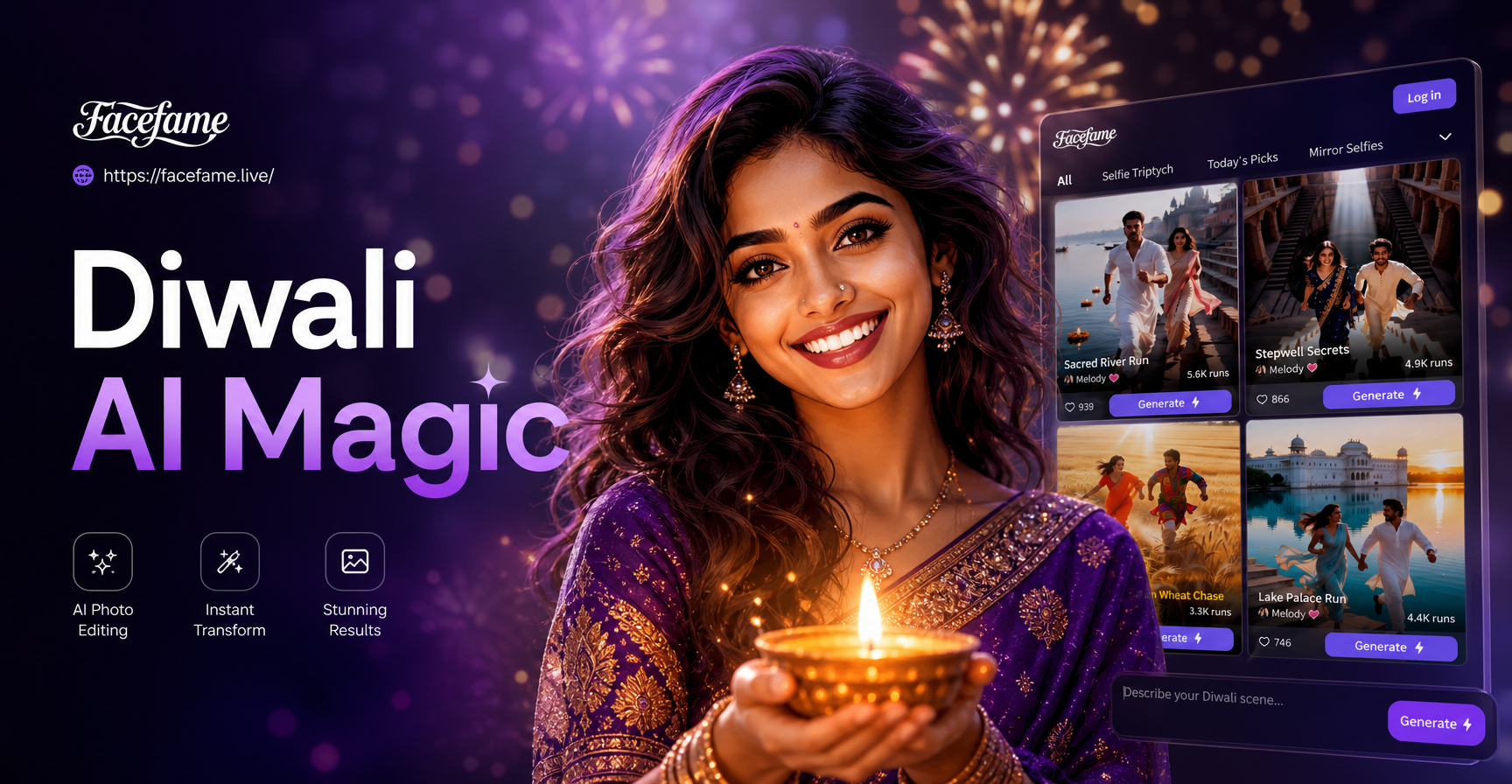
Diwali is the festival of lights, and your photos deserve the same warmth and brilliance. These Diwali AI photo editing prompts help you turn ordinary portraits, family pictures, and casual mobile shots into festive images filled with diyas, rangoli, marigolds, traditional outfits, and golden glow. You do not need advanced editing skills. Just copy a prompt, upload your photo in the facefame app, choose a style template, and let AI handle the transformation.
How to Use Diwali AI Photo Editing Prompts
Open the facefame app and select the image to image feature. Upload a clear photo of yourself, your family, or a festive scene. Pick a style template such as realistic photography, festive glow, or warm portrait. Paste one of the prompts below into the prompt box and tap generate. The AI keeps the main subject while adding Diwali lighting, decor, and colors described in your prompt. For text to image, simply enter the prompt without a reference photo and generate a brand new festive scene.
31 Diwali AI Photo Editing Prompts You Can Copy and Paste
Diwali Portraits and Selfies
- Transform my selfie into a warm Diwali portrait with soft golden diya light on my face, marigold garland in the background, and a dark festive backdrop with bokeh.
- Add elegant traditional gold jewelry and a deep red silk saree to my portrait, with a blurred rangoli background and warm candlelight glow.
- Edit my photo to look like I am holding a lit diya in my hands, with floating oil lamps and golden particles around me, cinematic Diwali atmosphere.
- Give my headshot a festive Diwali makeover with a teal and gold lehenga, shimmering dupatta, soft smile, and glowing fairy lights behind me.
- Turn my casual photo into a Diwali greeting card style portrait, featuring me in a kurta with a warm smile, side diya decorations, and elegant golden text reading 'Happy Diwali'.
- Enhance my portrait with Diwali night lighting, deep purple and gold color palette, bokeh of oil lamps, and a gentle reflection of fireworks in my eyes.
- Turn my photo into a soft focus Diwali portrait with a pastel pink and gold theme, flower petals falling, and a dreamy bokeh of fairy lights.
Family and Group Photos
- Transform our family photo into a warm Diwali group portrait, everyone wearing coordinated traditional outfits, standing in front of a decorated home entrance with marigold toran and diyas.
- Add festive Diwali props to our group photo, including sparklers in our hands, colorful rangoli at our feet, and warm string lights overhead.
- Edit our family picture to look like we are sitting together on a decorated Diwali floor setup, with brass diyas, flower petals, sweets, and a soft glowing background.
- Turn our casual family photo into a cinematic Diwali scene with everyone laughing, holding lit sparklers, firework bursts in the night sky, and golden rim lighting on faces.
- Make our group photo look like a professional Diwali greeting, with a deep red and gold backdrop, floral garlands around us, and elegant festive outfits.
Diyas and Candlelight
- Transform my photo into a close-up of my hands holding a lit clay diya, with multiple floating diyas in the background and a warm orange glow illuminating my face.
- Add a row of lit oil lamps along the bottom of my photo, with reflections on a polished surface and gentle smoke rising, creating a serene Diwali mood.
- Edit my portrait with a single brass lamp behind me, casting a soft halo of light, deep shadows, and golden particles in the air.
- Turn my plain indoor photo into a Diwali puja scene with a decorated thali, lit diyas, fresh marigolds, and incense smoke curling upward.
- Add an array of colorful candles and diyas around me in a dark room, with their flames as the only light source, creating a dramatic festive portrait.
Rangoli and Floral Decor
- Place me in front of a vibrant rangoli design on the floor, with symmetrical patterns in pink, orange, and blue, and flower petals scattered around.
- Transform my background into a beautiful floral rangoli with marigold and rose petals, diyas placed at the corners, and my subject softly lit from the front.
- Add a traditional kolam style rangoli behind me, with intricate white and colored powder patterns, and a warm morning Diwali light.
- Edit my photo to include a colorful rangoli at my feet, with me walking through a decorated courtyard filled with hanging marigold garlands and lanterns.
- Create a festive Diwali still life around my portrait, including rangoli, brass diyas, sweets in silver bowls, and a backdrop of marigold flowers.
Fireworks and Night Scenes
- Add a sky full of colorful Diwali fireworks behind my portrait, with green, gold, and red bursts, and my face lit by the glow of a sparkler.
- Turn my photo into a night scene where I am holding a sparkler, writing a heart shape in the air, with fireworks and a city skyline behind me.
- Edit my photo to look like I am standing on a rooftop during Diwali, with fireworks reflecting on my face and festive lights on the buildings below.
- Transform my background into a magical Diwali night with a sky lantern release, floating golden lights, and a starry sky with firework trails.
- Add a dramatic fireworks explosion behind my family photo, with warm light on everyone and a dark night sky filled with sparkling colors.
Traditional Outfits and Accessories
- Dress me in an elegant royal blue and gold sherwani with a matching turban, and add a Diwali palace background with hanging lanterns.
- Transform my outfit into a traditional red and gold saree with intricate zari work, jhumka earrings, bangles, and a small bindi, in front of a festive Diwali backdrop.
- Edit my photo to add a beautiful silk kurta with gold embroidery, a matching stole, and a warm Diwali glow with diyas on both sides.
- Give me a festive makeover with a floor length anarkali suit, maang tikka, and layered gold necklace, standing near a decorated Diwali door with marigold toran.
How to Adapt These Diwali Prompts to Your Own Photos
These prompts work best when you personalize a few key details. Replace phrases like 'my photo' with a short description of your actual upload, such as 'my full body portrait' or 'my close-up selfie'. Specify colors and outfit details if you have a preference. Add a mood word like cozy, vibrant, serene, or cinematic to shift the overall feel. Keep prompts under 40 words so the AI focuses on the main transformation. If the result looks too busy, remove extra objects and keep only one or two festive elements.
Common Diwali AI Editing Problems and How to Fix Them
- Overcrowded background: remove words like 'many' or 'lots of' and keep the focus on the main subject.
- Distorted face: use a clear front facing photo with even lighting, and let the subject occupy a moderate portion of the frame.
- Floating diyas or extra hands: reduce the number of objects in the prompt, for example change 'many diyas' to 'a single diya'.
- Muddy colors: specify an exact color palette such as 'gold and deep red' or 'teal and orange' instead of general terms.
- Incorrect text rendering: avoid asking for long phrases inside the image. Generate the photo without text and add the greeting afterward.
- Harsh firework glare: add 'balanced exposure' or 'soft natural glow' to keep the lighting flattering.
Why facefame Is Great for Diwali Photo Editing
facefame is an all in one AI design app available on Google Play. It combines text to image and image to image with over a million style filters. You can upload a photo, paste one of these Diwali prompts, pick a festive template, and generate a polished edit in seconds. The app is built for mobile, so you can create and share Diwali photos directly from your phone.
Conclusion
These Diwali AI photo editing prompts give you a quick way to add festive warmth, traditional decor, and glowing light to your photos. Use them as a starting point, personalize the details, and experiment with different style filters in facefame. Download the app and start creating today.