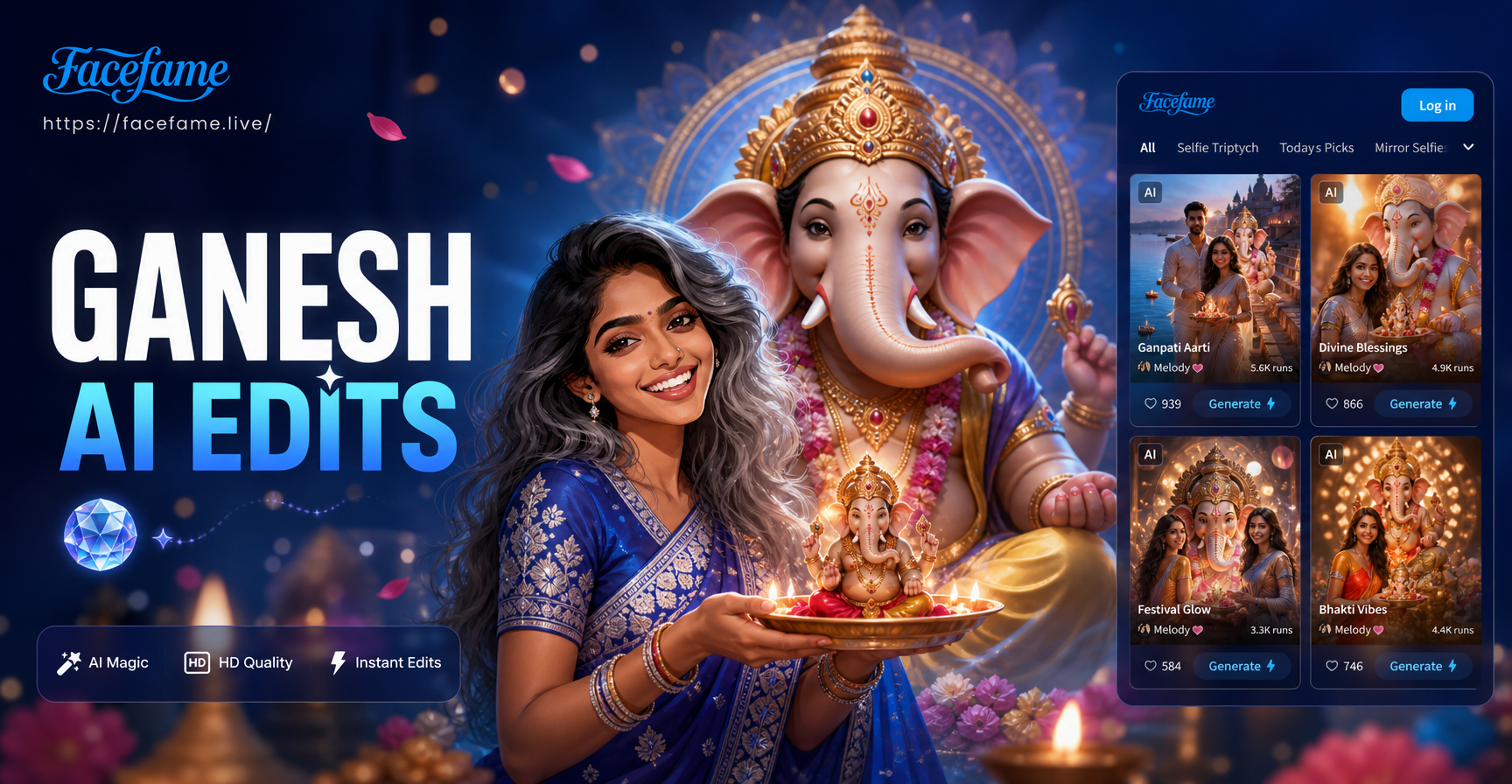
Ganesh Chaturthi photo editing prompts are specific text instructions you feed to an AI image generator or photo editor. Instead of asking for a generic festival edit, you describe the exact visual elements you want: marigold garlands, brass diyas, saffron sarees, clay Ganesha idols, warm light, and natural skin. These prompts work best when you combine them with an image to image workflow. You upload a clear photo, paste one of the detailed prompts below, and let the AI transform the scene while keeping your face and pose recognizable. This article gives you a substantial collection of prompts you can copy and use directly in the facefame app, plus clear ways to adapt them and fix the most common weak results.
What Makes a Ganesh Chaturthi AI Photo Prompt Work
Ganesh Chaturthi images look best when the prompt specifies more than just the word festival. A generic request produces flattened color and missing cultural details. A strong prompt names the visual elements: marigold garlands, brass oil lamps, red and gold sarees, saffron turbans, clay Ganesha idols, banana leaves, and warm natural light. When you edit an existing photo, include a note that tells the AI to keep the original face, posture, and hand details. This guide follows that rule. Each prompt is written for both text to image generation and image to image editing. For photo editing, upload the original image and add the prompt as style guidance. For best results, use a clear front facing or three quarter portrait with even lighting.
15 Detailed Ganesh Chaturthi AI Photo Editing Prompts
Copy any prompt below into the prompt field inside the facefame app. For image editing, choose the image to image option, upload your original photo, and paste the prompt. You can adjust clothing colors, background details, and lighting by editing the prompt text.
- Traditional family portrait: "Transform this photo into a Ganesh Chaturthi family portrait. Everyone wears coordinated Indian festive clothes in saffron, cream, and deep red. Add marigold garlands, brass diyas, and a small clay Ganesha on a decorated wooden table. Warm golden hour window light, realistic skin, soft shadows, 4k photo."
- Single woman in festive saree: "Edit this portrait so the woman wears an elegant red and gold Banarasi saree with traditional jewellery including jhumkas and a maang tikka. Background is a softly blurred festive room with marigold strings and glowing diyas. Natural warm light, realistic fabric texture, cinematic color grade, photo realistic."
- Man in kurta with festive backdrop: "Turn this photo into a Ganesh Chaturthi greeting card shot. The man wears a cream kurta with a saffron stole. Behind him, a decorated entrance with banana leaves, marigold toran, and soft bokeh lights. Evening mood, warm tones, sharp focus on eyes, professional portrait editing."
- Child with modak: "Transform this child portrait into a festive Ganesh Chaturthi scene. The child holds a small plate of modaks, wearing a bright yellow kurta. Add a soft marigold background, gentle smile, warm natural light, realistic food details, cheerful festival mood, high resolution."
- Couple at pandal: "Place this couple in a beautiful Ganesh pandal at night. They wear traditional festive outfits. Behind them, a large decorated Ganesha idol with flower garlands, hanging LED lights, and soft crowd bokeh. Cinematic lighting, accurate hand details, warm and celebratory atmosphere."
- Monochrome to bright festival look: "Recolor this old photo with warm Ganesh Chaturthi tones. Add subtle marigold accents, restore fabric colors to red, gold, and saffron, brighten the face softly, remove noise, and keep the original composition. Natural film grain, vintage festive feel, high detail."
- Studio portrait with traditional decor: "Edit this studio portrait by adding a rich Ganesh Chaturthi backdrop. Use a deep red cloth, brass urli with floating flowers, marigold garlands, and a small ornamental Ganesha statue. Soft studio lighting, elegant pose, high end retouching, realistic shadows."
- Outdoor celebration moment: "Transform this outdoor photo into a lively Ganesh Chaturthi immersion procession. Keep the subject's face and upper body, add a blur of saffron flags, drummers, and flower petals. Motion energy, festive chaos, warm afternoon light, photo journalistic style."
- Puja ritual scene: "Edit this photo so the subject sits in front of a home altar during Ganesh Chaturthi puja. Add a clay Ganesha idol, lit diyas, incense smoke, and a plate with durva grass and modak. Soft candlelight, peaceful mood, realistic smoke details, warm color palette."
- Ganesha themed fantasy portrait: "Turn this portrait into an artistic Ganesh Chaturthi themed image. Surround the subject with floating marigold petals, soft golden particles, and a subtle Ganesha silhouette in the background. Dreamy light, painterly texture, rich orange and gold tones, fine art portrait."
- Festival greeting card layout: "Recreate this photo as a Ganesh Chaturthi greeting card. Crop to portrait orientation, add a decorative border with marigold and mango leaves, write blank space for text, keep the subject on one side, warm festive color scheme, print quality."
- Night diya lighting: "Edit this portrait with dramatic diya lighting from below. Add multiple brass oil lamps in the foreground, warm flames reflecting on the face, dark festive background with hanging marigold, rich shadows, cinematic low key portrait, sharp facial features."
- Minimalist festive aesthetic: "Transform this photo into a minimalist Ganesh Chaturthi image. Use a clean beige background, one marigold garland, one small Ganesha idol on a side table, soft diffused light, neutral tones with saffron accent, elegant negative space, high resolution."
- Watercolor festival art: "Convert this photo into a soft watercolor painting for Ganesh Chaturthi. Keep the subject recognizable, use orange, yellow, and pink washes, add loose marigold flowers and lotus motifs, textured watercolor paper look, gentle hand painted feel."
- Cinematic film still: "Edit this image as a cinematic film still from a Ganesh Chaturthi celebration. Use a 35mm lens look, shallow depth of field, warm anamorphic glow, subtle grain, and a color palette of saffron, teal, and gold. The subject looks naturally candid and joyful."
How to Adapt These Ganesh Chaturthi Prompts to Your Own Photos
These prompts are starting points. You can change the subject, clothing, and setting while keeping the same structure. If the prompt says the woman or the man, replace it with the specific person in your photo. If the original photo has a cluttered room, ask the AI to replace the background while keeping faces unchanged. If you want a more personal result, mention age, skin tone, and jewelry details in the prompt.
Adjust Clothing and Colors
Instead of red and gold, try royal blue and silver, pastel pink, or deep green. Add specific fabric names such as silk, cotton, or velvet. For example, change red Banarasi saree to teal silk saree with gold border. This small edit keeps the festival mood but makes the result feel like your own dress code.
Control the Background
If you do not want a pandal or busy street, replace the background phrase with a clean studio backdrop, a simple marigold wall, or a soft garden with banana leaves. You can also add an exact time of day such as early morning light or evening diya glow. This helps the AI separate the subject from the background without losing the festive feel.
Keep Faces and Hands Natural
AI photo editors sometimes blend faces in group photos or add extra fingers. To reduce this, add the phrase keep all faces separate and realistic hands to the end of any prompt. In facefame, use the image to image feature with a clear original photo, and avoid cropping too close to the face. The AI keeps the main facial structure better when the prompt explicitly says preserve the original face.
How to Fix Common Weak Results
Even a strong prompt can produce a weak image. You do not need to start over. Small corrections in the prompt usually solve the problem.
The AI Blended Faces in a Group Photo
If two faces look similar or one face disappears, add this instruction: keep each face distinct, preserve individual facial features, do not merge people. Also avoid prompts that use the word everyone in the same sentence with face details. For multi person photos, generate the background first and then edit each face with a separate pass if the app allows it.
The Decor Looks Too Generic
If the background shows random flowers instead of marigold and diyas, be more specific. Replace festive background with marigold garland strings hanging vertically, brass diyas on a low wooden table, and a small clay Ganesha idol on the right. Adding the words specific traditional Indian decor can also help.
The Skin Tone Changed Too Much
AI editing can warm or lighten skin too aggressively. Add this to the prompt: maintain the original natural skin tone, do not change facial features, realistic color grading. If the result still looks off, lower the prompt strength in the app or use a smaller edit area.
The Frame Looks Overcrowded
If the AI adds too many garlands, lamps, and people, add simple background, clean composition, single subject only, minimal decor. This is useful for formal portraits where the face should remain the main focus.
A Simple Workflow in facefame for Ganesh Chaturthi Edits
facefame is a mobile app available on Google Play. It combines text to image and image to image tools in one place. To use these prompts, download the app, open it, and select the image to image option. Upload a clear photo of yourself or your family. Paste one of the prompts from the list above. Adjust the style intensity if you want a lighter effect. Tap generate and wait a few seconds. Save the result to your phone or share it directly to WhatsApp, Instagram, or Facebook. No design skills are required, and you do not need to learn complex prompt engineering. The prompts in this article already carry the detail the AI needs.
Keep the Festival Authentic While Using AI
AI editing is fun, but Ganesh Chaturthi is a devotional festival. Keep the cultural details respectful. Avoid turning the Ganesha idol into a cartoon or placing the deity in inappropriate scenes. Use warm, celebratory language in your prompts. Focus on family, puja, marigold decor, and traditional clothing. This approach produces images that feel authentic and share worthy rather than gimmicky. When you edit a photo of a puja ritual, keep the hands folded or the offering plate intact. Do not ask the AI to distort religious symbols. A respectful prompt produces a better looking and more meaningful result.
Use these Ganesh Chaturthi AI photo editing prompts as your starting set. Copy the ones that match your photos, make one or two changes to fit your outfit and background, and generate. The more specific you are, the more natural and festive the result will look.