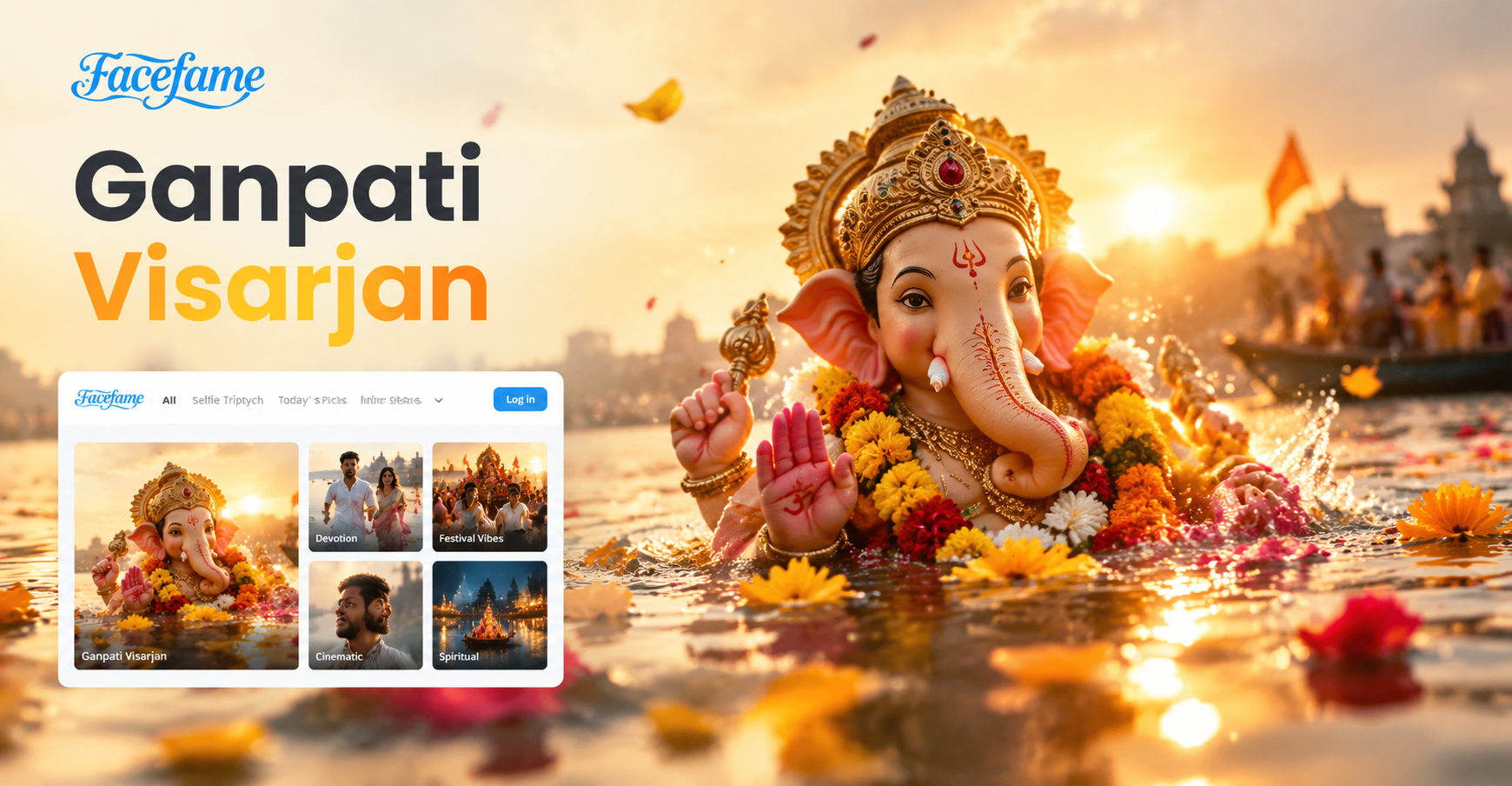
Ganpati Visarjan is one of the most emotional and visually rich moments in the Ganesh Chaturthi calendar. When you ask an AI photo editor for a Ganpati Visarjan look, a vague prompt usually returns a generic idol or a random water scene. This guide gives you specific, ready to use Ganpati Visarjan AI photo editing prompts that produce believable immersion processions, evening aartis, flower filled farewells, and festival portraits. Use them in facefame or any image editing tool that supports text instructions and reference images.
Why Ganpati Visarjan Prompts Need Specific Visual Details
AI models do not know your local pandal, your family, or the exact mood you want. The phrase Ganpati Visarjan alone can produce a generic Ganesh idol near water. To get a photo edit that feels real, include four things: the subject, the immersion setting, the crowd or procession, and the emotional tone. For example, a prompt that says a young woman wearing a yellow saree carries a small Ganesh idol toward the sea at dusk is far more useful than Ganpati Visarjan photo.
Good prompts also mention lighting, color, and camera style. Words like golden hour, overcast sky, shallow depth of field, cinematic wide shot, or phone photo at eye level help the AI match real festival photography instead of producing a polished illustration.
25 Ganpati Visarjan AI Photo Editing Prompts
Below are ready to copy prompts for different Ganpati Visarjan editing needs. Each prompt is written as a complete edit instruction. You can paste it as is or replace the subject with your own name, relation, or photo description.
Realistic Immersion Scenes
- Transform this portrait into a realistic Ganpati Visarjan photo. The person is standing waist deep in the sea at Chowpatty, gently lowering a small red Ganesh idol into the water. Evening golden light, gentle waves, flower petals floating around, soft bokeh crowd in the background, natural skin texture, 35mm documentary style.
- Edit this photo to show a family standing together at a riverbank during Ganpati Visarjan. The father holds a decorated Ganesh idol, the mother folds her hands, children throw marigold petals. Overcast sky, water reflections, muted festival colors, realistic details, shot on a phone camera.
- Place the subject in a Ganpati Visarjan procession at night. The person is walking with a crowd, holding a small idol above their head. Bright street lights, yellow and red gulal in the air, dhol tasha players nearby, motion blur on the crowd, sharp focus on the subject, cinematic wide angle.
- Turn this photo into a Ganpati Visarjan moment at a beach. The subject is carrying a Ganesh idol on their shoulder, walking toward the water. The sea is calm, the sky is orange and pink after sunset, wet sand reflects the light, realistic shadows, 50mm lens.
- Edit this image into a close up of hands gently releasing a small clay Ganesh idol into clear water. Submerged flowers, soft ripples, warm evening light, detail on the idol, shallow depth of field, emotional and reverent mood.
Traditional and Cultural Art Styles
- Convert this portrait into a traditional Indian miniature painting style Ganpati Visarjan scene. The subject is shown in profile, wearing festive clothes, carrying an idol toward a river. Flat colors, gold leaf accents, decorative border, detailed patterns, classic Pahari or Rajasthani painting influence.
- Reimagine this photo as a Madhubani art Ganpati Visarjan image. The subject is surrounded by fish, lotus flowers, and geometric water patterns. Bright natural pigments, double line outlines, filled eyes, folk art style.
- Turn this photo into a 3D clay animation style Ganpati Visarjan image. The subject is a cute clay figure holding a tiny Ganesh idol near a pond. Soft rounded shapes, pastel festival colors, miniature flowers, bokeh background, playful but respectful mood.
- Edit this image into a Ghibli style Ganpati Visarjan illustration. A gentle riverside scene with the subject carrying a small idol, paper lanterns hanging from trees, soft watercolor skies, warm nostalgic lighting, detailed background, no text.
Emotional Farewell and Devotional Moods
- Transform this portrait into an emotional Ganpati Visarjan photo. The subject has folded hands and teary eyes, looking at a Ganesh idol being immersed in the background. Soft morning light, peaceful water, marigold garlands floating, shallow depth of field, respectful and heartfelt mood.
- Edit this photo to show a woman in a green saree performing aarti before Ganpati Visarjan. She holds a brass plate with a lit lamp, the idol is decorated with red flowers, incense smoke curls upward, warm temple light, realistic devotional atmosphere.
- Create a symbolic Ganpati Visarjan edit from this photo. The subject stands on a beach after the immersion, looking at the horizon where the idol has disappeared. Waves wash over their feet, the sky is filled with soft clouds, a single marigold floats in the foreground, reflective and serene mood.
- Turn this group photo into a Ganpati Visarjan farewell. Friends and family hug each other, some wipe tears, others smile, the idol is visible being carried in the background. Festival colors, warm evening light, candid documentary style, natural emotions.
Creative and Social Media Edits
- Add Ganpati Visarjan elements to this profile photo. Place a small Ganesh idol on the subject's shoulder, add a marigold garland around the neck, and a soft bokeh sea background with floating diyas. Subtle edit, natural skin, Instagram ready square crop.
- Create a Ganpati Visarjan story edit. The subject is in the foreground, pointing toward a large Ganesh idol on a truck in the background. The idol is decorated with orange and yellow flowers. Text space left at the top, vibrant night colors, motion energy, social media vertical format.
- Turn this portrait into a Ganpati Visarjan poster. The subject is centered, wearing traditional clothes, with a large Ganesh idol behind them. The text Ganpati Bappa Morya appears in clean Devanagari style lettering at the bottom. Bold red and saffron color palette, festival poster design, respectful composition.
- Edit this photo into a split screen Ganpati Visarjan concept. Left side shows the subject before the immersion, holding the idol with joy. Right side shows the same subject after immersion, with folded hands and a peaceful expression. Soft gradient between both scenes, cinematic color grade.
Group and Family Portraits
- Transform this family photo into a Ganpati Visarjan group portrait. Everyone wears matching traditional outfits, stands on a decorated platform near the water, a large Ganesh idol is placed in the center. Flower garlands, soft studio lighting, realistic faces, festive background with bokeh lights.
- Edit this couple photo into a Ganpati Visarjan evening scene. The couple stands on a boat, holding a small idol together, the water is calm and reflective, paper lanterns float around them. Romantic yet devotional, warm yellow and orange tones, cinematic wide shot.
- Place this child's photo into a Ganpati Visarjan setting. The child holds a tiny clay Ganesh idol and smiles at the camera, standing at the edge of a decorated stepwell. Marigold petals, soft sunlight, blurred crowd behind, innocent and joyful mood.
- Turn this photo into a Ganpati Visarjan candid shot. The subject is laughing with friends while throwing gulal, a decorated idol is visible on a cart behind them. Bright daylight, vibrant colors, natural motion, festive energy, sharp focus on faces.
- Create a Ganpati Visarjan edit for a group of friends standing on a beach at night. They hold small idols and sparklers, the sea is dark behind them, the sky has faint stars. Warm sparkler light on their faces, festive and youthful mood.
How to Use These Prompts in facefame
facefame is a mobile app for AI image generation and editing. The quickest workflow is image to image. Open the app, upload the photo you want to edit, choose a style template that matches your desired look, and paste one of the prompts above as the edit instruction. For a realistic festival photo, choose a realistic photography style. For a folk art or animation look, choose a matching style template. The app then applies the prompt to your reference photo while keeping the subject recognizable.
You can also use text to image if you do not need to preserve a specific face. In that case, describe the subject as part of the prompt. For example, a young Indian man in a white kurta carries a small Ganesh idol toward the sea at sunset, Ganpati Visarjan, realistic photo, 50mm, warm light. This is a useful way to create standalone festival artwork.
Prompt Formula for Better Ganpati Visarjan Edits
If you want to write your own prompt, follow this order: subject, action, setting, time, lighting, mood, and style. For example: A mother and daughter in festive sarees walk toward the water carrying a decorated Ganesh idol, Ganpati Visarjan procession, evening golden light, gentle waves, emotional and respectful mood, realistic 35mm photo. This structure gives the AI enough context to avoid a generic result.
Use specific clothing, idol size, water type, and crowd density. Say small clay idol instead of Ganesh idol if the immersion looks too grand. Say waist deep in the sea instead of near water to position the subject correctly. Mention no text if you do not want captions. Mention natural skin texture to avoid plastic looking faces in realistic edits.
Common Mistakes and How to Fix Them
- Generic Ganesh statue: If the AI returns a giant polished marble idol instead of a festive clay murti, add small red clay Ganesh idol with simple decoration to the prompt.
- Subject not in the scene: If the edit does not place your uploaded person into the immersion, start the prompt with Place the subject or Transform this portrait and describe the exact position.
- Fake looking water: If the water looks like a painting or plastic, add realistic water reflections, natural waves, wet sand and choose a realistic style template.
- Overly crowded background: If the background becomes messy, add shallow depth of field, soft bokeh crowd so the AI keeps the focus on the subject.
- Wrong festive details: If the AI adds unrelated props like Chinese lanterns or generic fireworks, specify marigold flowers, dhol tasha, diyas, Ganpati Visarjan procession at Chowpatty or a local riverbank.
- Text errors in posters: If the output includes misspelled text, add correct spelling of Ganpati Bappa Morya in Devanagari or generate the text separately and add it in an editing app.
Final Thoughts
Ganpati Visarjan AI photo editing works best when you treat the prompt as a scene description, not just a keyword. The strongest results come from a clear subject, a specific immersion action, and a respectful emotional tone. Whether you want a realistic Chowpatty farewell, a Madhubani style portrait, or a cheerful group edit, the prompts above give you a solid starting point. Open facefame, pick your photo, paste a prompt, and adjust the style template until the result matches the festival mood you remember.