Add Makeup To Photo Online Free
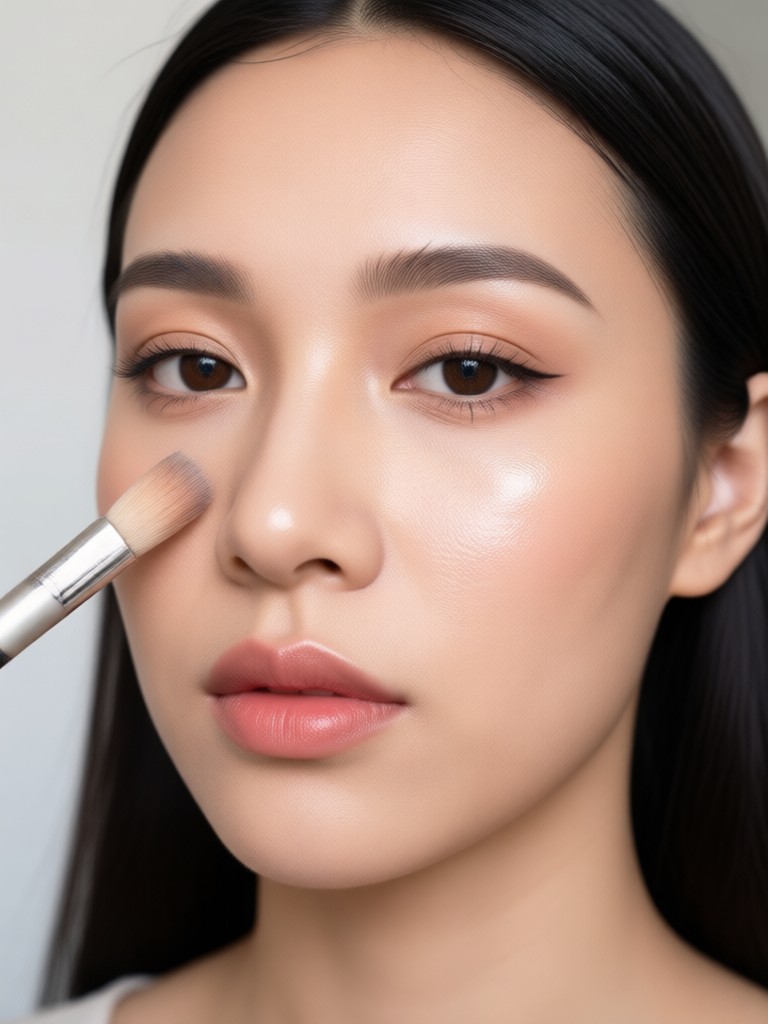
Choose Your Favorite Makeup Filter
Discover the filter that perfectly matches your style and mood.
Key Features of AI Makeup Photo Editor
Explore how facefame turns ordinary photos into stunning beauty shots with advanced AI makeup tools designed for everyone.
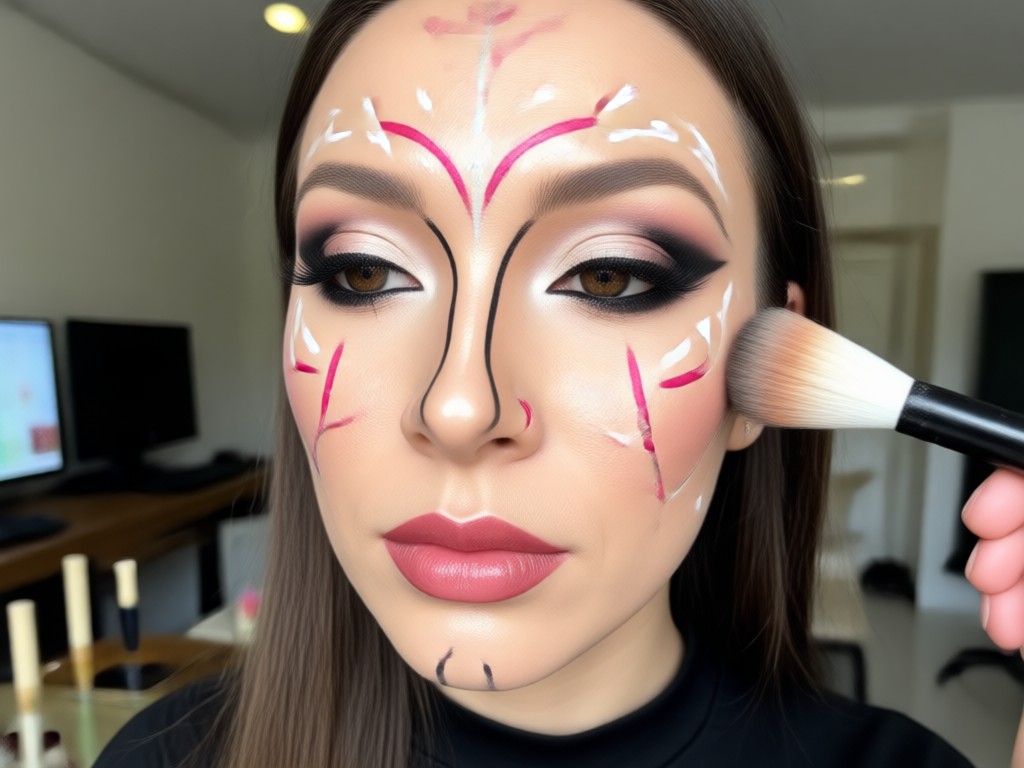
Realistic Virtual Makeup
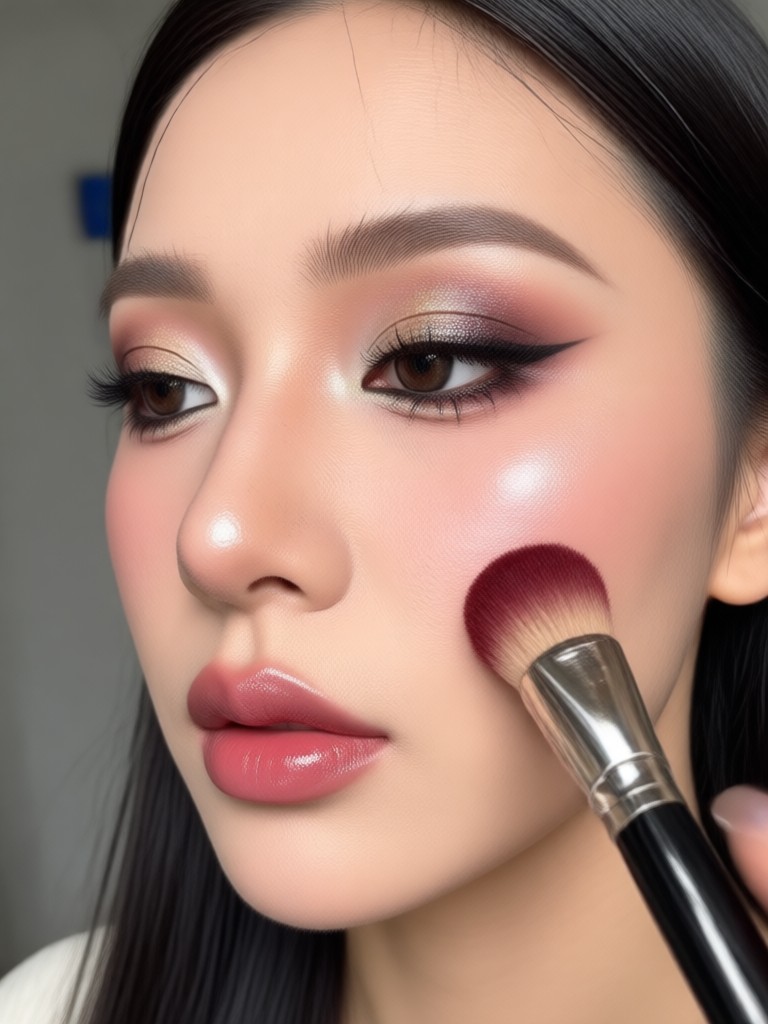
Apply lipstick, foundation, blush, and eyeshadow that blends naturally with your skin tone. The AI preserves facial details so results look like real cosmetics, not filters.
Realistic Virtual Makeup
Apply lipstick, foundation, blush, and eyeshadow that blends naturally with your skin tone. The AI preserves facial details so results look like real cosmetics, not filters.
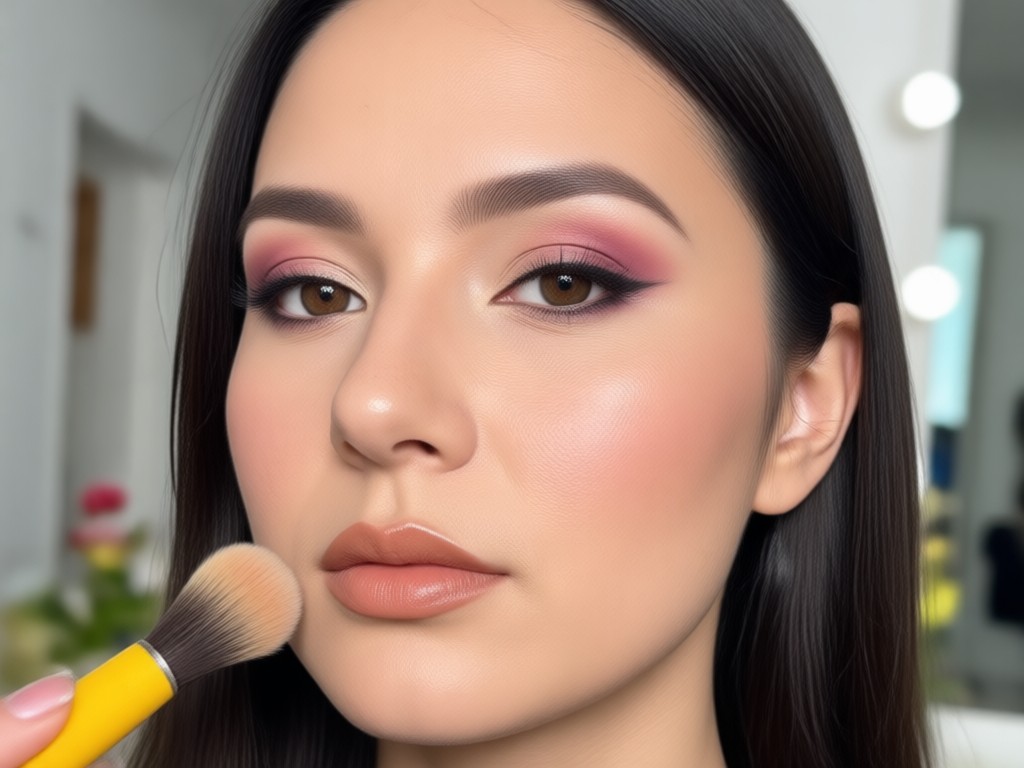
One Tap Beauty Filters
Choose from hundreds of style templates for natural, party, or editorial looks. Each filter is optimized to enhance your features without making the photo appear overedited.
One Tap Beauty Filters
Choose from hundreds of style templates for natural, party, or editorial looks. Each filter is optimized to enhance your features without making the photo appear overedited.
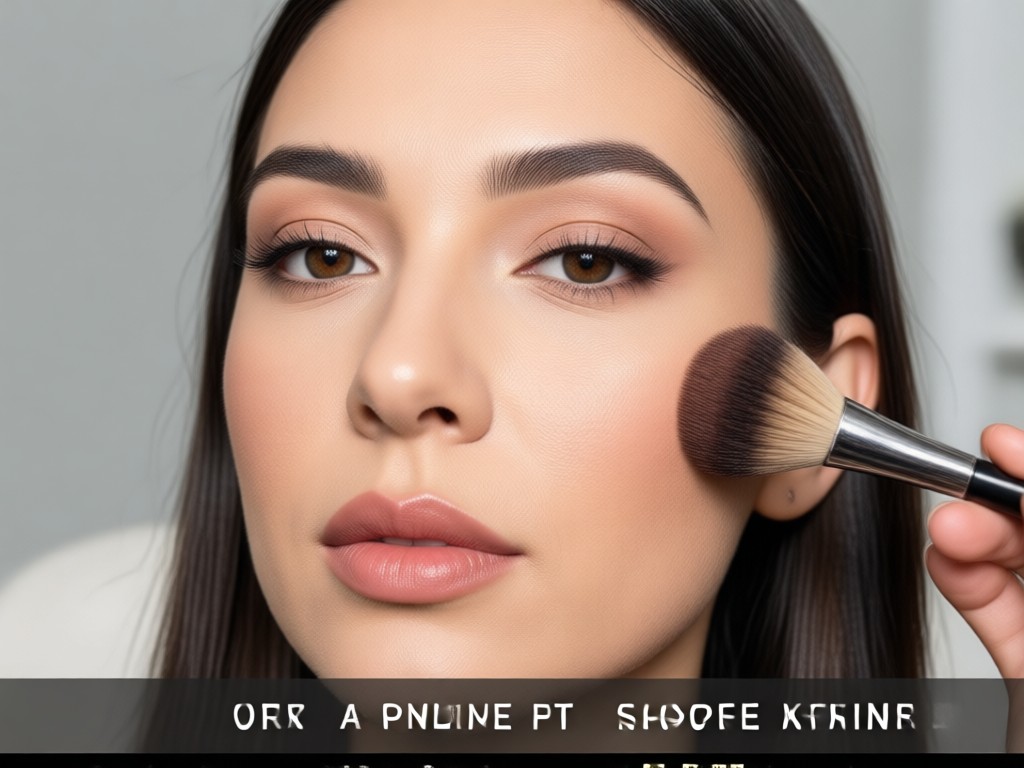
HD Face Enhancement
Automatically smooth skin, brighten eyes, and sharpen facial contours while adding makeup. The result is a polished, high resolution image ready for social media or profile use.
HD Face Enhancement
Automatically smooth skin, brighten eyes, and sharpen facial contours while adding makeup. The result is a polished, high resolution image ready for social media or profile use.
Explore AI Makeup Transformations
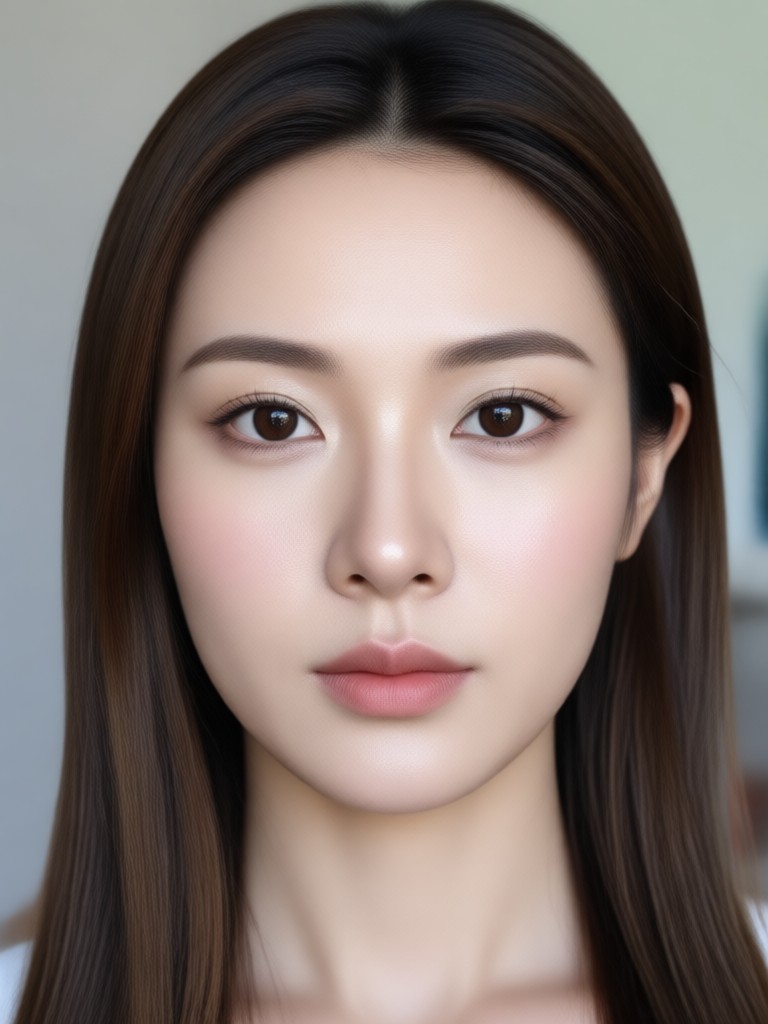
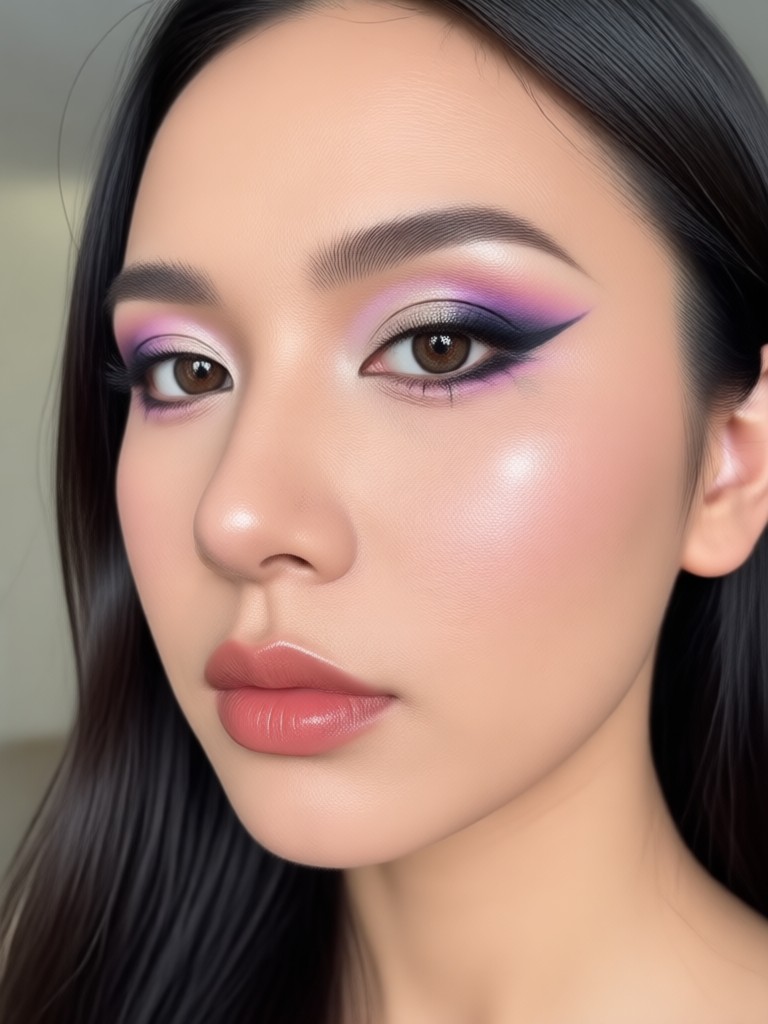
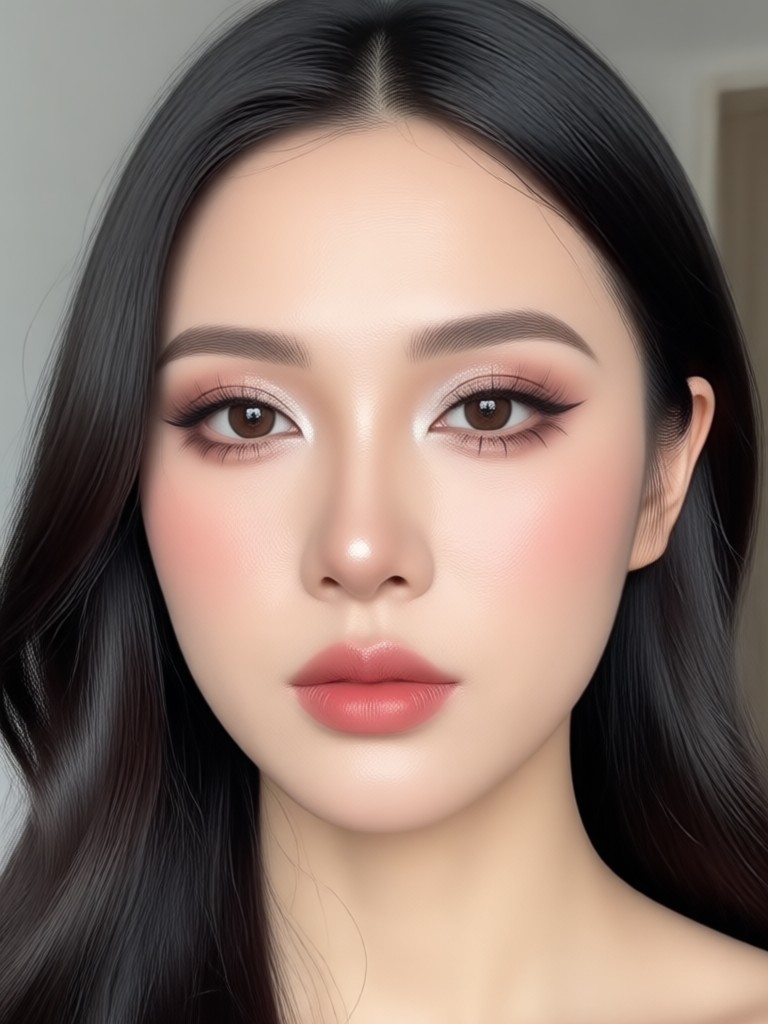
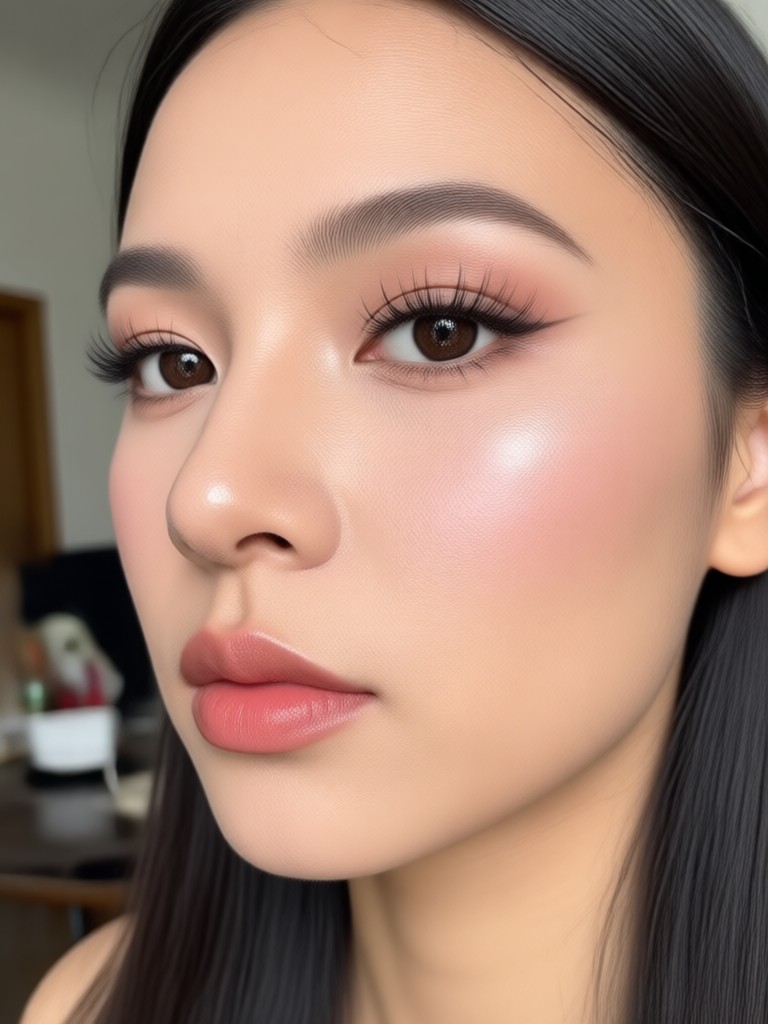
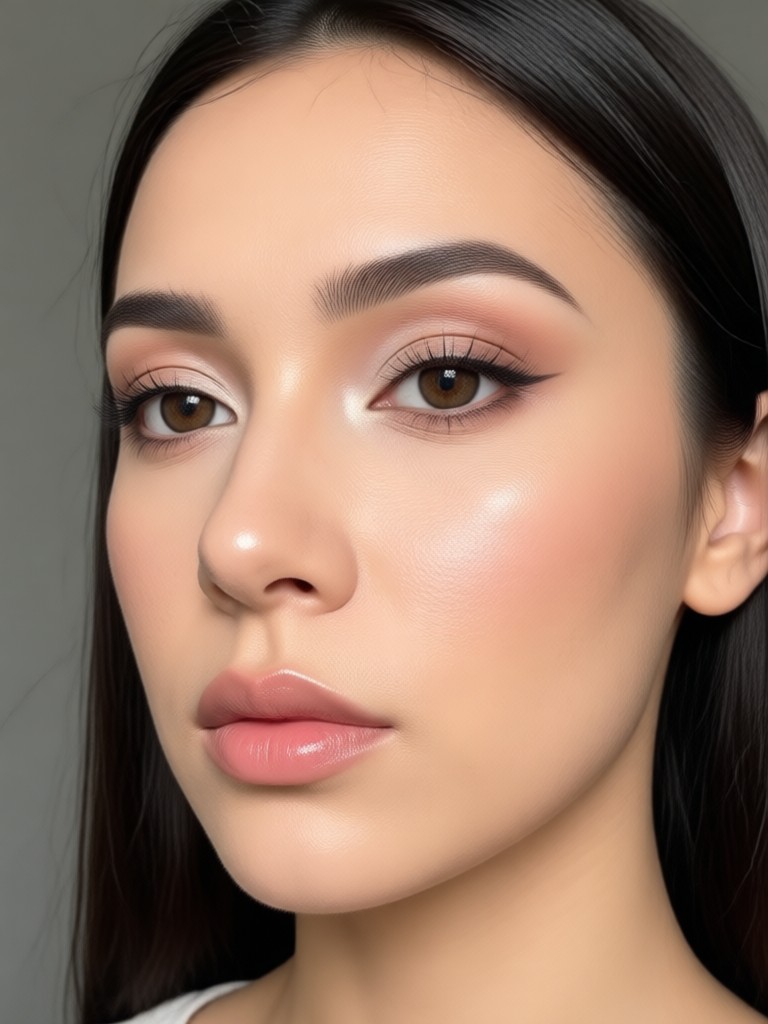
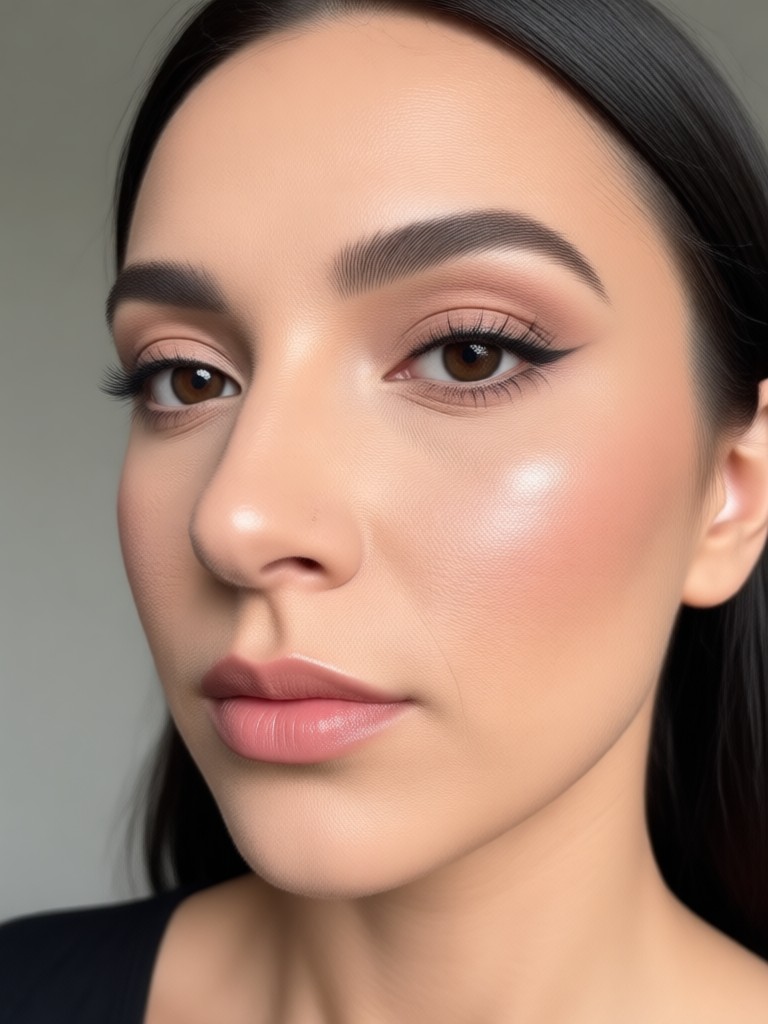
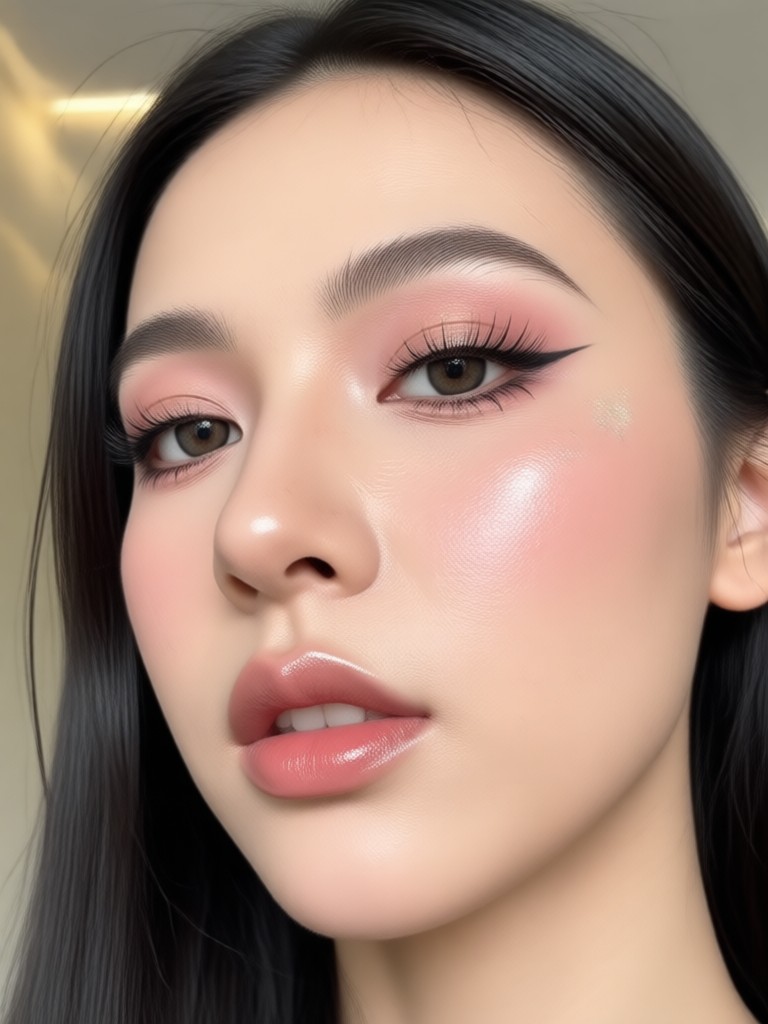
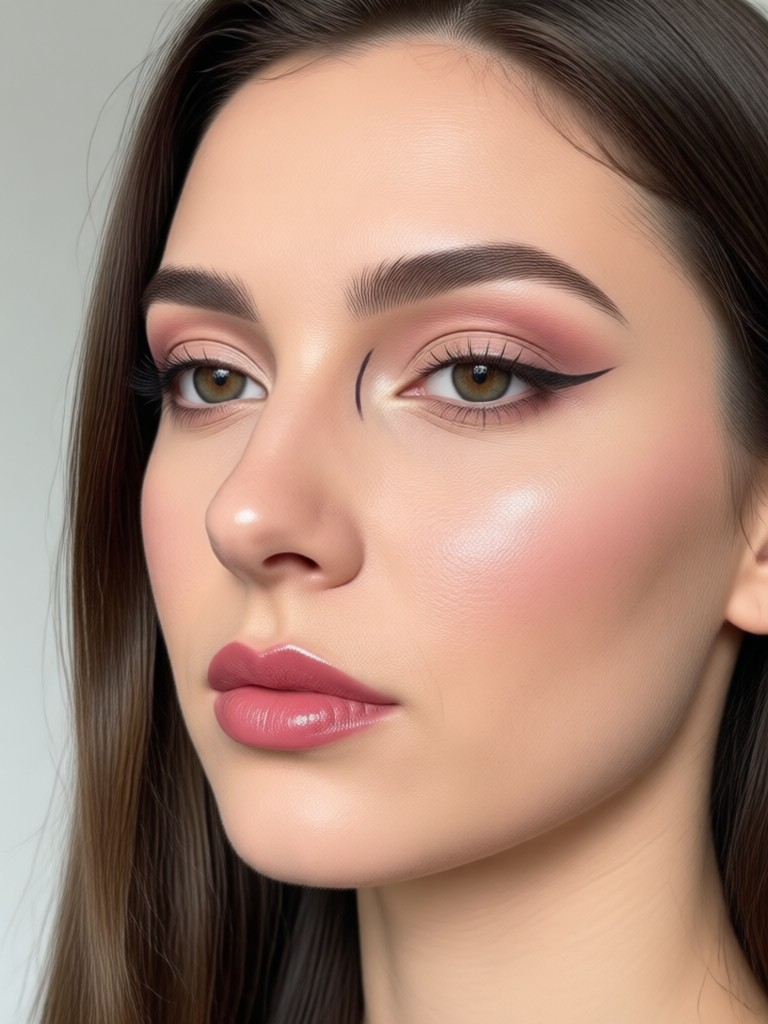
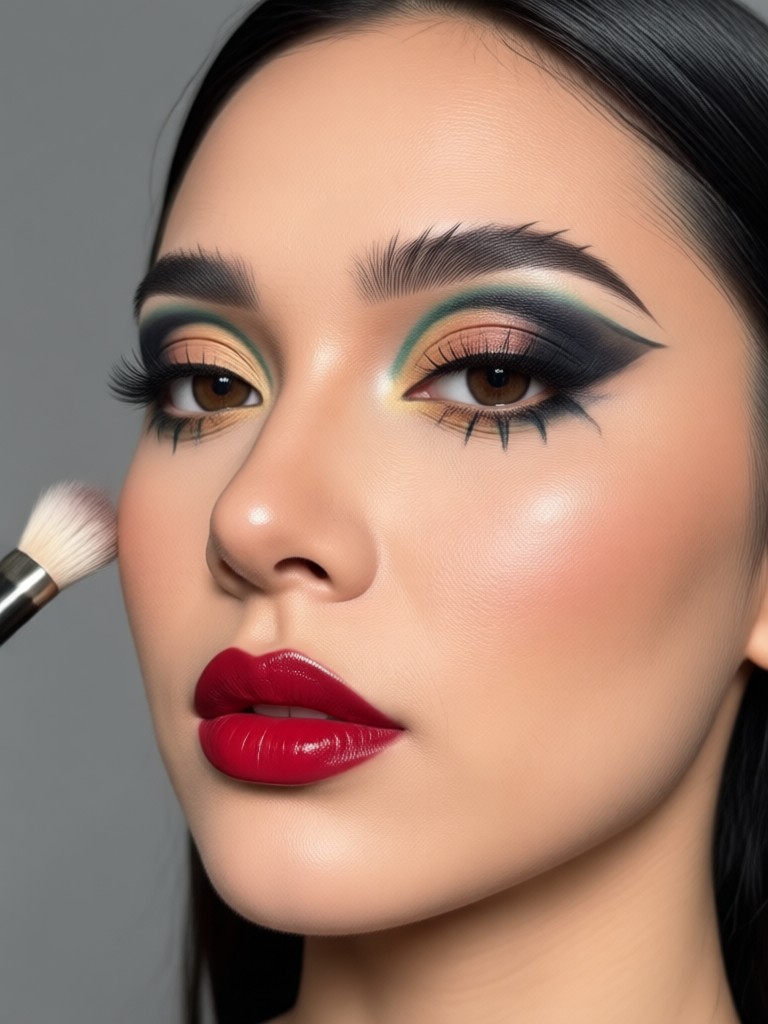
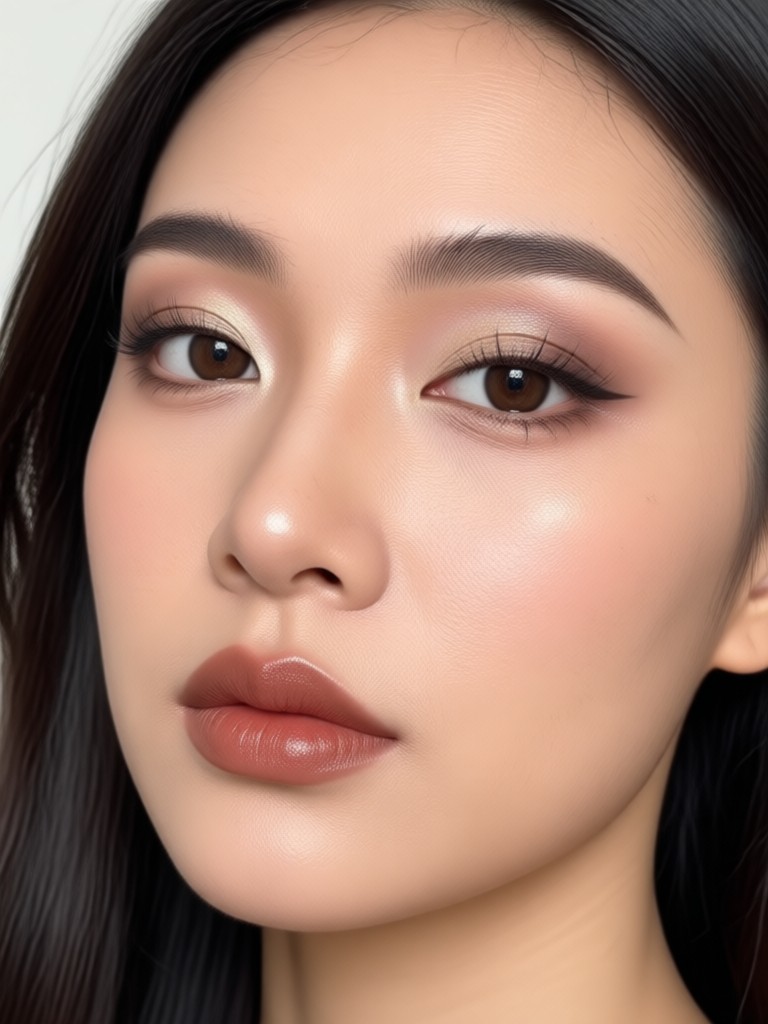
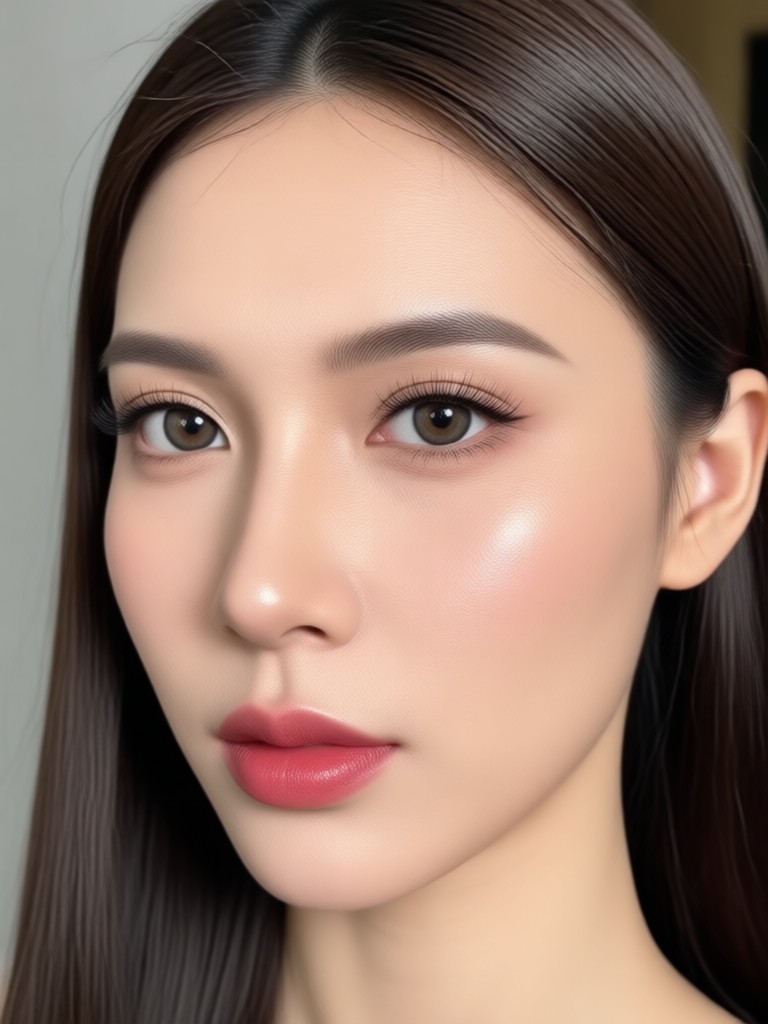
Browse stunning AI generated makeup looks created with our powerful beauty editor. Discover creative possibilities and start creating your own today.
How to Add Makeup to Photo Online Free
Create stunning virtual makeup looks in just a few simple steps using the facefame app.
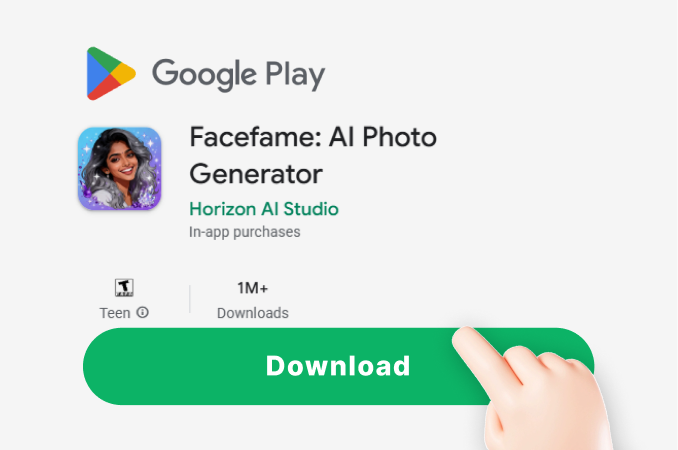
Step 01.
Download the facefame app from Google Play and open it on your phone. The app is free and works on Android devices.
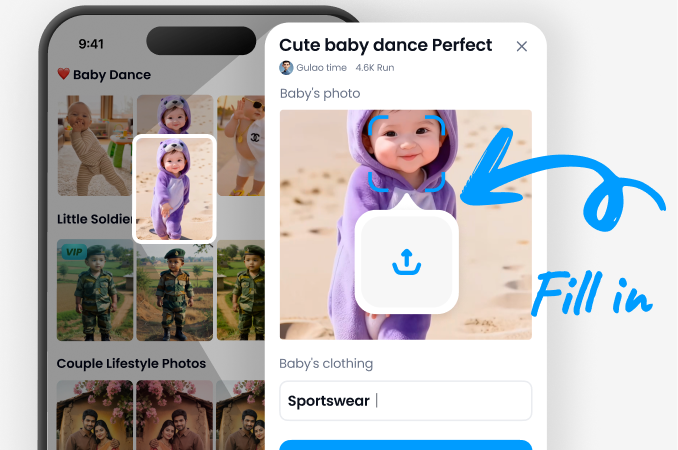
Step 02.
Upload a clear photo of yourself or a friend. Choose a makeup filter from the beauty library that suits your desired look.
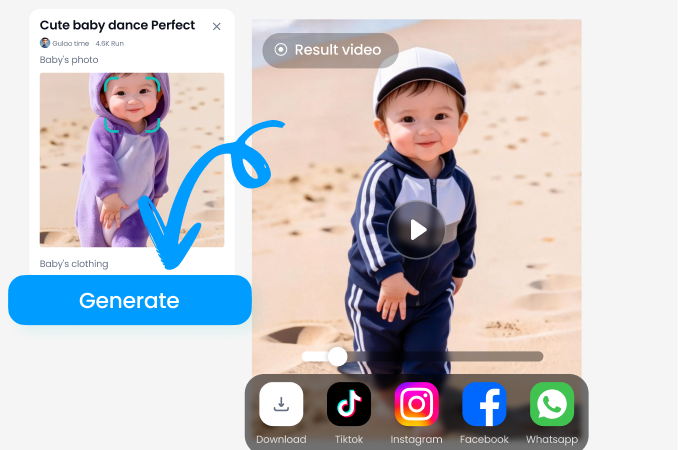
Step 03.
Tap generate and let AI apply the makeup. Save your new photo or share it directly to social media from the app.
Why Use AI to Add Makeup to Photos
Facefame gives you a professional makeup artist in your pocket. No appointments, no product costs, and no waiting.
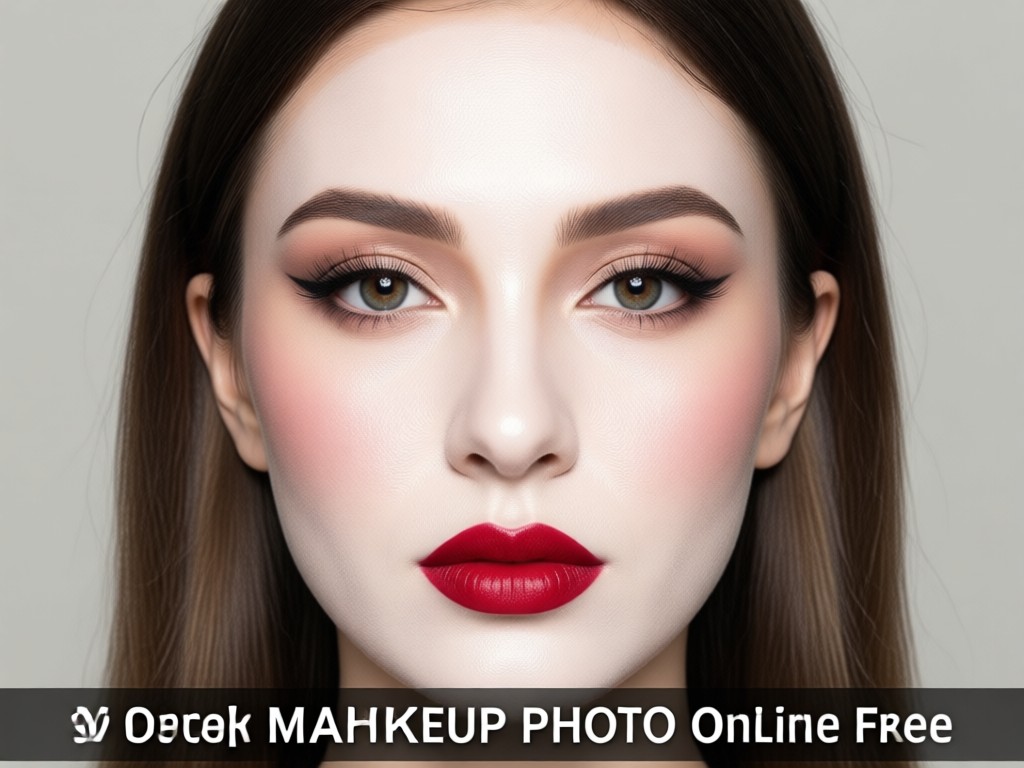
A Faster, Smarter Way to Try New Looks
Traditional makeup try on requires apps with limited catalogs or manual photo editing skills. Facefame uses advanced AI to analyze your facial features and apply makeup that fits your unique face shape and skin tone. You can test a red carpet look, a natural everyday style, or a bold festival glitter look in seconds. The results are realistic enough to share, and you can go back to the original photo anytime. It is the most convenient way to experiment with beauty trends without commitment.
A Faster, Smarter Way to Try New Looks
Traditional makeup try on requires apps with limited catalogs or manual photo editing skills. Facefame uses advanced AI to analyze your facial features and apply makeup that fits your unique face shape and skin tone. You can test a red carpet look, a natural everyday style, or a bold festival glitter look in seconds. The results are realistic enough to share, and you can go back to the original photo anytime. It is the most convenient way to experiment with beauty trends without commitment.
Who Uses Virtual Makeup Filters
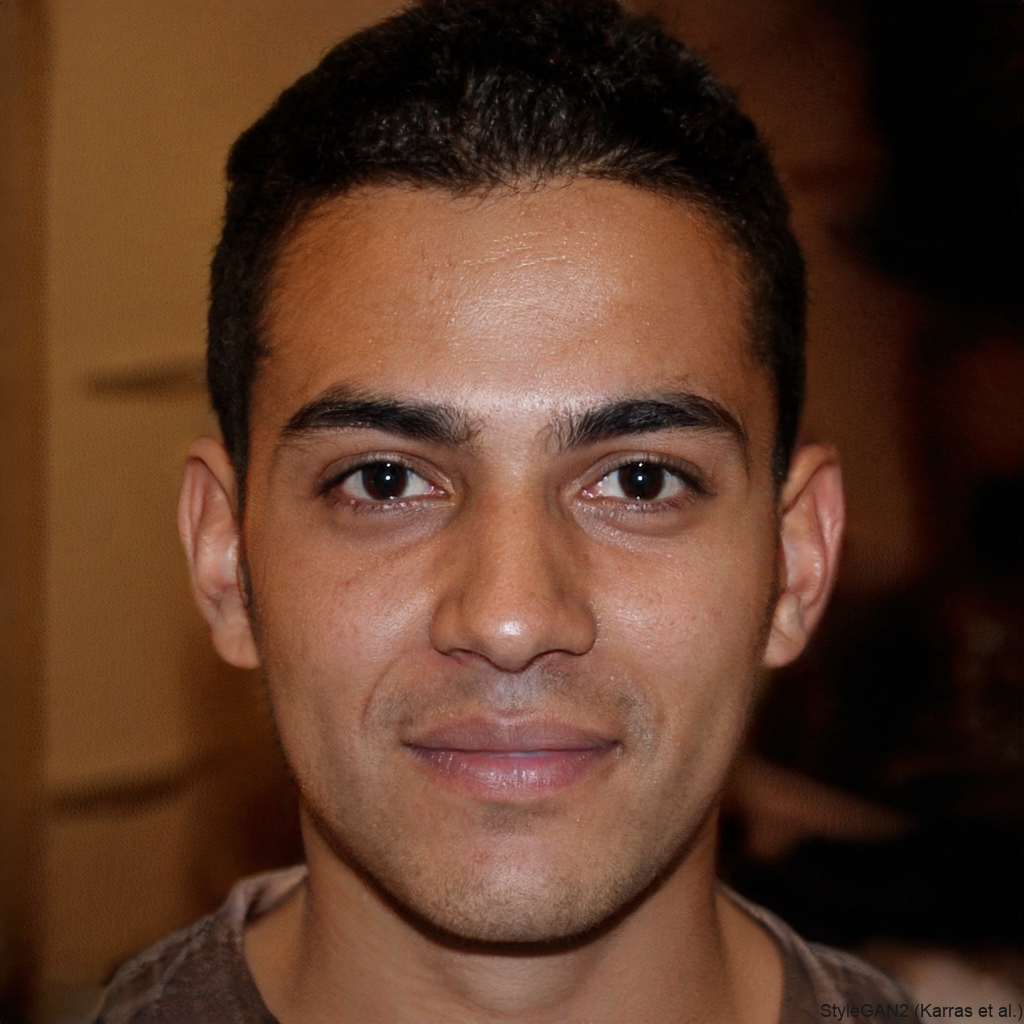
Maya Chen
I use facefame to try new lipstick shades before buying them. The AI makeup looks so real that my friends think I actually did a full glam session. It saves me money and time every week.
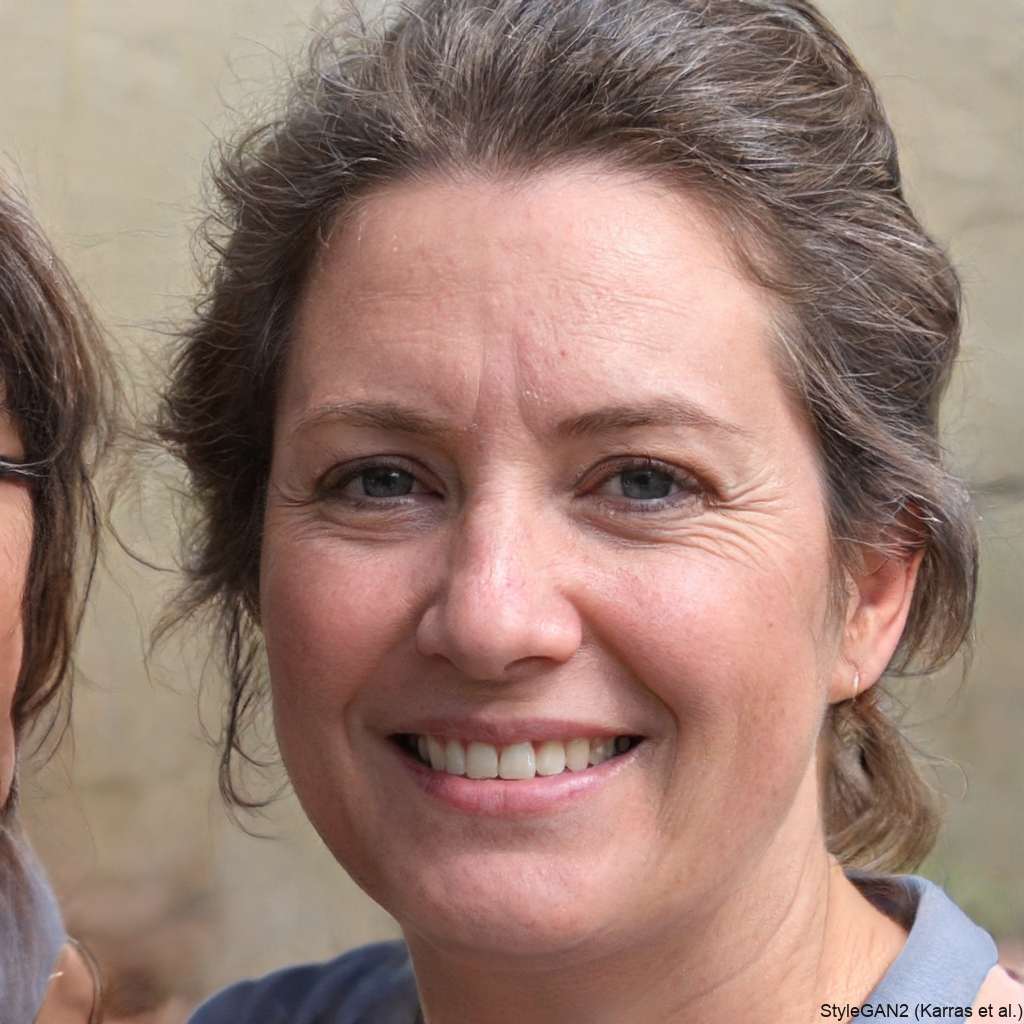
Sophia Patel
As a content creator, I need fresh looks for my thumbnails. Facefame lets me add makeup to photos in minutes, even when I have no time to do my own makeup. The filters are diverse and high quality.
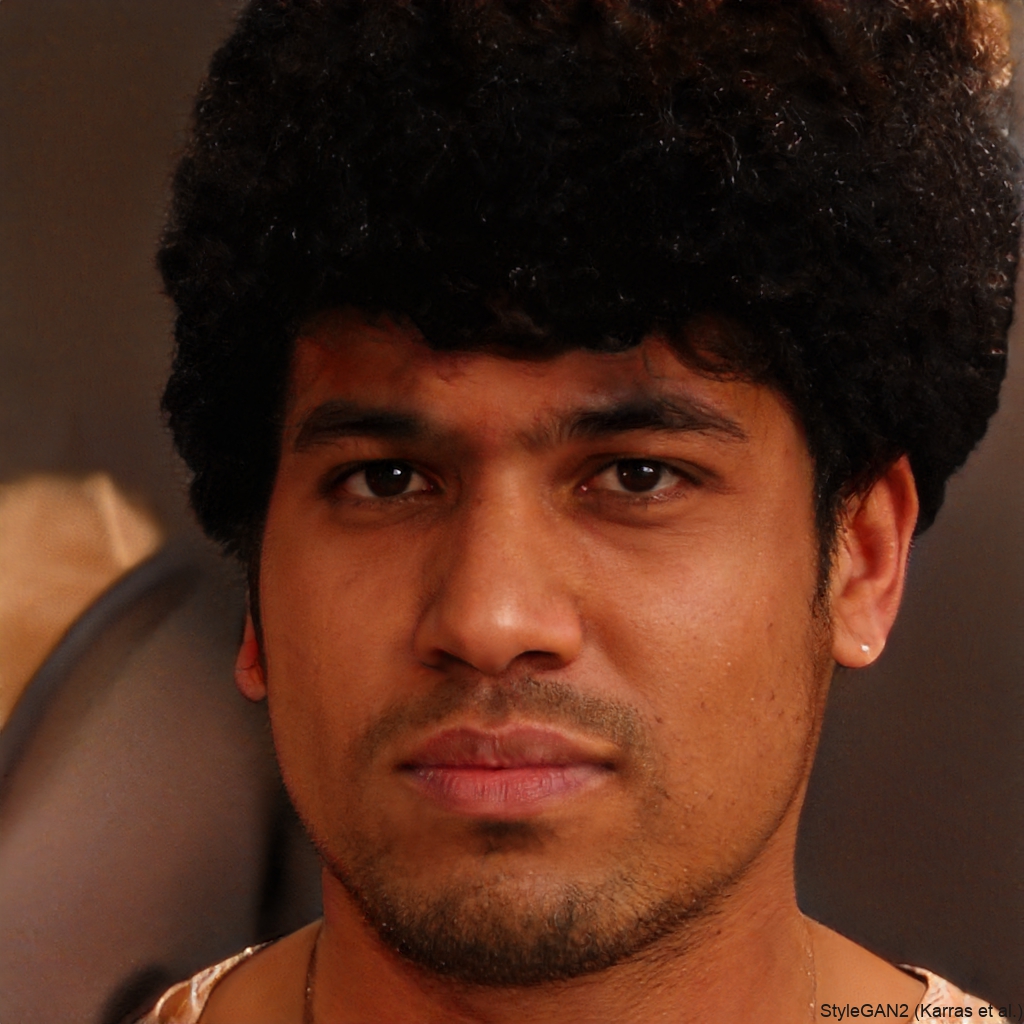
Elena Rodriguez
I love testing bold eyeshadow colors without the mess. The app is simple and the results are natural. I use it for profile pictures and dating app photos. It has become my secret weapon.
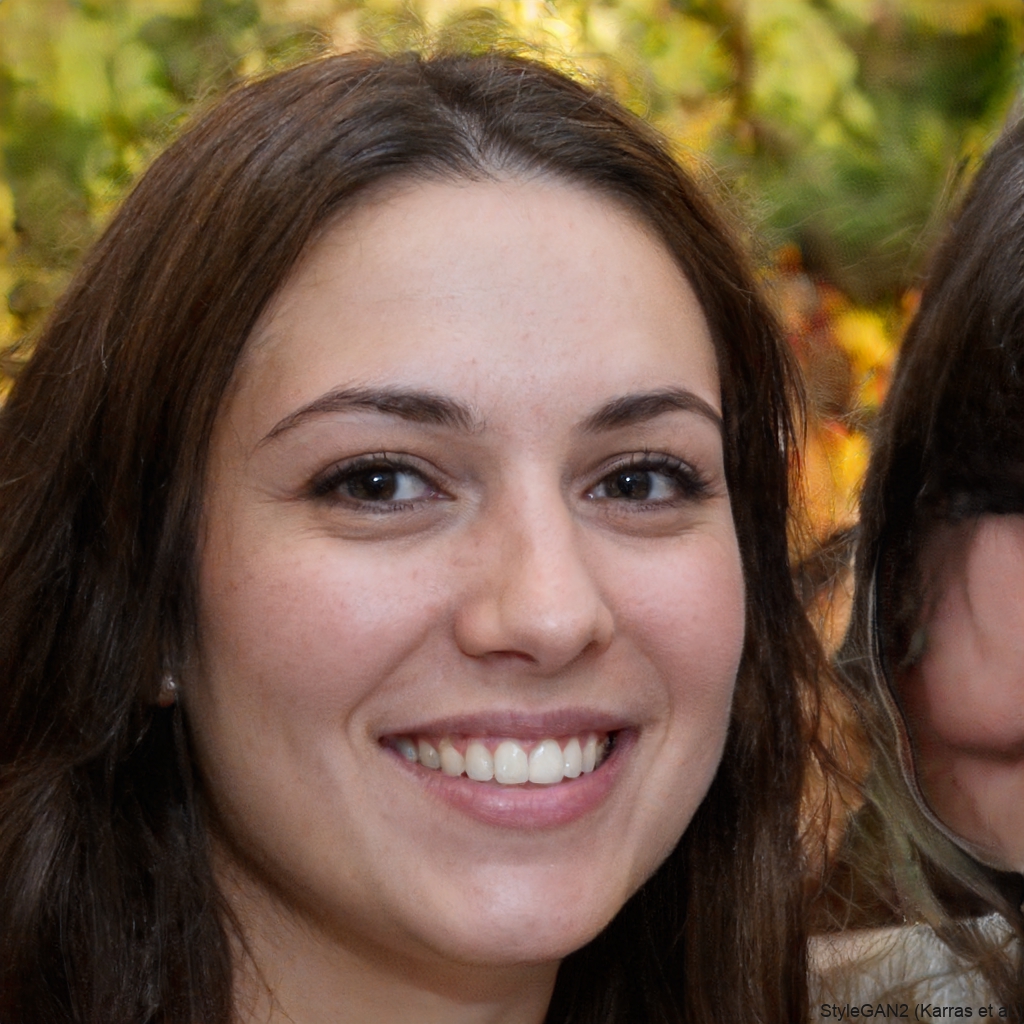
Amara Johnson
My skin often looks tired in photos, and facefame fixes that. The makeup filter brightens my face and adds a subtle glow. I can create a polished look for LinkedIn or Instagram instantly.
Maya Chen
I use facefame to try new lipstick shades before buying them. The AI makeup looks so real that my friends think I actually did a full glam session. It saves me money and time every week.
Sophia Patel
As a content creator, I need fresh looks for my thumbnails. Facefame lets me add makeup to photos in minutes, even when I have no time to do my own makeup. The filters are diverse and high quality.
Elena Rodriguez
I love testing bold eyeshadow colors without the mess. The app is simple and the results are natural. I use it for profile pictures and dating app photos. It has become my secret weapon.
Amara Johnson
My skin often looks tired in photos, and facefame fixes that. The makeup filter brightens my face and adds a subtle glow. I can create a polished look for LinkedIn or Instagram instantly.
Maya Chen
I use facefame to try new lipstick shades before buying them. The AI makeup looks so real that my friends think I actually did a full glam session. It saves me money and time every week.
Sophia Patel
As a content creator, I need fresh looks for my thumbnails. Facefame lets me add makeup to photos in minutes, even when I have no time to do my own makeup. The filters are diverse and high quality.
Elena Rodriguez
I love testing bold eyeshadow colors without the mess. The app is simple and the results are natural. I use it for profile pictures and dating app photos. It has become my secret weapon.
Amara Johnson
My skin often looks tired in photos, and facefame fixes that. The makeup filter brightens my face and adds a subtle glow. I can create a polished look for LinkedIn or Instagram instantly.
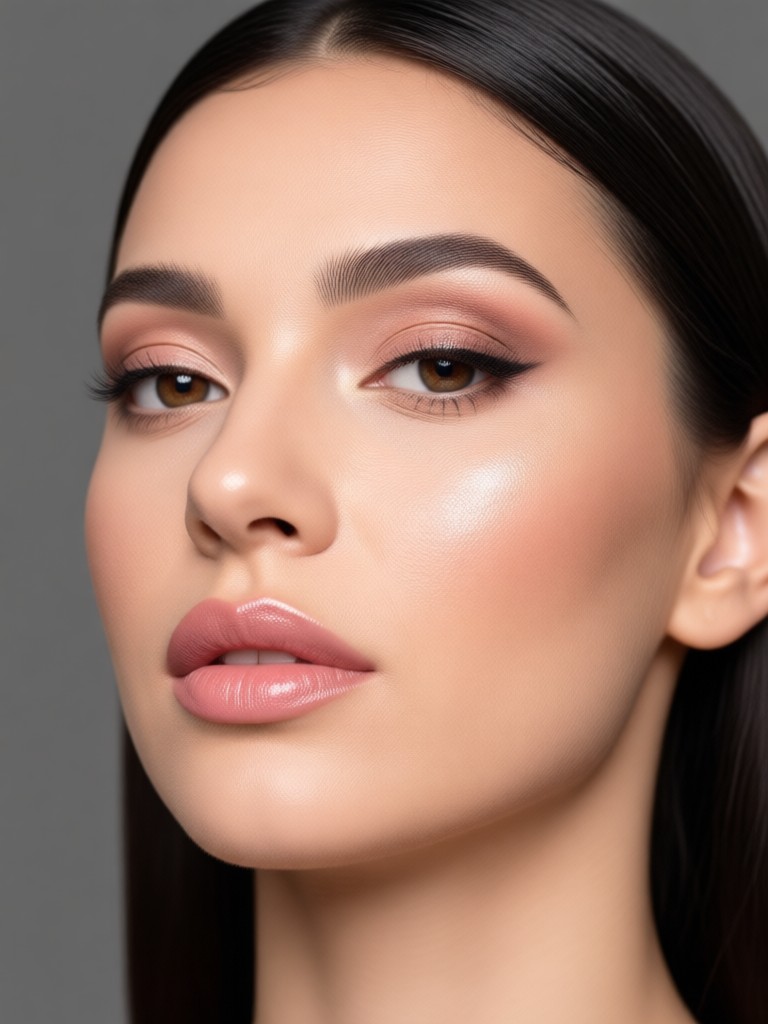
Virtual Makeup Try On for Every Occasion
From natural office looks to dramatic evening glam, facefame has the right makeup style for any photo. Try before you buy and discover your best look.

Frequently Asked Questions
Find clear answers to common questions about adding makeup to photos online for free.
More Topics You May Like
Explore more topics you may like and discover fresh ideas tailored to your interests.

Photo HDR Converter: Turn Flat Images Into Stunning HDR
Photo HDR Converter transforms ordinary photos into dramatic high dynamic range images. Upload a picture, apply realistic HDR filters, and boost detail, color, and contrast in seconds.
Easily Add Someone To A Picture With AI Photo Editing
Learn how to add someone to a picture with facefame's AI photo editor. Upload a photo, select a person, and generate realistic results in seconds. No design skills needed. Download the app now.

Funny Picture Filters That Turn Any Photo Hilarious
Transform ordinary photos into hilarious moments with funny picture filters. Pick from cartoon effects, meme styles and AI face swaps. Download the app and start creating comedic edits in seconds.

Pick Your Perfect Makeup Filter Online for Free
Preview hundreds of AI makeup filters on your own face before you commit. Upload a selfie, try natural or glam looks, and save your favorite look for free. Download facefame.
Ready to Add Makeup to Your Photos?
Download facefame from Google Play and start creating stunning virtual makeup looks today. Free, fast, and incredibly realistic.

Ready to Add Makeup to Your Photos?
Download facefame from Google Play and start creating stunning virtual makeup looks today. Free, fast, and incredibly realistic.