AI 180° Turn Video Generator
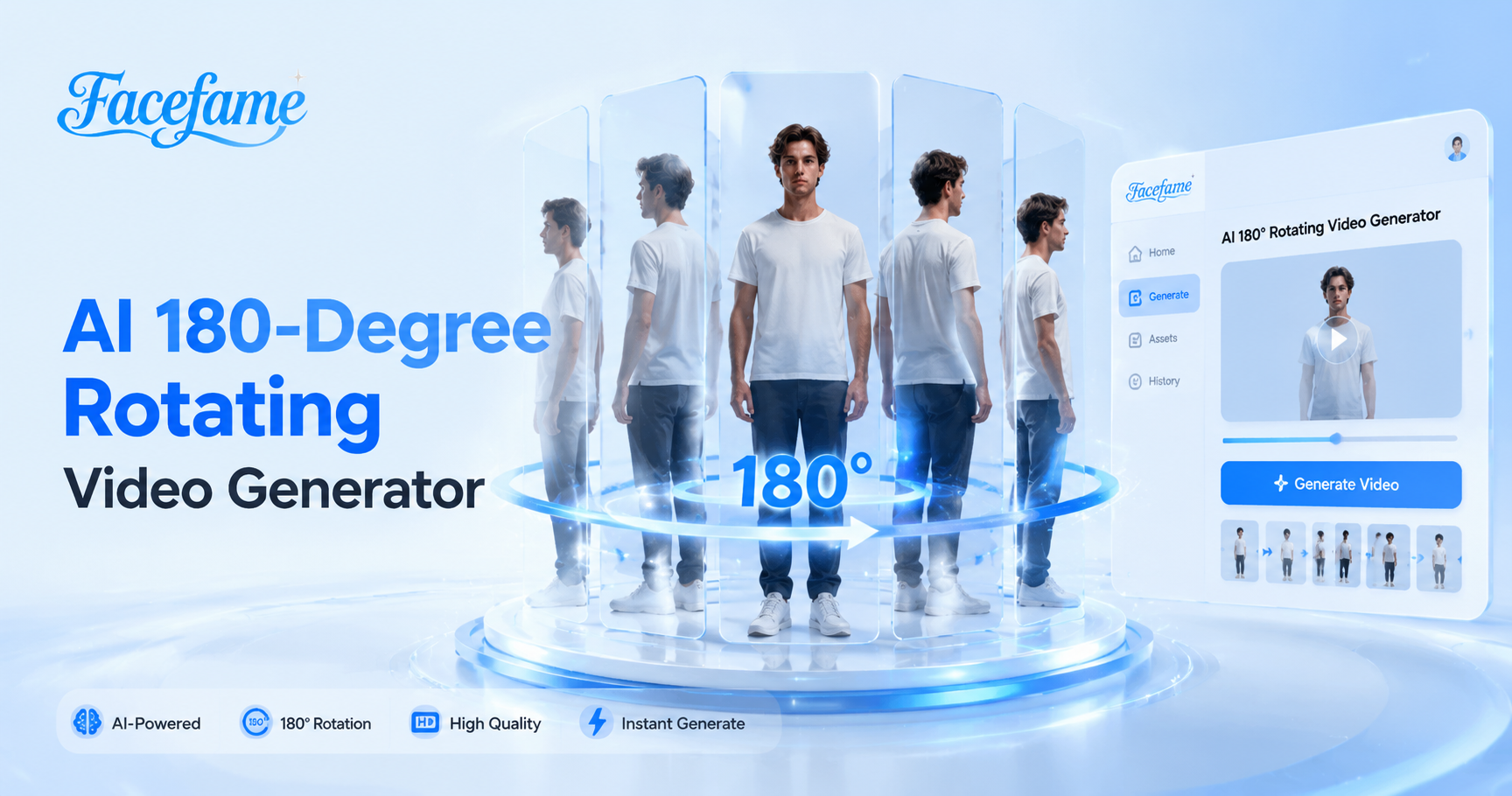
180-degree rotation movement



Advantages of Creating 180° Turn Videos with Facefame
Create 180° turn videos with smooth motion, flexible styles, and easy AI tools that help transform ideas into engaging visual content.
 Before
Create Realistic 180° Turn Video Effects
With Facefame, you can create realistic 180° turn video effects from images or text. It adds smooth movement, natural transitions, and clear visual details while keeping the main subject consistent. Easily transform static content into dynamic videos with a fresh perspective and engaging motion effects using simple mobile creation tools.
BeforeCreate Realistic 180° Turn Video Effects
With Facefame, you can create realistic 180° turn video effects from images or text. It adds smooth movement, natural transitions, and clear visual details while keeping the main subject consistent. Easily transform static content into dynamic videos with a fresh perspective and engaging motion effects using simple mobile creation tools.
 Before
Generate Amazing Videos from Images
With Facefame, you can create 180° turn videos from images without professional video editing skills. Simply upload your photo and let Facefame generate dynamic motion effects with smooth transitions and natural visual changes. The simple mobile workflow helps you transform static images into engaging videos with creative movement and depth.
BeforeGenerate Amazing Videos from Images
With Facefame, you can create 180° turn videos from images without professional video editing skills. Simply upload your photo and let Facefame generate dynamic motion effects with smooth transitions and natural visual changes. The simple mobile workflow helps you transform static images into engaging videos with creative movement and depth.
 Before
Creative 180° Turn Video Filters
Facefame provides creative and fun 180° turn video filters to help you explore new video ideas. Choose different styles and effects to transform simple images into engaging videos with unique motion. These AI powered filters make it easy to create personalized visual content with perspectives and expressive results on mobile.
BeforeCreative 180° Turn Video Filters
Facefame provides creative and fun 180° turn video filters to help you explore new video ideas. Choose different styles and effects to transform simple images into engaging videos with unique motion. These AI powered filters make it easy to create personalized visual content with perspectives and expressive results on mobile.
How to Create 180° Turn Videos with Facefame?
See how to create 180° turn videos with Facefame. Follow the tutorial and try generating your own videos.

Step 01.
Download the Facefame app and start creating your favorite 180° turn video effects anytime, anywhere.

Step 02.
Choose a filter effect in the app and upload a clear photo of your face to the filter.

Step 03.
Tap the button in Facefame to start generating. The created videos can be shared and saved.
Create 180° Turn Videos Easily
Turn your images and ideas into dynamic 180° videos with Facefame. Enjoy smooth movements, creative effects, and simple AI powered video creation.

Feedback From Facefame 180° Turn Video Filter Users

Emma
I used Facefame to create a 180° turn video from a simple photo, and the result felt natural and smooth. The movement added a new perspective to my image and made my content more engaging.

Liam
I tried the 180° turn video feature for my social media posts, and I was impressed by how easy the process was. Facefame helped me create dynamic videos without needing complex editing skills.

Sophia
I wanted to make my travel photos more interesting, so I used Facefame to add a 180° turn effect. The video looked lively, and the transitions made my memories feel more interactive.

Noah
I created a 180° turn video with Facefame using one of my portraits. It kept the main details clear while adding smooth motion, giving my photo a fresh and creative look.
Emma
I used Facefame to create a 180° turn video from a simple photo, and the result felt natural and smooth. The movement added a new perspective to my image and made my content more engaging.
Liam
I tried the 180° turn video feature for my social media posts, and I was impressed by how easy the process was. Facefame helped me create dynamic videos without needing complex editing skills.
Sophia
I wanted to make my travel photos more interesting, so I used Facefame to add a 180° turn effect. The video looked lively, and the transitions made my memories feel more interactive.
Noah
I created a 180° turn video with Facefame using one of my portraits. It kept the main details clear while adding smooth motion, giving my photo a fresh and creative look.
Emma
I used Facefame to create a 180° turn video from a simple photo, and the result felt natural and smooth. The movement added a new perspective to my image and made my content more engaging.
Liam
I tried the 180° turn video feature for my social media posts, and I was impressed by how easy the process was. Facefame helped me create dynamic videos without needing complex editing skills.
Sophia
I wanted to make my travel photos more interesting, so I used Facefame to add a 180° turn effect. The video looked lively, and the transitions made my memories feel more interactive.
Noah
I created a 180° turn video with Facefame using one of my portraits. It kept the main details clear while adding smooth motion, giving my photo a fresh and creative look.
Frequently Asked Questions
Find clear answers to common questions and get the guidance you need to make the most of our platform, faster and easier.
More Topics You May Like
Explore more topics you may like and discover fresh ideas tailored to your interests.

AI Selfie With Celebrity
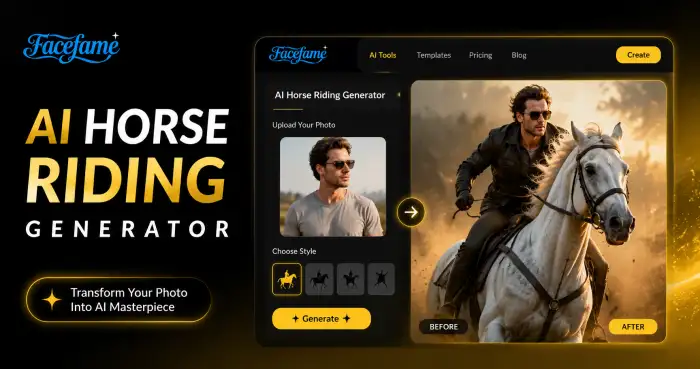
AI Horse Riding Generator
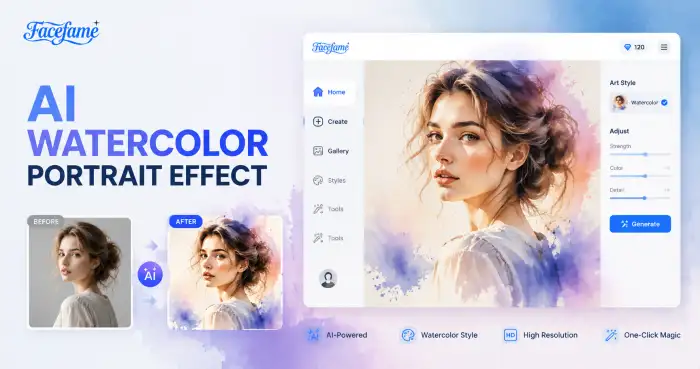
AI Watercolor Portrait Effect
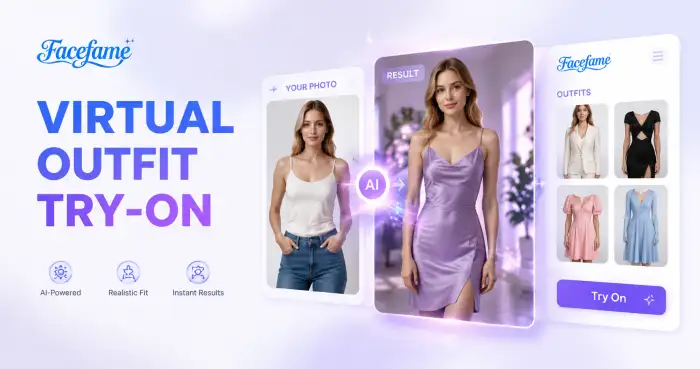
Virtual Outfit Try On
AI Selfie With Celebrity
AI Horse Riding Generator
AI Watercolor Portrait Effect
Virtual Outfit Try On
Create Your 180° Turn Video Today
Download the Facefame app and create 180° turn videos with simple AI tools. Transform your ideas into dynamic visual content anytime on mobile.
Create Your 180° Turn Video Today
Download the Facefame app and create 180° turn videos with simple AI tools. Transform your ideas into dynamic visual content anytime on mobile.