AI Watercolor Portrait Effect
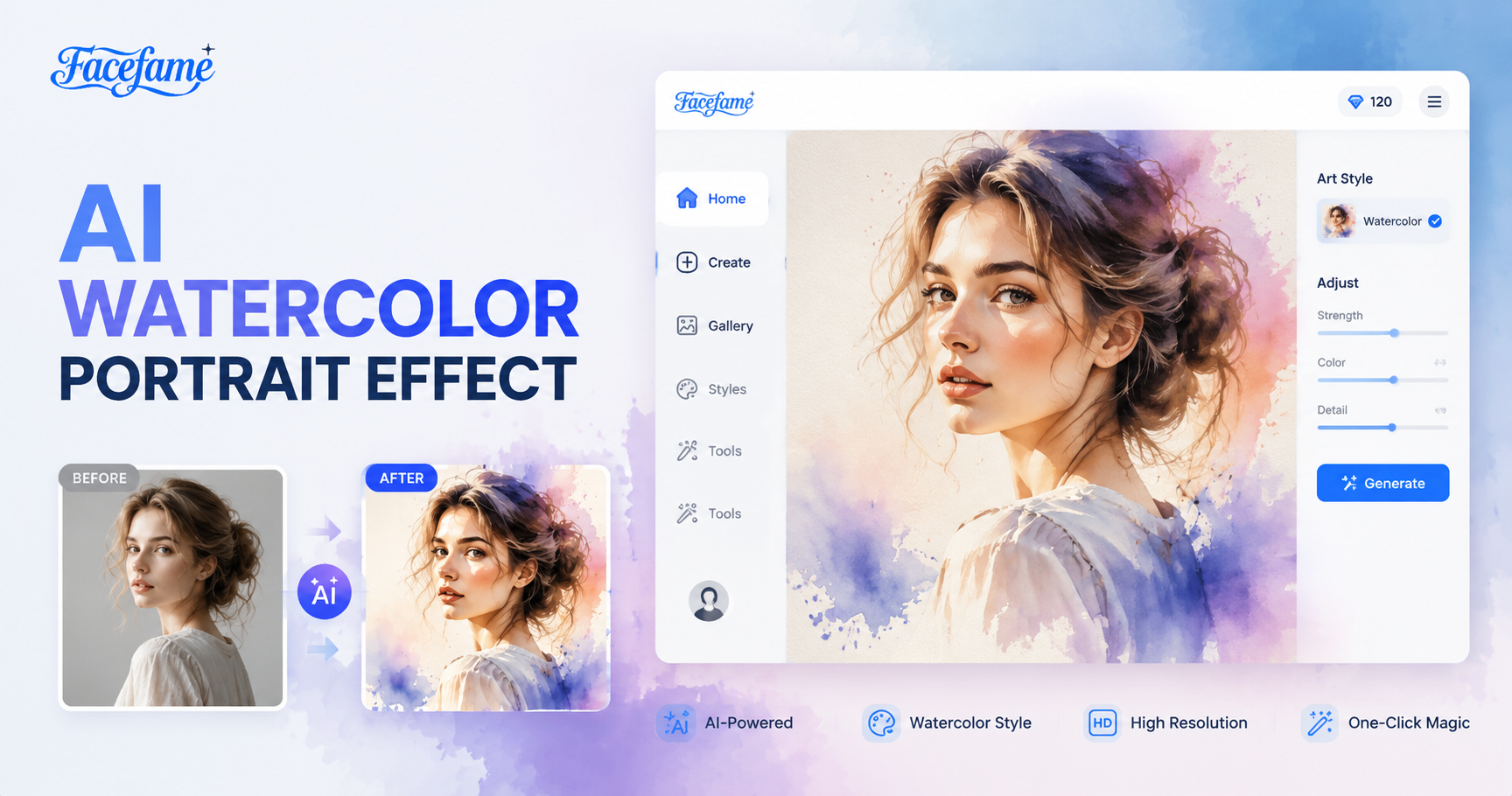
Popular Watercolor Portrait Effect Filters In Facefame
Discover watercolor portrait filters in Facefame. Transform photos into soft painted looks with flowing colors and natural artistic depth.
Advantages Of Using Facefame To Generate Watercolor Portrait Effects
Facefame makes watercolor portraits easy with one tap filter, fast processing, rich styles, and natural artistic results in the app.
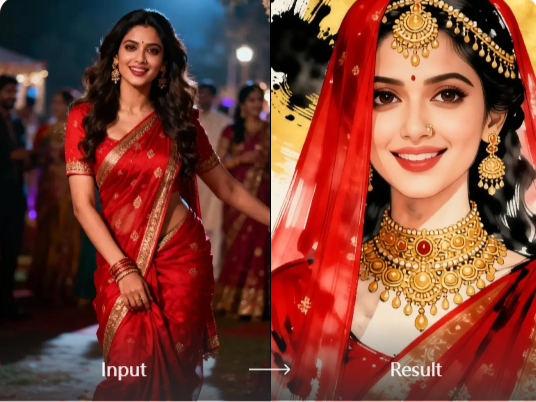
Get A Watercolor Style Selfie
Get a watercolor style selfie in Facefame using built in watercolor filters. You can transform your selfie into a soft painted portrait without any drawing skills. Just upload your photo, choose the filter, and the app handles the rest. It keeps your features clear while adding artistic watercolor textures and gentle color blending.
Get A Watercolor Style Selfie
Get a watercolor style selfie in Facefame using built in watercolor filters. You can transform your selfie into a soft painted portrait without any drawing skills. Just upload your photo, choose the filter, and the app handles the rest. It keeps your features clear while adding artistic watercolor textures and gentle color blending.
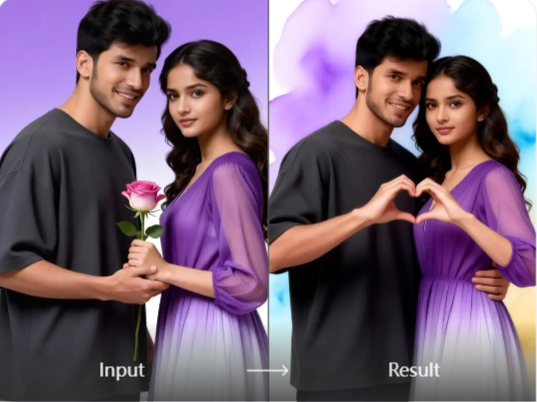
Get Watercolor Painting Photos
Get watercolor painting photos in Facefame by uploading your images to built in filters. You do not need to pay for painting services or learn art skills. Facefame offers multiple watercolor styles that transform your photos into soft artistic results with smooth color blending and natural brush like textures.
Get Watercolor Painting Photos
Get watercolor painting photos in Facefame by uploading your images to built in filters. You do not need to pay for painting services or learn art skills. Facefame offers multiple watercolor styles that transform your photos into soft artistic results with smooth color blending and natural brush like textures.
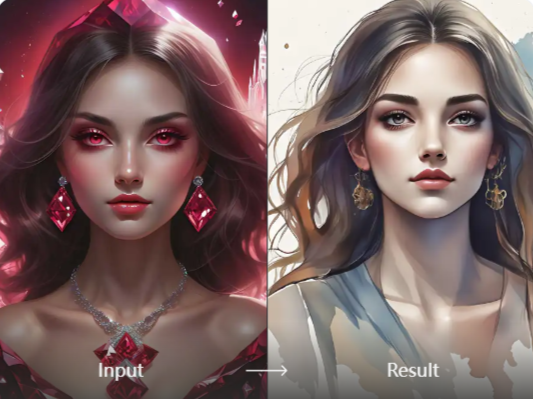
Realistic Watercolor Style Generation Results
Facefame creates realistic watercolor style results by blending your uploaded photo naturally into artistic filters. It preserves your unique facial features while applying soft watercolor textures. The system automatically adjusts lighting, edges, and small details to ensure a smooth and balanced final portrait with a natural hand painted appearance.
Realistic Watercolor Style Generation Results
Facefame creates realistic watercolor style results by blending your uploaded photo naturally into artistic filters. It preserves your unique facial features while applying soft watercolor textures. The system automatically adjusts lighting, edges, and small details to ensure a smooth and balanced final portrait with a natural hand painted appearance.
How To Use Facefame To Generate Watercolor Portrait Effects?
Check out the tutorial on how to generate watercolor portrait effects in Facefame, and try uploading your own photo to create it.

Step 01.
Install the Facefame app so you can easily start turning your photos into watercolor portrait effects anytime.

Step 02.
Select your favorite watercolor style filter and upload a clear photo of your face to it.

Step 03.
Click the button to start generating, and you can share the generated watercolor portrait results on your social media platforms.
Why We Recommend Facefame?
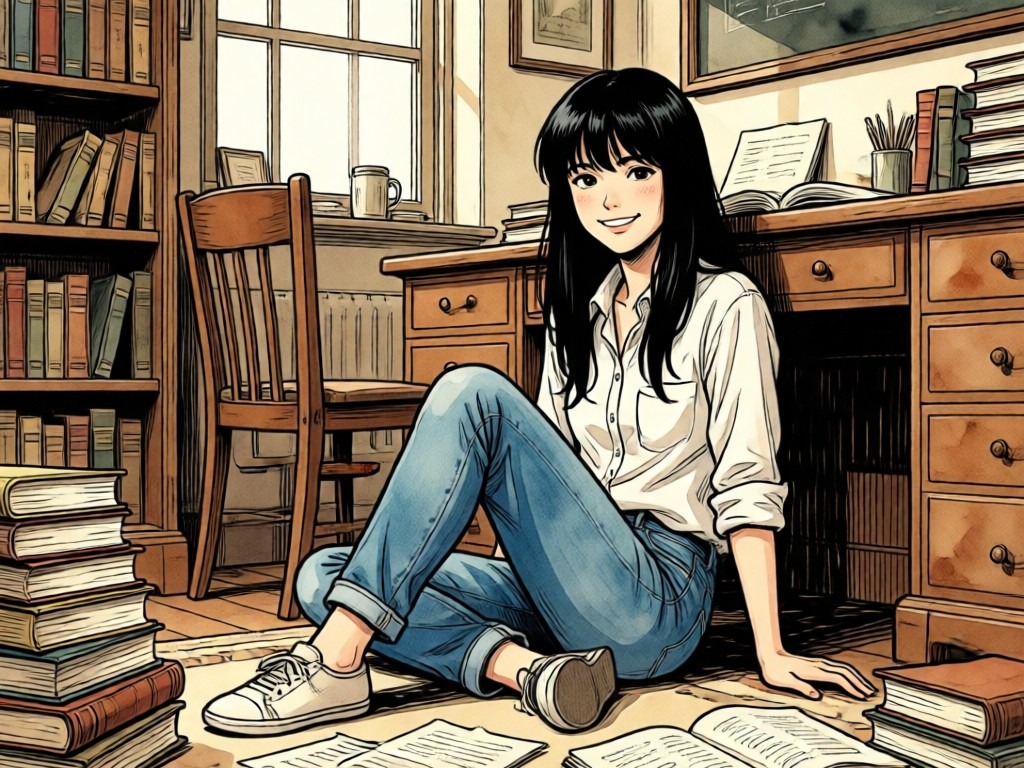
Facefame offers easy watercolor portrait creation with one tap filters, fast mobile processing, and diverse artistic styles. It keeps facial details clear while adding soft painterly textures, helping you turn photos into expressive and visually appealing artwork quickly inside the app.
Why We Recommend Facefame?
Facefame offers easy watercolor portrait creation with one tap filters, fast mobile processing, and diverse artistic styles. It keeps facial details clear while adding soft painterly textures, helping you turn photos into expressive and visually appealing artwork quickly inside the app.
Real Feedback From Facefame Users
Emily Carter
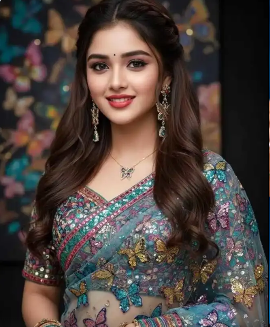
I used Facefame to turn my selfie into a watercolor portrait. The result looked soft and natural, with smooth colors and clear facial features. It felt like a real hand painted artwork created in seconds.

Jason Miller
I tried Facefame in a travel photo and the watercolor effect added a calm artistic mood. The colors blended nicely and the details stayed sharp. It made my picture feel more expressive and creative without any editing skills.
Sophia Bennett
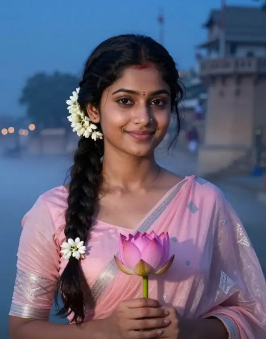
With Facefame, I transformed a group photo into watercolor style. Each face stayed accurate and well separated. The final image looked balanced and artistic, and it was easy to create directly in the mobile app.

Daniel Brooks
I tested Facefame for portrait editing and liked how fast it worked. The watercolor filter gave my photo a soft painted texture while keeping my expression natural. It felt simple, smooth, and enjoyable to use.
Emily Carter
I used Facefame to turn my selfie into a watercolor portrait. The result looked soft and natural, with smooth colors and clear facial features. It felt like a real hand painted artwork created in seconds.
Jason Miller
I tried Facefame in a travel photo and the watercolor effect added a calm artistic mood. The colors blended nicely and the details stayed sharp. It made my picture feel more expressive and creative without any editing skills.
Sophia Bennett
With Facefame, I transformed a group photo into watercolor style. Each face stayed accurate and well separated. The final image looked balanced and artistic, and it was easy to create directly in the mobile app.
Daniel Brooks
I tested Facefame for portrait editing and liked how fast it worked. The watercolor filter gave my photo a soft painted texture while keeping my expression natural. It felt simple, smooth, and enjoyable to use.
Emily Carter
I used Facefame to turn my selfie into a watercolor portrait. The result looked soft and natural, with smooth colors and clear facial features. It felt like a real hand painted artwork created in seconds.
Jason Miller
I tried Facefame in a travel photo and the watercolor effect added a calm artistic mood. The colors blended nicely and the details stayed sharp. It made my picture feel more expressive and creative without any editing skills.
Sophia Bennett
With Facefame, I transformed a group photo into watercolor style. Each face stayed accurate and well separated. The final image looked balanced and artistic, and it was easy to create directly in the mobile app.
Daniel Brooks
I tested Facefame for portrait editing and liked how fast it worked. The watercolor filter gave my photo a soft painted texture while keeping my expression natural. It felt simple, smooth, and enjoyable to use.
Frequently Asked Questions
Find clear answers to common questions and get the guidance you need to make the most of our platform, faster and easier.
More Topics You May Like
Explore more topics you may like and discover fresh ideas tailored to your interests.

AI Red Carpet Photo
AI Cricket

AI Air Kiss Video Generator
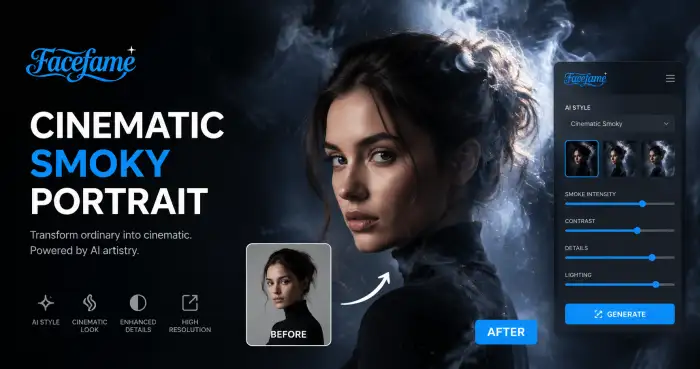
Cinematic Smoky Portrait
AI Red Carpet Photo
AI Cricket
AI Air Kiss Video Generator
Cinematic Smoky Portrait
Turn Photos Into Watercolor Portrait Art With Facefame Filters
Download Facefame App to create watercolor portraits and artistic photo effects instantly. Turn your photos into creative styles with simple one tap mobile tools.
Turn Photos Into Watercolor Portrait Art With Facefame Filters
Download Facefame App to create watercolor portraits and artistic photo effects instantly. Turn your photos into creative styles with simple one tap mobile tools.