AI Bloom Effect
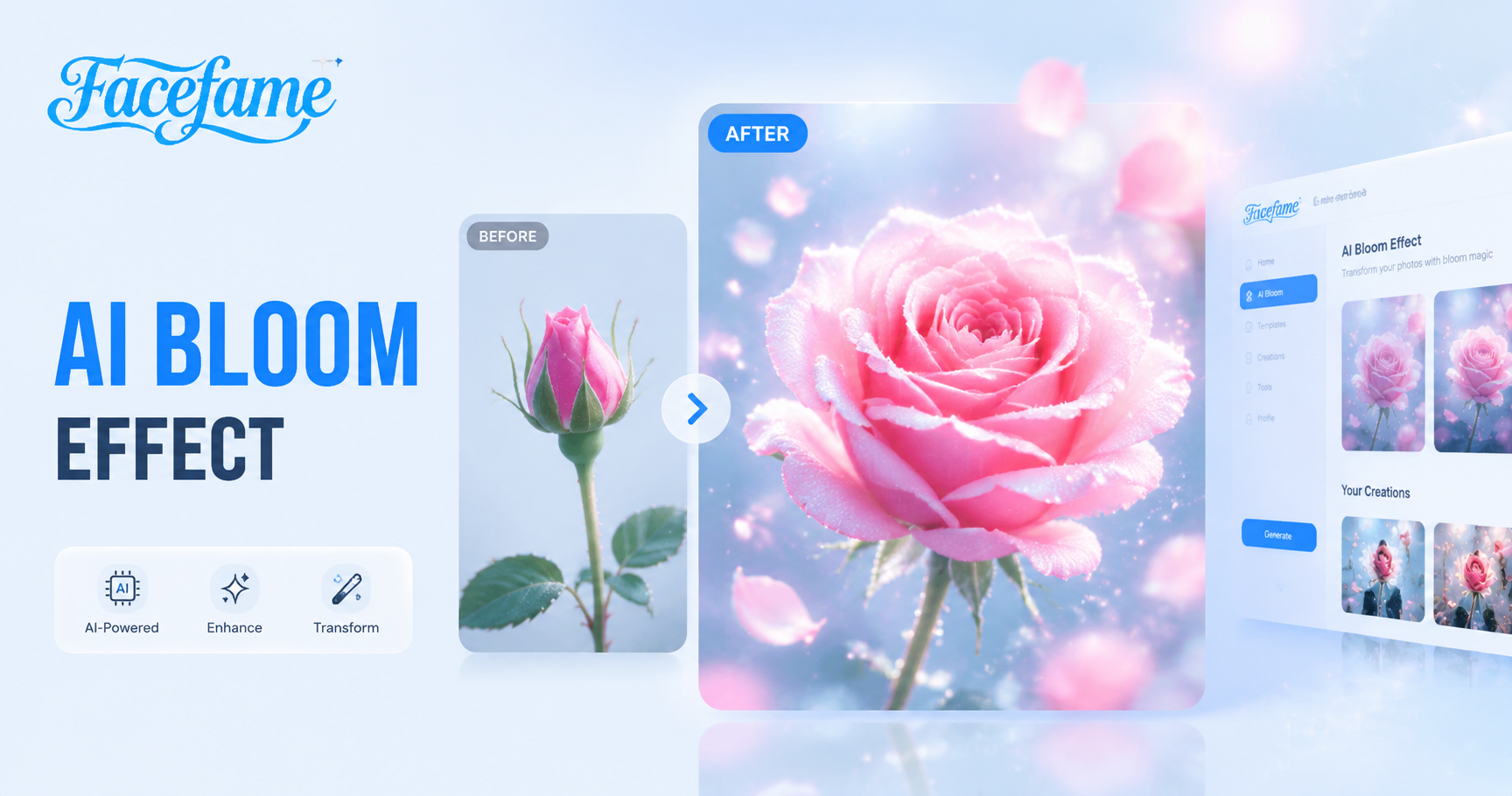
Explore Popular Bloom Effect Filters In Facefame
Explore popular bloom effect filters in Facefame. Create soft glowing images and videos from text or photos with a simple mobile creation process.
Advantages of Creating Bloom Effects with Facefame
Create Bloom Effects with Facefame for fast mobile editing, simple workflow, diverse styles, and consistent visual quality from photos.

Easily Create A Romantic Atmosphere
Facefame makes it simple to create a romantic atmosphere with Bloom effect filters. Upload photos with family or a partner, then apply soft light styles. Facefame enhances warmth and glow, turning images or videos into soft romantic visuals with natural tones and smooth emotional transitions.
Easily Create A Romantic Atmosphere
Facefame makes it simple to create a romantic atmosphere with Bloom effect filters. Upload photos with family or a partner, then apply soft light styles. Facefame enhances warmth and glow, turning images or videos into soft romantic visuals with natural tones and smooth emotional transitions.
Generate Dreamlike Scenes
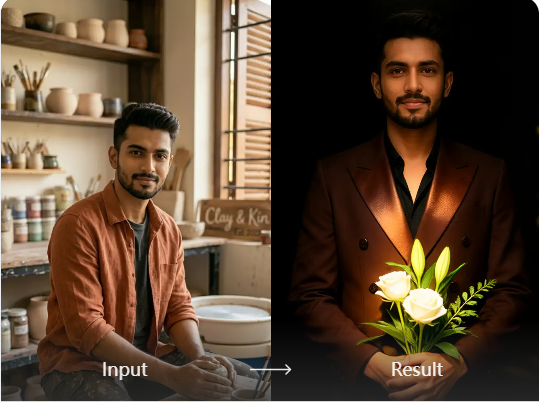
Facefame bloom effect filters produce soft, atmospheric visuals that feel calm and imaginative. Light spreads smoothly across the scene, creating gentle highlights and layered depth. Photos and videos gain a dreamlike quality with balanced tones, subtle glow, and a rich visual composition that feels natural and consistent.
Generate Dreamlike Scenes
Facefame bloom effect filters produce soft, atmospheric visuals that feel calm and imaginative. Light spreads smoothly across the scene, creating gentle highlights and layered depth. Photos and videos gain a dreamlike quality with balanced tones, subtle glow, and a rich visual composition that feels natural and consistent.
Beginner Friendly
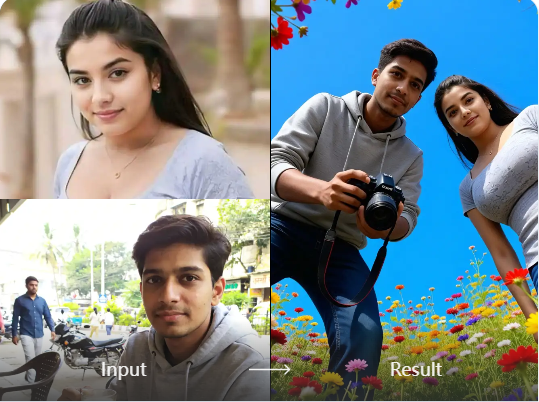
Facefame is designed for beginners with a simple, intuitive workflow. You do not need advanced skills or long learning time. By following basic steps, anyone can quickly create Bloom Effect photos or videos. The app guides each action, making the AI generation process easy and efficient.
Beginner Friendly
Facefame is designed for beginners with a simple, intuitive workflow. You do not need advanced skills or long learning time. By following basic steps, anyone can quickly create Bloom Effect photos or videos. The app guides each action, making the AI generation process easy and efficient.
How to Create Bloom Effects Using Facefame?
Learn how to use Facefame to create Bloom effects step by step and follow the tutorial to try it yourself.

Step 01.
Download the Facefame app to your device so you can easily start creating Bloom effects anytime.

Step 02.
Select your preferred bloom effect and upload your prepared photo to the filter. It is recommended to use a well lit, high resolution image for better results.

Step 03.
Tap the button to start generating with Facefame. The process does not take long, and you can also share the generated content with others.
Diverse Bloom Effect Examples Created with Facefame
Facefame creates diverse bloom effects for photos and videos with soft lighting, varied styles, and flexible creative filters.





Frequently Asked Questions
Find clear answers to common questions and get the guidance you need to make the most of our platform, faster and easier.
More Topics You May Like
Explore more topics you may like and discover fresh ideas tailored to your interests.

AI Hug Video Generator
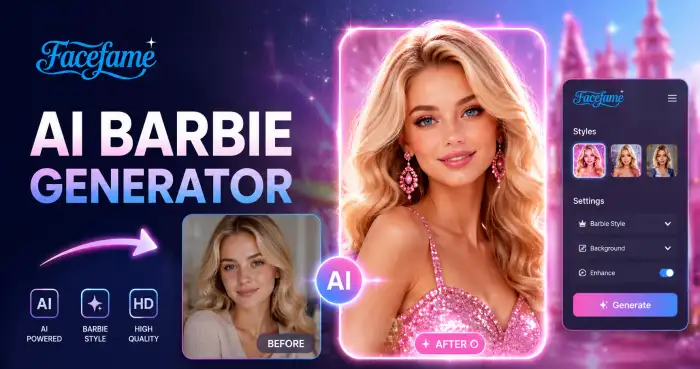
AI Barbie Generator
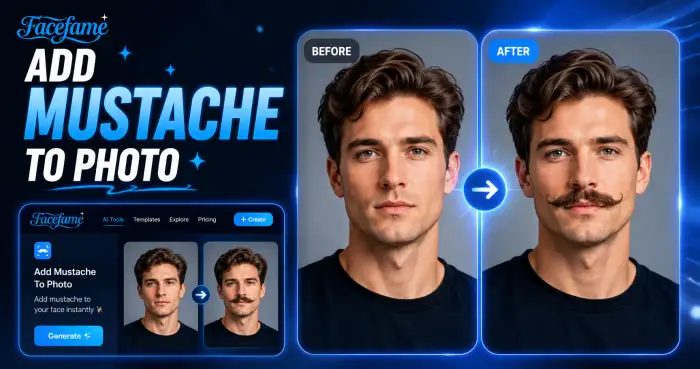
Add Mustache To Photo

AI Profile Photo Generator
AI Hug Video Generator
AI Barbie Generator
Add Mustache To Photo
AI Profile Photo Generator
Create Soft Glow Visuals With Facefame Bloom Effect AI Tools
Download the Facefame app to create AI Bloom Effect images and videos. Use simple tools to generate visuals from text or photos on mobile.
Create Soft Glow Visuals With Facefame Bloom Effect AI Tools
Download the Facefame app to create AI Bloom Effect images and videos. Use simple tools to generate visuals from text or photos on mobile.