AI Red Carpet Photo
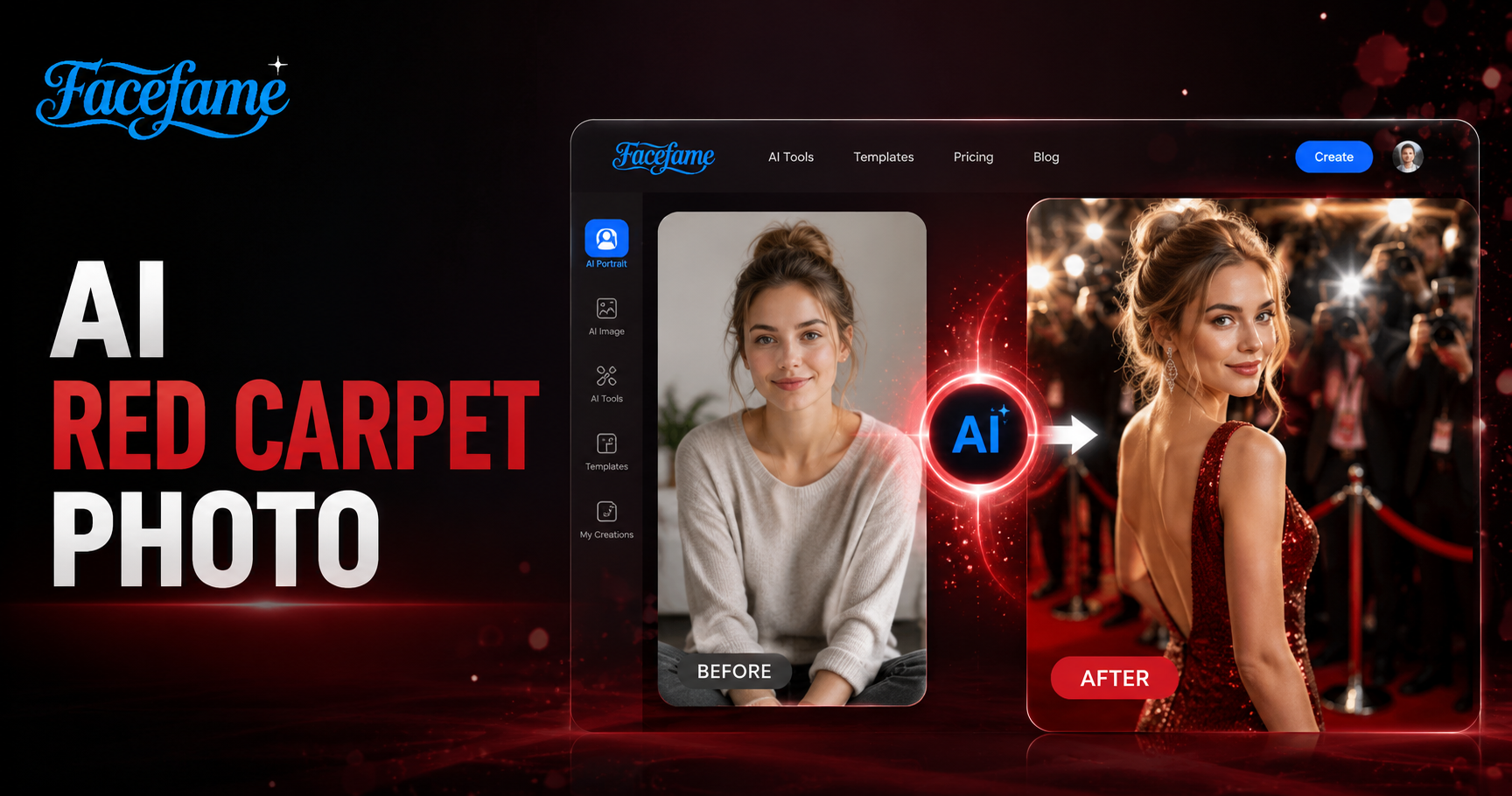
Popular Red Carpet Photo Filters in Facefame
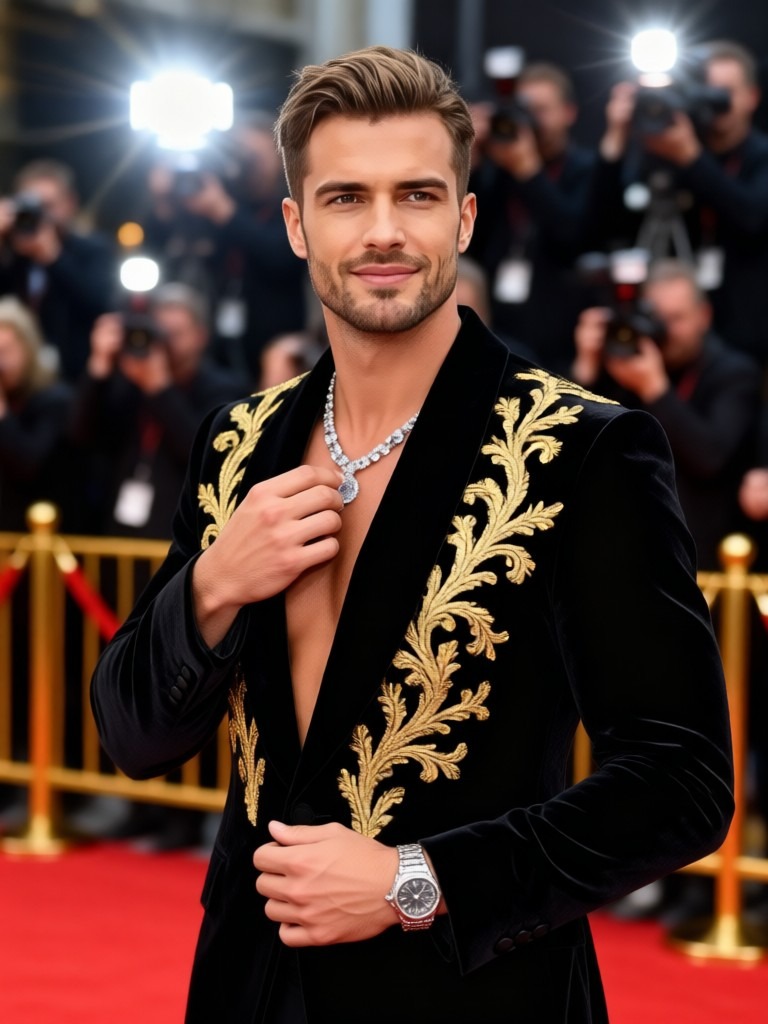
Facefame offers popular red carpet photo filters with elegant lighting, formal styles, and cinematic backgrounds for refined portrait creation.
Benefits of Using Facefame to Generate Red Carpet Photos
Facefame enables fast red carpet photo creation with filters, preserving facial details while producing consistent and styled event visuals.
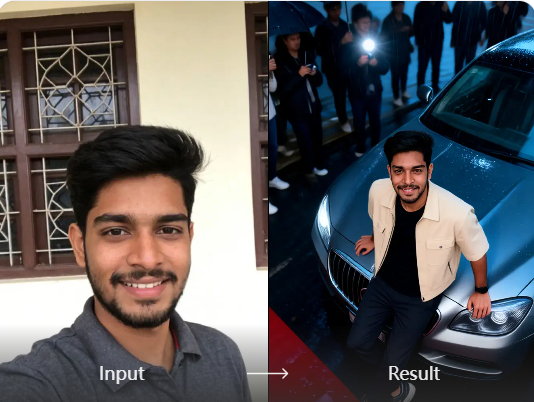
Realistic Red Carpet Photo Texture
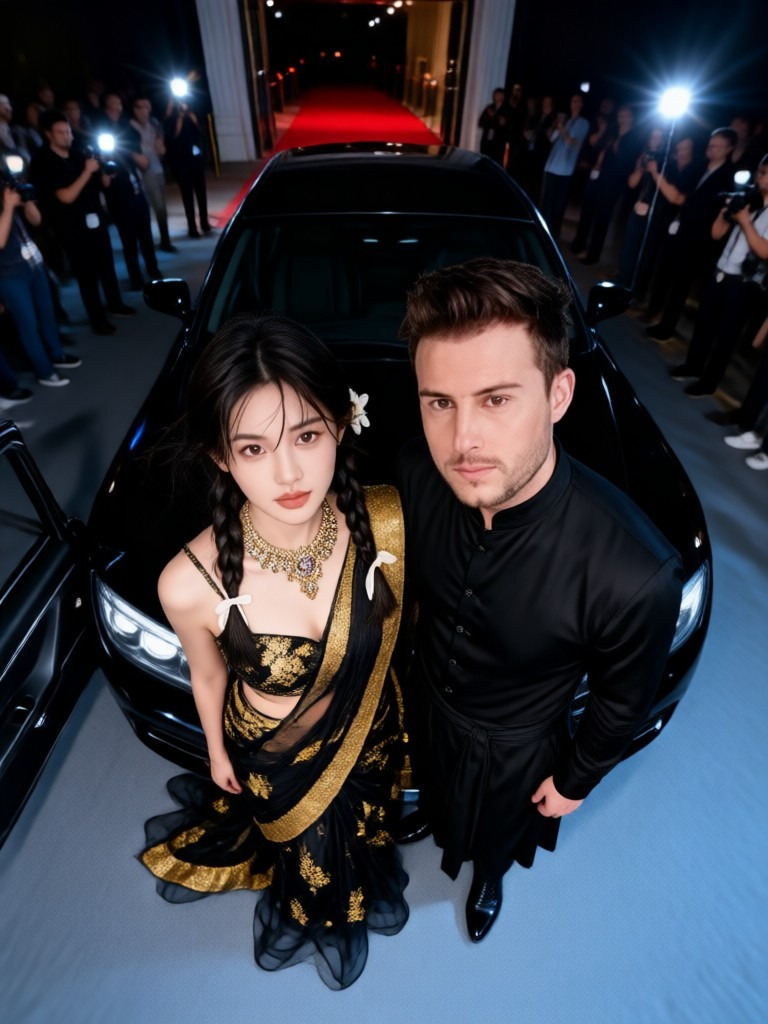
Facefame generates realistic red carpet photo textures with natural visual consistency. It blends your facial features into selected style filters while maintaining identity accuracy. Lighting, atmosphere, and clothing details are adjusted to match formal event scenes. The result delivers structured portrait outputs with coherent background and refined visual presentation.
Realistic Red Carpet Photo Texture
Facefame generates realistic red carpet photo textures with natural visual consistency. It blends your facial features into selected style filters while maintaining identity accuracy. Lighting, atmosphere, and clothing details are adjusted to match formal event scenes. The result delivers structured portrait outputs with coherent background and refined visual presentation.
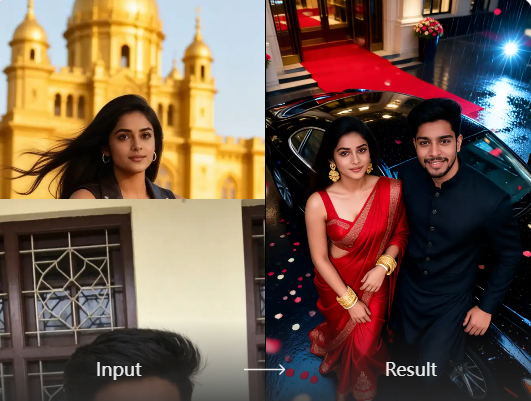
Easy Photo Generation Process
Facefame offers an easy photo generation process through a mobile app. You can create red carpet photos directly on their phones without changing devices. The workflow is simple and fast, allowing quick generation of styled images. It supports on the go creation, making photo editing accessible anytime and anywhere.
Easy Photo Generation Process
Facefame offers an easy photo generation process through a mobile app. You can create red carpet photos directly on their phones without changing devices. The workflow is simple and fast, allowing quick generation of styled images. It supports on the go creation, making photo editing accessible anytime and anywhere.
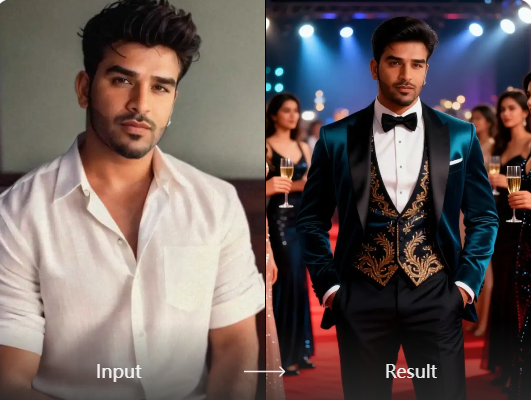
High End Personal Portrait Photography
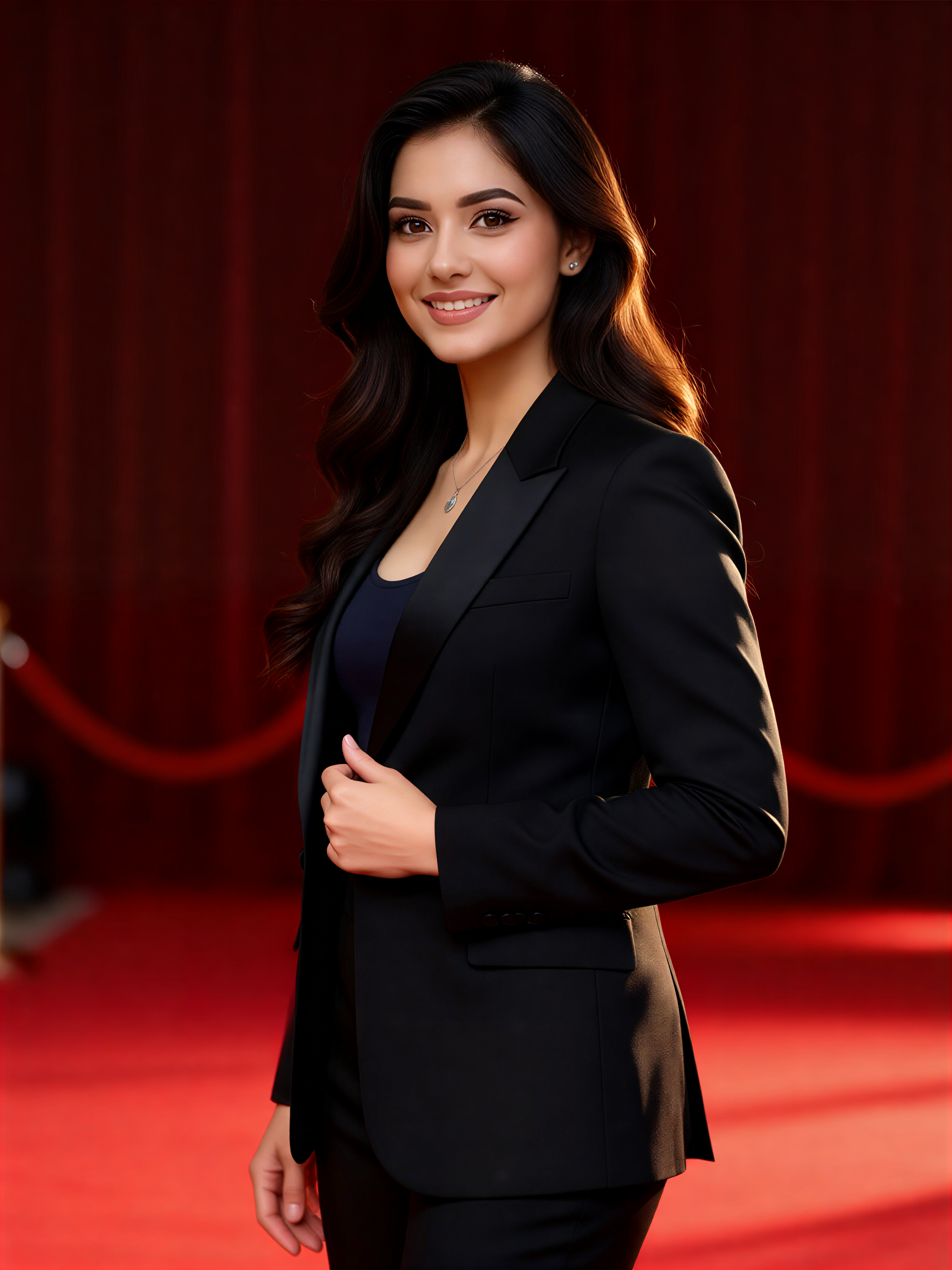
Facefame provides red carpet style filters for creating high end personal portraits. You can generate refined photo results without studio shooting or scheduling sessions. By using the mobile app, portraits can be created anytime. The system adjusts lighting, clothing style, and background to produce structured and polished visual outcomes.
High End Personal Portrait Photography
Facefame provides red carpet style filters for creating high end personal portraits. You can generate refined photo results without studio shooting or scheduling sessions. By using the mobile app, portraits can be created anytime. The system adjusts lighting, clothing style, and background to produce structured and polished visual outcomes.
How to Use Facefame to Generate Red Carpet Photos?
Learn how to use Facefame to generate red carpet photos. Follow the tutorial and open Facefame to start creating.

Step 01.
Download the Facefame app so you can easily start generating the red carpet photos you want anytime.

Step 02.
Select your preferred red carpet effect filter, then upload your photo into the filter.

Step 03.
Tap the button to start generating your photo. Once generated, the red carpet photo can be shared with family, friends, or on social media platforms.
Frequently Asked Questions
Find clear answers to common questions and get the guidance you need to make the most of our platform, faster and easier.
More Topics You May Like
Explore more topics you may like and discover fresh ideas tailored to your interests.
AI Profile Photo Generator

AI Fight Generator

AI Baby Dance Generator
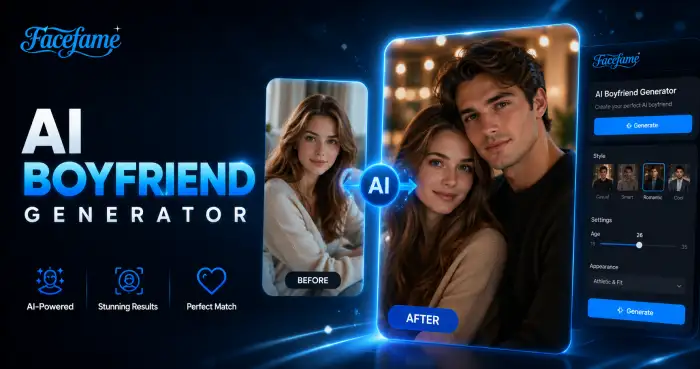
AI Boyfriend Generator
AI Profile Photo Generator
AI Fight Generator
AI Baby Dance Generator
AI Boyfriend Generator
Create Red Carpet Photos with Facefame App
Download the Facefame app to create red carpet photos and videos from text or images. Use mobile filters for quick and simple AI creation anytime.
Create Red Carpet Photos with Facefame App
Download the Facefame app to create red carpet photos and videos from text or images. Use mobile filters for quick and simple AI creation anytime.