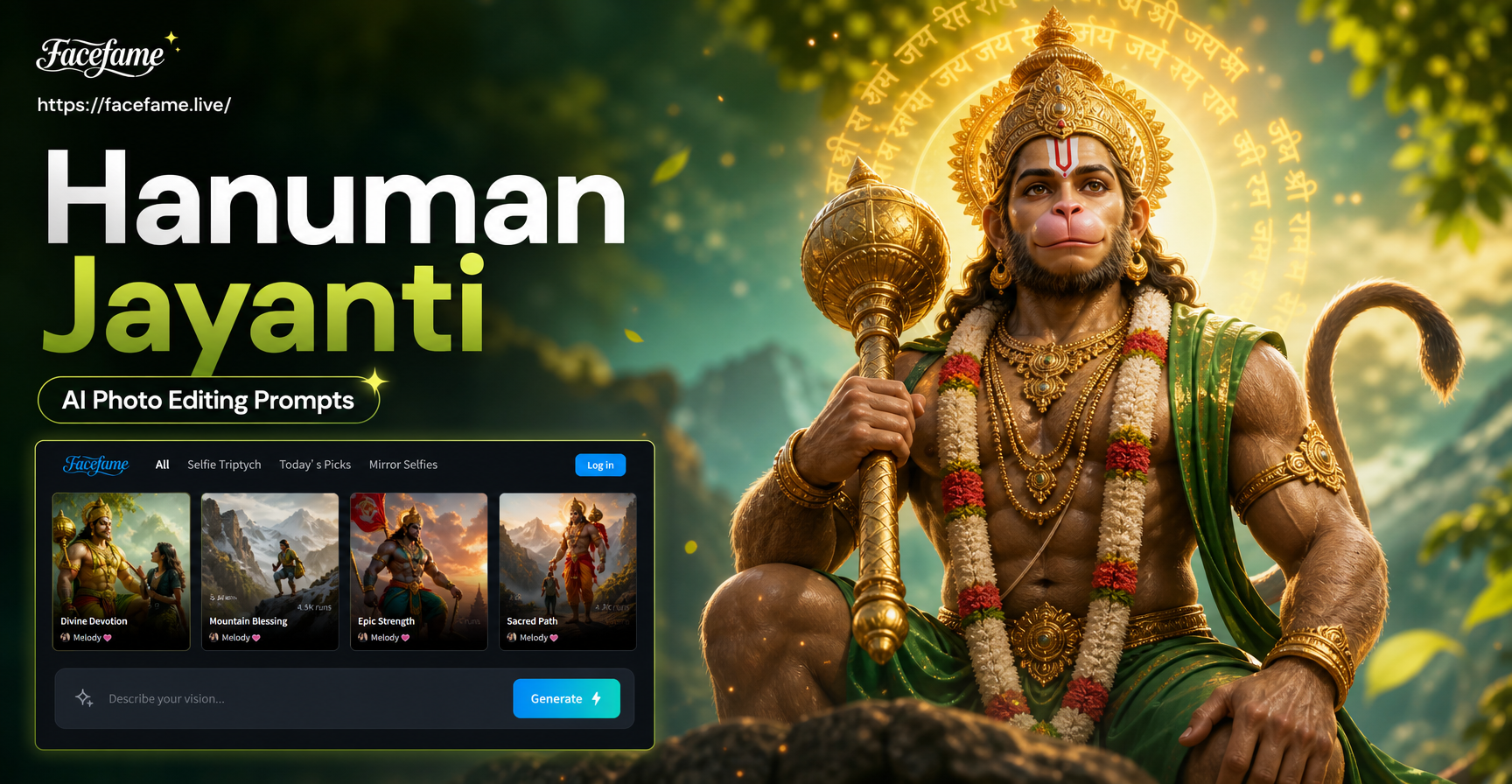
Hanuman Jayanti celebrates the birth of Lord Hanuman, and many creators want to make devotional images that feel powerful and festive. AI photo editing prompts give you an easy way to turn a simple portrait, temple visit photo, or festival selfie into a cinematic bhakti artwork. This guide shares ready to use Hanuman Jayanti AI photo editing prompts, explains how to adapt them, and shows how to fix common weak results.
Why Use AI Photo Editing Prompts for Hanuman Jayanti?
AI photo editing tools can restyle a photo while keeping the main subject recognizable. When you provide a clear prompt, the AI can change the background, lighting, outfit, and mood in one pass. For Hanuman Jayanti, that means you can add saffron tones, temple arches, marigold garlands, oil lamps, and the feel of a reverent festival scene without advanced design skills. A good prompt tells the AI what to keep, what to change, and what emotion to create.
Ready to Use Hanuman Jayanti AI Photo Editing Prompts
Below are prompts grouped by common creative goals. You can paste any prompt into an AI photo editing app that supports image to image generation. Always start with a clear portrait or photo and keep the subject well lit for the best result.
Devotional Portrait Prompts
- Prompt 1: Turn my portrait into a Hanuman Jayanti digital painting. Place me in front of a saffron temple arch with marigold garlands and soft oil lamp light. Keep my face recognizable and add a calm devotional smile.
- Prompt 2: Reimagine my photo as a traditional Indian miniature painting for Hanuman Jayanti. Use earthy red, orange, and gold tones, with a small Hanuman murti in the background and a subtle mandala border.
- Prompt 3: Edit my portrait into a high quality bhakti poster. Add a glowing orange sunrise behind me, soft god rays, and floating marigold petals. Keep my expression peaceful and respectful.
- Prompt 4: Transform my face into a cinematic devotional portrait for Hanuman Jayanti. Use dramatic side lighting, a blurred temple background, and a saffron shawl over my shoulders. Preserve my features and skin texture.
- Prompt 5: Turn my photo into a realistic studio portrait with Hanuman Jayanti festive styling. Dress me in a neat saffron kurta, add a small orange tilak on my forehead, and place a garland of marigolds around my neck.
Festival Poster and Temple Scene Prompts
- Prompt 6: Place me inside a grand Hanuman temple during morning aarti. Add brass lamps, incense smoke, and stone pillars. Keep me in the foreground with folded hands and a reverent look.
- Prompt 7: Create a Hanuman Jayanti festival poster using my photo. Add a text space friendly design with a saffron background, an illustrated Hanuman silhouette, and my portrait in the center. Use clean festive typography.
- Prompt 8: Recreate my photo as a scene from the Ramayana. Show me standing on a hill with a small Hanuman figure carrying a mountain in the distance. Use warm sunset colors and a cinematic wide frame.
- Prompt 9: Edit my image into a Bengal Patachitra style Hanuman Jayanti artwork. Use bold outlines, flat colors, and decorative border patterns. Keep my likeness while adding traditional storytelling elements.
- Prompt 10: Turn my photo into a festive social media poster for Hanuman Jayanti. Add an orange and gold gradient background, subtle diya icons, and a crisp vignette. Keep me centered and well lit.
Creative Bhakti Art and Reel Cover Prompts
- Prompt 11: Convert my portrait into a 3D clay animation style Hanuman devotee. Keep my facial features, add a saffron scarf and a small glowing diya in my hands. Use soft studio lighting.
- Prompt 12: Make a dreamy bhakti reel cover from my photo. Add a blurred temple bokeh background, warm orange tones, and subtle Hindi calligraphy style text space. Keep my face sharp and centered.
- Prompt 13: Reimagine my photo as a black and white charcoal sketch with only the tilak and marigold garland in color. Use high contrast and a clean background for a modern devotional look.
- Prompt 14: Turn my portrait into a miniature Mysore painting for Hanuman Jayanti. Use gold leaf accents, deep red and green colors, and a symmetrical temple arch behind me.
- Prompt 15: Create a cinematic movie still of me in a Hanuman Jayanti procession. Add soft dust, warm street lights, and a crowd of devotees in the background. Keep my face clear and the mood upbeat but reverent.
How to Use These Prompts in the App
Open the facefame app on your phone and choose the image to image or AI photo editing option. Upload a clear, front facing photo where your face and shoulders are visible. Paste any prompt from this guide into the prompt field, then pick a style filter that matches the look you want, such as realistic photography, digital painting, or 3D clay. Run the generation once, review the result, and adjust the prompt if the background or outfit looks off. The app keeps the process simple, so you do not need to write complex technical prompts.
How to Adapt These Prompts to Your Photo
Small changes make a big difference. If you are editing a group photo, add the phrase multi person devotional scene and keep all faces recognizable. If your photo has a busy background, ask the AI to replace the background with a clean temple hall or saffron curtain. If you want a vertical reel cover, specify 9:16 portrait orientation and keep my face in the upper third. If you want a square festival poster, mention square format and leave space for text. You can also change clothing details, lighting, and color intensity by editing the prompt adjectives.
Common Weak Results and How to Fix Them
- Face looks different or unnatural: Add keep my facial features true to the original photo and reduce stylization. Lower the AI strength setting if your app offers it.
- Background is too cluttered: Add a simple saffron background or blurred temple arches and remove extra decorative elements from the prompt.
- Hands or folded palms look distorted: Avoid asking for complex hand poses in the first pass. Use keep my hands relaxed, or crop the frame above the chest.
- Colors look too saturated: Replace vivid with soft natural tones, or add muted festival colors with realistic skin.
- Text in the poster is garbled: Do not ask the AI to render long phrases. Use the prompt to create a clean space for text, then add the text in a separate photo editor.
Respectful Design Tips for Hanuman Jayanti Edits
Hanuman Jayanti is a devotional occasion, so keep the visual tone respectful. Avoid placing your subject above the deity or adding overly casual poses in a temple setting. Use soft, warm light and traditional colors like saffron, marigold, gold, and deep red. If you add ornaments or symbols, keep them simple and accurate. Many of the most shared festival edits are calm, glowing, and sincere rather than overstyled. A respectful image tends to perform better with family and community audiences.
Start Creating Your Hanuman Jayanti Edit Today
These Hanuman Jayanti AI photo editing prompts are a starting point. Pick one prompt, test it with your photo, and refine the wording until the result feels right. With a mobile AI editing app, you can create a personalized devotional portrait, festival poster, or bhakti reel cover in a few minutes. Save your favorite prompts, reuse them every year, and make your Hanuman Jayanti greeting stand out with a clean and heartfelt visual.