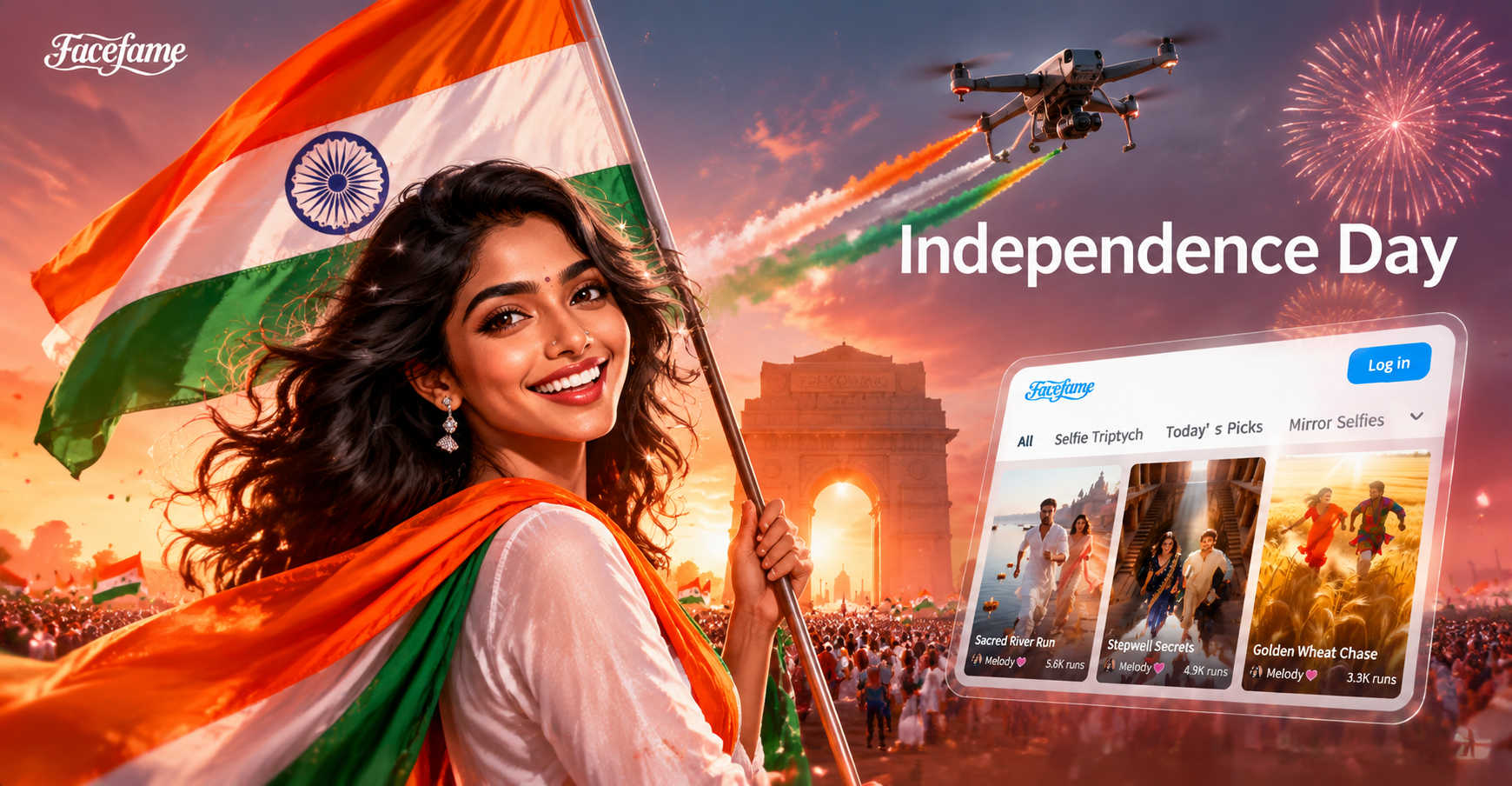
The photos you snap around the Fourth of July do not have to stay plain. Independence Day AI photo editing prompts help you add fireworks, flags, sparklers, vintage film looks, and warm backyard atmosphere to any image in seconds. This guide gives you a complete set of copy ready prompts. Use them in the facefame app for Android or adapt them to any AI photo editor that supports image to image editing.
Why These Prompts Work for Independence Day Edits
Strong AI photo editing prompts are specific about color, light, background, and camera details. For a Fourth of July edit, words like red white and blue, fireworks, flag bunting, golden hour, and film grain tell the model exactly what to create. Because these prompts describe an edit to an existing photo instead of asking for a brand new image, always include a phrase that preserves the subject. In the list below, each prompt is written to keep faces natural and recognizable.
Copy Ready Independence Day AI Photo Editing Prompts
Paste any prompt below into the prompt box after uploading your photo. For best results in facefame, choose an image to image mode, pick a realistic or festive style filter, and tap generate. You can swap words like subject, my daughter, a couple, or my dog to fit your photo.
Fireworks Backdrop Prompts
- Edit my portrait with vibrant red white and blue fireworks bursting in the night sky behind me, soft cinematic glow on the face, shallow depth of field, Fourth of July celebration.
- Replace the background with a wide angle fireworks finale over a dark lake, reflections of red and gold sparks, the subject in timeless evening wear, clean sharp focus, photorealistic.
- Add subtle star shaped bokeh lights around the subject, red white and blue sparkles, festive Independence Day atmosphere, natural skin tone, high detail.
- Turn the background into a deep blue dusk with a national flag waving and distant fireworks, gentle rim light on the subject, editorial magazine style.
- Edit the photo so the subject appears on a rooftop watching fireworks, city skyline below, red and blue bursts over the skyline, cinematic warm glow, candid smile.
- Apply a golden hour fireworks composite, soft sun flare, red white and blue smoke trails, subject in the foreground with a relaxed pose, warm nostalgic mood.
Flag and Stars and Stripes Portrait Prompts
- Drape a softly blurred American flag as a studio backdrop behind the subject, dramatic rim lighting, crisp fabric detail, patriotic portrait, photorealistic.
- Style the portrait with a vintage stars and stripes color palette, faded flag texture overlay, subtle film grain, editorial magazine cover look, keep face details natural.
- Turn the photo into a classic Fourth of July parade scene with small flags in the foreground, red white and blue confetti frozen in air, golden hour light, candid joy.
- Add a soft star pattern light projection on the wall behind the subject, red white and blue gel lighting, clean studio look, sharp focus on the face.
- Compose the subject in front of a large billowing flag at a monument, wide shot, patriotic celebration, natural skin tones, blue sky with soft clouds.
- Edit the image into a sunlit barn celebration with flags hanging from wooden beams, hay bales, denim jacket details, warm natural color, festive country feel.
Vintage Americana Look Prompts
- Transform the image into a 1960s Kodachrome Americana snapshot, warm faded tones, small town parade flags, glossy film texture, candid summer afternoon mood.
- Apply a vintage postcard look with aged paper texture, a bold July 4 banner, muted reds and blues, slight vignette, nostalgic Independence Day feel.
- Recreate a retro diner parking lot scene on July 4th, chrome details, neon sign, red leather, subject leaning on a classic convertible, soft sunset, muted colors.
- Style the photo as a faded holiday family album print, deckle edges, soft pastel flag bunting, warm film grain, relaxed smiling subjects, authentic 1970s summer.
- Turn the background into a nostalgic Main Street with hanging stars and stripes bunting, old street lamps, people in period summer clothes, soft warm film look.
- Edit the portrait with a sun faded flag backdrop, retro sunglasses, windblown hair, analog film border, red and blue halftone dots, vintage magazine feel.
Sparkler and Low Light Prompts
- Add a glowing sparkler in the subject's hand writing the letters USA in light, long exposure trails, dark blue dusk background, clean magical glow, sharp face.
- Edit the photo with handheld sparklers around the subject, warm golden sparks, soft catchlights in the eyes, festive night portrait, no extra noise.
- Transform the background into a bokeh of distant fireworks and porch lights, the subject lit by a single warm sparkler, cinematic low light mood, deep shadows.
- Place the subject in a dim backyard at dusk with red white and blue string lights through the trees, sparkler in hand, painterly warm glow, cozy celebration.
- Make the subject appear to draw a heart with a sparkler, reflected in mirrored sunglasses, soft purple blue sky, sharp spark trails, fun summer night mood.
- Add soft fireworks above a lake while the subject holds two sparklers, glassy water reflection, cool blue tones plus warm amber sparks, peaceful holiday evening.
Backyard Barbecue and Gathering Prompts
- Place the subjects in a backyard Independence Day barbecue scene, picnic table with red checkered tablecloth, light grill smoke, soft summer afternoon light, candid laughter.
- Add red white and blue string lights above a patio gathering, subjects relaxed and smiling, candid documentary style, Fourth of July evening, warm glows and cool shadows.
- Edit the group photo into a rooftop viewing party, city skyline with fireworks beyond, paper lanterns, joyful celebration, editorial color grade, every face clear.
- Transform the shot into a lakeside picnic at sunset with a small flag on the table, watermelon drinks, families in light summer clothing, golden warm haze.
- Turn the background into a festive lawn party with barbeque smoke, croquet hoops, flag bunting, children with sparklers, soft vintage summer palette, lively but natural.
- Style the scene as an evening bonfire on the beach, warm firelight on faces, small flags on sticks around the sand, fireworks reflected in the water, high detail.
Group Photo Patriotic Prompts
- Keep every face recognizable but unify the group with warm Fourth of July tones, soft flag pattern color wash, high detail on each person, festive studio backdrop.
- Turn the group portrait into a classic Independence Day greeting card, all faces clear, red white and blue confetti midair, bright even lighting, matching subtle flag accents.
- Edit the crew photo into a timeless front porch celebration, stars and stripes garland on the railing, lemonade and pie, late afternoon golden light, all subjects natural and distinct.
- Add soft red white and blue bunting across the top of the frame, group gathered on a blanket in a park, fireworks far behind, clean family portrait, no face blending.
How to Adapt These Prompts to Your Photo
Small changes make a big difference. Name the subject clearly: change subject to my daughter, my grandfather, an engaged couple, a golden retriever, or a group of friends. Add clothing details when the original outfit matters, such as a white linen dress, a denim jacket, or a red gingham shirt. Set the location with phrases like on a suburban street, at a lake house, on a city rooftop, or on a farm. Control the light by asking for golden hour, blue dusk, soft overcast, or warm string lights. Finally add one camera term such as shallow depth of field, crisp detail, lush film grain, or natural skin tone to improve realism.
Fixing Common Weak Results
AI edits can occasionally produce odd colors, soft faces, or fake looking effects. Here is how to correct the most common problems.
- Skin looks red or blue: add natural skin tones, no color bleed to the prompt.
- Face changed too much: add preserve original facial features and keep identity consistent.
- Fireworks look plastic: add real aerial fireworks, volumetric glow, dark sky.
- Flag pattern covers the clothes: add subtle flag texture overlay, keep outfit plain.
- Sparkler trails are blurry: add sharp sparkler trails, long exposure, clean light writing.
- Group faces blend together: add each face distinct, all subjects recognizable, high detail on every person.
A Simple Workflow for Fourth of July AI Edits
Open the facefame app, tap the photo edit feature, and upload the image you want to transform. Paste one of the prompts above into the text field. Choose a style filter that matches the mood, such as realistic photography, vintage film, or cinematic glow. Generate the image, review the result, and regenerate with a small prompt fix if needed. Download the final file and share it.
Keep the Red White and Blue Consistent
For a matching set of holiday photos, reuse one prompt style and one filter across all images. Pick a warm vintage palette if you want a nostalgic album, or a deep dusk blue palette if you want a cinematic feel. Avoid mixing overly neon filters with muted film looks in the same post. A consistent color story makes your Fourth of July photos feel like an intentional series instead of random AI outputs.
These Independence Day AI photo editing prompts are designed to be the fastest way to turn an average snapshot into a celebratory, share ready image. Start with a fireworks backdrop or a sparkler portrait, adapt the wording to your subject, and generate your first edit in the facefame app today.