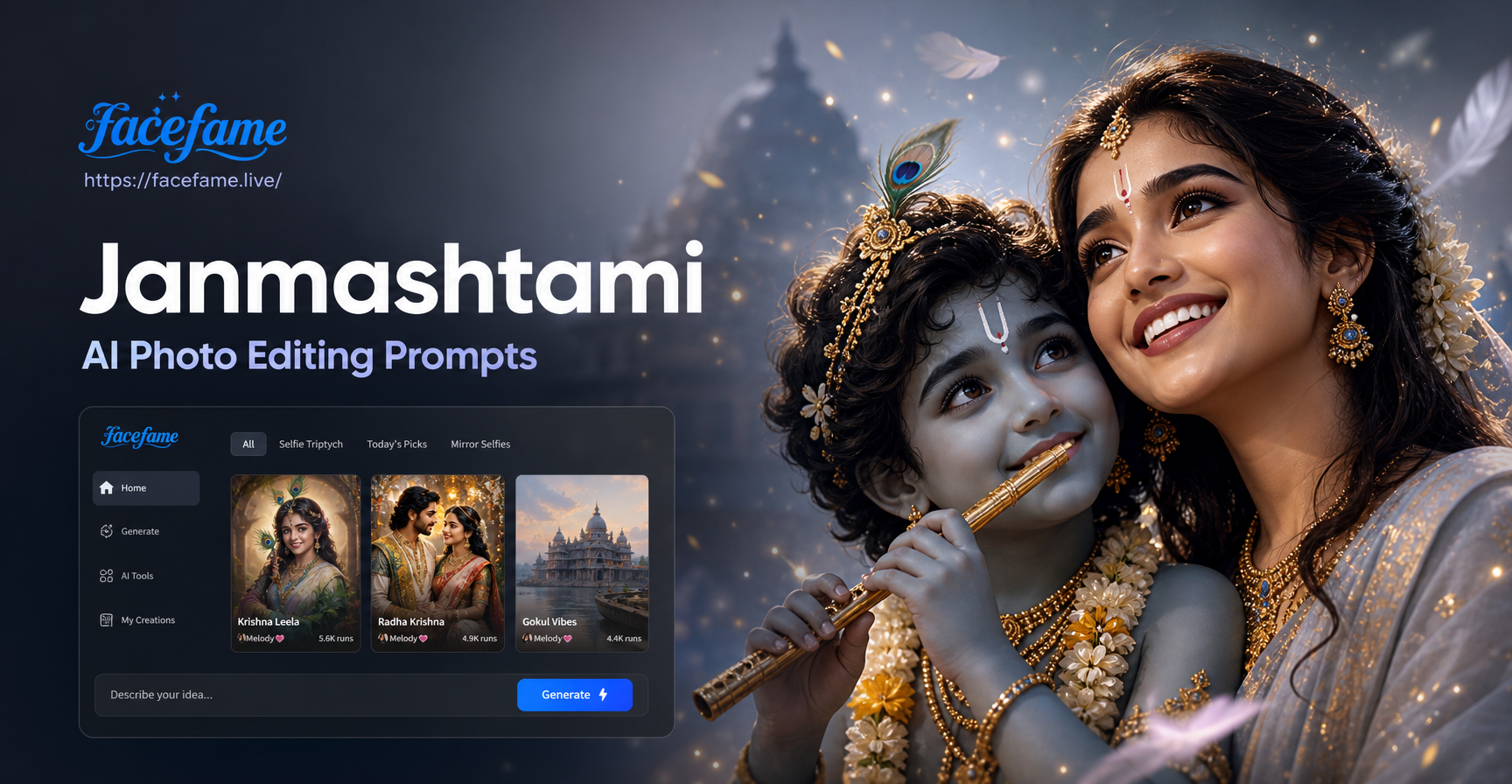
Janmashtami celebrates the birth of Lord Krishna, and it is a time of vibrant colors, divine music, and festive joy. Many people want to create special photos during this festival, whether for sharing on social media, sending wishes to family, or adding a spiritual touch to personal albums. AI photo editing prompts make this easy. You can type a descriptive prompt into an AI image tool, upload a photo for editing, and get a beautiful Krishna themed result in seconds. This guide provides a substantial collection of Janmashtami AI photo editing prompts that work well in the facefame app. You will find prompts for Krishna portraits, peacock feather themes, temple scenes, baby Krishna, family group photos, and more. Each prompt is written to be specific enough to use on its own, and you can adapt them to your own photos and style preferences.
What Are Janmashtami AI Photo Editing Prompts?
Janmashtami AI photo editing prompts are text instructions that tell an AI image generator what kind of festive image you want to create or edit. For example, you can ask the AI to transform a normal portrait into a Krishna devotee with blue skin, a peacock feather crown, and a golden flute. Or you can generate a brand new image of a temple decorated with flowers and diyas for Janmashtami. The key is to include details about the subject, clothing, colors, background, lighting, and artistic style. The more specific your prompt, the better the AI can match your vision. In the facefame app, you can use these prompts in text to image mode or image to image mode. Text to image generates a completely new picture from your description. Image to image takes an existing photo and applies the prompt as an editing instruction while preserving the original person or scene.
How to Use These Prompts in the facefame App
Using Janmashtami AI photo editing prompts in facefame is simple. Follow these three steps.
- Download the facefame app. Install it from Google Play and open it on your phone.
- Choose your mode. Tap AI Image Generation. Select either Text to Image if you want a brand new creation or Image to Image if you want to edit a photo you already have. Upload your photo for editing if needed.
- Enter a prompt. Copy one of the prompts from this article, paste it into the prompt box, and tap generate. You can also adjust the style template if you prefer a particular look such as oil painting, realistic photography, or 3D animation.
After generating, you can download your Janmashtami image and share it with friends or use it as a festive profile picture.
10 Ready to Use Janmashtami AI Photo Editing Prompts
Below are ten detailed prompts divided into categories. You can use them exactly as written or modify the clothing, background, or style to suit your own taste.
Divine Krishna Portrait Prompts
- Prompt 1: A close up portrait of a young man dressed as Lord Krishna with blue skin, wearing a golden crown decorated with a peacock feather, holding a silver flute near his lips, soft divine light surrounding his face, oil painting style, rich blue and yellow color palette, temple pillar background, highly detailed eyes, serene expression.
- Prompt 2: A full body image of Lord Krishna standing under a kadamba tree, wearing yellow silk dhoti and gold jewelry, playing the flute, a white cow standing beside him, soft morning sunlight filtering through leaves, realistic photography style, natural skin texture, festive atmosphere.
- Prompt 3: A side profile of a woman dressed as Radha for Janmashtami, wearing a red and gold embroidered lehenga, hair decorated with jasmine flowers, holding a peacock feather fan, temple courtyard background with marigold garlands, warm golden hour lighting, elegant portrait photography style.
Peacock Feather and Flute Theme Prompts
- Prompt 4: A flat lay of Janmashtami items on a dark blue silk cloth, including a silver flute, several peacock feathers, a small golden crown, marigold flowers, and a lit diya, soft overhead lighting, rich colors, high resolution product photography style, shallow depth of field.
- Prompt 5: A macro shot of a single peacock feather with the tip reflecting golden light, water droplets on the feather, blurred temple background with bokeh lights, vibrant green and blue colors, artistic fine art photography style.
- Prompt 6: A child holding a flute and wearing a peacock feather headband, standing in front of a decorated Janmashtami altar with flowers and small clay pots, joyful smile, festive clothing, warm indoor lighting, realistic photo editing style.
Temple and Festive Decor Prompts
- Prompt 7: A beautifully decorated home temple for Janmashtami, featuring a small Krishna idol in a cradle, surrounded by marigold garlands, rose petals, lit oil lamps, and colorful rangoli at the base, soft warm glow, cinematic wide angle photography style.
- Prompt 8: A grand temple hall with pillars decorated for Janmashtami, strings of marigold and jasmine flowers hanging from the ceiling, brass lamps glowing, a large swing decorated with flowers holding a Krishna idol, majestic and spiritual atmosphere, digital painting style with rich golden and red tones.
Family and Group Photo Prompts
- Prompt 9: A family of four dressed in traditional Indian festive wear, standing together in front of a decorated Janmashtami altar, the father wearing a cream kurta, the mother in a green saree, two children dressed as Krishna and Radha, everyone smiling, warm indoor lighting, realistic family portrait photography.
- Prompt 10: A group of friends celebrating Janmashtami, some wearing peacock feather crowns and holding flutes, others holding small diyas, a beautifully decorated wall with flowers and fairy lights behind them, candid joyful moment, vibrant colors, high energy, photorealistic style.
Baby Krishna and Cute Prompts
- Prompt 11: A cute baby dressed as baby Krishna with light blue skin, wearing a small golden crown and yellow dhoti, lying on a soft bed of peacock feathers and rose petals, a tiny flute in one hand, gentle smile, soft pastel background, 3D rendered cute style, adorable and innocent mood.
- Prompt 12: A toddler Krishna sitting in a small wooden swing decorated with flowers, reaching out to a butter pot, a mischievous smile on his face, warm lantern light, clay pot and marigold flowers nearby, charming storybook illustration style.
How to Adapt These Janmashtami AI Photo Editing Prompts
You do not need to copy these prompts exactly. You can adjust them based on your own photos and preferences. If you want to edit an existing portrait, add a sentence at the beginning of the prompt such as: Transform this photo into a Janmashtami scene with the person dressed as Lord Krishna. Then continue with the clothing and background details. If you want a different artistic style, replace oil painting style with watercolor, anime, or 3D clay. For a more festive look, mention bright colors, marigold garlands, and warm diya lighting. For a calmer spiritual mood, mention soft blue tones, moonlight, and temple incense. Always include the subject, the clothing or accessories, the background, the lighting, and the desired style. This gives the AI enough information to produce a relevant image.
Improving Weak Janmashtami AI Results
Sometimes an AI image may come out looking generic or the face may not match your original photo. To improve weak results, try these adjustments. First, increase the specificity of the prompt. Instead of saying Krishna portrait, say close up portrait of a young man with blue skin, golden crown, peacock feather, and flute, soft temple light. Second, if you are using image to image mode, make sure the original photo is clear and well lit. A blurry or dark photo will produce a poor edit. Third, try changing the style template in the facefame app. Realistic photography often works best for portraits, while oil painting and digital art can add a more festive and artistic feel. Fourth, if the AI adds unwanted elements, add a negative instruction such as no text, no extra hands, no distorted face. Many AI tools respond well to explicit negative prompts. Finally, generate multiple versions and pick the best one. AI is fast, so you can easily try three or four variations with slightly different wording.
Common Mistakes to Avoid
- Vague prompts. Saying make a Krishna photo will give a random result. Always include details about skin color, clothing, flute, peacock feather, and background.
- Forgetting the style. The same prompt can produce very different results in realistic, anime, or oil painting styles. State the style clearly.
- Overcrowding the scene. Too many elements in one prompt can confuse the AI. Focus on one main subject and two or three supporting details.
- Using a low quality source photo. For image to image editing, start with a well lit, front facing photo. Avoid heavy shadows or extreme angles.
- Ignoring face preservation. When editing a portrait, add keep the face recognizable or preserve facial features to prevent the AI from changing the person too much.
Final Thoughts on Janmashtami AI Photo Editing Prompts
Janmashtami is a beautiful festival, and AI photo editing prompts let you celebrate it creatively. Whether you want to turn yourself into Lord Krishna, decorate a family portrait with peacock feathers, or generate a divine temple scene, the right prompt makes all the difference. The twelve prompts in this guide give you a strong starting point. Try them in the facefame app, adapt them to your own photos, and experiment with different style templates. With a little practice, you can create stunning, shareable Janmashtami images that capture the joy and devotion of the festival. Download facefame today and start turning your festive ideas into beautiful AI art.